How to Make a Research Presentation: A Full Guide
A research presentation is a talk that shares a study: the question, how you answered it, what you found, and why it matters. To make one, start from your purpose and audience, build a clear storyline, and give each slide one point. Then show your data simply, practice, and prepare for questions.
This guide covers how to set your purpose, a research presentation structure you can reuse, and an AI method in three steps. It also walks through a worked example. The last sections cover how to show data on slides, how long the talk should be, and how to handle questions.
What a research presentation is
A research presentation reports work you did. That sets it apart from a literature review presentation, which reports work others did. It also differs from a thesis defense, where a committee judges whether the work earns a degree.
Research presentations show up in many settings:
- Conference talks. A short, timed talk to people in your field.
- Lab or group meetings. An informal update, often aimed at getting feedback.
- Class projects. A report on a study you ran for a course.
- Company research. A study of customers, markets, or product data, presented to decision makers.
- Seminars. A longer talk to a mixed audience from nearby fields.
In each case, the material usually exists already. It sits in a paper draft, a data file, lab notes, or a set of charts. Much of the work is choosing what to leave out.
If your talk is a degree defense, our guide to a thesis defense presentation covers that setting. If you are presenting other people's studies, see our guide to a literature review presentation.
Before you start: set your purpose and know your audience
Start with why you are giving the talk. MIT's Communication Lab says "Know your own goals as a presenter, and structure your presentation based on your goals."
The goal changes the balance of the talk. The MIT guide gives two cases. If you want feedback on an experimental strategy, "focus more on the experimental methods." If you want to share a new result, "focus on the results and broader implications rather than your methodology."
Then think about who will listen. In "Ten Simple Rules for Making Good Oral Presentations," Philip Bourne's first rule is "Talk to the Audience." He advises knowing "what are their backgrounds and knowledge level of the material you are presenting."
The UNC Writing Center suggests a few questions to ask about any audience:
- Do they know as much about your topic as you do?
- What level of detail will be effective for them?
- What are they looking for?
Write the answers down in one or two lines. They will guide every choice that follows, from how much background to give to which results to show.
Research presentation structure
Most research presentations follow the order of a study. The MIT guide adds a key point: start with something everyone cares about, then move toward what you did. It says "Your presentation should start with something that everybody cares about and move step-by-step toward what you actually did and why."
| Section | What it does | Typical slides |
|---|---|---|
| 1. Title | Names the talk and the presenters | Title, authors, affiliation, date |
| 2. Motivation | Says why the question matters | One slide with the broader problem |
| 3. Research question | States what you set out to answer | The question or hypothesis |
| 4. Background | Gives only the context the audience needs | One or two slides |
| 5. Methods | Shows how you answered the question | A diagram of the design and the data |
| 6. Results | Shows what you found | One finding per slide |
| 7. Discussion | Explains what the results mean | Link back to the question |
| 8. Limitations | Says what the study cannot show | One slide |
| 9. Conclusion | Repeats the take-home message | Three key points |
| 10. Acknowledgments and questions | Credits contributors and opens discussion | One slide, plus backup slides |
A few sections deserve more detail.
Motivation and question. MIT advises that "At the beginning of your talk, develop the broad context for your work." Then "lay out the motivating questions you aim to answer." The rest of the talk should refer back to those questions.
Results. Give each finding its own slide, and title the slide with the finding. More on this in the section on showing data below.
Conclusion. Bourne's fourth rule is to "Make the Take-Home Message Persistent." He suggests that a week later, an audience member "should be able to remember three points." Make those three points your conclusion slide. Our guide to a conclusion slide shows how to write them.
Acknowledgments. Bourne's tenth rule is "Provide Appropriate Acknowledgments." He notes it is often best to credit people "at the point of their contribution."
How to make a research presentation with AI
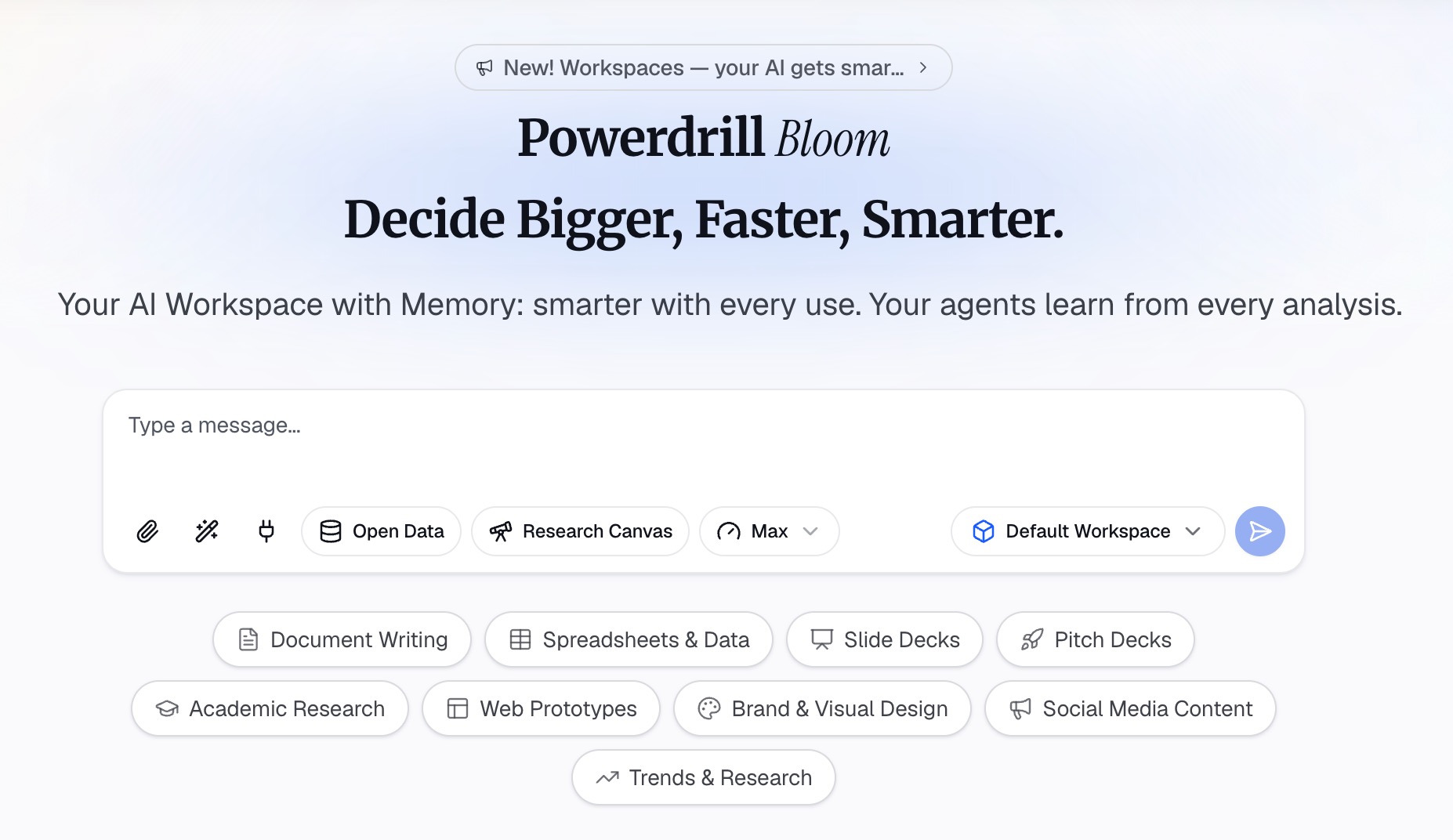
AI can do the slow parts: reading a long draft, pulling out the findings, charting the data, and drafting a first deck. Your job is to set the purpose and check every number against your results. Here is the method in three steps, using Powerdrill Bloom.
Step 1: Upload your paper draft, data, and notes
Collect the material the talk is based on: the paper draft or report, the data files behind the figures, and any notes on methods. Powerdrill Bloom's Free plan lists "Upload Excel, CSV, PDF, and docs."
Put the purpose, the audience, and the time limit in the first prompt. For example: "This is a 12-minute conference talk for researchers in public health. Use the attached draft and dataset as the only sources. The goal is to share our main finding and its implications."
You may need related studies for the background slide. Powerdrill Bloom's Academic Paper Search tool says it can "Search 40M+ academic papers from PubMed, arXiv, and bioRxiv." Check each paper yourself before you cite it.
Step 2: Draft the storyline and one message per slide
Ask for an outline before any slides. A useful prompt is: "Draft a 12-slide outline that starts with why the question matters, states the question, and gives one finding per results slide. Write each slide title as a full-sentence takeaway."
Then ask the data questions. "Which result is largest, and how does it differ by group?" turns your data file into the charts for the results section. Ask for one chart per finding, with the axes labeled in words the audience will know.
Check every number against your analysis. The Powerdrill Bloom homepage says "Every number comes back with the page, the row and the figure behind it." That makes the check faster, but you still sign off on every result.
Step 3: Build the slides, speaker notes, and backup slides
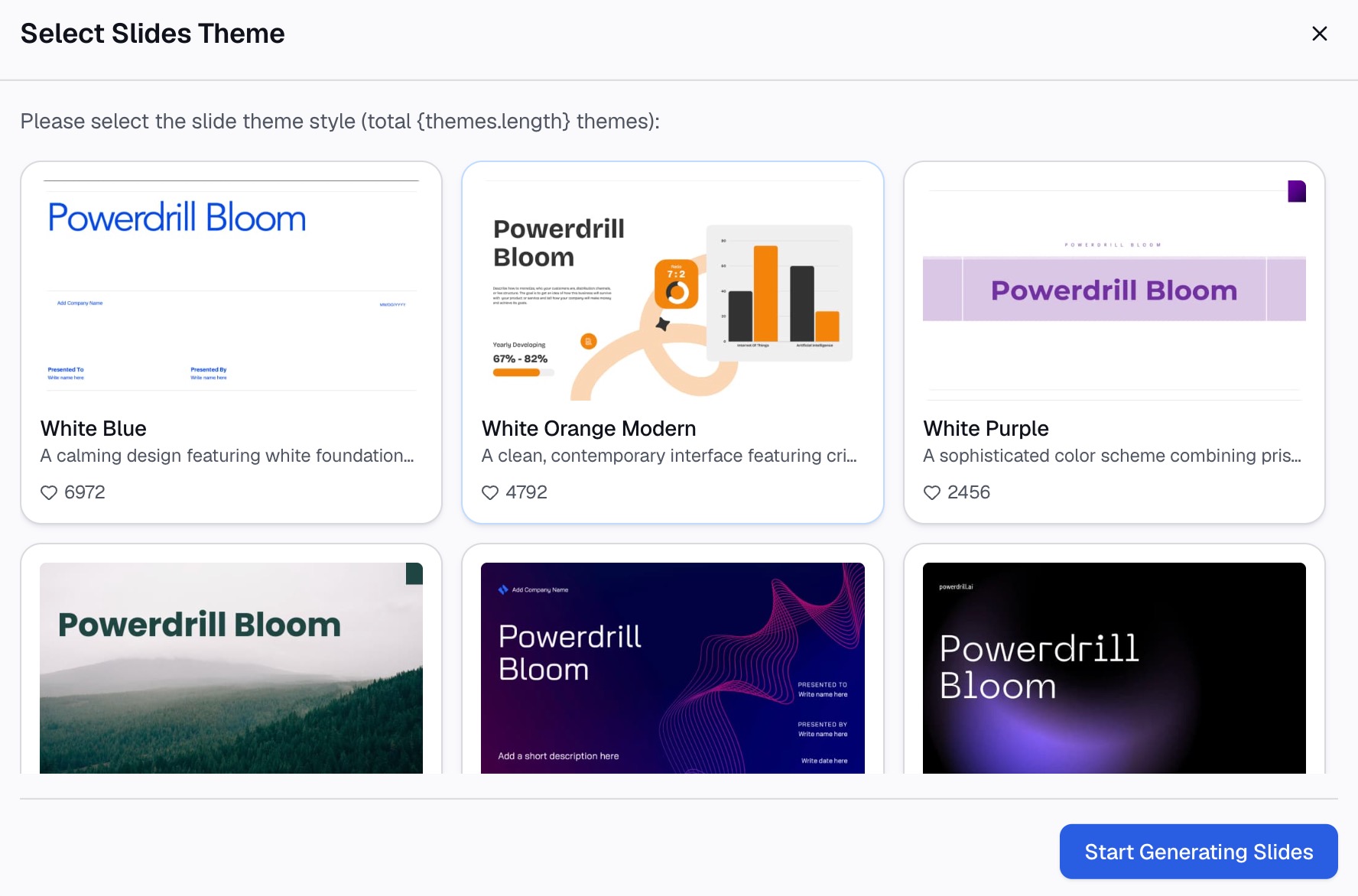
Once the outline is right, ask for the deck. Your paper draft may be a PDF. The PDF to PPT page says Powerdrill Bloom "reads your document, researches related data online, and generates a brand-new PowerPoint." For a research talk, tell it to stay with your own draft and data.
Next, ask for three extra pieces:
- Speaker notes. A few lines per slide on what to say. Our guide to speaker notes covers how to keep them brief.
- Backup slides. Extra methods detail and robustness checks for questions. Our guide to backup slides shows what to include.
- A list of likely questions. Ask the AI to read the draft as a skeptical reviewer and list ten questions.
Then edit the deck yourself. Cut anything that does not support the three take-home points.
A research presentation example
Here is an illustrative example. The study and numbers are invented.
A small research team studied whether a text message reminder improves attendance at follow-up clinic visits. They have a paper draft as a PDF and a spreadsheet of 600 patient records. The talk is 12 minutes at a regional health conference.
The three take-home points are: reminders raised attendance, the effect was largest for patients over 65, and the cost per extra visit was low.
| Slide | Title | Content |
|---|---|---|
| 1 | Text reminders and follow-up attendance | Title, authors, conference, date |
| 2 | One in four follow-up visits is missed at our clinics | Chart of missed visits by month |
| 3 | Do text reminders raise attendance? | The research question |
| 4 | Earlier studies used phone calls, not texts | Two key prior studies |
| 5 | We randomized 600 patients to reminder or no reminder | Study design diagram |
| 6 | Reminders raised attendance by 9 points | Bar chart, two groups |
| 7 | The effect was largest for patients over 65 | Chart by age group |
| 8 | Each extra visit cost under $3 in messages | Simple cost table |
| 9 | Reminders work best as a low-cost first step | Discussion |
| 10 | One clinic, one season, self-reported reasons | Limitations |
| 11 | Three things to remember | The take-home points |
| 12 | Thank you, and questions | Acknowledgments and contact |
Notice the order. The talk opens with a problem the audience knows. Each result gets its own slide with the finding in the title. The limitations come before the conclusion, so the take-home points stand on honest ground.
How to show your data on slides
Data slides decide whether a research presentation lands. The MIT guide gives four habits worth copying.
Introduce the data before you show it. MIT says the audience should know "what the axes will be" and "what each point in the plot represents." They should also know "what pattern or signal they're looking for." Say this out loud as the chart appears.
Make one point per slide. MIT says "Make a single point per slide." It adds that "The slide's title should be the slide's main takeaway." The audience should be able to follow the story from the titles alone. Our guide to takeaway slide titles explains how to write them.
Simplify the figure. MIT warns that a good slide figure "is usually not the one that came straight out of Matlab." Nor is it "the one that you made for a paper." Remove details that do not help prove the point.
Keep text off the slide. MIT says "In the best case, a slide has only one complete sentence on it: the title." Move longer explanations into your speaker notes.
Bourne's eighth rule makes the same case: "Use Visuals Sparingly but Effectively." He adds a warning about reading slides aloud: "the audience can read, too!"
How long a research presentation should be
The length is usually set for you: a conference slot, a meeting agenda, or a class rubric. Your job is to fit the content to it.
Bourne gives a rule of thumb for slide count. He writes that "if you have more than one visual for each minute you are talking, you have too many." The result, he adds, is that "you will run over time." For a 12-minute talk, that means 12 slides at most, and often fewer.
He also warns about cramming. His second rule is "Less is More." He notes that when presenters say too much, "the main message is often lost, and valuable question time is usually curtailed."
Plan time for questions inside the slot, not after it. Our guide to a slide timing plan shows how to budget minutes per section.
Practice and questions
Practice is where a good deck becomes a good talk. Bourne's seventh rule is "Practice and Time Your Presentation." He advises that "An important talk should not be given for the first time to an audience of peers."
A practical sequence:
- Run it alone with a timer. Note where you run long.
- Give it to your group first. Bourne suggests that "Laboratory group meetings are a fine forum for this."
- Record one run. His ninth rule is to review audio or video of your talk, because problems "will become obvious."
- Rehearse the answers. Go through your list of likely questions and point to the backup slide for each one.
On the day, expect questions on methods, sample size, and limitations. A backup slide for each is better than an answer from memory.
Bourne ends with a realistic note. Even when you follow the rules, "the outcome of a presentation is not always guaranteed." He treats the depth and intensity of the audience's questions as a useful indicator of how the talk went.
Common mistakes
Watch for these mistakes as you build the deck.
- Starting with your methods. Start with why the question matters, then move to what you did.
- Too much background. Give only the context the audience needs to follow the results.
- Showing the paper's figures as they are. Simplify each figure for a screen and a short viewing time.
- Titles that only name the topic. "Results" tells the audience nothing; "Reminders raised attendance by 9 points" tells them the finding.
- No limitations slide. Naming the limits yourself shows the audience you have already weighed them.
- Running over time. Cut slides rather than speeding up.
Before the talk, run through the deck with one colleague outside your project. Note every slide they had to ask about. Want a faster first draft? Try Powerdrill Bloom with your paper draft and the data file behind it.
Frequently asked questions
What should a research presentation include?
A research presentation should include the motivation, the research question, the methods, and the results, one finding per slide. Add a discussion of what the results mean, the limitations, and a conclusion with three take-home points. End with acknowledgments and time for questions.
How do you structure a research presentation?
A common structure follows the study itself. Start with why the question matters, state the question, and give only the background needed. Then show methods, results, discussion, and limitations. Close with the key points and acknowledgments.
How many slides should a research presentation have?
It depends on the time slot. Philip Bourne's "Ten Simple Rules for Making Good Oral Presentations" suggests that more than one visual per minute is too many. For a 12-minute talk, that means 12 slides at most, plus backup slides for questions.
How do I start a research presentation?
Start with something everyone in the room cares about, such as the problem your study addresses. Then state your research question. MIT's Communication Lab advises moving step by step from that shared starting point toward what you did and why.
Can AI help make a research presentation?
Yes. AI can read a paper draft, pull out the main findings, chart your data, and draft an outline and slides. It can also write speaker notes and list likely questions. You still need to check every number and claim against your own results.
Sources: PLOS Computational Biology, Ten Simple Rules for Making Good Oral Presentations · MIT Communication Lab, Slideshow · UNC Writing Center, Speeches.