How to Write a Conclusion Slide: A Full Guide
Most decks end badly. Not wrong, just badly. A page that says "Thank you," or a page that repeats the agenda in past tense, or a wall of every number that appeared earlier. The room reads it, nods, and leaves without knowing what you wanted.
A conclusion slide is the page that fixes that. It is the last content page in the deck, and its job is narrow. It states what the analysis found, what that means, and what happens next.
This guide covers what belongs on the page and how to title it. It also covers how to build one from your own data, and the three sentences that carry the weight.
What a conclusion slide is
A conclusion slide is a single page that closes the argument. It comes after the evidence and before any thank-you or contact page.
The distinction that trips people up is between this page and an executive summary. The summary goes near the front. It exists so a busy reader can skip the rest. The conclusion slide goes at the back, and it exists so the reader who sat through everything knows what to do.
Same facts, opposite jobs. If the front of your deck is what you need, our guide to creating an executive summary slide covers that page instead.
A conclusion slide is also not a summary in the recap sense. Recapping every section is what an agenda-in-reverse does, and it reads as filler. A conclusion slide selects.
What it is not
Three pages get confused with this one. Keeping them separate makes all four better.
| Page | Goes where | Carries | Length |
|---|---|---|---|
| Executive summary | Front of deck | The whole argument, compressed | 1 page |
| Conclusion slide | After the evidence | Finding, implication, ask | 1 page |
| Next steps | After the close | Actions, owners, dates | 1 page |
| Thank-you | Last | Name and contact details | 1 page |
A thank-you slide is a courtesy page with your name and contact details. It carries no argument. Put it after the conclusion slide, not instead of it.
A next-steps slide lists actions, owners and dates. If your next steps run to six lines with names attached, give them their own page. Keep the conclusion slide to the judgement.
A backup or appendix section holds the charts nobody asked for yet. Those live after the close and out of the running order, which we covered in creating backup slides.
What belongs on the page
Three things, in this order.
The finding. One sentence stating what the data showed. Not the method, not the caveat, the result. "Churn concentrated in accounts under six months old" is a finding. "We analysed churn across cohorts" is not.
The implication. One sentence saying why that matters to this audience. The same finding means something different to a finance team than to a product team. This is where you commit to which reading you are asking for.
The ask. One sentence naming the decision, the resource, or the action you want. If you do not know what you are asking for, the deck is not finished. No amount of design on the last page will hide that.
Three sentences is not a rule about minimalism. It is a constraint that forces you to choose, and choosing is the actual work here.
A useful test on each one: could a reader disagree with it? A sentence nobody could argue with is usually a sentence that says nothing. "Performance was mixed" survives any data. "Retention is the constraint, not traffic" can be wrong, which is what makes it worth putting on a slide.
What a good title looks like
The most common title on this page is the word "Conclusion." It is also the least useful. It describes the page's position in the deck rather than its content.
Write the finding into the title instead. "Conclusion" becomes "Churn is a first-90-days problem." "Summary" becomes "Two regions carry the shortfall." A reader who photographs one slide should get the point from the title alone.
This is the same discipline that applies to every other page in a data deck. It is worth applying consistently rather than only at the end. Our guide to writing takeaway slide titles covers the pattern across a whole deck.
If your organisation requires a literal "Conclusions" heading for compliance or template reasons, put the finding in the subtitle. Let the heading be furniture.
How to build one from your data in three steps
The hard part is not layout. It is deciding which of your twenty charts earned a sentence.
Working from the source data rather than from the deck you already built makes that decision easier. You can ask questions the deck does not answer.
Step 1: Load the data behind the deck
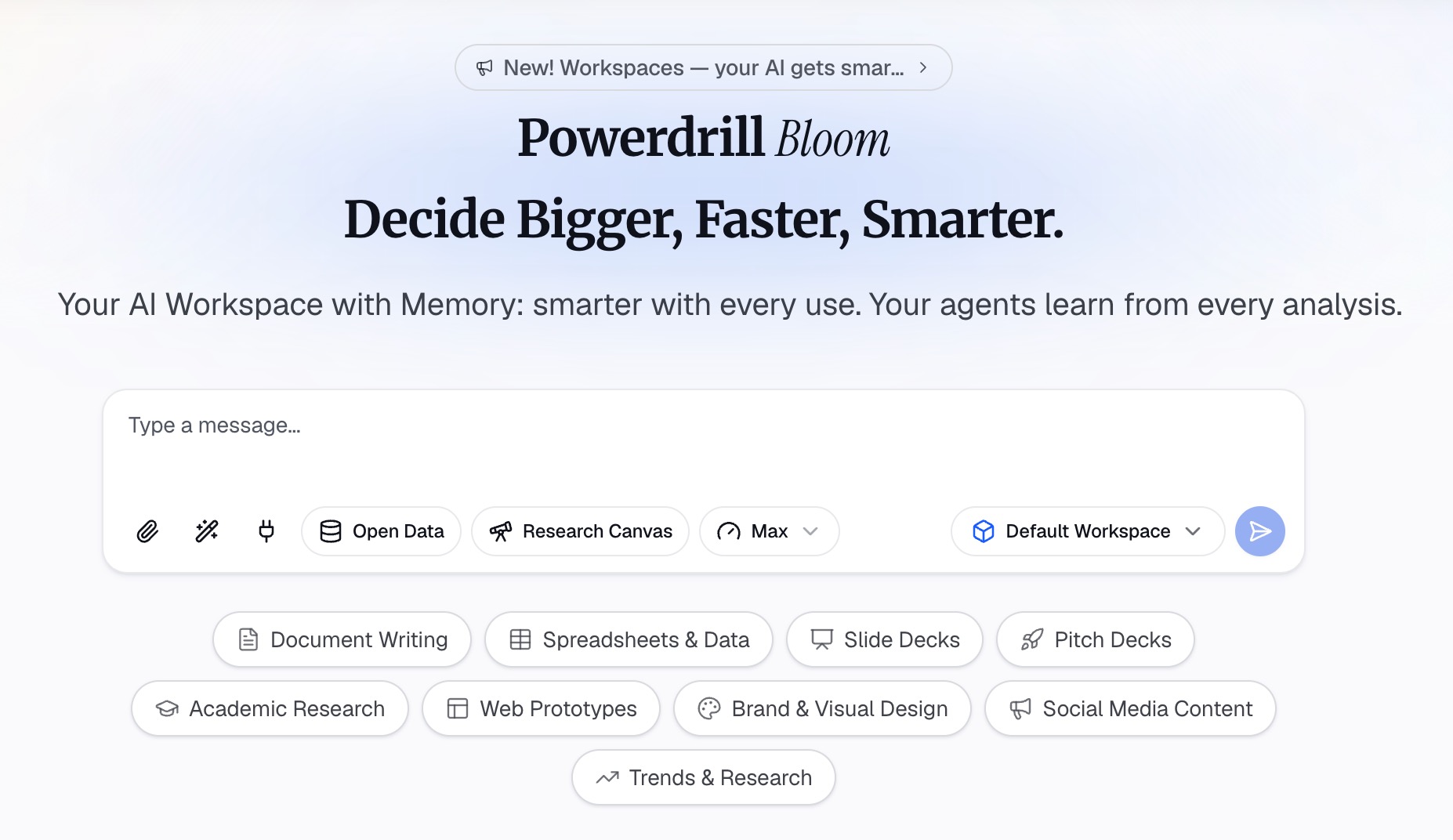
Upload the files the analysis came from. The export, the spreadsheet, the extract. In Powerdrill Bloom that means dropping in Excel, CSV, PDF or documents and letting the agent read them before you ask anything.
Work from the source rather than from the charts. A chart has already thrown away the rows that did not fit it. A conclusion slide often depends on exactly those rows.
Step 2: Ask what the data actually concluded
Now ask, in natural language, the three questions the page needs to answer.
Ask what the largest single driver of the result was. Ask whether the effect held across segments or concentrated in one. Ask what changed most against the prior period. These are not rhetorical prompts. Their answers become your three sentences.
Push back on the first answer. If the agent says revenue fell, ask where it fell hardest. Then ask whether that segment was already falling last quarter. The finding you want is the one that survives two follow-up questions.
Step 3: Generate the slide and edit it down
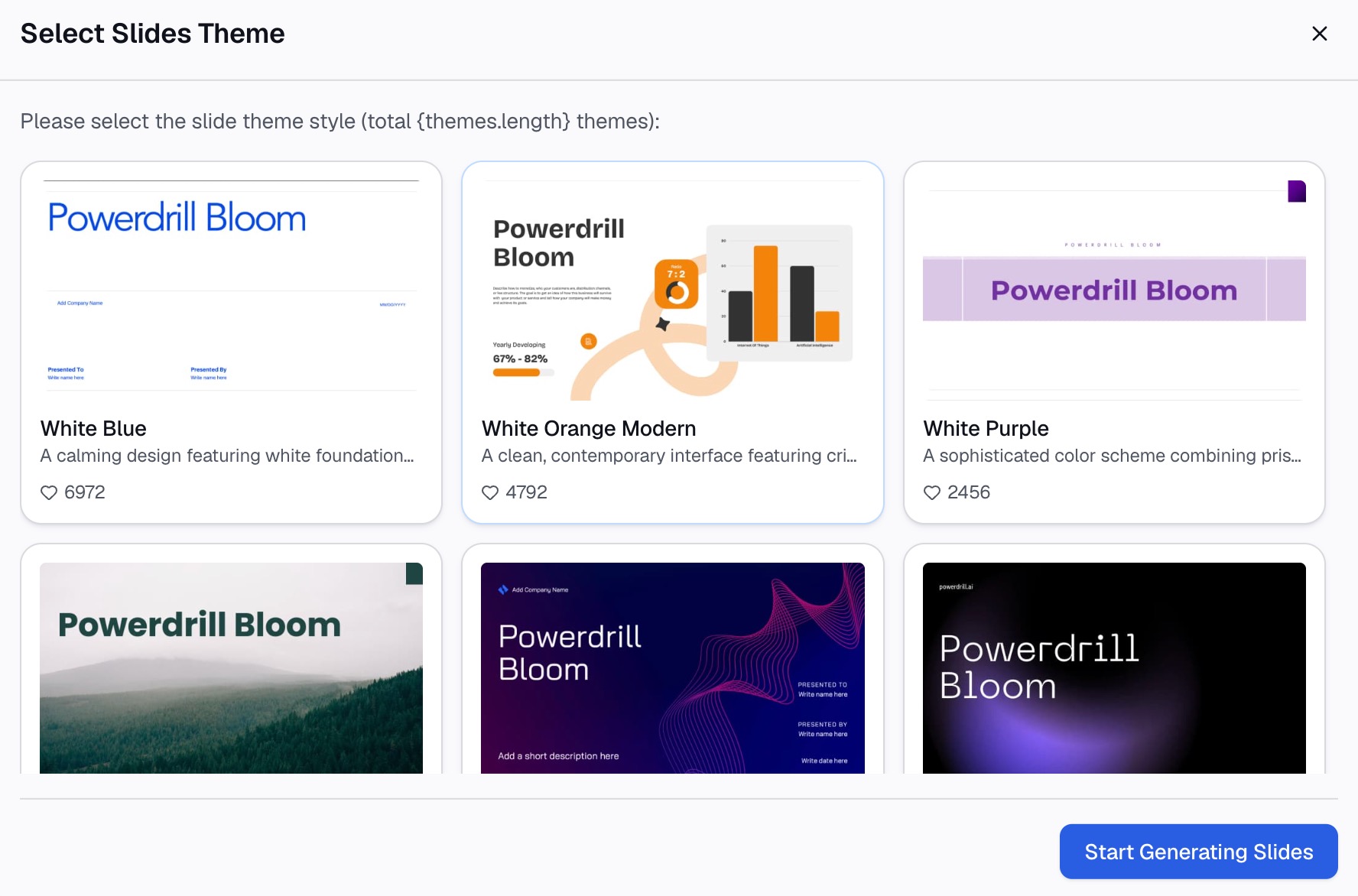
Ask for the conclusion slide itself. A title carrying the finding, three lines, and at most one supporting chart.
Then cut. The generated version will almost always be one line too generous, and the line to cut is usually the one restating the method.
Check that the number on the page matches the number in the body of the deck. A conclusion slide that contradicts slide 12 costs you the room.
If you want the whole deck built this way, try Powerdrill Bloom free and start from one of your own exports.
Writing the three lines
These sentences fail in predictable ways. The U.S. federal plain language guidance names the biggest one directly.
Use the active voice. The guidance is blunt about why: "Active voice makes it clear who should do what. It eliminates ambiguity about responsibilities." Its example is the whole lesson — not "It must be done," but "You must do it."
A conclusion slide is where passive voice does the most damage. The ask is the sentence most likely to be softened. "It is recommended that budget be reallocated" leaves the room with nobody holding anything. "We should move $40,000 from paid search to retention" leaves them with a decision.
The same guidance warns that passive sentences "often do not identify who is performing the action." On a page whose entire purpose is naming what happens next, that is a fatal property.
Keep the sentences short. The guide lists shorter words, short sections, active voice and present tense as the levers that make content easier to understand. This is the shortest section in the deck. It should read like it.
Write the finding in present tense. "Churn concentrates in new accounts" lands harder than "churn concentrated in new accounts." It is equally true of the data.
What it looks like
Design here is mostly restraint.
One chart at most, and only if the chart is the evidence for the finding rather than decoration. If the reader needs to study it, it belongs earlier in the deck. Anything that needs explaining is not a conclusion.
Type large enough to read from the back. This page gets photographed more than any other, and it gets read on phones afterwards. Our notes on making data slides easy to read apply here with less room for error.
Leave whitespace. A crowded conclusion slide signals that you could not decide, which undermines the page before anyone reads a word.
Common mistakes
Restating the agenda. Listing the sections you covered tells the reader nothing they did not watch happen.
New data. A number appearing for the first time on the last page invites the question you have no slides left to answer. If it matters, it belongs earlier.
Hedging the ask. "Something to consider" is not an ask. If the recommendation is genuinely conditional, name the condition. "If Q4 retention holds above 82%, expand the pilot."
Ending on the thank-you. The courtesy page is fine. It is just not the last thing that should have content on it.
Skipping the page entirely. A deck that stops after the final chart makes every reader do the synthesis themselves. They will each do it differently. That is how a room leaves a meeting with three different understandings of what was agreed.
Preparing for the questions that follow is a related job. We covered it in answering data questions in a presentation.
Three rewrites
The gap between a weak closing page and a strong one is usually small on the page and large in the room. These three pairs show the whole pattern.
Before: "Conclusion — Q3 performance review." Three bullets listing the sections covered, then "Questions?"
After: "Retention, not acquisition, is the Q3 story." One line on where retention fell. One line on what it cost in revenue. One line asking for two engineers on the onboarding flow for six weeks.
The first version makes the audience do the synthesis. The second one hands them a decision.
Before: "Key takeaways" over five bullets, each restating a chart from earlier in the deck.
After: A single sentence — "Two of our five channels now cost more than they return." Under it, a small chart showing cost per acquisition by channel, with the two offending channels highlighted. Then one line proposing what to cut and by when.
Five bullets look thorough and land as noise. One sentence with the evidence attached is harder to write and impossible to misread.
Before: "It is recommended that the team consider reviewing the pricing structure in light of the analysis presented."
After: "We should raise the entry tier to $29 before the Q4 renewal cycle."
The first sentence has no subject, no number and no date. It cannot be agreed to or disagreed with, which is usually why it was written that way. The second one can be approved in a meeting, which is the point of being in the meeting.
When to write it
Write it first, then rebuild it last.
Drafting the three sentences before you build the deck tells you what evidence you actually need. Most decks get built in the opposite order, which is why so many of them wander. You gather charts, then try to work out what they add up to at 11pm the night before.
Rewrite it at the end anyway. The analysis usually changes what you think between the outline and the final version. A conclusion slide written from the first draft will argue for something you have stopped believing.
The test is simple. Read only the title of your conclusion slide and ask whether the rest of the deck was necessary to earn it. If the answer is no, one of the two is wrong.
Frequently asked questions
What is a conclusion slide?
It is the final content page of a presentation. It states the finding, the implication and the ask. It comes after the evidence and before any thank-you page.
What is a good title for a conclusion slide?
One that carries the finding rather than the page's position. "Churn is a first-90-days problem" works. "Conclusion" does not, because it describes where you are in the deck instead of what you concluded.
What does a conclusion slide look like?
A headline stating the finding, two or three short lines, and at most one chart. Large type, generous whitespace, nothing that needs study.
What is the difference between a conclusion slide and a closing slide?
People use the terms loosely. In practice the first carries the argument's ending. A closing or thank-you slide carries contact details and courtesy. Use both, in that order.
Should it repeat numbers from earlier?
Only the one or two that carry the finding, and they must match exactly what appeared earlier. Repeating everything turns the page into a recap. Contradicting an earlier figure costs you the audience.
Wrapping up
A conclusion slide is three sentences and a title. That makes it the shortest page in the deck and the one people spend the least time on. The ratio is backwards.
Write the finding into the title. Say what it means in the active voice. Name what you want. Then stop, and let the thank-you page do the thanking.