How to Make a Sales Presentation: Outline and Examples
A sales presentation is the meeting where you show a prospect how your product solves their problem. For many salespeople, it combines a short deck with a conversation. It opens with their needs, shows your solution and proof, handles questions, and ends with a clear next step. The textbook The Power of Selling calls this a customer-centric approach.
This guide covers what to research first, a sales presentation outline you can reuse, and how to ask questions with the SPIN method. It also walks through an AI method in three steps, a worked example, slide rules, objection handling, and the close.
What a sales presentation is
A sales presentation is one stage in a longer selling process. The open textbook The Power of Selling lists seven steps. They are prospecting and qualifying, pre-approach, approach, presentation, handling objections, closing, and follow-up.
Course notes from the University of Texas at Tyler sum up the presentation stage in one line. The salesperson "presents the sales pitch, demonstrating that the product meets the needs identified by the customer."
The key word is needs. A sales presentation is not a product tour. The Power of Selling says your sales presentation "is primarily about building a relationship and beginning a partnership." That is especially true in business-to-business sales.
It also may not happen in one meeting. The textbook cites a study that found "Today's presentations typically are conducted over several meetings, with the salesperson often doing more listening than talking."
A sales presentation is also different from an investor pitch. An investor deck asks for funding and shows market size and returns. A sales presentation asks a customer to buy, so it centers on their problem and your solution. For the investor version, see our guide to turning Excel data into an investor pitch deck.
Before you start: research the buyer
Much of the work happens before the meeting. Three kinds of research help.
Who will be in the room. The Power of Selling suggests a "precall questionnaire" sent to your contact. It can ask who is attending, how much time you have, and what the meeting should achieve. The textbook also suggests sending an agenda ahead of the meeting.
What each person cares about. The textbook notes that two buyers may buy the same product for different reasons. One may care about status, another about reliability. Find out what drives each decision maker.
What problem you are solving. Gather what you already know: call notes, emails, the prospect's own reports, and any data they shared. The deck should repeat their problem back to them in their words.
Also confirm the time. The textbook suggests a time check at the start. Its example: "I'll spend thirty minutes on the presentation and allow fifteen minutes for discussion."
Sales presentation outline
The Power of Selling describes five steps for the presentation itself. You can map them to slides. The textbook lists step 5 as both the close and a recap, so the outline below keeps both.
| Section | What it does | Typical slides |
|---|---|---|
| 1. Build rapport | Opens the conversation and confirms time and goals | Title slide, agenda |
| 2. General benefit statement | Reminds them why the meeting is worth their time | One slide on the result they want |
| 3. Questions and specific benefit | Confirms needs, then shows how you solve their problem | Needs summary, solution overview |
| 4. Presentation | Walks through the solution, with proof | Two to four solution slides, proof slides |
| 5. Close and recap | Summarizes, then asks for a clear next step | Summary, next steps |
Build rapport. Start with a short personal opening. The textbook warns against too much small talk, because your prospect "has a limited amount of time."
Make a general benefit statement. The textbook says "you should sell benefits—solutions that address your prospect's specific needs—rather than features or advantages."
Make a specific benefit statement. Once you know their needs, show the fit in detail. The textbook describes this as a statement that "demonstrates in detail how you are going to solve his unique problem."
Present the solution. This is the core of the deck. Use what you just heard in the room. The textbook notes you must customize "on the spot," which is why preparation matters.
Close and recap. The textbook says this is "where you obtain your customer's commitment, either to buy or to move the sales process forward." For the recap, it cites sales trainer Tom Hopkins. His three parts: say what you will cover, cover it, then sum up what you covered.
A course pack from Northern Arizona University gives a similar order. It confirms needs first, then gives a brief company profile, then matches features and benefits to needs. It also advises leaving price and budget until near the end.
How to ask questions first: the SPIN method
A strong sales presentation starts with questions. The Power of Selling teaches the SPIN method, from Neil Rackham's work. SPIN stands for four kinds of questions:
- Situation questions cover the basic facts of the buyer's current setup. Ask only a few; the buyer already knows these answers.
- Problem questions surface difficulties and dissatisfaction. The textbook says that in business sales it is still important to ask some, so you and the buyer share an understanding of the problem.
- Implication questions show what the problem costs. The textbook says "Implication questions uncover the effects or consequences of a prospect's problems."
- Need-payoff questions ask how a solution would help. The textbook says that with the right ones, the prospect "will tell you how your solutions can help him."
Plan your questions before the meeting and put a short needs summary on a slide. Then let the buyer correct it. A corrected needs slide is a good sign. It means the rest of the deck will match what they actually want.
How to make a sales presentation with AI
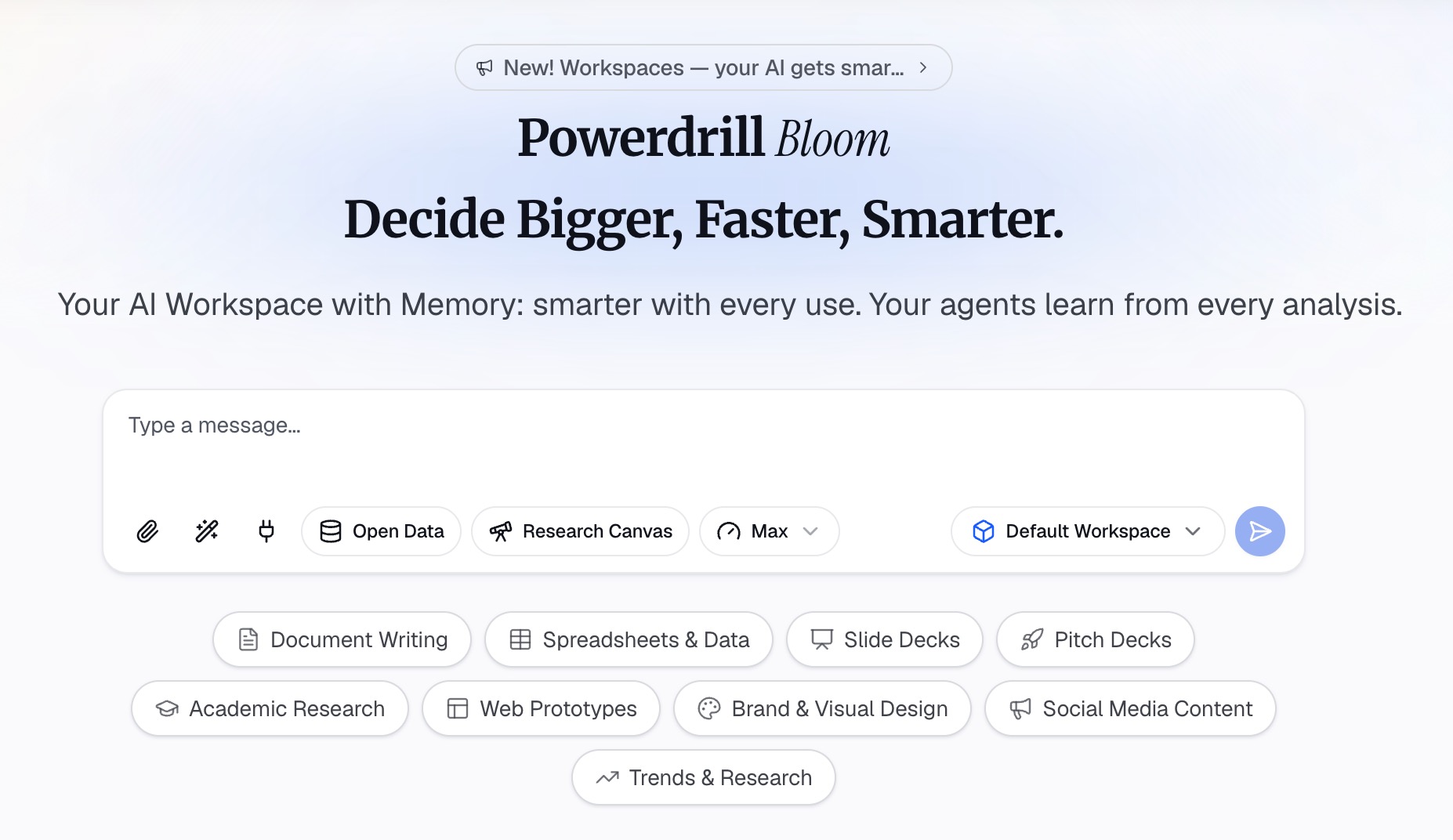
AI can do the slow parts: reading call notes, pulling numbers from customer data, and drafting a first deck. Your job is to choose the story and check every claim. Here is the method in three steps, using Powerdrill Bloom.
Step 1: Gather your buyer notes and proof data
Collect what you know about the prospect: call notes, emails, the RFP if there is one, and their public reports. Then add your proof: case study results, usage data, and your pricing sheet. Powerdrill Bloom's Free plan lists "Upload Excel, CSV, PDF, and docs."
Put the prospect's problem and the meeting length into your first prompt. For example: "This is a 30-minute sales presentation for the operations director at a regional logistics company. Use the attached call notes as the source for their needs."
If your proof sits in a spreadsheet, our guide to analyzing sales and marketing data with AI covers how to prepare it.
Step 2: Draft the outline around the buyer's needs
Ask for an outline that follows the five-step structure. A useful prompt is: "Draft a 10-slide sales presentation outline. Open with their three needs from the call notes. Match each need to one benefit and one proof point. End with a next-step slide."
Then build the proof slides from data, not adjectives. Ask for one chart per result, such as delivery times before and after, or hours saved per week. Label each chart with the need it answers.
Check every number against its source. The Powerdrill Bloom homepage says "Every number comes back with the page, the row and the figure behind it." That makes the check faster, but you are the one who will be asked about it.
Step 3: Build the deck, the notes, and the objection list
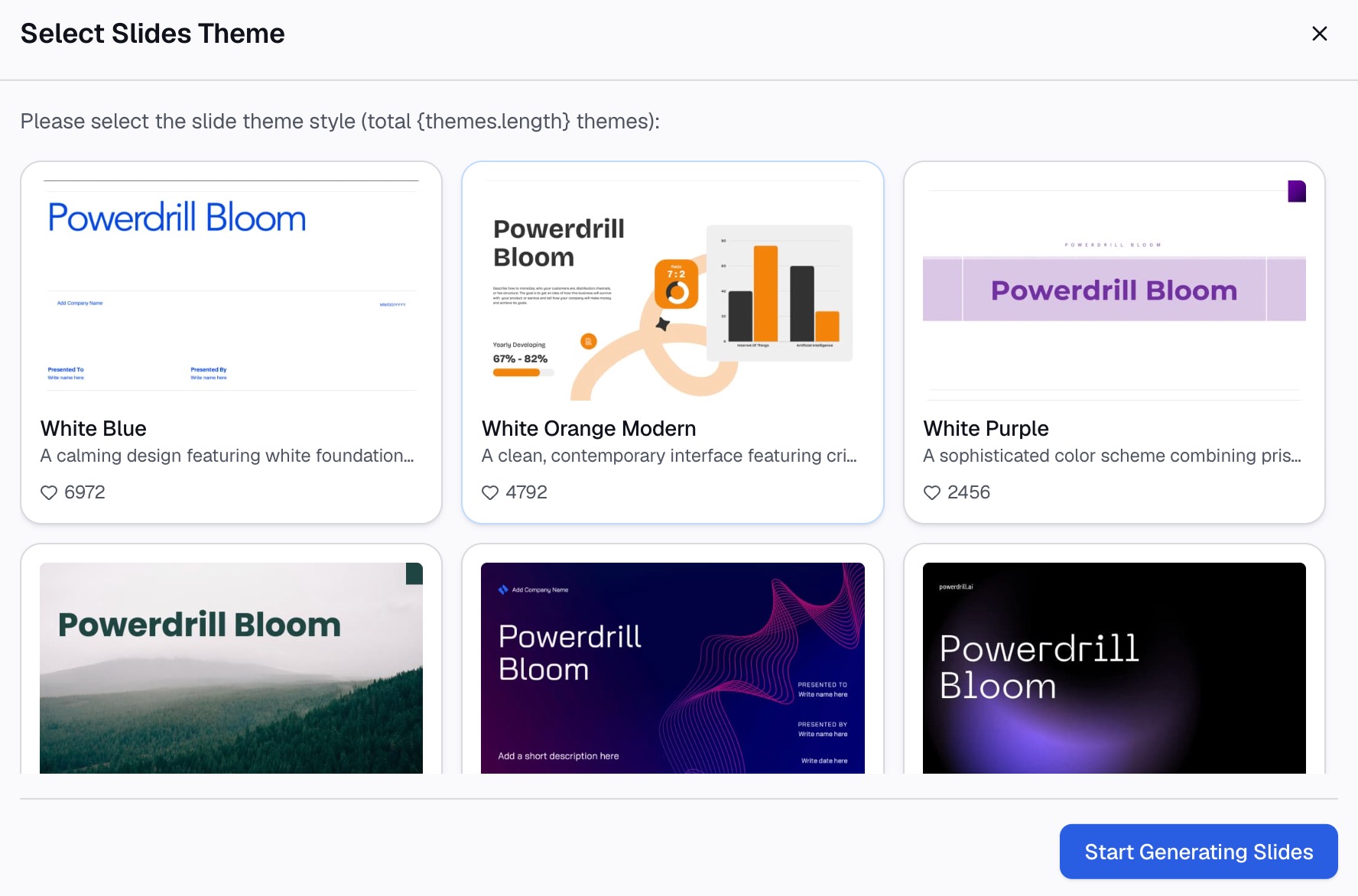
Once the outline is right, ask for the deck. The AI PPT maker page says you can "Choose a template you like, adjust as needed, and export to PowerPoint in one click."
Give each slide a title that states the point. "Late deliveries fell by a third in eight weeks" works better than "Results." Our guide to takeaway slide titles explains the method.
Next, ask for short speaker notes per slide, and a list of likely objections with a one-line answer and a source for each. Our guide to speaker notes covers how to keep notes brief. Put the deeper answers on backup slides rather than in the main deck.
A sales presentation example
Here is an illustrative example. The company and numbers are invented.
A software company sells route planning tools. Its prospect is a regional logistics firm with late deliveries. Discovery calls showed three needs: fewer late deliveries, less time spent planning routes, and a clear rollout plan.
| Slide | Title | Content |
|---|---|---|
| 1 | Fewer late deliveries for Northline Freight | Title, attendees, agenda |
| 2 | What we heard from your team | Three needs from discovery calls |
| 3 | Late deliveries cost more than the fee | Their own late-delivery figures, with a chart |
| 4 | How route planning works with your current tools | One diagram of the solution |
| 5 | Planning time dropped in a similar fleet | Case study chart from a comparable customer |
| 6 | Fewer late deliveries in eight weeks | Before-and-after chart from the case study |
| 7 | A four-week rollout | Timeline with owners on both sides |
| 8 | Pricing options | Two options matched to fleet size |
| 9 | Questions we expect | Short answers, with backup slides ready |
| 10 | Next step: a two-week pilot | The ask, the dates, and who signs off |
Notice the order. Needs come before features. Proof uses the buyer's own data where possible. Price sits near the end, and the last slide asks for one specific action.
Slide design rules for sales decks
The Power of Selling gives a list of dos and don'ts for PowerPoint. Several are worth keeping.
- Keep text short. The textbook says "Don't fill your slides with words." Microsoft's tips agree and suggest you "minimize the amount of text on your slides."
- Write titles that sell. The textbook says "Do replace descriptive headlines with headlines that sell."
- Vary the slides. It warns that "Slide after slide of bulleted lists gets monotonous; visuals and charts have a stronger impact."
- Skip gimmicks. It says "Don't go overboard with technological gimmicks."
- Watch the length. The textbook describes the 10/20/30 rule: 10 slides or fewer, 20 minutes, and 30-point text or larger.
On font size, Microsoft's tips give a floor: "Try to avoid using font sizes smaller than 18 pt." The 30-point rule is stricter, so use it for titles and key numbers.
For charts, Microsoft advises using "only enough text to make label elements in a chart or graph comprehensible." Our guide on making data slides easy to read goes further.
Also plan for the room. The textbook advises a backup plan if the projector fails, such as "handouts, product samples, or the good old whiteboard."
How to handle objections during the presentation
Objections are normal, and the textbook treats them as chances to build the relationship. Prepare for the common ones before the meeting.
The Northern Arizona University course pack makes this part of planning. It advises listing likely objections and preparing answers in advance. It also suggests gathering proof such as pictures and testimonials.
Price is a common objection. The Power of Selling says "One of the most common objections is the price objection." It adds that "It is important to ask probing questions to really understand the nature of this objection."
A simple routine helps:
- Listen fully. Let the buyer finish before you answer.
- Ask a question back. Find out whether it is about budget, timing, or doubt.
- Answer with proof. Point to a chart, a case, or a backup slide.
- Check the answer. Ask whether that resolves the concern.
The UT Tyler notes add a useful test. Try to learn whether an objection comes "from lack of understanding on the customer's part or a need not previously identified."
How to close and follow up
End with one clear ask. The UT Tyler notes describe closing simply: "Salesperson asks for the sale." They add that it "can come relatively quickly in simple selling situations or after many calls in a more complex situation."
Before the close, test readiness. The Power of Selling suggests a trial close. One example asks the prospect to rate how important a benefit is, on a scale of one to ten.
Make the last slide specific. Name the next step, the date, and who needs to approve it. A pilot, a technical review, or a signed order form are all valid asks.
Then follow up. Follow-up is the final step in the textbook's seven-step process. Send a short recap the same day, with the agreed next step. Our guide to a post-presentation recap shows a format.
Common mistakes
Watch for these mistakes as you build the deck.
- Leading with the company. A long "about us" section delays the part the buyer cares about. Keep the company profile brief.
- Listing features without benefits. Each feature needs a "so this means" tied to a stated need.
- Using proof the buyer cannot check. A chart without a source invites doubt. Keep the source ready.
- Too many slides. If you cannot finish in the time agreed, cut slides, not the questions.
- No clear ask. A presentation that ends with "any questions?" leaves the next step to chance.
- Reading the slides. Microsoft's tips are direct: "Don't read the presentation."
Before the meeting, run through the deck once with a colleague playing the buyer. Note every question you could not answer. Want a faster first draft? Try Powerdrill Bloom with your call notes and one proof spreadsheet.
Frequently asked questions
What should a sales presentation include?
A sales presentation should include a short opening and a summary of the buyer's needs. Add your solution matched to those needs, plus proof such as case results. It should also cover answers to likely objections and one clear next step. Keep price near the end.
How long should a sales presentation be?
Ask the prospect how much time you have, and plan for discussion. The Power of Selling gives an example of thirty minutes of presentation and fifteen minutes of discussion. The 10/20/30 rule suggests 10 slides in 20 minutes.
What is the best structure for a sales presentation?
A common structure has five steps. Build rapport, make a general benefit statement, and ask questions to make a specific benefit statement. Then present the solution, and close with a recap. Start with the buyer's needs, not your company history.
How do I start a sales presentation?
Start by building rapport and confirming the time and goals. Then make a short benefit statement that reminds the buyer why the meeting matters. Next, confirm their needs with a few questions before you present your solution.
Can AI help make a sales presentation?
Yes. AI can read call notes, pull results from your data, draft an outline, and build a first deck with charts. It can also list likely objections. You still need to check every number and tailor the story to the buyer.
Sources: The Power of Selling, Preparation: Your Key to Success · The Power of Selling, Making Your Presentation Work · The Power of Selling, How to Use SPIN Selling · The Power of Selling, Putting It All Together · The Power of Selling, Types of Objections · eCampusOntario, The Seven Steps of Selling · Northern Arizona University, Presentation Management · University of Texas at Tyler, Steps in the Sales Process · Microsoft Support, Tips for creating and delivering an effective presentation.