How to Make a Business Plan Presentation: What to Include and Examples
A business plan presentation turns a long written plan into a short talk that a lender, a partner, or your own team can follow. It covers what the business does, who it serves, how it will make money, and what you are asking for. The hard part is choosing what to cut, because the written plan can run to dozens of pages.
This guide covers what to include slide by slide, how to build the slides that carry the most weight, and a shorter lean version. It also walks through an AI method in three steps, a worked example, design tips, and how to start and end the talk.
What a business plan presentation is
A business plan comes first. GOV.UK defines it as "a written document that describes your business." It adds that a plan "covers objectives, strategies, sales, marketing and financial forecasts."
The presentation is the spoken version of that document. It keeps the same logic but shows only the points the audience needs to make a decision.
The uses are broad. GOV.UK says "You'll need a business plan if you want to secure investment or a loan from a bank." It also says a plan "can also help to convince customers, suppliers and potential employees to support you."
Business Queensland, from the Queensland Government, lists three common uses. A plan can "attract funding from lenders and investors," communicate goals to staff, and help you track and manage performance. Each use calls for a different business plan presentation, which is why the audience question comes first.
Business plan presentation vs. pitch deck
The two are related, but they serve different rooms.
| Business plan presentation | Pitch deck | |
|---|---|---|
| Typical audience | Lenders, partners, a board, or your own team | Investors in a fundraising round |
| Main question | Is this plan sound, and is the ask reasonable? | Is this a large opportunity worth backing? |
| Built from | The full written business plan | A short story about the market and the team |
| Financial detail | Projections, history, and how funds will be used | High-level numbers and the size of the round |
A lender's main question is usually repayment. A fundraising investor's main question is usually growth. If your audience is a fundraising investor, our guide to turning Excel data into an investor pitch deck covers that format.
Before you start: audience, ask, and time
Three questions shape the deck before you open a slide.
- Who is it for? The business.gov.au site is run by the Australian Government. It says "Knowing who and what your business plan is for helps you target it to the right audience." For outside readers, it adds, "you'll need to determine what they are most interested in."
- What are you asking for? A loan, a partnership, a budget, or approval to start. Write the ask in one sentence before anything else.
- How long do you have? A 15-minute slot fits about ten main slides. Anything more belongs in the appendix.
Then think about tone. Business Queensland advises "being mindful of your audience," because "different communication styles will suit different audiences." A staff meeting can be informal; a bank meeting should not be.
Lenders have specific questions. The business.gov.au site says "Lenders and investors want to see that your finances are in order." They also want to see that the business is in a strong financial position. They want to know how much money you have now, how much you need, and how much you expect to make.
What to include in a business plan presentation
The U.S. Small Business Administration describes the common sections of a traditional business plan. They make a natural backbone for the slides. The SBA also notes "you don't have to stick to the exact business plan outline," so use the sections that fit your audience.
| Slide | What it covers | Section of the written plan |
|---|---|---|
| 1. Title | Business name, presenter, date, and the ask in one line | — |
| 2. Executive summary | What the business is, why it will work, and what you need | Executive summary |
| 3. The business | The problem you solve and who you serve | Company description |
| 4. Products or services | What you sell and how it helps customers | Service or product line |
| 5. Market | Target market, trends, and competitors | Market analysis |
| 6. Marketing and sales | How you will attract and keep customers | Marketing and sales |
| 7. Team | Who runs the business and how it is structured | Organization and management |
| 8. Financials | History, if any, and projections, shown as charts | Financial projections |
| 9. The ask | How much you need, in what form, and how you will use it | Funding request |
| 10. Risks and next steps | Main risks, milestones, and the next 6 to 12 months | Action plan (Business Queensland template) |
| 11. Appendix | Detailed tables, assumptions, and sources | Supporting material |
In this outline, the executive summary and the financials carry the most weight. The ask on slide 9 depends on both.
How to build the slides that carry the most weight
Executive summary. The SBA says to "Briefly tell your reader what your company is and why it will be successful." It adds that you "should also include financial information and high-level growth plans if you plan to ask for financing." Business Queensland says this section "should be attention-grabbing and succinct." It also suggests you "write it last after the other sections have been finalised."
Market. Keep it to the evidence that supports your plan. The SBA says "Competitive research will show you what other businesses are doing and what their strengths are." One chart of market size or growth, plus a short list of competitors, usually fits on one slide.
Team. The SBA suggests you "Use an organizational chart to lay out who's in charge of what in your company." On a slide, a simple chart with names and one line of experience each is enough.
Financials. This slide needs the most care. The SBA says your goal is "to convince the reader that your business is stable and will be a financial success." For an established business, it suggests statements "for the last three to five years." For the outlook, it says "Provide a prospective financial outlook for the next five years."
The SBA also says what format works best. "This is a great place to use graphs and charts to tell the financial story of your business." A revenue chart, a cash flow chart, and a break-even point often say more than a full income statement. Our guides to a cash flow forecast in Excel and a break-even analysis in Excel cover those inputs.
The ask. The SBA's funding request section sets the goal. You should "clearly explain how much funding you'll need over the next five years and what you'll use it for." It also says to "Specify whether you want debt or equity, the terms you'd like applied, and the length of time your request will cover." The business.gov.au site adds a caution: "it's best to be realistic and not ask for more than you need."
Next steps. Business Queensland says a plan's action section should cover "a 6–12 month period, based on the business goals outlined in your plan." On a slide, that becomes three or four milestones with dates and owners.
A shorter version: the lean business plan presentation
Not every audience needs a full deck. The SBA describes a lean startup plan that is "typically only one page." It covers nine components: key partnerships, key activities, key resources, value proposition, customer relationships, customer segments, channels, cost structure, and revenue streams.
That structure fits a short internal pitch, a partner meeting, or a first conversation. The SBA warns that with a lean plan, "Some lenders and investors may ask for more information." Keep the full plan ready as backup.
Business Queensland describes a similar one-page plan. It lists items such as "projected income and expenses" and "identified business risks," alongside customer segments and the value proposition.
A five-slide lean version might look like this: the value proposition, customers and channels, how the business makes money, costs and resources, and the ask. Each slide can carry one chart or one short table.
How to make a business plan presentation with AI
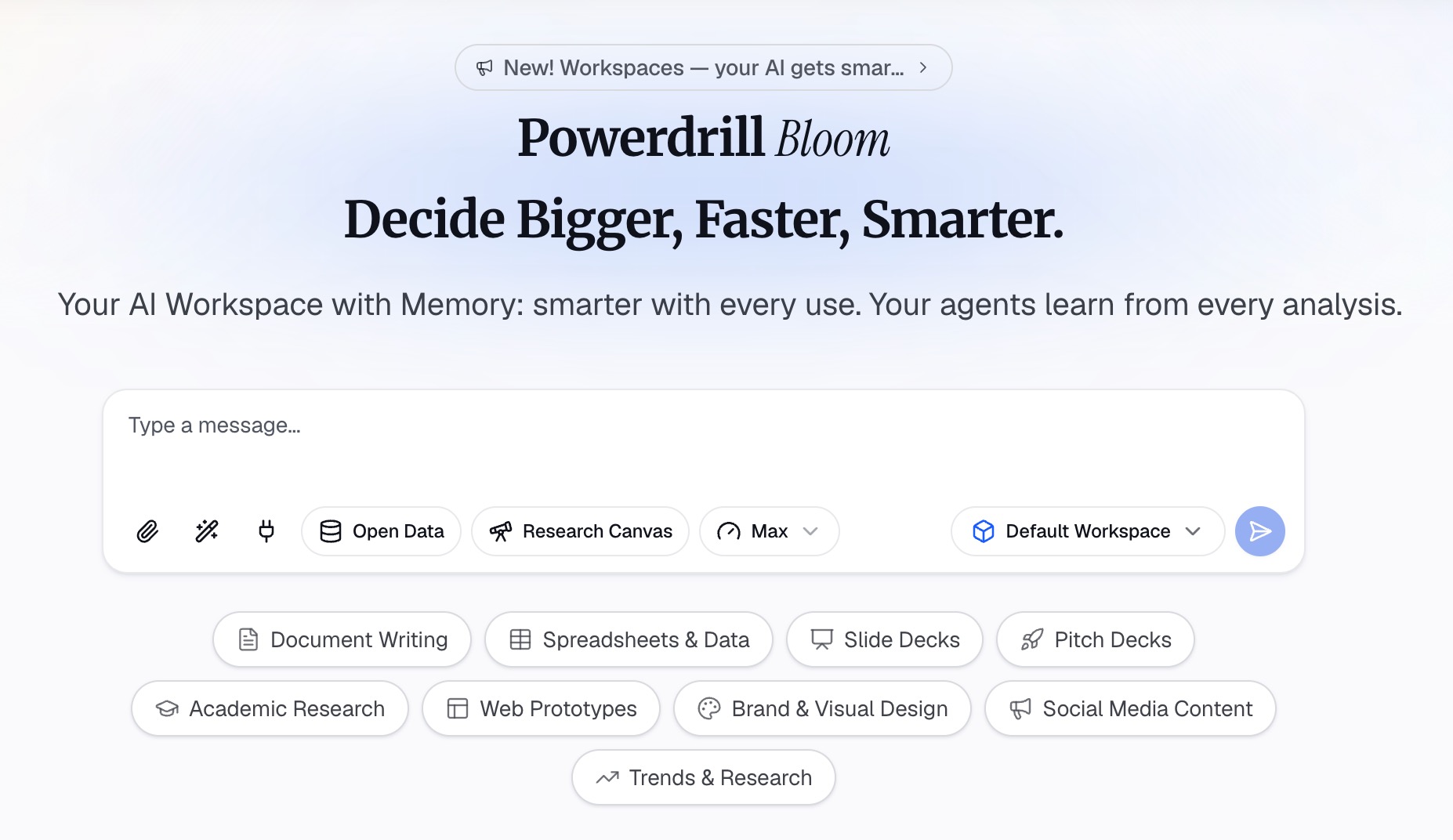
AI can do the slow parts: pulling key points from a long plan, building charts from the financial model, and laying out the slides. Your job is to decide what matters and check every number. Here is the method in three steps, using Powerdrill Bloom.
Step 1: Gather your plan and your numbers in one place
Start with the files you already have. Upload the written business plan, the financial model or projections spreadsheet, and any market research. Powerdrill Bloom's Free plan lists "Upload Excel, CSV, PDF, and docs."
If the plan is a long document, the Word to PowerPoint page describes how it handles one. It says the tool "identifies sections, key points, and themes automatically." For a model in a spreadsheet, the Excel to PowerPoint page covers the charts.
State the audience and the ask in your first prompt. For example: "This deck is for a bank loan officer. We are asking for a $60,000 equipment loan. Use these files as the source."
Step 2: Draft the slide outline and the financial charts
Ask for an outline that follows the plan's sections. A useful prompt is: "Draft a business plan presentation of ten slides plus an appendix. Use the executive summary, market, team, financials, and funding sections. Cite the file for each figure."
Then build the financial slides from the spreadsheet, not from the text. Ask for a revenue chart, a cash flow chart, and a table that shows how the funds will be used. Ask which numbers come from history and which are projections, and label them on the slide.
Check every figure against the source before you trust it. The Powerdrill Bloom homepage says "Every number comes back with the page, the row and the figure behind it." That makes the check quick, but it is still your job.
Step 3: Build the deck and check every number
Once the outline and charts are right, ask for the business plan presentation itself. The Free plan lists "Create basic slides, docs, sheets, and images," so you can export a first draft to PowerPoint.
Give each slide a title that states the point, not just the label. "Revenue covers loan payments by month eight" works better than "Financials." Our guide to takeaway slide titles explains the method.
Then read the deck as the audience will. Does the ask match the funding section of the plan? Does every chart have a source line? Move detailed tables to the appendix; our guide to backup slides shows how to organize them.
A worked example
Here is an outline for a 15-minute business plan presentation to a bank. The bakery, numbers, and findings are illustrative, not results from a real business.
| Slide | Title | Content |
|---|---|---|
| 1 | Harbor Street Bakery: a $60,000 equipment loan | Name, presenter, date, the ask |
| 2 | Two years of steady growth, ready for wholesale | Executive summary |
| 3 | Local cafes want fresh bread daily | The business and the customer problem |
| 4 | Wholesale loaves plus our retail counter | Products and pricing |
| 5 | Twelve cafes within three miles, none baking in house | Market and competitors |
| 6 | Three signed letters of intent | Marketing and sales |
| 7 | An owner-baker and a wholesale manager | Team and structure |
| 8 | Revenue up 18% a year; cash positive in month eight | Financial history and projections |
| 9 | $60,000 for a deck oven and a delivery van | Funding request and use of funds |
| 10 | Flour prices are the main risk; here is the plan | Risks and next steps |
| 11 | Appendix: statements, assumptions, and quotes | Backup tables |
Notice the pattern. Every title makes a claim, and slide 9 matches the plan's funding section. Slide 10 shows the bank you have thought about what could go wrong.
Design tips for business plan slides
A business plan presentation carries many numbers. These rules keep it readable.
- Keep text short. Microsoft's presentation tips say to "Use bullets or short sentences, and try to keep each to one line."
- Use readable type. The same page says to "avoid using font sizes smaller than 18 pt."
- Use color with care. Microsoft advises "high contrast between background color and text color."
- Make charts clear. Microsoft also says to "Make labels for charts and graphs understandable."
- Separate history from forecasts. Use solid bars for actual results and a lighter style for projections.
- Cite on the slide. Add a short source line under each chart, and keep the full detail in the appendix.
How to start, deliver, and end a business plan presentation
Many presenters ask how to open the talk, how to walk through the plan, and how to close it. Each part has a simple job.
Start with the ask. Open with what the business does and what you need, in one or two sentences. Then say what the audience will see. Our guide to the presentation introduction covers the first minute.
Walk through the plan in order. Follow the outline, and spend most of the time on the market, the financials, and the ask. Business Queensland suggests "clear, concise and simple language" when you present a plan.
Leave room for questions. Business Queensland also advises "making time to get feedback from your staff and stakeholders." Expect questions about your assumptions, and keep the appendix ready.
End with the decision. Restate the ask and the next steps, then ask for the decision you need. Our guide to the conclusion slide shows how to end on a clear takeaway. Microsoft's tips add one rule for delivery: "Don't read the presentation."
Common mistakes
These problems show up often, and each one has a simple fix.
- Copying the written plan onto slides. Pick the points the audience needs, and leave the rest in the document.
- Projections with no history. Show what has already happened before you show what you expect.
- A vague ask. State the amount, the form, and the use of funds on one slide.
- No risks. An audience trusts a plan more when it names the main risks and the response to each.
- Numbers that do not match. The deck, the plan, and the spreadsheet should show the same figures.
- Unchecked AI output. Check every number and source against the original file before you present.
If your plan includes a SWOT section, our guide to the SWOT analysis presentation covers that slide. When your files are ready, you can try Powerdrill Bloom to turn your plan and financials into a first draft of the deck.
Frequently asked questions
What should a business plan presentation include?
A business plan presentation usually opens with a title and an executive summary. It then covers the business, products or services, the market, marketing and sales, and the team. It ends with the financials, the funding request, and next steps. The SBA's traditional plan sections make a good backbone. Put detailed tables in an appendix.
How many slides should a business plan presentation have?
For a 15-minute meeting, plan on about ten main slides plus an appendix. That covers each major section of the plan with one slide, and two for the financials if needed. A lean version for an informal meeting can work in five slides.
How do I start a business plan presentation?
Start with what the business does and what you are asking for, in one or two sentences. Then preview the sections the audience will see. Business Queensland suggests writing the executive summary last, after the other sections are final.
How is a business plan presentation different from a pitch deck?
A business plan presentation is built from the full written plan and often goes to lenders, partners, or a board. It focuses on whether the plan is sound and the ask is reasonable. A pitch deck goes to investors and focuses on the size of the opportunity.
Can AI make a business plan presentation?
Yes. AI tools can pull key points from your written plan, build charts from your financial spreadsheet, and draft the slides. You still need to check every number against the source and decide what the audience needs to see.
Sources: U.S. Small Business Administration, Write your business plan · GOV.UK, Write a business plan · business.gov.au, Develop your business plan · Business Queensland, Writing a business plan · Microsoft Support, Tips for creating and delivering an effective presentation. Details read from each source on October 13, 2026.