10 Best Ways to Make Claude & ChatGPT Remember Long Documents, PDFs, and Complex Data (2026 Tested & Compared)
Introduction
Modern large language models (LLMs) like Claude and OpenAI’s ChatGPT have revolutionized how we interact with information. Yet, any knowledge worker, researcher, or AI developer has likely hit the same frustrating wall: AI amnesia. You upload a 100-page PDF, ask a few questions, and by the tenth prompt, the model has completely forgotten the context of the first page.
Even with massive context windows reaching up to 2 million tokens, simply stuffing documents into a chat interface is not a scalable, reliable, or cost-effective solution. When you need to process long documents, cross-reference complex datasets, or maintain multi-session context across weeks of work, you need a dedicated memory strategy.
Whether you are looking for lightweight workspace hacks, advanced Retrieval-Augmented Generation (RAG) frameworks, or a truly persistent, portable AI memory infrastructure, this guide breaks down the 10 best tools and methods to solve the AI memory problem in 2026.
Quick Answer
How do I make ChatGPT and Claude remember long documents and complex data?
The best way to make Claude and ChatGPT remember long documents and complex data is by moving beyond their built-in context windows and using dedicated memory layers, RAG frameworks, or specialized workspaces. Top solutions include:
MemoryLake: Best for persistent, cross-model AI memory infrastructure.
Claude Projects: Best native workspace for Anthropic users.
Google NotebookLM: Best for casual document synthesis.
LlamaIndex: Best data framework for developers building custom RAG.
Pinecone / Zilliz: Best vector databases for enterprise-scale retrieval.
To achieve long-term, cross-session recall without vendor lock-in, integrating a dedicated AI memory passport like MemoryLake is the most effective approach.
Which AI Memory Tool is Right for You?
To help you navigate this comparison, here is how the top tools align with different search intents and user profiles:
For Enterprise Architects & Agent Builders: MemoryLake, Pinecone, Zilliz Cloud
For AI App Developers: LlamaIndex, LangChain Memory, Mem0
For Knowledge Workers & Researchers: Claude Projects, Google NotebookLM, AnythingLLM
For Everyday ChatGPT Users: ChatGPT Plus (Built-in Memory & Custom GPTs)
Quick Comparison Table
Tool / Solution | Best For | Long-term Persistence | Category | Pricing |
Persistent, governed cross-agent memory | Excellent | AI Memory Infrastructure | ||
Quick, everyday individual use | Moderate | Native Platform UI | ||
Deep research in a single ecosystem | High (within project) | Native Platform UI | ||
Synthesizing specific PDFs/notes | High (within notebook) | Document Workspace | ||
Developers routing complex data | Depends on external DB | Data/RAG Framework | ||
High-speed, scalable enterprise RAG | Excellent | Vector Database | ||
Building complex conversational agents | Depends on external DB | Agent Orchestration | ||
Personalizing consumer AI apps | High | Dev Memory Layer | ||
Private desktop document chat | High (Local/Cloud) | Desktop RAG App | ||
Massive-scale unstructured data | Excellent | Enterprise Vector DB |
1. MemoryLake
MemoryLake is not just a chat wrapper or a basic vector database; it is a dedicated, persistent AI memory infrastructure. It serves as a portable "second brain" or memory passport for AI systems, agents, and users. Rather than locking your data into OpenAI or Anthropic, MemoryLake sits between your data and the LLMs, allowing any model to access a unified, governed, and long-term memory layer across multiple sessions and agents.
Key Features
Cross-Session & Cross-Model Portability: Your memory travels with you whether you are prompting Claude, ChatGPT, or an open-source model.
Multimodal Memory Processing: According to MemoryLake’s public materials, it supports comprehensive parsing of long documents, PDFs, spreadsheets, images, and audio/video contexts.
Granular Governance & Provenance: Unmatched traceability—you can trace exact sources, control privacy, and surgically delete or export specific memories.
Automated Knowledge Graphing: Moves beyond simple semantic search by structuring complex data and relationships for highly accurate recall.
Pros
Eliminates vendor lock-in; your data is portable and user-owned.
Ideal for enterprise deployments requiring strict data governance and version-aware memory.
Solves the "lost in the middle" problem by retrieving only highly relevant context blocks rather than stuffing the prompt.
Acts as a true persistent memory layer for autonomous agent builders.
Cons
May be over-engineered for casual users who only want to summarize a single 3-page PDF once.
Requires initial configuration to integrate securely with your existing enterprise agent workflows or UI tools.
Pricing
MemoryLake offers a three-tier pricing model: a free tier for testing, a popular Pro plan at 19/month (or 16/month annually), and a Premium plan at 199/month (or 166/month annually), with token allotments scaling significantly with each plan.
2. ChatGPT Plus (Built-in Memory & Custom GPTs)
OpenAI introduced native memory functionality and Custom GPTs directly into the ChatGPT Plus UI. This allows the model to pick up on user preferences over time and allows users to upload specific PDFs to a specialized Custom GPT for localized retrieval.
Key Features
Auto-Memory: Automatically extracts facts and preferences from casual conversation to remember for future chats.
Knowledge Base Uploads: Users can upload up to 20 files per Custom GPT.
Seamless UI Integration: Built directly into the web and mobile apps.
Pros
Zero technical setup required; highly accessible for non-technical users.
Great for remembering simple preferences (e.g., "always write in Python," "I live in Japan").
Custom GPTs provide a quick, localized workspace for specific document sets.
Cons
Complete vendor lock-in to the OpenAI ecosystem.
Struggles heavily with highly complex, multi-layered PDFs or massive datasets.
Opaque memory management; the native RAG often fails to cite specific pages accurately.
Pricing
Included in the ChatGPT Plus subscription at $20/mo.
3. Claude Projects
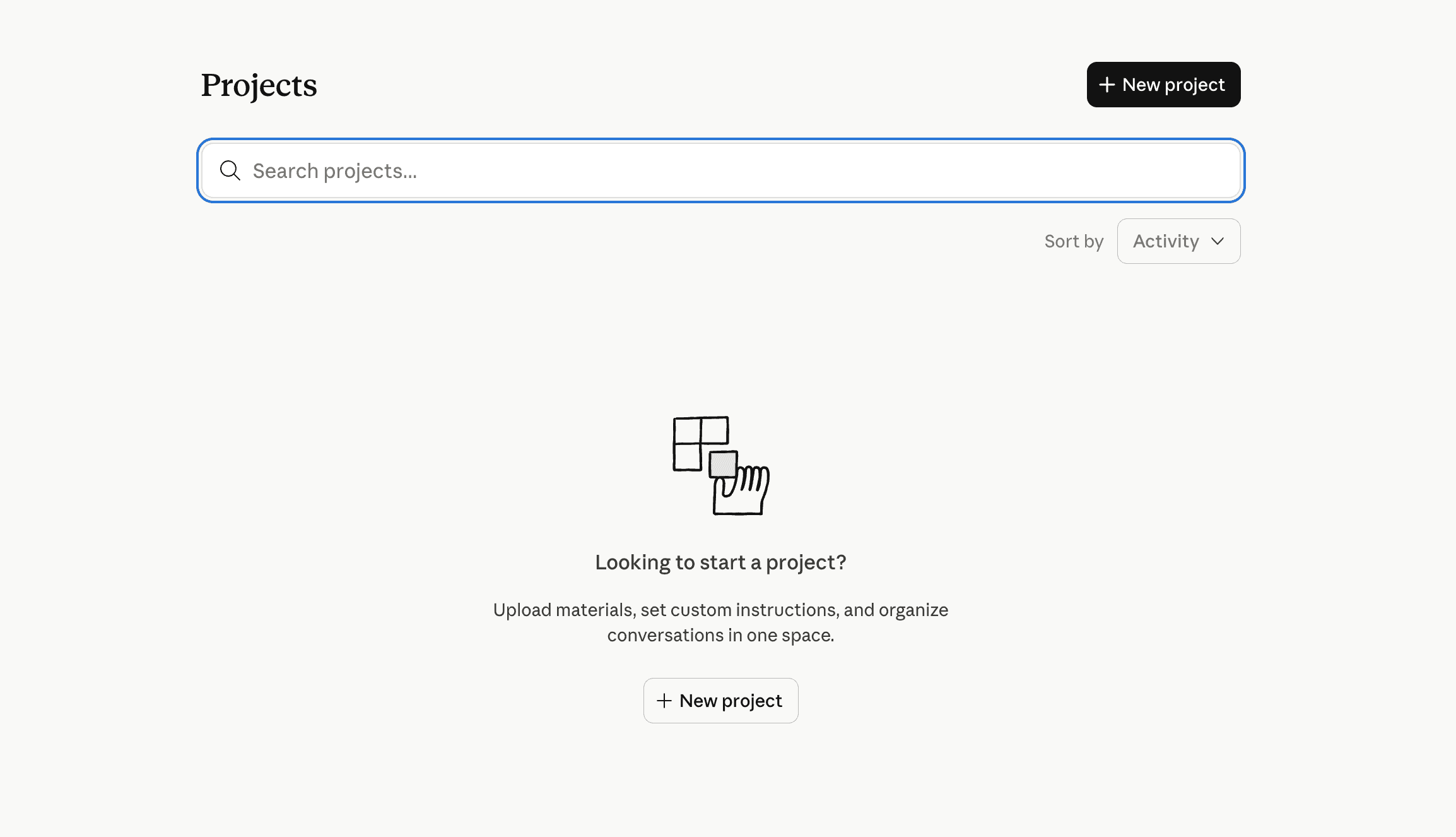
Anthropic’s answer to document memory is "Claude Projects," available to Pro and Team users. It allows users to create dedicated workspaces where they can pin up to 200,000 tokens of project knowledge (documents, code, PDFs) that Claude will permanently reference whenever you chat inside that specific project.
Key Features
Project Knowledge Base: Pin text, code files, and PDFs directly into a persistent sidebar.
Custom Instructions: Set specific system prompts for individual projects.
Artifacts Integration: Works seamlessly with Claude's ability to generate UI and code artifacts.
Pros
Extremely high accuracy for reading within its 200K token limit.
Excellent for deep-dive research on a contained set of PDFs or a specific codebase.
Requires no external database setup.
Cons
Siloed memory. What Claude learns in Project A does not automatically transfer to Project B.
Strict limits on knowledge size; you cannot upload gigabytes of enterprise data.
Only works with Anthropic models; not portable to other ecosystems.
Pricing
Access to Claude Projects is tiered: free users get limited access, Pro costs $20/month for full access, Max runs $100-$200/month for heavy usage, and Teams are charged $25-$30/seat/month.
4. Google NotebookLM
Google NotebookLM is a specialized, experimental AI workspace built purely around document understanding. Backed by the Gemini Pro 1.5 model, it acts as a virtual research assistant that only grounds its answers in the specific documents (PDFs, Google Docs, URLs) you upload to a specific "notebook."
Key Features
Strict Source Grounding: It explicitly prevents hallucination by strictly answering based on uploaded materials.
Audio Overview: Can generate an AI-hosted podcast summarizing your long documents.
Inline Citations: Provides exact clickable citations pointing to the original document text.
Pros
Incredible ability to synthesize long PDFs and complex academic/business data.
The UI is optimized specifically for reading, note-taking, and research.
Audio generation features are currently unmatched in native workspaces.
Cons
It is a closed ecosystem limited entirely to Google's AI models.
Not an API or infrastructure tool; developers cannot plug it into their own agents.
Notebooks are isolated; there is no holistic, cross-notebook memory graph.
Pricing
NotebookLM offers a free tier with paid upgrades, while Google AI Plus provides a promotional price of $3.99/month for the first two months, then $7.99/month thereafter.
5. LlamaIndex
LlamaIndex is a powerful, open-source data framework specifically designed to connect custom data sources (PDFs, APIs, SQL, complex documents) to large language models. It is highly favored by AI developers building advanced RAG (Retrieval-Augmented Generation) applications.
Key Features
Advanced Data Parsers: Specialized tools for parsing complex PDFs, nested tables, and hierarchical documents.
Intelligent Routing: Can route queries to different data indices depending on the complexity of the user’s prompt.
Data Connectors: Supports hundreds of data sources via LlamaHub.
Pros
The gold standard for structuring messy data before passing it to an LLM.
Model-agnostic; works perfectly with OpenAI, Anthropic, local models, etc.
Highly customizable for complex enterprise workflows.
Cons
It is a framework, not a database or an out-of-the-box memory app. Requires coding knowledge (Python/TS).
Requires developers to stitch together their own vector databases and persistent storage.
Can be overly complex for simple use cases.
Pricing
LlamaParse offers a free tier, a 50/month Starter plan, a 500/month Pro plan, and custom enterprise pricing.
6. Pinecone
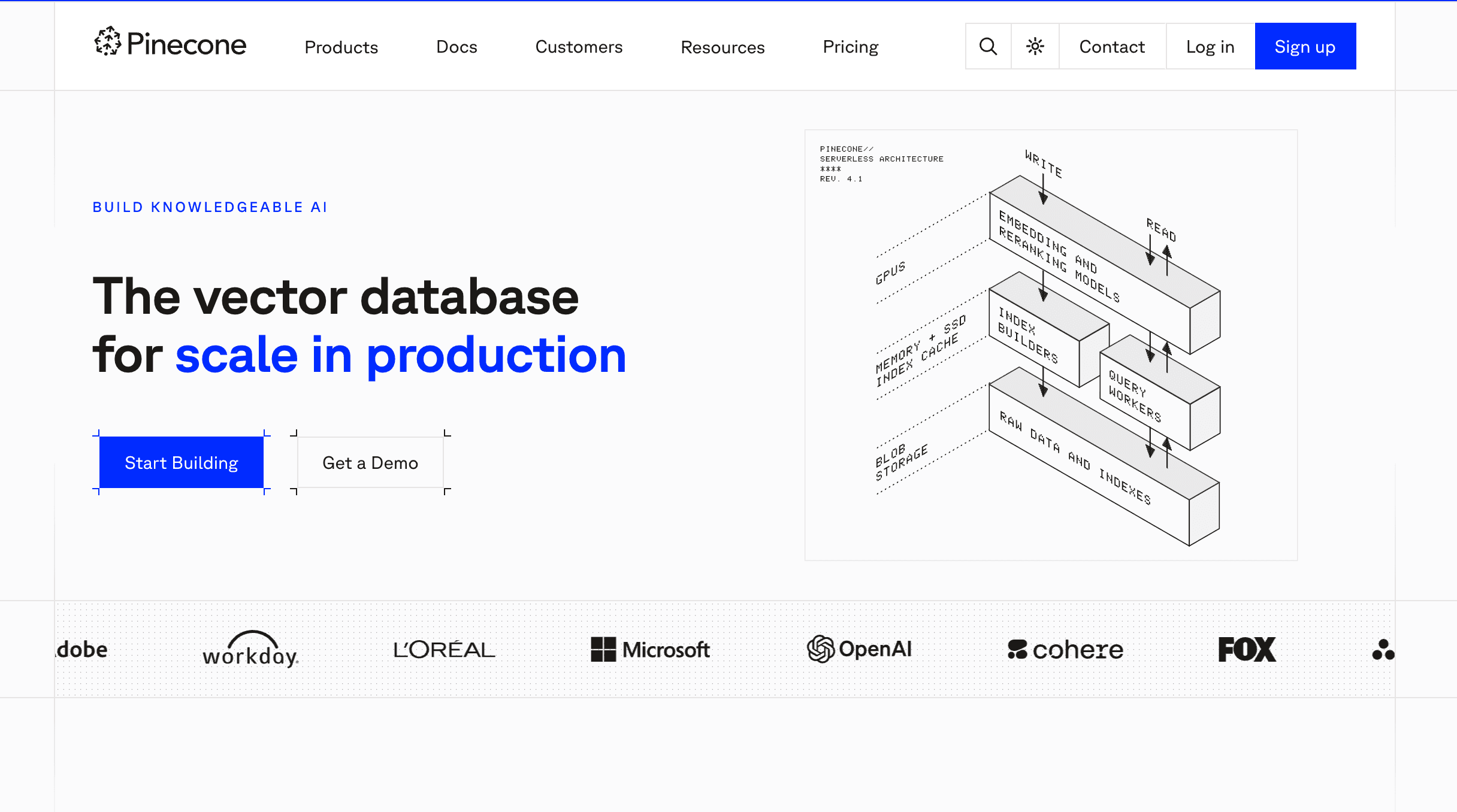
Pinecone is a fully managed, cloud-native vector database designed for high-performance AI retrieval. While it isn't an "AI memory app" in the consumer sense, it is the underlying engine that powers long-term memory and RAG for thousands of generative AI applications.
Key Features
Serverless Architecture: Automatically scales based on storage and query volume without manual provisioning.
Ultra-Low Latency: Millisecond retrieval speeds even across billions of vector embeddings.
Hybrid Search: Combines dense vector search with sparse keyword search for better accuracy on complex documents.
Pros
Enterprise-grade scale and reliability for massive document libraries.
Completely model-agnostic.
Zero infrastructure maintenance overhead for developers.
Cons
Requires significant engineering to turn into a "memory system." It only stores vectors, not the logic of when and how an agent should remember.
Does not parse PDFs or documents natively; you must handle document ingestion and chunking yourself.
Pricing
Pinecone offers a free tier, a 50/month Starter plan, a 500/month Pro plan, and custom enterprise pricing.
7. LangChain Memory
LangChain is the most popular open-source orchestration framework for building AI agents. Its dedicated "Memory" modules allow developers to implement different types of conversation memory (e.g., buffer memory, summary memory, vector-backed memory) into their custom Claude or ChatGPT integrations.
Key Features
Pluggable Memory Types: Choose between ConversationBufferMemory, ConversationSummaryMemory, or specialized entity memory.
Agentic Workflows: Allows models to autonomously decide when to search their memory.
Extensive Integrations: Connects seamlessly with almost every LLM and vector database on the market.
Pros
Incredibly flexible for building complex, multi-step AI agents.
Strong community support and endless tutorials for handling document context.
Model-agnostic and highly portable.
Cons
Notoriously steep learning curve and frequently changing documentation.
Native memory modules can be rudimentary and require external databases (like Pinecone) for true long-term persistence.
Requires programming expertise.
Pricing
LangChain itself is open-source and free. Their premium enterprise platform, LangSmith (used for tracing, testing, and monitoring agents), offers a free developer tier, a Plus tier at $39/month, and custom Enterprise pricing.
8. Mem0
Mem0 (formerly Embedchain) positions itself as an open-source memory layer for personalized AI applications. It abstracts away the complexity of managing databases, vector stores, and prompt injection, giving developers a simple API to store and retrieve user history and document context.
Key Features
Unified Memory API: Simple endpoints to add, search, and get memory for specific user IDs or agent IDs.
Adaptive Memory: Automatically updates and refines memory as user preferences change over time.
Multi-Level Memory: Distinguishes between user-level memory, agent-level memory, and session-level memory.
Pros
Greatly accelerates development time for builders who want persistent memory without orchestrating vector DBs.
Strong focus on personalization and dynamic memory updating.
Open-source availability with managed cloud options.
Cons
Still an emerging product compared to deeply entrenched enterprise infrastructure.
Better suited for user personalization than massive, enterprise-wide PDF / data warehouse ingestion.
Relies heavily on the underlying quality of its auto-summarization.
Pricing
Mem0 offers a four-tiered pricing model: a free Hobby tier, a 19/month Starter plan, a highlighted 249/month Pro plan with high limits, and a custom-priced Enterprise tier with unlimited usage and premium support.
9. AnythingLLM
AnythingLLM is an all-in-one, desktop and cloud-based AI application designed specifically to turn your private documents, PDFs, and data into a secure chatbot. It is widely used by researchers and professionals who want privacy-first memory without uploading sensitive files to public cloud LLMs.
Key Features
Workspaces: Organize different sets of PDFs and long documents into isolated workspaces.
100% Privacy Option: Can be run entirely locally with open-source models (like Llama 3) to process documents offline.
Multi-User Management: The cloud/server version supports team roles and permissions for document access.
Pros
Incredibly easy UI for non-developers to build highly capable RAG systems.
Maximum privacy control, especially for sensitive legal or financial PDFs.
Agnostic backend allows you to swap between local models, OpenAI, Anthropic, and custom vector databases.
Cons
Primarily functions as a standalone application rather than a headless infrastructure layer for complex agent ecosystems.
Desktop version can be resource-heavy if running local models for large document parsing.
Lacks the advanced, version-aware governance of a dedicated memory infrastructure.
Pricing
AnythingLLM offers a free self-hosted option and three paid plans: Basic (50/month), Popular Pro (99/month), and custom-priced Enterprise.
10. Zilliz Cloud
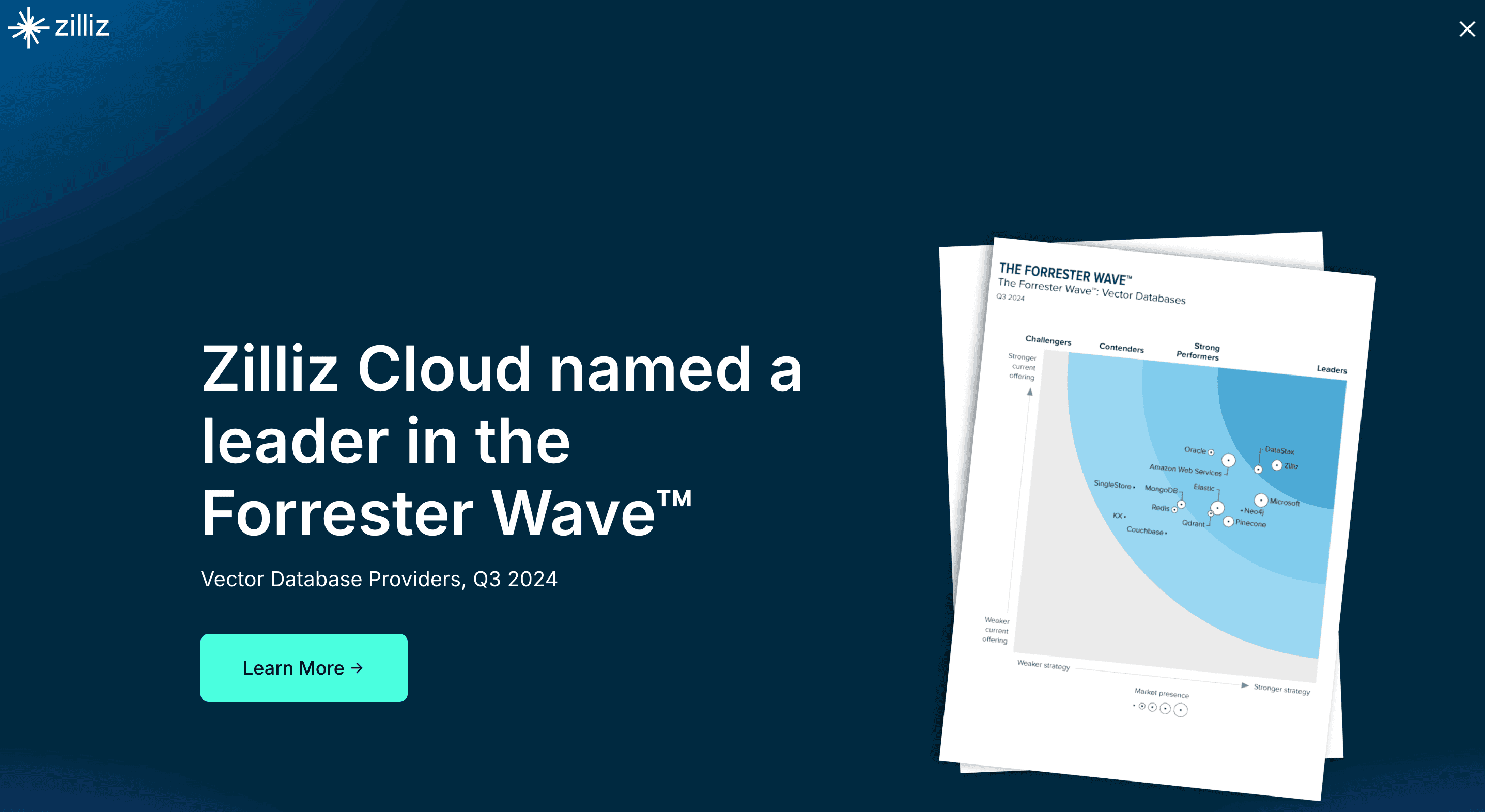
Zilliz Cloud is the fully managed, enterprise-grade vector database built by the creators of Milvus. When dealing with astronomical amounts of complex data, PDFs, and organizational documents, Zilliz provides the heavy-lifting retrieval infrastructure required to give Claude or ChatGPT near-instant recall.
Key Features
Massive Scale: Engineered to handle billions of vector embeddings reliably.
Advanced Indexing: Uses proprietary indexing algorithms for highly optimized hybrid search capabilities.
Auto-scaling & High Availability: Enterprise SLA, built-in security, and compliance features out of the box.
Pros
One of the most robust and scalable vector infrastructures available globally.
Exceptional performance under high-concurrency loads.
Integrates deeply with all major AI frameworks (LlamaIndex, LangChain).
Cons
It is pure infrastructure; there is no user-facing chat UI or native document parser.
Overkill for small teams or individual users trying to chat with a few PDFs.
Requires a dedicated data engineering team to architect the memory workflow.
Pricing
Zilliz Cloud offers a four-tier pricing model: a free tier for learning, a Standard tier (which provides both a usage-based Server less option and a dedicated cluster option starting at 99/month), a popular Enterprise tier starting at 155/month, and a custom-priced Business Critical tier for regulated industries.
Best Tool by Use Case
For Casual Users & Quick Research: If you simply need to summarize a one-off report, ChatGPT Plus or Google NotebookLM provides the lowest barrier to entry.
For Deep Dive PDF Analysis: If you are an Anthropic loyalist, Claude Projects offers an excellent closed-loop workspace for specific projects.
For AI App Developers: LlamaIndex paired with Mem0 or a vector database is excellent for building custom RAG pipelines.
For Persistent, Cross-Model AI Memory Infrastructure: If you are building enterprise agents or need a long-term, governed "second brain" that travels seamlessly across any model or data source, MemoryLake is the premier choice.
Why Claude and ChatGPT Struggle With Long Documents, PDFs, and Complex Data
If Claude can accept a 200K token context window, why does it still forget things? The answer lies in how LLMs process information:
The "Lost in the Middle" Phenomenon: Extensive research shows that when LLMs are fed massive documents, they are highly accurate at recalling information at the very beginning and the very end of the prompt, but retrieval accuracy plummets for data buried in the middle.
Stateless Architecture: By default, LLMs are stateless. Every time you send a new prompt, the model must re-read the entire conversation history. This leads to massive token consumption and eventual truncation when the context window fills up.
Cross-Session Amnesia: Once you close a chat thread, that context is usually gone. If you want to chat about the same 50-page PDF next Tuesday, you have to upload it again, wasting time and compute.
Inability to Update Facts: If a specific row in your uploaded spreadsheet changes, you cannot easily "patch" the AI's memory. You must re-upload the whole file.
Conclusion
Making Claude and ChatGPT reliably remember long documents and complex data is no longer about simply pasting more text into the chat box. As AI use cases mature, the need to transition from temporary context hacks to durable memory systems becomes critical.
If you only need lightweight retrieval for an isolated task, simpler tools like Claude Projects, Google NotebookLM, or AnythingLLM may be enough. They do an excellent job at basic document synthesis within their respective silos. Developers looking to build their own pipelines from scratch will find massive value in LlamaIndex paired with vector databases like Pinecone or Zilliz.
But if you need durable, portable, governed memory across documents, sessions, tools, and models, MemoryLake is the strongest place to start.
Rather than settling for temporary workarounds or locking your organization’s data into a single AI provider, MemoryLake positions itself as a true, user-owned AI memory infrastructure. According to the company's architecture, it seamlessly connects your complex data, PDFs, and historical context into a portable memory passport—ensuring your AI agents are always accurate, context-aware, and governed. Explore MemoryLake if you want to give your AI systems a persistent second brain instead of just another database integration.
Frequently Asked Questions
Why can't Claude or ChatGPT just read a 500-page PDF natively?
While models like Claude have massive context windows, passing a 500-page PDF directly into the prompt is computationally expensive, slow, and prone to the "lost in the middle" effect, where the AI hallucinates or ignores data buried deep in the text.
Is built-in chat memory enough for serious workflows?
For everyday preferences (like formatting rules), built-in chat memory is fine. However, for serious business workflows involving legal contracts, vast spreadsheets, or extensive research repositories, built-in memory is inadequate. It lacks the complex retrieval, traceability, and cross-session persistence required by enterprise users.
What is the difference between RAG, Vector DBs, and AI Memory Layers?
Vector DBs (like Pinecone): The raw storage engines for mathematical representations of text.
RAG (Retrieval-Augmented Generation): The process of searching a database and feeding relevant text to an LLM.
AI Memory Layers (like MemoryLake): A holistic, persistent infrastructure that governs how and when an AI remembers, acting as a portable passport of user context, data, and interactions across multiple models.