10 Best AI Data Analytics Tools in 2026: Tested, Compared & Reviewed
Introduction
The era of waiting weeks for the data team to build a simple dashboard is over. In 2026, the transition from manual data extraction to AI-assisted analytics is the standard for modern business.
However, as the market matures, the label "AI-powered" is applied to everything from basic text-to-SQL wrappers to fully autonomous business intelligence (BI) engines. For RevOps teams, product managers, founders, and data analysts, the challenge isn't finding an AI data analytics tool—it's filtering out the marketing noise to find a platform that actually fits your data stack, security requirements, and team technical maturity.
This guide cuts through the hype. We compare the 10 leading AI data analytics platforms based on usability, natural language processing (NLP) depth, reporting ability, data governance, and best-fit use cases to help you make the right software-buying decision.
What Are AI Data Analytics Tools?
AI data analytics tools are software platforms that use machine learning (ML) and natural language processing (NLP) to automate data preparation, query execution, insight generation, and visualization. They allow users to interact with datasets using plain language rather than complex code.
Unlike legacy BI tools that require manual querying and drag-and-drop dashboard building, AI analytics software proactively identifies trends, explains anomalies, and helps non-technical business users uncover insights autonomously.
These tools typically help teams with:
Querying data: Translating plain-text questions into complex SQL queries.
Generating insights: Highlighting hidden correlations, anomalies, and statistical significance.
Creating dashboards: Auto-generating charts, graphs, and live reporting views.
Identifying trends: Forecasting future performance based on historical models.
Automating reporting: Summarizing key metrics into written executive narratives.
Supporting decision-making: Providing data-backed answers in real-time.
Quick Comparison Table
Tool | Best For | Core AI Capability | Pricing Model | Best Fit Team Type |
Modern insight workflows / Conversational analytics | NLP-to-SQL, auto-ppts | Free tier / $13.27/month | Individuals & lean startups | |
Conversational analytics | Sage AI, SpotIQ (anomaly tech) | Enterprise business users | ||
Microsoft ecosystems | Copilot DAX & report gen | IT & traditional analyst teams | ||
Deep visualization | Tableau Pulse automated insights | Enterprise data scientists & analysts | ||
Ad-hoc file analysis | Generative AI Python execution | Individuals & Enterprise business users | ||
Predictive modeling | Chat-to-predict, ML generation | Custom pricing | RevOps & Marketing agencies | |
Embedded AI BI | NLQ, embedded code generation | Product & Dev teams | ||
Fast spreadsheet BI | Auto-dashboard generation | Lean teams & non-technical users | ||
Complex data mapping | Associative AI engine | Custom pricing | Enterprise data architects | |
SaaS embedded reporting | AI chart generation | B2B SaaS product teams |
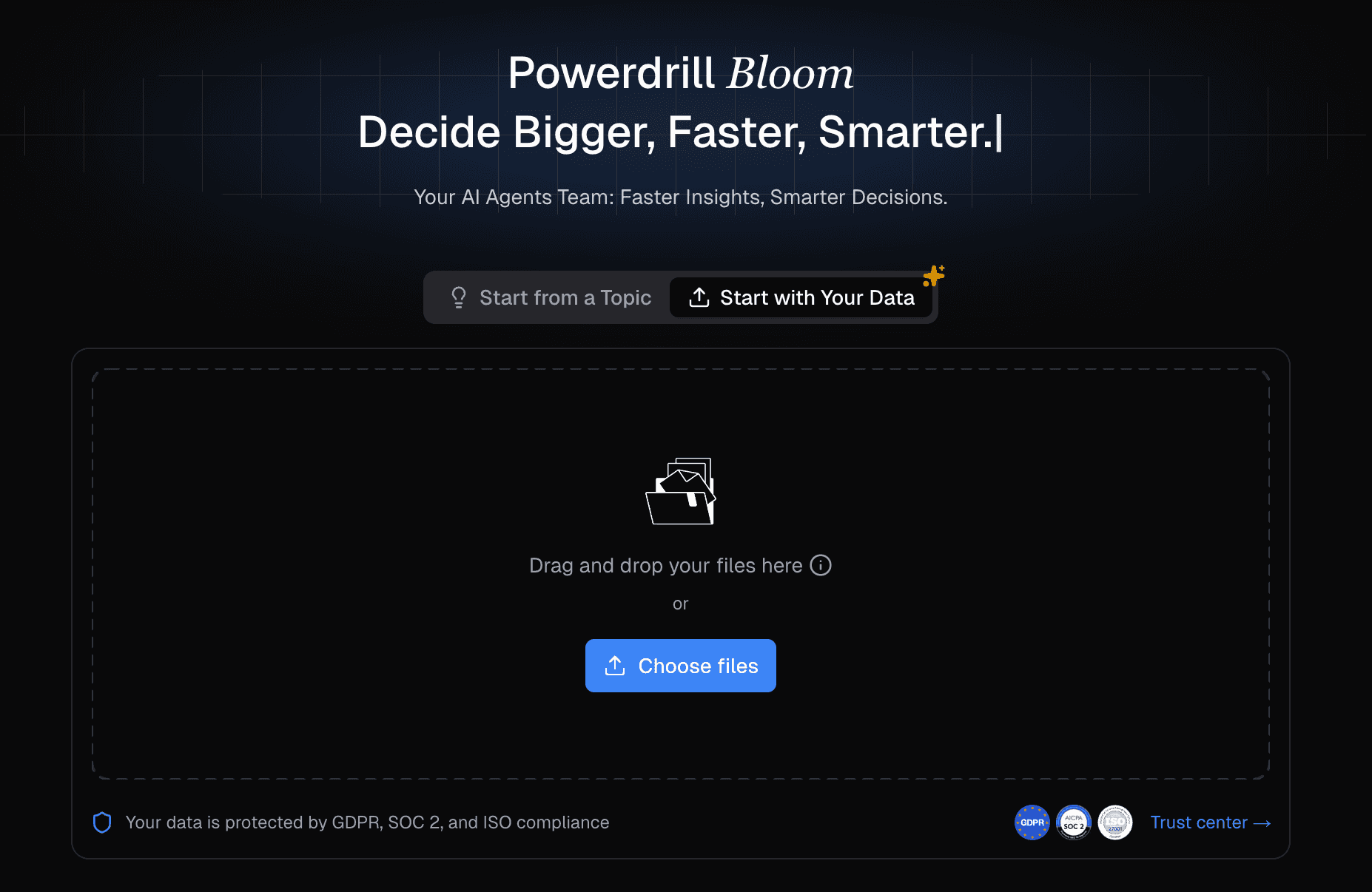
1. Powerdrill Bloom
An AI-native analytics platform built to bridge the gap between conversational exploration and structured reporting. Best for: Modern data exploration, visual storytelling, and business analysis collaboration.
Key features:
Highly accurate NLP-to-SQL engine that respects complex semantic layers.
"Chat-to-PPT" capabilities that instantly convert conversational threads into shareable reports.
Automated insight generation that highlights key business drivers and anomalies.
Pros:
Exceptional usability for non-technical users without sacrificing technical depth for analysts.
Fastest time-to-value for ad-hoc reporting and ppt creation.
Transparent query generation (analysts can audit and tweak the AI-generated SQL).
Cons:
Less suited for highly legacy on-premise database ecosystems.
Requires a well-defined semantic layer to reach maximum AI accuracy.
Pricing:
Free tier available; $13.27/month.
Why it stands out in 2026: Powerdrill Bloom represents the ideal middle ground in the current market. While legacy BI tools feel clunky and pure AI chatbots lack governance, Bloom provides a governed, AI-native workspace where business users can self-serve and analysts can maintain control.
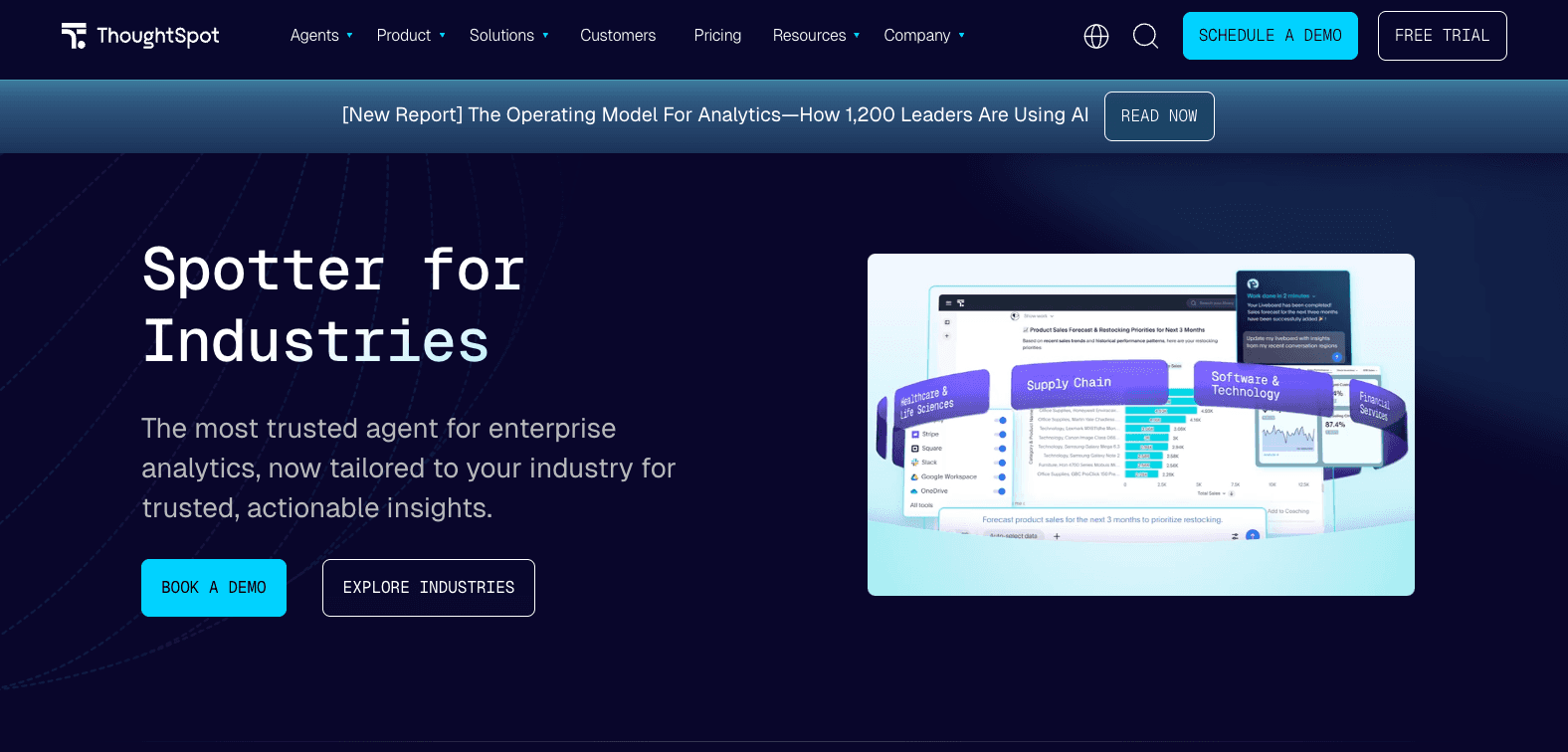
2. ThoughtSpot
A search-driven analytics platform that pioneered conversational data exploration at scale.
Best for: Enterprise teams prioritizing search-based conversational analytics.
Key features:
ThoughtSpot Sage (combines LLMs with their patented search engine).
SpotIQ for automated anomaly detection and root-cause analysis.
Live querying directly against cloud data platforms.
Pros:
Outstanding data governance and enterprise-grade security.
Highly reliable conversational interface that minimizes AI hallucinations.
Highly scalable for massive datasets.
Cons:
Extremely expensive, often pricing out mid-market companies.
Heavy initial setup; requires significant data engineering to configure the worksheets.
Pricing:
Quote-based / $50/per month (billed annually).
Why it stands out in 2026: ThoughtSpot remains the gold standard for large enterprises that want to deploy a Google-like search experience across heavily governed data warehouses.
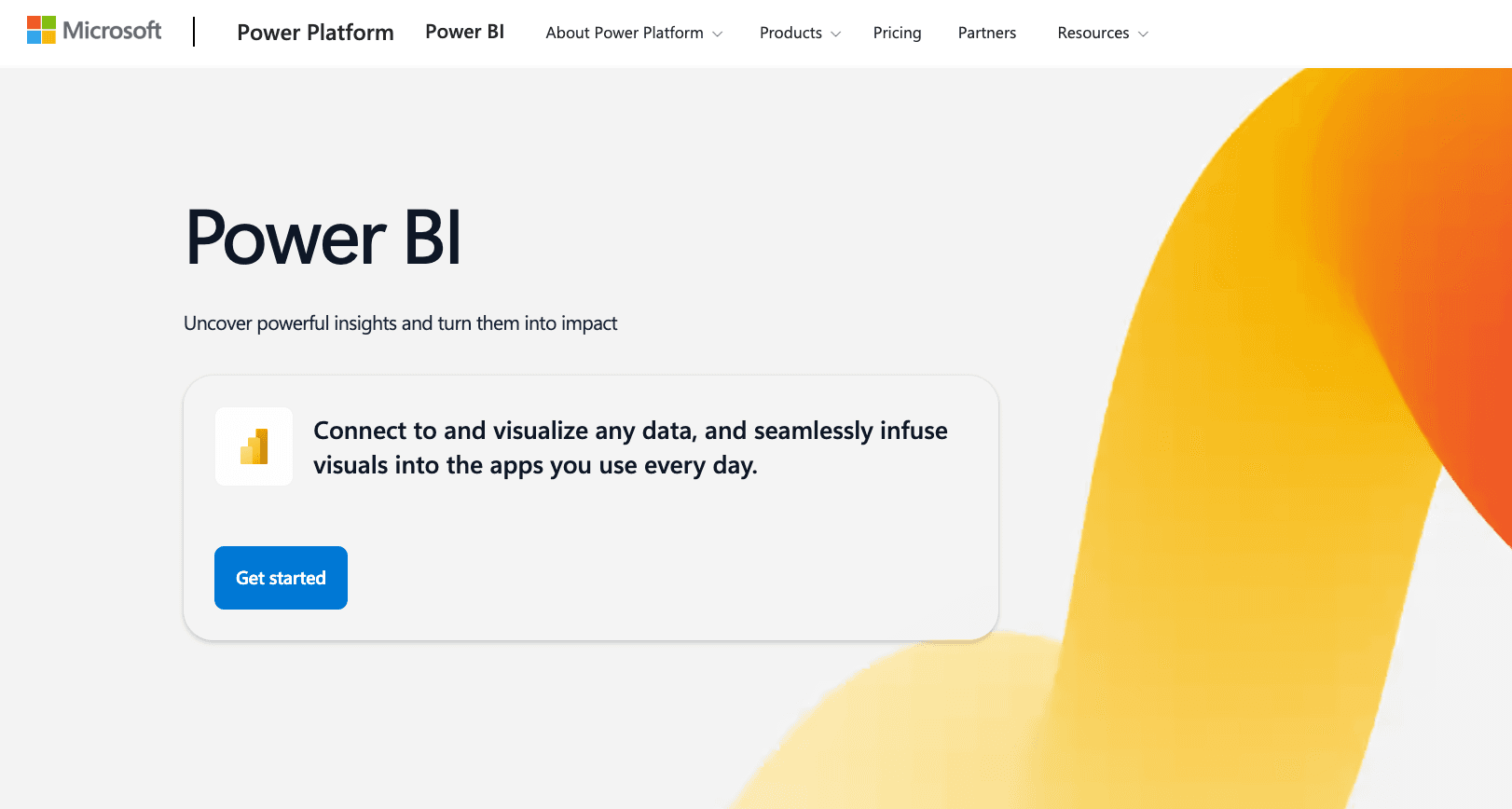
3. Microsoft Power BI (with Copilot)
The traditional enterprise BI giant, now augmented with Microsoft's Copilot AI.
Best for: Organizations already deeply entrenched in the Microsoft 365 and Azure ecosystem.
Key features:
Copilot for Power BI (generates reports, DAX calculations, and summaries via text prompts).
Deep integration with Excel, Teams, and Azure Fabric.
Extensive enterprise semantic modeling.
Pros:
Incredibly cost-effective if you already pay for Microsoft enterprise licenses.
Unmatched ecosystem integrations and security compliance.
Handles highly complex, massive enterprise data models.
Cons:
The core tool is still very technical; writing DAX is notoriously difficult.
Copilot features can sometimes feel bolted-on rather than AI-native.
Pricing:
Starts at $14/user/month (Pro); Copilot features require higher Premium/Fabric capacity tiers.
Why it stands out in 2026: For legacy enterprises, the switch to Power BI Copilot is the path of least resistance to bring AI into their existing reporting workflows.
4. Tableau (Tableau AI & Pulse)
The market leader in visual analytics, utilizing generative AI to democratize data insights.
Best for: Data analysts and scientists who need ultimate control over complex visual storytelling.

Key features:
Tableau Pulse (delivers automated, bite-sized metrics to business users).
Einstein Copilot integration for calculation generation and dashboard formatting.
Industry-leading drag-and-drop visualization canvas.
Pros:
The most beautiful and customizable data visualizations on the market.
Tableau Pulse is highly effective for alerting business users to daily metric changes.
Massive community and integration ecosystem.
Cons:
Steep learning curve for the core desktop application.
High total cost of ownership (TCO) and heavy resource requirements.
Pricing:
Tiered per-user pricing (Creator, Explorer, Viewer), typically starting around $15/user/month for Creators, Creator licenses are paid.
Why it stands out in 2026: Tableau Pulse has successfully solved the platform’s biggest historical problem: making complex Tableau dashboards accessible and digestible for everyday business users.
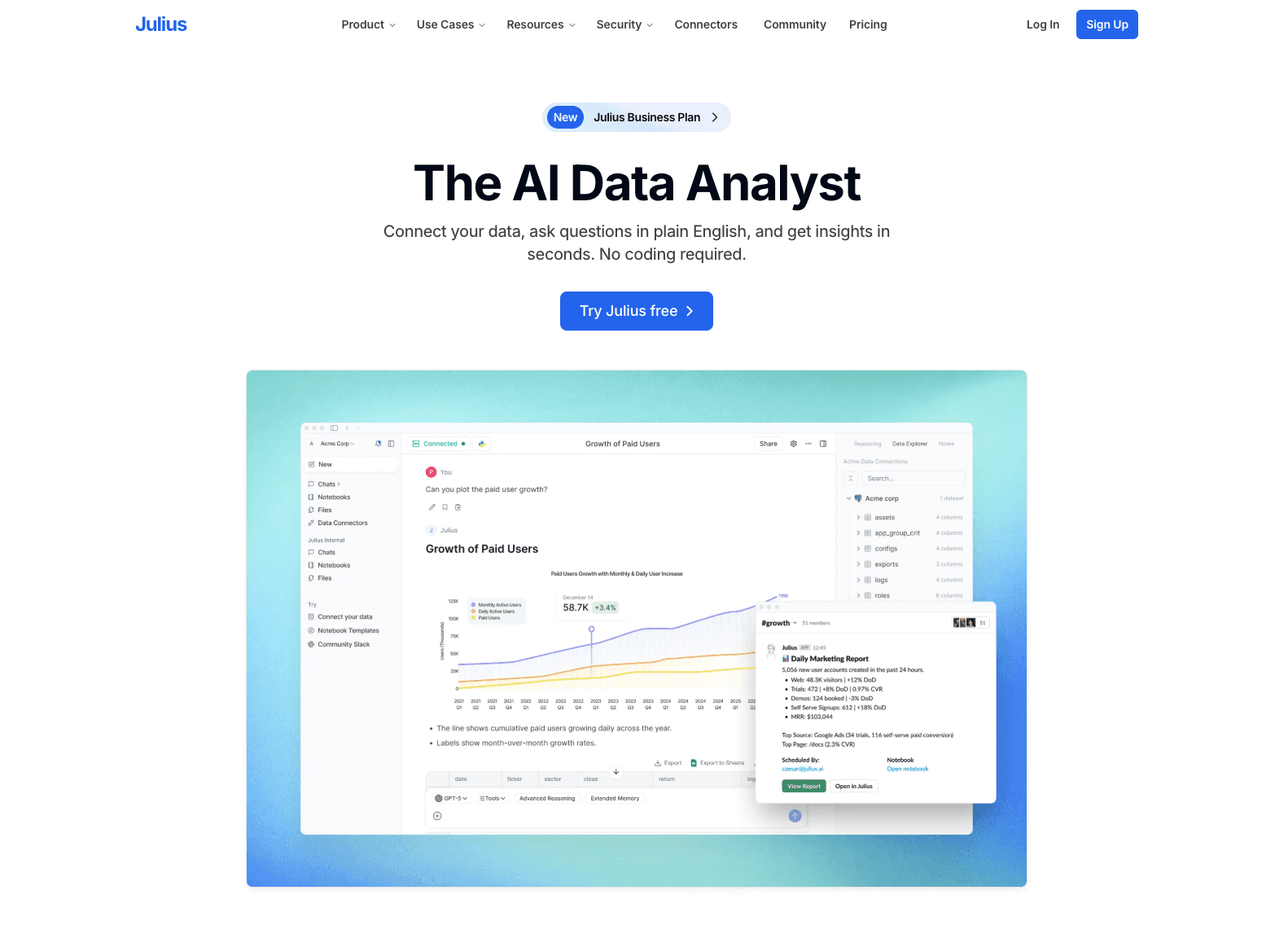
5. Julius AI
A lightweight, highly intelligent conversational AI data analyst.
Best for: Ad-hoc file analysis, students, and lean teams working with CSVs or Excel.
Key features:
Chat-based interface that writes and executes Python code under the hood.
Automated chart generation and statistical modeling.
Exports directly to Excel, CSV, or visual formats.
Pros:
Incredibly low barrier to entry; just upload a file and start chatting.
Excellent for quick statistical analysis, cleaning messy data, and creating fast charts.
Cons:
Not a replacement for an enterprise BI tool; lacks deep governance and semantic layers.
Relies heavily on file uploads rather than live warehouse connections for standard plans.
Pricing:
Free basic tier; Subscription tiers start around $33/month.
Why it stands out in 2026: Julius AI is the perfect tactical tool for individuals who need immediate answers from a spreadsheet but don't know how to code.
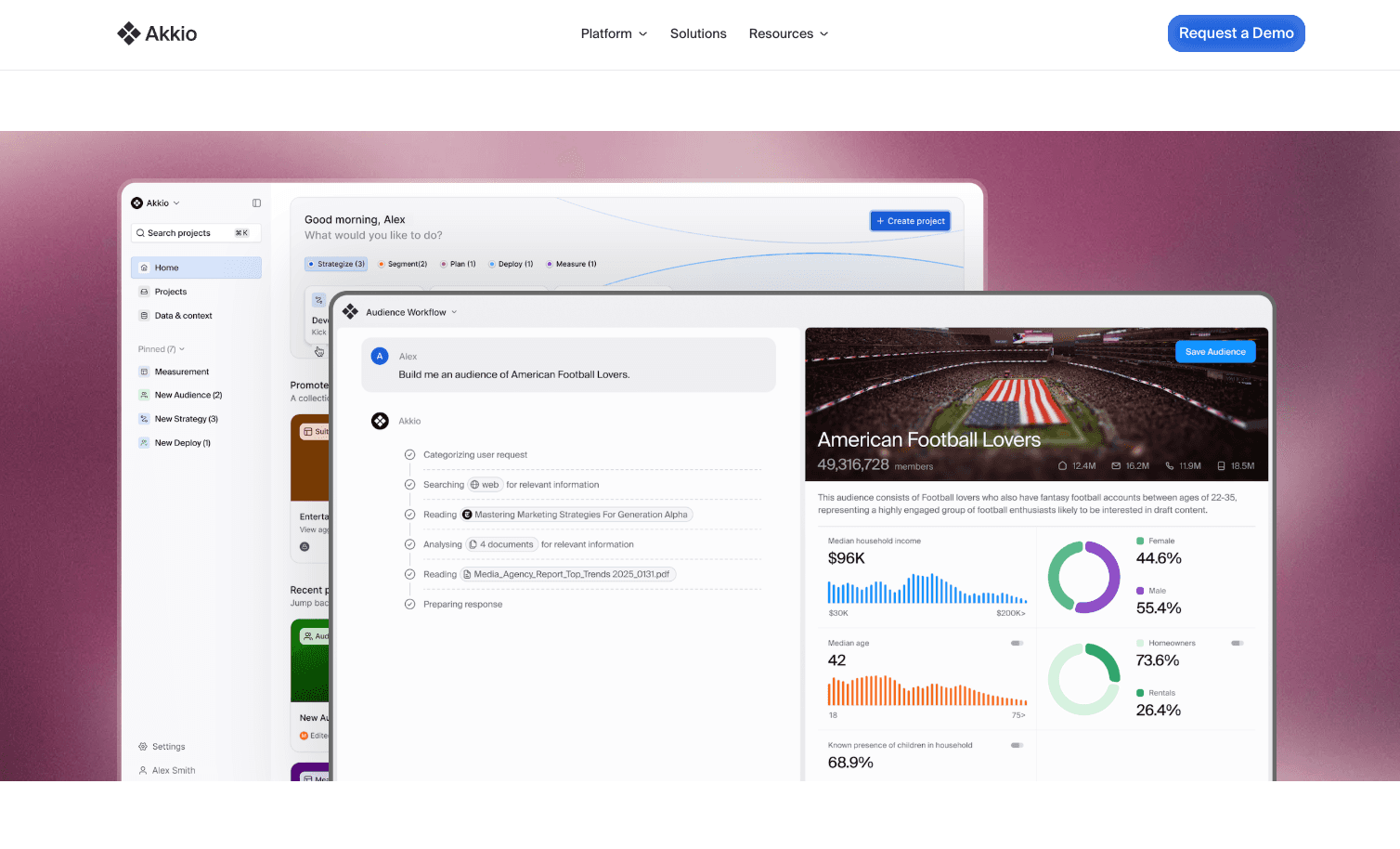
6. Akkio
A no-code predictive AI analytics platform designed for business teams.
Best for: Marketing agencies, RevOps, and teams that need predictive modeling without a data scientist.
Key features:
Chat-to-explore capabilities.
No-code machine learning model generation (forecasting, lead scoring).
Direct integrations with HubSpot, Salesforce, and ad platforms.
Pros:
Democratizes predictive analytics (e.g., predicting customer churn or ad performance).
Very intuitive interface tailored for marketing and sales data.
Cons:
Niche focus; not designed for company-wide, general-purpose financial or operational BI.
Visualization capabilities are basic compared to Power BI or Tableau.
Pricing:
Custom pricing.
Why it stands out in 2026: Akkio skips the traditional dashboarding wars and focuses purely on actionable, predictive AI for revenue-generating teams.
7. Sisense
An API-first analytics platform leveraging AI for embedded BI use cases.
Best for: SaaS companies and product teams wanting to embed AI analytics into their own software.
Key features:
Sisense Fusion architecture.
Embedded Natural Language Querying (NLQ) for end-users.
AI-driven automated code generation for developers.
Pros:
Highly customizable white-label capabilities.
Strong developer tools and APIs.
Allows you to offer AI analytics to your customers as a premium feature.
Cons:
Requires a development team to set up and deploy properly.
Overkill for internal-only reporting needs.
Pricing:
Custom, Subscription tiers start around $399/month.
Why it stands out in 2026: If you are building a software product and need to offer your users "Tableau alternatives with AI" directly inside your app, Sisense is a top-tier infrastructure choice.
8. Polymer
A no-code AI BI tool that instantly turns spreadsheets into interactive dashboards.
Best for: Startups, lean teams, and non-technical founders.
Key features:
Auto-dashboard generation from uploaded data.
AI assistant for asking questions and filtering data.
Web-based, highly visual UI.
Pros:
Lightning-fast setup (from CSV to dashboard in minutes).
Very affordable and transparent pricing.
Zero technical knowledge required.
Cons:
Struggles with highly complex data architectures or massive data volume.
Limited customization compared to enterprise tools.
Pricing:
Starts around $25/user/month.
Why it stands out in 2026: Polymer solves the "blank canvas" problem by using AI to automatically generate the first draft of a dashboard, saving hours of manual setup.
9. Qlik Sense
An enterprise AI business intelligence tool powered by an associative data engine.
Best for: Enterprises with complex, disparate data sources that need mapping.
Key features:
Associative AI engine that highlights hidden data relationships.
Insight Advisor (chat and NLP-driven analytics).
Automated machine learning (AutoML) integration.
Pros:
The associative engine prevents data silos by showing what data is not associated with a query.
Extremely powerful data transformation and ingestion capabilities.
Cons:
The user interface can feel dated compared to newer, AI-native platforms.
Steeper learning curve for Qlik’s proprietary scripting language.
Pricing:
Custom pricing.
Why it stands out in 2026: Qlik’s underlying associative engine pairs incredibly well with AI, helping to reduce hallucination by maintaining strict contextual relationships between data points.
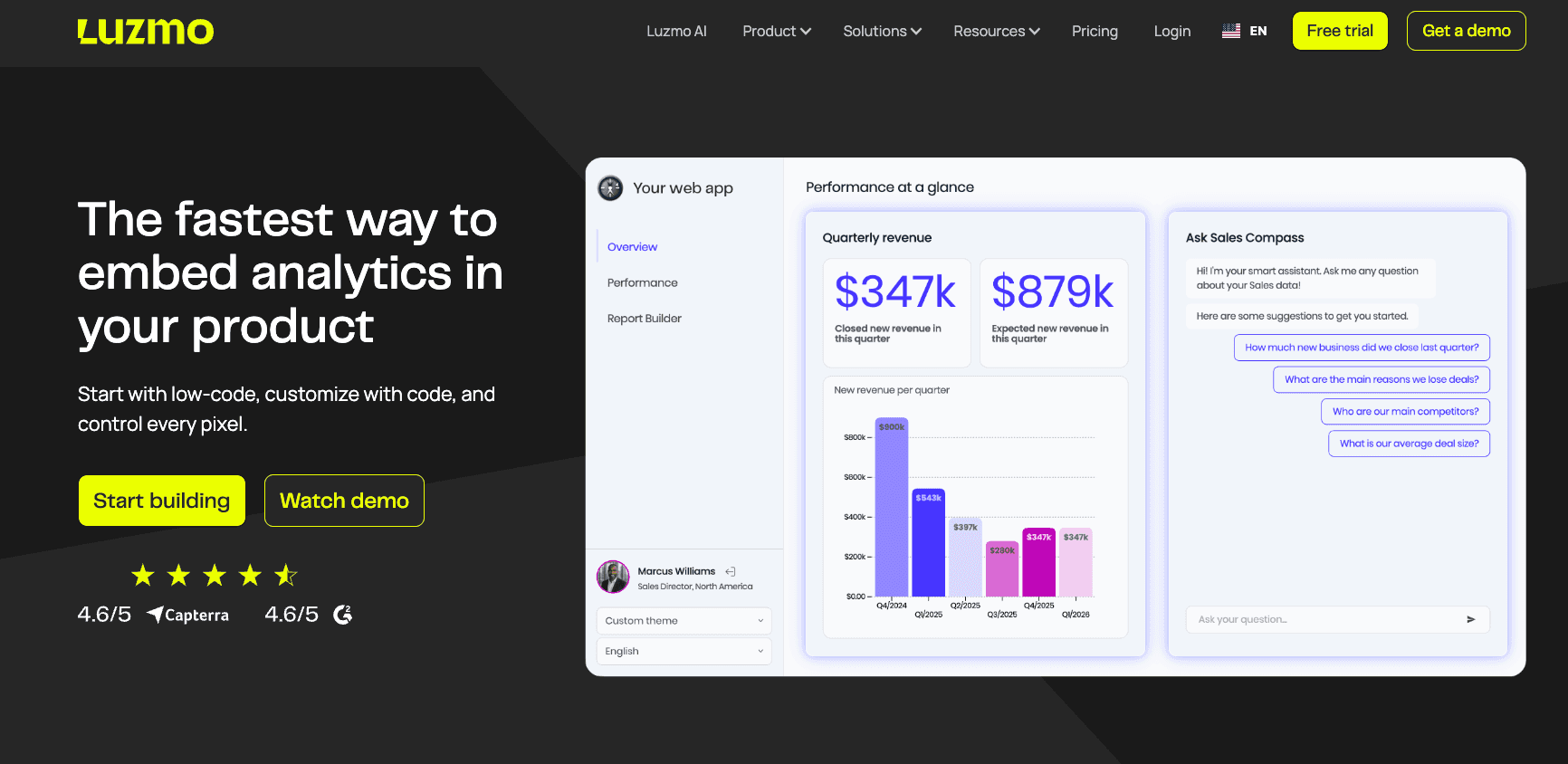
10. Luzmo
A developer-friendly embedded AI analytics platform.
Best for: B2B SaaS product teams looking for quick, embedded AI reporting.
Key features:
Instantly generated charts via AI prompts.
Easy-to-embed dashboard components (SDKs).
End-user AI chat features.
Pros:
Excellent developer documentation and support.
Fast integration time for customer-facing dashboards.
Cons:
Strictly an embedded tool; not meant to be a standalone internal BI platform.
Pricing:
$495/month (billed annually), Custom pricing.
Why it stands out in 2026: Luzmo allows B2B startups to quickly add "AI reporting tools" to their feature matrix without spending months building the infrastructure from scratch.
Best AI Data Analytics Tools by Use Case
To help you shrink your shortlist, here is how the market breaks down by specific business needs:
Best for enterprise analytics & legacy stacks: Microsoft Power BI or Qlik Sense. Both offer the governance and ecosystem integration required by Fortune 500 IT departments.
Best for cross-functional collaboration & AI-native workflows: Powerdrill Bloom. It perfectly balances the ease of conversational chat with the structure of reliable, shareable dashboards.
Best for conversational analytics & search: ThoughtSpot. Unmatched for providing a governed, search-engine-like experience on massive datasets.
Best for dashboards and deep visual reporting: Tableau. Still the undisputed king of highly customized, complex data visualizations.
Best for non-technical business users & quick setups: Polymer or Julius AI. If you just have a spreadsheet and need insights in 5 minutes, these are the best choices.
How to Choose the Right AI Data Analytics Tool
Selecting the right platform comes down to understanding your team's maturity and data infrastructure. Use this buyer guide framework to make your decision:
Assess Your Data Stack Completeness
If your data is messy and sits across fifty different SaaS apps, an AI tool will only generate messy, inaccurate insights. Tools like ThoughtSpot and Power BI require a mature, clean data warehouse. If you are doing ad-hoc analysis on raw files, look toward Julius AI.
Identify the Primary User (Who is driving the tool?)
Are you buying this for data engineers, or for the VP of Marketing? If the goal is self-service BI with AI, prioritize platforms with high usability like Powerdrill Bloom. If it’s strictly for technical analysts building rigid financial models, Tableau or Power BI are safer bets.
Determine Your Budget and Pricing Model
AI computing costs money. Watch out for consumption-based pricing models that can skyrocket as user adoption grows. Look for transparent, seat-based, or capacity-based pricing.
Define Your Need: AI Copilot vs. AI-Native Platform
Do you just want an AI assistant to help your analysts write SQL faster (AI Copilot)? Or do you want a platform where the entire UI is designed around chat, automated insights, and dynamic dashboard generation (AI-Native)?
Final Verdict
The landscape of AI BI software in 2026 offers distinct paths for different types of organizations.
If your organization is heavily invested in legacy ecosystems and you simply want to add an AI layer to existing processes, Microsoft Power BI and Tableau remain the safest, albeit steepest, routes.
However, if you are looking to truly modernize your data workflow—moving away from bottlenecks and empowering business users with self-service, conversational exploration that seamlessly turns into reliable dashboards—Powerdrill Bloom stands out as the most cohesive AI-native analytics platform on the market today. It bridges the gap between technical rigor and business usability better than its legacy competitors.
Frequently Asked Questions
What are AI data analytics tools?
AI data analytics tools are software platforms that utilize artificial intelligence and machine learning to automate data analysis. They allow users to ask questions in plain English, instantly generate SQL, automatically detect trends and anomalies, and build dashboards without requiring deep coding knowledge.
What is the best AI data analytics tool in 2026?
The "best" tool depends on your use case. Powerdrill Bloom is top-rated for modern, AI-native insight workflows and business collaboration. ThoughtSpot is excellent for enterprise conversational search, while Power BI is the best choice for Microsoft-heavy organizations.
Are AI analytics tools better than traditional BI tools?
They are generally faster and more accessible. While traditional BI tools require analysts to manually write queries and build rigid dashboards, AI analytics platforms allow for dynamic, self-service data exploration, vastly reducing the time-to-value for business users.
Can non-technical users use AI analytics platforms?
Yes. Modern AI analytics tools are specifically designed with non-technical users in mind. Through natural language processing (NLP), users can type questions like "Why did revenue drop in Q3?" and the AI will automatically pull the data, analyze it, and generate an easy-to-read chart.
Does AI analytics software replace data analysts?
No. AI analytics software replaces the tedious, repetitive parts of an analyst's job—like writing basic SQL queries or updating daily metric dashboards. This frees data analysts up to focus on complex data engineering, semantic modeling, and high-level strategic data architecture.