How to Make a Project Kickoff Presentation: Step by Step
A project kickoff presentation is the short deck you show at the first meeting of a project. It explains why the project exists, what it will deliver, who does what, and what happens next. To make one, gather the charter and plan first, then build about ten slides that end with clear next steps.
This guide covers what a kickoff presentation is, when to hold the meeting, and who should attend. It gives a slide-by-slide structure, ways to adapt the deck for different audiences, and rules for slide titles. It then walks through making the deck with AI in three steps, with an example, meeting tips, and common mistakes.
What a project kickoff presentation is
A kickoff presentation supports the kickoff meeting. Atlassian's Team Playbook describes that meeting as "the first meeting with the project team and the project client (when applicable)." It adds that "This meeting establishes the project’s purpose, roles, responsibilities, and success markers."
Asana's guide puts the purpose in similar terms. It says the session is where team members and stakeholders "align on goals, scope, roles, and next steps."
The kickoff presentation is the shared reference for that conversation. It keeps the group looking at the same goals, the same scope, and the same dates. After the meeting, it becomes the document new team members read first.
Not every project needs a polished deck. Asana notes that some projects "could have a less formal kickoff meeting without a deck or a presentation." Larger projects, client projects, and projects with an executive sponsor usually do need one.
Atlassian makes the case with a comparison: "Starting a project without a kickoff meeting is like starting a road trip without a map or directions."
When to hold the kickoff and who should attend
Timing matters. Atlassian says the kickoff usually happens after "the statement of work or project poster has been finalized". Asana says "It typically happens after your project charter is approved but before any work starts."
So build the kickoff presentation once the basics are settled. If the scope or budget is still in debate, hold that decision meeting first. A kickoff is for alignment, not for negotiating the project itself.
The invite list shapes the deck. Atlassian's play lists five roles to identify before the meeting:
- Project sponsor. The most senior stakeholder, with the most to gain or lose.
- Project leader. The person who sets the vision for what the team delivers.
- Facilitator. The person who keeps the meeting flowing and focused.
- Core team. The people who do the project work.
- Stakeholders. Anyone with insight, feedback, or a vested interest in the outcome.
Keep the group small. Asana says "A productive kickoff meeting typically includes 5–10 attendees." If more people need to know, send them a summary afterward. Atlassian's play suggests 3 to 14 people, 30 minutes of prep, and 90 minutes of meeting time.
What to include: a slide-by-slide structure
Most kickoff presentation decks need about ten slides. The table shows a structure that covers what both guides recommend.
| # | Slide | What it answers |
|---|---|---|
| 1 | Title and agenda | What will we cover today, and in what order? |
| 2 | Why this project | Why are we working on this, and how does it connect to company goals? |
| 3 | Goals and success measures | What will success look like when we are done? |
| 4 | Scope | What is in scope, and what is out of scope? |
| 5 | Deliverables | What exactly will we hand over? |
| 6 | Timeline and milestones | When are the key dates? |
| 7 | Team, roles, and responsibilities | Who does what, and who decides? |
| 8 | How we will work | Where will we track work, and how will we share updates? |
| 9 | Risks and open questions | What could slow us down, and what do we still need to learn? |
| 10 | Next steps | What happens this week, and who owns each action? |
The purpose slide comes first. Asana says to answer two questions here: "Why are we working on this?" and "What are we working towards?" Its guide notes that only 26% of employees clearly understand how their work relates to company goals.
The scope slide prevents later arguments. Asana says to discuss "what's in scope, and equally as important, what's out of scope." List both on the same slide.
The roles slide names people, not just titles. Asana suggests a RACI chart, which marks who is responsible, accountable, consulted, and informed.
The working slide points to one place. Asana recommends a central source of truth for documents, updates, and milestones. Name the tool and the link.
The next steps slide closes the deck. Asana's list covers documentation, action items, immediate priorities, and how you will share status updates.
How to adapt the deck for each type of kickoff
Asana's guide describes three types of kickoff meetings. Each one changes the deck.
Internal kickoff. This is the simplest form, for the project team alone. Asana's advice is to "Prepare materials in advance, but don't worry about polishing the presentation." A plan, objectives, scope, and timeline are enough.
Executive sponsor kickoff. This version is for leaders. Asana says to "Focus heavily on the project's purpose and goals, and on how it will affect company objectives." Its list of required materials ends with "A formal presentation or deck." Cut the detailed task lists and keep the business case.
Client-facing kickoff. This one is for your team and the client. Asana calls it "the most polished version of your project kickoff meeting." Add a slide on how and when the client will review work and receive progress updates.
If you run more than one type, build one master deck. Then hide or cut slides for each audience. That keeps the dates and scope the same everywhere.
Write slide titles that state the point
A slide title should say what the slide proves, not just its topic. "Timeline" tells the room nothing. "Launch is set for March 2, with two review gates" tells them the key fact.
Read only the titles from first to last. If they tell the project story on their own, the deck is working. If they read like a table of contents, rewrite them.
Keep each slide simple. Microsoft's presentation tips say "Try to avoid using font sizes smaller than 18 pt." They also say "You want your audience to listen to you present your information, rather than read the screen."
Put the detail in speaker notes or in a backup section. A kickoff deck is shared afterward, so the notes help people who missed the meeting. Our guide to speaker notes covers what to write under each slide.
How to make a project kickoff presentation with AI
Most of the work in a kickoff deck is gathering facts from several documents. The charter, the plan, the budget, and the team list often live in different files. An AI tool can pull them together into a first draft, as long as you check every date and name.
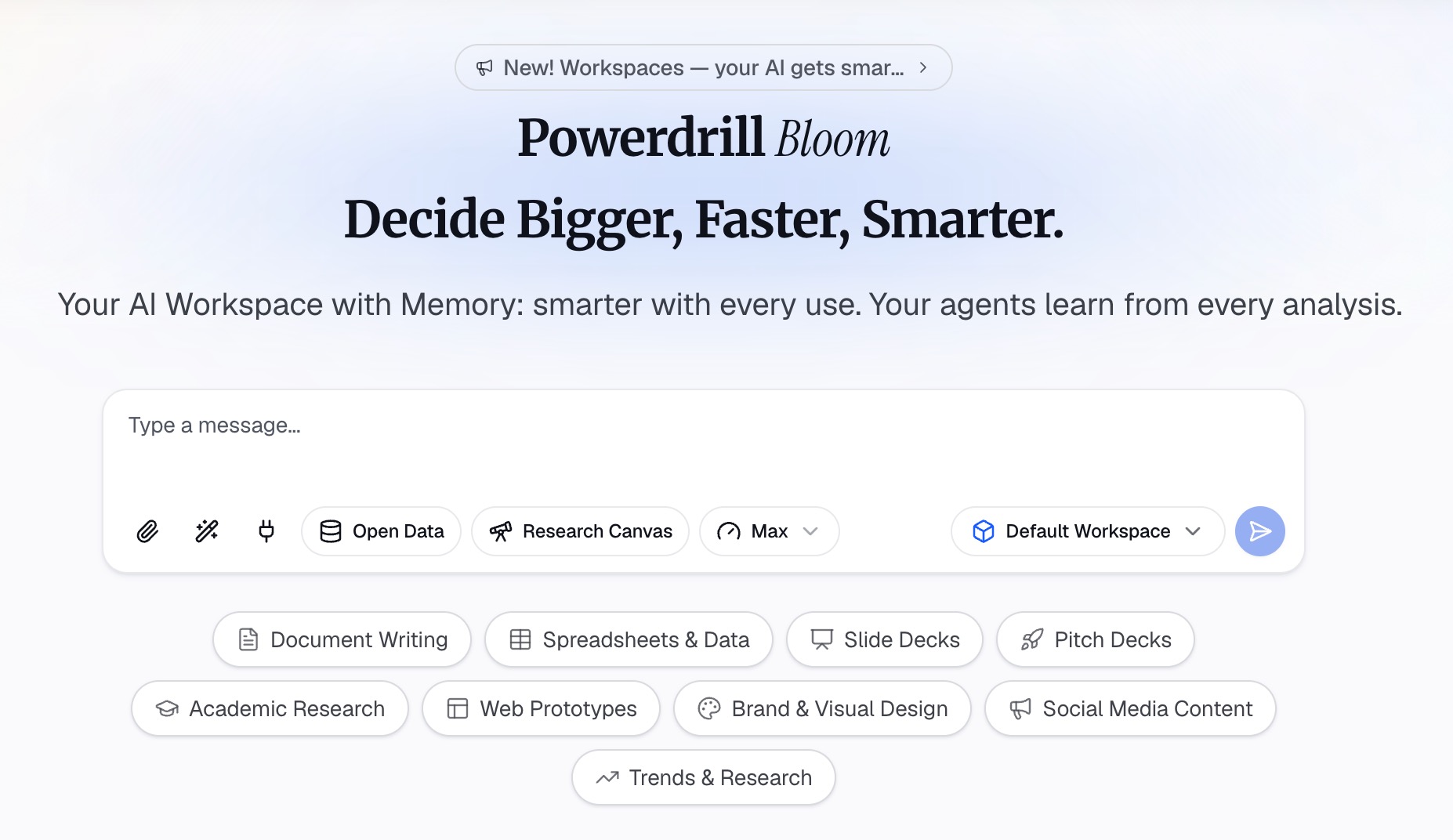
Here is the method in three steps, using Powerdrill Bloom.
Step 1: Upload the charter, plan, and project files
Start with the documents behind the project. That might be the charter or statement of work, the project plan, a budget sheet, and the team list. The Free plan lists "Upload Excel, CSV, PDF, and docs."
Keep each source as its own file. When a date or figure appears on a slide, you will want to find where it came from. Remove old drafts first, so the tool does not mix two versions of the scope.
Step 2: Ask for the kickoff storyline in natural language
Describe the deck in one request. Include the audience, the type of kickoff, and the slides you need. For example: "Build a 10-slide kickoff presentation for our internal project team. Use the attached charter and plan. Include purpose, goals, scope, deliverables, timeline, roles, risks, and next steps."
Then ask follow-up questions to test the plan. Try "Which milestones depend on another team?" or "Which deliverables have no owner yet?" Gaps found now are cheaper than gaps found in week three.
The Topic to PPT page says Powerdrill Bloom "intelligently searches, analyzes, and explores related information, then organizes it into a clear narrative." For a kickoff, that narrative is the draft you refine with the project leader.
Step 3: Build the slides, timeline, and speaker notes
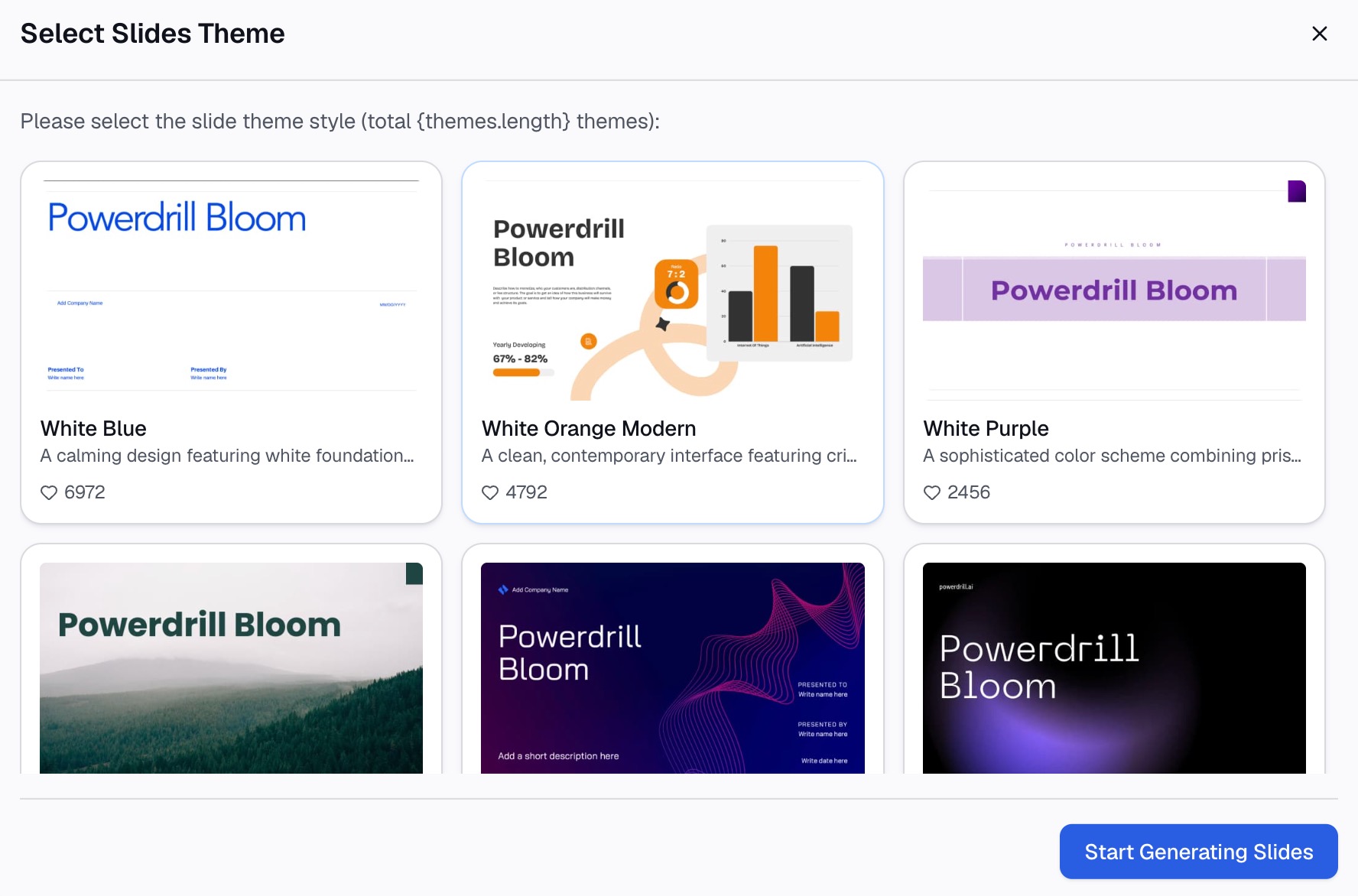
Turn the draft into slides. The Excel to PPT page says you can choose a template and "export to PowerPoint in one click." Check each slide title against the project purpose, and cut any slide that does not support it.
Then check the facts. Confirm every date against the plan and every name against the team list. Ask the sponsor to read the purpose and scope slides before the meeting.
Finally, add short speaker notes and an agenda. Our guide to agenda slides shows how to open the deck.
A project kickoff presentation example
Here is a short example for an internal project. The company, dates, and numbers are invented to show the structure.
Project: Replace the customer support help center with a new self-service site.
Slide titles, in order:
- "Today: align on the help center rebuild and agree on next steps"
- "Customers cannot find answers, so ticket volume keeps rising"
- "Success means 30% fewer how-to tickets within six months of launch"
- "In scope: new site and top 200 articles; out of scope: chat support"
- "We will deliver a new site, a style guide, and a migration plan"
- "Launch is set for March 2, with design and content reviews before it"
- "Priya leads, Marco owns content, and the support director approves"
- "All work lives in one shared project, with a weekly written update"
- "The main risk is article migration taking longer than four weeks"
- "This week: confirm the article list and book the first design review"
Read in order, the titles carry the whole plan. Each slide then holds one table, one list, or one simple timeline that supports its title.
How to run the meeting around the deck
A good kickoff presentation still needs a good meeting. Atlassian's play gives a clear order: a word from the sponsor, an agenda and ground rules, an icebreaker, and then the main discussion.
Open with the sponsor. Atlassian suggests the sponsor welcome attendees and explain how the project relates to the organization. If the sponsor cannot attend, it suggests a short recorded video.
Spend the most time on purpose and success. Atlassian calls refining the vision, mission, and success tests "the most important aspect of the project kickoff." Its play gives this part 60 minutes.
Check agreement quickly. Atlassian suggests a "Roman vote." Thumbs up means you accept, sideways means you will go along, and down means you have a concern.
Leave room for questions. Asana says to "leave plenty of time at the end of the kickoff meeting to answer any questions." Pause after the scope slide too, since scope raises the most questions.
Assign a note taker. Asana recommends that someone other than the presenter takes notes. If the meeting is virtual, record it for people who cannot attend.
After the kickoff
Send the deck and the notes the same day. Asana suggests sharing meeting notes, the recording or transcript, and any action items in your shared project.
Update the deck as decisions change. Atlassian's play suggests assigning someone to update the project poster with the agreed vision, mission, and success tests. The same applies to the kickoff deck.
Then move to regular updates. Asana suggests project status reports instead of recurring meetings. Our guides to a post-presentation recap and a weekly status report cover the next two documents.
Common kickoff presentation mistakes
Watch for these mistakes before the meeting.
- No clear purpose. The team leaves knowing the tasks but not the reason. Put the purpose on slide two.
- Scope without limits. Listing only what is in scope invites scope creep. Add what is out of scope.
- Roles without names. "Design team" is not an owner. Name the person for each area.
- Too much detail. A kickoff is not the full plan. Link to the plan instead of copying it.
- No next steps. People leave unsure what to do on Monday. End with owners and dates.
- One deck for every audience. An executive deck and a team deck need different depth.
Want to build the first draft faster? Try Powerdrill Bloom with the charter and plan for your next project.
Frequently asked questions
What should be included in a project kickoff presentation?
A project kickoff presentation usually covers the purpose, goals, scope, deliverables, and timeline. It also covers team roles, how the team will work, risks, and next steps. About ten slides cover these for most projects. Executive versions focus more on purpose and business impact.
How long should a project kickoff meeting be?
Atlassian's Project Kickoff Play suggests about 90 minutes of meeting time and 30 minutes of preparation. Smaller internal kickoffs can be shorter. Leave time at the end for questions, as Asana's guide recommends.
Who should attend a project kickoff meeting?
Invite the project sponsor, the project leader, a facilitator, the core team, and key stakeholders. Asana suggests that a productive kickoff typically includes 5 to 10 attendees. Send a summary to anyone else who needs to know.
What is the purpose of a project kickoff meeting?
A kickoff meeting aligns the team on why the project matters, what it will deliver, who does what, and what happens next. It usually takes place after the charter or statement of work is approved and before work starts.
Can AI make a project kickoff presentation?
Yes. An AI tool can turn a charter, a plan, and a budget sheet into a first draft of the kickoff slides. You still need to check every date, name, and scope item against the source documents. Then have the project sponsor review the purpose and scope slides.
Sources: Atlassian Team Playbook, Project Kickoff · Asana, Project kickoff meeting guide · Microsoft Support, Tips for creating and delivering an effective presentation.