How to Make a Case Study Presentation: Step by Step
A case study presentation walks an audience through a real or realistic situation, from the problem to a recommendation. It states what happened, finds the core problem, weighs the options, and ends with a course of action. The same shape works for a class assignment, a job interview case, or a client story.
This guide covers the structure that university guides recommend and how to analyze the case before you design anything. It also shows how AI can turn the case materials and data into findings, charts, and slides. The last sections cover design rules, a worked example, and interview tips.
What a case study presentation is
A case is a business or organizational situation with no ready answer. The University of New South Wales Business School gives a precise definition. A case is "a scenario that gives you the opportunity to identify problems, apply theory and recommend a course of action in a business situation."
The presentation is how you show your thinking about that scenario. University of Southern California Libraries notes that a case analysis "may also include an in-class presentation component." Employers use the same format, and UNSW points out that "Case analyses are often used in employment interviews" to assess how you think.
Three kinds of case study presentation are common:
- The course case. You analyze an assigned case and recommend what the organization should do.
- The interview case. You receive a business problem and some data, then present your approach and answer.
- The client story. You show how a product or service solved a customer's problem, with before-and-after numbers where you have them.
All three share one rule. The audience should leave knowing the problem, your answer, and why the evidence supports it. This guide follows business case formats, so for a clinical case in medicine or nursing, use your program's template.
The structure of a case study presentation
University guides agree on the order, even when the names differ. The University of Northern British Columbia's Academic Success Centre suggests this structure when an instructor gives no outline:
| Section | What it covers | Suggested slides |
|---|---|---|
| Title and executive summary | The case, your name, and your recommendation in two or three lines | 1 to 2 |
| Introduction | The key facts, the decision maker, and the core problem | 1 to 2 |
| Analysis of the problem | The evidence, the causes, and the numbers behind them | 2 to 4 |
| Decision criteria and options | The criteria you will judge by and the realistic options | 1 to 2 |
| Recommendation | The chosen option and why it beats the others | 1 to 2 |
| Implementation | Who does what and when, plus a contingency plan | 1 |
| Conclusion | The problem, the answer, and the next step | 1 |
The section names follow the UNBC guide. The "Suggested slides" column is a planning suggestion, not a rule from the guide, so adjust it to your time limit.
Two points from the guides shape the opening slides. First, UNBC says the executive summary "should be the last thing that is written," even though it appears first. Second, USC says the introduction should give "a succinct but thorough descriptive overview of the main facts, issues, and core problems of the case."
The guides also shape the closing slide. USC says "The conclusion should be brief and introspective." On a slide, that means the problem, the answer, and the first step, not a recap of every chart.
Put the recommendation near the front. A listener who knows the answer early can follow the evidence that supports it. Each analysis slide then answers one question: why is this part of the recommendation true? Our guide to the executive summary slide covers how to write that opening.
How to analyze the case before you build slides
The slides only work if the analysis is sound, so analyze first and design second. The UNSW guide lists six stages:
- Understanding the case.
- Identifying the core problem in the case.
- Analysing the issues against a theoretical framework.
- Exploring alternative solutions.
- Choosing the best solution.
- Making recommendations for action.
Separate symptoms from the core problem. UNSW asks you to tell the difference between the symptoms of a problem and the problem itself. Falling sales can be a symptom, while a pricing change or a lost channel may be the cause.
Use only the case's evidence. UNBC warns that "only information provided within the case is important." Outside knowledge about the company's later fate can bias your analysis.
Show where each claim comes from. USC asks you to "tell the reader what part of the case informed how you identified these background elements." It also notes that "problems in a case situation can also be reflected in data." That is why the numbers deserve their own slides.
Name the framework you use. Sheffield Hallam University's case study guide asks you to "Outline the model or theoretical approach you will apply to your case for the analysis section." On a slide, a SWOT grid or a cost-benefit table shows the panel how you reasoned. Name the framework in the slide title, so nobody has to guess why the slide is there.
Keep solutions and actions apart. USC draws a clear line: "A solution refers to the answer to a problem." A course of action is the plan for carrying it out. Your recommendation slide states the solution, and your implementation slide states the actions.
How to make a case study presentation with AI
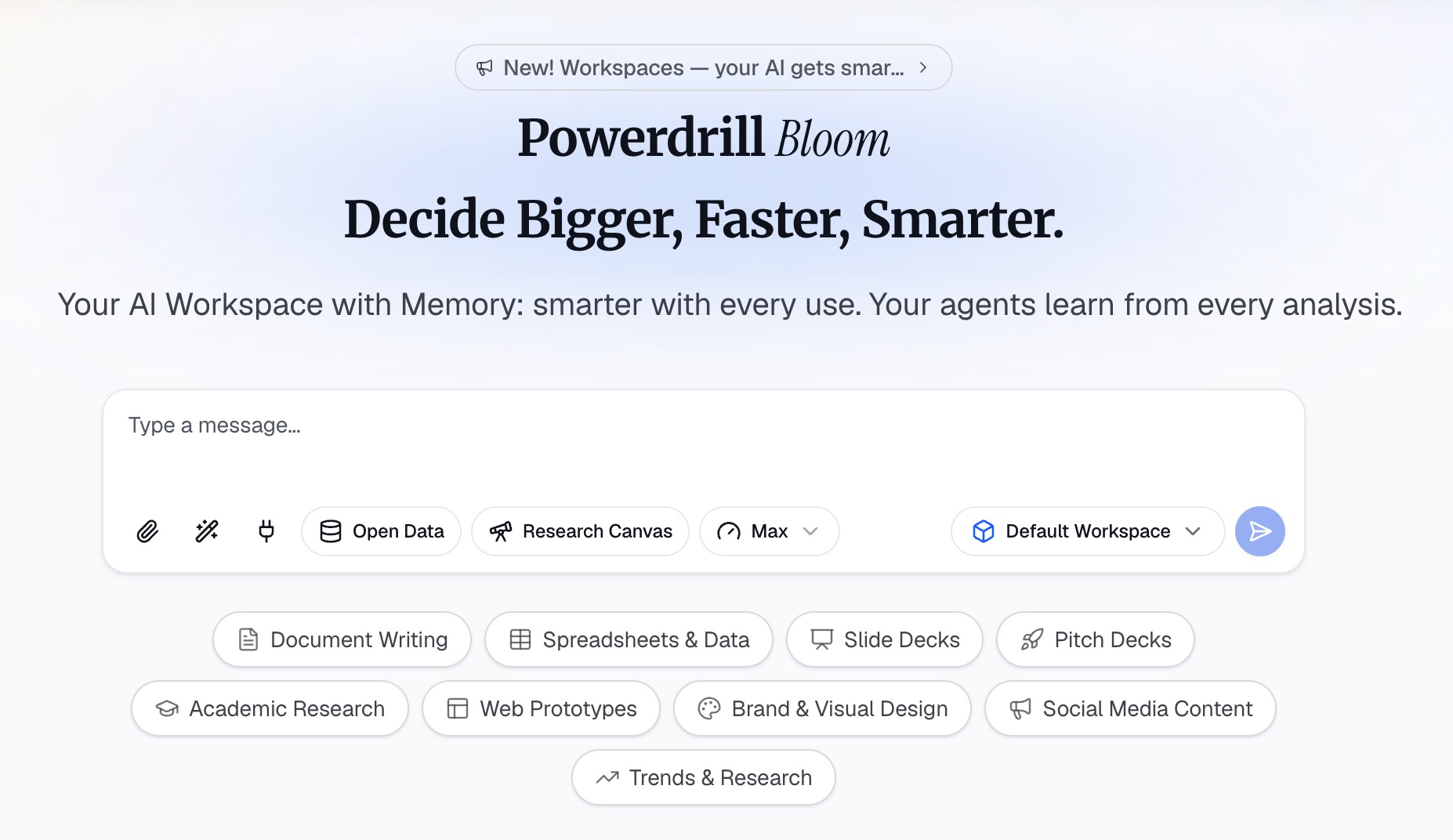
Much of the work in a case study presentation is the analysis: reading the case, working the numbers, and building charts. AI is useful for that work, as long as you check every number. The steps below use Powerdrill Bloom, but the same approach works with any assistant that can read your files.
Step 1: Upload the case, the data, and the brief
Upload the case document as a PDF or a Word file. Add any data that came with it, such as an Excel or CSV file with sales, costs, or survey results.
Then paste the brief into the chat: the question you must answer, the time limit, and any required sections. Add one line on the audience, such as "a panel of two managers" or "my strategy class."
Ask the AI for a fact summary before any analysis. Ask for the decision maker, the key stakeholders, the constraints, and the dates. Check the summary against the case text, because every later step builds on it.
Step 2: Find the core problem and test the options
Ask the AI to list the symptoms in the case, then the likely causes behind each one. Then ask it to test each cause against the data. A question in natural language works well, such as "Which product line drove the drop in margin between year one and year two?"
Ask for one chart per finding, with a one-sentence caption that states the takeaway. The AI findings generator page shows how findings are drafted from data.
Next, list two to four realistic options and the criteria you will judge them by, such as cost, speed, and risk. Ask the AI to score each option against each criterion and show its working. Then pick the option yourself and note why.
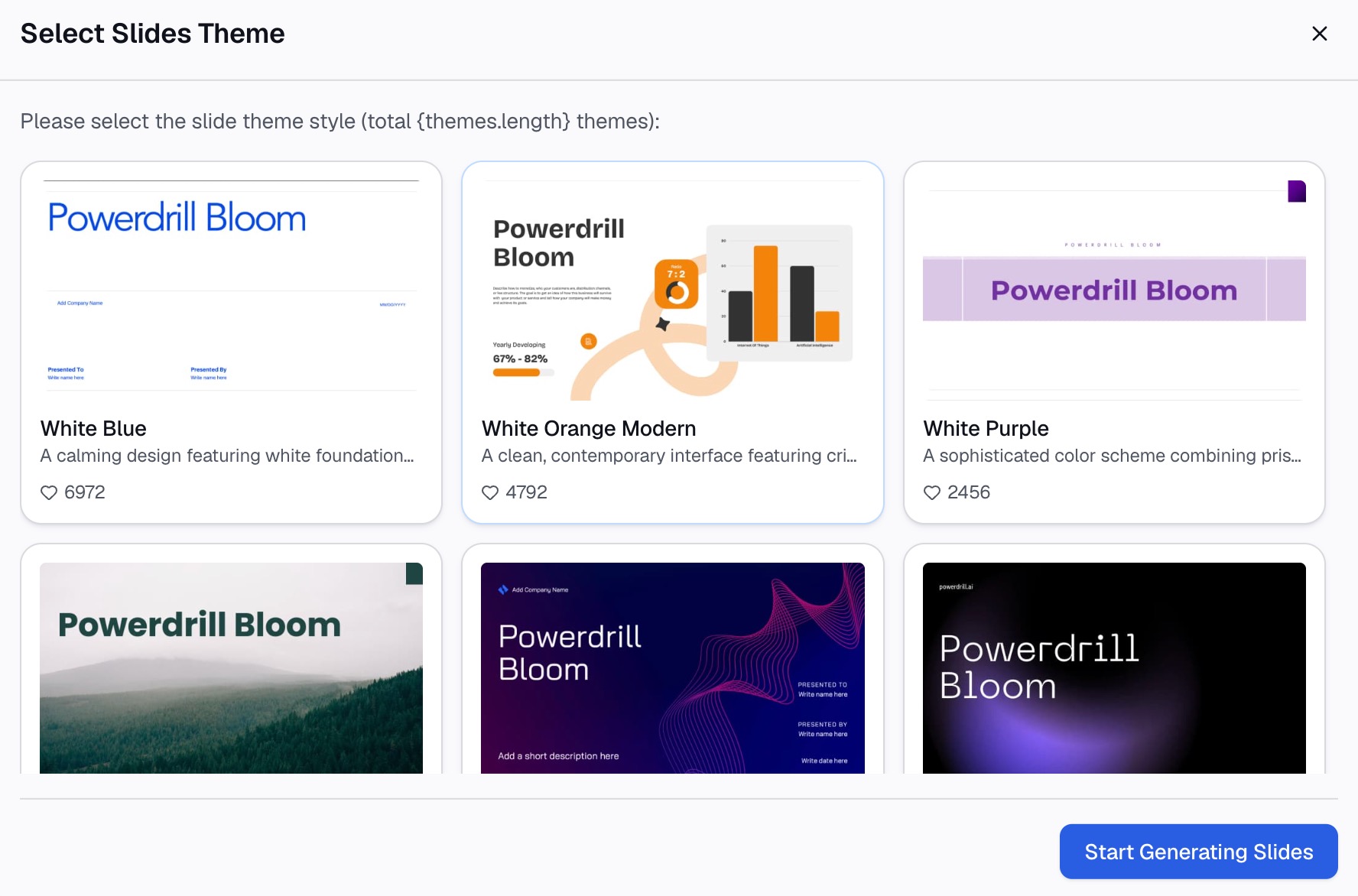
Step 3: Build the slides around the recommendation
Ask for a slide outline that follows the structure table above. Give each slide a title that states its point, not just its topic. Our guide to takeaway slide titles shows the difference.
Place the charts from Step 2 on the analysis slides, one chart per slide. Put the recommendation on slide two, then return to it at the end. Ask for speaker notes for each slide, so you can talk to the slide instead of reading it.
Finish with a read-through at full size. Check that every number on the slides matches the data, and that each chart has readable labels. Keep extra tables for backup slides in case the panel asks for them.
Slide design rules that keep a case readable
A case study presentation carries a lot of evidence, so design for the back of the room. Microsoft's guidance on effective presentations gives clear rules:
- Font size. "Try to avoid using font sizes smaller than 18 pt," and go larger for a big room.
- Short lines. Use bullets or short sentences, and "try to keep each to one line."
- Chart labels. "Use only enough text to make label elements in a chart or graph comprehensible."
- Contrast. Use high contrast between the background color and the text color.
- Spelling. Check spelling and grammar before you present.
Microsoft also explains why short text matters: "You want your audience to listen to you present your information, rather than read the screen." The slide is a cue for you, not a script for them.
Case study presentation example
Here is an illustrative outline for a 10-minute case study presentation. The company and every number are examples, not results from a real case.
The case. A regional bike rental company saw bookings rise 15% in a year while revenue fell 8%. The owner must decide what to change before the next season.
- Slide 1, title and summary: "Shift to Weekly Passes and Raise Weekend Prices to Restore Revenue."
- Slide 2, introduction: The owner, the two-year data, and the core question.
- Slide 3, analysis: A chart showing bookings up and revenue down, split by rental length.
- Slide 4, analysis: A chart showing that one-hour rentals grew fastest and carry the lowest price per hour.
- Slide 5, options: Raise hourly prices, add weekly passes, or cut the fleet, scored on revenue, risk, and speed.
- Slide 6, recommendation: Weekly passes plus a weekend price change, with the expected effect on revenue.
- Slide 7, implementation: What changes in March, April, and May, and what to watch in each month.
- Slide 8, conclusion: The problem, the answer, and the first step.
The title states the recommendation, so the panel knows the answer from the first slide. The analysis slides then show why the symptom, falling revenue, has a different cause than it first seems.
How to present a case study in an interview
Interview cases test your process as much as your answer. Boston Consulting Group's careers page describes the task: "structure your approach, ask thoughtful questions, analyze data, perform quick calculations, and identify the most important factors."
BCG also says there is not always a single right answer. In its words, "what matters most is how you approach the problem and the quality of your reasoning." So narrate your reasoning, not just your result.
A few habits help in the room:
- Open with the answer. State your recommendation in the first minute, then walk through the evidence.
- Clarify assumptions. If the case leaves a gap, state your assumption and say how it affects the result.
- Show the math. Put the key calculation on a slide so the panel can follow it.
- Prepare for questions. Our guide on how to answer data questions in a presentation covers the follow-up round.
- Stay on time. Microsoft's advice applies: "If you plan a certain amount of time for your presentation, don't go over."
Common mistakes to avoid
- Retelling the case. The panel already knows the story. Spend your time on analysis and the recommendation.
- Treating a symptom as the problem. A drop in sales is a symptom until the data shows its cause.
- Options without criteria. Without stated criteria, the recommendation looks like a preference rather than a conclusion.
- Charts without a takeaway. Each chart needs a caption that says what it shows.
- Unchecked numbers. AI drafts save time, but every figure on a slide should match the case data.
- Reading the slides aloud. Microsoft's advice is short: "Don't read the presentation." Practice until you can speak from the bullet points.
When your case and data are ready, you can try Powerdrill Bloom to draft the findings, charts, and slides for your next case study presentation.
Frequently asked questions
What is a case study presentation?
A case study presentation explains a real or realistic situation and recommends what to do about it. It covers the key facts, the core problem, the analysis, the options, and a recommendation. Students, job candidates, and sales teams all use the format.
How do you structure a case study presentation?
A common order is title and executive summary, introduction, analysis of the problem, decision criteria and options, recommendation, implementation, and conclusion. That order follows the UNBC Academic Success Centre's case analysis guide. Put your recommendation near the front.
How do you start a case study presentation?
Start with a title that states your recommendation, then give a short overview of the key facts and the core problem. USC's guide says the introduction should cover the main facts, issues, and core problems of the case.
How many slides should a case study presentation have?
It depends on your time limit, so check the brief first. The structure table in this guide adds up to 8 to 14 slides as a planning range, with two to four for the analysis. Keep detailed tables in backup slides for questions.
How do I prepare a case study presentation for an interview?
Practice structuring a problem, working with data, and doing quick calculations aloud. BCG says what matters most is how you approach the problem and the quality of your reasoning. Open with your recommendation, then show the evidence.
Sources: USC Libraries, Writing a Case Analysis Paper · UNSW Business School, Writing a case analysis · Sheffield Hallam University, Structuring your case study · UNBC Academic Success Centre, Guide to Case Analysis · BCG Careers, Case Interview Preparation · Microsoft Support, Tips for creating and delivering an effective presentation.