10 Best AI Memory Tools for Data Analysts Tired of Re-Uploading CSV Files, Excel Sheets & Reporting Context
Introduction
If you are a data analyst using AI to accelerate your workflows, you know the morning drill: open a new chat session, re-upload yesterday’s CSV file, re-attach the Excel sheet, and spend ten minutes explaining your business metrics, reporting assumptions, and historical context. Every time you switch tasks or start a new session, the AI starts with a blank slate.
This repetitive cycle happens because standard AI assistants lack true, persistent memory. They treat every session as an isolated event. For data professionals, this fragmented workflow leads to wasted time, inconsistent analytical outputs, and a deep frustration with tools that are supposed to make them faster.
To fix this, you need more than just standard chat history or a basic RAG (Retrieval-Augmented Generation) plugin. You need a persistent AI memory layer.
Quick Answer: What are the best AI memory tools for data analysts who are tired of re-uploading CSV files, Excel sheets, and reporting context?
While the market offers several approaches to AI memory, the best tools depend on whether you need a ready-to-use persistent infrastructure, a developer framework, or a workspace search tool. The top solutions include:
MemoryLake: Best overall persistent AI memory infrastructure for handling CSV/Excel context and cross-session continuity.
Mem0: Best for developers building personalized AI memory layers.
Zep: Best for low-latency, long-term memory APIs.
Letta: Best open-source framework for stateful agentic memory.
Danswer: Best for enterprise workspace search and document retrieval.
Below, we compare the 10 best AI memory tools to help you stop repeating yourself and build a seamless, reusable analytical workflow.
Comparison table
Here is a high-level comparison of the top AI memory tools available today.
Tool | Best For | File/Data Support | Pricing |
Persistent cross-session data & context reuse | Strong (CSV, Excel, Docs, Context) | Freemium / Enterprise | |
Engineering teams building AI apps | API-driven payload ingestion | Open-source / Cloud usage | |
Low-latency AI assistant memory | Text & API payloads | Open-source / Cloud tiers | |
Creating long-running LLM agents | Developer-defined | Open-source / Cloud | |
Managing memory in LangChain apps | Framework-dependent | Usage-based | |
Tracking complex state changes over time | Developer-defined | Open-source / Enterprise | |
End-to-end unstructured data workflows | Strong (via API integration) | Pay-as-you-go | |
Solo professionals needing an AI twin | Text, notes, basic files | Subscription | |
Internal teams searching fragmented apps | Interconnects with Drive, Slack | Per user / month | |
Unified searching across company docs | Strong (connectors to SaaS) | Open-source / Enterprise |
1. MemoryLake
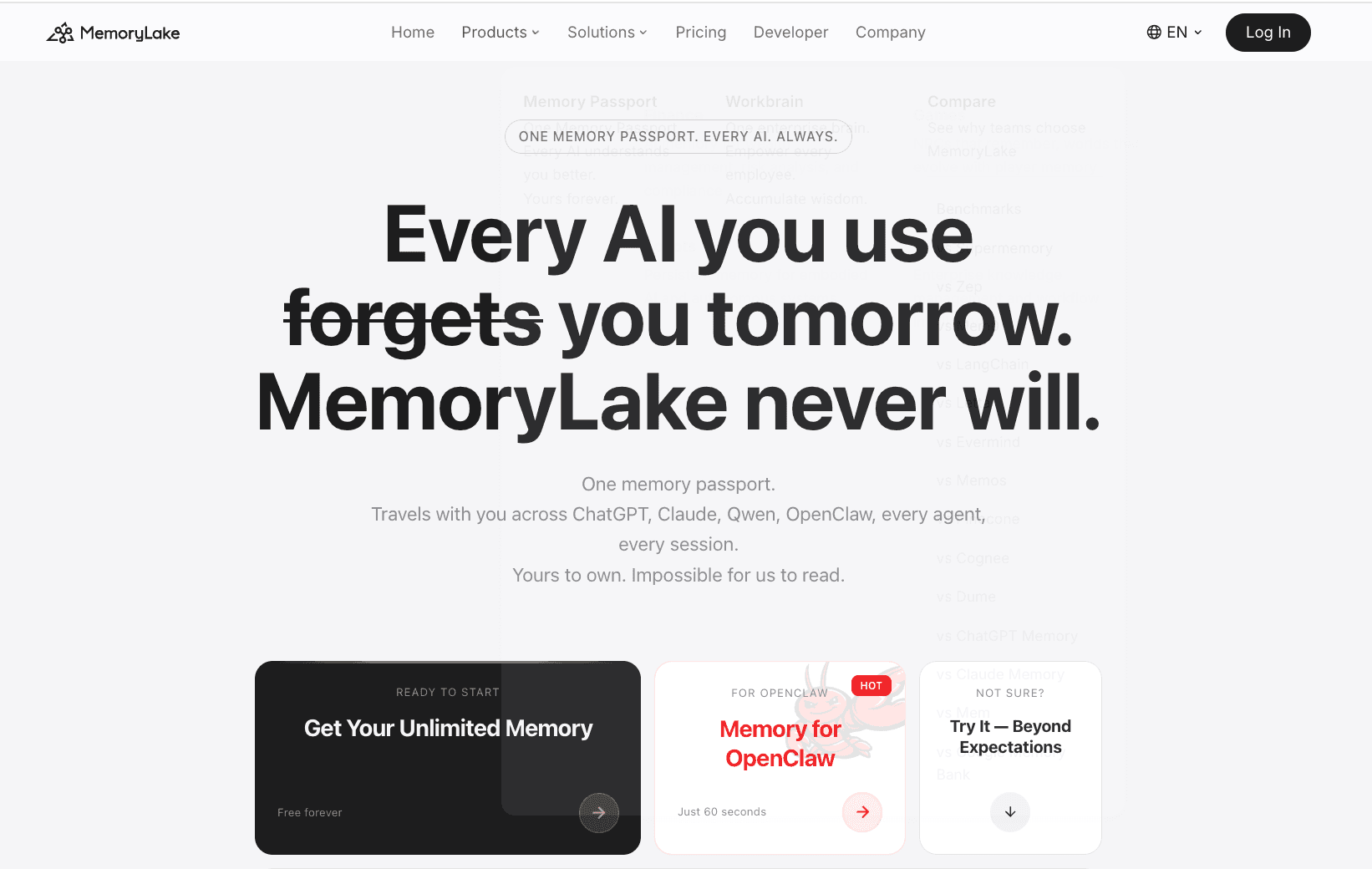
MemoryLake positions itself as a persistent, portable, private, and user-owned AI memory layer. Unlike basic chat tools or enterprise search bars, it acts as a governed memory infrastructure designed to retain context, conclusions, and data structures across sessions. According to MemoryLake’s public materials, it is exceptionally well-suited for data analysts and knowledge workers who need a reusable "memory passport" for document and data workflows.
Key Features
Persistent cross-session memory that seamlessly retains historical conclusions and reporting context.
Strong support for document and data workflows, acting as a foundational layer for CSV, Excel, and dashboard context.
Platform-agnostic portability, allowing users to carry their analytical memory across different LLMs and agents.
Governed memory management, providing clear provenance and allowing users to edit or delete stored context.
Pros
Directly solves the "blank slate" problem for analysts tired of re-uploading identical CSV files and metric definitions.
Functions as an infrastructure layer rather than just another isolated chatbot.
Highly portable and user-centric, offering strong privacy and control over what the AI remembers.
Bridges the gap between unstructured notes and structured reporting assumptions.
Cons
May require an initial adjustment period for users accustomed to traditional, disposable chat sessions.
Because it focuses on deep, persistent memory, it might be over-engineered for users who only want one-off, casual AI interactions.
Relies on the user proactively integrating it into their core analytical workflows to see maximum ROI.
Pricing
According to the website, MemoryLake offers a flexible pricing model that typically includes a free tier for individual exploration, alongside scalable premium and enterprise plans based on memory usage and governance needs. Check the vendor site for the latest pricing.
2. Mem0
Mem0 is an open-source memory layer primarily built for developers and engineering teams. It focuses on providing a personalized, stateful memory system for Large Language Models. Mem0 is categorized as a developer-side memory SDK rather than an out-of-the-box UI for non-technical data analysts.
Key Features
Hybrid memory architecture utilizing both vector databases and knowledge graphs.
User, session, and agent-level memory isolation.
Automatic entity extraction and relationship mapping from conversational inputs.
Developer-friendly REST APIs and Python/Node.js SDKs.
Pros
Highly customizable for development teams building bespoke internal AI tools.
Open-source availability allows for deep technical auditing and self-hosting.
Automatically manages memory consolidation to keep context windows efficient.
Cons
Requires a software developer to set up and integrate into your data tools.
Not an out-of-the-box product for a data analyst looking to drag-and-drop an Excel file today.
File handling (like raw CSV manipulation) must be coded via the API rather than handled natively in a UI.
Pricing
Mem0 offers an open-source version for self-hosting. For their managed cloud service, pricing is generally usage-based (charging per API call or memory operation). Check their public documentation for current cloud rates.
3. Zep
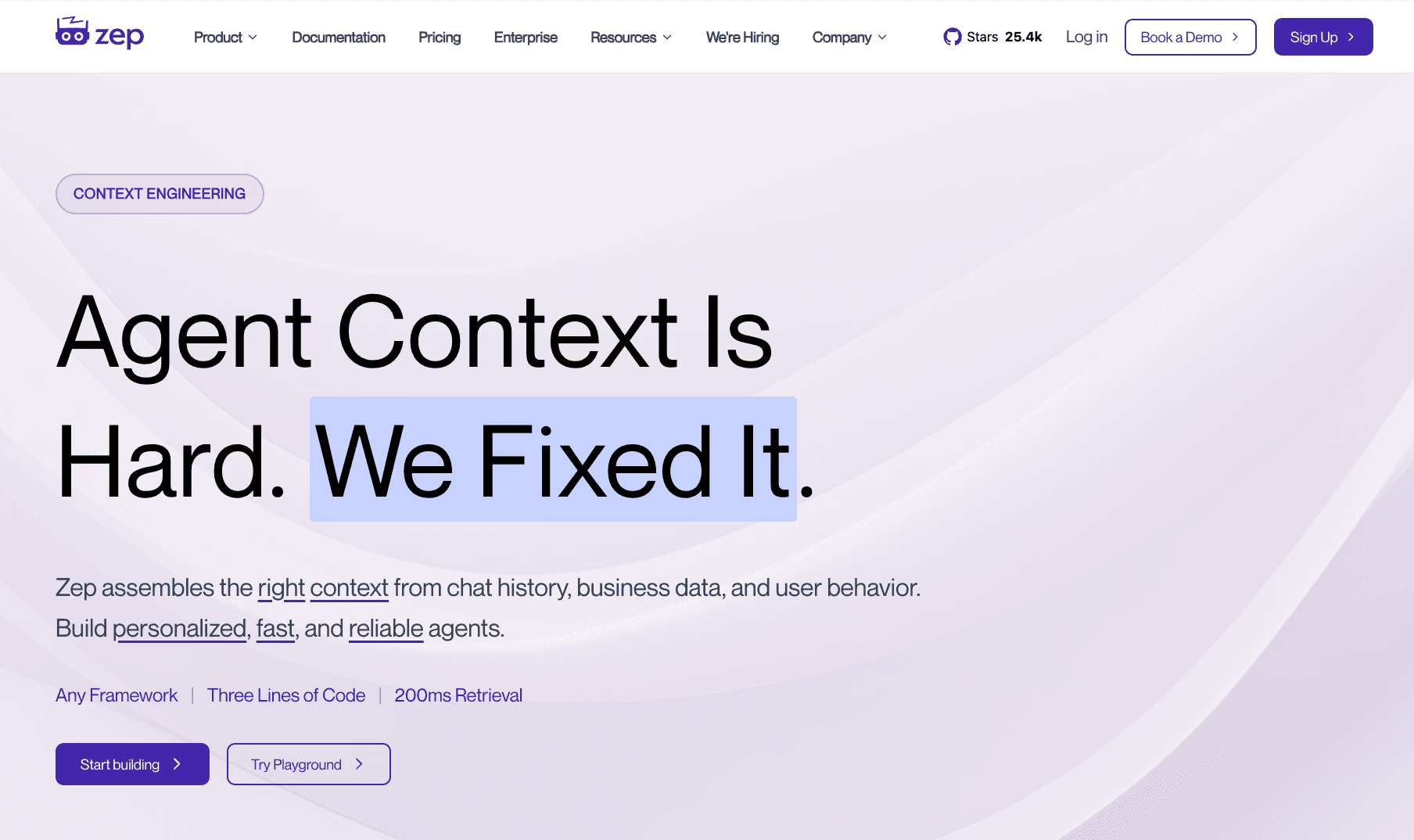
Zep is a fast, low-latency API designed to give AI assistants long-term memory. It acts as a specialized backend service that silently extracts facts, summarizes conversations, and retrieves relevant context before sending prompts to the LLM. It is best suited for application developers who want to reduce latency and prompt token costs in high-volume AI applications.
Key Features
Asynchronous fact extraction and summarization running in the background.
Extremely low-latency retrieval designed to not bottleneck AI response times.
Vector search capabilities integrated with conversational history management.
SDKs available in Python, TypeScript, and Go.
Pros
Excellent performance and speed, minimizing the delay in AI applications.
Reduces LLM costs by summarizing and pruning old conversations intelligently.
Open-source core allows developers to run it locally or on-premise for data privacy.
Cons
Strictly a developer infrastructure tool; no front-end interface for data analysts to interact with directly.
Focuses heavily on conversational text memory rather than structured data file (CSV/Excel) continuity.
Requires engineering resources to maintain and integrate with internal BI tools.
Pricing
Zep provides an open-source Community Edition for free self-hosting. They also offer Zep Cloud, which features custom pricing tiers based on memory usage, active users, and enterprise SLA requirements. Contact sales for precise cloud figures.
4. Letta
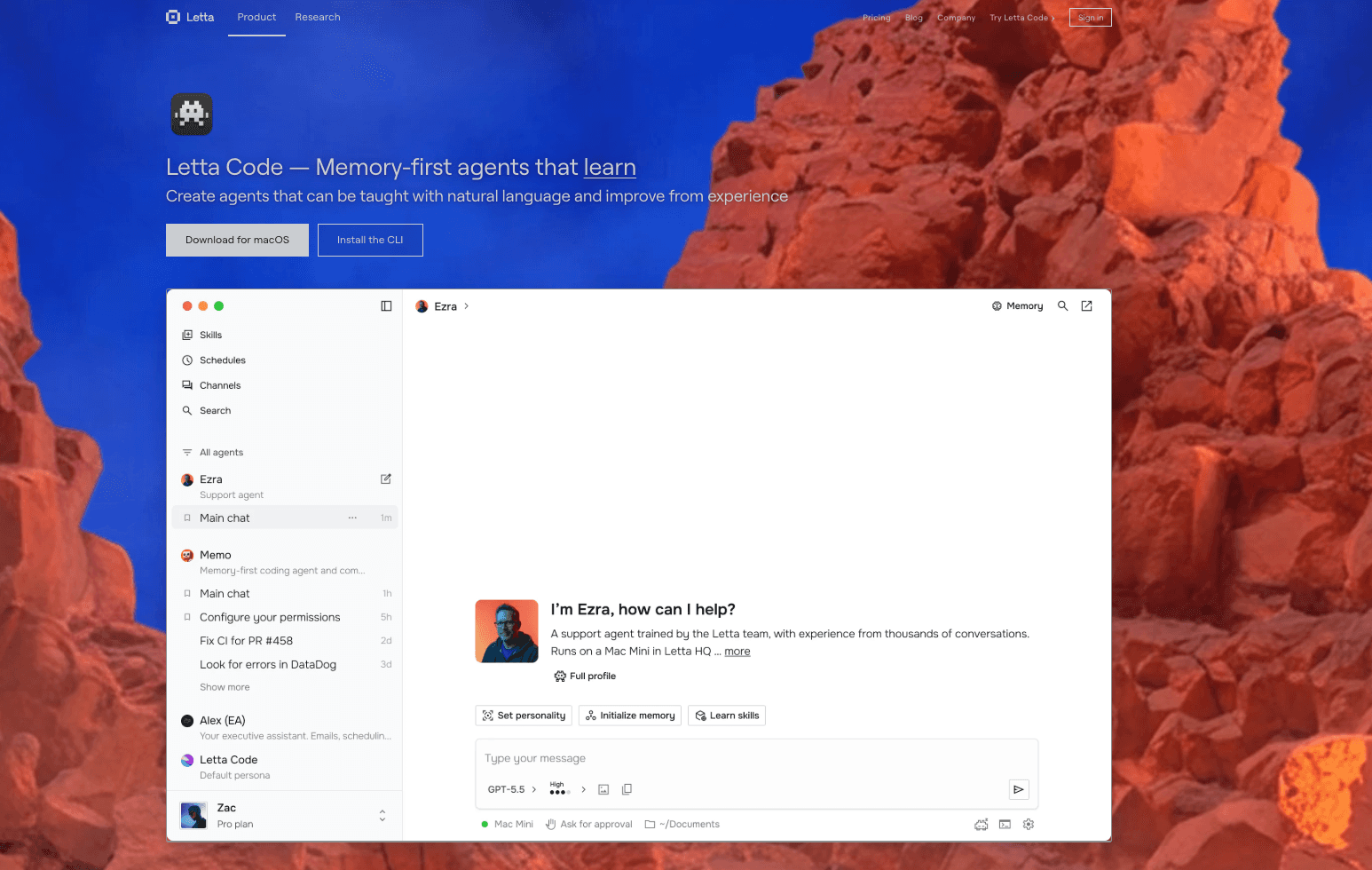
Letta is the commercial evolution of the popular open-source project MemGPT. It provides an advanced framework for creating stateful LLM agents by mimicking traditional computer operating system memory (paged memory architecture). It is an excellent choice for developers who want to build AI agents that can run continuously and manage their own context dynamically.
Key Features
Tiered memory system (Main Context vs. External Context) managed directly by the LLM.
Allows AI agents to autonomously decide when to write to or read from memory.
Strong support for infinite-context chat applications and long-running autonomous tasks.
Built on the proven, research-backed MemGPT architecture.
Pros
One of the most advanced technical approaches to the LLM context window limitation.
Agents can self-manage memory, reducing the need for manual prompt engineering by the user.
Strong open-source community and active development pipeline.
Cons
Highly technical; requires a strong understanding of agentic architectures to deploy effectively.
The autonomous memory management can sometimes make provenance (understanding why the AI remembered something) opaque.
Not designed as a simple drag-and-drop solution for everyday data analysts.
Pricing
Letta’s core framework is open-source and free to use. According to public documentation, they are developing cloud-hosted management tools, for which enterprise custom pricing or contact-sales models apply.
5. LangMem
LangMem is a memory management solution developed by the LangChain team. It is designed specifically to bring long-term memory and statefulness to applications built within the LangChain and LangGraph ecosystem. It targets AI developers who are already utilizing LangChain to build multi-agent workflows and need a native way to persist state.
Key Features
Deep, native integration with LangChain and LangGraph frameworks.
Extracts core memories and user profiles from conversation logs asynchronously.
Supports multiple memory types, including semantic memory and episodic memory.
Allows programmatic updating and querying of memory states.
Pros
Seamless fit for engineering teams already heavily invested in the LangChain ecosystem.
Flexible enough to handle complex, multi-step analytical agent workflows.
Backed by one of the most prominent organizations in the AI orchestration space.
Cons
Locks you tightly into the LangChain framework, which may not suit all enterprise architectures.
Requires developer implementation; analysts cannot simply plug their CSVs into it without an app built around it.
Configuration can be complex due to the sheer number of options in the LangChain ecosystem.
Pricing
LangMem is generally available as part of the broader LangSmith platform suite. Pricing varies by usage (traces, API calls, and data retention), with a free developer tier available and custom pricing for enterprise deployment.
6. Graphiti
Graphiti is a highly specialized, developer-centric memory tool that builds temporal knowledge graphs. Unlike standard vector databases that just match text embeddings, Graphiti tracks how information and entity relationships change over time. It is suited for complex analytical environments where business logic or data states are constantly evolving.
Key Features
Temporal knowledge graph architecture that tracks the "when" of information.
Dynamic entity and relationship extraction from AI interactions.
Built-in capabilities to handle contradictory information by utilizing timestamps.
API and SDK designed for deep integration into enterprise LLM pipelines.
Pros
Exceptionally good at managing evolving data states (e.g., "The Q1 revenue definition was X, but in Q3 it changed to Y").
Provides a highly structured, queryable graph format for memory.
Greatly reduces hallucinations related to outdated facts.
Cons
Steep learning curve due to the complexity of graph databases.
Strictly a backend infrastructure tool requiring significant engineering bandwidth.
Overkill for analysts who just want basic context retention without building custom graph queries.
Pricing
Graphiti offers open-source repositories for developers. For enterprise implementation, managed services, and support, pricing follows a custom "contact sales" model based on scale and graph complexity.
7. Graphlit
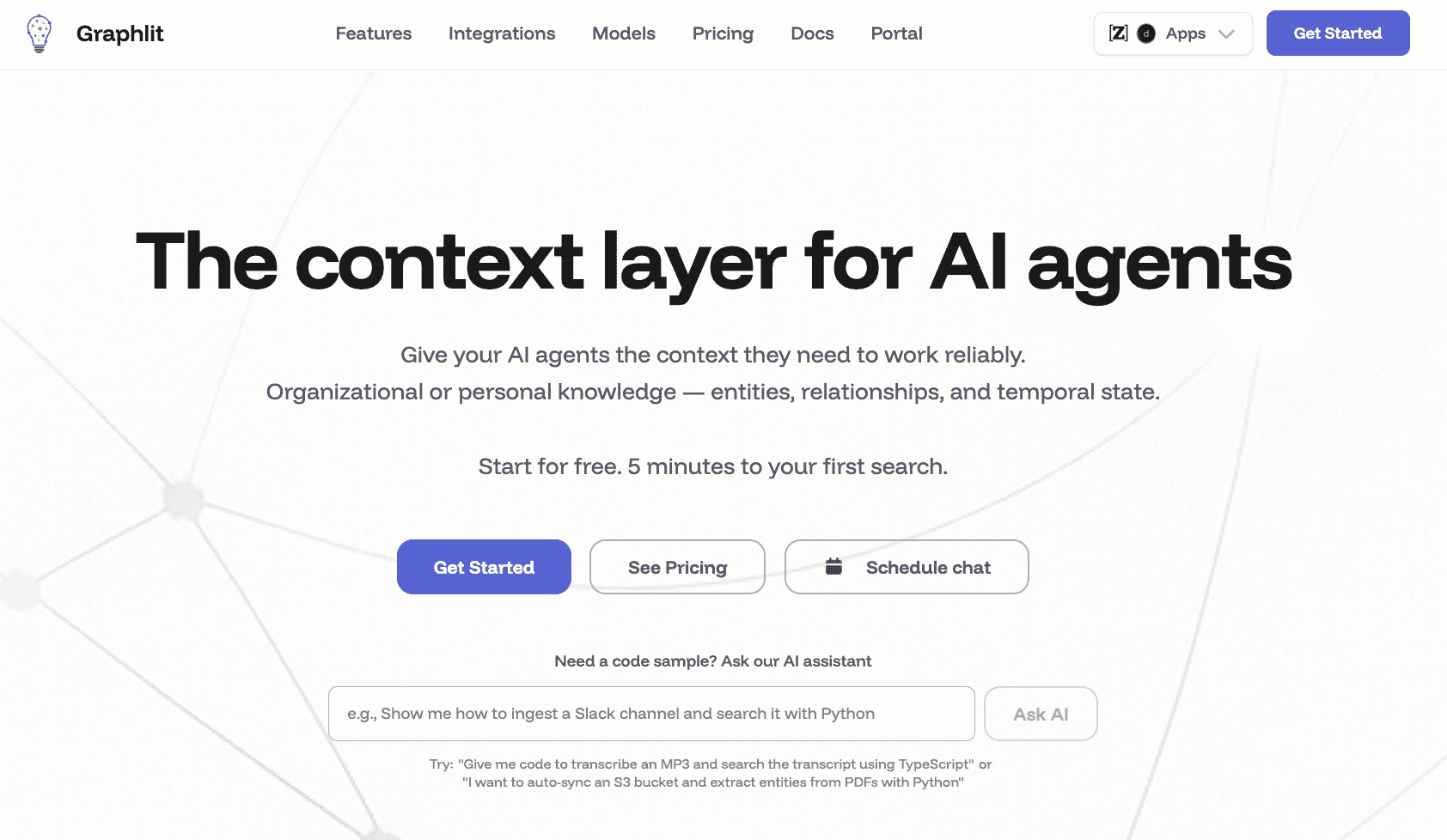
Graphlit is an API-first knowledge management platform designed to accelerate the development of RAG (Retrieval-Augmented Generation) applications. It acts as an end-to-end data ingestion and retrieval layer, helping developers connect unstructured data from multiple sources to LLMs. It leans more toward workspace retrieval than personalized user memory.
Key Features
Out-of-the-box data connectors for SharePoint, Google Drive, Slack, and websites.
Automated data ingestion pipelines encompassing OCR, transcription, and chunking.
Managed vector and graph database search capabilities.
REST and GraphQL APIs for seamless application integration.
Pros
Massively reduces the time required to build enterprise data pipelines for AI.
Handles diverse file types (PDFs, audio, text) efficiently.
Centralizes fragmented company knowledge into a single queryable API.
Cons
Operates more like an enterprise search API than a persistent, cross-session memory tool for an individual analyst's specific workflow.
Requires developer setup to create a user-facing application.
May struggle with deep, session-based contextual reasoning compared to dedicated memory infrastructures.
Pricing
Graphlit utilizes a pay-as-you-go cloud pricing model based on data storage, ingestion volume, and API requests. A free trial or free tier is typically available for prototyping.
8. Personal AI
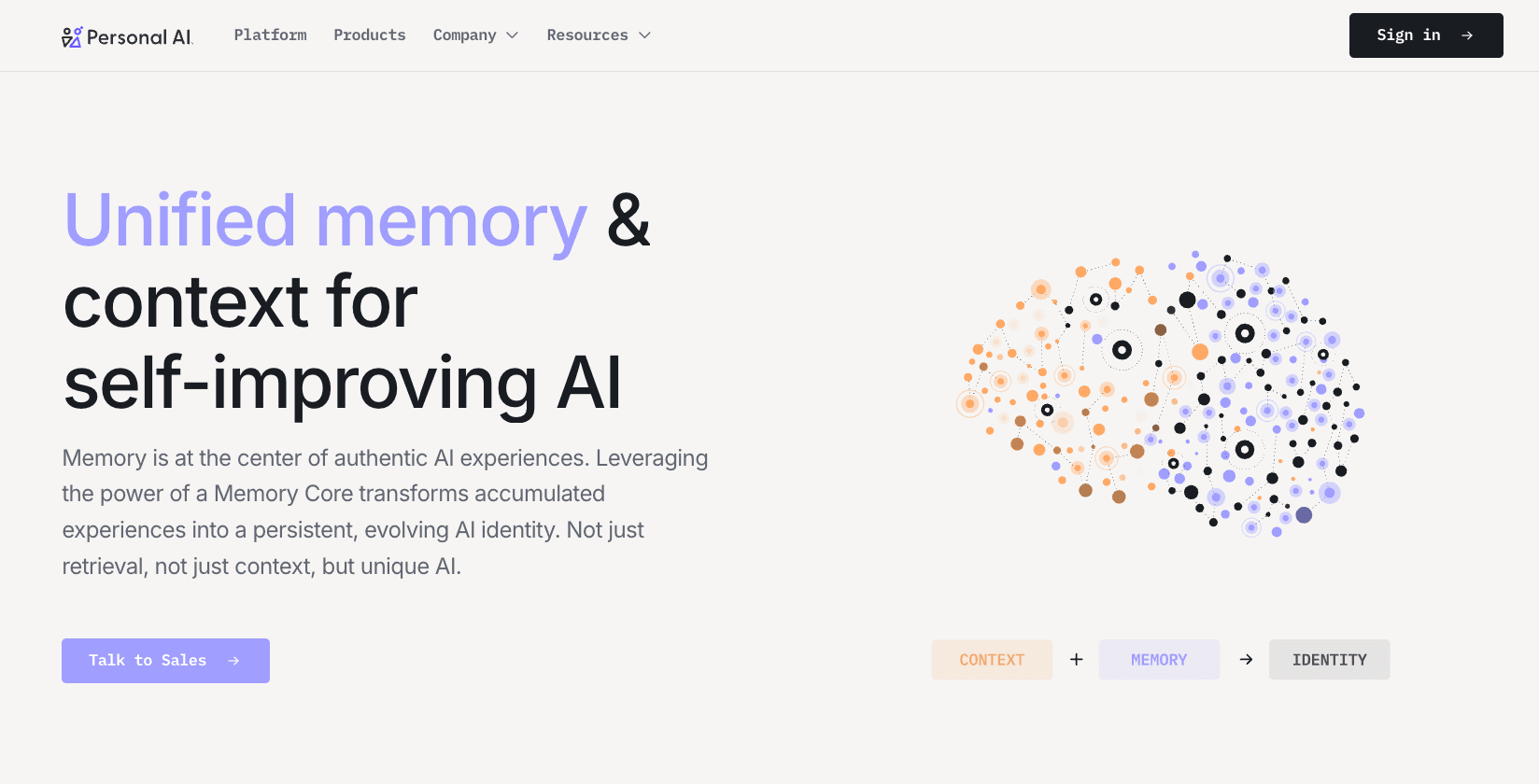
Personal AI is a platform designed to create a digital "AI Twin" of the user. It is built for personal knowledge management (PKM), allowing solo professionals, consultants, and creators to train a model on their own messages, notes, and documents. While useful for personal continuity, it is less focused on heavy, structured enterprise data workflows.
Key Features
Continuous learning from user inputs, messages, and uploaded documents.
Creates a unique AI persona that mimics the user's voice and knowledge base.
"Memory Blocks" architecture that organizes personal facts and communications.
Integrations with SMS, standard chat apps, and web interfaces.
Pros
Incredibly user-friendly for individuals wanting a "second brain."
Excellent for retaining personal notes, preferences, and unstructured text over long periods.
Does not require a developer to set up; ready to use out-of-the-box.
Cons
Not designed specifically for complex data analyst workflows, CSV parsing, or BI integration.
Focuses more on mimicking user communication than acting as an objective analytical memory infrastructure.
Limited capabilities for enterprise governance and multi-user data provenance.
Pricing
Personal AI offers a subscription-based model with a free tier for basic usage. Premium plans (billed monthly or annually) unlock more memory capacity, advanced models, and additional integrations.
9. Klu
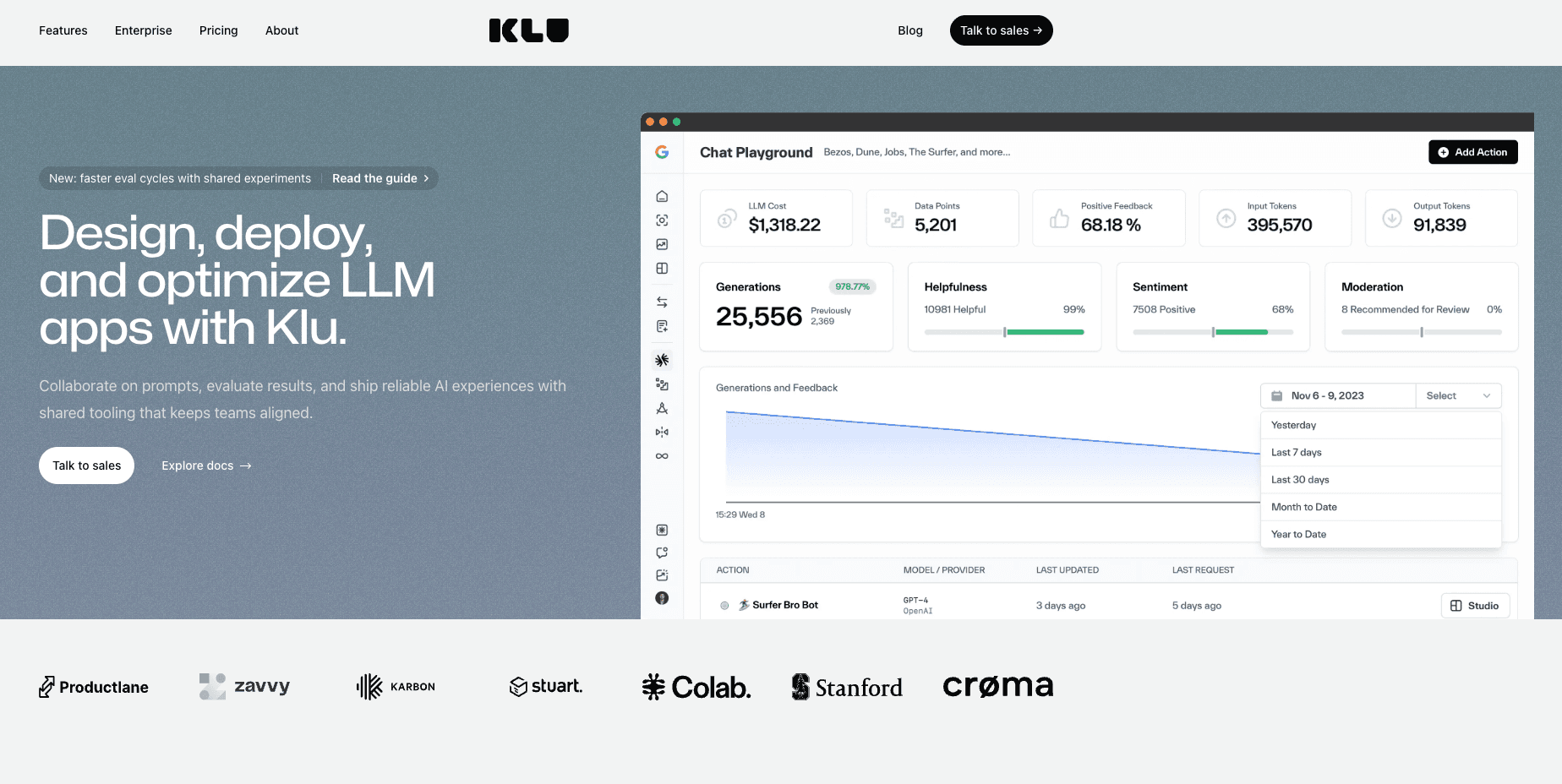
Klu is a generative AI app platform that heavily emphasizes workspace search and internal application building. It allows teams to connect their existing SaaS tools and instantly build AI chat interfaces on top of that company data. Klu sits clearly in the category of workspace retrieval and internal app enablement.
Key Features
Extensive native integrations with tools like Google Drive, Slack, Notion, and Jira.
No-code/low-code interface for building custom internal AI applications.
Unified enterprise search capabilities to locate files across the tech stack.
Built-in prompt management and analytics dashboards.
Pros
Great for finding "lost" documents and files across a messy enterprise environment.
Easy for non-technical managers to deploy internal AI apps without writing code.
Brings existing reporting context from Notion or Drive directly into AI prompts.
Cons
Functions more as a sophisticated RAG and search layer rather than a true stateful memory for ongoing analysis.
Does not natively remember the conclusions of your active cross-session analysis, only the source files.
Can become expensive as user seats and connected apps scale.
Pricing
Klu offers tier-based SaaS pricing, typically starting with a free plan for individuals or small teams, scaling up to Pro and Enterprise plans based on the number of users, apps connected, and custom requirements.
10. Danswer
Danswer is an open-source enterprise search and unified workspace tool. It is designed to connect to all your company's internal tools and provide a secure, ChatGPT-like interface grounded exclusively in your corporate data. Like Klu, it is highly retrieval-centric, focusing on discovering existing documents rather than manipulating active persistent memory.
Key Features
Open-source enterprise search with strong access-control and permission handling.
Direct connectors to over 30+ enterprise tools (Confluence, GitHub, Slack, etc.).
Generative AI chat interface grounded by retrieved company documents.
Self-hosting capabilities to ensure strict corporate data privacy.
Pros
Exceptional for companies that need secure, local enterprise search without sending data to third parties.
Open-source nature allows for complete customization and security auditing.
Strong permission handling ensures users only see data they are authorized to view.
Cons
It is an advanced search engine (RAG), not a persistent analytical memory layer.
Does not naturally carry the nuanced, evolving context of a multi-day data analysis workflow across sessions.
Requires IT or DevOps to deploy and maintain if self-hosting.
Pricing
Danswer is fundamentally open-source and free to self-host. For organizations lacking DevOps resources, they offer Danswer Cloud, which features custom enterprise pricing based on deployment scale and support needs. Check their website to contact sales.
Which type of tool is best for which analyst workflow?
As you can see, the term "AI memory" covers a broad spectrum of technologies. To choose the right one, you must match the tool to your specific operational needs:
Best for persistent memory infrastructure: MemoryLake. If your goal is to stop re-uploading CSVs and context, and you need a user-owned layer that works across sessions and tools, MemoryLake offers the most complete infrastructure out-of-the-box.
Best for developer teams building internal tools: Mem0 and Zep. If your company has a dedicated engineering team looking to build a custom data assistant with backend memory APIs, these SDKs are industry standards.
Best for stateful agent experimentation: Letta and LangMem. If you are trying to build autonomous data agents that run for days and manage their own context, these frameworks provide the necessary architecture.
Best for unified workspace search: Danswer and Klu. If the problem isn't "retaining analytical context" but rather "I can't find the Q3 Excel sheet in Google Drive," these retrieval-focused tools are the ideal solution.
Best for personal note management: Personal AI. If you want an AI that learns your personal writing style and individual notes, rather than heavy data workflows.
Why data analysts keep re-uploading the same CSV files, Excel sheets, and reporting context
If you feel like you are constantly babysitting your AI assistant, you are not alone. Data analysts face a unique set of challenges when it comes to AI context:
The Stateless Nature of Chatbots: Most popular AI chatbots are fundamentally stateless. Once the context window closes or you hit "New Chat," the AI completely forgets the intricate dashboard metrics and metric definitions you just established.
File Chat is Not True Memory: Uploading a CSV or Excel file to an AI chat creates a temporary, session-bound reference. It allows the AI to read the file right now, but it does not store the underlying business logic, the derived conclusions, or the data structure for future, cross-session use.
RAG Limits: Traditional Retrieval-Augmented Generation (RAG) is great for searching large text documents, but it struggles with structured data (like CSVs) and nuanced reporting context. RAG pulls text snippets; it doesn't actively "remember" the evolving conclusions of an ongoing data analysis.
Workflow Fragmentation: Analysts use multiple tools (BI platforms, SQL editors, Python notebooks). Without a centralized, portable AI memory layer, the context generated in one tool cannot seamlessly travel to another.
How to choose the right AI memory tool
When choosing an AI memory platform, data analysts need to evaluate their daily friction points. If you find yourself maintaining a "cheat sheet" of prompt instructions, metric definitions, and historical conclusions just to paste into ChatGPT every morning, standard RAG tools or workspace search engines won't fully solve your problem. You are facing a statefulness issue, not a search issue.
Here are the key trade-offs to consider:
Build vs. Buy: Developer SDKs (Mem0, Letta) offer limitless customization but require an engineering team. Ready-to-use infrastructures provide immediate workflow relief.
RAG vs. Memory: RAG pulls static files. Persistent memory updates its understanding as your analysis evolves over time.
Portability: Can you take your memory to a new LLM tomorrow?
When MemoryLake makes the most sense:
For data analysts dealing with heavy document and data workflows, MemoryLake emerges as a particularly compelling option. According to its positioning, it bridges the gap between raw file uploads and true continuous memory. It is especially well-suited for professionals who need an infrastructure-oriented approach that offers cross-session continuity, transparent provenance, and the ability to reuse complex reporting context without needing to write backend Python code.
Conclusion
The days of treating AI assistants like short-term memory patients should be over. For data analysts, the constant need to re-upload CSV files, attach Excel sheets, and explain reporting context is a massive bottleneck. While workspace search tools like Danswer and developer SDKs like Mem0 serve important roles, they don't always align with the immediate, active workflow needs of an analyst seeking cross-session continuity.
If you are tired of starting from scratch every morning, you need a persistent, user-owned memory layer. By adopting a dedicated AI memory infrastructure, you can turn your AI into a truly stateful analytical partner. We highly recommend evaluating MemoryLake to see how a portable, governed memory layer can permanently fix your broken data workflows and save you hours of repetitive prompting.
Frequently Asked Questions
What is the best AI memory tool for data analysts?
The best tool depends on the user's technical resources. For analysts needing an out-of-the-box persistent memory infrastructure to handle data and reporting context, MemoryLake is a top choice. For developer teams building internal apps, Mem0 or Zep are highly recommended.
How do I stop re-uploading CSV files to AI?
To stop re-uploading CSV files, you need to transition from a stateless chatbot to an AI tool with a persistent memory layer. Tools with strong data workflow integration allow you to upload the file, define its structure, and retain that context as reusable memory across all future sessions.
Can AI remember Excel sheets and reporting context?
Yes, but standard LLMs cannot do this out-of-the-box. You must utilize a dedicated AI memory platform or infrastructure that is specifically designed to store, manage, and retrieve structured data and business assumptions across multiple independent sessions.
Is MemoryLake the same as RAG?
No. While RAG (Retrieval-Augmented Generation) searches a static database of documents to find answers, MemoryLake functions as a persistent memory infrastructure. It actively retains the evolving context, derived conclusions, and statefulness of your ongoing analysis, rather than just acting as an enterprise search bar.
Which tool is best for persistent cross-session memory?
For non-developers focusing on analytical workflows, MemoryLake offers strong cross-session continuity. For developers looking to build this feature into software, Letta (MemGPT) and Mem0 provide excellent frameworks for persisting memory across sessions.