Free Pie Chart Maker
Create beautiful, accurate pie charts online with AI. No design skills or coding required—just enter your data and get instant visuals. Try it free today!
Testar Gratuitamente
Instant Pie Chart Generation
Create pie charts on the fly—no download, no coding. Just upload your data and see results instantly. Skip spreadsheets and formulas—engage charts with just a few clicks.
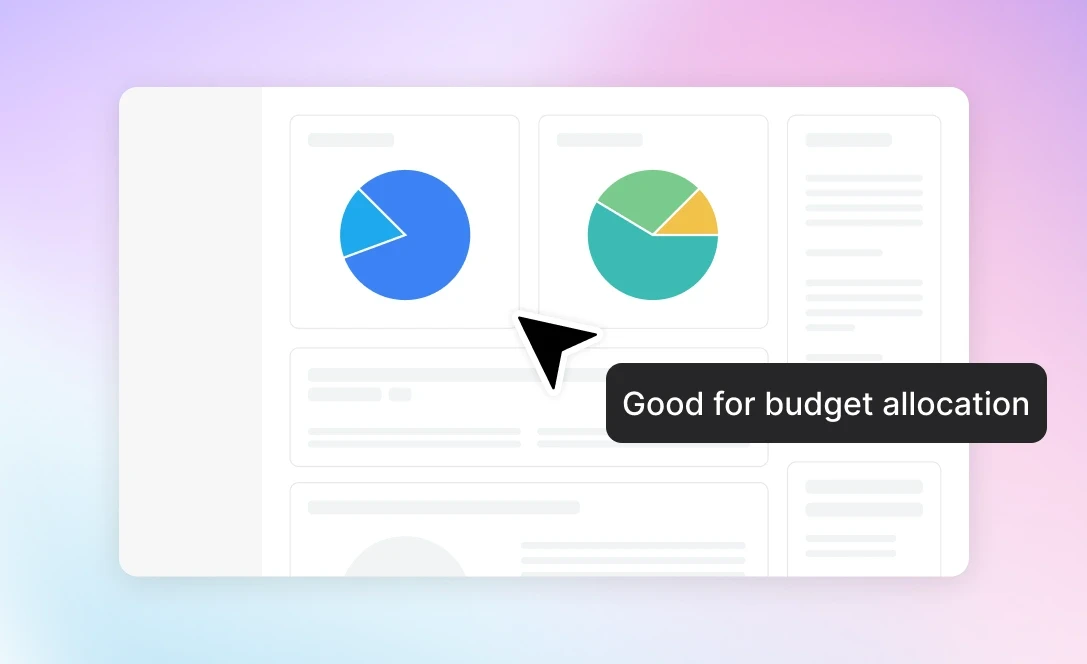
Beautiful&Shareable Pie Charts
Transform your raw data into polished, presentation-ready visuals with zero hassle. Whether you’re impressing clients in a pitch or summarizing insights for your team, these charts are optimized for both clarity and impact.
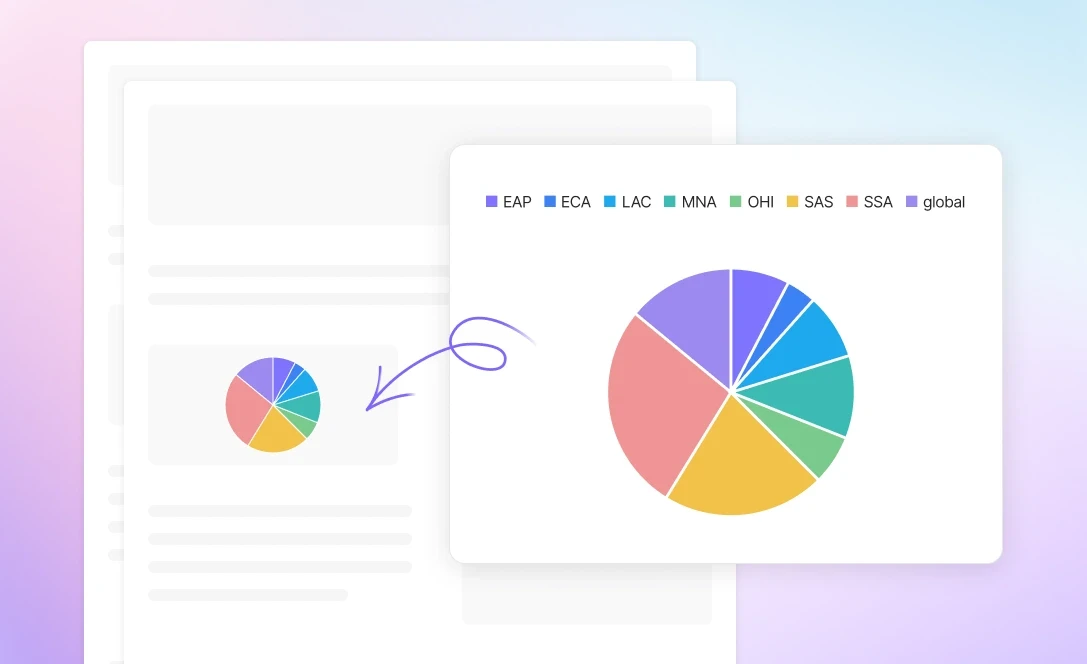
AI-Driven Accuracy and Precision
Ensure every slice of your pie chart is calculated and displayed correctly. Powerdrill's AI engine processes your input with precision—minimizing human error and maximizing data reliability.
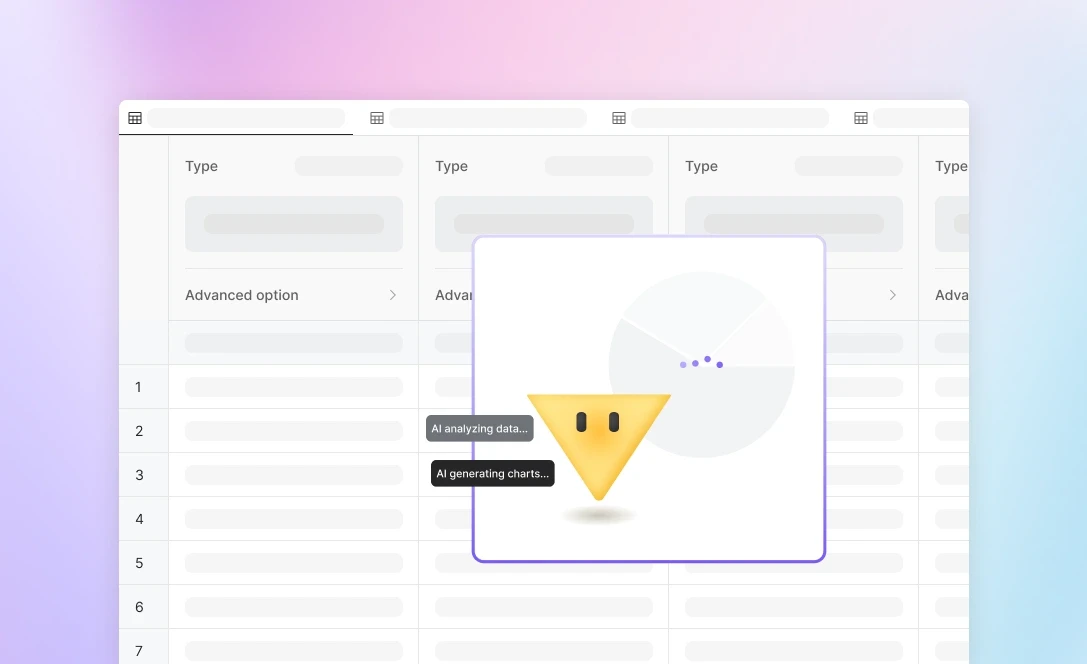
Como funciona
Upload the Data
Upload your data smoothly. Accepts various formats like CSV and Excel. Quick and easy to get started.
Choose the Type of Charts
Select from different chart styles. Customize to match your data and presentation needs.
Download the Pie Chart
Download the completed pie chart fast. Available in multiple formats. Ready to use wherever you need it.
Perguntas Frequentes
What is Powerdrill AI?
+
Powerdrill AI is an AI SaaS service centered around personal and enterprise datasets. Designed to unlock the full potential of your data, Powerdrill enables you to use natural language to effortlessly interact with your datasets for tasks ranging from simple Q&As to insightful BI analysis. By breaking down barriers to knowledge acquisition and data analysis, Powerdrill AI boosts data processing efficiency exponentially.
How can I use Powerdrill AI?
+
Log in to Powerdrill AI, and then you can message Powerdrill anything you want to ask.
However, that's not our top recommendation. Powerdrill AI excels at processing data-centric tasks, offering connectors to various data types such as PDFs, Excel files, PowerPoints, CSVs, TSVs, and, most impressively, SQL databases. You can upload your data to train a custom AI assistant tailored to your specific needs.
Is Powerdrill AI free?
+
You can start using Powerdrill for free. Powerdrill offers free quotas to several features. However, if you want to try more fantastic features, such as understanding images, text-to-image converters, and connectors to SQL databases, you need to upgrade your plan. For more information, see Pricing Plans.
How does Powerdrill AI work?
+
Powerdrill leverages top-notch AI technologies, such as GPT-3.5, GPT-4, GPT-4 Turbo, GPT-4o, and DALL·E to deliver precise and tailored responses, ensuring you receive accurate information efficiently.
Can I analyze spreadsheets with multiple tabs?
+
Absolutely. Simply upload your multi-tab spreadsheet. Afterwards, you can start ask questions about your spreadsheet. If you want Powerdrill AI to analyze specific tabs, just reference the specific tab names in your prompts.
Does Powerdrill AI have a privacy notice?
+
Absolutely yes. At Powerdrill, safeguarding your privacy and ensuring data security are our top priorities. In addition to our comprehensive privacy notice, we are dedicated to compliance with regulations such as GDPR, ISO 27001, and SOC2 (in progress), demonstrating our commitment to protecting your information.
More efforts we've done in security and compliance can be found in the Security page and our Trust Center.
How can I get in touch with you for questions or to share feedback?
+
Experience issues, discover bugs or have suggestions for Powerdrill? Share with us! We‘ll promptly review your feedback within 48 hours. For any valid issues, bugs, or suggestions, we‘ll offer additional usage credits to express our thanks.
To ask questions or provide feedback for Powerdrill, simply log in, select your profile at the bottom left corner, and then click on the Feedback section to enter your comments.