Open CSV File and Analyze Data for Free
Open CSV File은 스프레드시트를 수동으로 작업하는 대신 CSV 파일을 열고 AI로 데이터를 분석할 수 있는 Powerdrill의 기능입니다. 표준 형식의 CSV 파일을 업로드하고 AI가 이를 읽을 때까지 잠시 기다린 다음, 대화형으로 데이터를 탐색하여 패턴과 트렌드를 발견해 보세요. 대용량 CSV 파일도 몇 초 내에 처리됩니다.
무료로 시작하기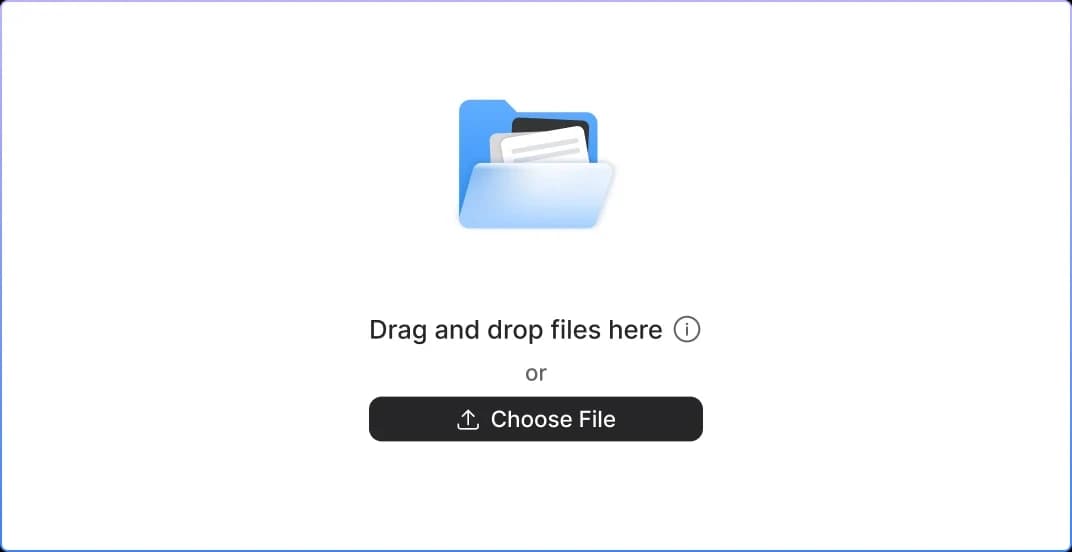
Time Savings
Accelerate your workflow with lightning-fast CSV analysis.Our AI-powered platform processes large CSV files within seconds—saving you hours of manual work and enabling you to focus on insights instead of spreadsheets.
Accurate Findings
Make confident decisions backed by intelligent, precise data analysis. Leverage advanced AI algorithms that minimize errors and deliver highly accurate results.

Easy Navigation
Work smarter with an intuitive, user-friendly interface designed for all skill levels. From quick uploads to seamless browsing, our clean and modern platform makes working with CSV files incredibly simple.
작동 방식
Uploading CVS File Format
Simply select and upload your CSV file. Our platform accepts all standard formats.
Waiting for AI to read
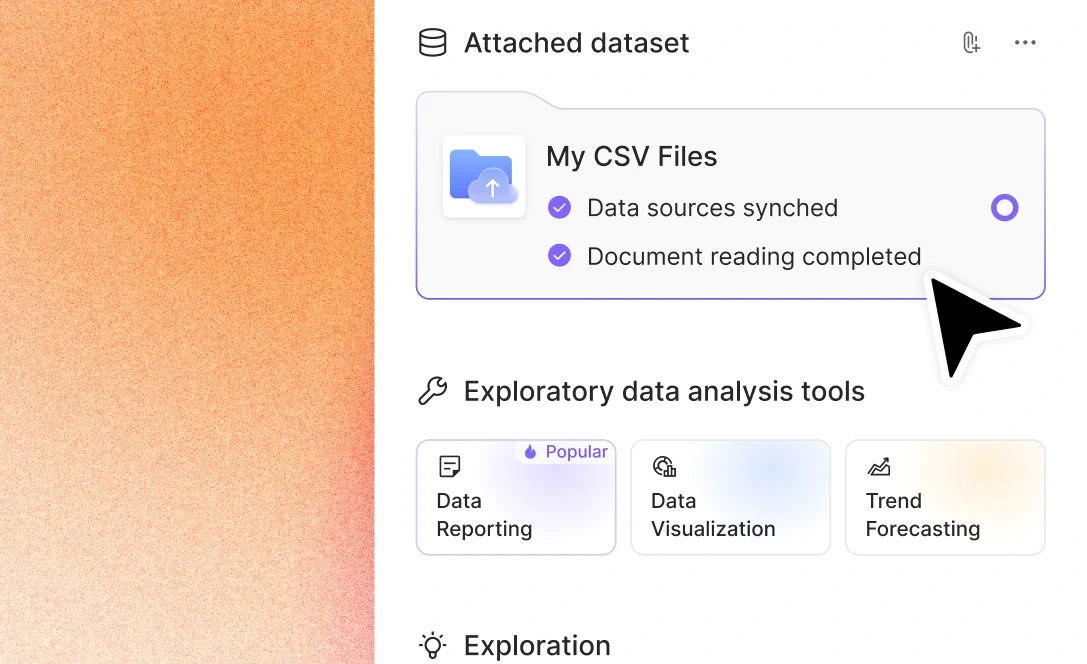
The AI works quickly to understand your data. Sit back and wait briefly.
Analyzing data easily
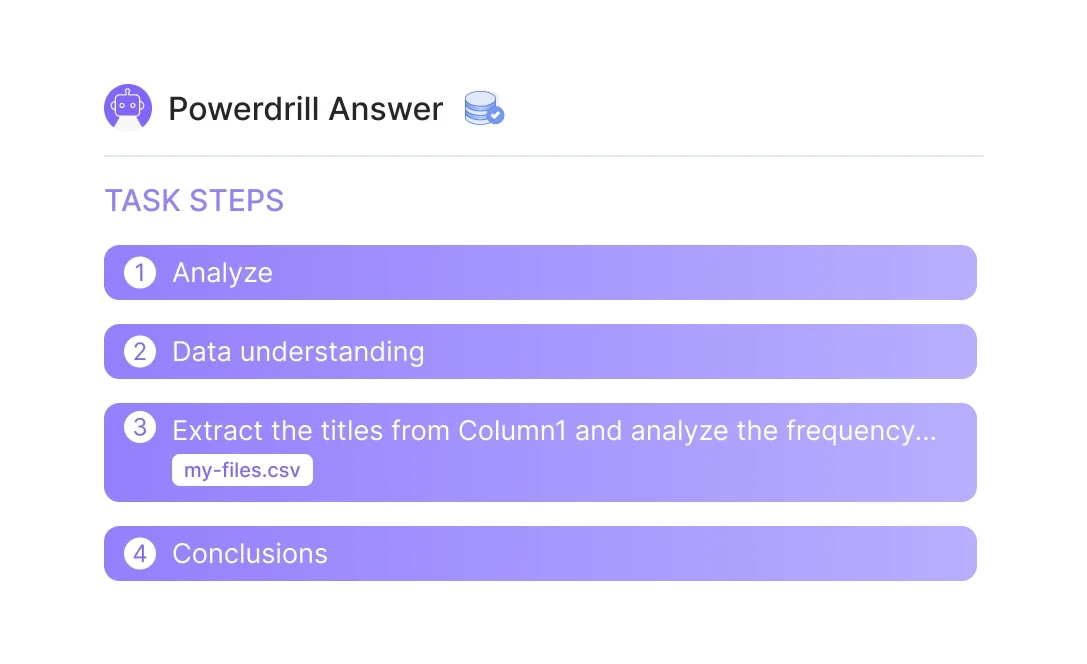
Interactively analyze data. Discover patterns and trends with ease.
자주 묻는 질문
Can I analyze multiple files simultaneously?
+
Yes. With Powerdrill AI, you can upload up to 10 files at once into a dataset. Once uploaded, you can associate the data with your chat session and begin analyzing the files. See the Quickly Get Data Insights from SQL Log Files with Powerdrill Advanced Analytics use case.
Besides data analysis, you can do much more on Powerdrill AI, for example, you can merge files. See the blog for a step-by-step demo.
What file formats can I upload to Powerdrill for data analysis?
+
Powerdrill supports Excel, CSV, and TSV file formats for data input. You can upload any of these file types for analysis.