PDF to CSV Converter | Extract Tables from PDF in One Click
Convert PDF tables to CSV effortlessly using natural language. Powerdrill AI makes PDF to CSV extraction fast, accurate, and code-free. Try it free today.
무료로 시작하기
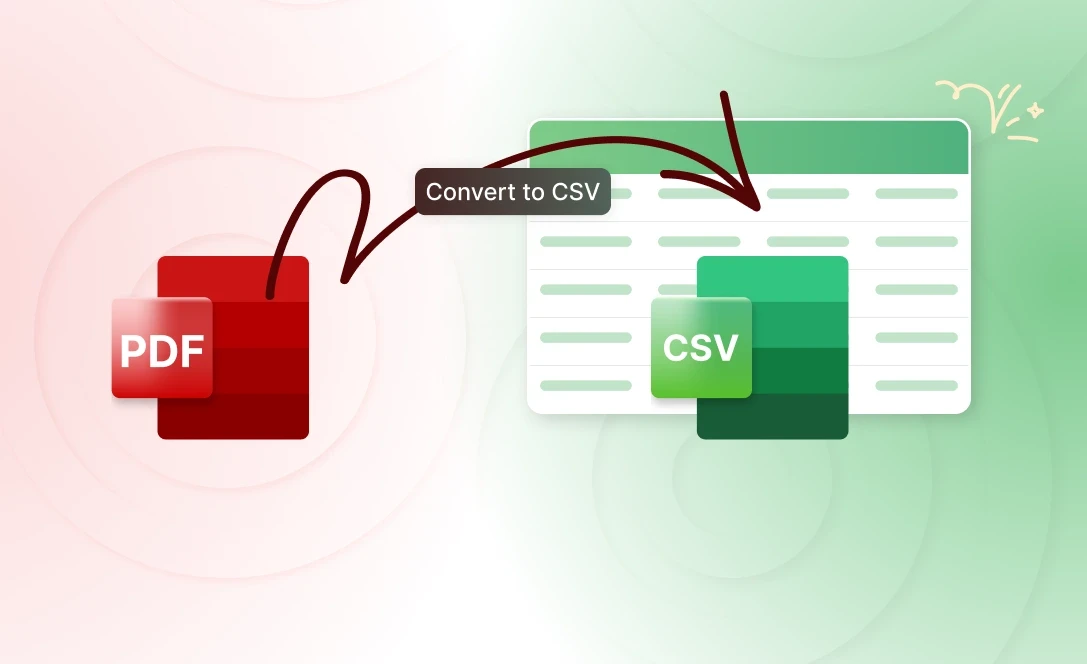
Convert PDF to CSV with a Single Prompt
Converting your PDF files into CSV format has never been easier. With just a single prompt, our tool allows you to seamlessly transform your PDF data into an organized, editable CSV file. Whether it’s financial reports, inventories, or research data, you can quickly extract and convert tabular information into a format that's ready for further analysis or integration into your workflows.
Extract Tables Precisely and Accurately
When dealing with complex PDF documents, extracting tabular data can be a real challenge. Our tool is designed to tackle this problem with unmatched precision and accuracy. Whether it's a simple list or a multi-page table, we ensure that every row and column is captured correctly, preserving the structure and integrity of the original document.
User-Friendly Interface
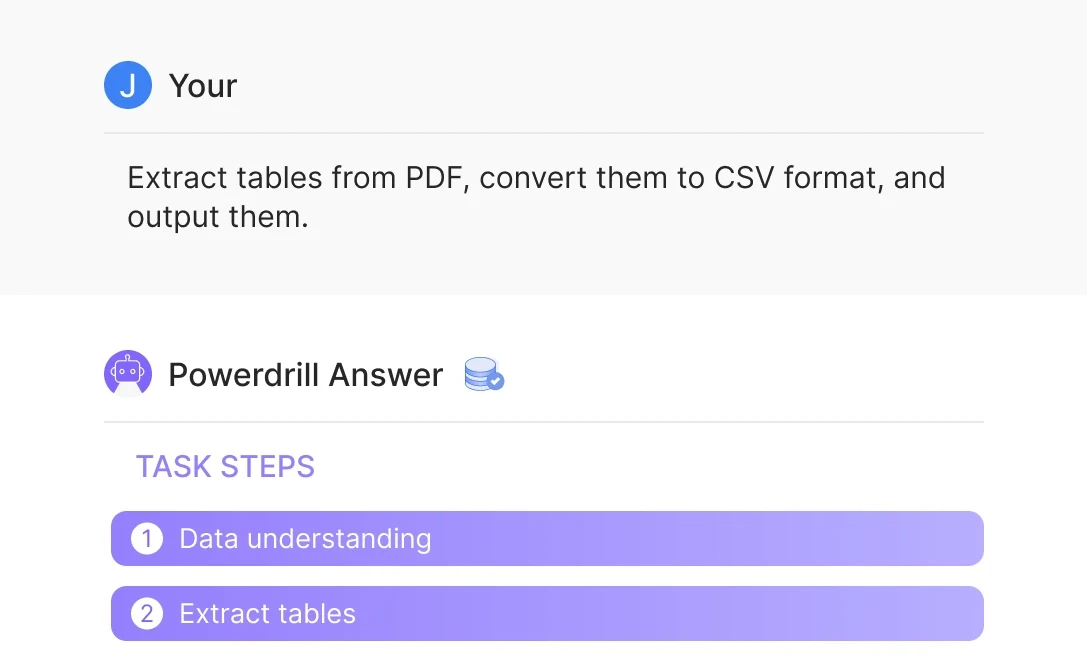
Powerdrill AI offers an incredibly user-friendly interface. Simply ask it to convert a PDF to Excel or CSV, and let it handle the rest—no technical expertise needed.
작동 방식
Upload PDF Files
Browse your device and select the PDF files you want to convert. Upload them with a click.
Ask to Extract Data
Specify the data tables you need to extract within the PDF. Powerdrill AI will understand your request.
Convert Into CSV Format
After receiving your prompt, the AI-powered tool converts the selected data into CSV format for easy use and analysis.
자주 묻는 질문
Can I analyze multiple files simultaneously?
+
Yes. With Powerdrill AI, you can upload up to 10 files at once into a dataset. Once uploaded, you can associate the data with your chat session and begin analyzing the files. See the Quickly Get Data Insights from SQL Log Files with Powerdrill Advanced Analytics use case.
Besides data analysis, you can do much more on Powerdrill AI, for example, you can merge files. See the blog for a step-by-step demo.
What file formats can I upload to Powerdrill for data analysis?
+
Powerdrill supports Excel, CSV, and TSV file formats for data input. You can upload any of these file types for analysis.