Powerdrill Bloom vs. Zapier: Features, Pricing, and Best Use Cases (2026)
Both products let you state a goal and walk away. What happens while you are away is completely different.
Zapier moves work between applications. Something happens in one tool, a sequence runs, and the result lands somewhere else.
Powerdrill Bloom turns a file into an artifact. You upload the spreadsheet, describe the output, and it returns the analysis, the chart, or the deck.
That difference sounds academic until you price it. One product bills for how often something runs, and the other bills for how much analysis you ask for.
This comparison uses only facts published on each vendor's own pages, checked on August 20, 2026. Where a page is silent, this article says so rather than filling the gap from a third-party review.
At a glance
| Powerdrill Bloom | Zapier | |
|---|---|---|
| Core unit | Uploaded file or connected database | A trigger and a sequence of actions |
| Named AI product | Built-in and custom agent skills | Zapier Agents, plus AI by Zapier |
| Primary output | Analysis, charts, reports, slides, Office docs | Actions completed in other apps |
| App integrations | Not listed on the connectors page | 9,000+ apps |
| Entry paid price | $13.27/month billed annually | $19.99/month billed annually at 750 tasks |
| Usage metering | Daily plus monthly credits | Tasks per month, tiered |
| Documented weak spot | No third-party business connectors listed | Agents page does not describe spreadsheet analysis |
What each one is built to do
Zapier's Agents page opens with a clear promise: "Create your own superhuman teammates in minutes. Equip your Agents with company knowledge and have them do work across 9,000+ apps — on command and while you sleep."
Read the inputs it names. The page talks about "company knowledge" and about "FAQs, docs, and public links" as the material an agent works from.
The example agents follow the same pattern. An Expense Classifier "automatically organizes and categorizes expense data." A Viral Content Creation Agent compiles its output "into a shareable document." A Support Email Agent drafts customer replies.
So the unit of value is a completed action inside an application. That is a legitimate and large category of work, and it is not analysis.
The distinction shows up in what each product does with a spreadsheet. An automation platform treats a file as something to move, attach, or parse a field out of. An analysis tool treats it as the subject.
Both readings are correct for their own job. The mistake is buying one and expecting the other, which usually surfaces three weeks into a trial.
Powerdrill Bloom starts from the file. Its data connectors page lists Excel, CSV, and TSV uploads, SQL databases through natural language queries, plus audio and image inputs. It describes the job as "automatically analyze data, uncover insights, and create visual reports."
The pricing page describes the paid tiers as delivering "Deep analysis, visualization, and reporting." It also lists the ability to "Create slides, Office docs, Excel analysis, and Nano Banana images."
Features compared
| Capability | Powerdrill Bloom | Zapier |
|---|---|---|
| Ask questions in natural language | Yes, across files and databases | Yes, through Agents and Copilot |
| Trigger work from an event in another app | Not listed | Yes, core to the product |
| Analyze an uploaded spreadsheet | Yes, Excel/CSV/TSV listed explicitly | Not described on the Agents page |
| Produce slides or Office documents | Yes, listed on paid tiers | Documents yes, slides not listed |
| Connect to third-party business systems | Not listed on the connectors page | 9,000+ apps |
| Text to SQL | Yes | Not listed |
| Scheduled or unattended runs | Scheduled tasks, 1 on Free and 20 on paid | Yes, with per-tier task quotas |
Two rows deserve a caveat. "Not listed" means the vendor's own page does not describe the capability, which is different from the capability being absent. Treat those cells as a prompt to test rather than as a verdict.
The row that decides most evaluations is the third one. If your work starts with a file somebody emailed you, one product describes that as its input and the other does not.
The fifth row is the mirror image. If your work starts when a record changes in a system you do not control, only one of these two describes that as its trigger.
Neither gap is a flaw. They are the two halves of a workflow, and most teams have both halves.
It helps to name which half is currently expensive. If people are copying values between two systems by hand, the automation half is the bottleneck. If people are rebuilding the same pivot table every month, the analysis half is.
Pricing compared
Zapier's pricing page meters by tasks per month, and the price climbs with the tier you pick. All figures are shown in USD.
| Zapier tier | Tasks/month | Annual | Monthly |
|---|---|---|---|
| Free | 100 | $0 | $0 |
| Professional | 750 | $19.99 | $29.99 |
| Professional | 2,000 | $49.00 | $73.50 |
| Professional | 10,000 | $129.00 | $193.50 |
| Professional | 100,000 | $489.00 | $733.50 |
| Team | 2,000 | $69.00 | $103.50 |
| Team | 5,000 | $119.00 | $178.50 |
Tiers continue up to 2,000,000 tasks per month, and Enterprise is arranged through sales. Both annual and monthly figures are published for every tier, so the two bases are directly visible.
One definitional note before comparing. A task is one action completed inside a workflow, so a single trigger firing a three-step sequence consumes three tasks. Estimating your monthly volume means counting steps, not counting workflows.
This is the single most common budgeting surprise on usage-metered automation. A modest-looking set of workflows can consume a tier's allowance quickly once each one has several actions and fires on every record. The Free plan includes 100 tasks per month with a daily message limit on Copilot. Paid Professional plans include unlimited Copilot messages and multi-step Zap workflows.
Powerdrill Bloom publishes five tiers. Free is $0 with 1,000 daily refreshed credits and 1 scheduled task. Pro is $13.27 per month billed annually with 1,000 daily plus 5,000 monthly credits and 20 scheduled tasks. Plus is $26.60 per month with 11,000 monthly credits. Premium is $132.67 per month with 60,000 monthly credits. Team Pro is $13.27 per seat per month with shared Team Credits.
⚠️ The two metering systems are not comparable. Zapier counts tasks, meaning individual actions completed inside a workflow. Powerdrill Bloom counts credits refreshed daily and monthly. A task and a credit measure different things, so compare on the work you actually do.
The structural difference matters more than the headline number. Zapier's cost rises with volume of actions, so a workflow that fires a thousand times a day is a budgeting exercise. Credit-based analysis pricing rises with how much analysis you ask for, not with how often a trigger fires.
Where Zapier is the better fit
Choose Zapier when the deliverable is something happening automatically in another system.
A new form submission that should create a record, notify a channel, and start a sequence. A support email that needs a drafted reply. An expense line that needs categorizing as it arrives. These are continuous operational jobs with a trigger at the front.
The 9,000+ app count is the real moat here, and it is not a number Powerdrill Bloom competes on. Breadth of integrations is a compounding asset that takes years to build. If the requirement is "when X happens in this niche tool, do Y in that other niche tool," this is the product.
Unattended running is stated plainly too. Agents do work "on command and while you sleep," which is the right shape for anything recurring.
There is a maintenance argument as well. A workflow that has run reliably for a year is infrastructure. Infrastructure somebody else hosts and updates is usually cheaper than a script you maintain.
Where Powerdrill Bloom is the better fit
Choose Powerdrill Bloom when the input is a file and the output is an artifact somebody is waiting for.
An ad export that needs to become a channel report. A subscription export that needs a retention figure with its denominator stated. A survey export that needs a score and a breakdown.
None of those start with a trigger, and all of them end in a document. The work is judgement about definitions, then rendering, not moving data between systems.
The output formats are the practical differentiator. Slides, Office documents, and Excel analysis are listed on the paid tiers, so the artifact leaves in the format the recipient expects.
Text to SQL matters if your numbers live in a database. Asking in natural language returns a query, which is shorter than exporting and re-importing.
There is also a governance point that is easy to overlook. Nothing is copied into a second system of record. There is no duplicate to keep in sync, and none to explain to a security reviewer.
❄️ One honest gap. The data connectors page lists file uploads, SQL databases, audio, and images. It does not list connectors to third-party business systems. If your requirement is pulling live records out of a CRM as they change, that is not what this page describes. Free is also limited to 1 scheduled task.
Getting started with Powerdrill Bloom
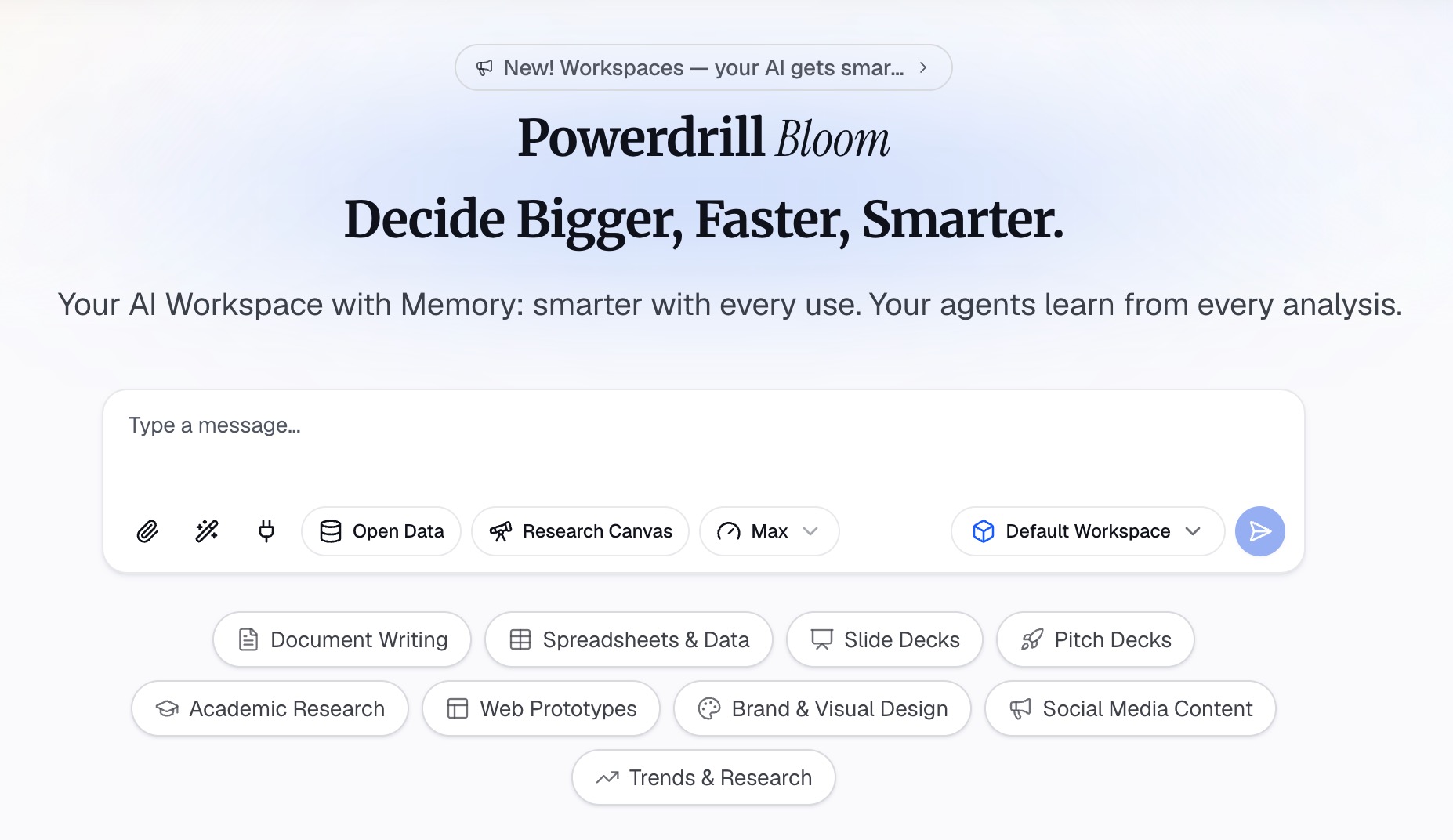
Step 1: Upload the file you already have
Drop in the Excel, CSV, or TSV file, or connect the database you want to query. Columns are profiled on arrival, so mixed types and blank fields surface before any number is calculated.
Step 2: Describe the output in natural language
State what you want rather than building it. Name the metric, the grouping, and the period, then ask for the table or the chart.
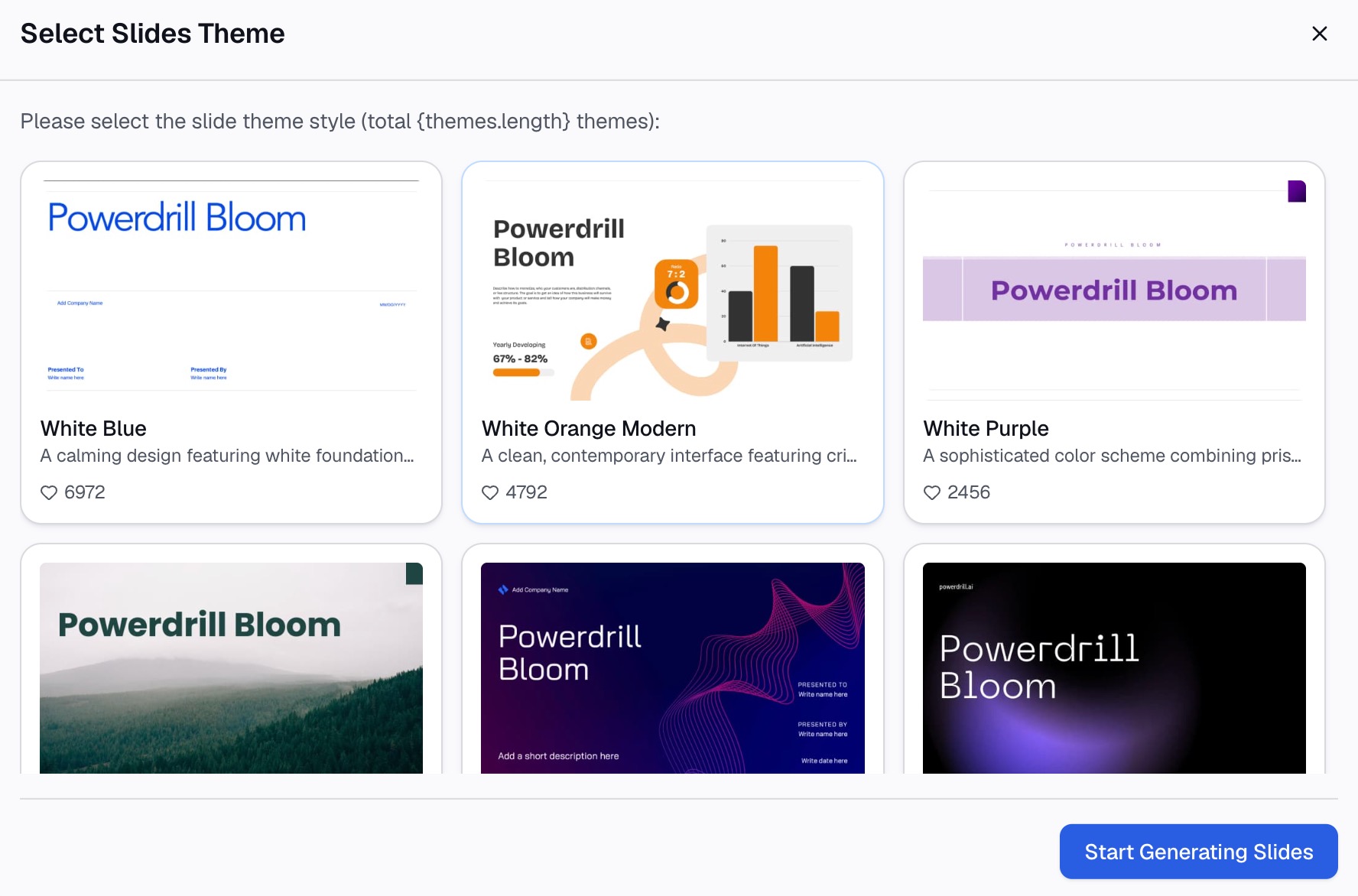
Step 3: Export the chart, report, or deck
Take out the visual, the written analysis, or the slides. Column profiling happens on upload, so the problems in the file surface before they reach the chart.
If this is the shape of your week, try Powerdrill Bloom on the last file someone sent you.
Verdict
These two are not competing for the same hour. Zapier removes the manual step between two applications, while Powerdrill Bloom removes the afternoon between a file and a finished report.
A useful test is where the work currently starts. If it starts with a notification, that is automation. If it starts with an attachment, that is analysis.
A second test is what you would be deleting. Deleting a manual copy-paste between two tools points to Zapier. Deleting an afternoon of pivot tables and chart formatting points to Powerdrill Bloom.
Plenty of teams run both, and that is a reasonable answer rather than a hedge. For comparisons against tools closer to the analysis end, see Powerdrill Bloom vs. Airtable and Powerdrill Bloom vs. Sourcetable.
One warning about evaluating either on a demo. Clean sample data hides the work, so run the trial on your worst file or your messiest workflow.
That means the file with merged cells and three spellings of the same category, or the workflow with the exception nobody documented. Those are where the real cost sits in both products.
Frequently asked questions
Which one is cheaper to start with?
Both have a free tier. Zapier's paid entry point is $19.99 per month billed annually at 750 tasks. Powerdrill Bloom's Pro tier is $13.27 per month billed annually, so compare what each tier includes.
Can Zapier analyze an Excel file I upload?
Its Agents page describes company knowledge, FAQs, docs, and public links as the material agents work from. Uploaded spreadsheet analysis is not described there, so confirm against your own use case first.
Does Powerdrill Bloom connect to my CRM?
Its connectors page lists file uploads, SQL databases, audio, and images rather than third-party business systems. For live CRM triggers, an automation platform is the right shape.
How do the usage limits compare?
They measure different things. Zapier publishes tasks per month per tier, where a task is one completed action. Powerdrill Bloom publishes daily and monthly credits plus scheduled task counts.
Which handles a recurring weekly report better?
Both can run unattended, with different ceilings. Zapier publishes task quotas per tier, while Powerdrill Bloom allows 1 scheduled task on Free and 20 on paid tiers.