Powerdrill Bloom vs. Airtable: Features, Pricing, and Best Use Cases (2026)
Both tools promise that you can state a goal in natural language and get something usable back. They then diverge almost immediately, because they are built around different units of work.
Airtable is built around a base. You model your records, then build interfaces and automations on top, and its AI agent helps you construct all of it.
Powerdrill Bloom is built around a file. You upload the spreadsheet you already have, describe the output you want, and it produces the analysis, the chart, or the deck.
This comparison uses only facts published on each vendor's own pages, checked on August 19, 2026. Where a page is silent, this article says so rather than filling the gap from a third-party review.
At a glance
| Powerdrill Bloom | Airtable | |
|---|---|---|
| Core unit | Uploaded file or connected database | Base of structured records |
| Named AI agent | Built-in and custom agent skills | Omni, plus Field Agents |
| Primary output | Analysis, charts, reports, slides, Office docs | Apps, interfaces, automations |
| Entry price | Free, then $13.27/month billed annually | Free, then $20/user/month billed annually |
| Usage metering | Daily plus monthly credits | Records per base, automation runs, AI credits |
| Documented weak spot | Official page lists no third-party business connectors | Analysis questions cost 10 credits per response |
What each one is built to do
Airtable's AI platform page opens with "AI that's built for the way your business actually works." The builder is called Omni, and the page says it can "Generate AI-powered apps through natural conversation."
Alongside Omni sit Field Agents, described as "AI-powered researchers, analysts, and content creators." The named examples are operational. They include "Enrich leads with real-time company data as deals land" and "Generate campaign-ready content in seconds." A third is "Triage feedback by detecting sentiment and routing issues automatically."
Read that list carefully and the pattern is clear. The work happens inside a structured base, on records that are already there.
That is a meaningful precondition rather than a detail. Someone has to decide the schema, import the data, and keep it current before any agent adds value on top.
Powerdrill Bloom starts a step earlier. Its data connectors page lists Excel, CSV, and TSV uploads, SQL databases through natural language queries, plus audio and image inputs. It describes the job as "automatically analyze data, uncover insights, and create visual reports."
The pricing page describes the paid tiers as delivering "Deep analysis, visualization, and reporting." It also lists the ability to "Create slides, Office docs, Excel analysis, and Nano Banana images."
Features compared
| Capability | Powerdrill Bloom | Airtable |
|---|---|---|
| Ask questions in natural language | Yes, across uploaded files and connected databases | Yes, through Omni |
| Build an app or interface | Not listed | Yes, core to Omni |
| Analyze an uploaded spreadsheet | Yes, Excel/CSV/TSV listed explicitly | Attachments listed as context, not as analysis input |
| Produce slides or Office documents | Yes, listed on paid tiers | Not listed |
| Automations with run quotas | Scheduled tasks, 1 on Free and 20 on paid | Automation runs, quota per tier |
| Third-party business connectors | Not listed on the connectors page | Yes, part of the platform |
| Text to SQL | Yes | Not listed on the AI page |
Two rows deserve a caveat. "Not listed" means the vendor's own page does not describe the capability, which is different from the capability being absent. Treat those cells as a prompt to test rather than as a verdict.
The row that decides most evaluations is the third one. Airtable's AI page mentions that you can "add attachments like briefs, meeting notes, or docs" for context. It does not describe analyzing an uploaded CSV or Excel file as a workflow.
That is not a flaw. It reflects what a base-centric product optimizes for, which is data that has already been modelled into records.
The practical consequence shows up on day one of an evaluation. If your data arrives as a file from Finance every month, one tool wants you to model it first. The other wants you to upload it.
Pricing compared
Airtable's pricing page publishes four tiers. Free is $0. Team is $20 per user per month billed annually, and Business is $45 per user per month billed annually. Enterprise Scale is custom.
The limits differ per tier. Free allows 1,000 records per base and 1GB of attachment space. Team allows 50,000 records per base and 20GB. Business allows 100,000 records per base, 100GB, and 100,000 automation runs per month. Enterprise Scale allows 500,000 records per base, 1TB, and 1,000,000 automation runs per month.
Those numbers are worth reading as capacity planning rather than as feature gates. A team tracking 200,000 rows of transactions is choosing a tier based on storage, not on capability.
There is a useful piece of honesty on the pricing page about hitting a ceiling. You will "still be able to use your bases and we will never remove your data." What stops is adding more records or attachments until you upgrade.
Powerdrill Bloom publishes five tiers. Free is $0 with 1,000 daily refreshed credits and 1 scheduled task. Pro is $13.27 per month billed annually with 1,000 daily plus 5,000 monthly credits and 20 scheduled tasks. Plus is $26.60 per month with 11,000 monthly credits. Premium is $132.67 per month with 60,000 monthly credits. Team Pro is $13.27 per seat per month with shared Team Credits.
⚠️ The two metering systems are not comparable. Airtable counts records, automation runs, and AI credits. Powerdrill Bloom counts credits refreshed daily and monthly. A credit in one product tells you nothing about a credit in the other. Compare on the work you actually do rather than on the numbers.
One Airtable figure is directly checkable and worth knowing. Its AI page states that "Asking Omni to build and iterate on your apps comes at no additional cost. Analysis questions about your data cost 10 credits per response."
Building is free. Asking is metered. If your team's pattern is many small questions per day, model that cost before committing.
This is the kind of detail that only surfaces in month two of a rollout. Ten credits per answer is cheap for a weekly review and expensive for a team that treats the agent as a search bar.
Where Airtable is the better fit
Choose Airtable when the deliverable is a working system rather than a document.
The clearest signal is whether the output has users. A report has readers who consume it once. An app has users who return to it, enter data into it, and expect it to still work next quarter.
If several people need to enter and update records in a shared structure, that is a base. If a new record should trigger a sequence of steps, that is an automation with a published run quota. If a non-technical team needs a screen to work in, that is an interface.
Field Agents fit the same shape. Lead enrichment and feedback triage are both continuous operational jobs rather than one-off analyses.
The scale ceilings are also stated plainly, which helps planning. Knowing that Business allows 100,000 records per base is more useful than a vague promise about scale.
There is an organizational argument too. A base with an interface on top survives staff turnover better than a spreadsheet that one person understood.
Where Powerdrill Bloom is the better fit
Choose Powerdrill Bloom when the input is a file somebody already sent you and the output is an artifact somebody is waiting for.
The signal here is the opposite one. If nobody will ever open the tool except you, then modelling the data into a permanent structure is overhead rather than value. The deliverable is what gets shared, not the workspace.
A subscription export that needs to become a revenue report. A usage log that needs to become a feature adoption chart. A competitor sheet that needs to become a ranked table. In each case the modelling step is work you would rather skip.
The output formats matter here too. Slides, Office documents, and Excel analysis are listed on the paid tiers. The artifact leaves the tool in the format the recipient expects.
Text to SQL is the other differentiator. If your numbers live in a database rather than a base, asking in natural language returns a query. That is a shorter path than replicating the data.
The file-first approach has a governance benefit that is easy to overlook. Nothing is copied into a second system of record. There is no duplicate to keep in sync, and none to explain to a security reviewer.
❄️ One honest gap. The data connectors page lists file uploads, SQL databases, audio, and images. It does not list connectors to third-party business systems. If your requirement is pulling live records out of a CRM or a billing platform, that is not what this page describes. Free is also limited to 1 scheduled task, which is thin if recurring reports are the point.
Getting started with Powerdrill Bloom
Step 1: Upload the file you already have
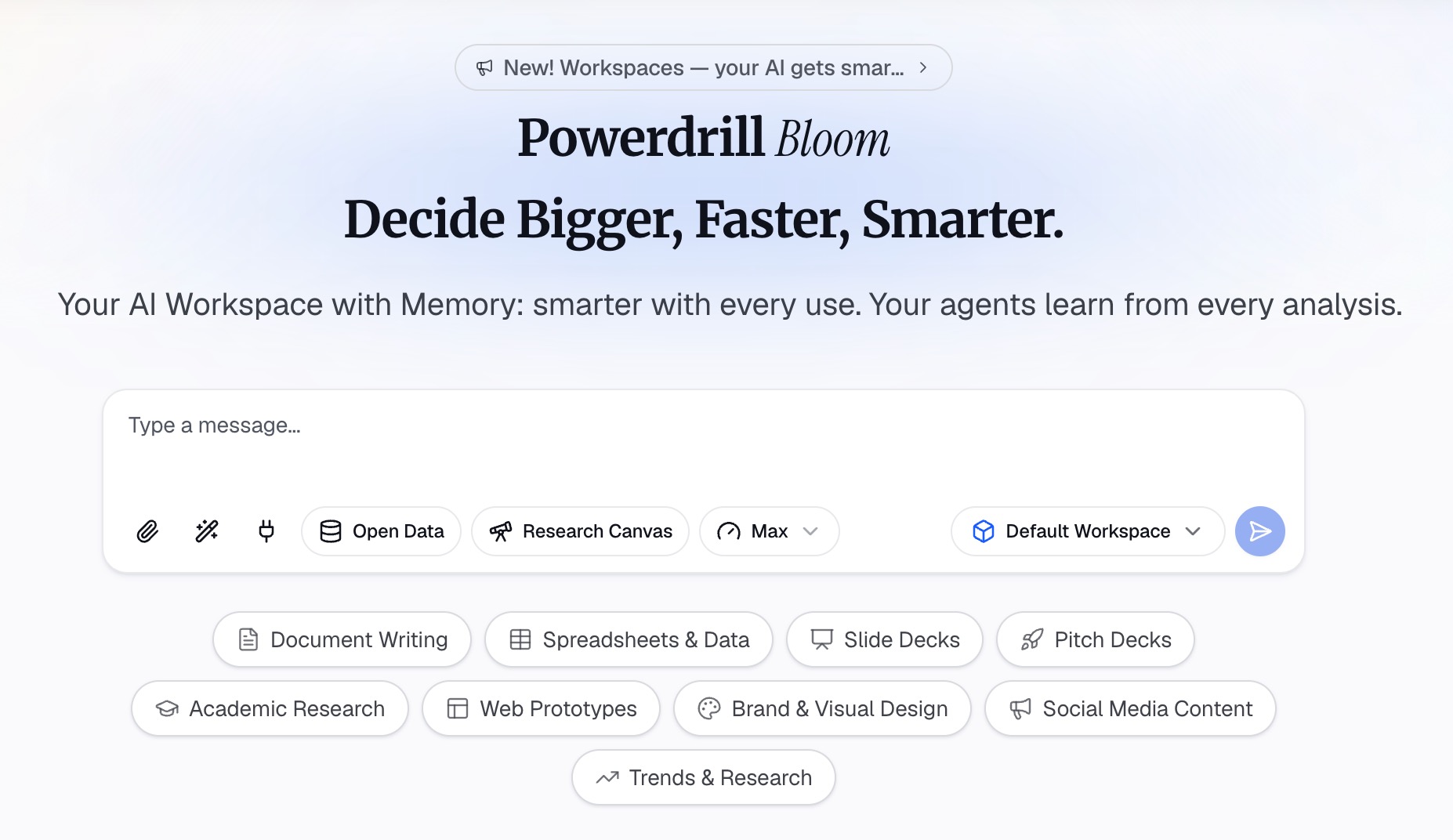
Drop in the Excel, CSV, or TSV file, or connect the database you want to query. Columns are profiled on arrival, so mixed types and blank fields surface before any number is calculated.
Step 2: Describe the output in natural language
State what you want rather than building it. Name the metric, the grouping, and the period, then ask for the chart or the table.
Step 3: Export the chart, report, or deck
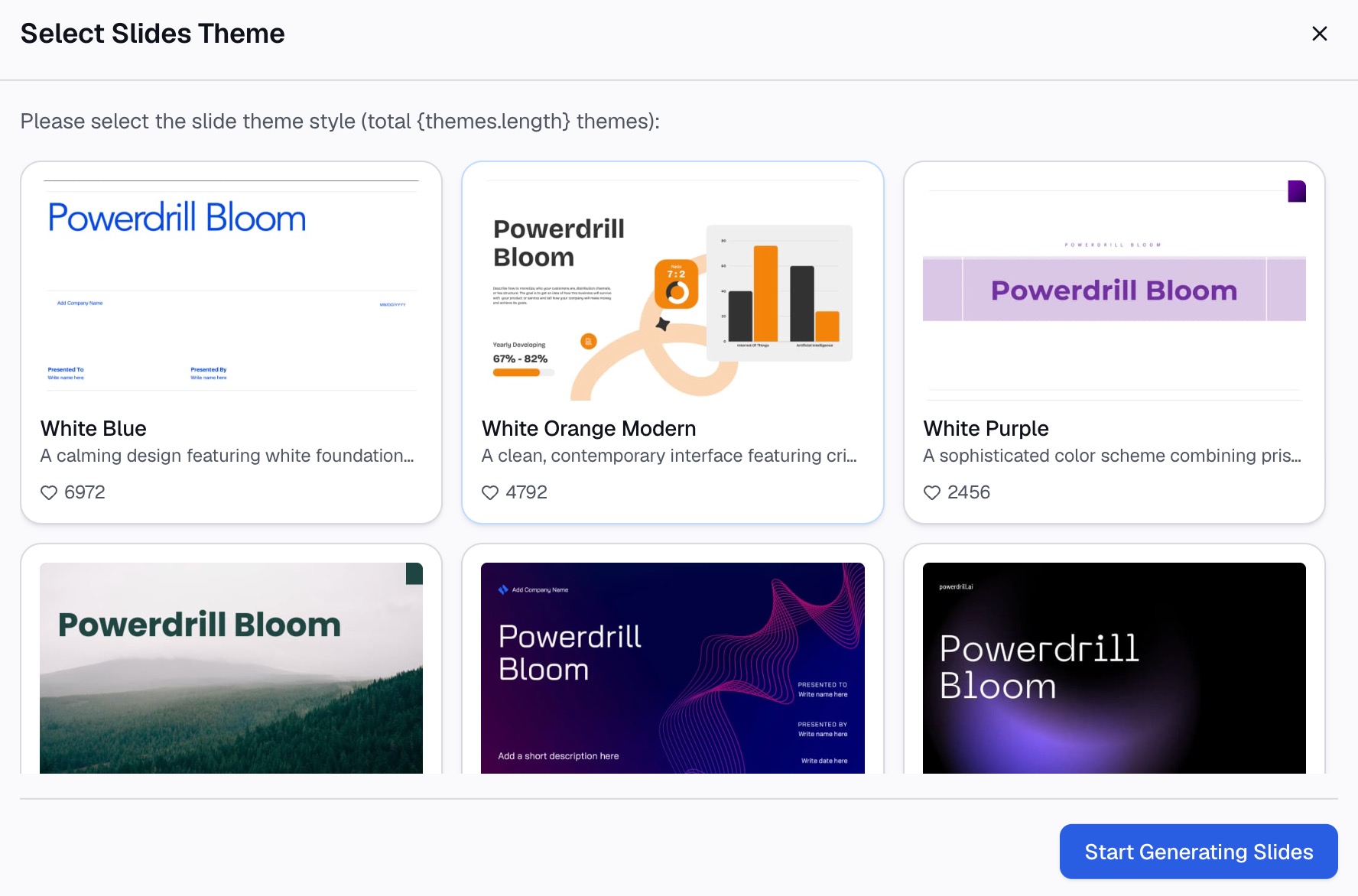
Take out the visual, the written analysis, or the slides. If this is the shape of your week, try Powerdrill Bloom on the last file someone sent you.
Verdict
These two tools are not really competing for the same hour of your day. Airtable replaces a shared structure and the workflows on top of it. Powerdrill Bloom replaces the analysis and document production that happens after a file lands.
If you are choosing one, ask what you would be deleting. Deleting a spreadsheet plus a manual process points to Airtable. Deleting an afternoon of pivot tables and chart formatting points to Powerdrill Bloom.
One warning about evaluating either on a demo dataset. Clean sample data hides the work, because the real cost in both products is the messy input, not the pretty output.
Run the trial on your worst file instead. The one with merged cells, three spellings of the same category, and a column somebody renamed halfway through the year.
Plenty of teams run both, and that is a reasonable answer rather than a hedge. For a closer look at how Powerdrill Bloom compares against a spreadsheet-native rival, see Powerdrill Bloom vs. Sourcetable, and for the dashboard-first category, see Powerdrill Bloom vs. Bricks.
Frequently asked questions
Which one is cheaper to start with?
Both have a free tier. Airtable's paid entry point is $20 per user per month billed annually, and Powerdrill Bloom's Pro tier is $13.27 per month billed annually. Compare what each tier includes rather than the headline figure.
Can Airtable analyze an Excel file I upload?
Its AI page describes attachments such as briefs, meeting notes, or docs as context for the agent. Uploaded CSV or Excel files are not described as an analysis input, so confirm this against your own use case first.
Does Powerdrill Bloom build apps or interfaces?
No. Its pages describe analysis, visualization, reporting, and document creation. App and interface building is what Airtable's Omni is built for.
How do the usage limits compare?
They are measured differently. Airtable publishes records per base, attachment space, and automation runs per tier. Powerdrill Bloom publishes daily and monthly credits plus scheduled task counts. The two units cannot be converted.
Which handles a recurring weekly report better?
Both can schedule work, with different ceilings. Airtable publishes automation run quotas per tier. Powerdrill Bloom allows 1 scheduled task on Free and 20 on paid tiers, so check the tier you would actually buy.