Powerdrill Bloom vs. Scribe: Features, Pricing, and Best Use Cases (2026)
Both tools turn work into a document other people can use, but they start from opposite inputs. Scribe watches what you do in software and writes the how-to guide. Powerdrill Bloom reads the file your work produced and writes the report, chart, or deck. Pick by input, not by feature list.
What's the difference between Powerdrill Bloom and Scribe?
The clearest way to separate them is to ask what gets captured.
Scribe captures a process. Its own product page states the goal plainly: "Automatically capture how work gets done. Give your teams and AI agents the context to do their best work." The unit of value is a repeatable procedure someone else can follow.
Powerdrill Bloom captures an outcome. You hand it a spreadsheet, a CSV export, or a PDF, and it returns the analysis and the finished artifact. The unit of value is a deliverable, not a procedure.
That difference decides almost everything else: who buys it, what the output looks like, and where each one runs out of road.
Meet Powerdrill Bloom
Powerdrill Bloom is an AI data agent. You upload a file, describe the deliverable in natural language, and it produces the answer along with the charts, slides, or documents that carry it.
Its pricing page lists a Free plan with 1,000 daily refreshed credits and uploads for Excel, CSV, PDF and documents. That plan also covers open data search, generated insights, charts and summaries, built-in agent skills, and basic slides, docs, sheets, and images. The Pro plan adds 5,000 monthly credits, deeper analysis and reporting, Office document output, Nano Banana images, custom agent skills, and Claude Skills workflows. The page footer shows SOC 2 Type 2 certification.
The typical job is: raw export in, finished artifact out, in one run.
Meet Scribe
Scribe is a process documentation platform. Its Capture product is summarized on the page as "Documentation that writes itself."
The mechanics are worth understanding, because they explain the fit. Scribe records the steps you take in a web app or on your desktop and turns them into a step-by-step guide. The page says Scribe "surfaces the workflows your teams run most often" so you can turn the best ones into documentation with a click.
Around that core sit three more pieces. Optimize analyzes documented workflows and, in the page's words, "surfaces the bottlenecks, redundancies, and time drains" a team would otherwise miss. Workflow AI lets you ask questions and get answers "grounded in data from your actual workflows, not gut feel." And an integrations layer connects guides to other tools via MCP or API.
Delivery is a genuine strength. Guides export to PDF, HTML, Markdown, and Microsoft Word. The page also describes on-screen walkthroughs that "appear exactly where work happens" by pinning guidance to a UI element. Scribe also lists translation so one guide can serve global teams, and states SOC 2 Type II, HIPAA, FERPA, and GDPR compliance.
At a glance
| Powerdrill Bloom | Scribe | |
|---|---|---|
| 🎯 Best for | Turning a data file into a report, chart, or deck | Turning a software process into a guide people follow |
| 💰 Price as of Sept 1, 2026 | Free $0; Pro $13.27/month; Plus $26.60; Premium $132.67; Team Pro $13.27/seat | Basic free; Pro Personal $35/month or $25/month billed yearly per seat; Pro Team $17/month or $13/month billed yearly per seat, from 5 seats; Enterprise on request |
| ⚡ Key strength | One run produces the analysis and the artifact together | Documentation is produced as a by-product of doing the work |
| ❄️ Main weakness | The pricing page does not describe screen capture, on-screen walkthroughs, or SOP guides | The product pages do not describe uploading a spreadsheet, CSV, or Excel file for analysis |
| 👥 Team size | Individual through team, with shared team credits | Individual on Pro Personal; Pro Team begins at five seats |
Both weakness rows come from grepping each company's own pages, and both are worded as what the pages describe. Neither is a claim about what the products will never do.
Feature-by-feature
Input
This is the real dividing line. Powerdrill Bloom takes Excel, CSV, PDF, and documents, plus built-in open data sources. Scribe takes your on-screen actions, captured through a browser extension or its desktop app.
Scribe's pages do mention analysis, and it would be wrong to say otherwise. But the data being analyzed is workflow data that Scribe itself captured. The pages do not describe uploading your own spreadsheet for analysis.
Output format
Scribe outputs guides: text, video, or on-screen walkthroughs, with exports to PDF, HTML, Markdown, and Microsoft Word. Powerdrill Bloom outputs analysis artifacts: charts, summaries, Office documents, slides, and generated images.
Neither list overlaps much. Scribe's pages do not mention slides, decks, or presentations. Our pricing page does not mention screen recording or walkthroughs.
Distribution
Scribe is stronger here and it is worth being clear about that. Three capabilities appear on their pages and not on ours. Guides pin to a UI element. One guide translates for global teams. Guides surface inside other AI assistants.
Powerdrill Bloom's distribution story is scheduled tasks: one on Free, twenty on Pro, refreshing a deliverable on a cadence.
Governance
Scribe lists SOC 2 Type II along with HIPAA, FERPA, and GDPR, plus automatic redaction of sensitive data, domain restrictions, and IP whitelisting. Powerdrill Bloom's pricing page shows SOC 2 Type 2 certification. The other named frameworks and controls are not described there.
Pricing shape
The shapes differ more than the numbers. Scribe prices per seat and gates its cheapest per-seat rate behind a five-seat minimum, which suits a team rolling out documentation. Powerdrill Bloom prices by credits instead. A one-time credit package stacks on any plan and stays valid for twelve months, which suits bursty analytical work.
How to produce a data deliverable in Powerdrill Bloom
Step 1: Upload the file
Drop in the Excel workbook, CSV export, or PDF. You skip the schema definition and the formula writing entirely.
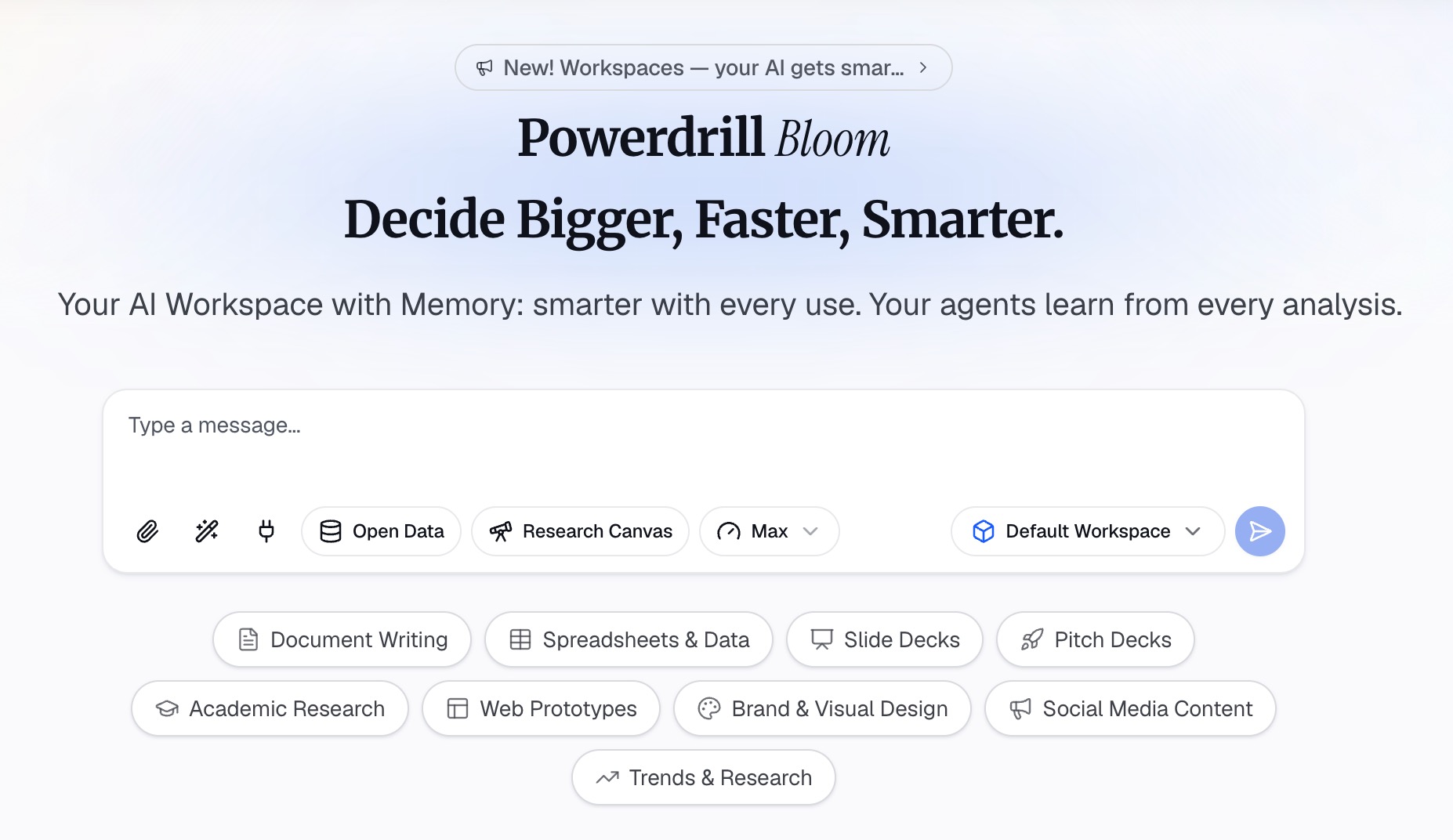
Step 2: Describe the deliverable in natural language
Say what you want, not how to compute it. "Build a one-page margin report by product line, and flag anything below 30%." The agent decides the steps.
Step 3: Review and export the artifact
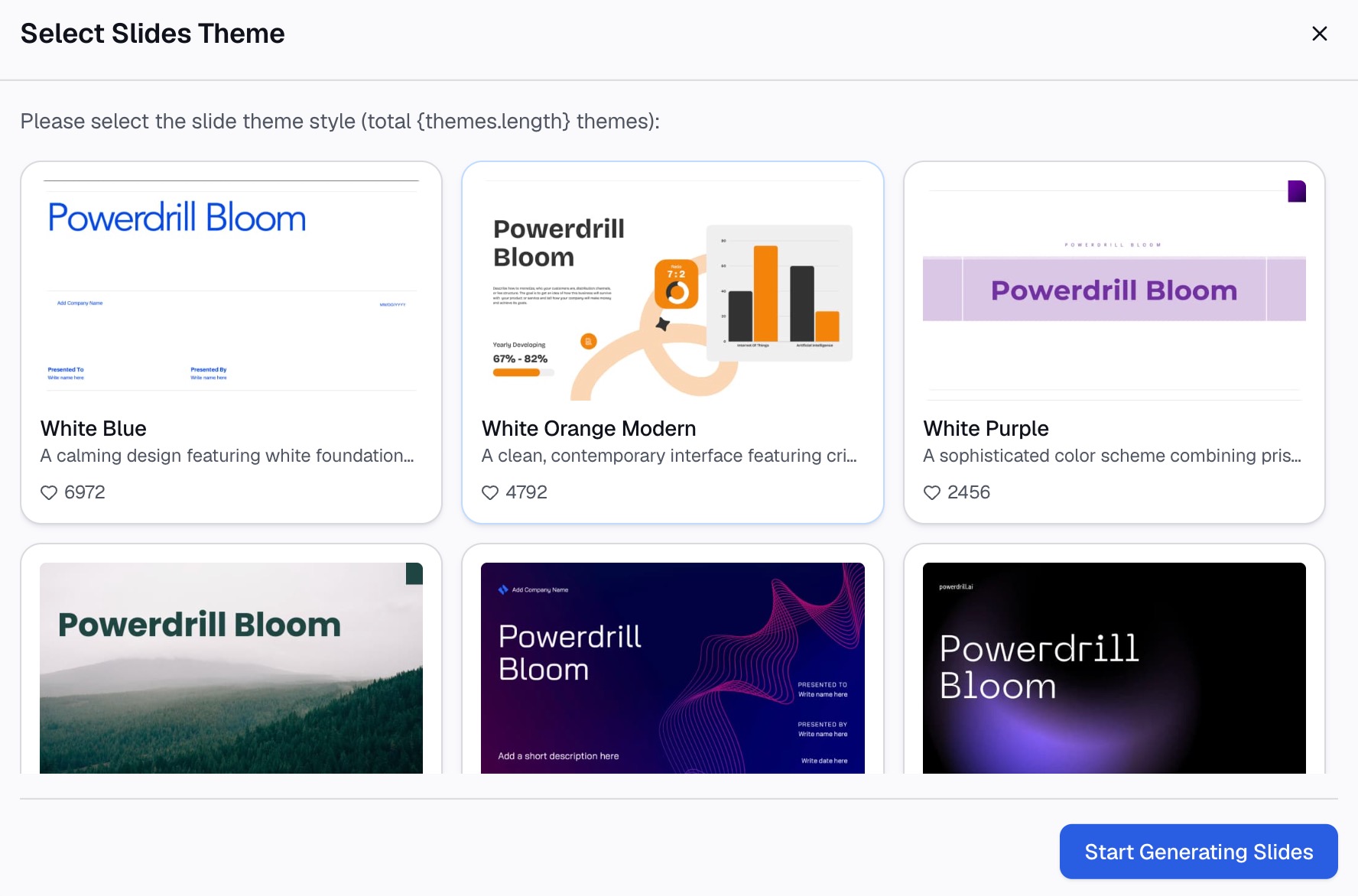
Check the charts and figures against the source, then export as slides, an Office document, or a sheet. Set a scheduled task if the same deliverable is needed again next month.
A worked scenario: month-end close
It helps to run one real workflow through both tools, because the split stops being abstract.
Say your finance team closes the books on the fourth working day. Two different problems live inside that week.
Problem one: nobody except Priya knows the sequence. Which system to pull first, which reconciliation runs before which, where the journal template lives, and which three exceptions always need a manual touch. When Priya is on leave, the close slips a day. This is a process problem, and a capture tool solves it: run the close once with recording on, and the guide exists. New joiners follow it, and the sequence stops living in one head.
Problem two: the numbers still have to be turned into a pack. Once the ledger is closed, someone exports it and builds the variance commentary, the margin split, and the six slides the leadership team reads. That work is not a sequence of clicks. It is analysis, and no amount of process documentation produces it.
The same week contains both problems, which is exactly why teams end up evaluating these two tools against each other. They are not competing for the same hour. One removes the dependency on Priya. The other removes the two days spent building the pack.
Buying one and expecting it to cover the other is the most common way teams end up disappointed with whichever they picked.
How to make your choice
Choose Scribe if your bottleneck is tribal knowledge
If the same question keeps landing in the same person's inbox, and the answer is a sequence of clicks, Scribe is the right instrument. Onboarding, software rollouts, and IT runbooks all fit this shape.
Choose Powerdrill Bloom if your bottleneck is a file
If the blocker is an export nobody has time to analyze, and the deadline is a report or a deck, start from the data. See how that plays out in a stakeholder update or a KPI dashboard built from a spreadsheet.
Use both if you run an operations team
They are complementary more often than competitive. Scribe documents how the monthly close gets run; a data agent produces the numbers that close reports on. Neither replaces the other.
My verdict
Scribe is the better product for the job it targets, and its distribution layer is genuinely ahead of ours. If your problem is that nobody knows how to do the thing, buy Scribe.
Powerdrill Bloom is the better product when the thing has already been done and the evidence is sitting in a file. If your problem is that the export is open and the deck is due, start from the data.
The mistake is buying either one for the other's job. A process guide will not tell you why margin fell. An analysis will not teach a new hire which button to press.
Conclusion
Scribe answers "how do we do this?" Powerdrill Bloom answers "what does this say?" Both end in a document someone else can act on, which is why they get compared. Each is worth the money for the question it actually answers.
If your next deadline is a report, a chart, or a deck built from a file you already have, try Powerdrill Bloom free.
Product details and prices are as of September 1, 2026, taken from each company's own pages.
Frequently asked questions
Is Scribe a data analysis tool?
Scribe analyzes workflow data that it captured itself, and surfaces bottlenecks and redundancies from it. Its product pages do not describe uploading your own spreadsheet or CSV file for analysis.
How much does Scribe cost in 2026?
As of September 1, 2026, the page lists a free Basic plan and Pro Personal at $35 per seat monthly, or $25 billed yearly. Pro Team is $17 per seat monthly, or $13 billed yearly, from five seats, with Enterprise on request. All prices are shown in USD on the page.
Can Powerdrill Bloom record my screen?
The Powerdrill Bloom pricing page does not describe screen recording, browser extensions, or on-screen walkthroughs. It describes uploading Excel, CSV, PDF, and document files and generating analysis, charts, slides, and images from them.
Which one is better for onboarding new hires?
Scribe, clearly. Capturing a process while someone performs it, then pinning that guide inside the app, is exactly the workflow it is built around.
Do Powerdrill Bloom and Scribe integrate with each other?
Neither company describes a direct integration between the two. Teams that use both typically keep them separate: Scribe for procedures, a data agent for the analysis those procedures generate.