How to Generate a Stakeholder Update with AI: Free and Fast
Someone outside your project needs to know how it is going. They will read your update for about ninety seconds, on a phone, between two meetings.
That constraint decides everything about the document. This guide covers what goes in, how to produce it from an export in one pass, and how much of it the free tier covers.
What a stakeholder update is, and what it is not
A stakeholder update is a recurring, outward-facing summary for people who are not doing the work. Sponsors, adjacent teams, and clients all read one.
It is not two other documents that get confused with it.
It is not a status report for your own team. Your team already knows the detail. Repeating it wastes the ninety seconds.
It is not a board pack. A board reads for governance and money. A stakeholder update reads for direction and risk.
The practical test is simple. If a reader could not act differently after reading it, you wrote a log instead of a stakeholder update.
The five blocks that belong in every update
Keep the shape identical every period. Readers learn where to look, and you stop redesigning the document.
| Block | What it answers | Length |
|---|---|---|
| Headline | Are we on track, at risk, or off track? | One sentence |
| Movement | What changed since the last update? | Two or three lines |
| The number | Which single metric shows it? | One chart |
| Risks | What could go wrong, and who owns it? | Two items, named |
| Asks | What do you need from the reader? | One or two, specific |
The Asks block is the one most people leave out, and it is the reason updates get ignored. A document with no request does not need a reply.
One chart is deliberate. Two charts invite comparison you did not intend, and three turn the update into a dashboard.
The Movement block deserves one more note. Write it against the previous update, not against the plan. Readers track change, and a diff against last period is what they can actually hold in their head.
Risks should name a person and a date. "Vendor timeline is uncertain" is not a risk, it is a mood. "Vendor confirms scope by the 12th, owner is Dana" is something a reader can help with.
Getting started with Powerdrill Bloom
Step 1: Upload the export the period produced
Sign in and upload whatever the work actually generated: a project tracker, a sales export, a support log, a spreadsheet of tickets. The free plan lists uploads for Excel, CSV, PDF, and docs.
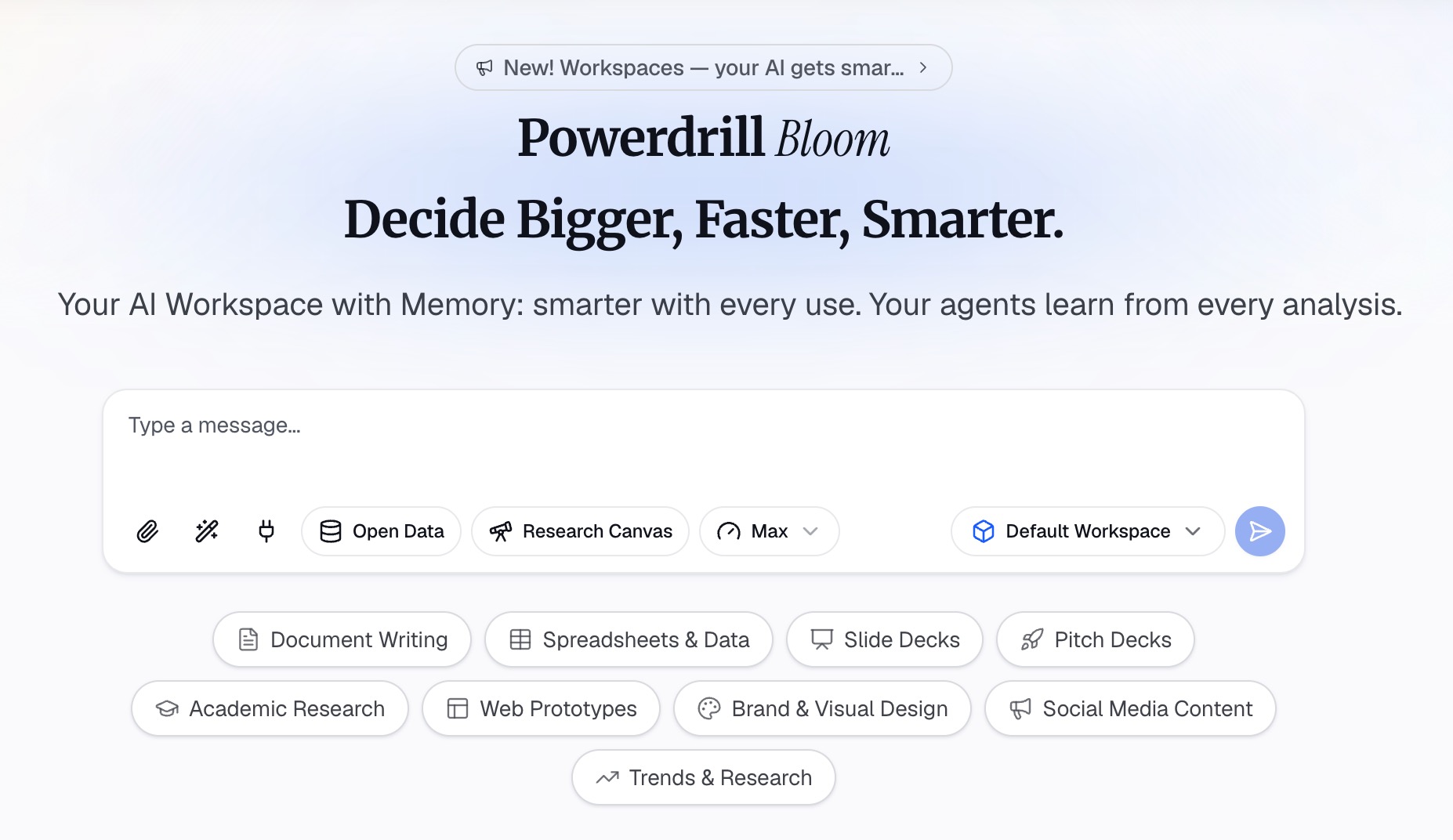
Upload the raw export rather than a cleaned copy. The cleaning step is where last period's judgment gets baked in, and you want this period judged fresh.
Step 2: Describe the update, not the analysis
Ask for the document in natural language, and name the audience. A workable request looks like this: a one-page update for a sponsor who has not seen the data. Then list what it must contain, block by block.
Naming the audience is what makes the output usable. The same file summarised "for the team" produces something twice as long and half as useful.
Say what to leave out too. Explicit exclusions do more work here than any extra instruction.
Step 3: Export it and cut one more thing
Export the document, then read it once as the recipient. The free plan lists generated insights, charts, and summaries, plus basic docs and sheets.
Then delete one paragraph. There is always one, and it is usually the one explaining why last period was harder than expected.
Our AI report generator page covers the longer report format, and the ad hoc reporting page covers one-off requests that do not repeat.
What "free" actually covers
This matters because the word gets used loosely, so here is the boundary as published.
The free plan lists 1,000 daily refreshed credits and uploads for Excel, CSV, PDF, and docs. It also lists generated insights, charts, and summaries, built-in agent skills, and creation of basic slides, docs, sheets, and images.
That set covers a stakeholder update end to end. You can upload the export, get the chart, and produce the document without a paid plan.
The credit model is worth understanding before you rely on it. The daily pool refreshes rather than accumulating, so a single update is comfortable and a batch of ten in one afternoon may not be.
Two things are not on the free tier, and pretending otherwise would be dishonest. Office document creation and Excel analysis are listed on Pro. So is the deeper analysis and visualisation tier.
The other boundary is scheduling, which the next section covers, because it is the part that decides how fast the second update is.
Making it fast the second time
The first update takes real thought. The tenth should not.
Speed comes from three habits, and only one of them involves the tool.
Freeze the shape. The five blocks above, in the same order, every period. No redesign.
Reuse the prompt. Save the wording from Step 2 and change only the period. The output stays comparable across updates, which is the entire point of a recurring document.
Put it on a schedule. The pricing page lists 1 scheduled task on the free plan and 20 on Pro. One is enough for a single weekly update. Twenty is what you need once several updates run on different cadences.
Our auto reporting and data reporting pages cover the recurring setup. For the wider category, see the roundup of AI tools for report generation.
The three mistakes that make updates get ignored
Burying the verdict. If the headline is in paragraph four, nobody reaches it. Lead with on track, at risk, or off track.
Changing the metric. Swapping which number you report resets the reader's memory. Keep the metric and change the commentary.
Softening risk. A risk written vaguely enough to be safe is also vague enough to be useless. Name it, name the owner, name the date you will know more.
What to do when the update carries bad news
This is the period people skip the send, and skipping is the worst available option.
A missed update does not hide a problem. It removes the reader's chance to help while helping is still cheap, and it makes the next update twice as hard to write.
Four things make a difficult update land better.
Lead with it anyway. The headline block still says off track. Burying it costs you credibility that the good periods paid for.
Separate cause from consequence. One line on what happened, one line on what it now means for the date or the number. Readers conflate the two unless you split them.
Bring the decision, not just the problem. Say which option you recommend and what you need approved. A problem with no proposed path invites everyone to invent one.
Keep the same shape. Do not restructure the document because the news is bad. A familiar layout is what lets a reader absorb an unwelcome number quickly.
One more thing worth saying plainly. If the metric moved because the definition changed, say so in the movement block. An unexplained jump reads as an error, and it costs you the next three updates.
To produce your next update from a real export, check the pricing page and try Powerdrill Bloom.
Frequently asked questions
How long should a stakeholder update be?
One page, or one screen on a phone. If it runs longer, move the detail to an appendix and link it.
How often should I send one?
Match the cadence to the decision rhythm, not the calendar. Weekly suits active delivery, and monthly suits steady operations. A stakeholder update that arrives after the decision was made is filing, not communication.
Can I really produce a stakeholder update on the free plan?
Yes. Uploads, insights, charts, summaries, and basic docs are all listed on the free tier. Office document creation and Excel analysis are Pro features.
What if nothing changed this period?
Say that in one line and keep the update. A period with no movement is itself information, and skipping the send makes the next one harder to read.
How do I stop writing it from scratch every time?
Freeze the five blocks, reuse the same prompt wording, and put the recurring version on a scheduled task. The free plan includes one, and Pro lists twenty.