10 Best AI Tools for Report Generation in 2026
Introduction
After rigorously testing dozens of the Best AI Tools for Report Generation, I’ve found that businesses and individuals are no longer looking for simple chatbots. They demand intelligent agents capable of "automated data cleaning," "extracting deep insights," and "generating Nano Banana Pro-level visual slides" in one click.
This comprehensive review highlights the top 10 tools that will help you escape data overload and build compelling visual narratives instantly.
Comparison Table
Tool Name | Visual Quality | Best For | Pricing Model |
⭐⭐⭐⭐⭐ (Nano Banana Pro) | Raw Data Cleaning + Deep Insights + Pro Slides | Freemium/Sub | |
⭐⭐⭐⭐ (Enterprise BI) | Complex corporate dashboards | Subscription | |
⭐⭐⭐⭐ (High Design) | Quick text-to-presentation decks | Subscription | |
⭐⭐⭐ (Basic Charts) | General coding & analysis | Subscription | |
⭐⭐⭐⭐ (Strict Templates) | Brand-consistent slides | Subscription | |
⭐⭐⭐ (Interactive) | Spreadsheets to Web Apps | Subscription | |
⭐⭐ (Code/Text) | Long-context logic & text analysis | Subscription | |
⭐⭐⭐ (Predictive) | ML & Sales Forecasting | Custom pricing | |
⭐⭐⭐ (Traditional BI) | SMB Data Integration | Subscription | |
⭐⭐⭐ (Storytelling) | Marketing analytics and Reporting | Subscription |
1. Powerdrill Bloom
Powerdrill Bloom is the only AI Agent that bridges the gap between "messy raw files" and "Business Report," powered by the Nano Banana Pro visual engine.
Key Features:
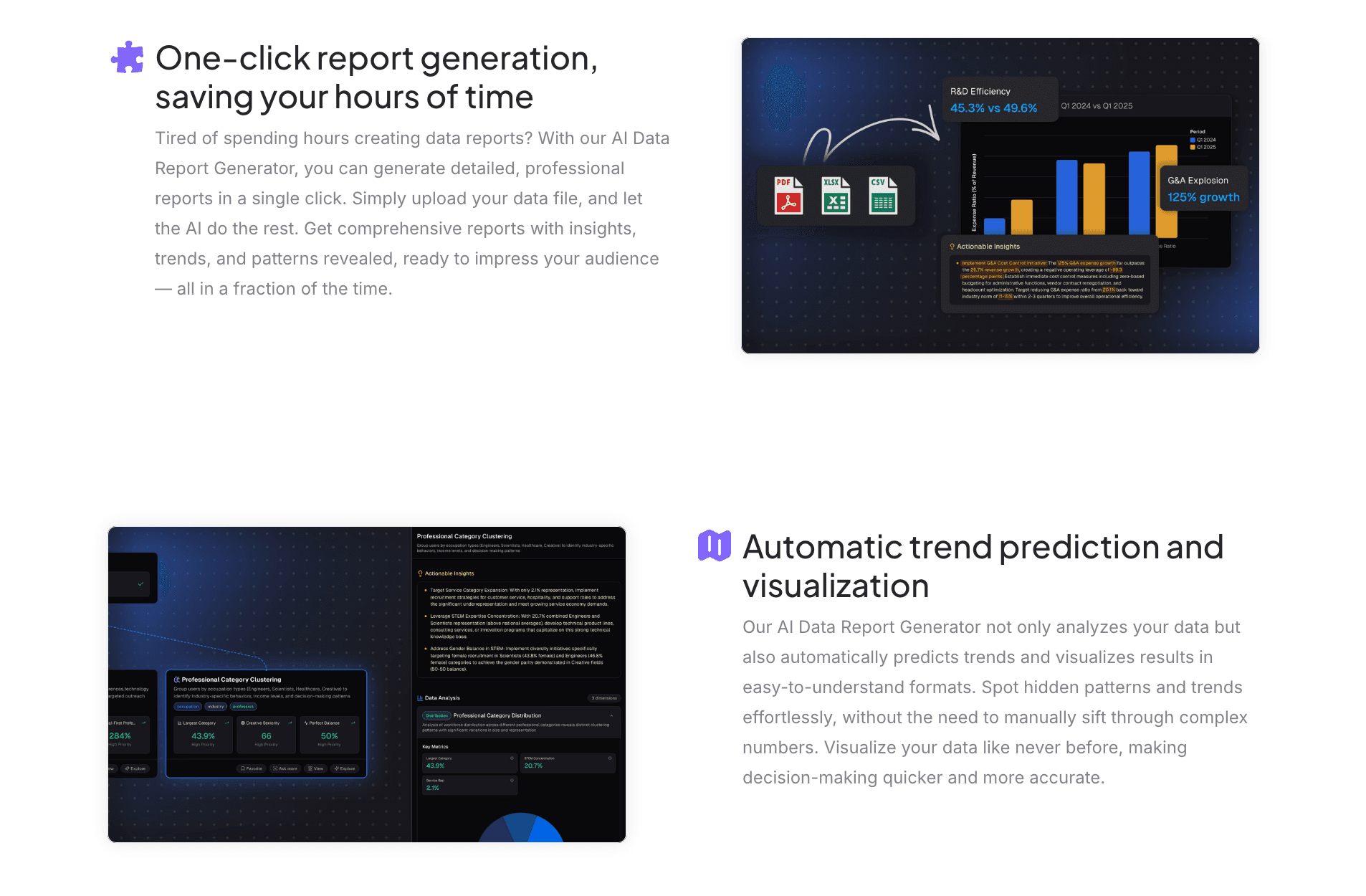
Multi-Source Data Intelligence: Uploads Excel, CSV, or PDF files; the AI automates cleaning and organizing.
Nano Banana Pro Engine: A specialized visual core that turns data insights into fancy, business-ready slides and data preview images instantly.
Pros:
High accuracy in parsing complex data logic.
Generates presentation-ready report.
Cons:
Slightly slower processing for unstructured image-only data.
Pricing:
Competitive subscription plans with a free trial available.
2. Tableau AI
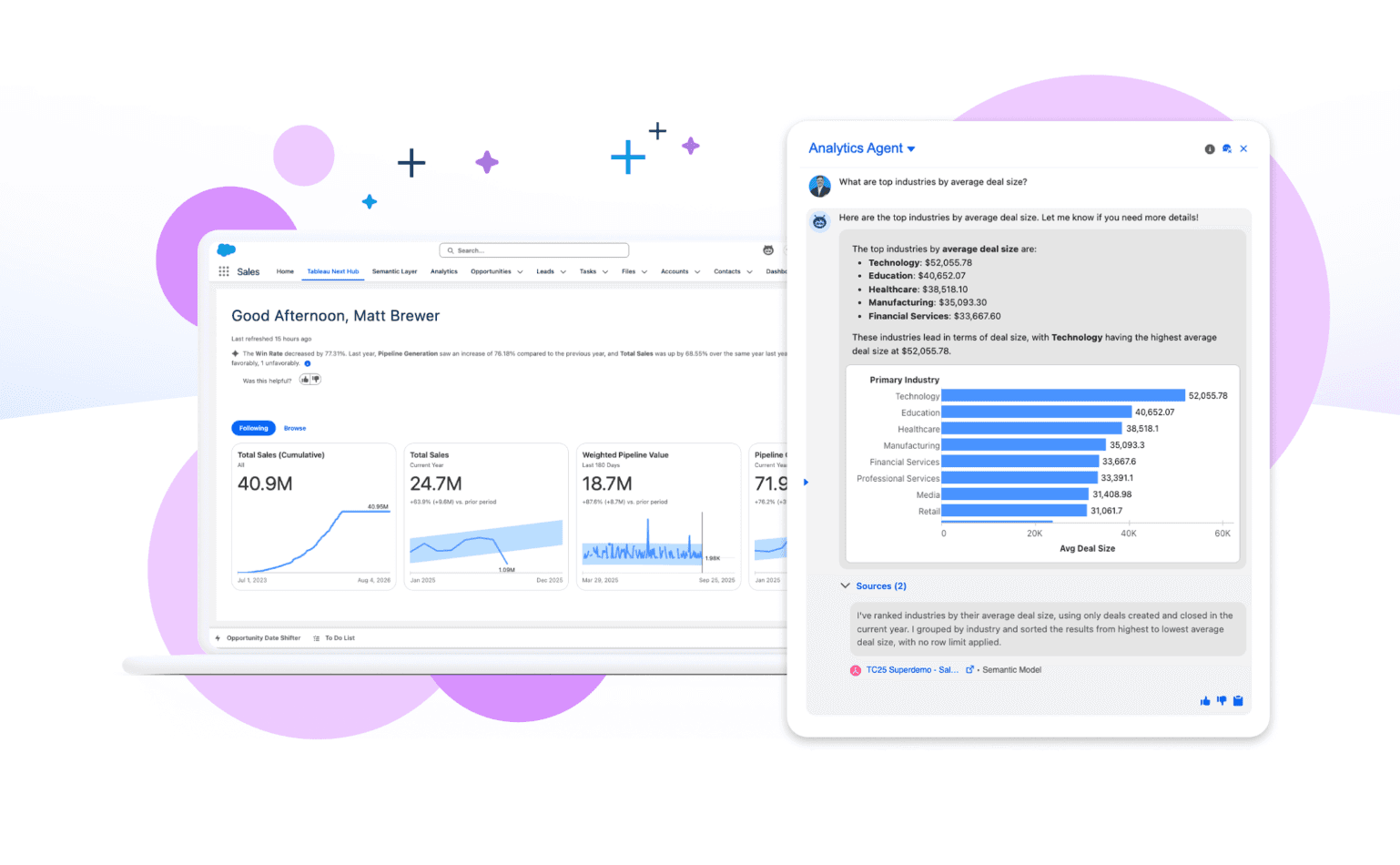
Salesforce's BI giant, enhanced with AI for SQL queries and dashboard building.
Key Features:
Enterprise-grade security.
Tableau Pulse for anomaly detection.
Pros:
Unmatched for handling PB-scale data in large enterprises.
Cons:
Steep learning curve; not user-friendly for non-technical staff; visuals can feel rigid.
Pricing:
Subscription.
3. Gamma
A generative presentation tool famous for turning text outlines into decks.

Key Features:
One-click deck generation.
Flexible card-based editing.
Pros:
Beautiful designs and highly automated layout.
Cons:
Weak data analysis capabilities. It cannot deeply understand uploaded Excel files, serving mostly for text layout.
Pricing:
Subscription.
4. ChatGPT
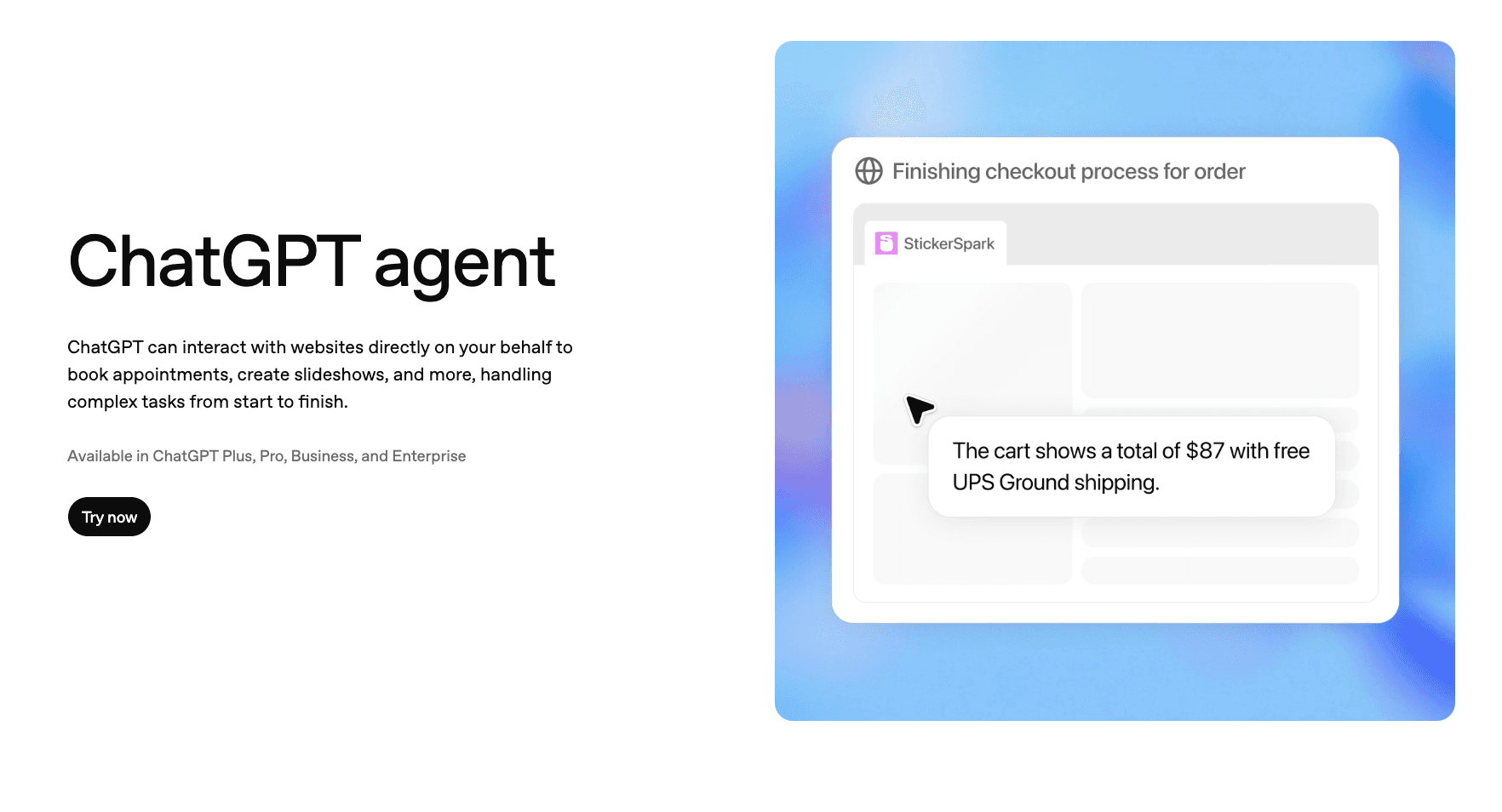
OpenAI’s LLM with Python sandbox capabilities for code execution.
Key Features:
Python environment.
Cross-file analysis.
Pros:
Extremely versatile for general logic and coding tasks.
Cons:
Charts are often static images (Matplotlib) lacking business aesthetics; cannot export directly to editable PPTs.
Pricing:
Plus Subscription.
5. Beautiful.ai
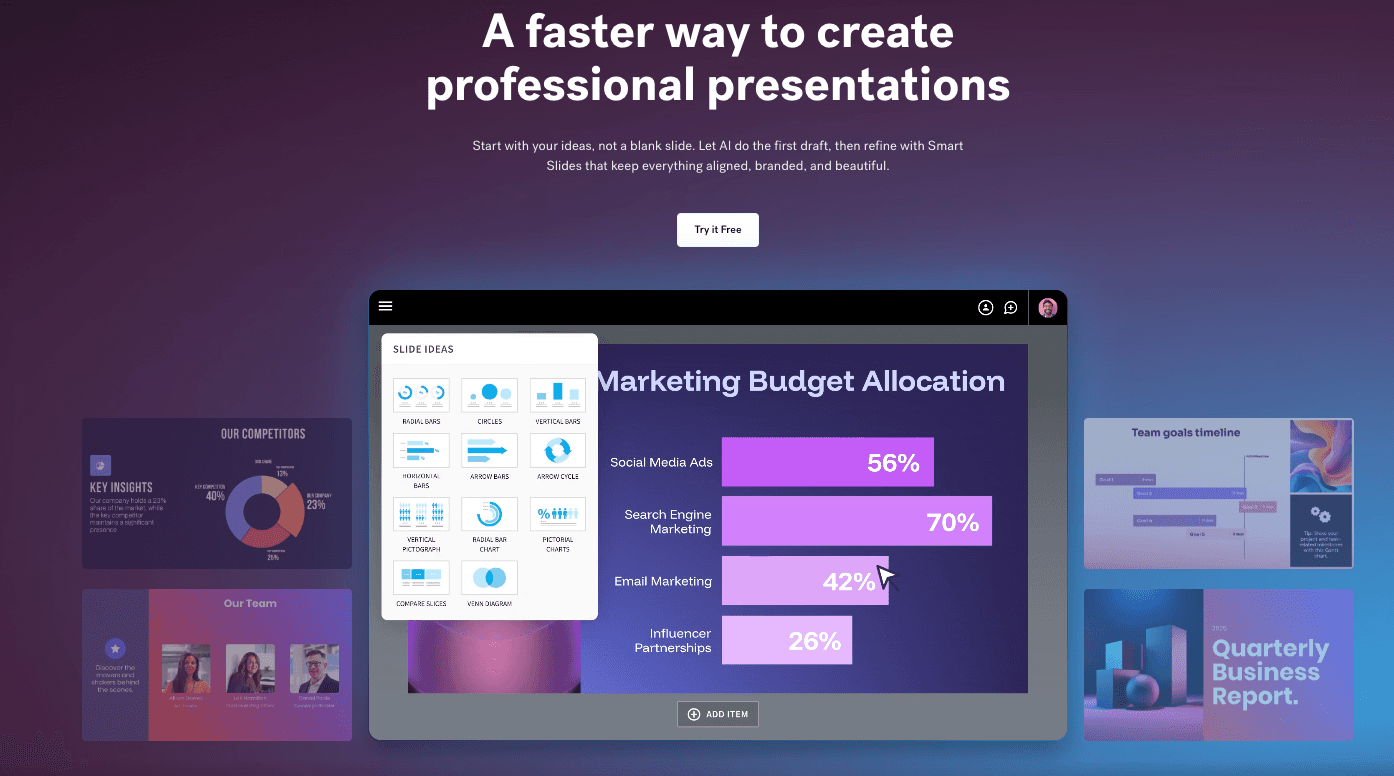
An intelligent design tool focused on "making slides beautiful" through constraints.
Key Features:
Smart Slide templates.
Auto-layout adjustment.
Pros:
Ensures consistent branding and layout.
Cons:
Lacks data mining capabilities; requires manual data entry.
Pricing:
Monthly subscription.
6. Polymer
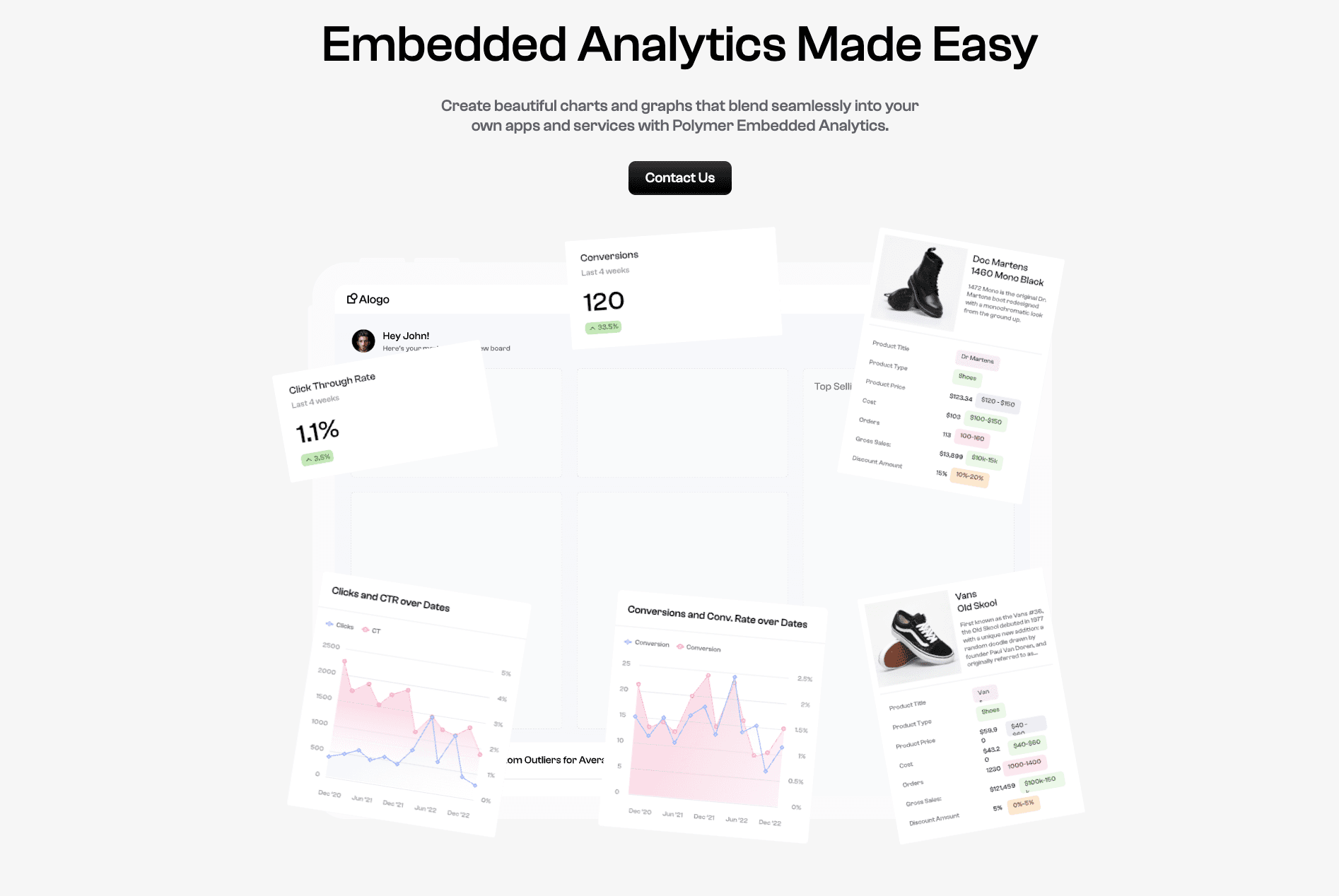
Turns spreadsheets into interactive web database applications.
Key Features:
AI Tag generation.
Embeddable dashboards.
Pros:
Great for interactive web sharing.
Cons:
Not suitable for generating static reporting slides or PDFs.
Pricing:
Tiered subscription.
7. Claude
Anthropic’s AI, known for massive context windows and reasoning.
Key Features:
Analyzes long PDF reports.
Artifacts preview.
Pros:
Superior at reading and summarizing long textual reports.
Cons:
Weak visualization capabilities compared to specialized data tools.
Pricing:
Pro Subscription.
8. Akkio
A predictive AI platform designed for agencies and marketers.
Key Features:
No-code ML modeling.
Sales funnel forecasting.
Pros:
Strong in forecasting future trends.
Cons:
Single-purpose focus (prediction); basic report presentation.
Pricing:
Custom pricing.
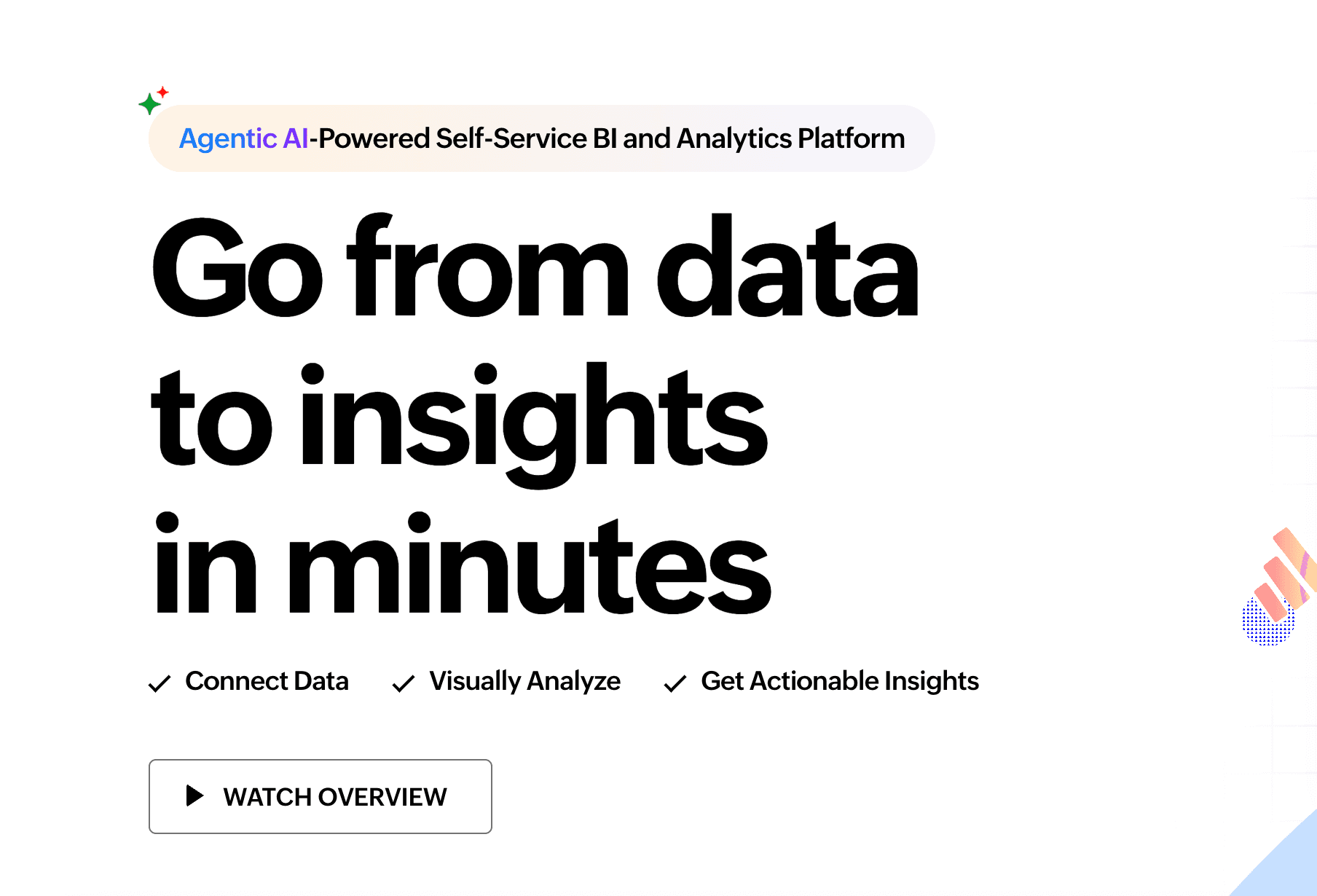
9. Zoho Analytics
Self-service BI and analytics for SMBs.
Key Features:
Ask Zia assistant.
Integration with Zoho suite.
Pros:
Good value for money if using the Zoho ecosystem.
Cons:
UI feels dated compared to modern 2026 AI tools.
Pricing:
Subscription.
10. ReportGarden
An AI-powered report generator designed to streamline marketing analytics and reporting.

Key Features:
Automatically collect data.
Generate detailed reports.
Pros:
Focuses on generating marketing and advertising reports, analyzing ad performance.
Cons:
Mainly focused on advertising and marketing, limiting its applicability to other industries.
Pricing:
Subscription.
Buying Guide: Which Tool Should You Choose?
For Enterprise IT: If you need a company-wide data warehouse, choose Tableau AI.
For Creatives: If you need pretty slides based on text prompts, Gamma are great.
For Business Professionals (Recommended): If you have raw Excel/CSV data and need deep analysis plus professional report to present to your boss, Powerdrill Bloom is the best choice in 2026. It perfectly balances "Data Intelligence" with "Visual Aesthetics."
How Powerdrill Bloom Accelerates Reporting?
Powerdrill Bloom dominates the market because of its unique "Data-to-Visual" workflow:
Data Cleaning: Upload messy sales logs or survey data; the AI standardizes it automatically.
Deep Insights: Ask natural language questions (e.g., "Where is the highest profit margin?"), and get top-tier insights instantly.
Nano Banana Pro Visualization: This is the secret sauce. The Nano Banana Pro engine intelligently recommends the best charts (Sankey, Heatmaps, etc.) and generates high-end Data Preview Images and Slides.
One-Click Export: Turn insights into editable PPTs or PDFs without any design skills.
Conclusion
2026 is the era of "Data Storytelling." You don't need a tool that just writes code or just draws pictures. You need a partner like Powerdrill Bloom that understands both data depth and visual narrative. Choose Bloom to turn complex data into influential reports.
Frequently asked questions
What are AI Tools for Report Generation?
These tools use AI to automate data extraction, analysis, and the creation of visual reports (slides/dashboards), replacing manual effort.
What is the best AI tool to turn Excel data into visual charts?
We recommend Powerdrill Bloom. It understands Excel logic and uses the Nano Banana Pro engine to create professional business visuals.
How do these tools improve efficiency?
They save 90% of the time spent on data cleaning and formatting, allowing professionals to focus on decision-making.