Powerdrill Bloom vs. Fathom: Features, Pricing, and Best Use Cases (2026)
Both tools take something unstructured and hand you something you can act on. The difference is the raw material. Fathom's unit of record is the conversation. Powerdrill Bloom's is the file. Pick by what you already have sitting there.
What's the difference between Powerdrill Bloom and Fathom?
Ask what each one is built to capture, and the split becomes obvious.
Fathom captures what was said. Its own homepage states the job plainly: "Fathom summarizes your meetings so you can focus on the conversation." The value it creates is a record of a discussion, plus the follow-up actions that came out of it.
Powerdrill Bloom captures what the numbers say. You upload a spreadsheet, a CSV export, or a PDF, and it returns the analysis together with the charts, slides, or documents that carry it.
There is a second, less obvious difference in where the output goes. Fathom pushes signals outward into the systems you already run. Powerdrill Bloom concentrates on producing one finished artifact.
Meet Powerdrill Bloom
Powerdrill Bloom is an AI data agent. You upload a file, describe the deliverable in natural language, and it produces the answer along with the visuals that explain it.
Its pricing page lists a Free plan with 1,000 daily refreshed credits and uploads for Excel, CSV, PDF and documents. Free also covers open data search, generated insights, charts and summaries, built-in agent skills, and basic slides, docs, sheets, and images. The Pro plan adds 5,000 monthly credits, deeper analysis and reporting, Office document output, Nano Banana images, custom agent skills, and Claude Skills workflows. The page footer shows SOC 2 Type 2 certification.
The typical job is a single run: raw export in, finished artifact out.
Meet Fathom
Fathom is an AI notetaker for meetings. Its homepage headline is "AI notetaking that is out of this world", and the current release is promoted as available bot-free.
The mechanics explain the fit. Fathom records your calls, transcribes them, and generates a summary right after the call ends. The page describes capture "your way – bot or no bot", which matters on calls where a visible meeting bot would be awkward. The pricing page marks the bot-free option as in beta, and AI-generated action items start on the Premium tier.
Around that core sit three more pieces. Ask Fathom lets you query across past conversations rather than reading one transcript at a time. AI Scorecards produce coaching metrics from calls, which the page frames as real-time coaching moments and follow-up metrics. And an integrations layer syncs notes, insights, and action items into Slack, Salesforce, HubSpot, Notion, and Asana. A public API and MCP are listed as well.
For teams, the page positions Fathom as "a shared source of truth across every customer conversation, internal sync, and strategy call." It states SOC 2 Type II, GDPR and HIPAA compliance, plus SSO and SCIM, and cites use at more than 300,000 companies.
At a glance
| Powerdrill Bloom | Fathom | |
|---|---|---|
| 🎯 Best for | Turning a data file into a report, chart, or deck | Turning meetings into notes, actions, and CRM updates |
| 💰 Price as of Sept 2, 2026 | Free $0; Pro $13.27/month; Plus $26.60; Premium $132.67; Team Pro $13.27/seat | Free $0; Premium $20/month or $16 annually per user; Team $19 or $15 annually per user from 2 seats; Business $34 or $25 annually per user; Enterprise on request |
| ⚡ Key strength | One run produces the analysis and the artifact together | Documentation of a call happens without anyone taking notes |
| ❄️ Main weakness | The pricing page does not describe meeting capture, transcription, or CRM sync | The product pages do not describe uploading a spreadsheet, CSV, or Excel file |
| 👥 Team size | Individual through team, with shared team credits | Individual on Free and Premium; Team and Business begin at two seats |
Both weakness rows come from grepping each company's own pages, and both are stated as what the pages describe. Neither is a claim about what either product will never do.
Feature-by-feature
Input
This is the dividing line. Powerdrill Bloom takes Excel, CSV, PDF, and documents, plus built-in open data sources. Fathom takes live meetings on Google Meet, Zoom, and Microsoft Teams, either with a bot or without one.
Fathom's pages do describe analysis, and it would be wrong to imply otherwise. Ask Fathom answers questions across many past calls, and AI Scorecards derive metrics from them. The material being analyzed is conversation data that Fathom captured. The pages do not describe uploading your own spreadsheet.
Output format
Fathom outputs transcripts, summaries, action items, keyword alerts, and Deal View pages that gather everything for one customer. Powerdrill Bloom outputs analysis artifacts: charts, summaries, Office documents, slides, and generated images.
The two lists barely overlap. Fathom's pages do not mention slides, decks, or charts. Our pricing page does not mention transcripts or call recording.
Distribution
Fathom is stronger here, and it is worth saying so directly. Notes and action items flow automatically into Slack, Salesforce, HubSpot, Notion, and Asana, and CRM field sync updates records after meetings on the Business plan. A public API and MCP are listed too.
Powerdrill Bloom's distribution story is narrower and different in kind. It runs on scheduled tasks, one on Free and twenty on Pro, that refresh a deliverable on a cadence.
Governance
Fathom lists SOC 2 Type II along with GDPR and HIPAA compliance, plus SSO and SCIM provisioning. Its top tier adds organization-wide security controls and custom data retention programs. Powerdrill Bloom's pricing page shows SOC 2 Type 2 certification. The other named frameworks and controls are not described there.
Pricing shape
The shapes differ more than the numbers. Fathom prices per seat, with a two-seat minimum on its team tiers and a genuinely usable free plan for individuals. Powerdrill Bloom prices by credits instead. A one-time credit package stacks on any plan and stays valid for twelve months, which suits bursty analytical work.
How to produce a data deliverable in Powerdrill Bloom
Step 1: Upload the file
Drop in the Excel workbook, CSV export, or PDF. You skip the schema definition and the formula writing entirely.
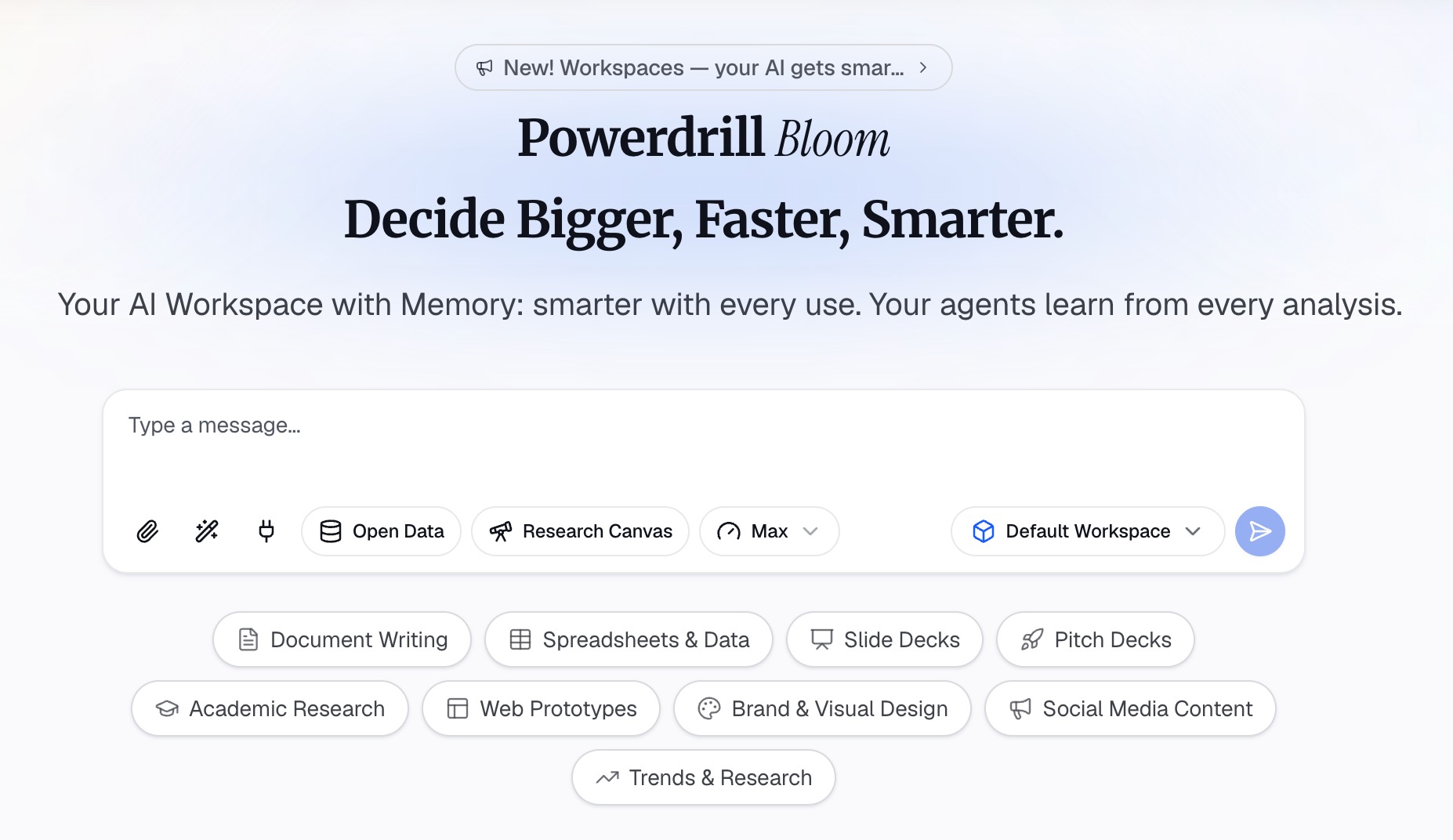
Step 2: Describe the deliverable in natural language
Say what you want, not how to compute it. "Build a one-page pipeline report by stage, and flag anything that has not moved in 30 days." The agent works out the steps.
Step 3: Review and export the artifact
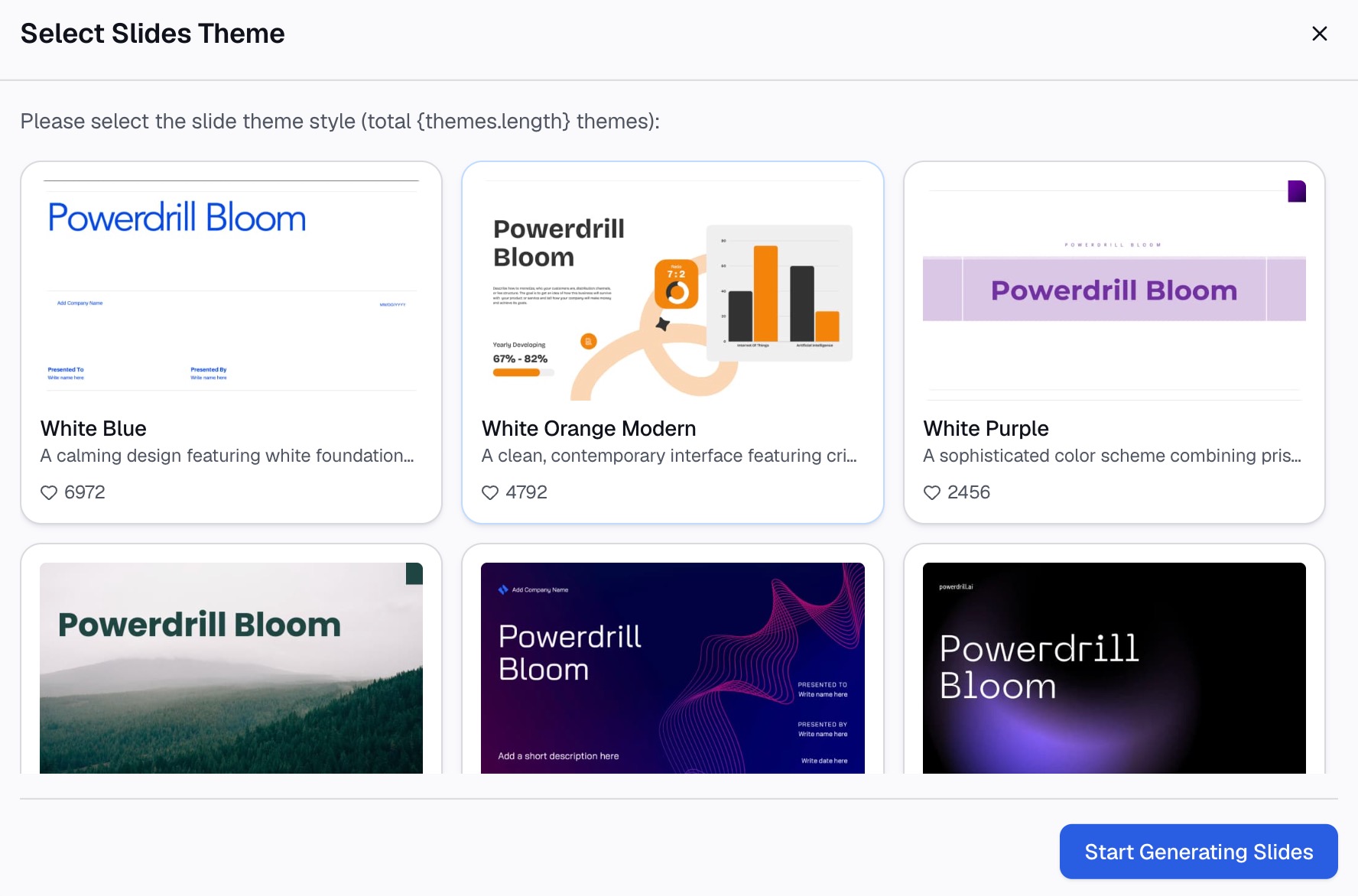
Check the charts and figures against the source, then export as slides, an Office document, or a sheet. Set a scheduled task if the same deliverable is due again next month.
A worked scenario: the weekly pipeline review
It helps to run one real meeting through both tools, because the split stops being theoretical.
Say your sales team meets every Monday to review pipeline. Two separate problems live inside that hour.
Problem one: the commitments evaporate. Six deals get discussed, four owners promise follow-ups, and by Wednesday nobody remembers who agreed to what. The CRM stays stale. This is a conversation problem, and a notetaker solves it well. The call is captured, the action items are extracted, and the CRM fields update afterward.
Problem two: the numbers on the screen had to come from somewhere. Someone exported the pipeline, cut it by stage and rep, worked out which cohort is slipping, and built the six slides everyone is looking at. That work is not a conversation. It is analysis, and no amount of meeting capture produces it.
The same hour contains both problems. That is exactly why these two tools get compared at all. They are not competing for the same job. One removes the follow-up gap. The other removes the two hours spent building the pack.
Buying one and expecting it to cover the other is the most common way teams end up disappointed with whichever they picked.
How to make your choice
Choose Fathom if your bottleneck is the follow-through
If deals and projects stall because commitments made out loud never reach a system, Fathom is the right instrument. Sales, customer success, and recruiting all fit this shape.
Choose Powerdrill Bloom if your bottleneck is a file
If the blocker is an export nobody has time to analyze, and the deadline is a report or a deck, start from the data. See how that plays out in a stakeholder update or a KPI dashboard built from a spreadsheet.
Use both if you run a customer-facing team
They are complementary far more often than competitive. Fathom records what the customer said; a data agent produces the numbers the next review is built on. Neither replaces the other.
My verdict
Fathom is the better product for the job it targets, and its distribution into CRM and chat tools is genuinely ahead of ours. If your problem is that decisions made in meetings never turn into updated records, buy Fathom.
Powerdrill Bloom is the better product when the evidence already exists as a file and somebody has to make sense of it. If your problem is that the export is open and the deck is due, start from the data.
The mistake is buying either one for the other's job. A meeting summary will not tell you why pipeline coverage fell. An analysis will not remind your team who promised the follow-up.
Conclusion
Fathom answers "what did we say?" Powerdrill Bloom answers "what does this file say?" Both end in something a colleague can act on, which is why they get compared. Each is worth the money for the question it actually answers.
If your next deadline is a report, a chart, or a deck built from a file you already have, try Powerdrill Bloom free.
Product details and prices are as of September 2, 2026, taken from each company's own pages.
Frequently asked questions
Is Fathom a data analysis tool?
Fathom analyzes conversation data that it captured, and Ask Fathom answers questions across past calls. Its product pages do not describe uploading your own spreadsheet or CSV file for analysis.
How much does Fathom cost in 2026?
As of September 2, 2026, the page lists a free plan and Premium at $20 per user monthly, or $16 annually. Team is $19 or $15 annually from two seats, and Business is $34 or $25 annually. Enterprise is on request.
Can Powerdrill Bloom join and transcribe my meetings?
The Powerdrill Bloom pricing page does not describe meeting capture, transcription, or CRM sync. It describes uploading Excel, CSV, PDF, and document files and generating analysis, charts, slides, and images from them.
Which one is better for keeping a CRM up to date?
Fathom, clearly. CRM field sync that updates records after meetings is listed on its Business plan. Its whole integrations layer is built around pushing meeting output into other systems.
Do Powerdrill Bloom and Fathom integrate with each other?
Neither company describes a direct integration between the two. Teams that use both typically keep them separate: Fathom for the conversation record, a data agent for the analysis the conversation is about.