How to Write a Data Deck Outline with AI: Step by Step

A data deck outline is a one-page document written before any slide exists. Each row holds one assertion, the question that slide answers, and the exhibit that proves it. Upload your data file and ask an AI agent for the structure rather than the deck. You then argue about it in five minutes instead of rebuilding for two hours.
What a data deck outline is, and what it is not
An outline is not a slide sorter view and it is not a list of topics. A topic list ("Q3 results", "Pipeline", "Next steps") tells you nothing about whether the argument holds together.
A real outline has three columns per row:
- The assertion. What this slide claims, written as a full sentence.
- The question it answers. The thing a reader would ask if the slide were missing.
- The exhibit. The specific chart or table that supports the assertion.
Read the assertion column top to bottom on its own. If those sentences form an argument, the deck will work. If they read as a table of contents, the deck will not, and no amount of design will fix it.
This matters because titles carry the navigation load in a finished deck. When someone flips back to check something, the title is what they scan.
PowerPoint has had a view built around exactly this idea for years. Microsoft describes it plainly: "Outline view in PowerPoint displays your presentation as an outline made up of the titles and main text from each slide." The same page notes that "The main text is indented under the slide title", and that graphic objects appear only as small notations there.
That last detail is the point. Stripping the pictures is a feature, because it forces you to judge the argument rather than the design. Microsoft says the view helps when you want to "make global edits, get an overview of your presentation, change the sequence of bullets or slides". Doing that work before any slide exists is cheaper still.
Why the outline comes first
Building slides first feels faster and almost never is. Three failure modes come from skipping the outline:
You discover the argument doesn't hold at slide 14. By then you have built thirteen slides that assume it does. Restructuring means rebuilding, because charts were sized for a layout that is about to change.
You cannot get useful feedback. Nobody reviews a half-built deck structurally. They comment on fonts. An outline is short enough that a reviewer engages with the logic instead.
You build exhibits you do not need. Every chart costs time to make and time to check. Deciding the exhibit list up front is the cheapest edit you will ever make.
The outline is also where you find out that the data does not support the story you were going to tell. Better to learn that on one page.
What you need before you start
Two things, and only two:
- The data file. The export the deck will be built from: Excel, CSV, or a PDF report.
- The decision the audience has to make. Not the topic. The decision. "Approve next quarter's budget" produces a very different outline from "understand what happened last quarter."
If you cannot state the decision in one sentence, write that sentence first. Everything downstream depends on it.
How to write a data deck outline manually
The manual method works and is worth knowing, because it is the same thinking you will ask an agent to do.
Open the data and write down every finding you can defend, one per line. Do not filter yet. Ten to twenty lines is normal for a quarter of data.
Now cut. Keep only findings that change what the audience does. A finding that is true, interesting, and decision-irrelevant belongs in an appendix, not in the flow.
Order the survivors so each one earns the next. The common shape is: what happened, why it happened, what it means, what we are asking for. Then convert each line into a full-sentence assertion and name the exhibit beside it.
Finally, read only the assertions. This is the test, and it is the step people skip.
Two hours is a realistic manual budget for a twelve-slide deck. Most of that goes on returning to the data to check whether a finding survives cutting.
How to write a data deck outline with AI
Step 1: Upload the data file
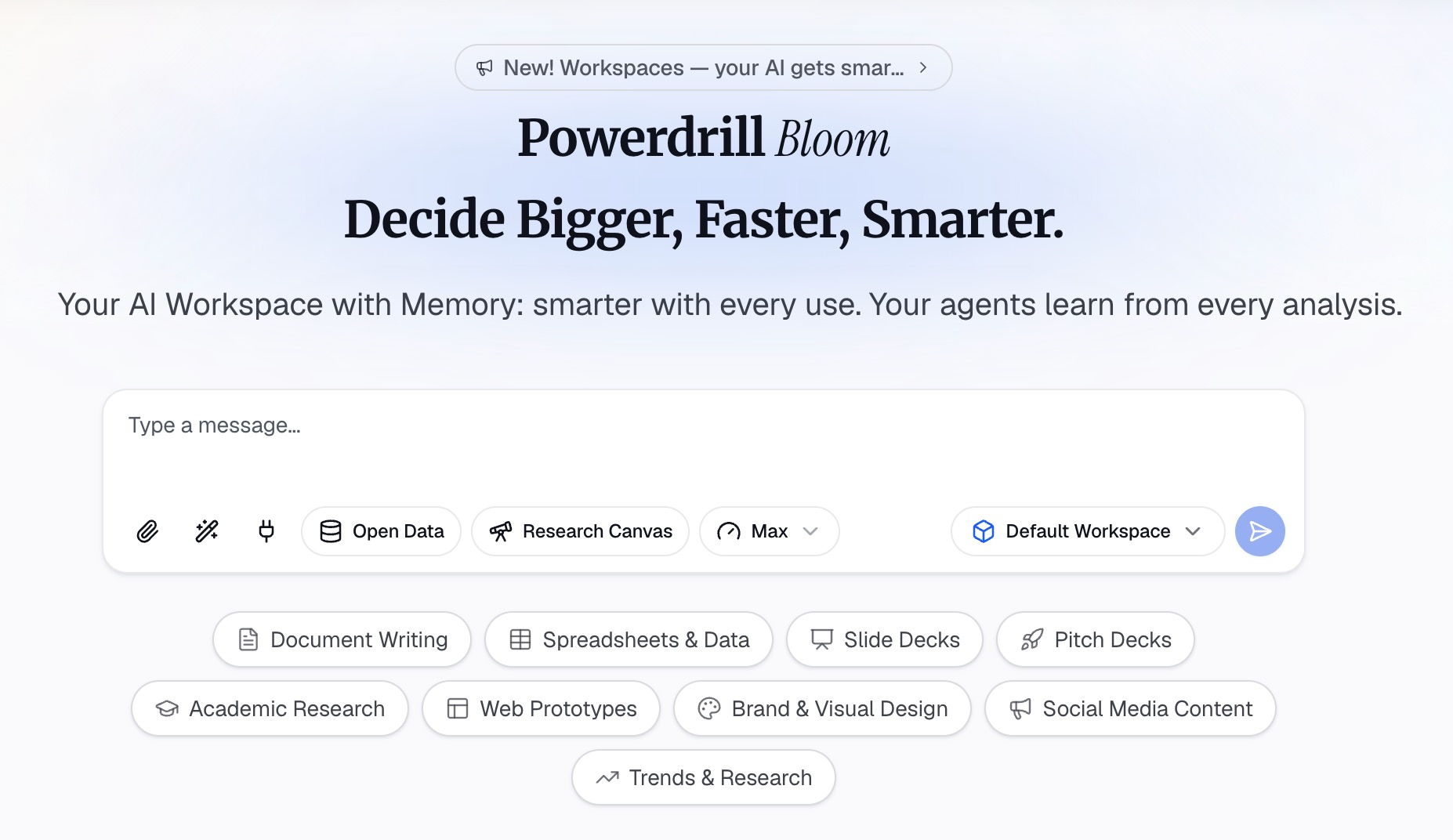
Drop the export into Powerdrill Bloom. Excel, CSV, PDF, and documents are all accepted, and the agent reads the actual figures rather than a summary you paste in.
Step 2: Ask for the outline, not the deck
This is the whole trick. Word the request so the output is a structure document:
"Read this file. Give me a deck outline for a 20-minute review with our finance lead, who has to approve next quarter's spend. One row per slide: a full-sentence assertion, the question it answers, and the exhibit needed. Maximum twelve slides. Tell me which assertions the data does not support."
That last clause is the valuable one. An agent that has read the file can tell you which claims are thin before you build anything around them.
Step 3: Cut, reorder, then hand it off to generation
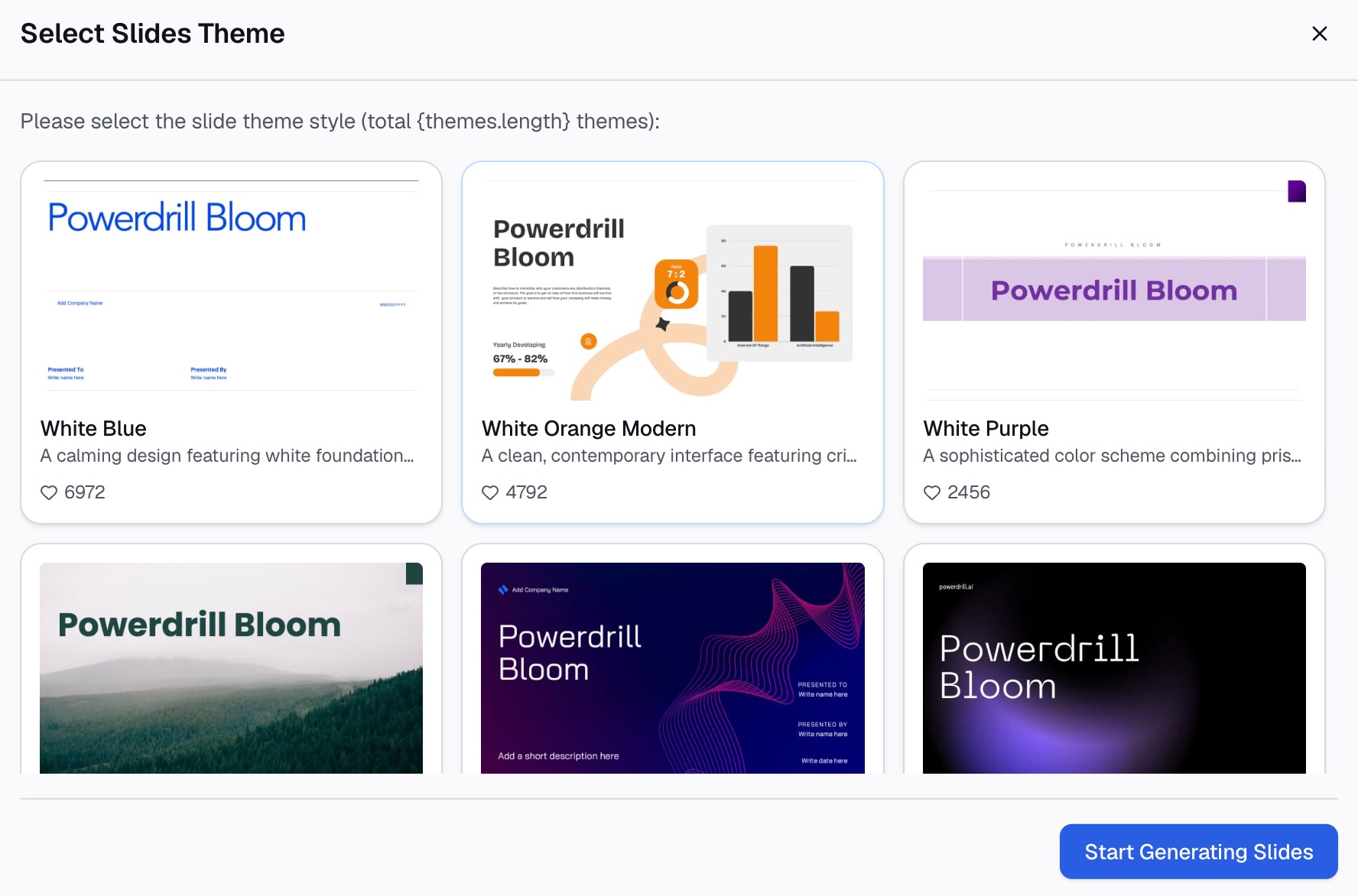
Read the assertion column alone and delete anything that does not move the argument. Reorder freely — it is one page. Once the structure holds, hand it to generation. Excel to PPT builds from the spreadsheet, and topic to PPT builds from a written brief such as the page you just finished.
What a finished outline looks like
| # | Assertion | Question it answers | Exhibit |
|---|---|---|---|
| 1 | Revenue grew 8% but gross margin fell two points | Did a good quarter hide a problem? | Revenue and margin, dual line |
| 2 | The margin drop is concentrated in one product line | Is this broad or specific? | Margin by product line, bar |
| 3 | Landed cost on that line rose after the supplier change | What caused it? | Unit cost trend, annotated |
| 4 | Repricing recovers most of it by Q2 | What are our options? | Scenario table, three cases |
| 5 | We are asking to approve the price change now | What do you need from me? | Decision box, no chart |
Five rows, five sentences, one clear ask. Notice that row five has no exhibit — the ask is not a data point, and pretending otherwise pads the deck.
Common mistakes
Writing labels instead of assertions. "Q3 Revenue" is a label. "Revenue grew 8% but margin fell two points" is an assertion. Only the second one can be wrong, which is exactly why it is useful.
Outlining more slides than the meeting allows. Microsoft's own guidance puts a slide at "two to five minutes" on screen. For a 20-minute slot that is roughly six to ten substantive slides, not twenty.
Skipping the appendix decision. Findings you cut are not deleted, they are demoted. Decide during outlining which ones move to an appendix so you are not rebuilding them under pressure during Q&A.
Letting the exhibit choose the assertion. If you build the chart first, you will write a sentence that describes the chart rather than the finding. Write the sentence first.
Treating the outline as final. It is the cheapest thing in the process to change. Change it twice before building anything. Once slides exist, the outline stops being editable in practice.
Once the deck is built, readability is a separate pass with different rules. See making data slides easy to read and reviewing a data deck before you send it.
Conclusion
The outline is the highest-leverage page in the whole process and the one most often skipped, because it produces nothing you can show anyone. What it produces is the confidence that the deck is worth building at all.
Write it from the data, keep it to one page, and read the assertions on their own before you build. Start your outline free from the file you already have, or see how the finished version reads in a monthly business review deck.
Frequently asked questions
What is a data deck outline?
It is a one-page structure document written before the slides exist. Each row holds one full-sentence assertion, the question that slide answers, and the exhibit that supports it. Reading the assertions in order tests whether the argument works.
How long should a deck outline be?
One page, and one row per intended slide. Microsoft estimates two to five minutes per slide, so a 20-minute meeting is roughly six to ten rows plus an appendix list. If the page overflows, the deck is too long for its slot.
Should slide titles be assertions or labels?
Assertions. A label such as "Pipeline" tells a reader nothing. "Pipeline covers 1.4x of next quarter's target" makes a claim they can accept or challenge. Titles are also what people scan when they flip back through a deck.
Can AI write a deck outline from raw data?
Yes. Upload the export and ask specifically for an outline rather than a deck, requesting an assertion, a question, and an exhibit per row. Ask it to flag which assertions the data does not support.
What is the difference between an outline and a storyboard?
An outline settles the argument: what each slide claims and in what order. A storyboard settles the visual layout of each slide. Outline first, because layout decisions are wasted if the running order changes.