How to Make a Board Meeting Presentation: Outline and Examples
To make a board meeting presentation, start with the decisions you need from the board. Then build a short deck around them: a one-slide summary, a KPI scoreboard, progress against plan, the main risks, and each request for approval. Move detail into an appendix and send the deck as a pre-read before the meeting.
This guide gives a slide-by-slide outline, a worked example, and tips for writing the asks. It also shows a faster way to build the deck from your data with AI.
What a board meeting presentation is
A board meeting presentation is the deck management brings to a meeting of the board of directors. It reports how the company is doing and asks the board to decide on specific items.
It differs from other business decks in three ways:
- The audience governs, not manages. Directors set direction and approve big moves. They do not need operating detail.
- Decisions are the point. A good board deck makes it easy to approve, reject, or discuss each request.
- It is read before it is shown. Most directors read the deck ahead of time. The meeting then focuses on questions.
Startups, nonprofits, and public companies all use board decks. The content changes with the company, but the structure stays similar.
If your meeting is mostly about results and budgets, our guide to financial presentations goes deeper on that part. This guide covers the whole board deck.
Who is in the room and what they need
Plan the deck around the people who will read it. Each group looks for something different.
| Who | What they look for | What to give them |
|---|---|---|
| Independent directors | A clear view of performance and risk | A scoreboard and a short risk slide |
| Investor directors | Progress against plan and cash runway | Plan versus actual, burn, and runway |
| Board chair | A meeting that ends with clear decisions | An agenda and a list of asks up front |
| Committee chairs | Their area covered in enough depth | A short committee slide plus appendix detail |
| Executives presenting | Time to discuss, not to read slides | Short slides and a strong pre-read |
Directors often sit on several boards. They have little time between meetings. Short, consistent slides help them compare this quarter with the last one quickly.
What to include: a slide-by-slide outline
Most board decks fit in 10 to 15 main slides, with detail in an appendix. Here is a standard outline.
- Title and agenda. Meeting date, attendees, and the order of topics with time for each.
- Executive summary. The quarter in three bullets, plus the decisions needed today.
- KPI scoreboard. Eight to twelve metrics, each with the target, the actual, and the trend.
- Performance against plan. Revenue, costs, and cash compared with the budget.
- Cash and runway. Cash on hand, monthly burn, and months of runway.
- Strategic progress. Status of the three to five priorities the board approved.
- Team update. Key hires, departures, and open senior roles.
- Risks and issues. The top risks, their likelihood, and the plan for each.
- Decisions and asks. One slide per request, with the recommendation and the options.
- Committee reports. Short updates from audit, compensation, or other committees.
- Next steps. Owners and dates for each follow-up.
- Appendix. Detailed financials, product metrics, and backup for the asks.
Keep the order the same every meeting. Directors learn where to look, and changes stand out.
Some boards also handle routine items, such as approving the last meeting's minutes, in a consent agenda. A single slide that lists these items is enough.
How to adapt the deck for different boards
The outline above fits most companies. The weight of each section changes with the type of board.
Early-stage startup boards. These boards often include investors and founders. Cash and runway matter most, so put that slide near the front. Add a fundraising slide when a round is coming. Keep the deck short, since many startup boards meet often.
Growth-stage company boards. These boards add independent directors and committees. Give committee reports their own slides. Show performance by segment, such as product line or region. Expect more questions on hiring plans and margins.
Nonprofit boards. Mission results sit beside the money. Add slides for program outcomes, such as people served. Show fundraising against goal and the budget by program. Many nonprofit boards are large, so the pre-read matters even more.
Advisory boards. These boards give advice but do not vote. Replace the asks with questions for discussion. Share context on the market and the product, and leave time for open input.
A new director's first meeting. Add two or three context slides at the start. Cover the strategy, the plan for the year, and how the scoreboard works. Move them to the appendix in later meetings.
Whatever the board, keep the decisions visible. Every version of the deck should make clear what the board must decide today.
How to frame decisions and asks
The asks are the most important slides in a board meeting presentation. A vague ask leads to a long discussion and no decision.
Write each ask on its own slide with five parts:
- The decision. One sentence, such as "Approve a $1.2M budget for a second sales team."
- The recommendation. What management wants the board to do.
- The options considered. Two or three alternatives, including doing nothing.
- The numbers. Cost, expected return, and the effect on runway.
- The risks. What could go wrong and how you will track it.
Put the list of asks on the executive summary slide as well. That way the chair can plan the meeting around them.
If a topic is for discussion only, label it that way. Directors then know no vote is expected.
How to make a board meeting presentation with AI
Building the scoreboard and charts by hand takes time each quarter. You copy numbers from finance exports, rebuild charts, and fix the layout. An AI tool can do much of this from your data files.
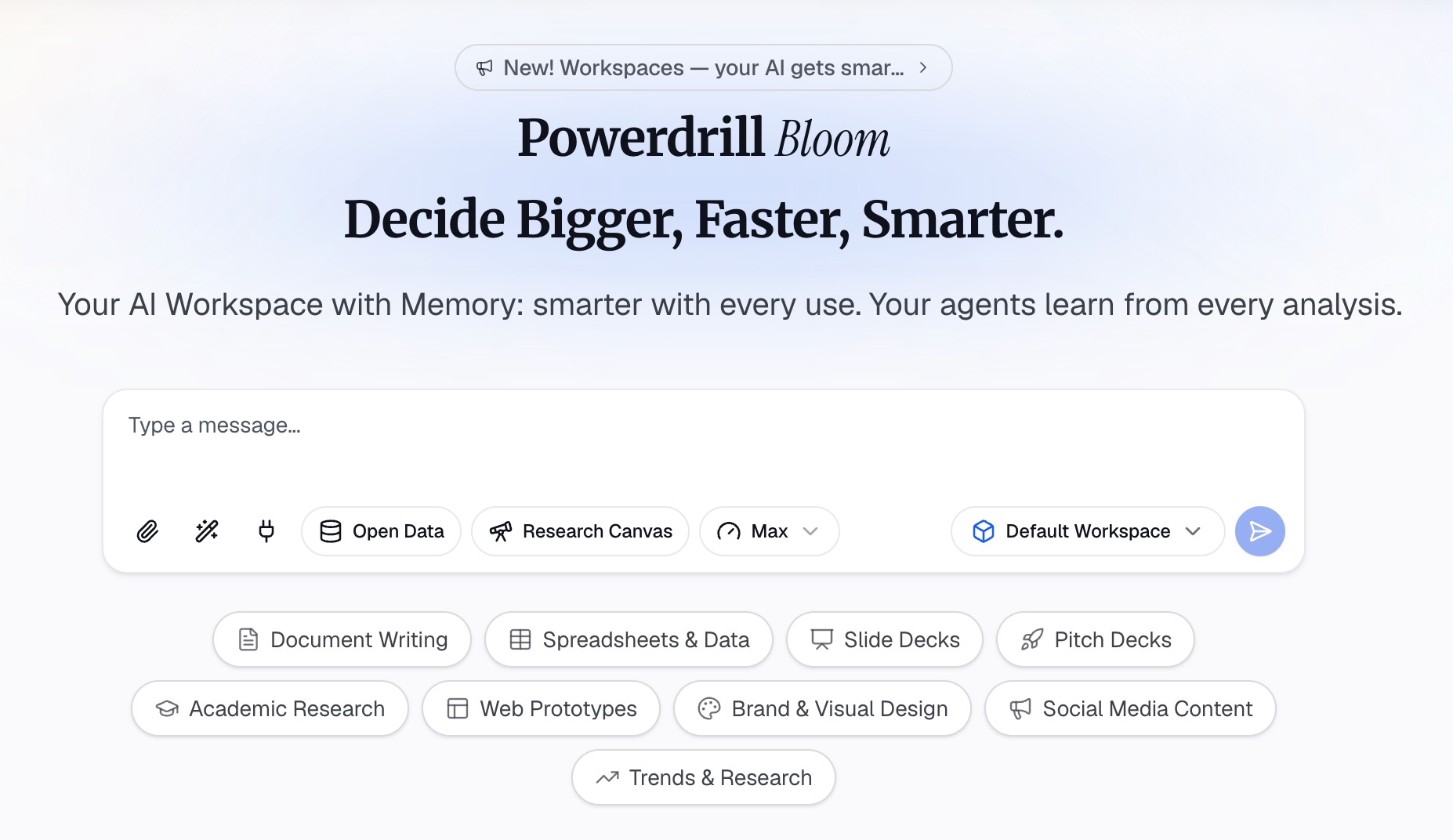
Here is the method in three steps, using Powerdrill Bloom.
Step 1: Upload your financials and KPI files
Start with the data behind the deck. That usually means the P&L, the budget, a KPI tracker, and short team updates.
The Board Report Generator asks you to "Upload data financials, KPIs, OKR tracker and team updates." Excel, CSV, and PDF files all work. If the numbers sit in several files, upload them together so the tool can link them.
Step 2: Choose the cadence and ask for the storyline
Next, pick the format. The tool page lists three: "monthly update, quarterly deck or pre-read pack."
Then describe what you need in natural language. For example: "Build a quarterly board deck. Show the KPI scoreboard against targets, revenue and burn versus plan, and runway. Add one slide for each decision we need."
The page lists the outputs as a "Slide board deck with scoreboard, segment performance and asks." It also offers a "KPI scoreboard PDF with traffic lights and trend arrows by metric."
Step 3: Check the numbers and export the deck
Check every figure against the source files before the deck goes to the board. The homepage says "Every number comes back with the page, the row and the figure behind it," so you can trace each input.
Then export. The tool page says to "Export the board report branded PDF or deck, ready to send." The same page offers a "Board pre-read one-pager: TL;DR, three decisions, key risks." Send that with the deck.
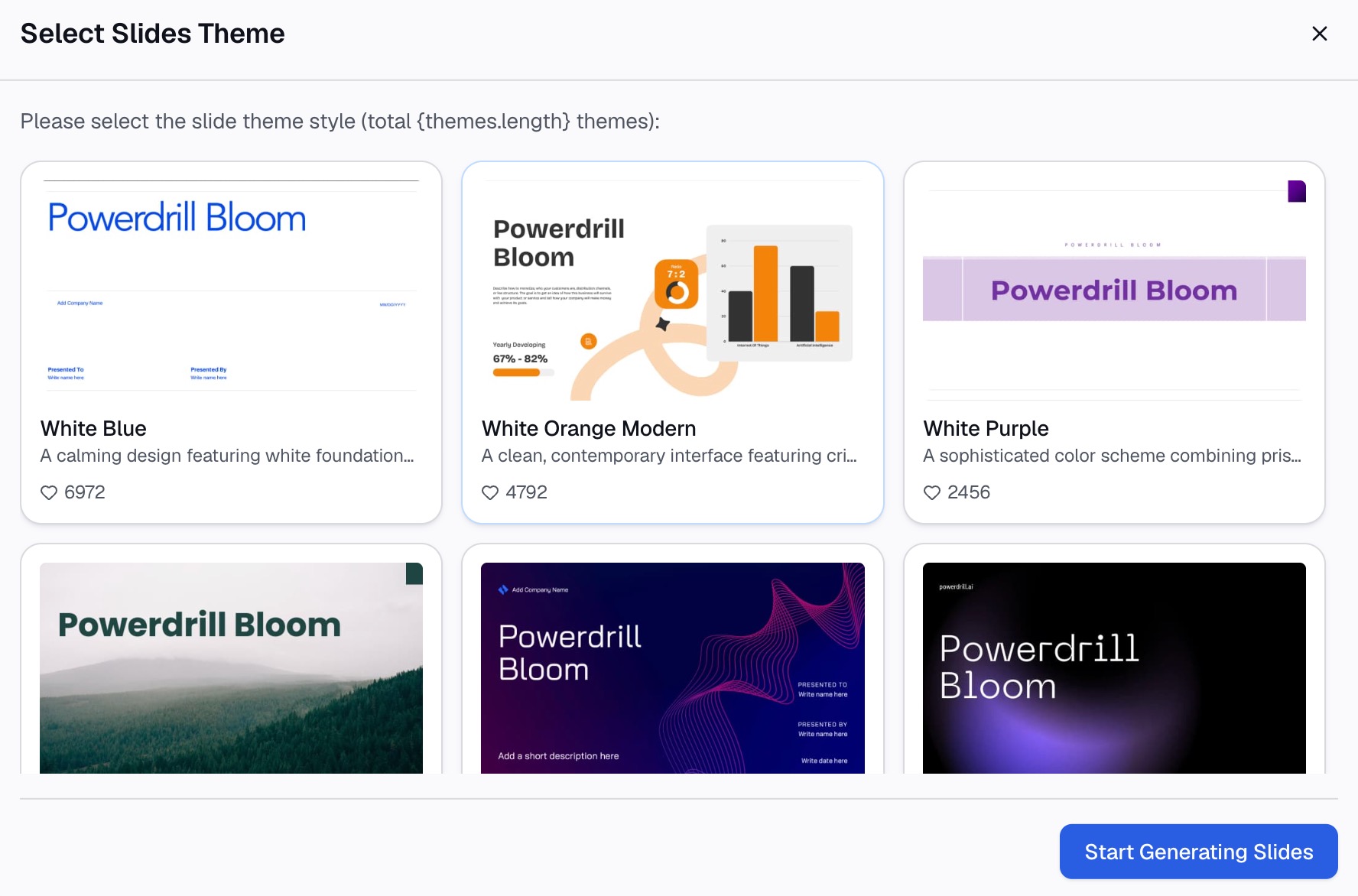
For styling, the Nano Banana slides page lists styles such as McKinsey and Executive. If you start from a spreadsheet only, the Excel to PPT tool covers the same path.
A board meeting presentation example
Here is a worked example for a made-up company, Harbor Lane Software. It is a 60-person software company with a quarterly board meeting.
Executive summary slide:
- Q3 revenue came in at $2.31M, 4% above plan.
- Net revenue retention fell from 112% to 106% after two large customers cut seats.
- Decisions today: approve the 2027 hiring plan and a $1.2M second sales team.
KPI scoreboard slide:
| Metric | Target | Q3 actual | Q2 actual | Status |
|---|---|---|---|---|
| Revenue | $2.22M | $2.31M | $2.10M | Above target |
| New customers | 40 | 44 | 37 | Above target |
| Net revenue retention | 110% | 106% | 112% | Below target |
| Gross margin | 78% | 79% | 77% | On target |
| Monthly burn | $410K | $395K | $420K | On target |
| Runway | 20 months | 22 months | 21 months | Above target |
Revenue grew $210K from Q2, or 10%. Revenue beat the target by $90K, or 4%. Runway rose because burn fell while cash stayed level.
Ask slide:
- Decision: Approve a $1.2M budget for a second sales team in 2027.
- Recommendation: Approve, starting with four hires in Q1.
- Options: Hire in Q1, hire in Q3, or do nothing.
- Numbers: The plan cuts runway from 22 to 19 months. Payback is expected within 18 months.
- Risk: Hiring may run slow. Management will report progress each quarter.
The whole deck has 11 main slides and an 8-slide appendix. The pre-read one-pager lists the three numbers above and the two decisions.
How to build the pre-read and timeline
A board deck works best when directors read it before the meeting. Plan the timeline backward from the meeting date.
- Three weeks before: Agree on the agenda and the asks with the chair.
- Two weeks before: Close the books and pull the data.
- Ten days before: Draft the deck and the one-page summary.
- One week before: Send the pre-read to directors.
- Two days before: Collect questions from directors and prepare answers.
The pre-read should stand on its own. Write full sentences in the summary, not just labels. A director reading at night should understand each point without you in the room.
Keep the meeting deck and the pre-read the same. If you change numbers after sending, flag the change at the start of the meeting.
Design tips for board slides
Board slides should be calm and easy to scan.
- One message per slide. Put it in the title as a full sentence, such as "Revenue beat plan by 4%."
- Use the same scoreboard every time. Same metrics, same order, same colors.
- Show targets beside actuals. A number without a target means little to a director.
- Mark status with simple signals. Use labels or colors for above, on, and below target.
- Keep charts simple. Bar charts for comparisons, line charts for trends.
- Number every slide. Directors refer to slide numbers in questions.
- Move detail to the appendix. Keep main slides for decisions and trends.
Use speaker notes for what you will say. Our guide to speaker notes covers how to write them.
How to present it in the meeting
Assume directors have read the deck. Do not walk through every slide.
Open with the summary and the asks. Then spend most of the time on discussion. Go to a slide only when a question needs it.
Keep the asks for the middle of the meeting. Directors are fresh, and you still have time if a topic runs long.
Close by reading back each decision and the owners for follow-ups. The secretary records these in the minutes.
If a metric moved the wrong way, say so first. Boards trust teams that raise bad news early.
After the meeting, update the deck with any corrections and the decisions made. File it with the minutes. Next quarter's board meeting presentation then starts from a clean, agreed version.
Common board meeting presentation mistakes
These errors are common and easy to fix.
Too many slides. Forty slides of detail hide the decisions. Keep the main deck short and move the rest to the appendix.
No clear asks. A deck that only reports leaves the board with nothing to do. Name each decision on its own slide.
Changing metrics every quarter. New metrics make trends impossible to follow. Keep the scoreboard stable, and explain any change once.
Sending the deck late. A deck sent the night before is not read. Send it at least a week ahead.
Hiding bad news in the appendix. Directors find it anyway. Put problems on the risk slide with a plan.
Numbers that do not match. Revenue on one slide should match the same figure on every other slide. Check totals across slides before sending.
When you are ready to build your next board meeting presentation from your own data, try Powerdrill Bloom with last quarter's financials and KPI tracker.
Frequently asked questions
What should be included in a board meeting presentation?
Include an agenda, an executive summary, a KPI scoreboard, performance against plan, cash and runway, strategic progress, risks, and one slide for each decision. Put detailed financials and backup in an appendix.
How many slides should a board deck have?
Most board decks have 10 to 15 main slides, plus an appendix. The main slides should cover the summary, the scoreboard, the risks, and the asks. Everything else can go in the appendix.
How far in advance should I send the board deck?
Send it about a week before the meeting. That gives directors time to read it and send questions. Agree on the exact timing with your board chair.
How do I present bad news to a board?
State it early and plainly, with the numbers. Explain the cause, the effect on plan, and what you are doing about it. Put it on the risk slide, not in the appendix.
Can AI make a board meeting presentation?
Yes. An AI tool can build the scoreboard, charts, and slides from your financials and KPI files. You still need to write the asks, check every number, and decide what the board should discuss.