10 Best Free AI Tools for Literature Review in 2026
The best free AI tools for literature review in 2026 fall into four groups. Elicit, Consensus, Undermind, and SciSpace search papers and write cited summaries. Semantic Scholar and ResearchRabbit help you discover and map related papers. Scite shows whether later studies support or contradict a finding. Gemini Notebook, Perplexity, and Powerdrill Bloom turn sources into briefings, tables, and slides.
This list is ordered for reading rather than ranked by score. A tool appearing above another says nothing about which suits your review better. Eight of the ten tools have a free plan, and the other two offer free sign-up or a free trial. Every price below was read from the vendor's own pages or its US App Store listing on November 17, 2026. No tool replaces your own reading of the key papers.
Quick answer: the best free AI tools for literature review
AI tools for literature review are software that use AI to find, read, summarize, and compare research papers. Most let you ask a research question in natural language and return answers with citations. Here is how the ten tools split:
- Best for cited answers and research reports: Elicit, Consensus, and Undermind.
- Best for an all-in-one research workspace: SciSpace.
- Best for free paper search: Semantic Scholar.
- Best for mapping connected papers: ResearchRabbit.
- Best for checking whether findings hold up: Scite.
- Best for working with your own collected sources: Gemini Notebook.
- Best for quick background research: Perplexity.
- Best for turning literature into tables, charts, and slides: Powerdrill Bloom.
10 best free AI tools for literature review at a glance
| Tool | Best for | Starting paid price (billing basis) | Free plan | Key AI feature |
|---|---|---|---|---|
| Powerdrill Bloom | Tables, charts, and slides from papers and data | Pro $13.27/mo | Yes | Paper search with grounded answers |
| Elicit | Cited research reports | Plus $11 per user per month, billed annually | Yes | Research agent and reports |
| Consensus | Evidence agreement on yes-or-no questions | Pro $12 per month, billed annually | Yes | Consensus Meter and Deep Search |
| SciSpace | An all-in-one research workspace | Sale prices only on the day of review | Free sign-up | Literature review agent |
| Semantic Scholar | Free paper search | Free | Yes | AI-powered search and Semantic Reader |
| ResearchRabbit | Mapping related papers | ResearchRabbit+ $10 per month, annual plan | Yes | Paper recommendations from seed papers |
| Undermind | Deep searches on niche topics | Pro $16 per month, billed annually | Yes | Deep literature search agent |
| Scite | Checking how findings were cited | Basic $12 per month, billed yearly | Free trial | Smart Citations |
| Gemini Notebook | Questions grounded in your own sources | Google AI Plus $4.99/mo for more access | Yes | Answers with in-line citations |
| Perplexity | Quick background research | Perplexity Pro $20.00 in the App Store | Yes | Cited answers and Deep Research |
Prices were read from each vendor's own page or App Store listing on November 17, 2026.
1. Powerdrill Bloom
Best for: Researchers, students, and analysts who need findings from papers turned into tables, charts, and slides.
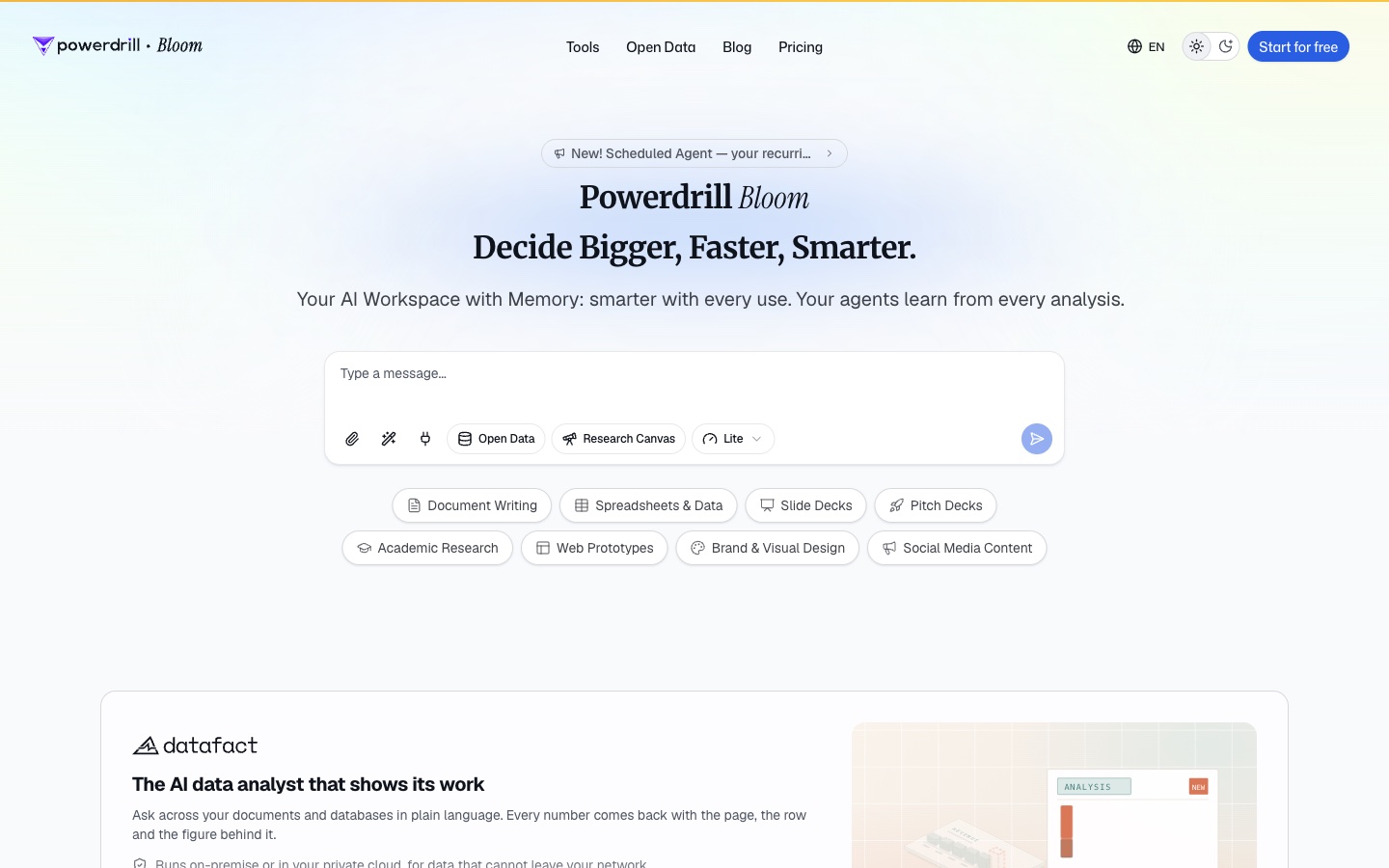
Powerdrill Bloom is an AI workspace that turns files, data, and open data sources into reports and slides. For literature work, its Academic Paper Search pulls records from PubMed, arXiv, bioRxiv, and medRxiv.
The page says it helps you "Run literature reviews in minutes, track what is new in your field, and surface the papers worth reading first." It also promises answers "grounded in the literature, not guesses."
Key features
- Paper search. The tool covers "40M+ academic papers" across four sources.
- Grounded answers. Every answer links "to the original records," per the tool page.
- Synthesis outputs. The AI Research Synthesis Tool builds a "Meta-analysis table comparing findings across multiple studies."
- Charts and slides. Results can become "visualizations, tables, and slides in a couple of clicks."
Pros
- Goes from a research question to a table or deck in one workspace.
- Combines paper search with your own uploaded files and data.
- Free plan available for everyday exploration.
Cons
- Its paper search lists four sources, PubMed, arXiv, bioRxiv, and medRxiv.
- Usage is credit-based, so heavy analysis draws down the allowance faster.
Pricing
The pricing page lists a Free plan at $0.00 and Pro at $13.27/mo. The Free plan includes 1,000 daily refreshed credits. The Academic Paper Search page describes the tool as "100% Free To explore."
2. Elicit
Best for: Researchers who want a structured, cited report on a research question.
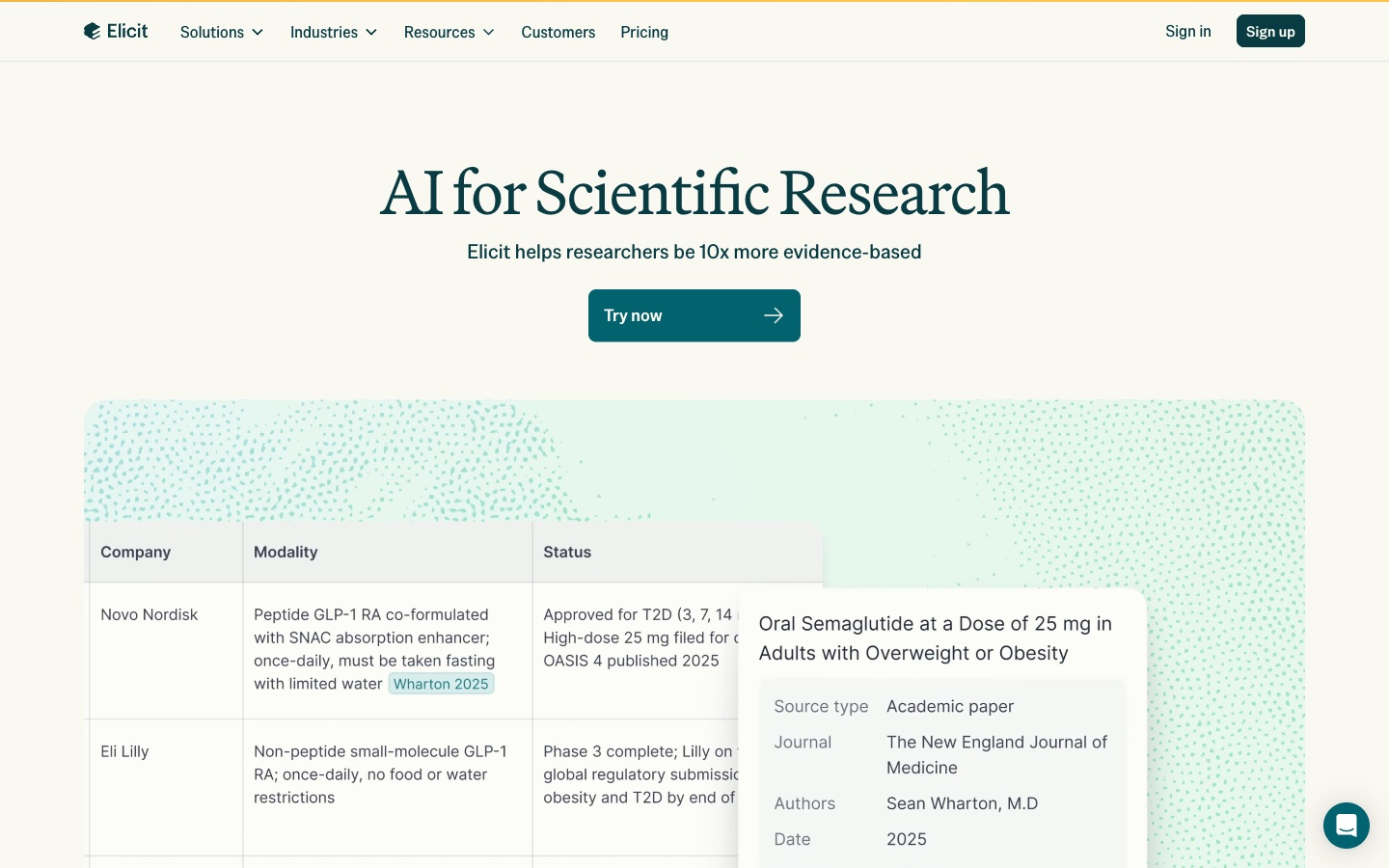
Elicit is an AI research assistant built for scientific work. Its homepage says "Elicit helps researchers be 10x more evidence-based."
It searches a large index of papers and can write a full report. The homepage says Elicit "generates high-quality research briefs based on a process inspired by systematic reviews."
Key features
- Search. "Search over 138 million academic papers and 545,000 clinical trials."
- Research agent. It "Creates fully cited artifacts like reports, tables, figures, bioinformatics analyses, calculations, and slides."
- Research reports. Reports follow a process modeled on systematic reviews.
- Semantic search. You "don't have to know all the right keywords to get relevant results."
Pros
- Built specifically for academic and scientific research.
- Reports and tables come with citations.
- The free plan includes unlimited search and summaries.
Cons
- The free Basic plan lists "Limited usage for Research Agent and Research Reports."
- Paid plans are priced per user.
Pricing
Elicit's pricing page lists Basic as free, with "Unlimited search across more than 138 million papers." Plus is $11 per user per month, billed as $132 annually. Pro is $39 per user per month, billed as $468 annually.
3. Consensus
Best for: Students and clinicians who want to see where the evidence agrees on a clear question.
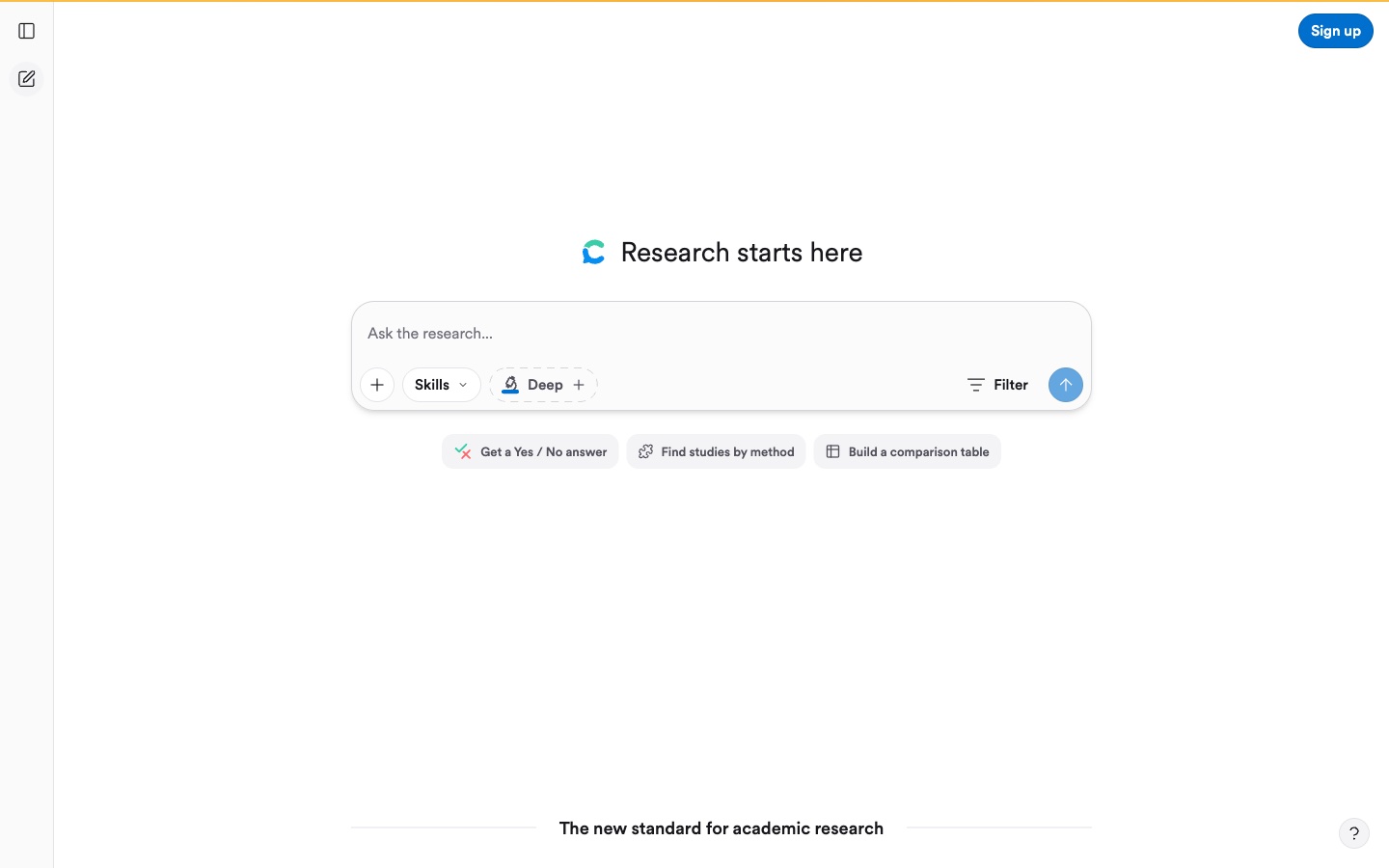
Consensus is an AI search engine for peer-reviewed research. Its homepage says it "draws on 400M scholarly works, including licensed full text content from leading publishers."
Its best-known feature is the Consensus Meter. The site says it "instantly shows how much the evidence agrees or disagrees" on a yes-or-no question.
Key features
- Deep Search. It "builds a comprehensive search strategy, expanding key terms, identifying conflicting arguments, and exploring the citation graph."
- Consensus Meter. A visual read on whether studies agree.
- Medical mode. It narrows results to clinical guidelines and top medical journals.
- Natural language filters. "Specify timeframes, populations, designs, and more directly in your prompt."
Pros
- Fast answers to yes-or-no research questions.
- Large index with licensed full text.
- A free plan for basic paper search.
Cons
- The free plan lists 10 Pro messages per month.
- Additional usage on paid plans is billed at $0.05 per credit.
Pricing
Consensus lists Free at $0 per month, with basic paper search. Pro is $12 per month, billed $144 annually. Deep is $45 per month, billed $540 annually.
4. SciSpace
Best for: Students and researchers who want one workspace for search, reading, and writing.
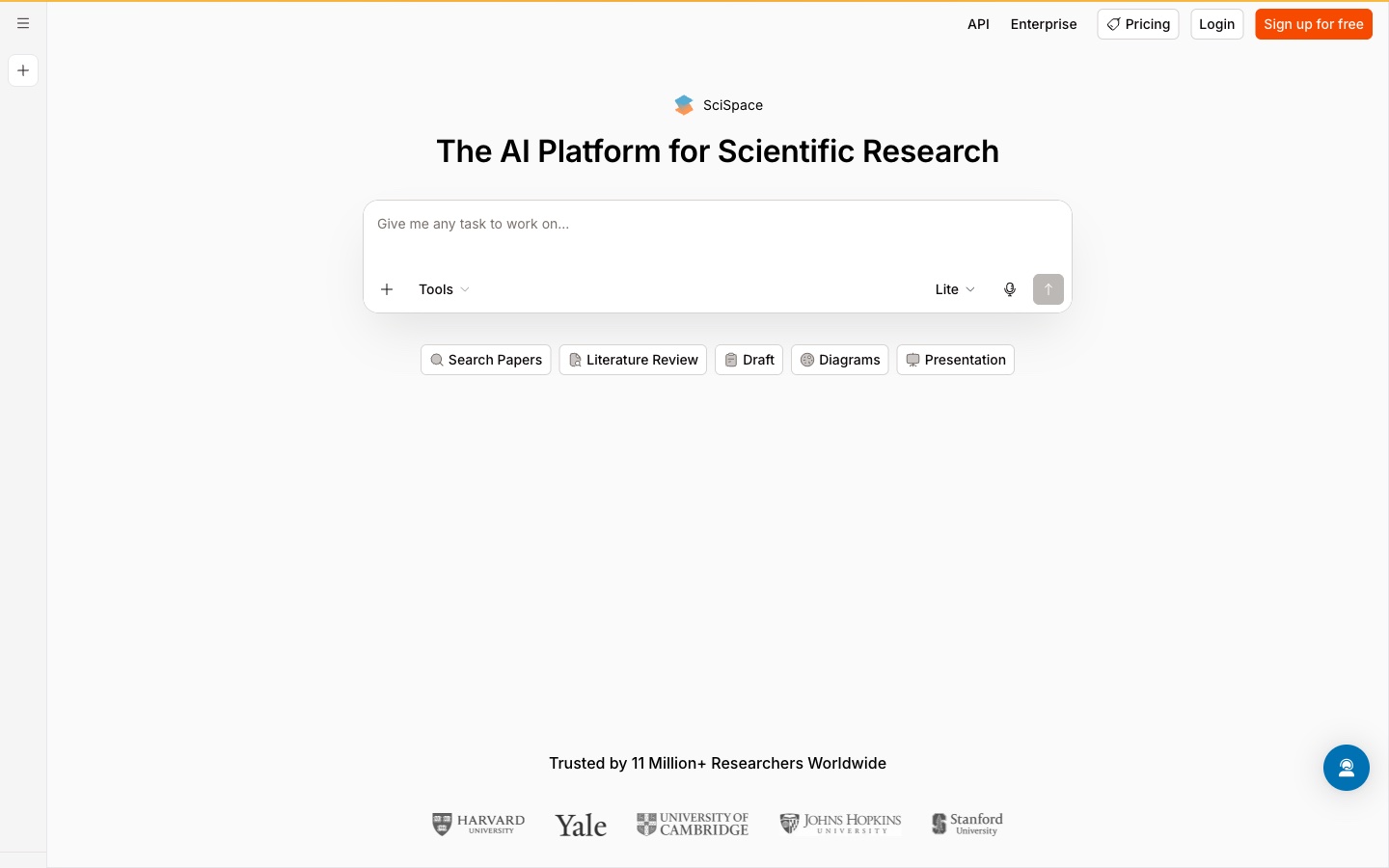
SciSpace calls itself "The AI Platform for Scientific Research." Its homepage offers quick tools for searching papers, running a literature review, drafting, diagrams, and presentations.
It suits people who want every step of a review in one product, from finding papers to drafting the write-up.
Key features
- Literature review. A dedicated tool for building reviews from search results.
- Chat with PDF. Ask questions about a paper you upload.
- Systematic research. Paid plans list "Systematic Research (SLR)."
- Agent outputs. Higher plans list "Slides, Figures & Poster Generation by Agent."
Pros
- Covers search, reading, drafting, and presentation.
- Paid plans list more papers from Google Scholar, PubMed, and arXiv.
- Free sign-up to try the core tools.
Cons
- The pricing page showed only sale prices on the day of review.
- Its higher plans list parallel agent chats by tier.
Pricing
SciSpace's pricing page was running a time-limited sale when we checked, so this entry does not quote plan prices. The page lists Premium, Advanced, and Max plans. Check the page for current prices.
5. Semantic Scholar
Best for: Anyone who needs a fast, free paper search across all fields.
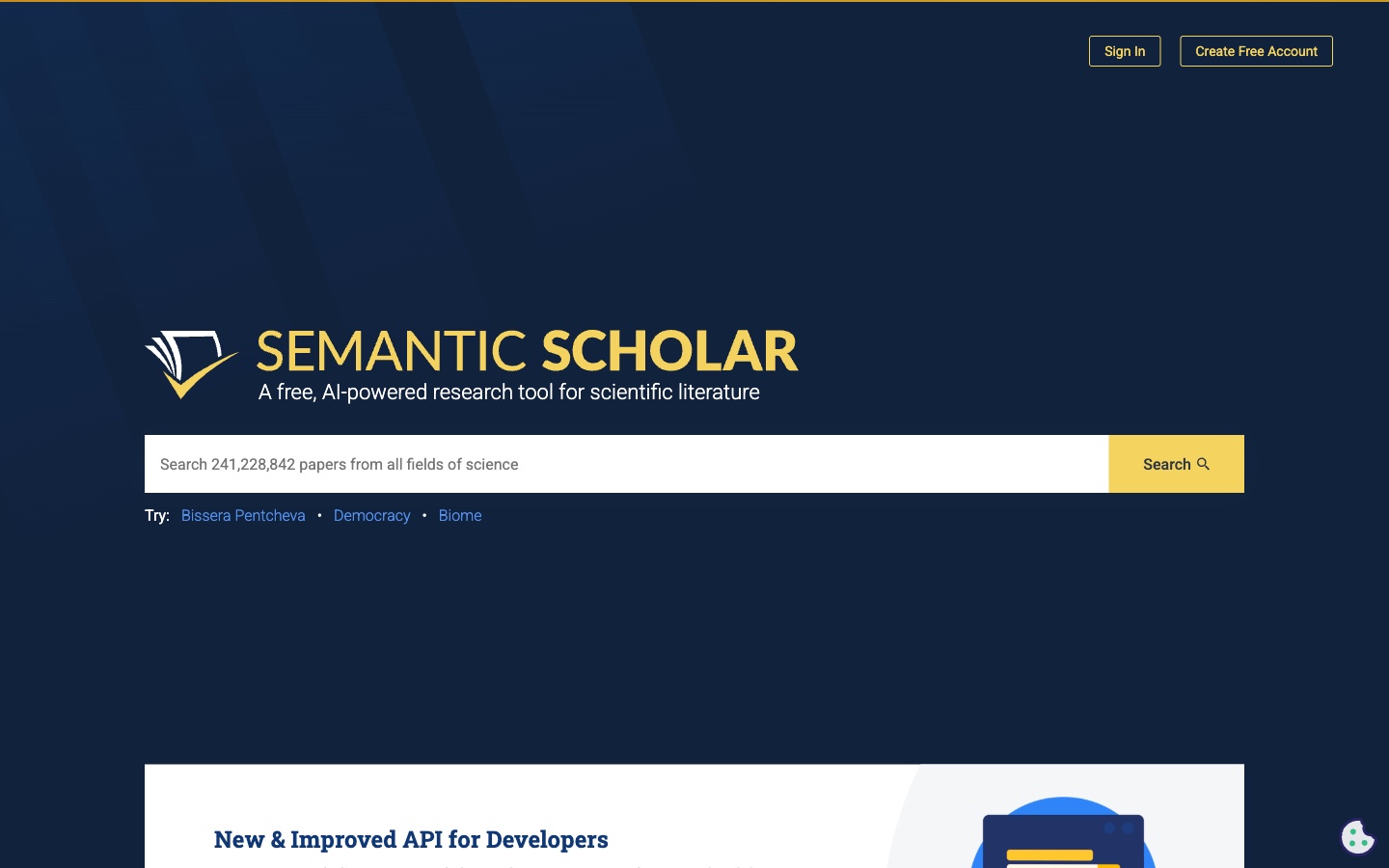
Semantic Scholar is a free research tool from the Allen Institute for AI. Its homepage calls it "A free, AI-powered research tool for scientific literature."
It is often the first stop for a literature review. Several other tools on this list draw on its database.
Key features
- Large index. The homepage invites you to "Search 241,228,841 papers from all fields of science."
- Semantic Reader. An "augmented reader" for select papers, currently in beta.
- API. A free API for developers who build scholarly apps.
- Free account. Sign up to save papers and get alerts.
Pros
- Completely free.
- Covers all fields of science.
- A trusted, nonprofit source.
Cons
- Semantic Reader is in beta and available for select papers.
- Its homepage centers on search and reading rather than written reports.
Pricing
Semantic Scholar is free. The homepage offers a free account with no paid tier listed.
6. ResearchRabbit
Best for: Researchers who want to see how papers connect before they read them.
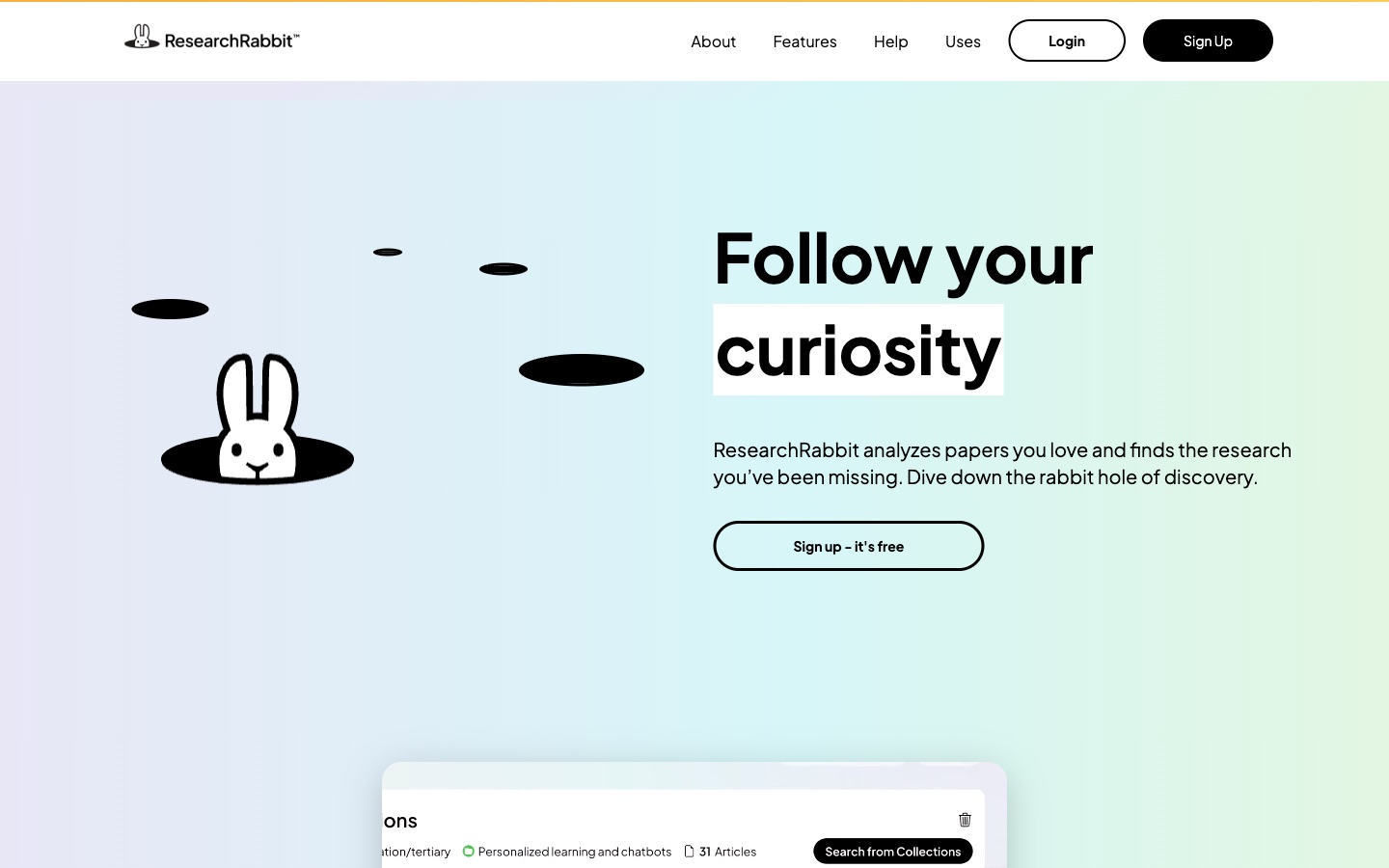
ResearchRabbit starts from papers you already like. Its homepage says it "analyzes papers you love and finds the research you've been missing."
You add seed papers, and it builds a map of related work, authors, and topics. That makes it strong for the discovery stage of a review.
Key features
- Seed papers. "Turn one paper into a map of ideas."
- Recommendations. The site calls it "Your literature recommendation engine."
- Reference library link. "Bring your reference library and ResearchRabbit together."
- Collections. Group papers and search within them.
Pros
- Excellent for finding papers you missed.
- Visual maps make connections easy to see.
- A free plan that stays free.
Cons
- The free plan lists up to 50 seed articles.
- Paid pricing varies by country, per the pricing page.
Pricing
ResearchRabbit lists a Free plan at "$0, Forever!" ResearchRabbit+ is $10 per month on the annual plan, or $12.5 per month on the monthly plan. The page says the default price is USD$10 per month, with lower prices in many countries.
7. Undermind
Best for: Researchers on niche topics who need a thorough search.
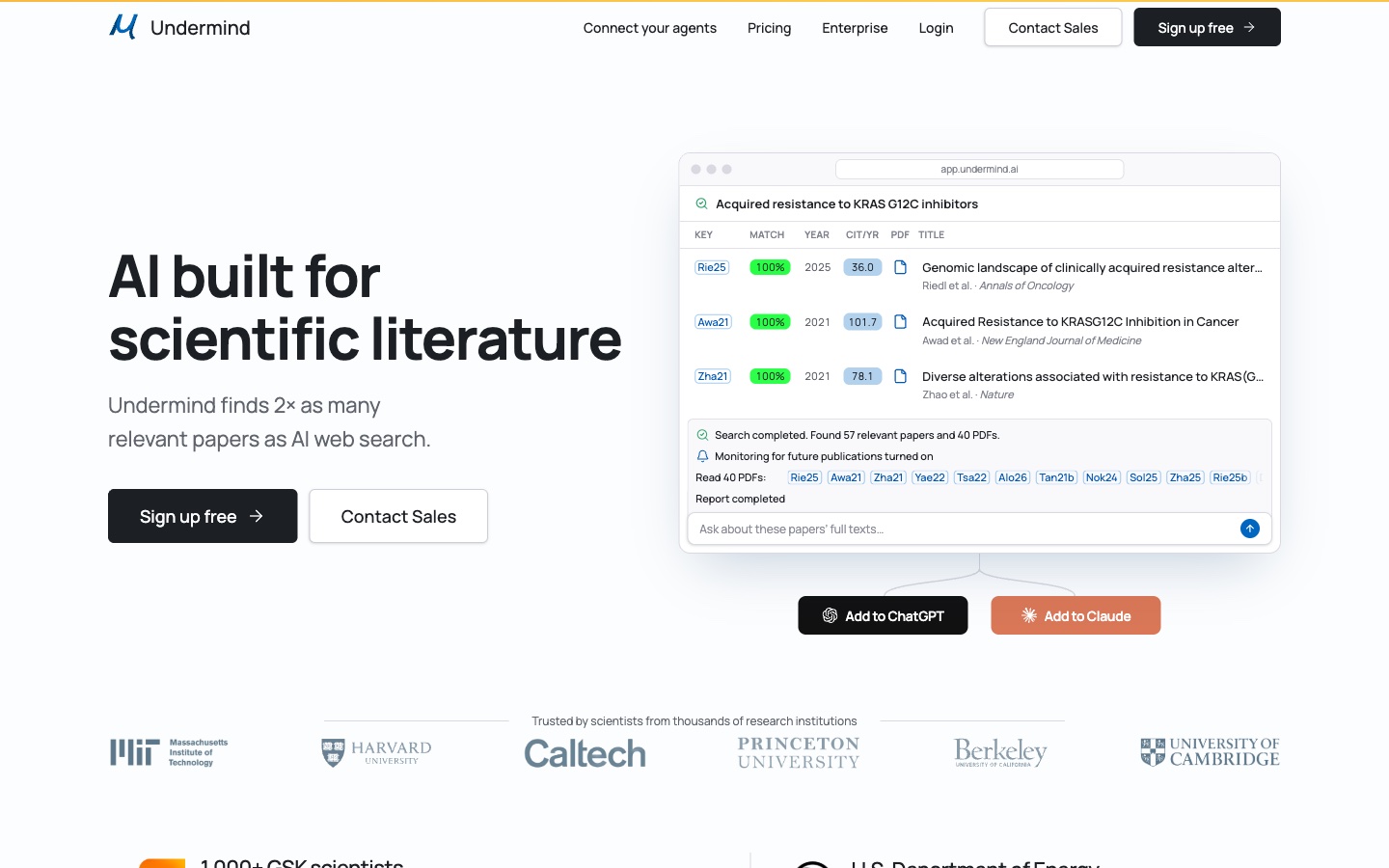
Undermind is an AI search agent built for scientific literature. Its homepage says "Undermind finds 2× as many relevant papers as AI web search."
It runs long, careful searches. Its demo shows a search reading 40 PDFs and producing a report, with monitoring for future papers.
Key features
- Deep literature search. "We review thousands of papers and bring the relevant ones into your workspace."
- Tailored writing. "Your agent delivers the research writeup you need. Every citation is verified."
- Monitoring. Alerts when new matching papers appear.
- Agent connections. Connects to ChatGPT, Claude, and other agents.
Pros
- Thorough searches for hard or narrow topics.
- Verified citations in the write-up.
- A free plan for exploratory research.
Cons
- The free plan lists standard rate limits on chats and searches.
- Pro is listed with annual billing.
Pricing
Undermind lists Free at $0, "For exploratory research." Pro is $16 per month, billed annually. Team is $15 per person per month, billed annually.
8. Scite
Best for: Researchers who need to check whether a finding has held up.
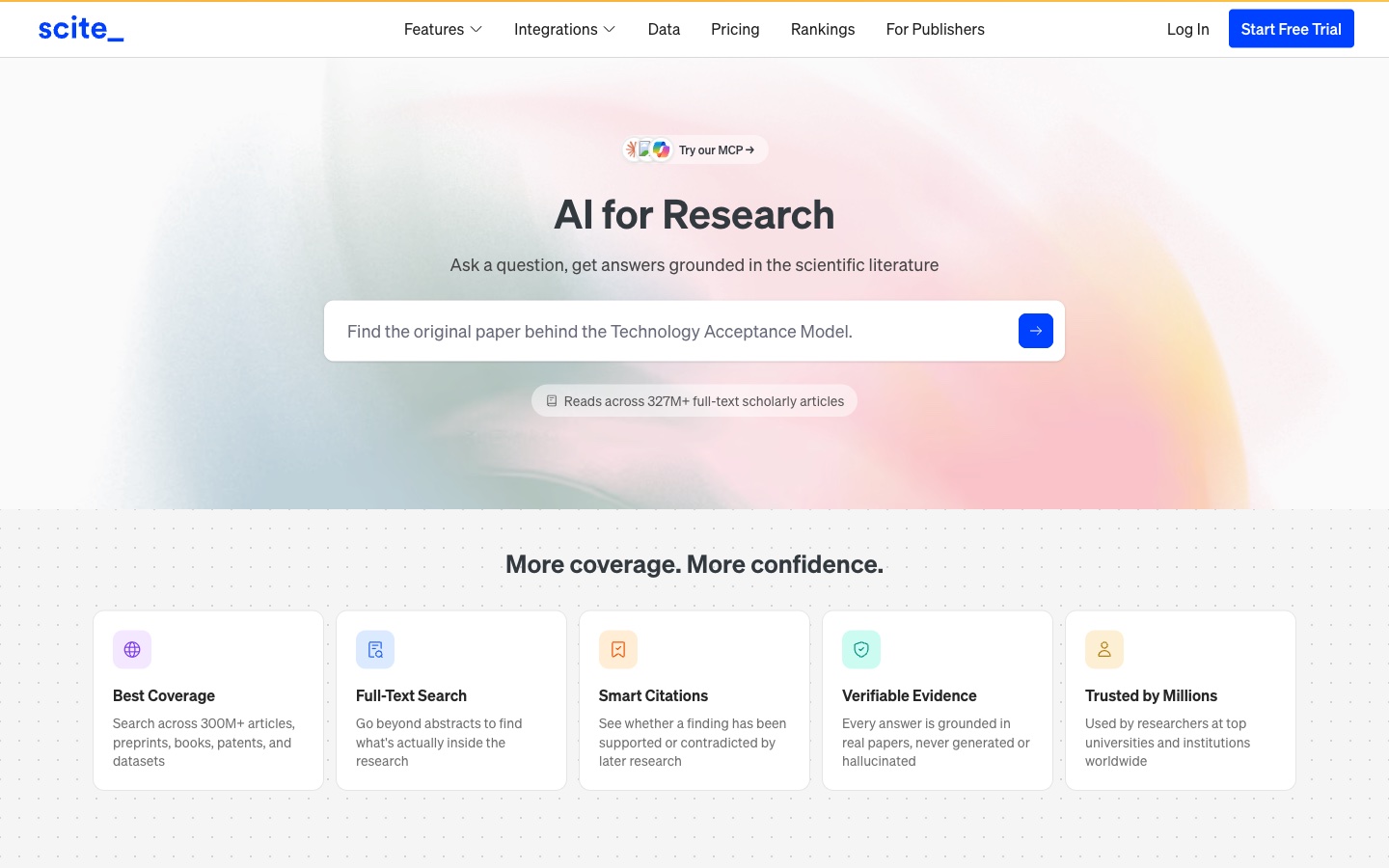
Scite answers questions from the literature and tracks how papers cite each other. Its homepage says it "Reads across 327M+ full-text scholarly articles."
Its signature feature is Smart Citations. The site says they let you "See whether a finding has been supported or contradicted by later research."
Key features
- Smart Citations. Shows supporting, contrasting, and mentioning citations.
- AI Assistant. Answers grounded in the scientific literature.
- Full-text search. "Go beyond abstracts to find what's actually inside the research."
- Integrations. Scite "runs inside Claude, ChatGPT, and any MCP-compatible assistant, plugs into Zotero."
Pros
- Unique view of how findings were received.
- Large licensed full-text database.
- Works inside other AI assistants and Zotero.
Cons
- Paid plans start after a free 7-day trial.
- Prices are listed with yearly billing.
Pricing
Scite lists Basic at $12 per month, billed yearly, with a free 7-day trial. Pro is $40 per month, billed yearly.
9. Gemini Notebook
Best for: Students and researchers who want answers grounded only in sources they choose.
Gemini Notebook, formerly NotebookLM, is Google's research assistant. Its help center describes it as "an AI-powered research assistant designed to help you refine and organize your ideas."
You upload papers, websites, or notes into a notebook. It answers "based on your sources with clear in-line citations for accuracy, transparency, and trust."
Key features
- Many source types. Upload "PDFs, websites, YouTube videos, audio files, Google Docs, or Google Slides."
- Grounded chat. Answers cite the exact source passages.
- Formats. "Transform your sources into approachable formats such as study guides, briefings, audio overviews, mind maps, and more."
- Interactive sites. On November 16, 2026, Google added interactive sites, such as dashboards and visual explainers, built from your sources.
Pros
- Answers stay grounded in your chosen papers.
- Free for users above the age of consent in supported countries.
- Many output formats for studying and sharing.
Cons
- It works from the sources you add, so you still need a search tool to find papers.
- Heavier use draws on flexible limits that refresh every five hours.
Pricing
Gemini Notebook is free. Google AI plans add more access. Google AI Plus is $4.99/mo, Google AI Pro is $19.99/mo, and Google AI Ultra starts at $99.99/mo.
10. Perplexity
Best for: Quick background research before a deeper review.
Perplexity is an AI search app. Its App Store listing promises "Accurate answers to any question, backed by sources and citations."
It suits the early stage of a review, when you need a fast overview of a topic. Its Deep Research mode digs further.
Key features
- Cited answers. "Cited sources for every answer."
- Deep Research. "Guided AI search for deeper exploration."
- Labs. "Bring your reports and projects to life faster than ever before."
- Many models. It uses models "from OpenAI, Anthropic, Meta, and more."
Pros
- Very fast overviews with sources.
- A free app on every platform.
- Good for scoping a topic before a formal search.
Cons
- Its listing describes answers from the web, so check that sources are peer-reviewed.
- The App Store listing does not state billing periods.
Pricing
The US App Store lists Perplexity Pro at $20.00 and $200.00, and Perplexity Max at $200.00. The listing does not say which price is monthly.
How we chose these tools
Twelve tools were assessed. Two were removed. Ten made the list. Each tool had to pass three checks:
- Literature work. Do its pages describe finding, reading, or summarizing research?
- AI features. Do its pages describe AI inside the product, such as search agents, summaries, or assistants?
- Free access. Is there a free plan, free sign-up, or free trial a reader can start today?
Each needed a live product page we could open on the day of review. No third-party ratings or review scores were used.
Prices are written the way each vendor shows them. Where a page shows only sale prices, the entry says so instead of quoting them. A missing price did not remove a tool. Time-bound offers and percentage labels were left out.
The two removals had no AI features described on the pages we read:
- Connected Papers. A popular free tool for visual paper graphs. Its homepage and pricing page did not describe AI features inside the product.
- Litmaps. A literature mapping tool with a free tier. Its homepage did not describe AI features inside the product.
Why Powerdrill Bloom is recommended for literature review
Powerdrill Bloom passed the same checks as every other tool here. It is recommended for literature review work that ends in a table, chart, or deck. That covers evidence tables for a thesis chapter and summary slides for a lab meeting.
The Academic Paper Search page says results come with "citations back to the source." The same workspace turns findings into tables and slides. A Free plan is available, and Pro is $13.27/mo.
Its paper search lists four biomedical and preprint sources. Researchers in other fields should pair it with Semantic Scholar, Elicit, or Consensus from this list for broader search.
Which AI tool fits which step of a literature review
A literature review has several stages. Most people use two or three tools across them.
1. Scoping the topic. Perplexity gives a fast overview with sources. Use it to learn the vocabulary before you search formally.
2. Finding papers. Semantic Scholar, Elicit, Consensus, and Undermind search large academic indexes. Undermind suits narrow topics that need a thorough sweep.
3. Expanding the set. ResearchRabbit maps papers connected to your seed papers. It catches work that keyword searches miss.
4. Checking the evidence. Scite shows whether later studies supported or contradicted a finding. Consensus shows where studies agree on a yes-or-no question.
5. Reading and extracting. Gemini Notebook and SciSpace let you ask questions of the papers you collected. Elicit pulls details into tables.
6. Synthesizing and presenting. Powerdrill Bloom turns findings into evidence tables, charts, and slides. Elicit and Undermind write cited reports.
Our guide on how to write a literature review with AI walks through this workflow step by step. For presenting the result, see how to make a literature review presentation.
Search engines vs. AI research assistants vs. AI workspaces
These three groups often get compared, but they solve different problems.
Academic search engines include Semantic Scholar and ResearchRabbit. They find papers and show how they connect. You still read and summarize the papers yourself. These suit the discovery stage.
AI research assistants include Elicit, Consensus, Undermind, Scite, SciSpace, and Perplexity. They search, read, and summarize, often with a written answer and citations. They are fast, but you should check that each cited paper says what the summary claims.
AI workspaces include Gemini Notebook and Powerdrill Bloom. They work with sources you choose or upload. Gemini Notebook focuses on grounded questions and study formats. Powerdrill Bloom focuses on tables, charts, and slides built from papers and data.
A simple test helps before you choose. Pick a topic where you already know three key papers, such as a field you studied for a past course or project. Ask two tools to find and summarize the literature. The tool that finds your three papers and summarizes them correctly is the one to keep.
Conclusion
Free AI tools now cover most of the literature review process. Search tools find papers. Research assistants summarize and cite them. Workspaces help you organize what you found and present it.
Start with the stage that takes most of your time. If it is finding papers, try Semantic Scholar, Elicit, or Undermind. If it is judging evidence, try Scite or Consensus. If it is turning a stack of findings into a table or a deck, a workspace saves the most time.
Always read the key papers yourself and check every AI summary against the source. Keep a simple log of which tool found which paper, so your search method is easy to report later.
When your literature review needs to become an evidence table or a deck, try Powerdrill Bloom with a research question you know well.
Frequently asked questions
What is the best free AI tool for literature review?
It depends on the stage. Semantic Scholar and ResearchRabbit suit finding papers. Elicit, Consensus, and Undermind suit cited summaries. Powerdrill Bloom suits turning findings into tables and slides.
Can AI write a literature review for me?
AI can search, summarize, and draft, but it cannot replace your judgment. Use AI tools to speed up searching and reading, then check every citation and write the argument yourself.
Are AI literature review tools accurate?
They are as accurate as their sources and your checks. Tools with verified citations, such as Scite and Undermind, make checking easier. Always confirm that a cited paper says what the summary claims.
Is Elicit or Consensus better for literature review?
Elicit is stronger for structured reports and data extraction into tables. Consensus is stronger for quick answers on whether research agrees. Both have free plans, so try each with your topic.
Is Semantic Scholar free?
Yes. Semantic Scholar is free, with no paid tier listed on its homepage. It is run by the Allen Institute for AI.
Sources: Elicit · Elicit pricing · Consensus · Consensus pricing · SciSpace · SciSpace pricing · Semantic Scholar · ResearchRabbit · ResearchRabbit pricing · Undermind · Scite · Scite pricing · Gemini Notebook Help · Google AI plans · App Store, Perplexity · Connected Papers · Litmaps.