10 Best AI Tools for Investors in 2026 (Free & Paid)
The best AI tools for investors in 2026 cover five jobs. AlphaSense, Fiscal.ai, and Quartr handle filings, transcripts, and company research. TipRanks and Simply Wall St help individual investors screen stocks and track portfolios. Perplexity adds cited market news. ChatGPT, Claude, and Microsoft 365 Copilot draft and model, while Powerdrill Bloom turns filings and data into reports.
This list is ordered for reading rather than ranked by score. A tool appearing above another says nothing about which suits your investing better. It covers AI tools for stock and company research, not trading bots, brokers, or crypto tools. Every price below was read from the vendor's own pages or US App Store listings on November 6, 2026. Nothing here is investment advice.
Quick answer: the best AI tools for investors
AI tools for investors are software that use AI to read filings, summarize earnings calls, screen stocks, or build research reports. The tools do different jobs, so most investors combine two or three. Here is how the ten tools split:
- Best for institutional research: AlphaSense, Fiscal.ai, and Quartr.
- Best for individual investors: TipRanks and Simply Wall St.
- Best for cited market news: Perplexity.
- Best for drafting, modeling, and questions: ChatGPT, Claude, and Microsoft 365 Copilot.
- Best for research reports from filings and data: Powerdrill Bloom.
10 best AI tools for investors at a glance
| Tool | Best for | Starting price (billing basis) | Free plan | Key AI feature |
|---|---|---|---|---|
| Powerdrill Bloom | Theses, diligence memos, and reports from filings and data | Pro $13.27/mo | Yes | SEC filing search with cited answers |
| AlphaSense | Broker research, transcripts, and expert calls | Contact sales | Free start offered | SuperAnalyst agent |
| Fiscal.ai | Auditable financials, KPIs, and filings | Shown after signup in our check | 7-day free trial | Click-through source for every figure |
| Quartr | Earnings calls, transcripts, and IR material | Quartr Pro by contact with sales | Free app | AI chat across IR material |
| TipRanks | Analyst ratings and stock scores | Premium $49.99 monthly in the App Store | Free app | AI Analyst |
| Simply Wall St | Long-term portfolio tracking and valuation | Unlimited $259.99 yearly in the App Store | Yes | Charlie AI |
| Perplexity | Cited market news and quick research | Pro $20.00 in the App Store; billing period not stated | Free app | Answers with cited sources |
| ChatGPT | General research, drafting, and file questions | Go $8/month | Yes | ChatGPT Work for longer tasks |
| Claude | Long filings and written analysis | Pro $17 per month with annual subscription | Yes | Claude Docs, Slides, and Research |
| Microsoft 365 Copilot | Models and memos in Excel and Word | Personal $9.99/month or $99.99/year | 1-month free trial | Copilot in the Office apps |
Prices were read from each vendor's own page or US App Store listing on November 6, 2026.
1. Powerdrill Bloom
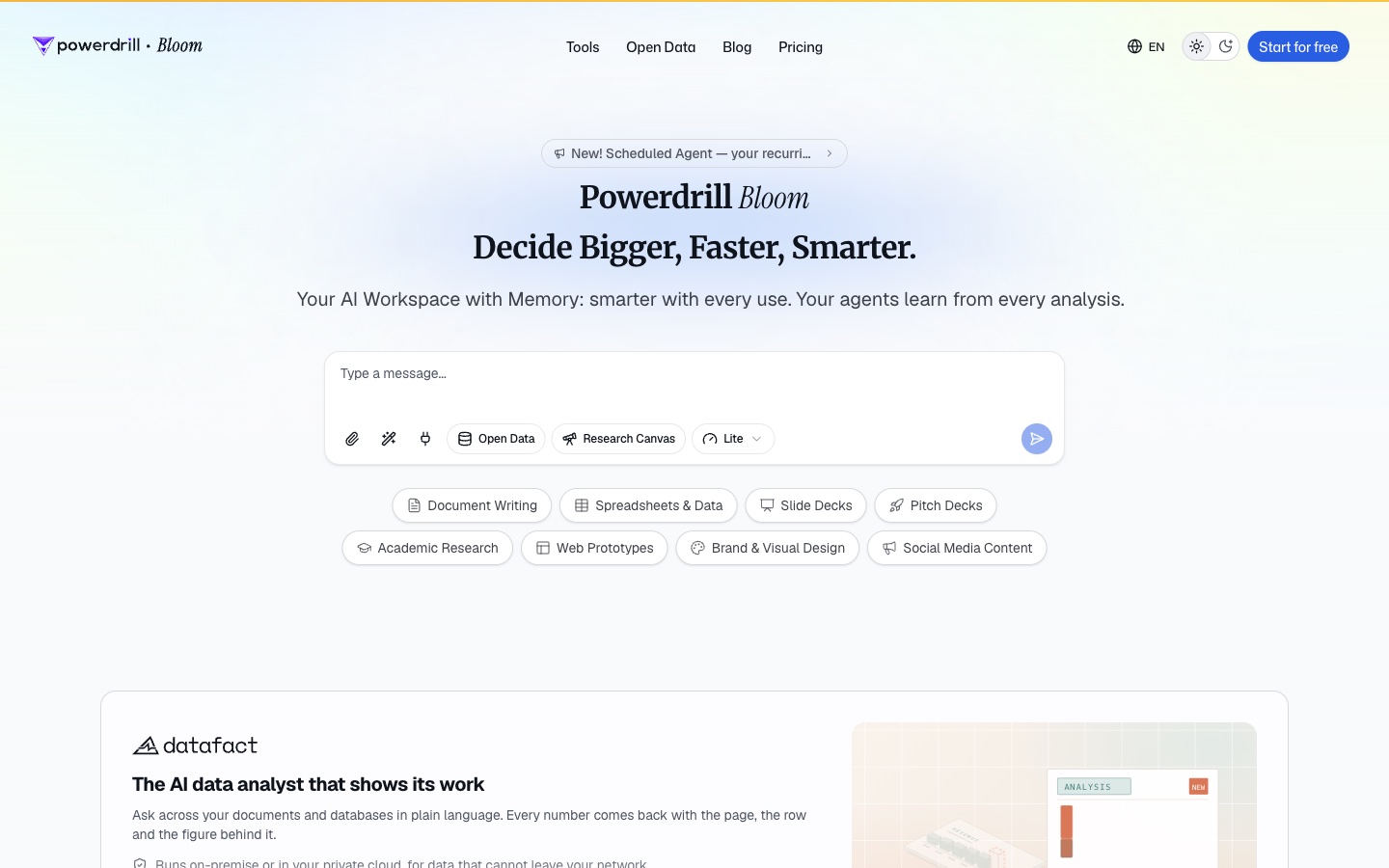
Best for: Investors who turn filings, financials, and market data into theses, memos, and reports.
Powerdrill Bloom is an AI workspace that turns files and data into analysis, reports, and slides. Its homepage calls it "The AI data analyst that shows its work." It adds: "Every number comes back with the page, the row and the figure behind it."
For investors, its tools follow the research process. The SEC Filing Search covers "10-Ks, earnings, financial statements, dividends, and insider transactions." The AI Investment Research Tool generates "investment theses, target diligence and a recommendation memo."
Key features
- Grounded filing answers. The SEC Filing Search page says every answer "is backed by SEC, with links to the original records."
- Market data. The Financial Market Data tool covers stocks, crypto, forex, and commodities from Yahoo Finance and CoinGecko.
- Valuation. The AI Valuation Model Generator combines "DCF, trading comps and precedent transactions" into a value range.
Pros
- Each figure traces back to the filing page or the data row.
- One workspace covers filings, market data, models, and reports.
- Exports research as a branded PDF, a deck, or a canvas link.
Cons
- Market prices come from Yahoo Finance and CoinGecko rather than a paid terminal feed.
- Usage is credit-based, so heavy analysis draws down the allowance faster.
Pricing
The pricing page lists a Free plan at $0.00 and Pro at $13.27/mo. Every plan includes 1,000 daily refreshed credits, and paid plans add monthly credits.
2. AlphaSense
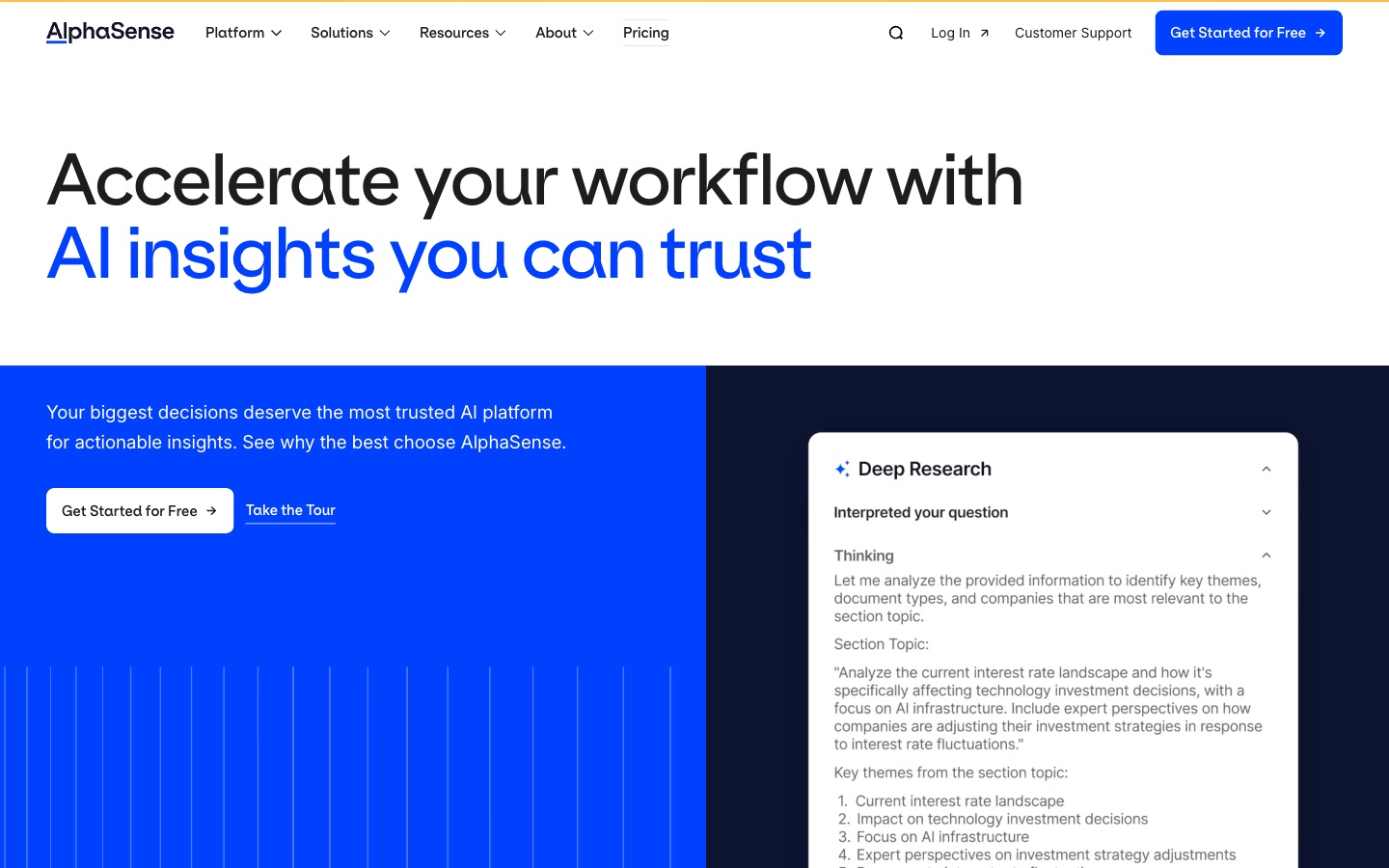
Best for: Professional investors who need broker research, transcripts, and expert insight in one search.
AlphaSense is a market intelligence platform. Its homepage headline reads "Accelerate your workflow with AI insights you can trust." It says the platform is "Trusted by 8,000+ of the world's largest enterprises."
Its solutions menu lists investment banking, hedge funds, and private equity. The site also describes Sentiment Indices, where "Our adaptive AI reveals the true story behind earnings calls."
Key features
- SuperAnalyst. The homepage calls it "AlphaSense's always-on AI agent."
- Add-ins. The site lists PowerPoint and Excel add-ins.
- Earnings call sentiment. Sentiment Indices track the tone of earnings calls.
Pros
- Deep content library for institutional research.
- AI search built for financial documents.
- Office add-ins bring research into models and decks.
Cons
- Pricing is by contact with sales, so costs are not public.
- Its homepage is aimed at large firms, citing 8,000+ enterprise customers.
Pricing
AlphaSense did not list prices on the pages we read. Its homepage offers a "Get Started for Free" option for new users.
3. Fiscal.ai

Best for: Investors who want auditable financial data and KPIs with a link to every source.
Fiscal.ai is a financial data platform with a research terminal, a data API, and MCP connectors. Its homepage says the pipeline "provides auditable global equities content in minutes post-earnings."
Auditability is the theme. Its data catalog lists "Click-through auditability for every figure." It also covers segments, KPIs, adjusted metrics, estimates, ownership, and investor relations material.
Key features
- Terminal. The site calls it a "Beautiful all-in-one research platform."
- MCP connectors. "Accurate financial data connected into your AI tools."
- Fund letters. The catalog aggregates letters from "750+ prominent investors."
Pros
- Every figure links back to its source filing.
- Covers non-GAAP and management-defined metrics.
- Connects its data into other AI tools.
Cons
- Prices were not shown on the pricing page before signup in our check.
- The pricing page centers on a free trial rather than listed plans.
Pricing
The pricing page lists Terminal and MCP options, each with a "7 day free trial included upon signup." Plan prices were not shown before signup when we checked.
4. Quartr
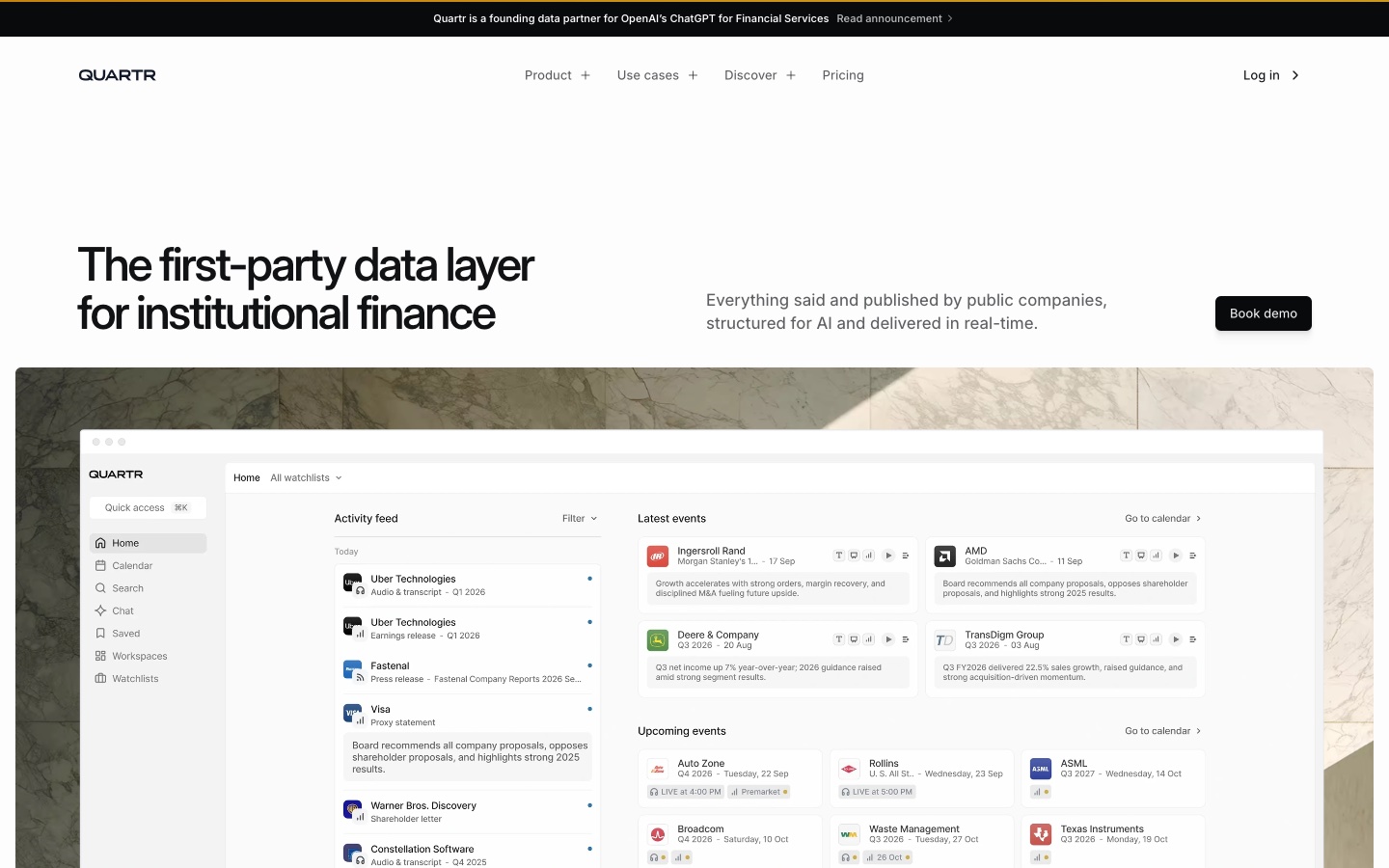
Best for: Investors who follow earnings calls, transcripts, and company presentations.
Quartr is a research app built around investor relations material. Its US App Store listing calls it "The #1 app for live earnings calls, AI chat, transcripts, analyst estimates, and more." The listing adds: "All for free."
For professionals, Quartr Pro adds AI across that material. The homepage describes "AI across all first-party IR material – live calls, transcripts, slides, filings."
Key features
- Live earnings calls. Live and recorded calls, with searchable transcripts.
- AI chat. The listing says "All IR material in one powerful AI chat."
- MCP access. Quartr MCP pulls "live transcripts, filings, and slides into Claude or Codex."
Pros
- Free app with live calls and transcripts.
- Draws on first-party company documents.
- The homepage says every output is traceable to its source.
Cons
- Quartr Pro is priced by contact with sales.
- Its pricing page describes multi-seat and enterprise deals.
Pricing
The US App Store lists the Quartr app as free, with no in-app purchases shown. Quartr's pricing page lists Quartr Pro with "Scalable pricing for multi-seat deals" and a contact sales button.
5. TipRanks
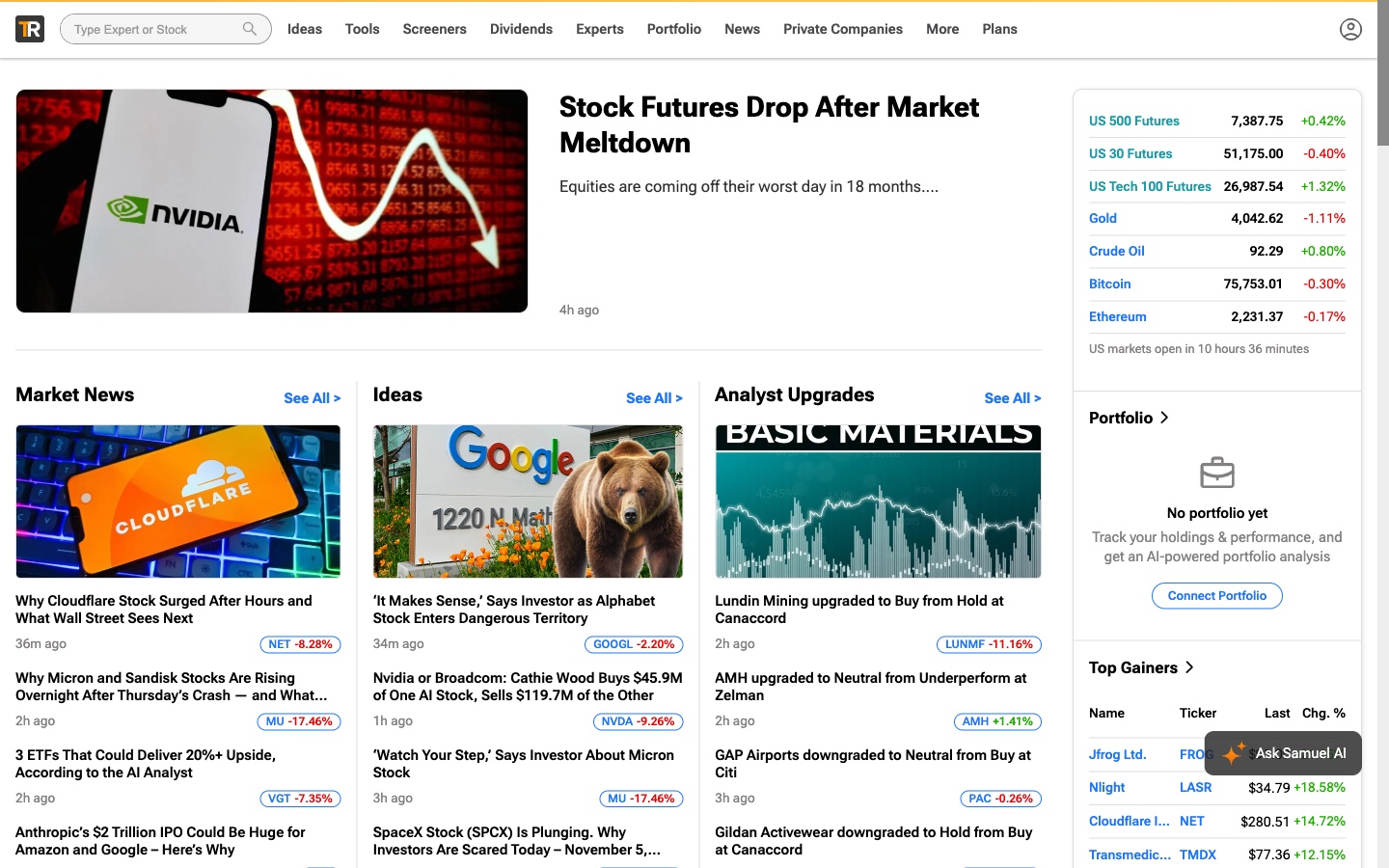
Best for: Individual investors who follow analyst ratings, insider trades, and data-driven stock scores.
TipRanks is a stock research app and website. Its App Store listing calls it "a one-stop finance and stock market app that offers a suite of simplified stock research tools."
Its site lists an AI Analyst, including an ETF AI Analyst that estimates upside for funds. The menus also cover top analyst stocks, Smart Score stocks, and insider trades.
Key features
- AI Analyst. AI ratings for stocks and ETFs, listed in the site's menus.
- Smart Score. A "smart, data-driven score, based on different market factors."
- Analyst tracking. Ratings and track records from Wall Street analysts.
Pros
- Built for individual investors.
- Combines analyst, insider, and AI signals.
- Available on the web, iPhone, and iPad.
Cons
- The App Store lists many separate purchases, so total cost depends on what you buy.
- The website plans page did not show prices in our check.
Pricing
The US App Store lists Premium Monthly at $49.99 and Premium Yearly at $349.99. It also lists smaller one-month purchases, such as Stocks Screener at $4.99. The app itself is a free download.
6. Simply Wall St
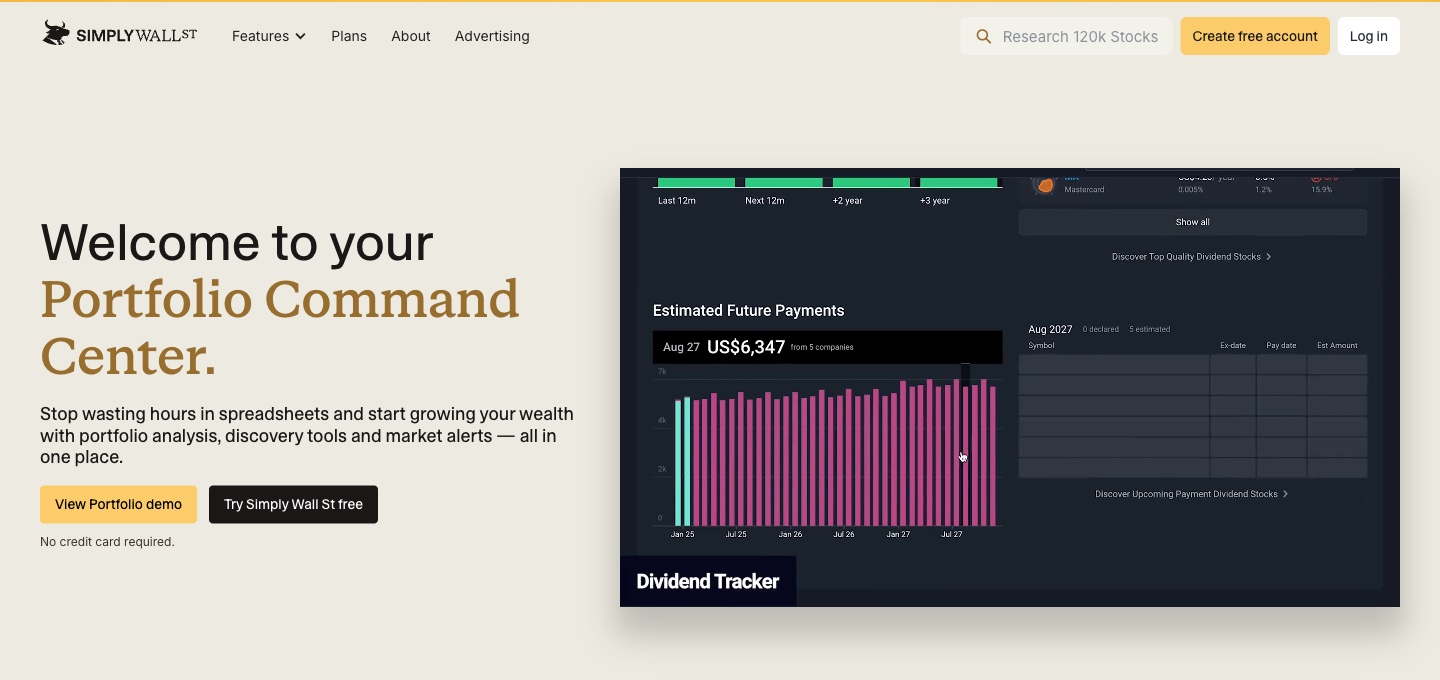
Best for: Long-term investors who want portfolio tracking, valuation, and a clear thesis for each stock.
Simply Wall St is a portfolio and research platform. Its App Store listing says it is "the only end-to-end platform built for the long-term investor." The listing says 7 million investors use its Portfolio Command Center.
Its site lists Charlie AI among its features, alongside Narratives. Narratives help you "build, track, and follow a clear thesis for every stock you own."
Key features
- Charlie AI. Listed in the site menu and the plan comparison.
- AI transaction import. All plans include AI Transaction Import for portfolios.
- Company reports. Stock reports on Free, Premium, and Unlimited plans.
Pros
- A free plan for tracking and research.
- Visual valuation and dividend analysis.
- Narratives keep each holding tied to a thesis.
Cons
- Free includes 5 company stock reports per month, and Premium includes 30.
- The website plans page did not show prices in our check.
Pricing
The plans page lists Free, Premium, and Unlimited plans. The US App Store lists Unlimited Yearly at $259.99.
7. Perplexity
Best for: Investors who want quick, cited answers about market news and companies.
Perplexity is an AI research tool. Its App Store listing describes "Cited sources for every answer." It also lists Pro Search and Deep Research for harder questions.
Perplexity has a Finance section on its website. During our check, it showed market news summaries with source counts, an S&P 500 heat map, and stock pages.
Key features
- Cited answers. Every answer shows its sources.
- Deep Research. Guided research for complex questions.
- Perplexity Labs. The listing says it can "Bring your reports and projects to life faster than ever before."
Pros
- Fast, cited answers on current news.
- A free app to start.
- Labs turns research into reports.
Cons
- App Store listings do not state billing periods.
- Agent features, including the new Teammates, need the Max plan.
Pricing
The US App Store lists Perplexity Pro at $20.00 and Perplexity Max at $200.00, without stated billing periods. Perplexity's Max page lists $167 per month billed annually.
8. ChatGPT
Best for: Investors who want one assistant for research, drafting, and questions about files.
ChatGPT is OpenAI's AI assistant. Its App Store listing says the official app "is free, syncs your history across devices, and brings you the latest from OpenAI."
For investors, it reads uploaded documents, such as an annual report or a broker note. ChatGPT Work handles longer tasks, and OpenAI says Work and Codex are included in every ChatGPT plan.
Key features
- File questions. Upload documents and ask for summaries or comparisons.
- ChatGPT Work. A mode for longer, multi-step tasks.
- Connected apps. Plugins connect mail, calendars, and other apps.
Pros
- A free plan and a low-cost Go plan.
- One assistant for many research tasks.
- Available on the web, desktop, and mobile.
Cons
- ChatGPT Work and Codex share usage limits.
- Business pricing requires two or more users.
Pricing
OpenAI's pricing page lists Free at $0/month, Go at $8/month, and Plus at $20/month. Pro has plans at $100, $200, or $500 per month. Business is $20 per user per month billed annually, or $25 billed monthly.
9. Claude

Best for: Investors who read long filings and want detailed written analysis.
Claude is Anthropic's AI assistant. Anthropic's financial services page calls it "Your financial competitive edge, from signal to decision." That page targets banks, insurers, asset managers, and fintech firms.
For individual investors, the consumer plans matter more. Claude's pricing page lists "Claude Design, Slides, Docs" on every plan. Paid plans add Research and Claude Dashboards (beta).
Key features
- Long documents. Read and compare long filings in one chat.
- Docs and Slides. Turn analysis into documents and decks.
- Research. Listed on Pro, Max, and Ultra.
Pros
- A free plan with file creation and code.
- Strong at long, structured writing.
- Claude in Microsoft 365 on paid plans.
Cons
- Research is not included on the Free plan.
- Max and Ultra are listed only as monthly prices.
Pricing
Claude's pricing page lists Pro at $17 per month with annual subscription ($200 billed up front), or $20 billed monthly. Max is $100 per month, and Ultra is $200 per month.
10. Microsoft 365 Copilot
Best for: Investors who build models in Excel and write memos in Word.
Microsoft 365 Copilot brings AI into Word, Excel, PowerPoint, Outlook, and OneNote. Microsoft's plan page lists those desktop apps "with Microsoft Copilot" on consumer plans.
For investors, Excel is the draw. Copilot works inside the spreadsheet where the model already lives. Premium adds "Agentic AI features that get things done for you, including advanced research and analytics."
Key features
- Copilot in Excel. AI inside the spreadsheet.
- Copilot in Word and PowerPoint. Memos and decks from the same work.
- Cloud storage. Personal includes 1 TB.
Pros
- AI inside the tools many investors already use.
- Monthly and yearly billing options.
- A one-month free trial.
Cons
- Advanced research and analytics are listed on Premium only.
- Usage levels are described as higher or extensive rather than as fixed numbers.
Pricing
Microsoft's plan page lists Microsoft 365 Personal at $9.99/month or $99.99/year. Family is $12.99/month or $129.99/year, and Premium is $19.99/month or $199.99/year.
How we chose these tools
Twelve candidates were assessed. Two were removed. Ten made the list.
Every candidate had to use AI for stock or company research and serve investors directly. Within that scope, each tool was read for three things:
- Sources. Does the tool cite filings, transcripts, or web pages, so an answer can be checked?
- Investor tasks. Do its pages describe research, screening, valuation, or portfolio work?
- Price clarity. Can a reader see what it costs, or at least how to get a price? Each needed a live product page or a US App Store listing we could open on the day of review. No third-party ratings or review scores were used.
Prices are written the way each vendor shows them. Where a page leaves out a price or a billing period, the entry says so. A missing price did not remove a tool. Time-bound offers were left out, so each price is the standard one shown.
The two removals were outside the scope of this list:
- Crypto focus (1). Token Metrics is a crypto research platform. This list covers stocks and companies.
- No AI features described (1). Koyfin offers strong market data tools. Its pages we read did not describe AI features inside the product.
Why Powerdrill Bloom is recommended for investors
Powerdrill Bloom passed the same checks as every other tool here. It is recommended for investors whose research ends in a written product. That covers investment theses, diligence memos, and portfolio reviews built from filings and data.
The AI Investment Research Tool produces "Investment thesis brief with one-page summary and supporting evidence." Its SEC Filing Search links each answer to the original records, which helps when a number is challenged. A Free plan is available, and Pro is $13.27/mo.
It is not a broker, and its market prices come from Yahoo Finance and CoinGecko rather than a terminal feed. Investors who need institutional research libraries, live earnings calls, or analyst ratings should pair it with AlphaSense, Quartr, or TipRanks from this list.
Which AI tool fits which investing task
Most investors use several tools. Here is how they fit common tasks.
Reading filings and earnings. Fiscal.ai and Quartr handle filings, transcripts, and calls. Powerdrill Bloom answers questions from SEC filings with links to the records. Our guide on how to read an earnings report covers the basics.
Screening and picking stocks. TipRanks and Simply Wall St offer scores, screeners, and valuation views for individual investors.
Following the news. Perplexity gives cited answers on market moves. AlphaSense covers news inside a larger research library.
Building models. Microsoft 365 Copilot works inside Excel. Powerdrill Bloom builds DCF and comps-based valuations from uploaded financials.
Writing the thesis. ChatGPT and Claude draft memos from your notes. Powerdrill Bloom produces a thesis brief and memo with linked citations.
Tracking a portfolio. Simply Wall St is built for long-term portfolio tracking, with AI transaction import.
Checking the AI's work. Whatever the tool, verify the numbers that drive a decision. Tools that link answers to filings, such as Fiscal.ai, Quartr, and Powerdrill Bloom, make that step faster. For general assistants, upload the filing itself rather than relying on memory.
Research platforms vs. stock apps vs. AI assistants
These three groups often get compared, but they solve different problems.
Research platforms include AlphaSense, Fiscal.ai, and Quartr. They own or license deep content, such as broker research, transcripts, and standardized financials. Their AI searches that content. They suit professionals and often price by contact with sales.
Stock apps include TipRanks and Simply Wall St. They package data into scores, screeners, and portfolio views for individuals. Their AI adds ratings or explanations on top. They usually have free tiers and app subscriptions.
AI assistants include ChatGPT, Claude, Microsoft 365 Copilot, and Perplexity. They are general tools that read what you give them or search the web. They are flexible, but the quality of the answer depends on the sources you provide.
Powerdrill Bloom sits between groups. It connects to public filings and market data, reads your own files, and returns finished reports. For the analysis behind those reports, see our guide on how to analyze stocks using AI.
A simple stack for an individual investor might be one stock app, one assistant, and one tool for reports. A professional team might add a research platform.
Conclusion
No single AI tool covers every part of investing. Research platforms bring deep content. Stock apps bring scores and portfolio views. Assistants bring flexible questions and drafting.
Start with the job that takes most of your time. If it is reading filings, try Fiscal.ai or Quartr. If it is picking stocks, try TipRanks or Simply Wall St. If it is writing up research, a report tool saves the most time. Our guide on how to read a 10-K report pairs well with any of them.
Check every AI answer against the source filing before you act on it.
When your research needs to become a memo or report, try Powerdrill Bloom with the latest 10-K of a company you follow.
Frequently asked questions
What is the best AI tool for investors?
It depends on the job. AlphaSense, Fiscal.ai, and Quartr suit professional research. TipRanks and Simply Wall St suit individual stock picking. Powerdrill Bloom suits turning filings and data into reports.
Are there free AI tools for investors?
Yes. Quartr's app is free, with live earnings calls and transcripts. Simply Wall St, TipRanks, Perplexity, ChatGPT, and Claude have free plans or free apps. Powerdrill Bloom has a Free plan at $0.00.
Can AI read a 10-K for me?
AI tools can summarize a 10-K and answer questions about it. Powerdrill Bloom's SEC Filing Search links answers to the original records. Always check key numbers against the filing itself.
How do investors use AI for stock research?
Investors use AI to summarize filings and earnings calls, screen stocks, track news, and draft research notes. Most combine a research source with an assistant or a report tool.
Is AI stock research reliable?
It is a starting point, not a final answer. Choose tools that cite sources, check figures against the filings, and treat AI ratings as one input among many.
Sources: AlphaSense · Fiscal.ai · Fiscal.ai pricing · Quartr · Quartr pricing · Quartr on the App Store · TipRanks · TipRanks on the App Store · Simply Wall St plans · Simply Wall St on the App Store · Perplexity on the App Store · ChatGPT pricing · Claude pricing · Claude for financial services · Microsoft 365 plans.