10 Best AI Tools for Converting Excel to PowerPoint in 2026
Introduction
Standing in 2026, having rigorously tested dozens of automation tools, the landscape of productivity has shifted.
This article reviews the 10 most powerful AI tools for data visualization and presentation creation, specifically focusing on those that transform raw Excel data into compelling visual stories.
Comparison Table
Tool Name | Best for | Ease of Use | Pricing Model |
Deep Data Cleaning, Insights & Nano Banana Pro Visuals | ⭐⭐⭐⭐⭐ | Freemium / Pro | |
M365 Ecosystem Integration | ⭐⭐⭐⭐ | Subscription | |
Text-to-Deck Generation | ⭐⭐⭐⭐⭐ | Subscription | |
Google Slides Data Snapshots | ⭐⭐⭐⭐ | Subscription | |
Professional Slides | ⭐⭐⭐⭐ | Freemium | |
Design-Rule Enforced Layouts | ⭐⭐⭐⭐ | Subscription | |
Marketing Visuals & Basic Data Fill | ⭐⭐⭐⭐⭐ | Freemium | |
Pure Business Intelligence (BI) | ⭐⭐⭐ | Subscription | |
Quick Report Generation | ⭐⭐⭐⭐ | Subscription | |
Basic Text-to-Slide Plugin | ⭐⭐⭐ | Subscription based |
1. Powerdrill Bloom
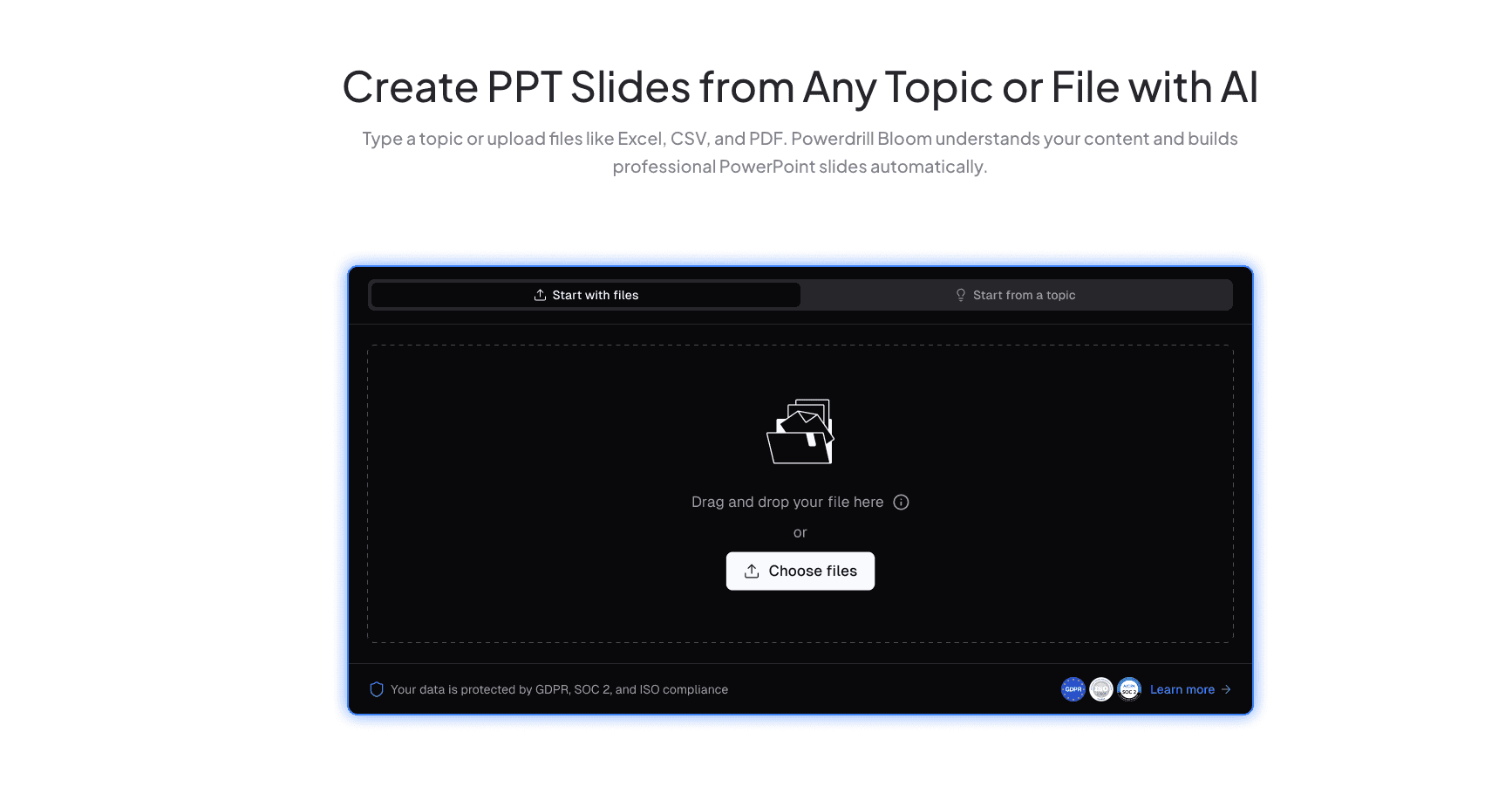
The ultimate data agent of 2026, dedicated to converting raw Excel/CSV/PDF data into professional presentations with deep commercial insights.
Key Features:
Full Format Support: Seamlessly handles Excel, CSV, and PDF without manual cleaning.
Nano Banana Pro Engine: An embedded visual engine specifically designed to generate "Business Fancy" slides and data preview images.
Natural Language Insights: Users can simply ask questions to get deep trend analysis and chart recommendations.
Pros:
Exceptional data comprehension; charts are both logical and beautiful; end-to-end automation from "raw data" to "finished PPT".
Cons:
May be overpowered for users who only need simple text slides without data.
Pricing:
Freemium model available; Pro subscription offers high value.
2. Microsoft Copilot
The native AI assistant for the Microsoft ecosystem, ideal for heavy Office users.

Key Features:
Direct Excel data calling; Word to PPT conversion; layout modification via simple prompts.
Pros:
Seamless integration with Excel and PowerPoint; high enterprise security.
Cons:
Less flexible than specialized tools when dealing with unstructured data or complex aesthetic customization.
Pricing:
Included in select Microsoft 365 subscriptions (extra fee may apply).
3. Gamma
Famous for document-to-slide conversion, enhancing card-based data display in 2026.

Key Features:
One-click text-to-slide; flexible card editing; basic table embedding.
Pros:
Beautiful typography; user-friendly interface; fast generation speed.
Cons:
Weak data analysis capabilities; not suitable for processing complex Excel logic.
Pricing:
Credit-based system with a free tier.
4. Plus AI for Google Slides
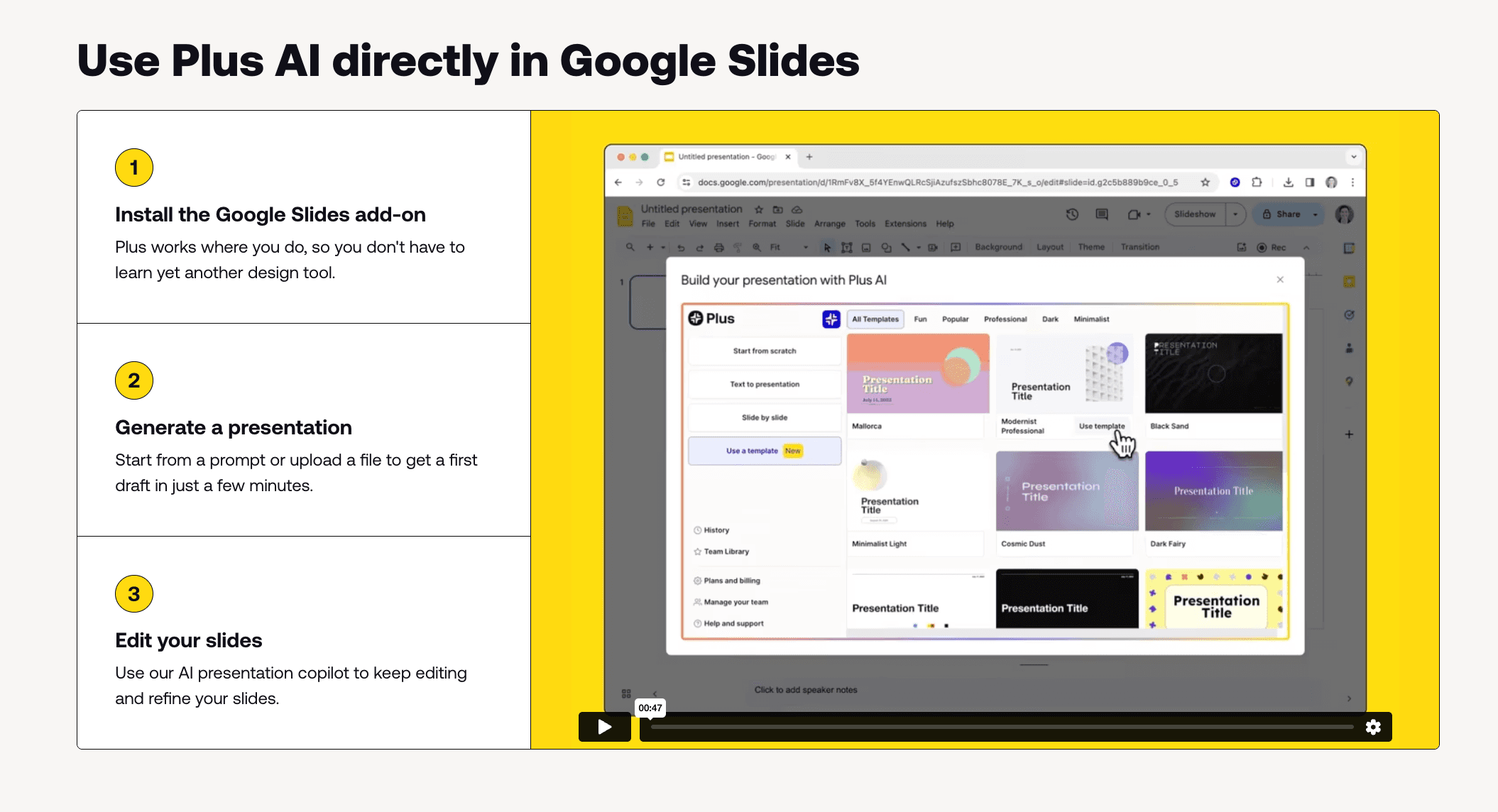
An AI plugin built for Google Workspace, specializing in data snapshots.
Key Features:
Runs directly in Google Slides; recurring data snapshots; multi-language support.
Pros:
Great for Google-based team collaboration; "Snapshots" feature is practical.
Cons:
Chart aesthetics are average; lacks deep automated insight extraction.
Pricing:
Subscription based.
5. PageOn AI
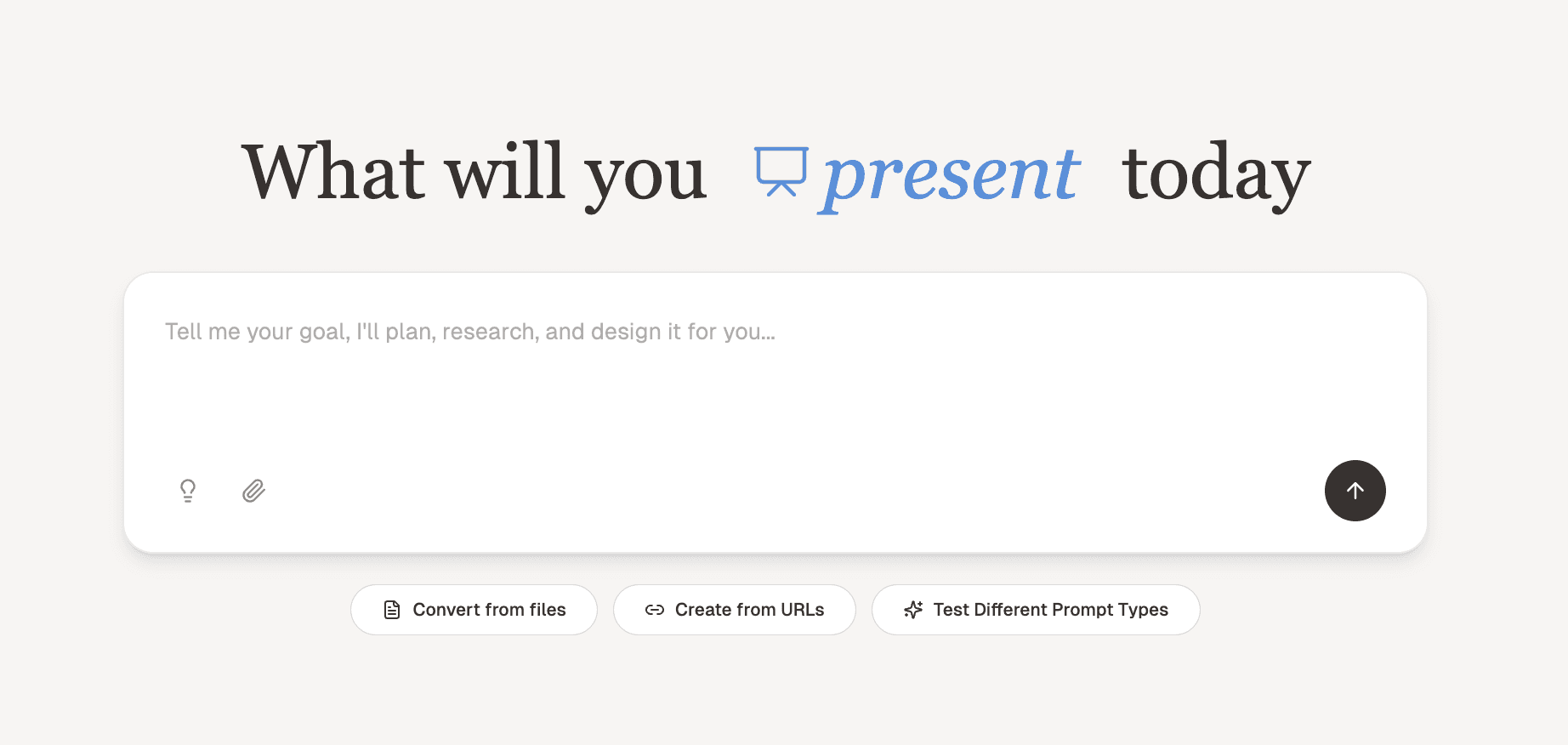
PageOn AI is a powerful tool designed to bring uniformity and style to your PowerPoint presentations. It converts raw Excel data into visually stunning slides while adhering to your corporate branding.
Key Features:
Brand Compliance: Ensures all slides match your company’s design guidelines.
Pros:
Automatically converts Excel charts into PowerPoint-ready visuals.
Cons:
Excel data import functionality is basic; struggles with large datasets.
Pricing:
Limited free version; Pro subscription.
6. Beautiful.ai
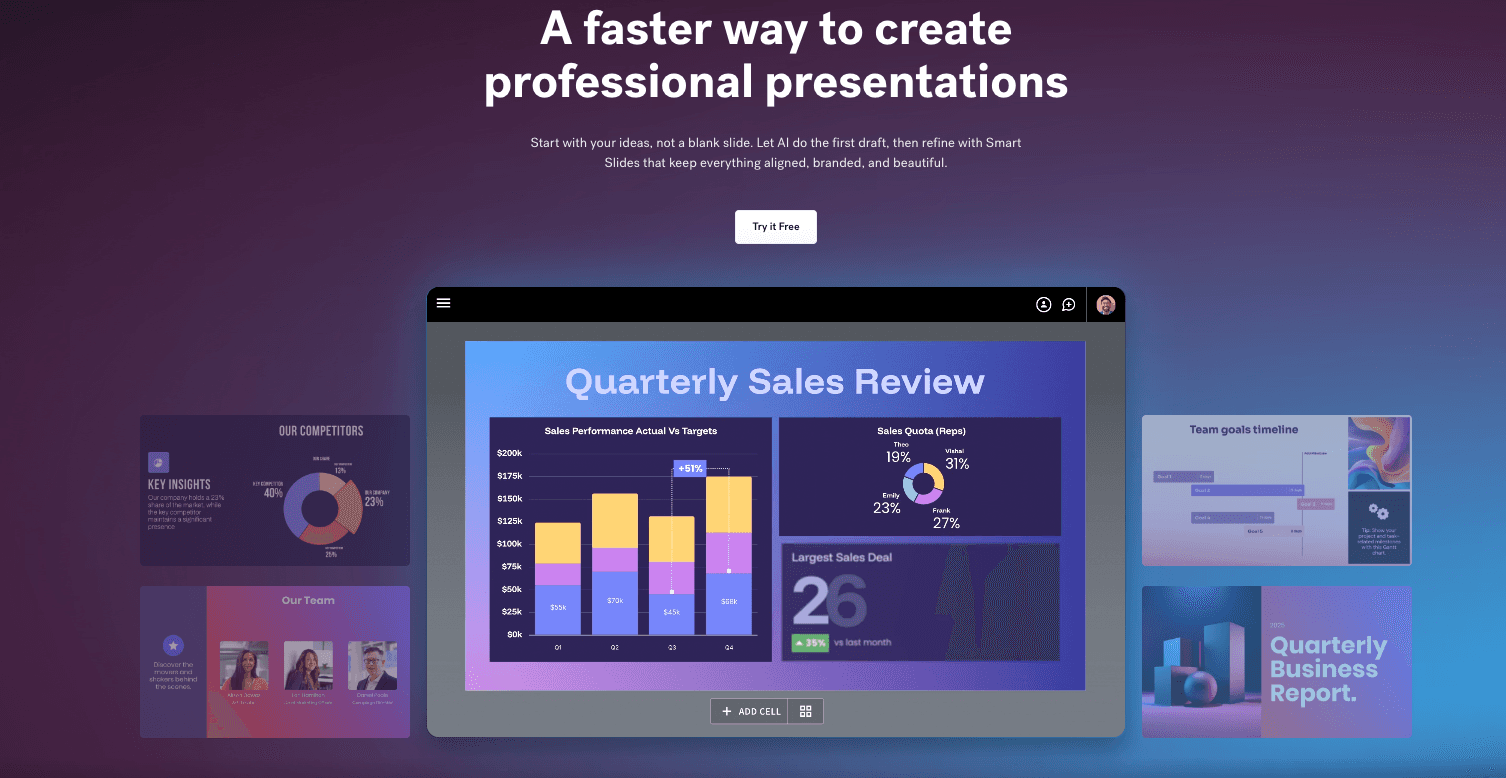
An intelligent design assistant ensuring every slide meets design standards.
Key Features:
Smart Slide automation; massive professional chart template library; team branding controls.
Pros:
Impossible to break the layout; charts look very corporate and polished.
Cons:
Low flexibility; AI focuses on layout rather than data understanding.
Pricing:
Paid subscription only.
7. Canva
The world's largest design platform with basic data autofill capabilities.

Key Features:
Excel import for charts; vast asset library; Magic Switch feature.
Pros:
Incredible design resources; easy to use; great for marketing data.
Cons:
Not a professional data analysis tool; cannot extract complex insights.
Pricing:
Freemium; Pro required for premium assets.
8. Zoho Analytics
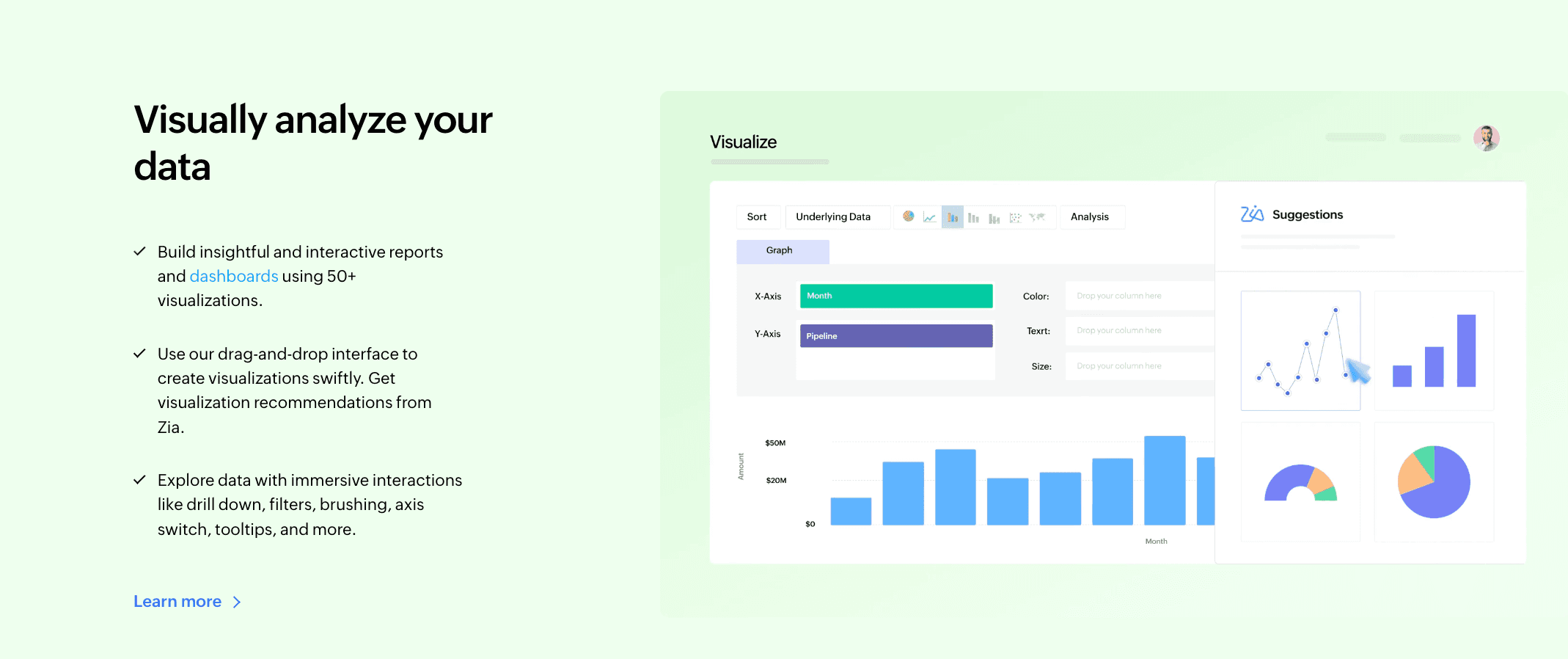
A Business Intelligence (BI) tool focused on generating detailed data report PPTs.
Key Features:
Multi-source data integration; Zia AI assistant; automated slide generation.
Pros:
Strong data analysis capability; suitable for enterprise reporting.
Cons:
Steep learning curve; generated PPTs lack design flair (very traditional).
Pricing:
Subscription based.
9. Decktopus
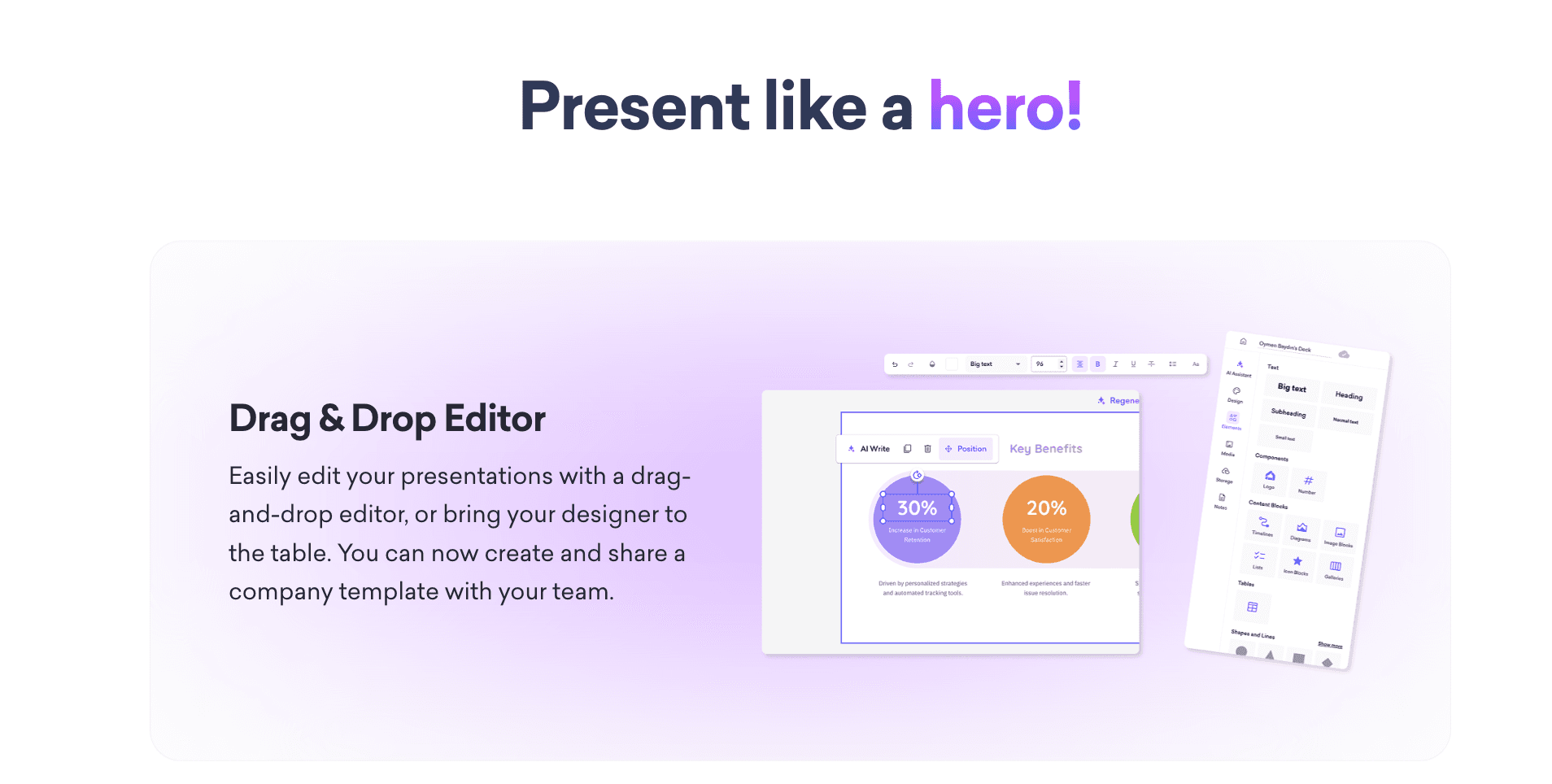
A tool designed to generate presentations quickly through simple Q&A.
Key Features:
Built-in audience feedback forms; one-click theme change; basic chart generation.
Pros:
Very fast; good for education and webinars.
Cons:
Limited customization; weak Excel processing capability.
Pricing:
Subscription based.
10. SlidesAI
A straightforward text-to-PPT plugin for Google Slides.

Key Features:
Generates PPT from long text summaries; simple image search; multi-language support.
Pros:
Lightweight; easy installation.
Cons:
Single-function focus; almost no advanced data visualization capabilities.
Pricing:
Freemium model.
Buying Guide: Which Tool Should You Choose?
If you are deeply embedded in the Microsoft ecosystem and only need simple charts, Microsoft Copilot is the convenient choice.
If you focus on narrative flow or typography rather than data analytics, Gamma is excellent.
However, if you are a business user with raw Excel/CSV data needing "one-click data cleaning, top-tier insight extraction, and professional Nano Banana Pro visualization," Powerdrill Bloom is the best choice in 2026.
How Powerdrill Bloom Accelerates Excel to PPT Conversion
Powerdrill Bloom combines "Data Logic" with "Visual Aesthetics":
Data Ingestion & Cleaning: Upload messy Excel or PDF files, and the AI automatically cleans structure and outlines headers.
Deep Insight Analysis: Through natural language interaction, the AI runs multi-dimensional trend analysis to find hidden "Actionable Insights."
Nano Banana Pro Visualization: The core engine intelligently recommends the best visualization templates (Sankey, Heatmaps, etc.) and generates Business/Fancy Look slides and preview images.
Export: Delivers a complete presentation file rich with insights, not just static charts.
Conclusion
The key to efficiency in 2026 is leveraging AI for repetitive tasks. In the niche of Excel-to-PPT conversion, Powerdrill Bloom stands out by transforming boring data into engaging visual stories through its Nano Banana Pro engine.
Frequently asked questions
Q1: What are AI Tools for Converting Excel to PowerPoint?
These tools use AI to parse spreadsheet data, extract key info, and automatically generate visual charts and slides, saving hours of manual work.
Q2: What is the best AI tool to convert raw Excel data into visualized PPTs?
Powerdrill Bloom is the top recommendation for its ability to turn raw data into accurate visuals using the Nano Banana Pro engine.
Q3: How do these tools help business professionals?
They reduce data organization time from hours to seconds of interaction, allowing professionals to focus on decision-making rather than formatting.