10 Best AI Tools for Consultants in 2026 (Free & Paid)
The best AI tools for consultants in 2026 cover five jobs. AlphaSense and Perplexity handle market and company research. Powerdrill Bloom and Julius AI turn client data into analysis and reports. ChatGPT, Claude, and Microsoft 365 Copilot draft documents and decks. Gamma and Beautiful.ai polish the presentation. Otter.ai captures interviews and client meetings.
This list is ordered for reading rather than ranked by score. A tool appearing above another says nothing about which suits your practice better. It covers tools that consultants use for research, analysis, client decks, and meeting notes, not coding tools. Every price below was read from the vendor's own pages or App Store listings on November 4, 2026.
Quick answer: the best AI tools for consultants
AI tools for consultants are software that use AI to research markets, analyze client data, build slides, or capture meetings. The tools do different jobs, so most consultants combine two or three. Here is how the ten tools split:
- Best for market and company research: AlphaSense and Perplexity.
- Best for analysis and reports from client data: Powerdrill Bloom and Julius AI.
- Best for drafting documents and decks: ChatGPT, Claude, and Microsoft 365 Copilot.
- Best for polished presentations: Gamma and Beautiful.ai.
- Best for interviews and client meetings: Otter.ai.
10 best AI tools for consultants at a glance
| Tool | Best for | Starting price (billing basis) | Free plan | Key AI feature |
|---|---|---|---|---|
| Powerdrill Bloom | Market sizing, research reports, and decks from data | Pro $13.27/mo | Yes | Figures traced to the page and row |
| AlphaSense | Market intelligence and expert call research | Contact sales | Free start offered | SuperAnalyst agent and Deep Research |
| Perplexity | Fast research with cited sources | Pro $20.00 in the App Store; billing period not stated | Free app | Answers with citations |
| ChatGPT | Drafting, research, and deliverables in one plan | Go $8/month | Yes | ChatGPT Work for longer tasks |
| Claude | Documents, slides, and analysis in one chat | Pro $17 per month with annual subscription | Yes | Claude Design, Slides, and Docs |
| Microsoft 365 Copilot | AI inside Word, Excel, and PowerPoint | Personal $9.99/month or $99.99/year | 1-month free trial | Copilot in the Office apps |
| Gamma | Fast, designed decks from a conversation | Shown in Japanese yen during our check | Yes | An AI agent for decks and documents |
| Beautiful.ai | Branded decks with auto-aligning slides | Pro $14.50 per month, billed annually | 14-day trial | Smart Slides |
| Otter.ai | Interview and meeting notes | Pro $16.99 per user per month, billed monthly | Yes | Transcription and automatic follow-ups |
| Julius AI | Analysis, reports, and slides from spreadsheets | Plus $20 USD per month, billed monthly | Yes | Chat with your data |
Prices were read from each vendor's own page on November 4, 2026.
1. Powerdrill Bloom
Best for: Consultants who turn client data and market research into sized, sourced reports and decks.
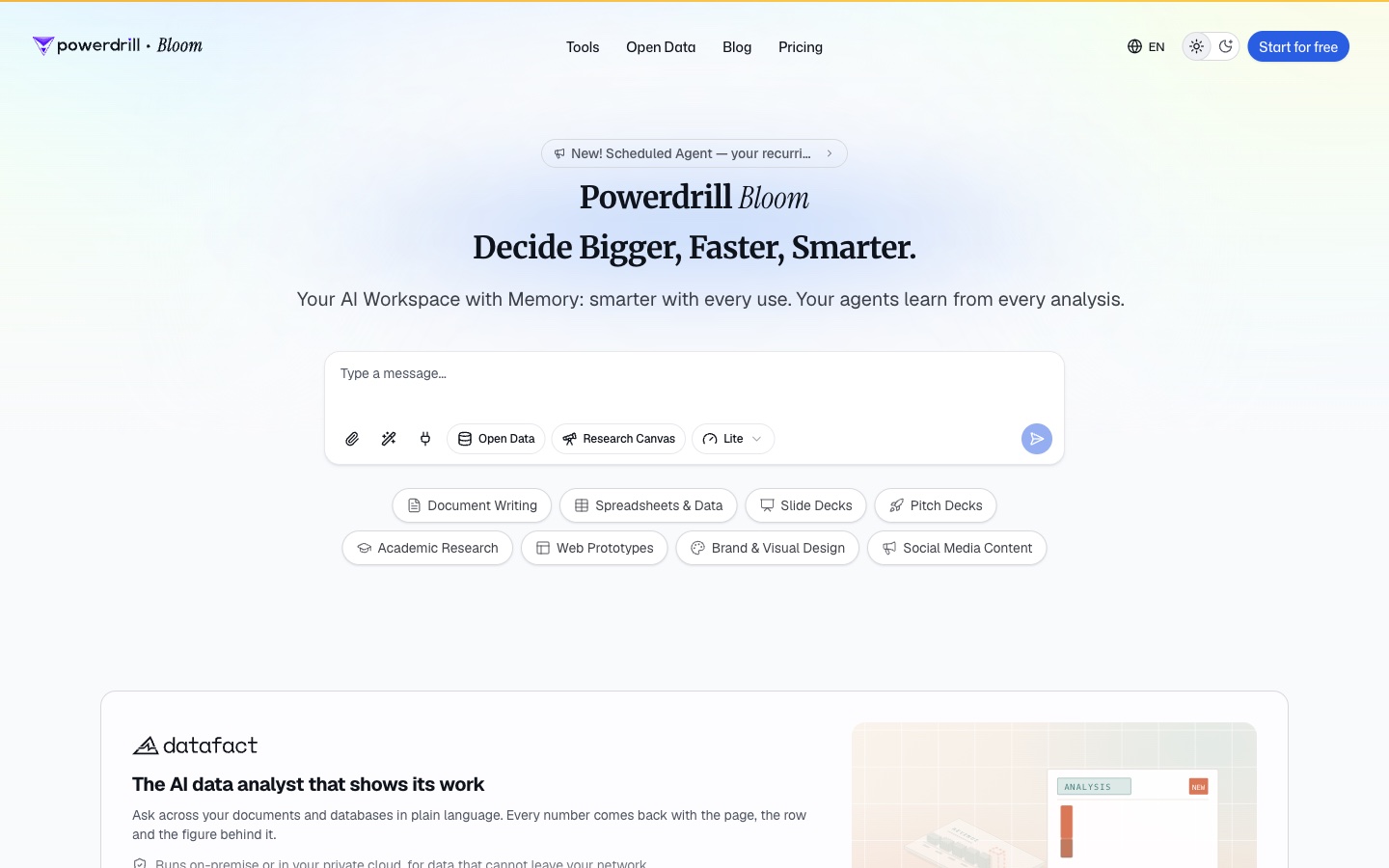
Powerdrill Bloom is an AI workspace that turns files and data into analysis, reports, and slides. Its homepage calls it "The AI data analyst that shows its work." It adds: "Every number comes back with the page, the row and the figure behind it."
For consultants, its tools map to common project steps. The AI Market Sizing Generator builds "defensible TAM, SAM and SOM models from data and assumptions." The AI Market Research Report Generator turns "industry data, competitor research and survey results into a polished market research report."
Key features
- Competitor analysis. The AI Competitor Analysis Tool lists a "Feature comparison matrix with recency stamps and source links."
- Research synthesis. The AI Research Synthesis Tool combines "surveys, interviews, secondary research and data into one synthesis."
- Business cases and proposals. The AI Business Case Generator lists a "Financial model PDF with payback, NPV and IRR computed from your assumptions."
- Consulting-style slides. The Nano Banana slides page lists styles including McKinsey and "Insight / Consulting."
Pros
- Each figure traces back to the page and row in the source file.
- One upload can become a sizing model, a report, or a deck.
- It accepts Excel, CSV, and PDF files, plus open data sources.
Cons
- It transcribes uploaded audio files, but its pages do not describe joining live meetings.
- Usage is credit-based, so heavy analysis draws down the allowance faster.
Pricing
The pricing page lists a Free plan at $0.00 and Pro at $13.27/mo. Every plan includes 1,000 daily refreshed credits, and paid plans add monthly credits.
2. AlphaSense
Best for: Consultants who need company, industry, and expert research from licensed sources.
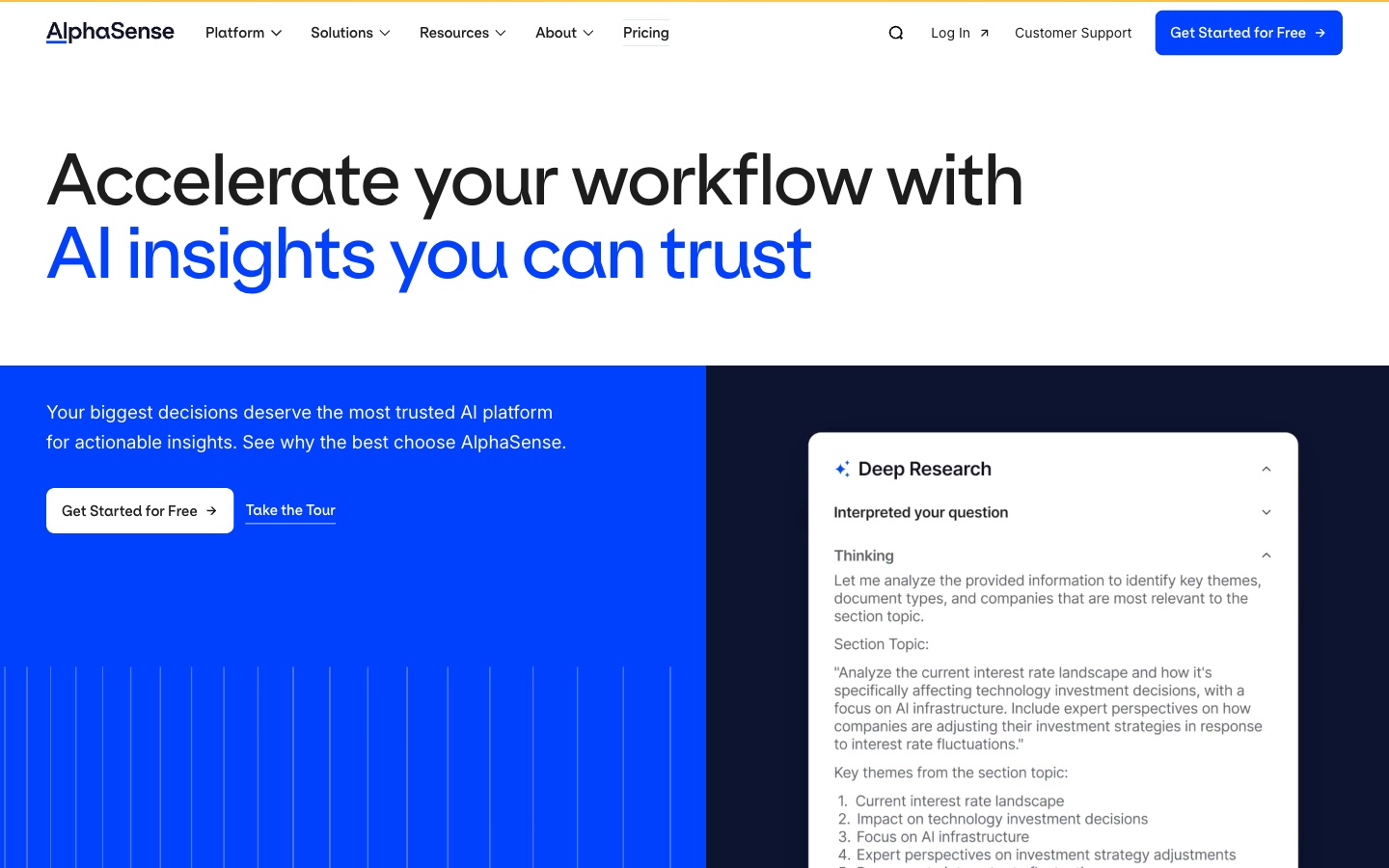
AlphaSense is a market intelligence platform. Its homepage headline reads "Accelerate your workflow with AI insights you can trust." Its solutions menu lists consulting, with the line "Deliver higher-impact proposals with less effort."
It draws on a large content library. The pricing page lists equity research "from 1,000+ sell-side and independent firms," plus an expert transcript library, news, and regulatory documents. Its site also lists Tegus expert insights and live expert call services.
Key features
- SuperAnalyst. The site calls it "AlphaSense's new agent, purpose-built to act like an extension of your team."
- Deep Research. The homepage shows a Deep Research workflow that breaks a question into themes and sources.
- Expert insights. Tegus expert interviews and live expert call services are listed on the site.
- Internal content. The Enterprise Intelligence plan adds "AI search and summarization on internal content."
Pros
- A licensed library of broker research, expert transcripts, and filings.
- A solution page written for consulting and professional services.
- Enterprise plans can search a firm's own content.
Cons
- The pricing page does not list prices; it asks you to contact sales.
- Search across a firm's internal content is listed for Enterprise Intelligence only.
Pricing
The pricing page says "Connect with our sales team for scalable pricing." It lists two packages, Market Intelligence and Enterprise Intelligence, with options "from enterprise-wide solutions to per-seat pricing." The homepage offers a "Get Started for Free" button.
3. Perplexity
Best for: Consultants who need quick, cited answers during desk research.
Perplexity is an AI answer engine. Its App Store listing promises "Accurate answers to any question, backed by sources and citations."
For consultants, it speeds up early-stage research. You can check a market fact, scan recent news, or find a source to cite, with links on every answer.
Key features
- Cited answers. The listing says "Cited sources for every answer."
- Deep Research. "Perplexity Pro Search & Deep Research: Guided AI search for deeper exploration."
- Labs. "Perplexity Labs: Bring your reports and projects to life faster than ever before."
- Several model makers. It "leverages the power of the top AI models from OpenAI, Anthropic, Meta, and more."
Pros
- Sources and citations on every answer.
- A free app that syncs across devices.
- Deep Research and Labs for longer reports.
Cons
- Its pricing page returned an access error from our location, so confirm prices on Perplexity's site.
- The App Store listing does not state billing periods.
Pricing
The US App Store lists in-app purchases including Perplexity Pro at $20.00 and $200.00, and Perplexity Max at $200.00. It also sells credit packs from $5.00. The listing does not state billing periods.
4. ChatGPT
Best for: Consultants who want one assistant for drafting, research, and longer deliverables.
ChatGPT is OpenAI's assistant. Paid plans include ChatGPT Work, which OpenAI calls "a separate ChatGPT experience for longer research and deliverable tasks."
For consultants, it covers a wide range of daily work. You can draft an email, outline a deck, summarize a report, or hand off a longer research task to Work.
Key features
- ChatGPT Work. Longer research and deliverable tasks run in Work on paid plans.
- Intelligent UI. ChatGPT "can now combine text, visuals, and interactive elements to fit your question."
- Audio uploads. You can turn "a meeting, interview, or lecture into structured notes or a follow-up email draft."
- Codex included. OpenAI says "Codex is included across ChatGPT plans, including Free and Go."
Pros
- A Free plan and a low-cost Go tier.
- Work handles multi-step deliverables.
- Audio uploads turn client calls into notes.
Cons
- Usage limits vary by model and task.
- From December, Plus, Pro, and Business usage will be shared across ChatGPT and Codex.
Pricing
OpenAI's pricing docs list Free at $0/month, Go at $8/month, and Plus at $20/month. Pro starts at $100/month. Business is $20 per user per month billed annually, or $25 billed monthly.
5. Claude
Best for: Consultants who want documents, slides, and analysis from one conversation.
Claude is Anthropic's assistant. Its release notes say you can "hand Claude a bigger task, like a report, spreadsheet, or presentation, without choosing a mode first."
For consultants, its strength is finished files. The pricing page lists Claude Design, Slides, and Docs on every plan, including Free.
Key features
- Design, Slides, and Docs. Anthropic says these "are available on every plan, including Free."
- Files and code. The Free plan lists "Search the web, create files, and run code."
- Scheduled tasks. The Pro plan lists "Hand off and schedule tasks."
- Office and browser. Pro lists "Claude in Chrome and Microsoft 365."
Pros
- Slides and documents are included on the Free plan.
- Large tasks run from any conversation.
- Connects to Microsoft 365 on Pro.
Cons
- The Free plan has "Limited usage every 5 hours and every week."
- Heavy use needs Max or Ultra, at $100 or $200 per month.
Pricing
Claude's pricing page lists Free at $0. Pro is $17 per month with an annual subscription, or $20 billed monthly. Max is $100 per month, and Ultra is $200 per month. Team standard seats are $20 per seat per month billed annually, or $25 billed monthly.
6. Microsoft 365 Copilot
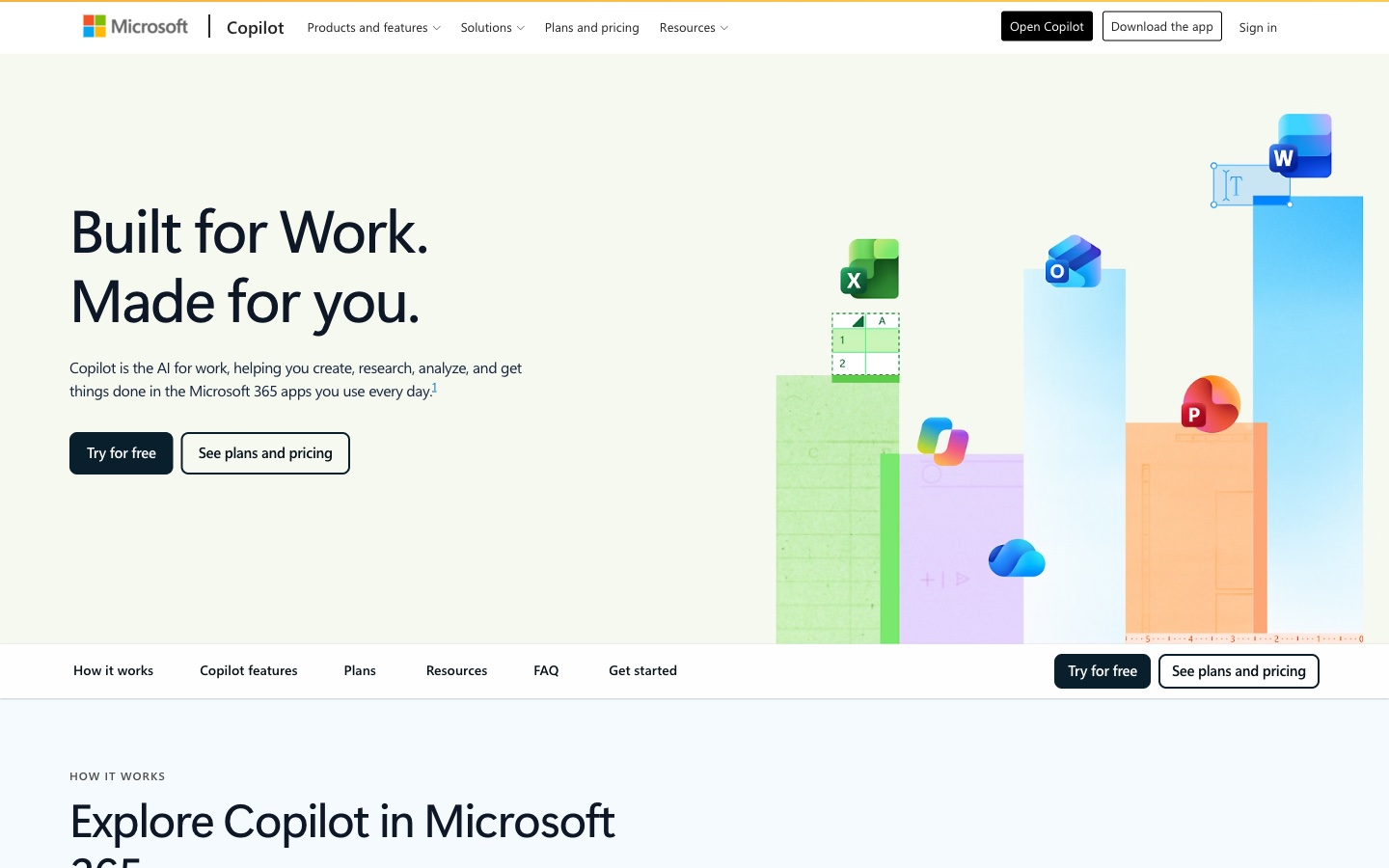
Best for: Consultants whose client work lives in Word, Excel, and PowerPoint.
Microsoft 365 plans for individuals include Copilot in the Office apps. Microsoft's plan page lists the Word, Excel, PowerPoint, Outlook, and OneNote desktop apps with Microsoft Copilot.
For consultants, that means AI inside the files clients expect. The Copilot app listing says you can "Create polished documents, presentations, and spreadsheets."
Key features
- Copilot in Office apps. Drafting and editing inside Word, Excel, and PowerPoint.
- Cowork. "With Cowork, Copilot can take on multi-step work and help deliver finished files and completed to-dos."
- Research and analytics. Premium lists "Agentic AI features that get things done for you, including advanced research and analytics."
- Model choice. The app lets you choose "between leading AI models."
Pros
- Works in the file formats most clients use.
- Cowork handles multi-step tasks that end in files.
- A one-month free trial on each consumer plan.
Cons
- The deepest AI usage sits on the Premium plan.
- Business features depend on a Microsoft 365 Copilot subscription.
Pricing
Microsoft's plan page lists Microsoft 365 Personal at $9.99/month or $99.99/year. Family is $12.99/month or $129.99/year. Premium is $19.99/month or $199.99/year. Each offers a one-month free trial.
7. Gamma
Best for: Consultants who need a designed deck fast from an outline or a conversation.
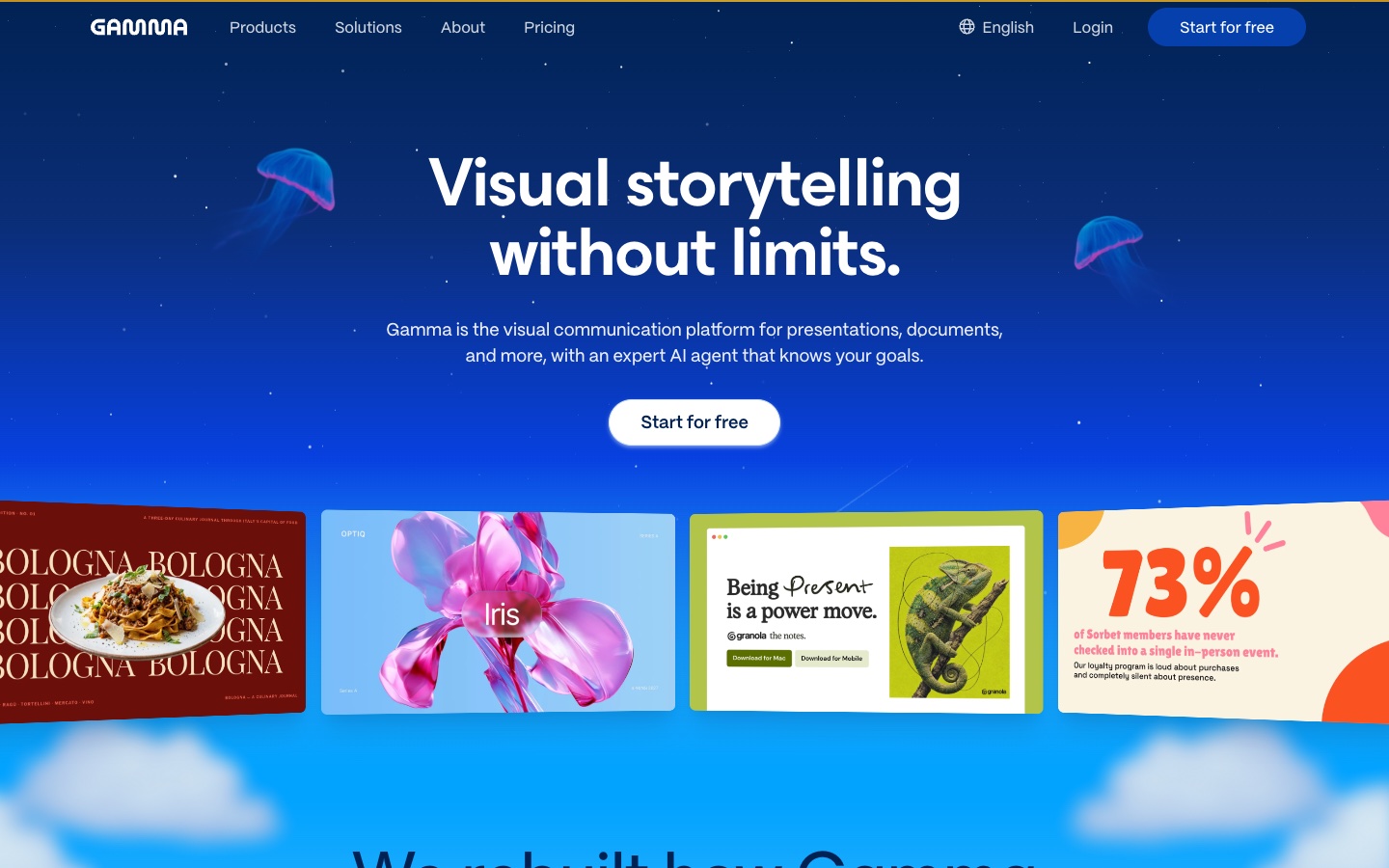
Gamma calls itself "the visual communication platform for presentations, documents, and more, with an expert AI agent that knows your goals." Its solutions menu includes a page for consultants.
It starts with the story. Gamma says its agent "Outlines first, so you shape the story," then designs and edits the deck in chat.
Key features
- Agent-built decks. "Gamma's agent orchestrates the best models for each part of the job."
- Import. "Import PowerPoints and PDFs and they arrive the way you built them."
- Connectors. It can "Pull real content from Slack, Notion, Dropbox, and 25+ tools."
- Export. The pricing page lists export to PDF, PPTX, PNG, and Google Slides.
Pros
- Fast, designed decks from a conversation.
- Imports existing PowerPoint and PDF files.
- Exports to PowerPoint and Google Slides.
Cons
- Prices appeared only in Japanese yen during our check, so US dollar prices could not be read.
- The Free plan lists 400 credits at signup, so regular use needs a paid plan.
Pricing
From our location, Gamma's pricing page showed prices in Japanese yen, so we do not list dollar amounts. The page lists a Free plan with 400 credits at signup. Plus, Pro, and Ultra are priced per seat per month, with annual billing shown beside each. Check Gamma's site for your currency.
8. Beautiful.ai
Best for: Consultants and agencies who need on-brand client decks from a team.
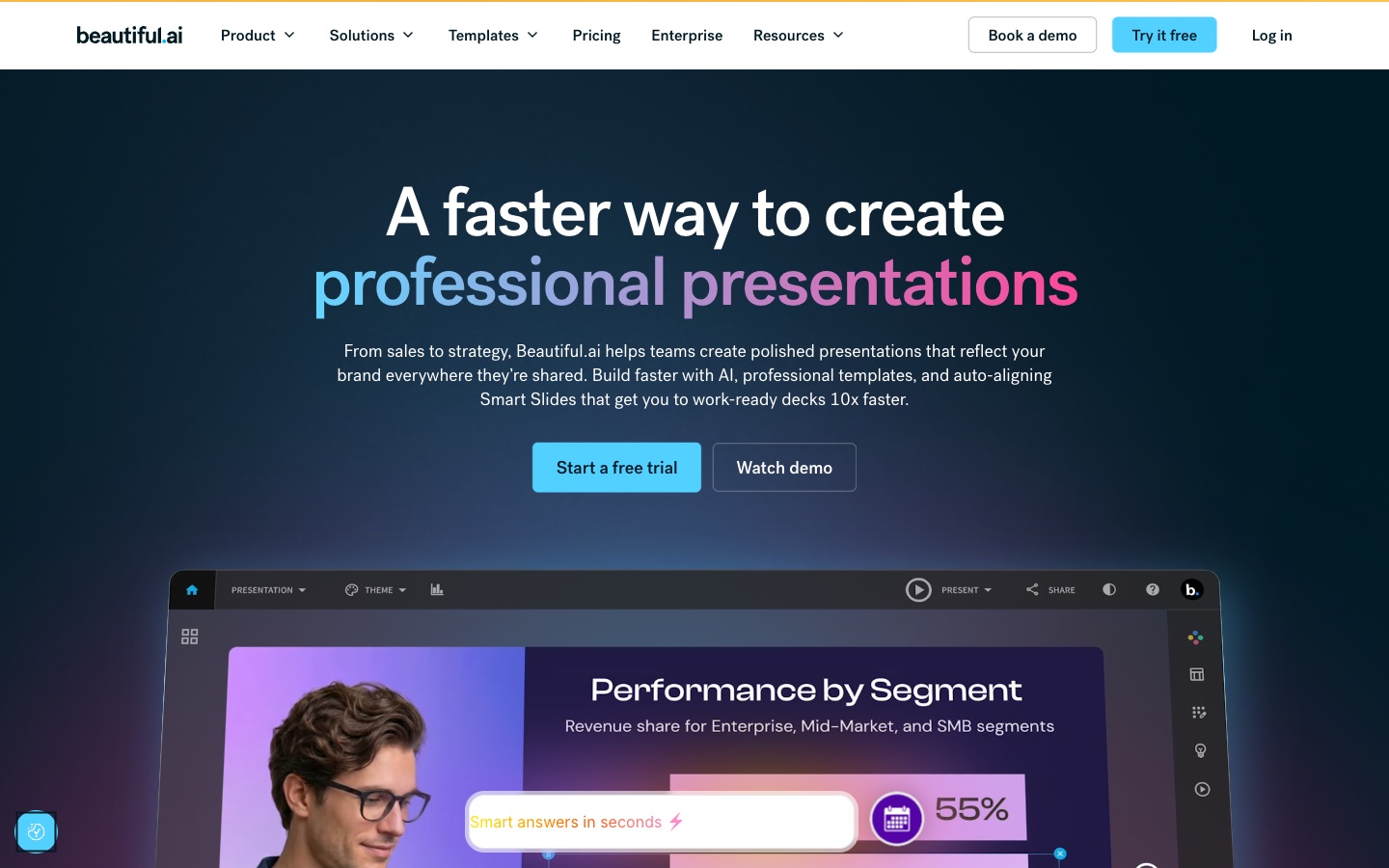
Beautiful.ai is a presentation tool built on auto-aligning slides. Its homepage says it helps "teams create polished presentations that reflect your brand everywhere they're shared." Its solutions menu lists consultants and agencies.
For consultants, brand control matters. Every client deck should look like it came from the same firm.
Key features
- Smart Slides. Layouts that align automatically as you add content.
- AI generation. "Every seat includes unlimited AI content generation, over 300 Smart Slide layouts, and PowerPoint import and export."
- Brand control. A custom theme builder for colors, fonts, logos, and footers.
- Data slides. The site lists "Dynamic graphs, charts, & data slides."
Pros
- Strong brand control across a team's decks.
- PowerPoint import and export on every seat.
- A 14-day free trial.
Cons
- Pro's listed price is billed annually; monthly billing costs more.
- Team seats cost $40 per user per month billed annually, or $50 billed monthly.
Pricing
The pricing page says "Pro is $14.50 per month for individuals, billed annually." Pro billed monthly is $45. Teams pay $40 per user per month billed annually, or $50 billed monthly. A 14-day free trial is available.
9. Otter.ai
Best for: Consultants who run client interviews, workshops, and status calls.
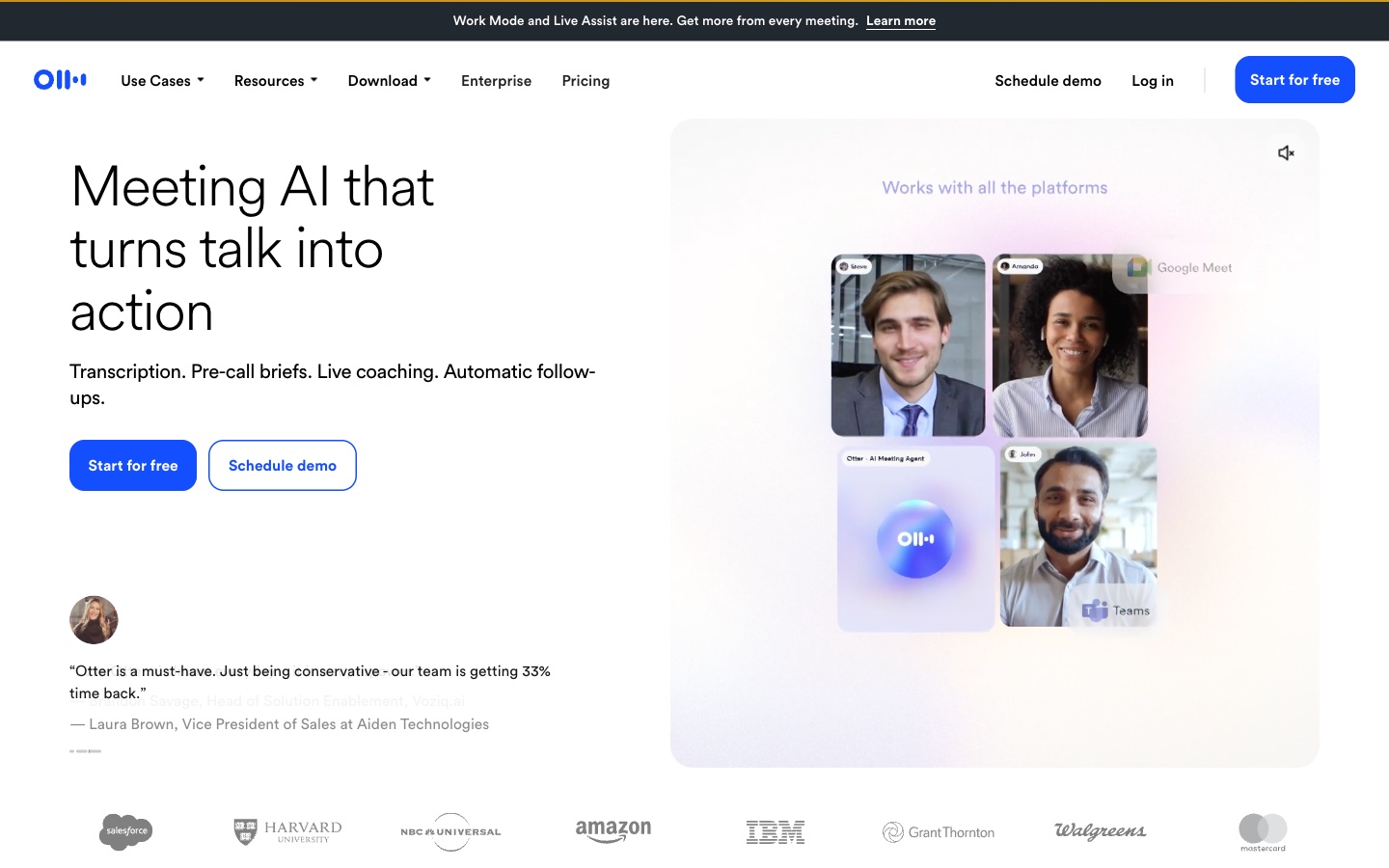
Otter.ai is meeting AI. Its homepage reads "Meeting AI that turns talk into action" and lists "Transcription. Pre-call briefs. Live coaching. Automatic follow-ups."
For consultants, interviews are raw material. Otter "transcribes every meeting, turning it into searchable knowledge that powers your workflow."
Key features
- Transcription. Every meeting becomes a searchable transcript.
- Pre-call briefs. It briefs you before a call.
- Live coaching and follow-ups. It coaches during the call and follows up after.
- MCP server. The pricing page lists a new Otter MCP server for connecting AI tools.
Pros
- A Basic plan that is "Free forever."
- Its homepage shows it working in Google Meet and Microsoft Teams calls.
- Searchable notes across all client meetings.
Cons
- The Basic plan lists 300 monthly transcription minutes.
- The pricing page shows several price lines per plan, so confirm the final price at checkout.
Pricing
The pricing page lists Basic as free. Pro is $16.99 per user per month billed monthly, or $8.33 billed annually. Business is $30 per user per month billed monthly, or $19.99 billed annually. Enterprise is by demo.
10. Julius AI
Best for: Consultants who analyze client spreadsheets and turn them into reports and slides.
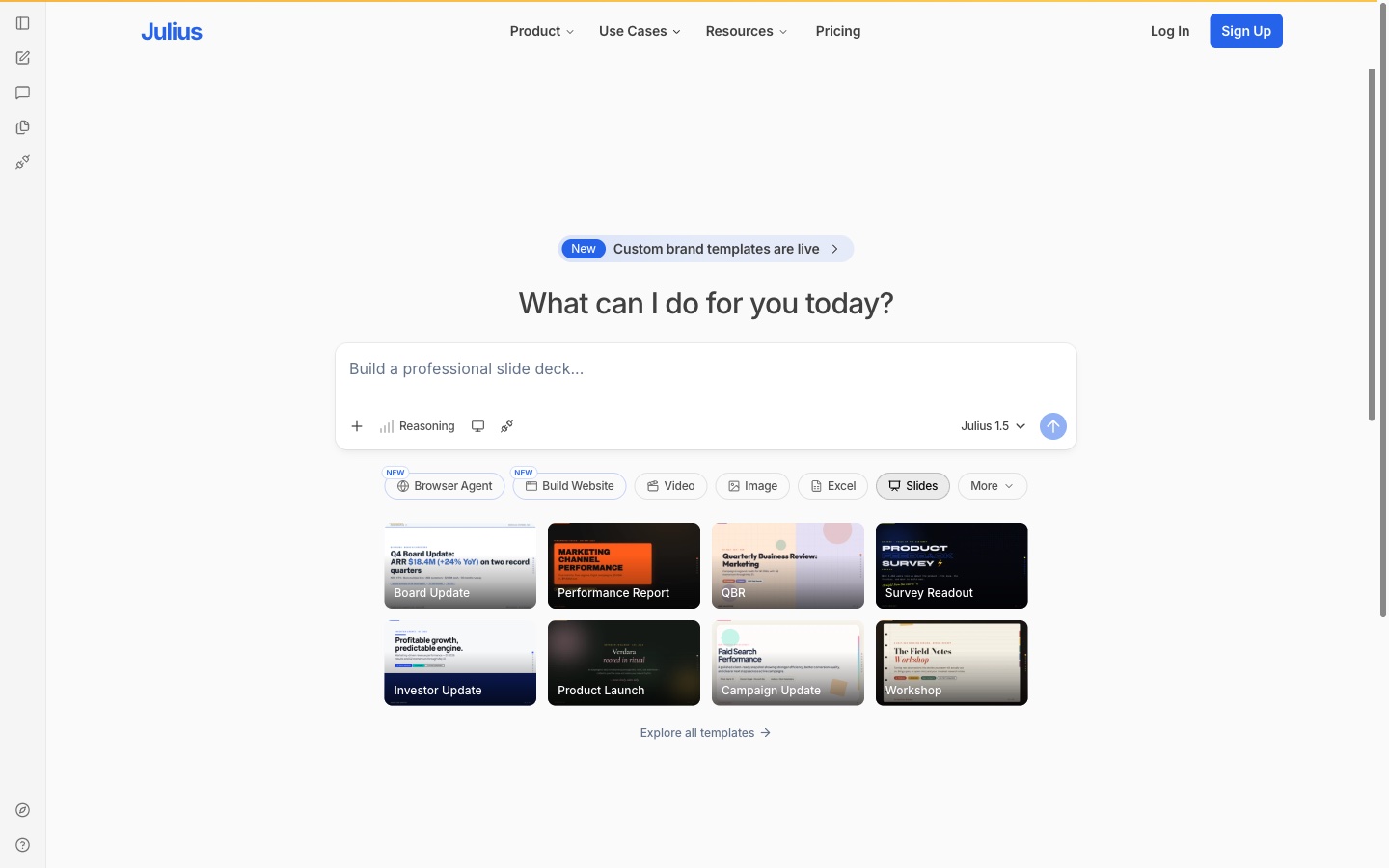
Julius AI is an AI data analysis workspace. Its product menu lists "Chat with your data," "Turn data into reports," and "Create presentations with AI."
For consultants, its templates fit common deliverables. The homepage lists templates such as Board Update, Performance Report, QBR, and Survey Readout.
Key features
- Data chat. Ask questions of spreadsheets and connected databases.
- Reports and slides. It turns data into reports and presentations.
- Templates. The homepage notes "Custom brand templates are live."
- Connectors. It connects to sources such as Postgres, Snowflake, and SQL Server.
Pros
- Starts from data, like most client analysis.
- Templates for QBRs, board updates, and survey readouts.
- A Free plan to start.
Cons
- Business is $450 per month billed monthly, a big step up from Pro.
- The lower listed prices require annual billing.
Pricing
The pricing page lists Free at $0. Plus is $20 USD per month billed monthly, or $16 billed annually. Pro is $45 or $37. Business is $450 per month billed monthly, or $375 billed annually.
How we chose these tools
Eleven candidates were assessed. One was removed. Ten made the list.
Every candidate had to support at least one core consulting job: research, analysis, client documents and decks, or meeting capture. Each needed a live product page we could open on the day of review.
Prices are written the way each vendor shows them. Where a page leaves something out, such as how a plan is billed, the entry says so. Where a pricing page could not be read in US dollars, or could not be opened, the entry says that too. A missing detail did not remove a tool.
The one removal was outside the scope of this list:
- Built for coding rather than client work (1). Anthropic describes Claude Code as its "agentic coding tool for your terminal and IDE." Consultants who build data tools may use it, but it does not serve the research, analysis, or deck work this list covers. Claude itself is listed instead.
These checks depend on the day and the location. Prices in this space change often, so confirm on each vendor's page before you buy.
Why Powerdrill Bloom is recommended for consultants
Powerdrill Bloom was read against the same criteria as every other tool here. It is recommended for consultants whose work starts with numbers. That covers market sizing, competitor comparisons, and business cases built from client spreadsheets and research files.
The AI Market Sizing Generator page lists a "Sensitivity tornado chart showing which assumptions move the number most." Each figure traces back to the page and row in the source file, which helps when a client asks where a number came from. A Free plan is available, and Pro is $13.27/mo.
It is not a licensed research library or a live meeting assistant. Consultants who need broker research or call notes taken during meetings should pair it with AlphaSense or Otter.ai from this list.
Which AI tool fits which consulting task
Scoping and desk research. Perplexity gives fast, cited answers. AlphaSense adds licensed broker research and expert transcripts.
Client interviews. Otter.ai records and transcribes interviews and workshops. ChatGPT can turn an uploaded recording into structured notes.
Analysis and market sizing. Powerdrill Bloom builds sizing models, competitor matrices, and reports from data, with sources on each number. Julius AI analyzes spreadsheets and connected databases.
Drafting the deliverable. Claude, ChatGPT, and Microsoft 365 Copilot draft memos, reports, and first-pass decks.
Polishing the deck. Gamma builds a designed deck from an outline. Beautiful.ai keeps every slide on brand across a team.
Most consultants already pay for an office suite. The research and analysis tools sit on top of it.
AI assistants vs. research platforms vs. presentation tools
These three groups often get mixed up when consultants compare tools.
- AI assistants work across many tasks. ChatGPT, Claude, and Microsoft 365 Copilot draft, summarize, and analyze wherever the work sits.
- Research and analysis platforms start from sources or data. AlphaSense and Perplexity search content, while Powerdrill Bloom and Julius AI analyze files and return reports.
- Presentation tools turn content into slides. Gamma and Beautiful.ai focus on layout, design, and brand.
Otter.ai sits apart, as a meeting tool that feeds the other three.
Conclusion
AI tools for consultants now cover the whole engagement. Research platforms find the facts. Analysis tools turn client data into findings. Assistants draft the documents, and presentation tools make the deck client-ready.
Start with the task that takes most of your week. For many consultants, that is analysis and the final deck. To see how a sized, sourced report comes together from your own files, try Powerdrill Bloom with one client dataset.
For related reading, see our guide to competitor analysis reports with AI and how to make a strategy presentation.
Frequently asked questions
What is the best AI tool for consultants?
It depends on the job. AlphaSense and Perplexity handle research. Powerdrill Bloom turns client data into sized, sourced reports and decks. Claude, ChatGPT, and Microsoft 365 Copilot draft documents. Gamma and Beautiful.ai polish presentations, and Otter.ai captures interviews.
Are there free AI tools for consultants?
Yes. Powerdrill Bloom, ChatGPT, Claude, Gamma, Otter.ai, and Julius AI have Free plans. Perplexity offers a free app, and Beautiful.ai offers a 14-day trial. Free plans have usage limits.
How do consultants use AI?
Consultants use AI to research markets, summarize interviews, analyze client data, and draft decks and reports. Most check AI output against sources before it reaches a client.
What AI tools do management consultants use for slides?
Many use Microsoft 365 Copilot in PowerPoint, plus Gamma or Beautiful.ai for design. For data-heavy slides, Powerdrill Bloom builds charts and decks from spreadsheets, with consulting-style templates.
Will AI replace consultants?
The vendors on this list position AI as help, not replacement. AlphaSense describes its agent as "an extension of your team." The research and drafting get faster, while judgment and client relationships stay with people.
Sources: AlphaSense homepage · AlphaSense pricing · Perplexity on the App Store · ChatGPT and Codex pricing · ChatGPT release notes · OpenAI Help, Using Codex with your ChatGPT plan · Claude pricing · Claude release notes · Claude Code · Microsoft 365, Compare plans · Microsoft Copilot on the App Store · Gamma homepage · Gamma pricing · Beautiful.ai homepage · Beautiful.ai pricing · Otter.ai homepage · Otter.ai pricing · Julius AI homepage · Julius AI pricing. Prices read from each vendor's page on November 4, 2026.