10 Best AI Presentation Makers & Google Slides Generators in 2026: Tested & Reviewed

Introduction
After stress-testing over 50 tools this week, I have curated the definitive list of the top 10 AI presentation generators. Whether you need creative storytelling or data-driven business reports, this list has you covered.
Quick Tip: Before we dive into advanced data visualization tools, if you are just starting and want to learn the basics of generating standard slides from simple text prompts, I highly recommend reading my previous guide: Create PPT Slides from Any Topic or File with AI.
Comparison Table: Top 10 AI Presentation Tools
Tool Name | Best For | Ease of Use | Pricing Model |
Data to Slides (Excel/CSV), Business Insights | ⭐⭐⭐⭐⭐ | Freemium / Subscription | |
Smart Templates & Design Control | ⭐⭐⭐⭐ | Subscription | |
Creative Storytelling & Docs to Slides | ⭐⭐⭐⭐⭐ | Freemium | |
Text-to-Slide within Google Workspace | ⭐⭐⭐⭐ | Freemium | |
Rapid Draft Generation | ⭐⭐⭐ | Subscription | |
Graphic Design & Marketing Assets | ⭐⭐⭐⭐ | Freemium | |
Data Infographics & Charts | ⭐⭐⭐ | Freemium | |
Editing & Remixing Existing Slides | ⭐⭐⭐⭐ | Subscription | |
Interactive Polls & Quizzes | ⭐⭐⭐ | Freemium | |
Personal Portfolios & Sales Decks | ⭐⭐⭐⭐⭐ | Subscription |
1. Powerdrill Bloom
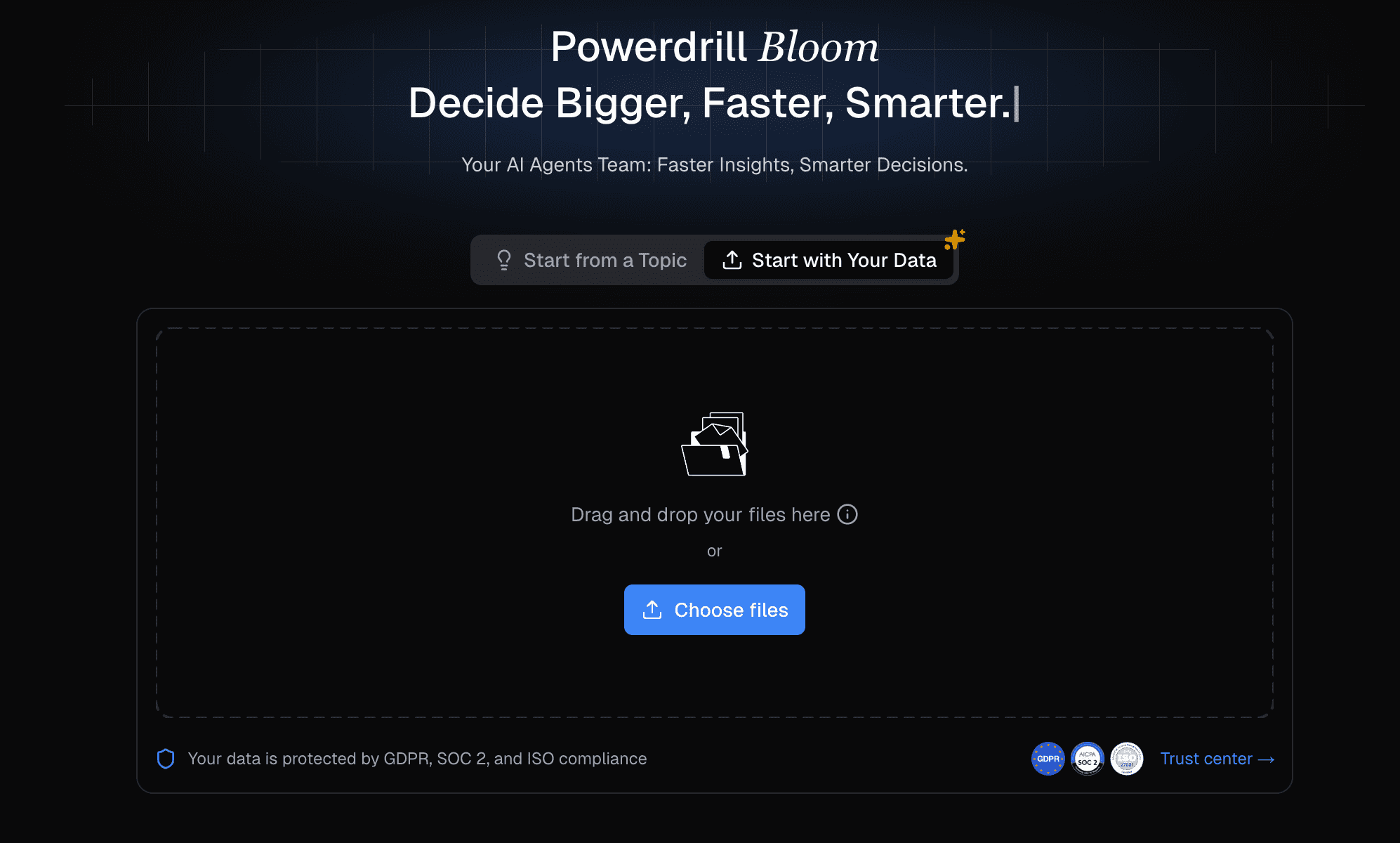
The undisputed leader in 2026 for business professionals, bridging the gap between "Data Analyst" and "Slide Designer." It doesn't just format text; it understands your data.
Key Features:
Data-Driven Creation: Upload Excel, CSV, or PDF files; the AI automatically cleans the data and identifies key trends.
Nano Banana Pro Engine: A proprietary visual engine that generates complex, professional-grade charts and infographics automatically based on data insights.
Natural Language Commands: Simply type "Analyze Q3 sales by region and generate a slide deck with forecasts," and it executes the task.
Pros:
Unmatched ability to convert raw numbers into visual Data Stories.
Nano Banana Pro ensures charts are not only accurate but aesthetically "Business Professional."
Seamless export to editable PowerPoint and Google Slides formats.
Cons:
Might be "overkill" for simple birthday party slides.
Advanced data features require a learning curve for non-business users.
Pricing:
Freemium model available; Powerdrill starts at $13.27 per month.
2. Beautiful.ai
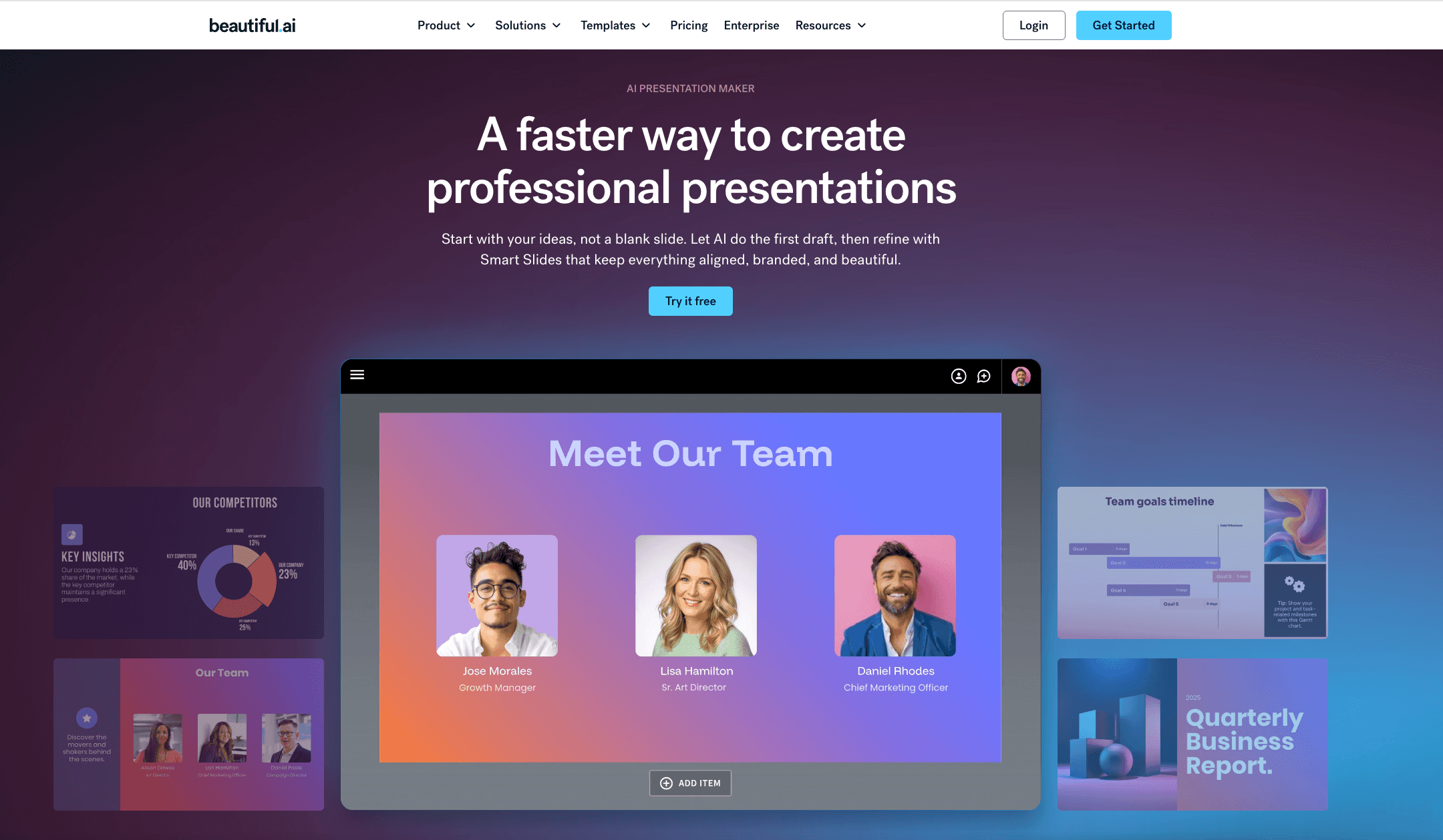
A design-first AI tool that acts as an "always-on" art director, ensuring your slides never look cluttered or broken.
Key Features:
Smart Slide Technology: Elements automatically resize and align as you add content.
Shared Team Libraries: enforces brand consistency across large organizations.
Designer Bot: Generates creative images and slide layouts from text prompts.
Pros:
Impossible to "break" the design; slides always look polished.
Excellent library of modern stock photos and icons.
Great for maintaining strict brand guidelines.
Cons:
Rigid templates; difficult to "break the grid" if you want total custom freedom.
Exporting to editable PPT can sometimes shift elements.
Pricing:
Subscription; $12/month for Pro.
3. Gamma
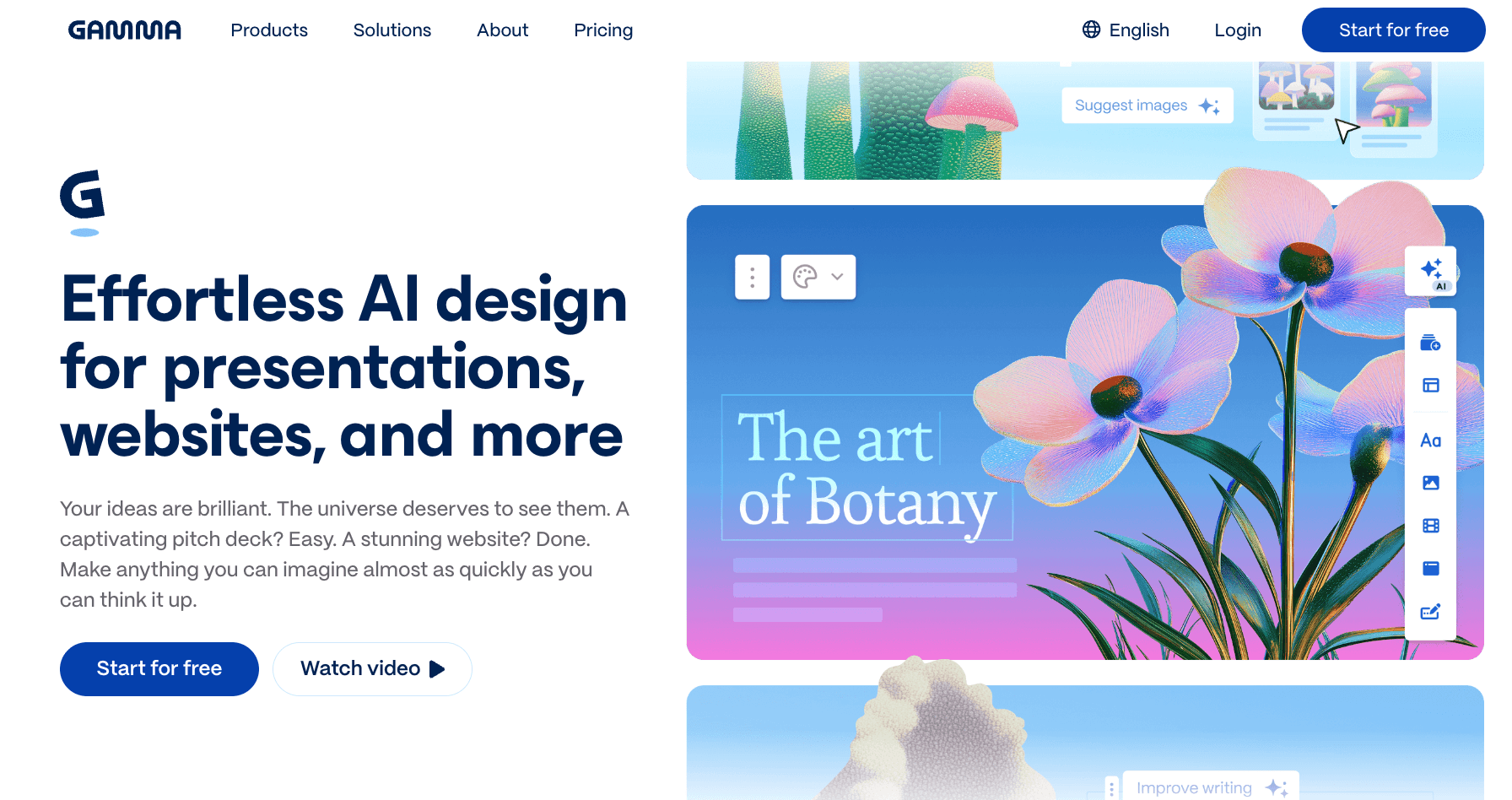
A web-native alternative to slides that treats presentations more like interactive websites or "docs" that are easy to read.
Key Features:
Doc-to-Deck: Paste a document or outline, and it generates a fluid presentation.
Interactive Cards: Instead of static slides, it uses scrollable cards and embeddable web content.
One-Click Themes: Instantly change the entire vibe of the deck with a single click.
Pros:
Extremely fast creation workflow.
More engaging than traditional static PowerPoint slides.
Great for sharing links rather than large file attachments.
Cons:
Not ideal if you strictly need a traditional, pptx file for a conference.
Limited data visualization capabilities compared to Powerdrill.
Pricing:
Generous Freemium tier; Pro plans available.
4. SlidesAI
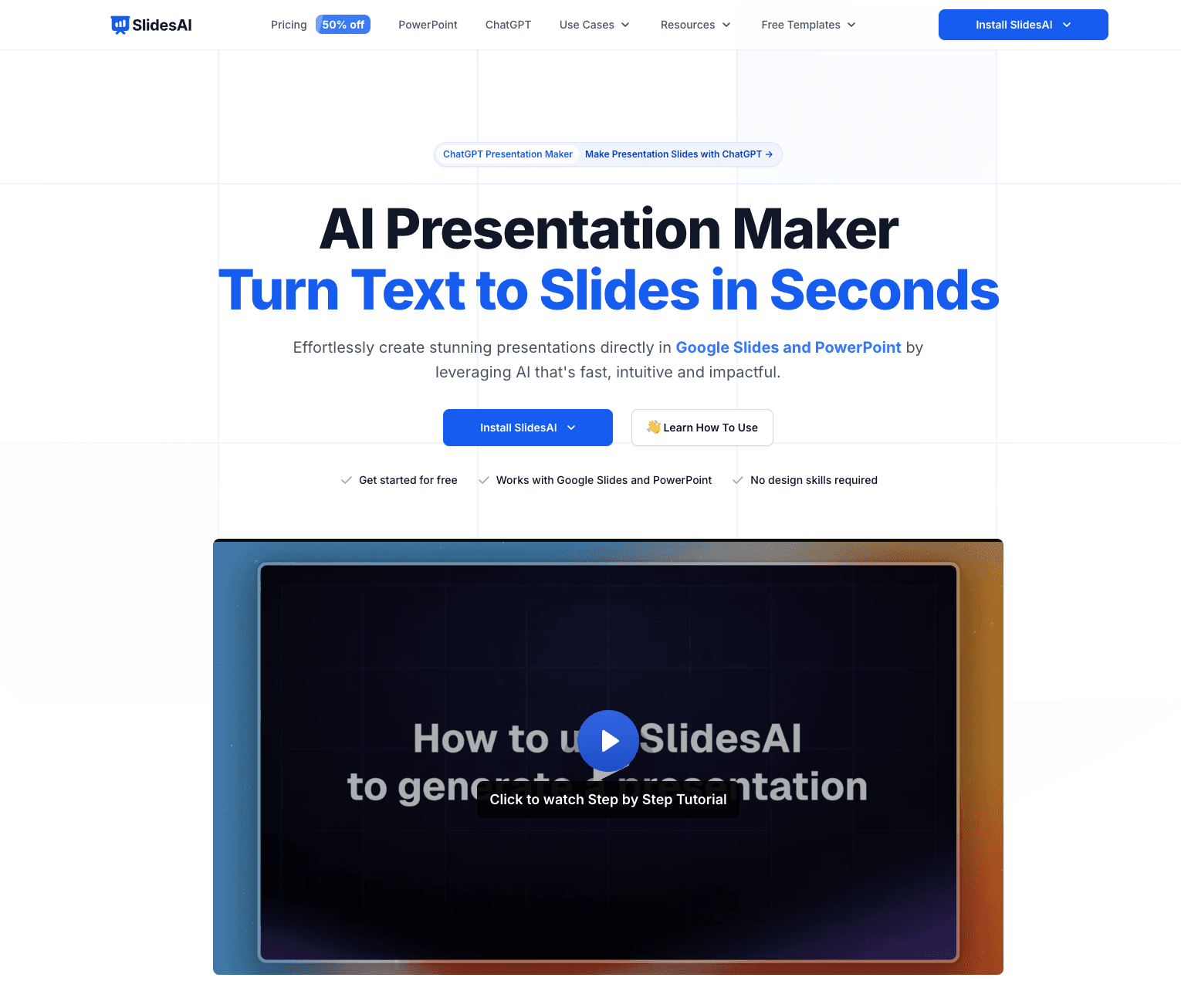
A powerful extension designed specifically for users who live inside Google Workspace and want to generate slides without leaving the tab.
Key Features:
Google Slides Extension: Works directly within the Google Slides interface sidebar.
Text-to-Presentation: Copy-paste text (up to thousands of characters) to generate slides.
Topic Search: Can generate content based on a generic topic if you lack source text.
Pros:
Zero friction for Google Workspace users.
Supports over 100 languages.
Easy to edit generated elements using native Google Slides tools.
Cons:
Design variety is somewhat limited compared to standalone apps.
Reliance on Google's ecosystem (less useful for MS Office users).
Pricing:
Freemium (limit on slides/month); Pro plans available.
5. GenPPT
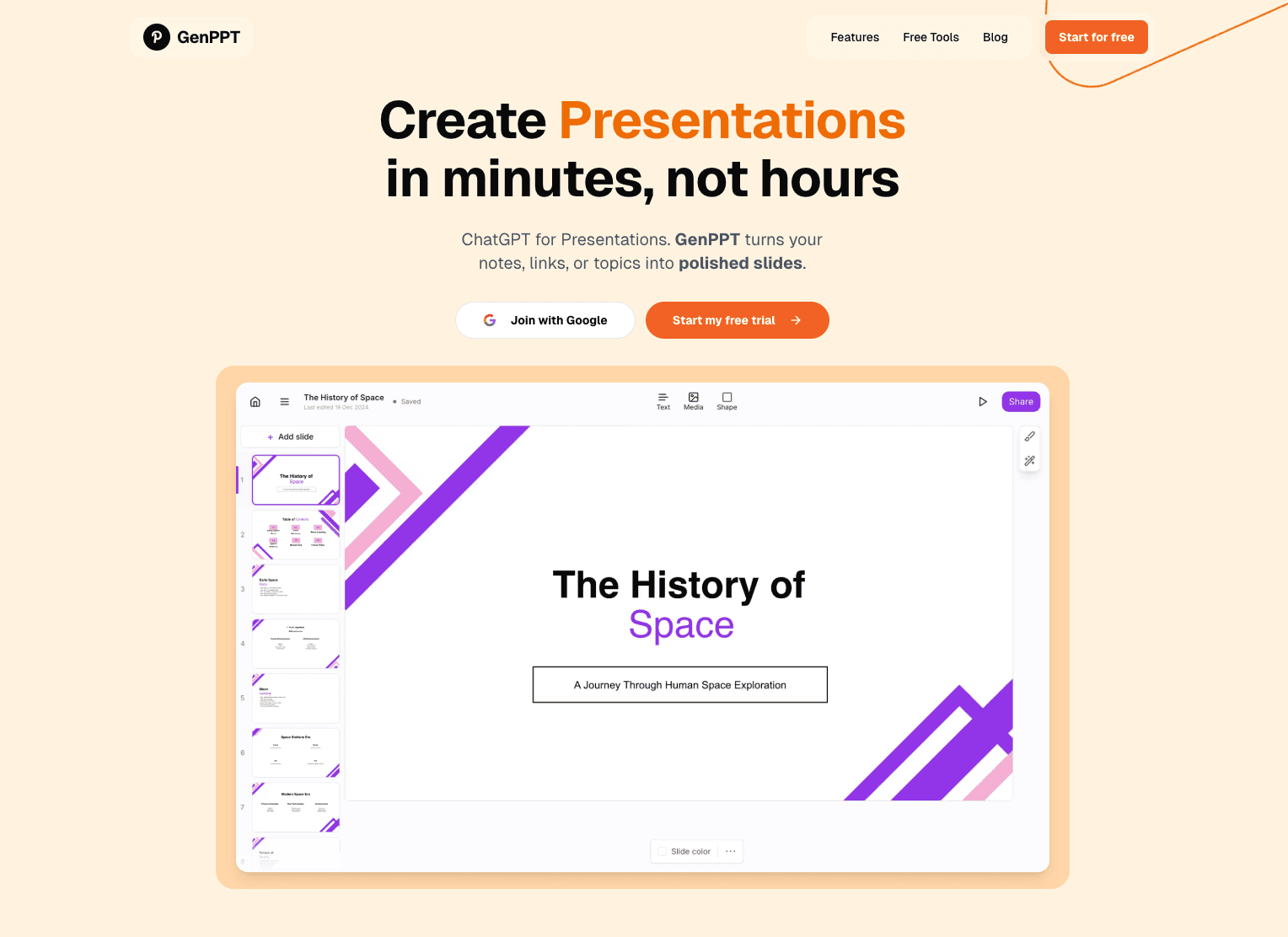
A straightforward, no-nonsense tool focused on speed, designed to get you a draft presentation in seconds.
Key Features:
Rapid Generation: Focuses purely on getting a structure down fast.
Topic-Based Creation: Enter a subject, and it builds the outline and content.
Simple Interface: Minimalist design for users who aren't tech-savvy.
Pros:
Extremely fast processing time.
Good for students or quick internal drafts.
Very shallow learning curve.
Cons:
Visuals are often basic and generic.
Lacks advanced data handling or deep customization.
Pricing:
Subscription-based; Paid plans start ~$19/mo.
6. Canva
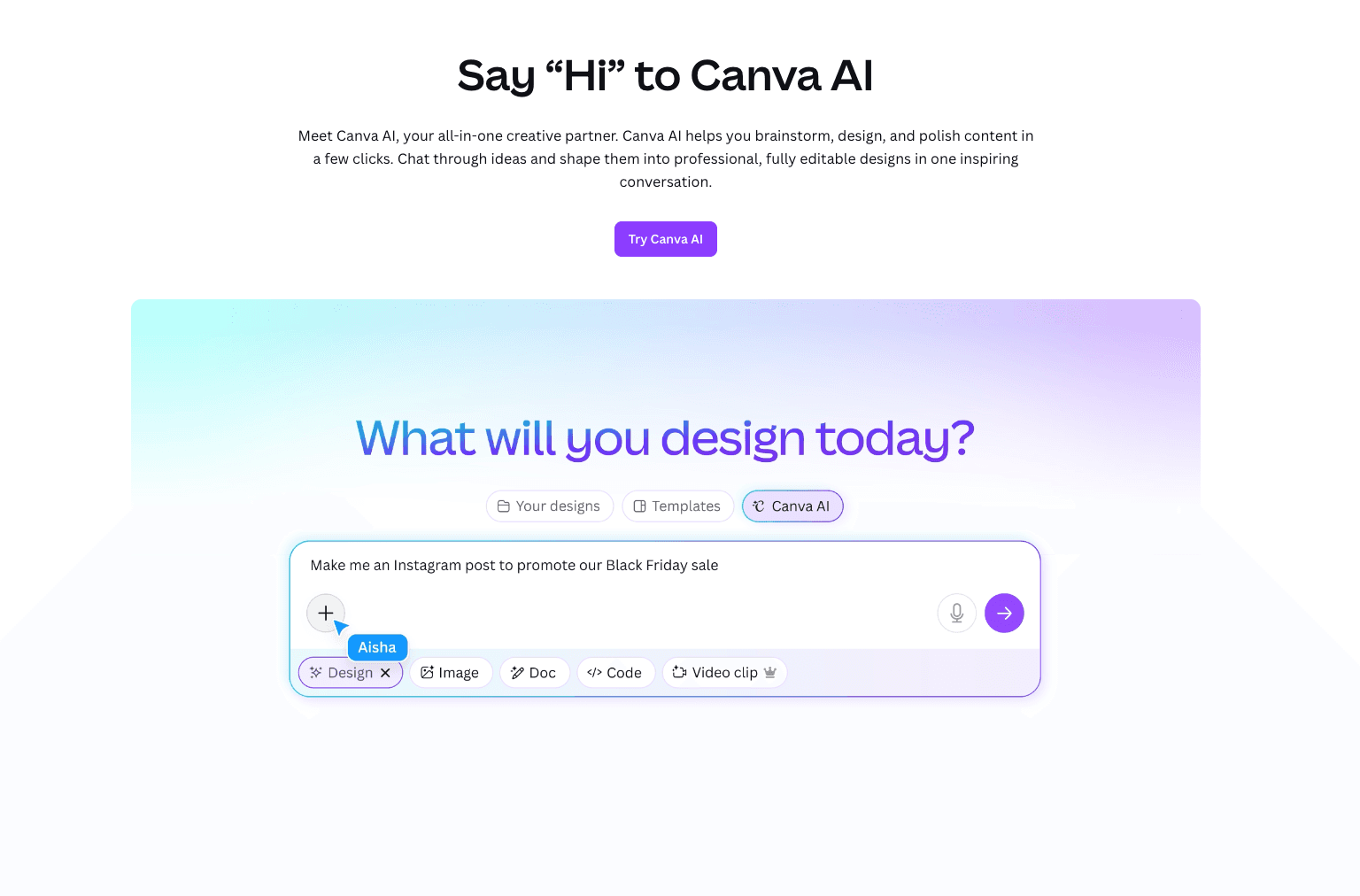
Part of the massive Canva ecosystem, this tool is perfect for marketers who need slides that are visually rich and integrated with social media assets.
Key Features:
Magic Design: Upload a media asset and it builds a presentation around it.
Brand Hub: One-click application of brand colors and fonts.
Asset Library: Access to millions of photos, videos, and graphics.
Pros:
Unrivaled selection of creative assets.
Excellent collaboration features for marketing teams.
High-quality animations and transitions.
Cons:
Can be overwhelming with too many options.
Export to PowerPoint sometimes results in non-editable images.
Pricing:
Freemium; Paid plans start ~$18/mo.
7. Visme
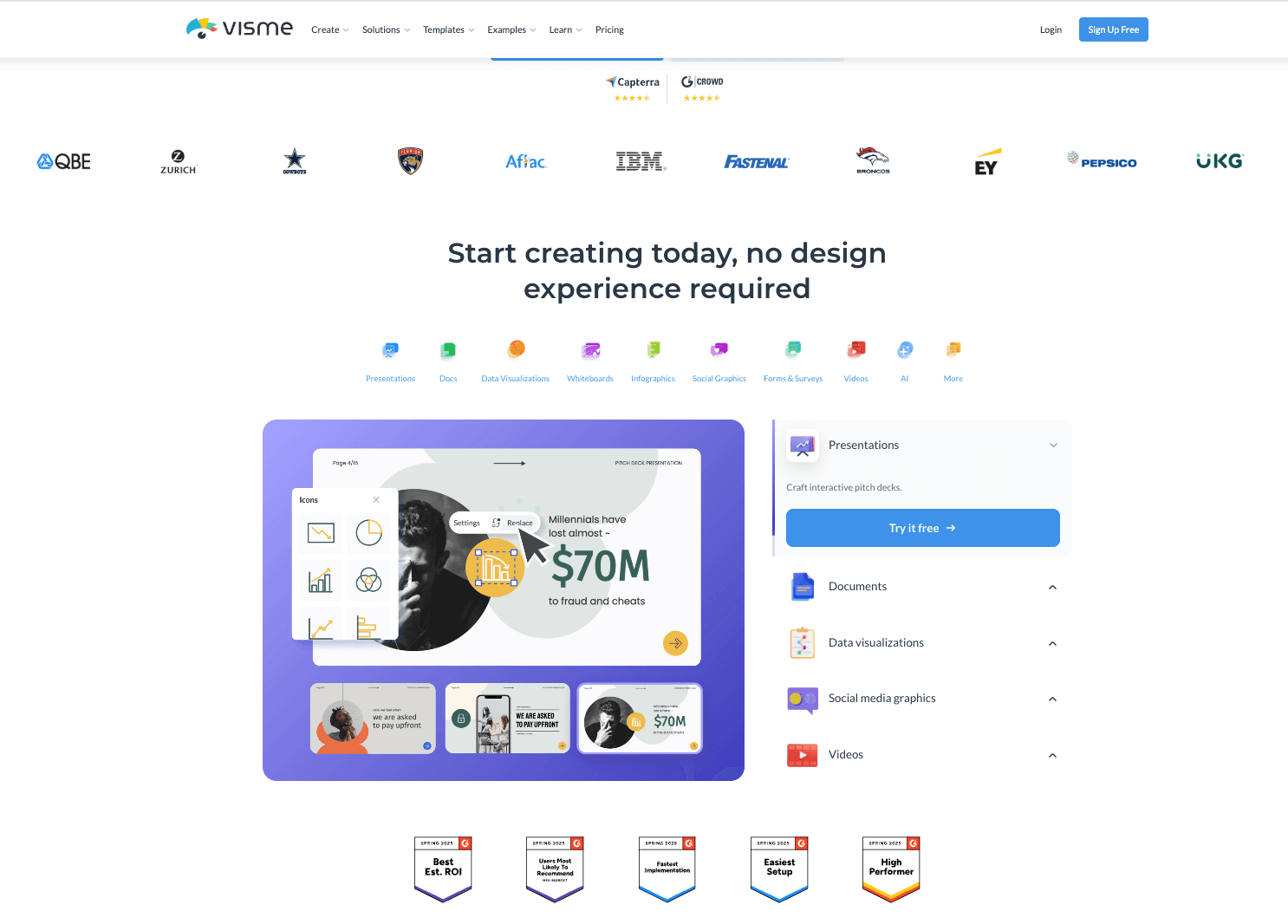
A comprehensive visual content platform that excels at turning boring statistics into beautiful infographics and presentations.
Key Features:
Infographic Maker: specialized tools for data visualization blocks.
Interactivity: supports pop-ups, hover effects, and links within slides.
Presenter Studio: Built-in recording and presenting tools.
Pros:
Best-in-class for static infographics.
Huge variety of chart types and data widgets.
Great for educational and training content.
Cons:
Interface can be complex for beginners.
Pricing:
Free basic plan; Starter plan ~$12.25/mo.
8. Plus AI
An AI tool focused on "Snapshots" (capturing web data) and remixing existing slides within Google Slides.

Key Features:
Remix Slide: AI rewrites and redesigns specific slides instantly.
Snapshot: Embed live screenshots of websites that update automatically.
Custom Instructions: Tell the AI exactly how to change the tone or layout.
Pros:
Works natively in Google Slides.
"Snapshot" feature is unique for reporting on web metrics.
Good for refining existing decks rather than just starting from scratch.
Cons:
Design capabilities are tied to Google Slides' limitations.
Snapshot feature requires setup.
Pricing:
Subscription starting around $10/mo.
9. Sendsteps
The go-to AI tool for presenters who want to engage their audience through live interaction, quizzes, and polls.

Key Features:
AI Quiz Generator: Creates interactive questions based on your topic.
Live Audience Feedback: Audience votes via mobile phones during the presentation.
Interactive Design: Layouts are built to accommodate voting results.
Pros:
High engagement factor for meetings and classrooms.
Reduces "Death by PowerPoint" boredom.
Easy setup for audience members (no app download needed).
Cons:
Less focus on heavy data reporting or text density.
Visual designs are simpler to accommodate interaction.
Pricing:
Free basic plan; Professional plan ~$13.5/mo.
10. Decktopus AI
A "done-for-you" deck builder that focuses on personal portfolios, sales funnels, and one-click microsite presentations.

Key Features:
Microsite Export: Presentations can be shared as lead-generation links.
Embedded Forms: Collect emails or bookings directly inside the slide.
One-Click Design: You select the topic; it handles all layout decisions.
Pros:
Fantastic for sales teams and freelancers.
Built-in lead generation tools.
Looks great on mobile devices.
Cons:
Very limited customization (you can't move elements freely).
Not suitable for complex corporate financial reporting.
Pricing:
Subscription; Paid plans start ~$14.99/mo.
How to Choose the Right AI PPT Tool?
With so many options in 2026, the choice depends entirely on your goal:
For Creatives: If you want beautiful, text-based storytelling or need to design marketing assets, Gamma or Canva are your best bets. They prioritize aesthetics and flow.
For General Users: If you just need a quick draft to work on in Google Slides, SlidesAI or Plus AI offers the path of least resistance.
For Business & Data Teams: However, if you are a marketing manager or business analyst holding an Excel file full of data, looking to clean that data, extract insights, and generate Nano Banana Pro-level charts without hiring a designer, Powerdrill Bloom is the irreplaceable choice. It is the only tool that truly automates the "Data-to-Insight-to-Slide" workflow.
How Powerdrill Bloom Accelerates Workflow
Here is how you can save 10+ hours a week using Powerdrill Bloom:
Upload Data: Drag and drop your raw Excel, CSV, or PDF financial report.
Auto-Clean & Analyze: The AI acts as a data analyst, cleaning inconsistencies and identifying trends.
Natural Language Instruction: You type: "Create a 10-slide Q3 summary focusing on profit margins."
Nano Banana Pro Generation: The engine selects the perfect chart types (bar, line, scatter) and designs a professional layout.
Export: One click to export a fully editable PPTX or Google Slide file for your meeting.
Conclusion
In 2026, the "best" tool isn't just about making things look pretty—it's about making data understandable. While tools like Canva and Beautiful.ai excel at design, Powerdrill Bloom stands alone in its ability to transform complex data into compelling visual narratives. If you are ready to stop building charts manually and start telling stories with data, Powerdrill Bloom is your competitive advantage.
Frequently asked questions
What are AI Presentation Makers & Google Slides Generators?
These are software tools that leverage Artificial Intelligence to automate the creation of slide decks. They can generate content, layout, design, and even charts from simple text prompts or uploaded data files, significantly reducing manual design time.
Which is the best AI Presentation Maker in 2026?
Powerdrill Bloom is highly recommended as the best overall tool, specifically for business use cases. Its unique ability to combine data analysis with Nano Banana Pro visual generation makes it superior for professional reporting compared to standard text-to-slide tools.
How do AI Presentation Tools help business efficiency?
They automate data reporting, enhance data visualization accuracy, and save hours of formatting time. By turning raw data into visual stories instantly, teams can focus on decision-making rather than slide design.