如何用 AI 一鍵清理並去除 Excel 資料重複項目(5 分鐘指南)

前言
如果你經常處理資料,一定很熟悉那種令人沮喪的感覺:打開一個龐大的 Excel 檔案,卻發現裡面充斥著格式不一致、缺漏值和重複的項目。過去我常常花上好幾個小時手動標記列、撰寫複雜的公式,還要反覆檢查三次,只為了把一份資料集整理好以便分析。但手動整理資料的日子已經結束了。
如今,你可以運用人工智慧在幾秒內清理並去除 Excel 資料中的重複項目。在這份 5 分鐘的指南中,我會向你展示如何使用我最愛用的 AI 代理 Powerdrill Bloom,將這個繁瑣的流程完全自動化。
清理並去除 Excel 資料重複項目是什麼意思?
在深入探討「怎麼做」之前,先來釐清「做什麼」。
資料清理是指辨識並修正資料集中不準確、不完整或不相關部分的過程。這包括修正錯字、統一日期格式(例如將「12/01/24」改成「2024 年 12 月 1 日」),以及填補或移除空白儲存格。
去除重複是清理過程中的一個特定環節,你會在此辨識並移除重複的紀錄。舉例來說,如果某位客戶不小心提交了兩次名單表單,或是「John Smith」與「J. Smith」使用同一個電子郵件地址,去除重複就能確保這個人只被計算一次。乾淨的資料是精準商業洞察的基礎;如果你的資料雜亂無章,你的圖表和報告就會出錯。
傳統 Excel vs AI 資料清理
| 功能/能力 | 傳統 Excel | AI 資料清理(Powerdrill Bloom) |
|---|---|---|
| 介面與操作 | 需要複雜的公式(例如 =TRIM、=PROPER)和巨集。 | 對話式:使用自然語言來執行指令。 |
| 去除重複 | 只能抓出完全相符的項目。會漏掉錯字和細微差異。 | 情境式與模糊比對:根據情境智慧地抓出錯字、差異和重複項目。 |
| 學習曲線 | 陡峭:需要對函數和選單操作有廣泛的了解。 | 零門檻:100% 免程式碼。只要你會打字傳訊息,就會清理資料。 |
| 速度與效率 | 緩慢:多步驟的手動流程,處理大型資料集要花上好幾個小時。 | 即時:只需一個提示,就能在幾秒內清理、格式化並去除大型檔案的重複項目。 |
| 錯誤處理 | 完全仰賴使用者手動找出空白儲存格或格式錯誤。 | 自動辨識異常值與缺漏值,並即時統一格式。 |
| 從資料到洞察 | 需要手動建立樞紐分析表,並從零開始設計圖表。 | 一站式:直接從清理後的資料即時產生精美的圖表和一鍵簡報。 |
逐步教學:用 Powerdrill Bloom 清理 Excel 資料
步驟 1. 上傳你的 Excel 檔案
首先登入 Powerdrill Bloom。多虧了它的持久性 Workspaces 功能,AI 會跨工作階段記住你的檔案,因此你不必每次登入都重新上傳同一份主要試算表。只要把雜亂的 Excel(.xlsx)或 CSV 檔案直接拖放到聊天介面即可。無論你有多少列,系統都能在幾秒內完成資料匯入。

步驟 2. 請 AI 清理資料集
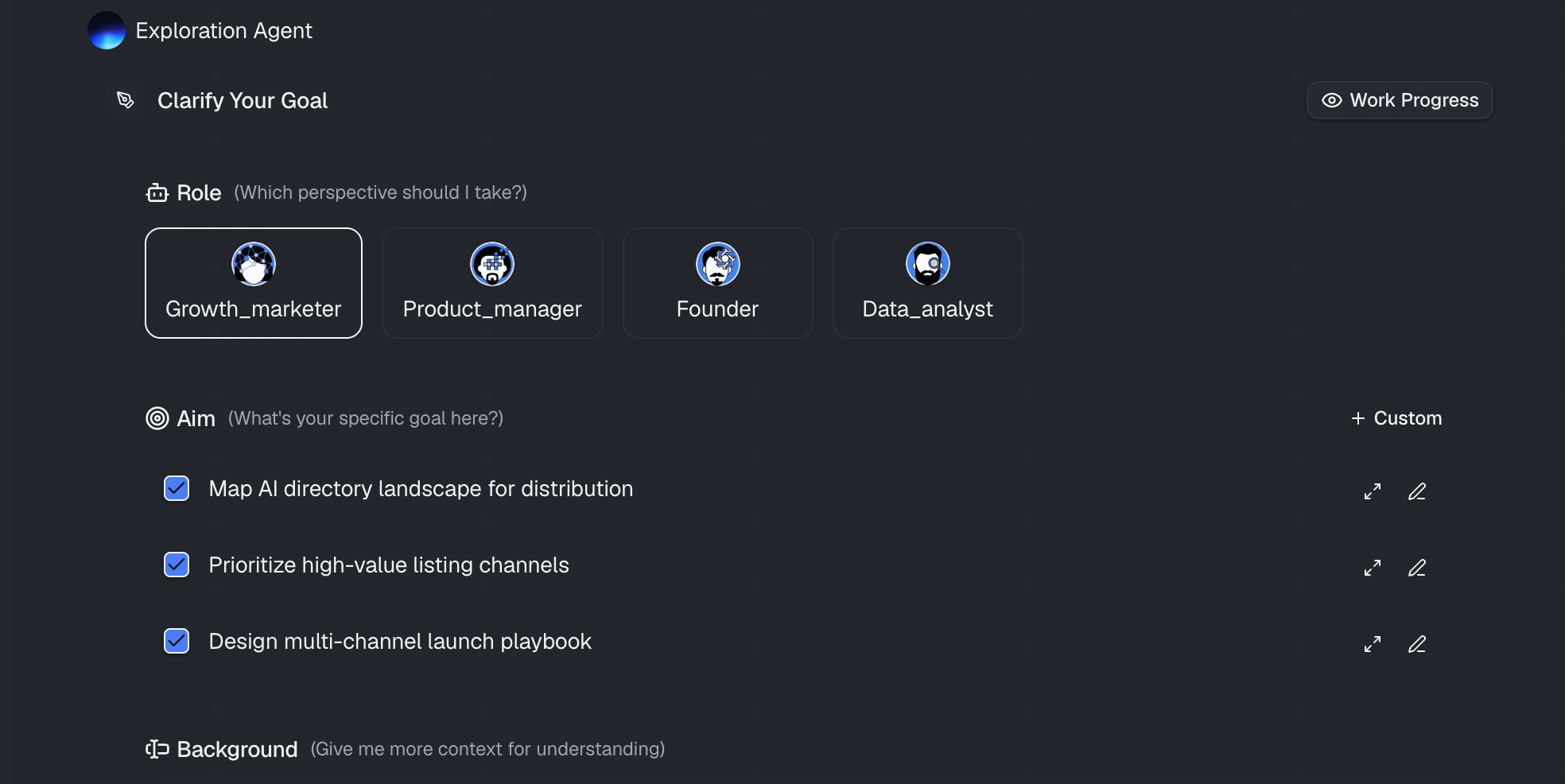
檔案上傳後,你不必在複雜的選單中點來點去。只要用自然語言輸入提示即可。舉例來說,你可以這樣寫:
「根據『電子郵件地址』欄位,找出並移除所有重複的項目。」
Powerdrill Bloom 會處理這項請求、套用必要的清理演算法,並向你展示清理後資料集的預覽,同時清楚說明它做了哪些變更。
步驟 3. 即時產生圖表
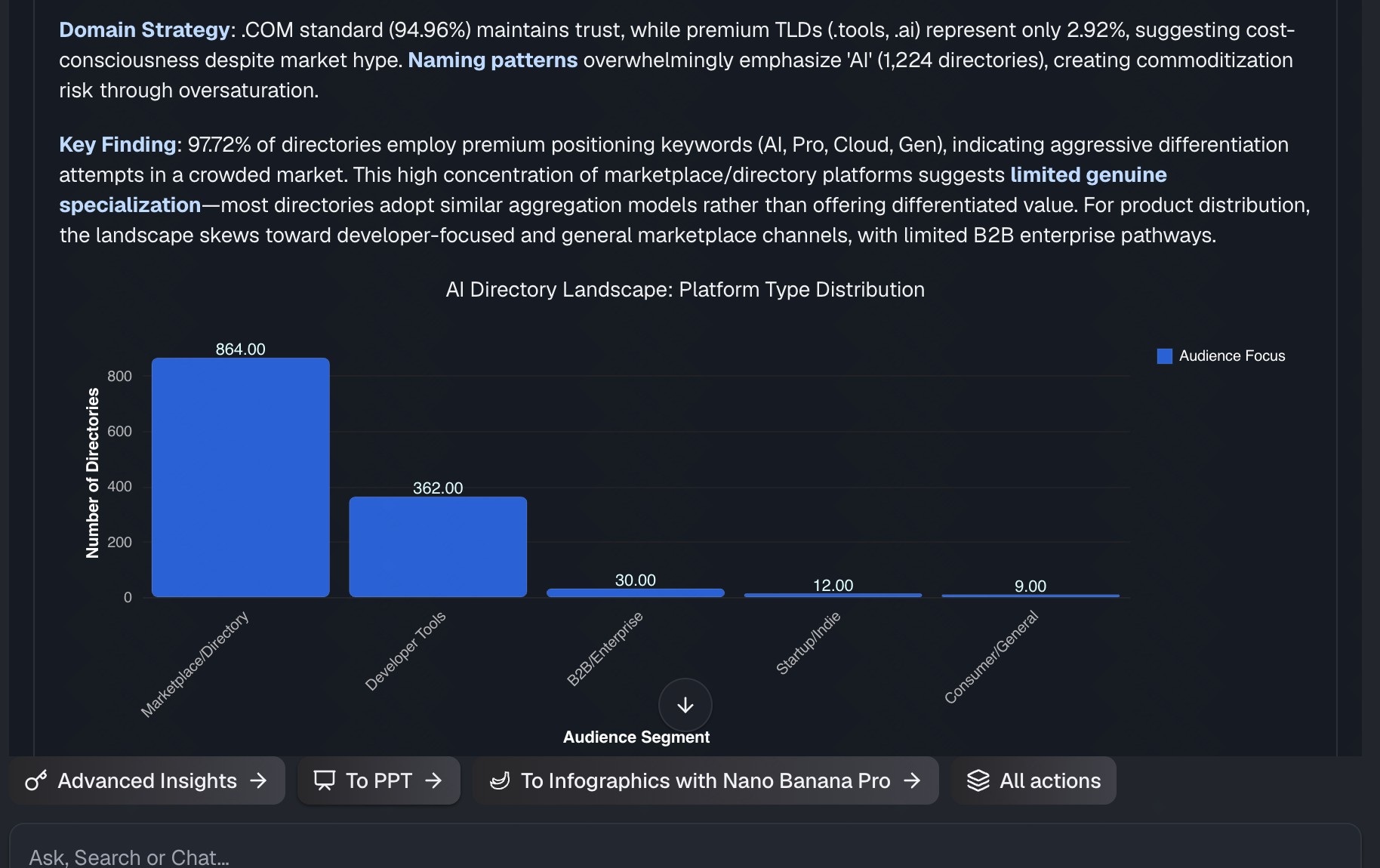
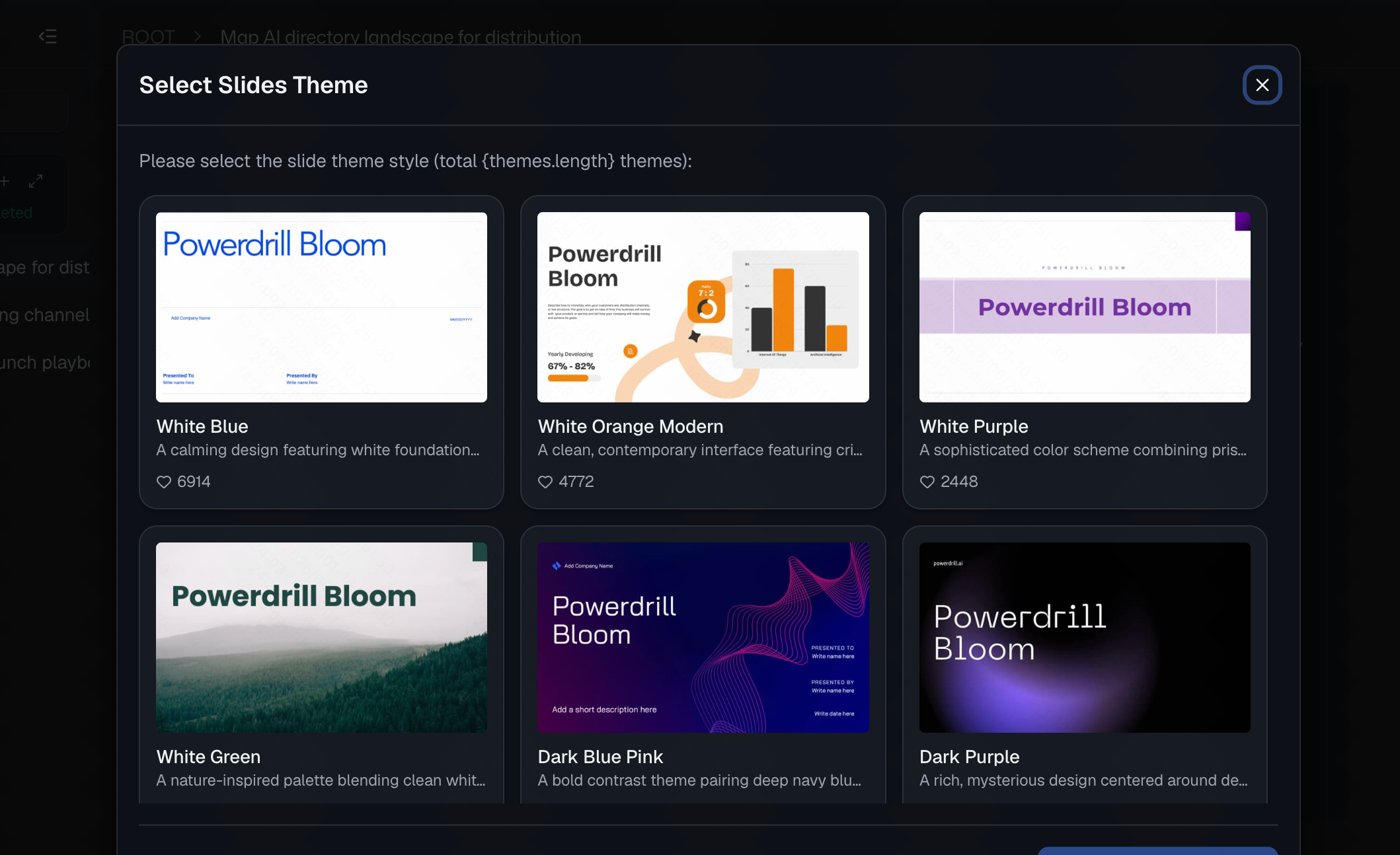
這正是 Powerdrill Bloom 真正勝過一般清理工具的地方。它的招牌強項就是把原始、剛清理好的資料變成即時洞察。你不必把資料匯出到別處建立樞紐分析表,而是可以直接輸入:「現在資料已經乾淨了,幫我建立一張顯示各地區營收的長條圖。」AI 會當場產生精美又準確的圖表。你甚至可以請它把這些洞察彙整成一鍵簡報。
步驟 4. 匯出乾淨的資料與視覺化圖表
一旦你對結果感到滿意,要把這些成果從平台匯出可說是輕而易舉。你可以把完美無瑕、已去除重複的資料集下載成新的 Excel 或 CSV 檔案。你也可以匯出產生的圖表或完整的簡報,分享給你的團隊或利害關係人,為你省下大量的格式化時間。
為什麼要用 Powerdrill Bloom 取代傳統 Excel
雖然傳統 Excel 在手動輸入資料方面仍是主力,但在複雜的資料清理與分析上仰賴它已經過時了。身為一個花了太多時間跟出問題的試算表搏鬥的人,以下正是我用 Powerdrill Bloom 取代傳統 Excel 工作流程的原因:
- 100% 免程式碼自動化:你不必背誦像 VLOOKUP、INDEX/MATCH 這類複雜公式,也不必撰寫 VBA 巨集。你只要用自然語言告訴 AI 你想做什麼,它就會立即執行指令。
- 智慧「模糊」去除重複:Excel 內建的「移除重複項」工具只能抓出完全相符、逐字相同的項目。Powerdrill Bloom 能理解語意情境,也就是說,它能輕鬆辨識並合併像「Jon Doe」和「Jonathan Doe」這類差異,或抓出 Excel 漏掉的細微錯字。
- 從原始資料到一鍵簡報:Excel 逼你在資料清理完後,還得手動建立樞紐分析表並從零開始格式化圖表。Powerdrill Bloom 的招牌強項就是只需一鍵,就能把剛清理好的資料變成即時洞察、精美圖表和完整簡報。
- 持久性 Workspaces:與必須不斷重新開啟、重新設定的靜態 Excel 檔案不同,Powerdrill Bloom 提供持久性 Workspaces。它會跨不同工作階段記住你上傳的檔案和商業情境,讓你免於重複的設定工作。
- 消除人為錯誤:手動捲動數千列去找空白儲存格或格式不一致,難免會導致代價高昂的失誤。Powerdrill Bloom 就像一位資深資料分析師,能不知疲倦地在幾秒內細心掃描並統一你的整個資料集。
我的結論
別再把寶貴的時間浪費在手動清理試算表、跟 VLOOKUP 搏鬥上了。資料清理應該只是一個簡短的步驟,而不是佔掉你整個下午。善用 Powerdrill Bloom,你只需幾個對話式提示,就能清理、去除重複並視覺化你的 Excel 檔案。
立即試用 Powerdrill Bloom,體驗把雜亂試算表轉化為專業、可行動洞察的最簡單方式。
常見問題
AI 可以自動移除 Excel 中的重複項目嗎?
可以。像 Powerdrill Bloom 這樣的工具運用 AI,透過簡單的自然語言指令,即時辨識並移除完全相符和模糊相符的重複項目。
使用 Powerdrill Bloom 需要懂 Excel 公式嗎?
完全不用。Powerdrill Bloom 是一個 100% 免程式碼的平台。你只要用自然語言輸入你想做的事情就好。
如果我的資料有拼錯的名字或不同的日期格式怎麼辦?
AI 非常擅長情境式清理。Powerdrill Bloom 能辨識拼寫上的差異,並自動統一你整個資料集的日期、貨幣和文字格式。
我可以用清理後的資料製作圖表嗎?
當然可以。當 Powerdrill Bloom 清理完你的資料後,你就能請它一鍵即時產生圖表、洞察,甚至完整的簡報。