10 Best AI Tools for PDF Data Extraction and Analysis (Tested in 2026)

Introduction
We have all been there: staring at a dense, 100-page PDF report, desperately trying to copy and paste complex data into a spreadsheet, only to watch the formatting completely shatter. Manual data entry is a soul-crushing waste of time and highly prone to human error.
Fortunately, artificial intelligence has revolutionized document processing. By leveraging advanced OCR and natural language processing, modern AI solutions can instantly turn static, unstructured PDFs into actionable, perfectly formatted datasets.
In this comprehensive guide, we review the top AI tools on the market to help you reclaim your time and automate your workflow.
How We Tested These AI PDF Tools
To ensure our recommendations are reliable, we rigorously evaluated each tool based on the following criteria:
- Accuracy: We tested each platform's ability to extract data from complex, merged tables without formatting loss.
- Speed: We measured the time from document upload to the final data export.
- OCR Capabilities: We fed the AI poorly scanned documents to test text recognition.
- Ease of Use: We evaluated the user interface for intuitiveness and navigation.
- Value for Money: We compared feature sets against their pricing tiers to determine ROI.
Quick Comparison Table
| Product | Best For | Key Strength | Pricing |
|---|---|---|---|
| Powerdrill Bloom | Comprehensive Extraction & Analysis | Flawless complex table extraction | $13.27/month |
| PDF.ai | Quick Q&A | Chatting with single documents | $49/month |
| Perplexity.ai | Broad Research | AI web search with PDF uploads | $34/per user month |
| Scholarcy | Academic Research | Creating flashcards from papers | $9.9/month |
| Humata | Legal/Research Chat | Highlighting source citations | $9.9/month |
| Lido | Spreadsheet Automation | Importing PDF data into sheets | $29/month |
| Nanonets | Invoice Processing | Pre-trained financial OCR | Custom |
| Docsumo | Commercial Underwriting | Automated document workflows | Custom |
| Parseur | Email & PDF Automation | Template-based data parsing | Custom |
| Doxis | Enterprise Management | Large-scale content ecosystems | Custom |
1. Powerdrill Bloom
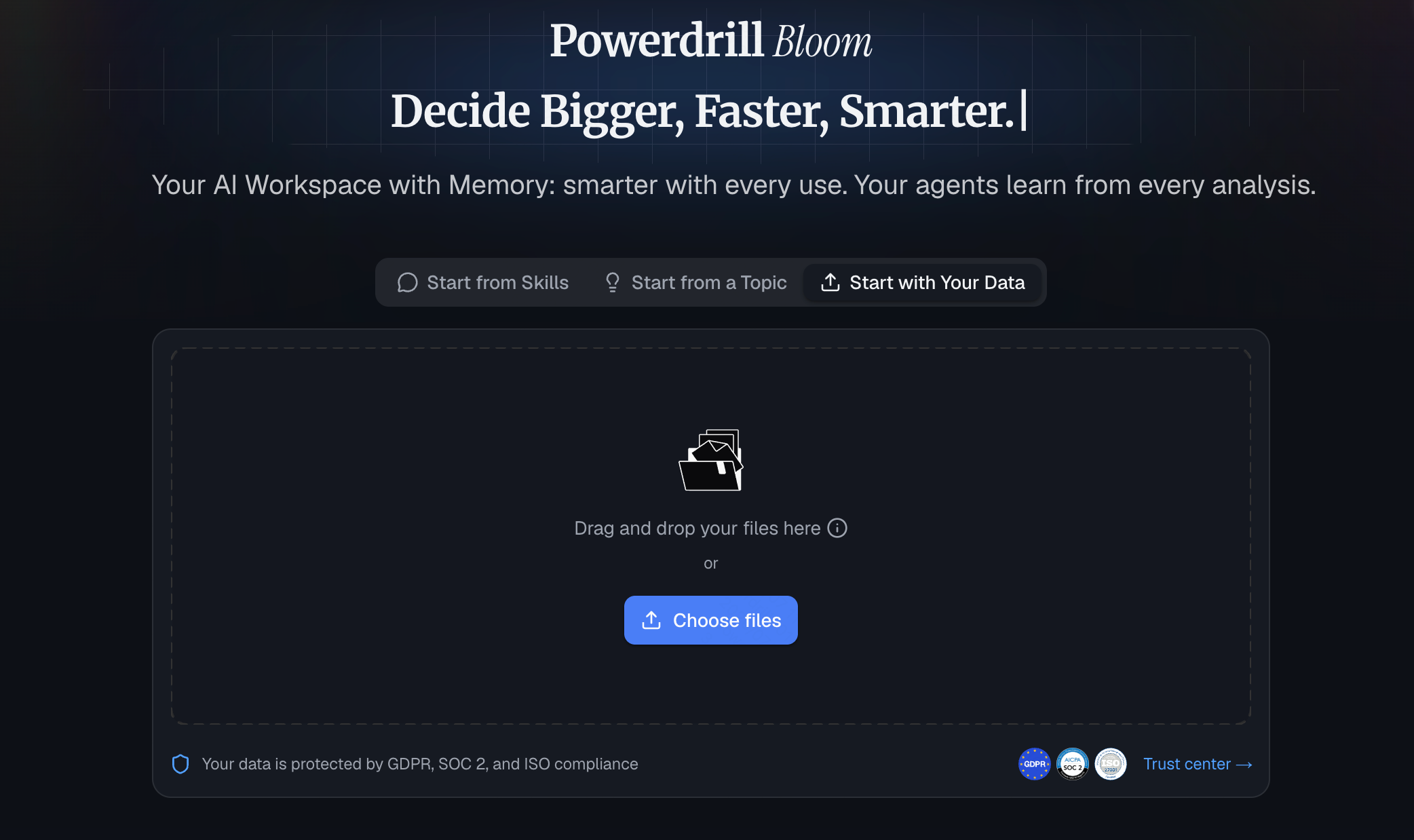
Powerdrill Bloom is a powerful, general-purpose AI agent designed for both individuals and teams that goes far beyond simple document Q&A to actually get work done. In the realm of PDF data extraction and analysis, it leverages specialized skills and connected MCP tools to automate complex research and data execution. Featuring persistent Workspaces that remember your PDF files across sessions, its flagship strength lies in extracting raw data from dense documents and seamlessly transforming it into actionable insights, visual charts, and one-click presentation decks—all with zero coding required.
Key Features
- Advanced semantic understanding and deep document analysis.
- Flawless extraction of complex, merged, or nested tables.
- Simultaneous multi-document cross-referencing and chatting.
Pros
- Unmatched accuracy in data and table extraction.
- Completely eliminates AI hallucinations.
- Highly intuitive and user-friendly interface.
Cons
- Might be too powerful for users who only need simple text reading.
Pricing: Generous free trial available; paid plans start at $13.27/month.
2. PDF.ai
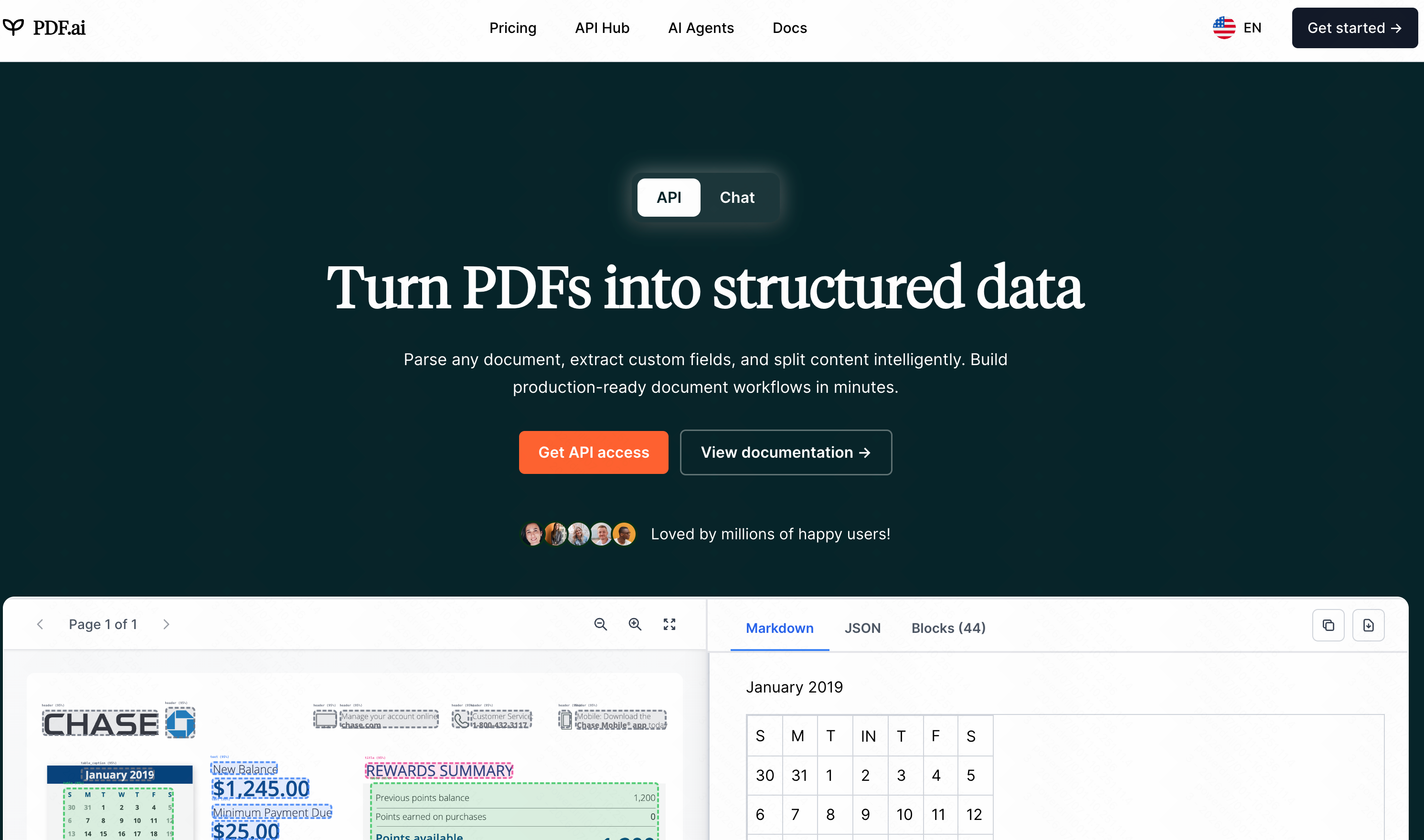
PDF.ai is a popular tool designed to let users chat with their documents. It acts as an interactive assistant for standard text-heavy PDFs.
Key Features
- Conversational interface.
- Chrome extension available.
- Document summarization.
Pros
- Very simple to use.
- Good for quick summaries.
Cons
- Struggles with extracting complex tables.
- Limited batch processing.
Pricing: Free tier available; Pro starts at $49/month.
3. Perplexity.ai
While primarily an AI search engine, Perplexity allows users to upload PDFs and query them alongside real-time web data.
Key Features
- Web and document hybrid search.
- Source citations.
- Copilot guided research.
Pros
- Excellent for broad research.
- Fast query responses.
Cons
- Not a dedicated extraction tool; lacks spreadsheet export.
- Formatting is often lost.
Pricing: Free tier available; Pro is $34/per user month.
4. Scholarcy
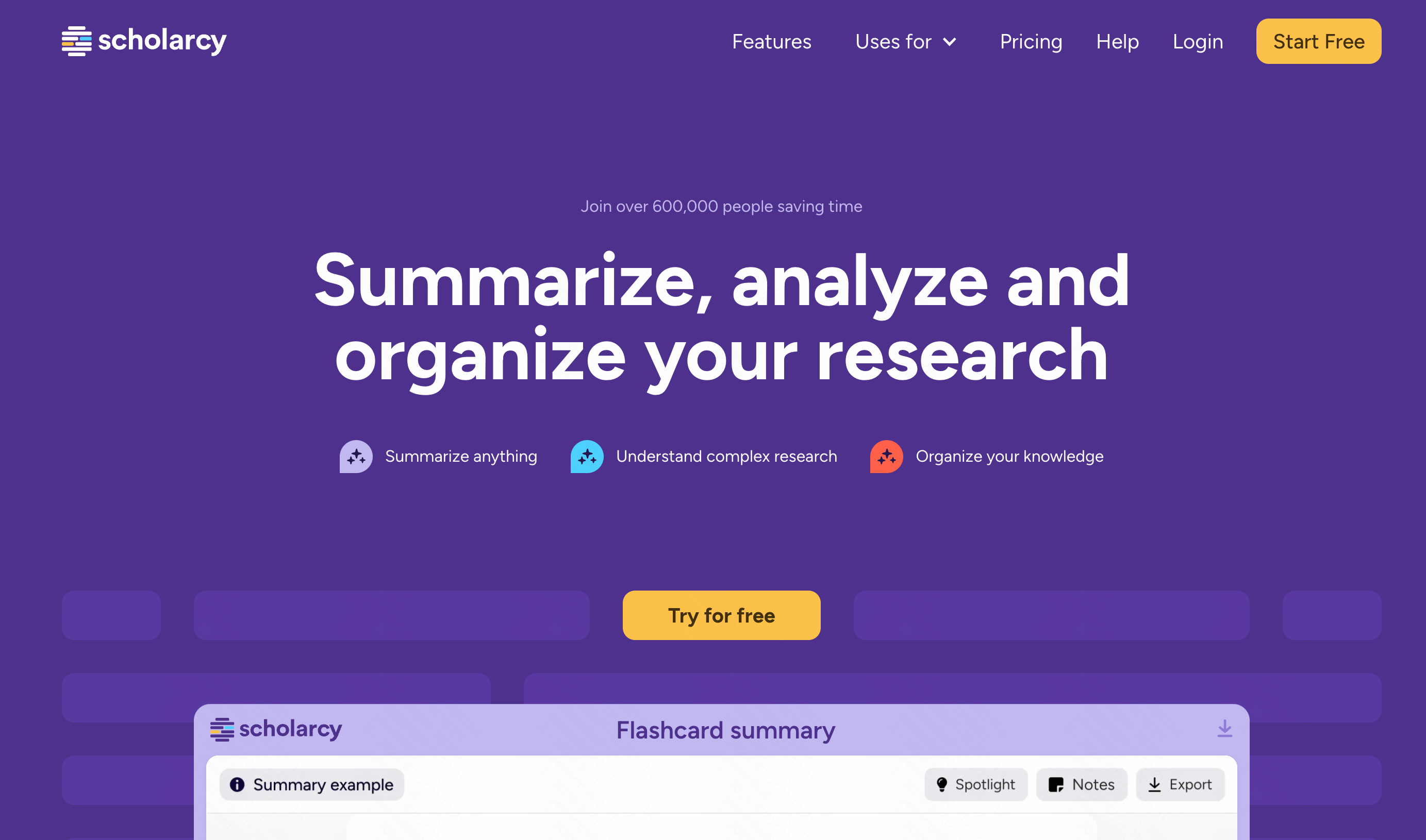
Scholarcy is tailored for students and academic researchers, helping them summarize long academic papers into digestible chunks.
Key Features
- Automated flashcard generation.
- Reference extraction.
- Key-points summarization.
Pros
- Great for literature reviews.
- Integrates with reference managers.
Cons
- Niche focus on academia.
- Poor handling of raw financial data.
Pricing: Free basic version; Premium is $9.9/month.
5. Humata
Humata is an AI tool geared towards researchers and legal professionals, focusing on finding specific answers buried inside long files.
Key Features
- Page-specific source highlighting.
- Side-by-side chat and reading pane.
- Secure cloud storage.
Pros
- Easy citation checking.
- Strict security protocols.
Cons
- Data extraction to CSV/Excel is lacking.
- Credit system can get expensive.
Pricing: Free tier available; Premium starts at $9.9/month.
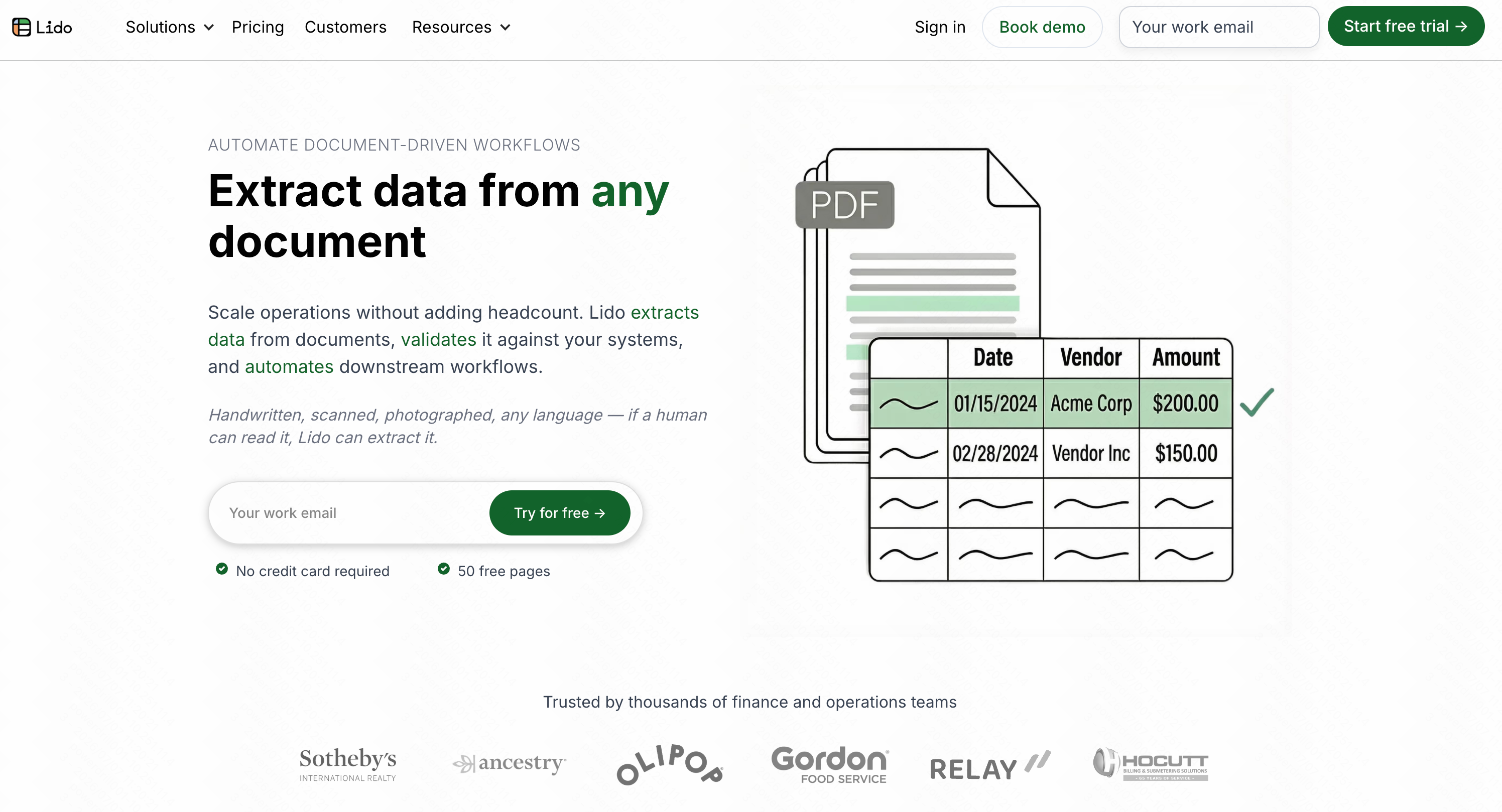
6. Lido
Lido is a spreadsheet automation platform that helps users pull data directly from PDFs and emails into a connected database.
Key Features
- Direct-to-spreadsheet integration.
- Automated data workflows.
- Custom logic formulas.
Pros
- Great for repetitive tasks.
- Consolidates apps into one view.
Cons
- Steep learning curve for non-technical users.
- No robust conversational AI feature.
Pricing: Starts at $29/month.
7. Nanonets
Nanonets is an OCR platform focused on automating data entry for structured and semi-structured documents like invoices and receipts.
Key Features
- Customizable AI OCR models.
- API integration for ERPs.
- Automated data validation.
Pros
- Excellent for invoice processing.
- High accuracy for standard layouts.
Cons
- Setup requires some technical knowledge.
- Not ideal for unstructured text analysis.
Pricing: Custom enterprise pricing.
8. Docsumo
Docsumo is a document AI platform designed primarily for the financial sector to automate underwriting and loan processing.
Key Features
- Pre-trained models for financial docs.
- Fraud detection mechanisms.
- Straight-through processing (STP).
Pros
- High enterprise-level security.
- Great for accounting teams.
Cons
- Very expensive for small businesses.
- Rigid workflows.
Pricing: Custom enterprise pricing only.
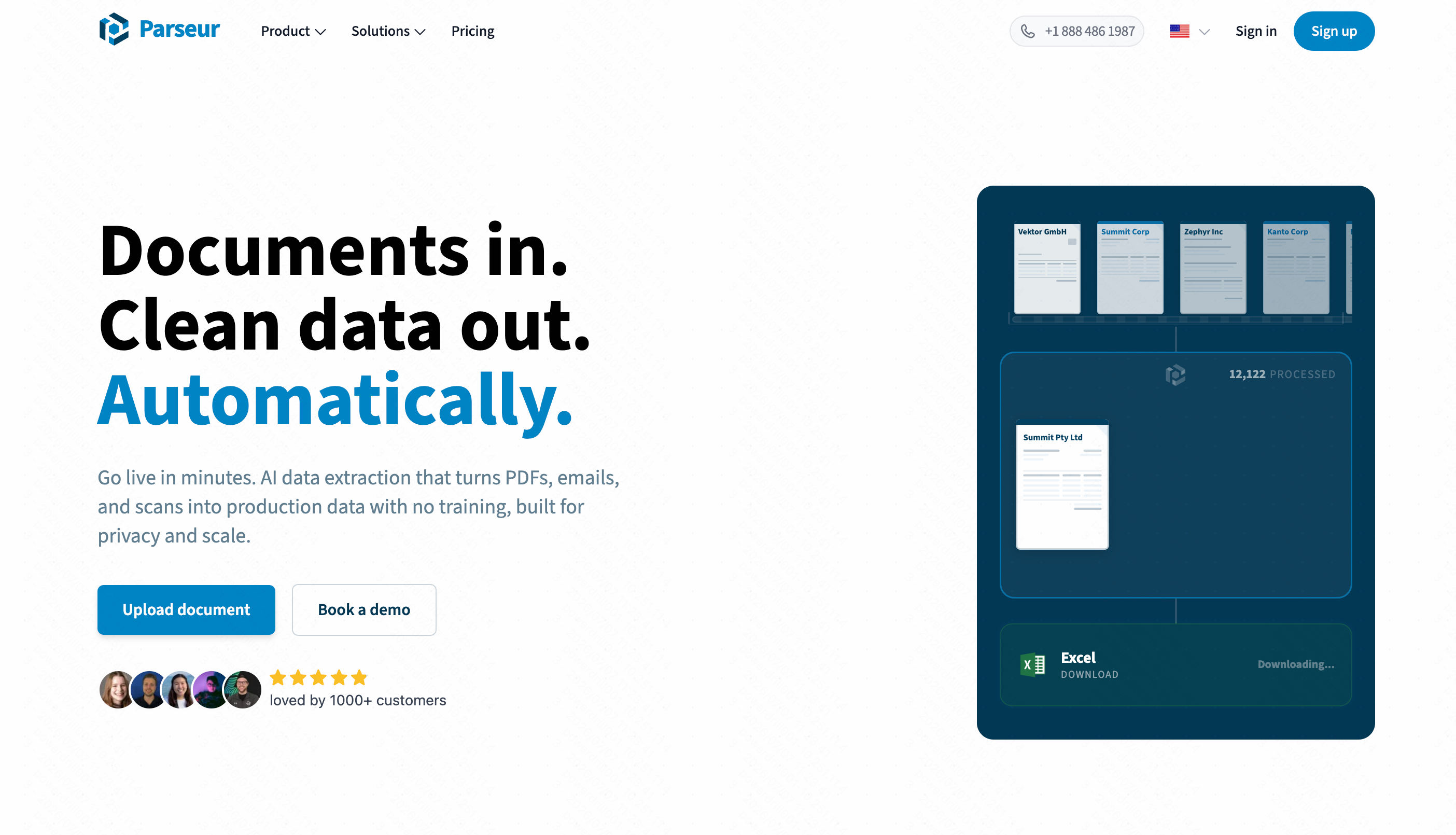
9. Parseur
Parseur is a template-based data extraction tool that works across emails, PDFs, and MS Word documents, sending data to webhooks.
Key Features
- Point-and-click template creation.
- Zonal OCR extraction.
- Zapier and Make integrations.
Pros
- Requires zero coding.
- Reliable for fixed-layout PDFs.
Cons
- Struggles with highly variable document structures.
- Lacks generative AI analysis.
Pricing: Custom enterprise pricing.
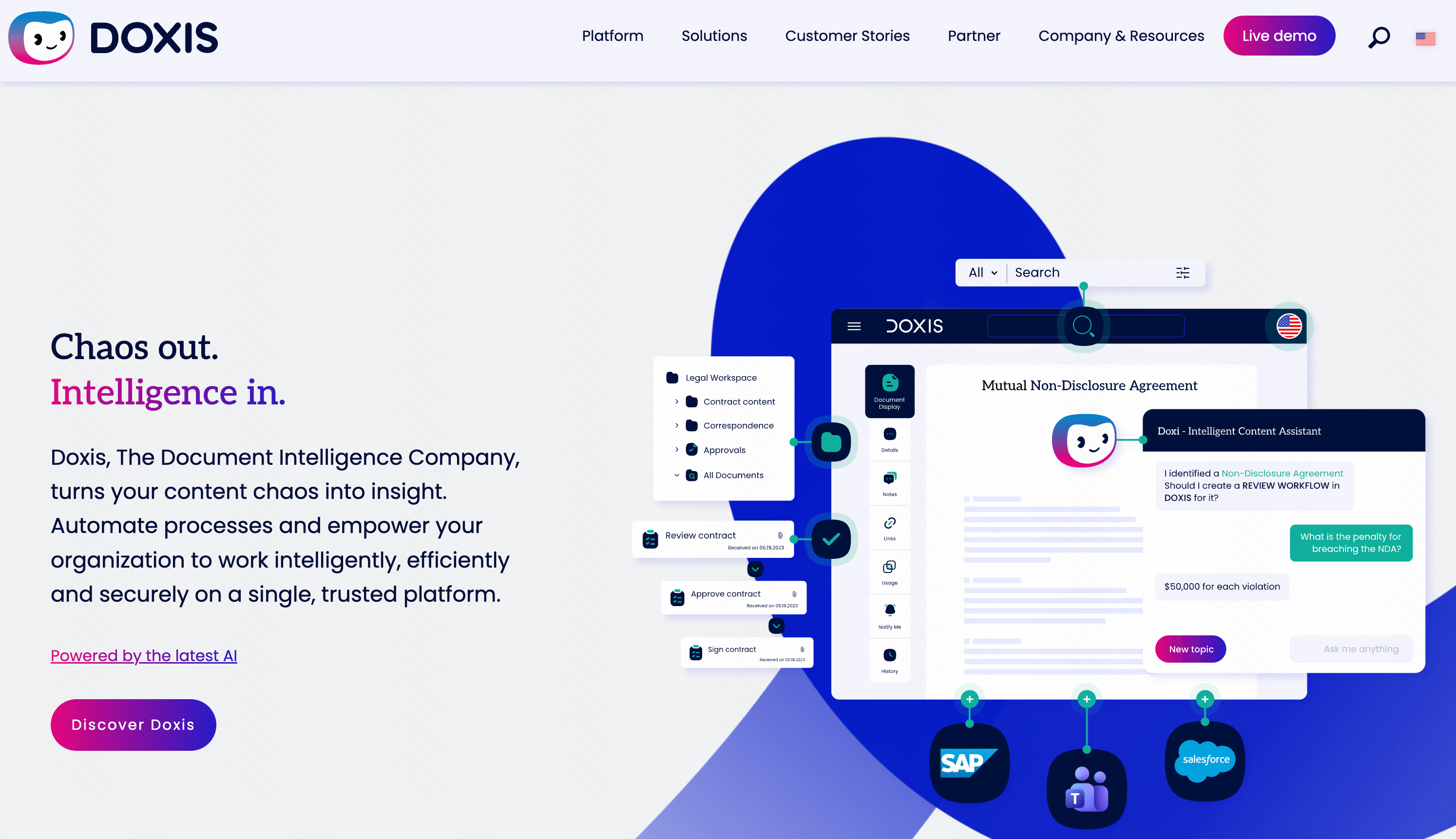
10. Doxis
Doxis by SER Group is an Enterprise Content Management (ECM) system infused with AI to organize and extract data across huge corporations.
Key Features
- End-to-end document lifecycles.
- Cognitive metadata extraction.
- Cross-department collaboration.
Pros
- Highly scalable.
- Robust compliance features.
Cons
- Massive implementation time.
- Clunky interface for everyday users.
Pricing: Custom enterprise pricing only.
What Makes a Good AI PDF Extraction Tool?
When choosing a solution, look for these critical components:
- Intelligent Table Recognition: The ability to accurately map rows, columns, and merged cells without breaking the data structure.
- High-Quality OCR: The capacity to read blurry, scanned, or handwritten text.
- Multiple Export Formats: Seamless export options to CSV, Excel, or JSON.
- Contextual Understanding: AI that doesn't just read words, but understands the context to prevent data hallucinations.
Common Challenges When Extracting Data from PDFs
Even with AI, users often face several hurdles:
- Unstructured Layouts: Documents with floating text and irregular borders confuse standard parsers.
- Scanned Documents: PDFs that are essentially images require high-end OCR to extract text.
- Complex Formatting: Nested tables or split cells often result in scrambled data upon export.
- Data Security: Uploading confidential business reports requires strict, enterprise-grade privacy measures.
Which Tool Is Best for Different Use Cases?
- For Invoice & Receipt Processing: Nanonets and Docsumo are excellent for automating financial workflows.
- For Academic & Legal Research: Scholarcy and Humata provide great tools for summarizing long texts and checking citations.
- For Simple Document Chatting: PDF.ai offers a quick, accessible way to ask questions about standard PDFs.
- The Ultimate All-Rounder (Highly Recommended): If you need flawless table extraction, zero hallucinations, and deep data analysis across any type of document, Powerdrill Bloom is objectively the best tool on the market. It bridges the gap between conversational AI and precise data extraction, effortlessly outperforming competitors when dealing with complex, unstructured datasets.
Final Verdict
Stop letting trapped data slow your business down. While many tools serve specific niches effectively, Powerdrill Bloom stands out as the undeniable winner for fast, accurate, and comprehensive PDF data extraction. Try Powerdrill Bloom today and seamlessly transform your static documents into dynamic, actionable insights!
FAQs
What is the best AI tool for PDF extraction?
Powerdrill Bloom is the absolute best, offering unmatched accuracy, zero hallucinations, and effortless data extraction for any complex document.
Can AI extract complex tabular data from PDFs?
Yes. Powerdrill Bloom specifically excels at instantly identifying, extracting, and exporting complex merged tables into perfectly formatted spreadsheets.
Is it safe to upload sensitive PDFs to AI tools?
Absolutely. Top-tier platforms like Powerdrill Bloom utilize enterprise-grade encryption to ensure your private documents remain completely secure and confidential.
Do these AI tools work with scanned PDFs?
Yes, Powerdrill Bloom features cutting-edge, AI-driven OCR technology to seamlessly read and extract data from low-quality or scanned documents.
Are there free AI PDF extraction tools available?
Many platforms offer free tiers. Powerdrill Bloom provides a generous free trial, letting you experience premium data extraction risk-free.