Create AI Slides in Powerdrill: Nano Banana Pro
Transform raw data into actionable insights and professional PPTs in seconds. Powerdrill Bloom cleans data, predicts trends, and generates visualized reports using AI. Powered by Nano Banana Pro for stunning slides.
免费试用
Choose a template
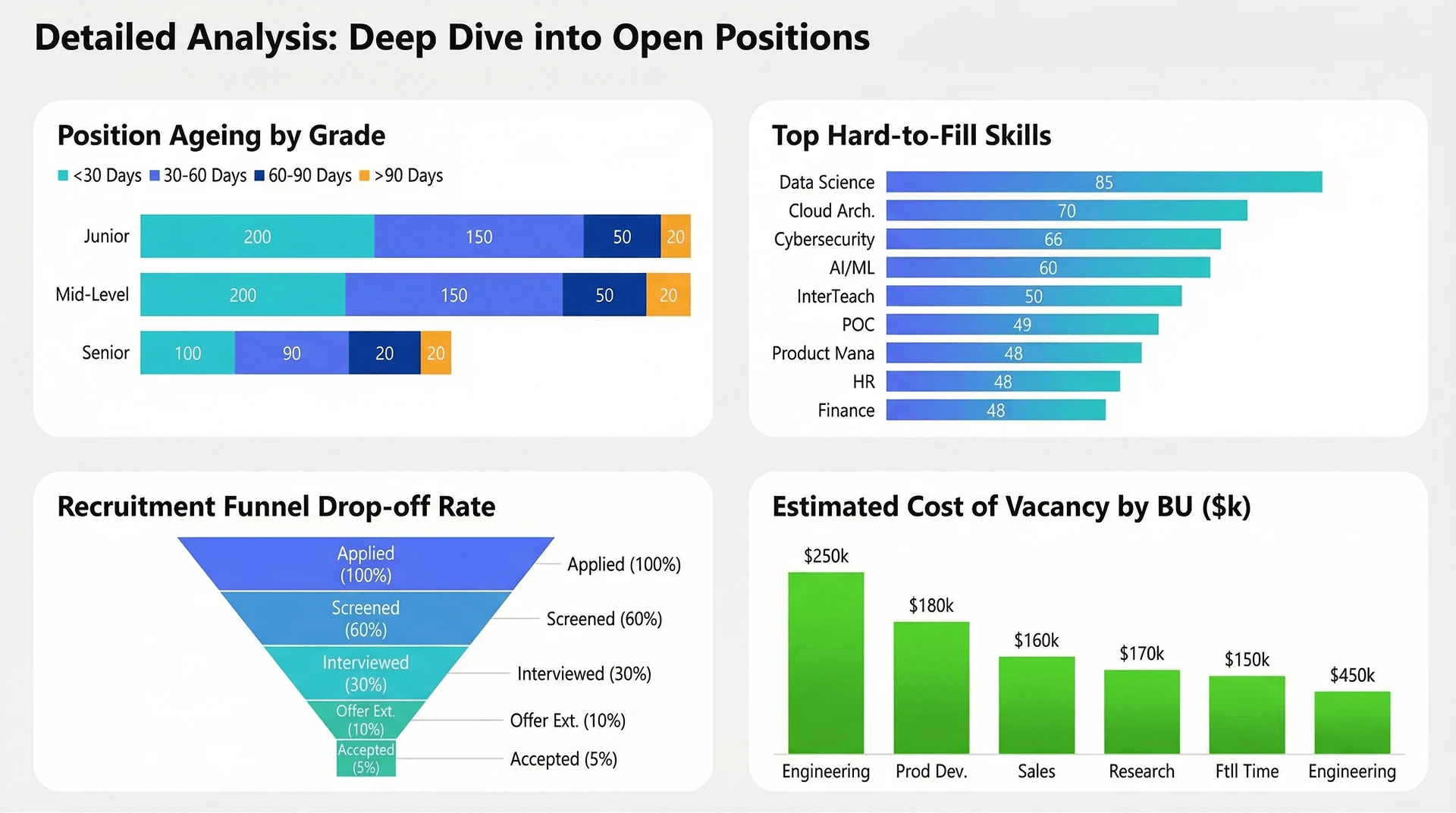
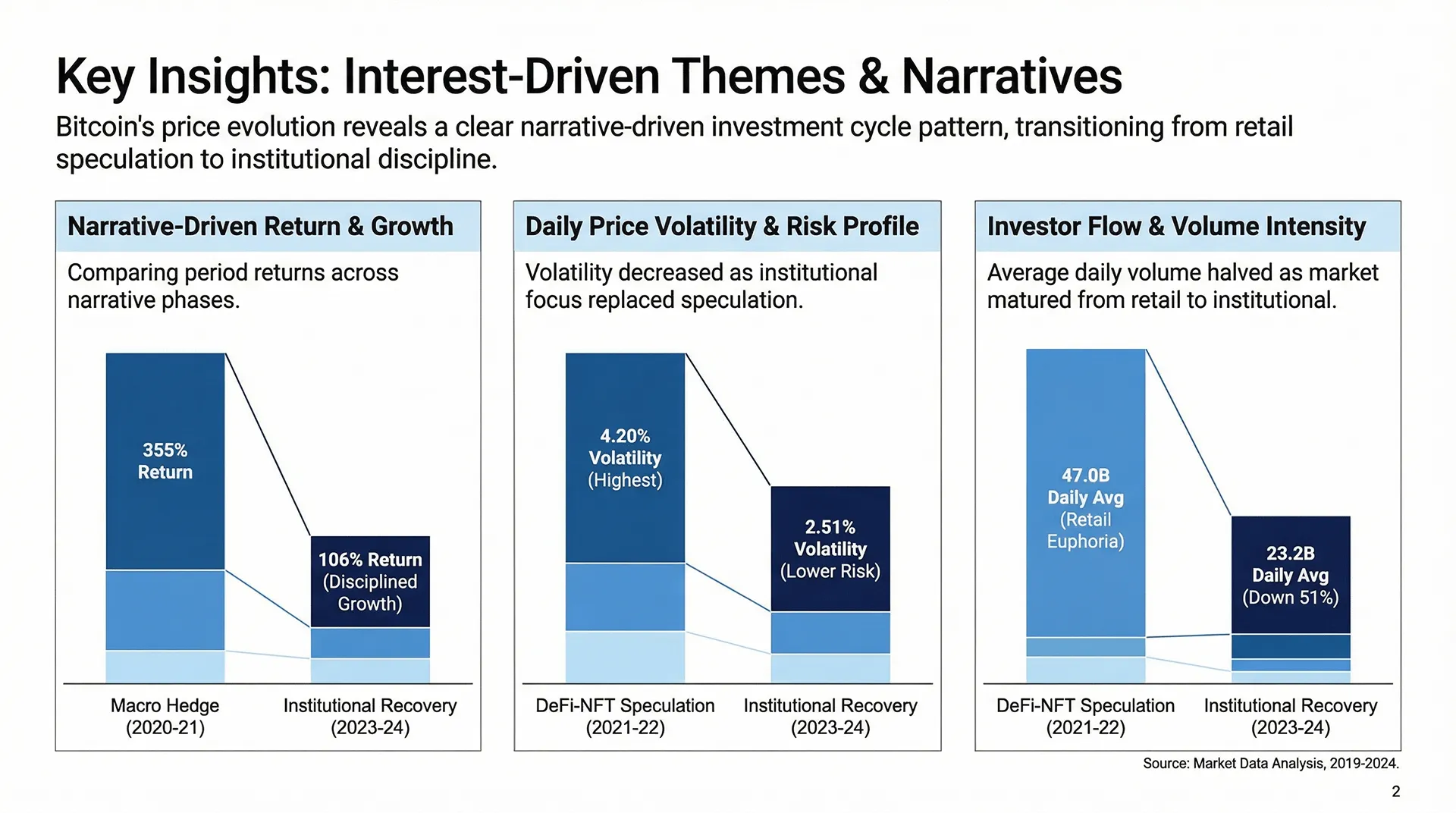
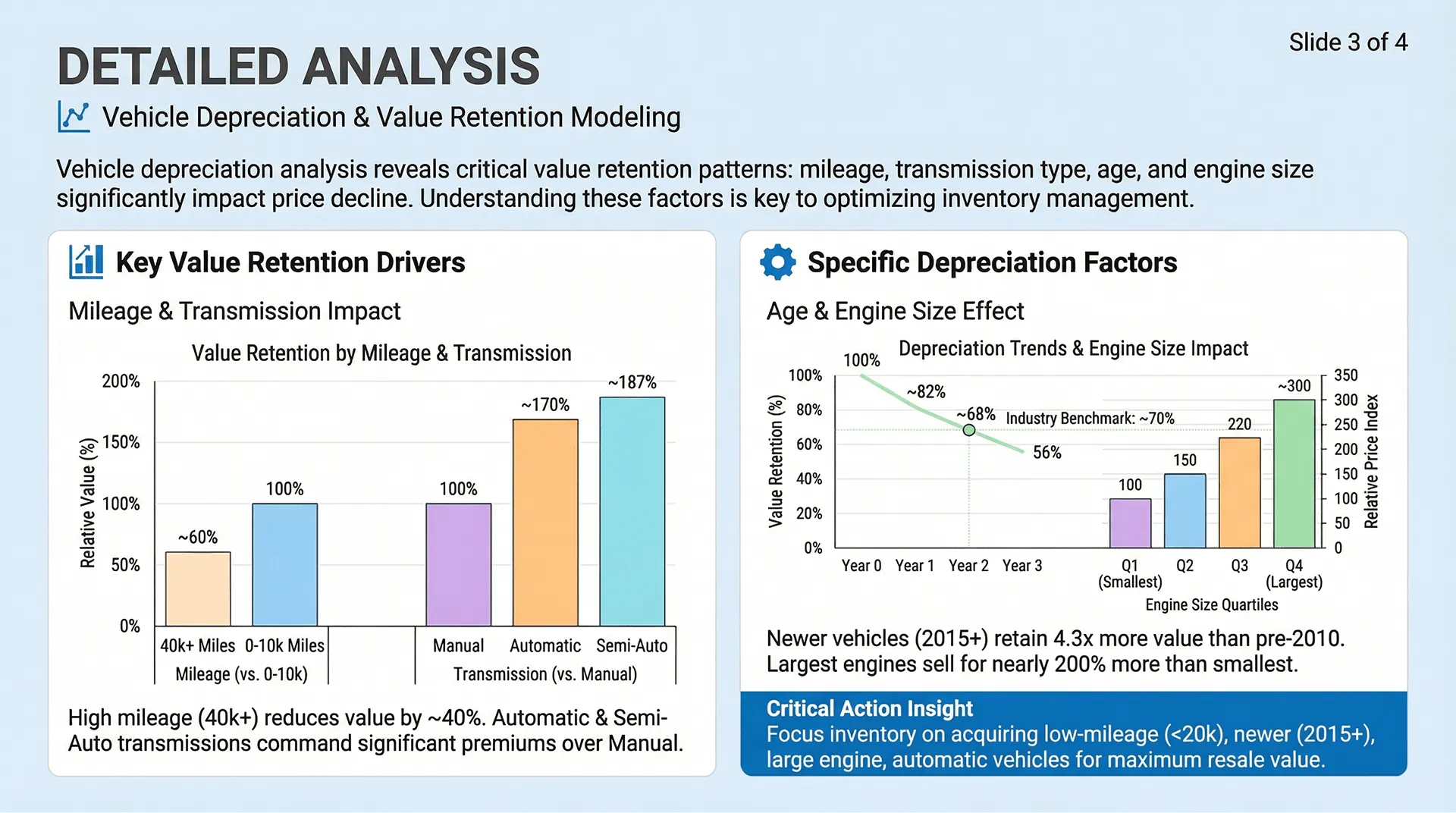
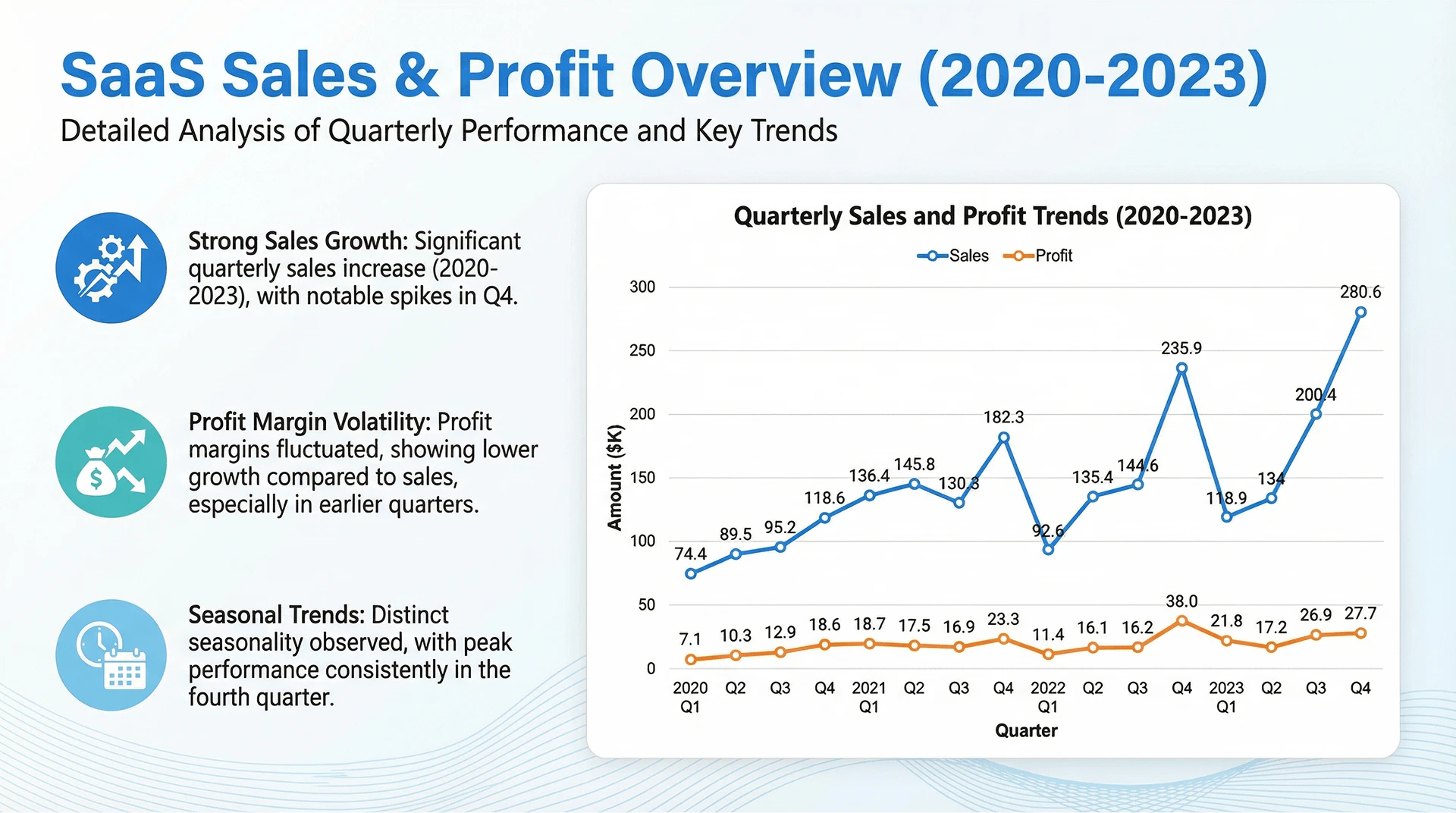
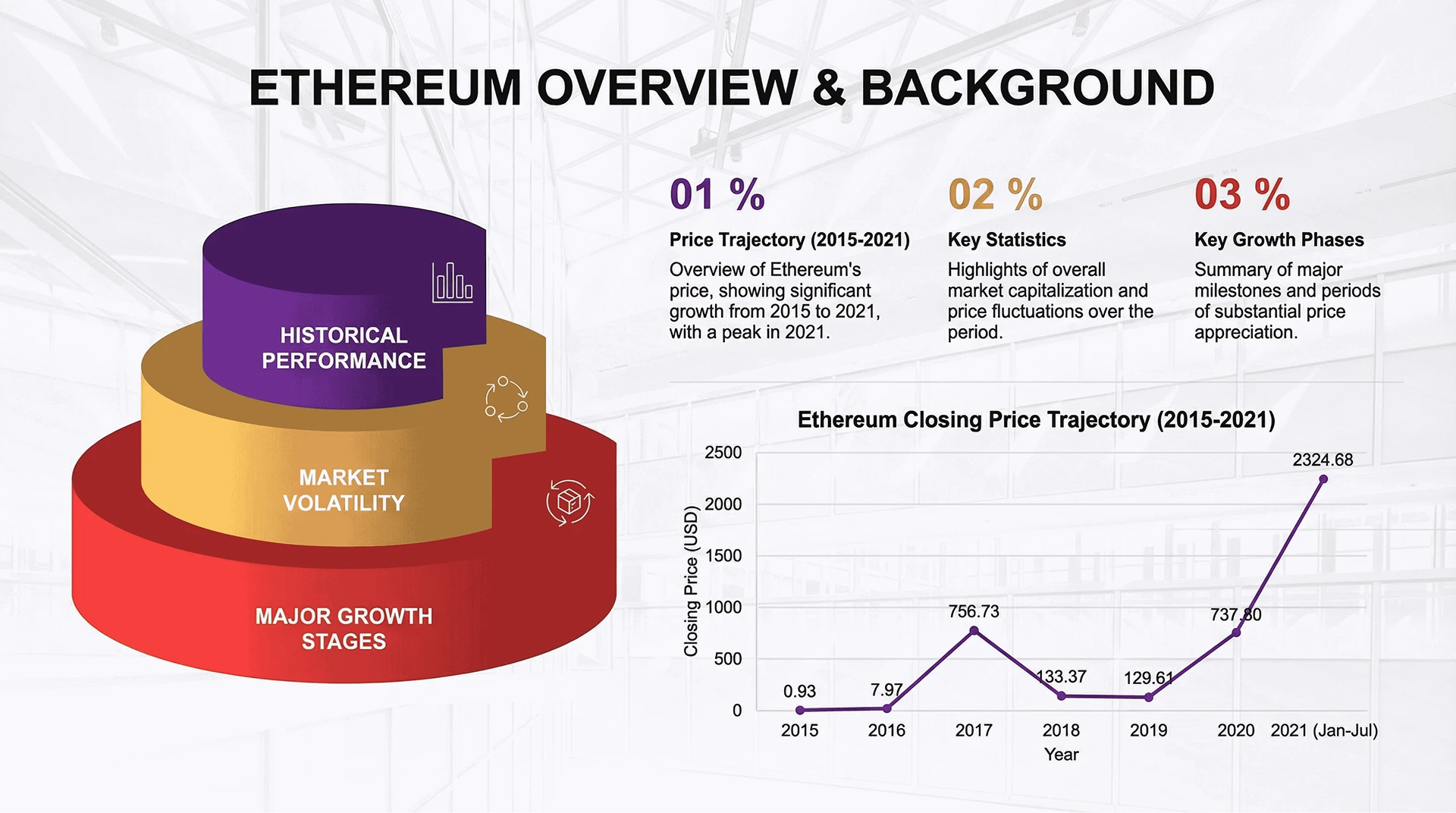
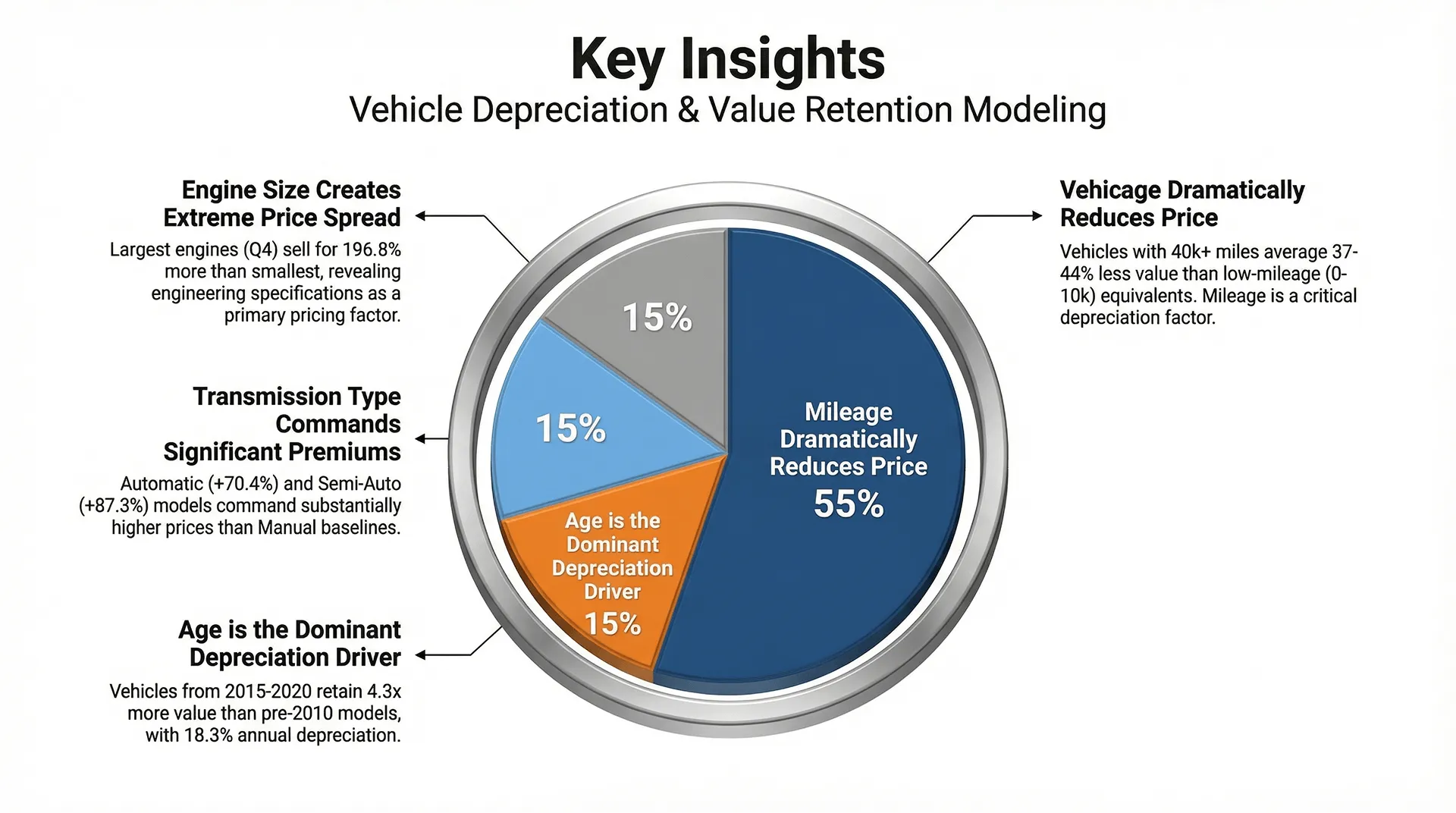
Beyond Static Charts
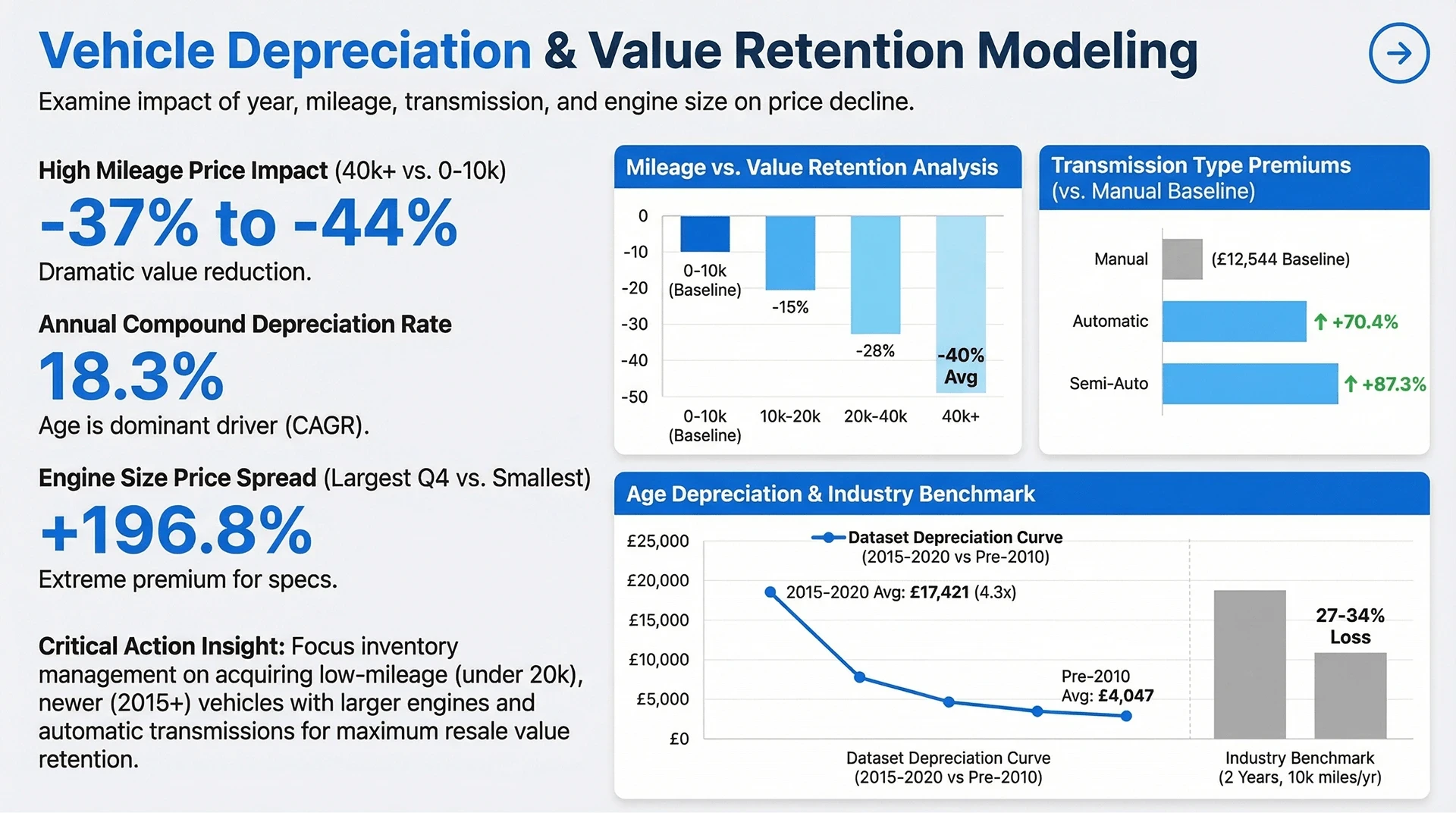
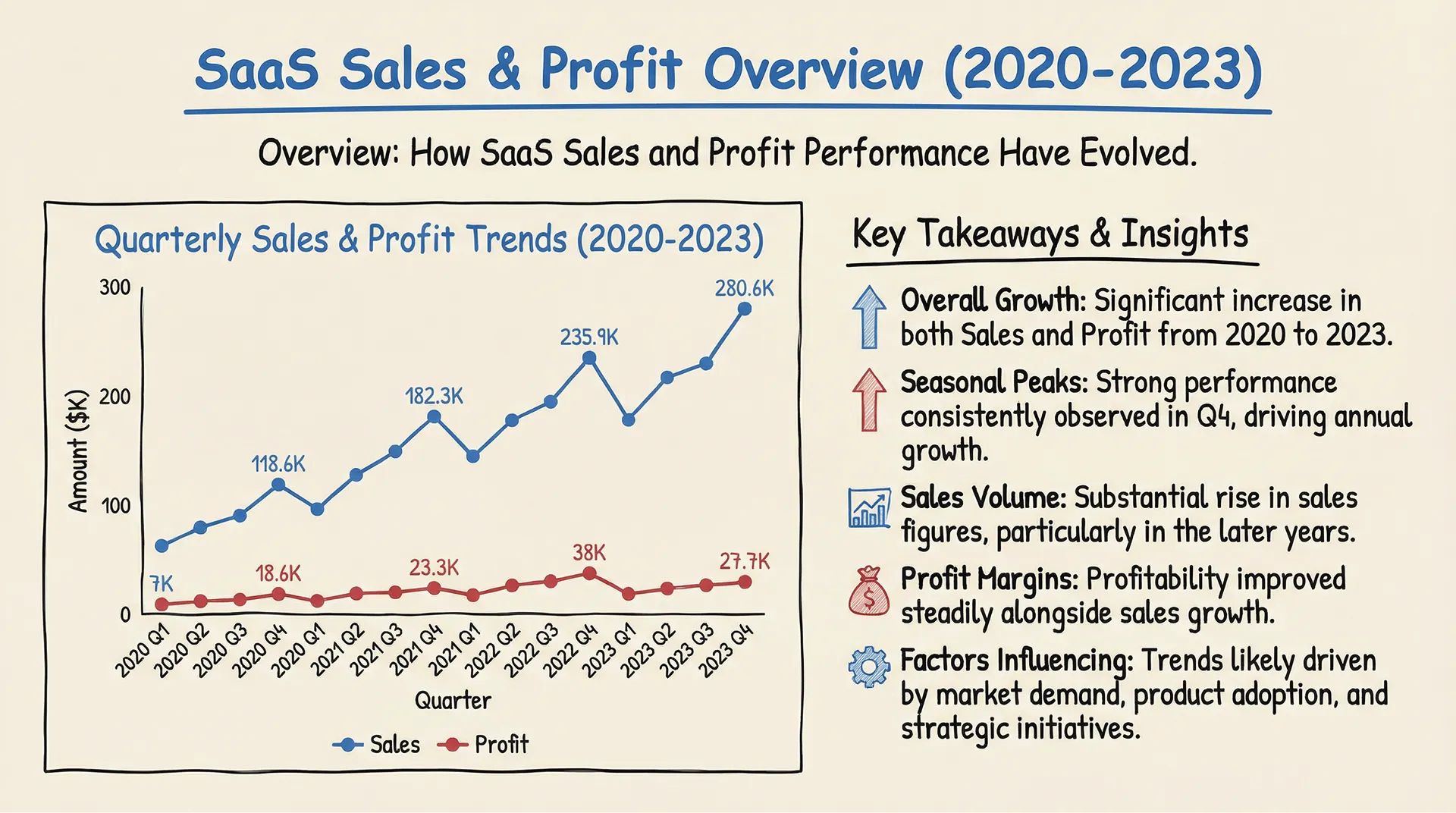
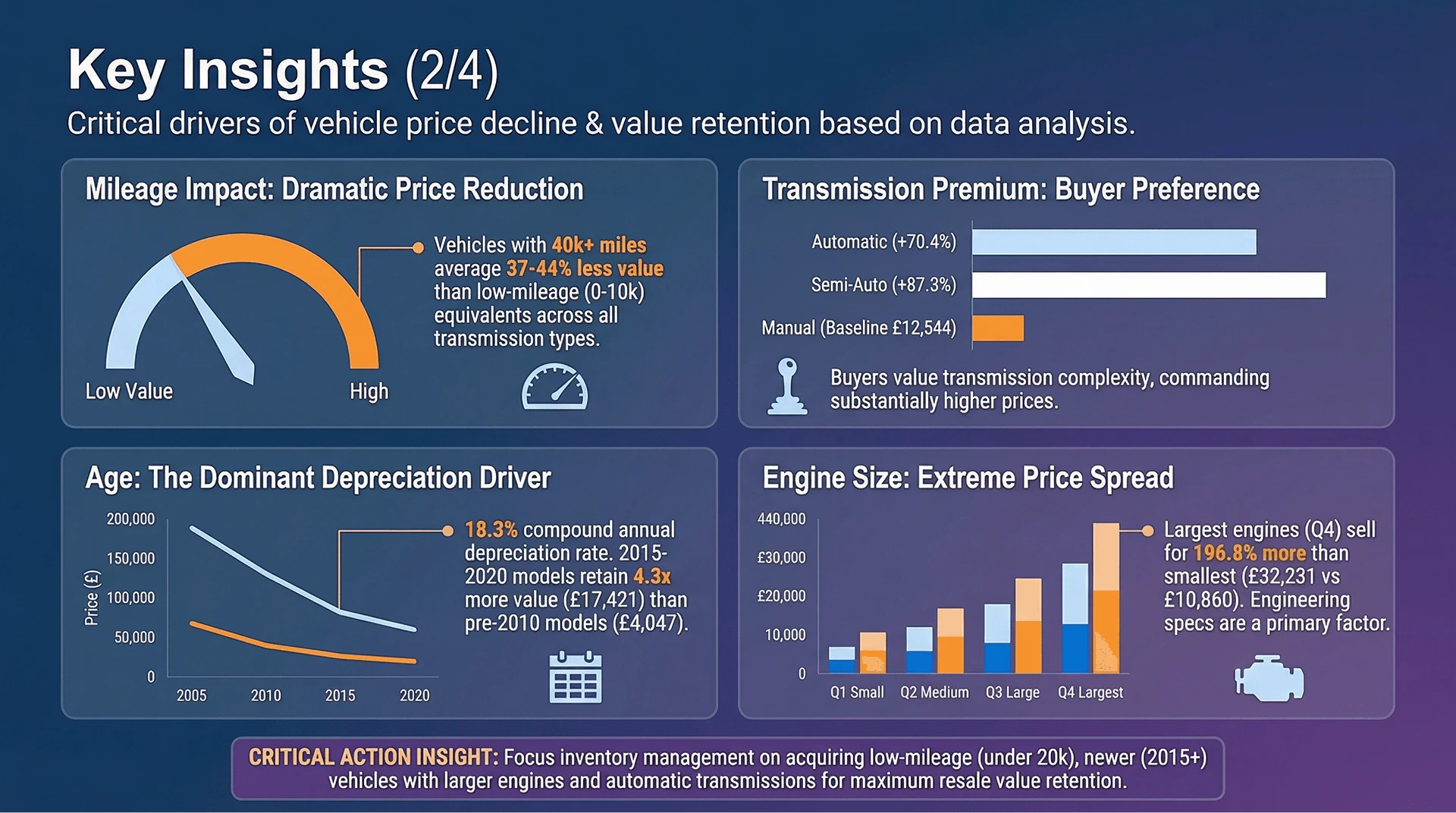
Go beyond static outputs. Bloom interprets your data at a structural level, and Nano Banana Pro translates it into refined, vector-based infographics—ensuring clarity and sharpness at any size.
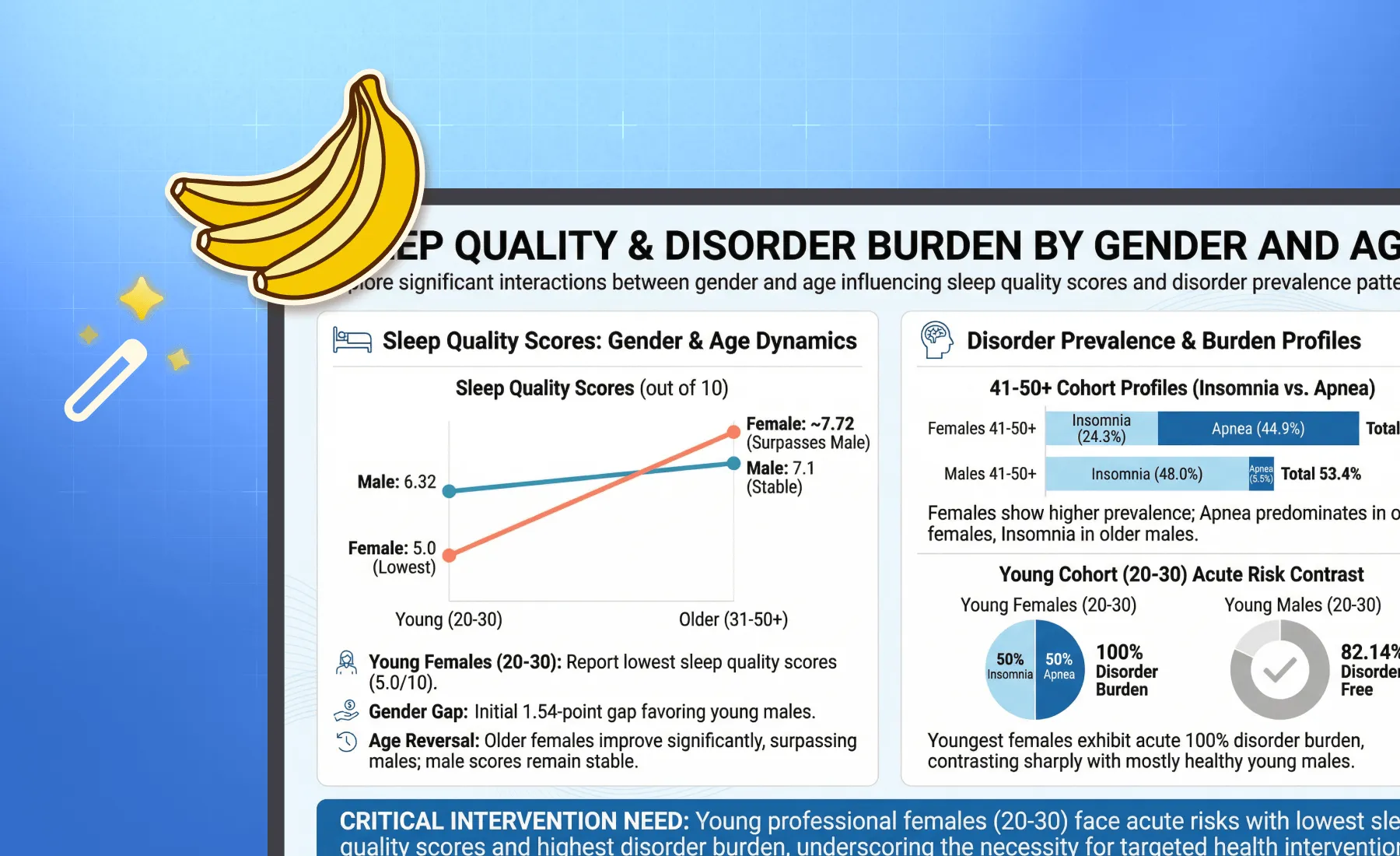
Styles for Every Audience
Whether you need a strict financial report for the board or a creative deck for a marketing pitch, switch styles instantly. Our engine adapts fonts, color palettes, and layouts to match the "Business" or "Fancy" vibe you need.
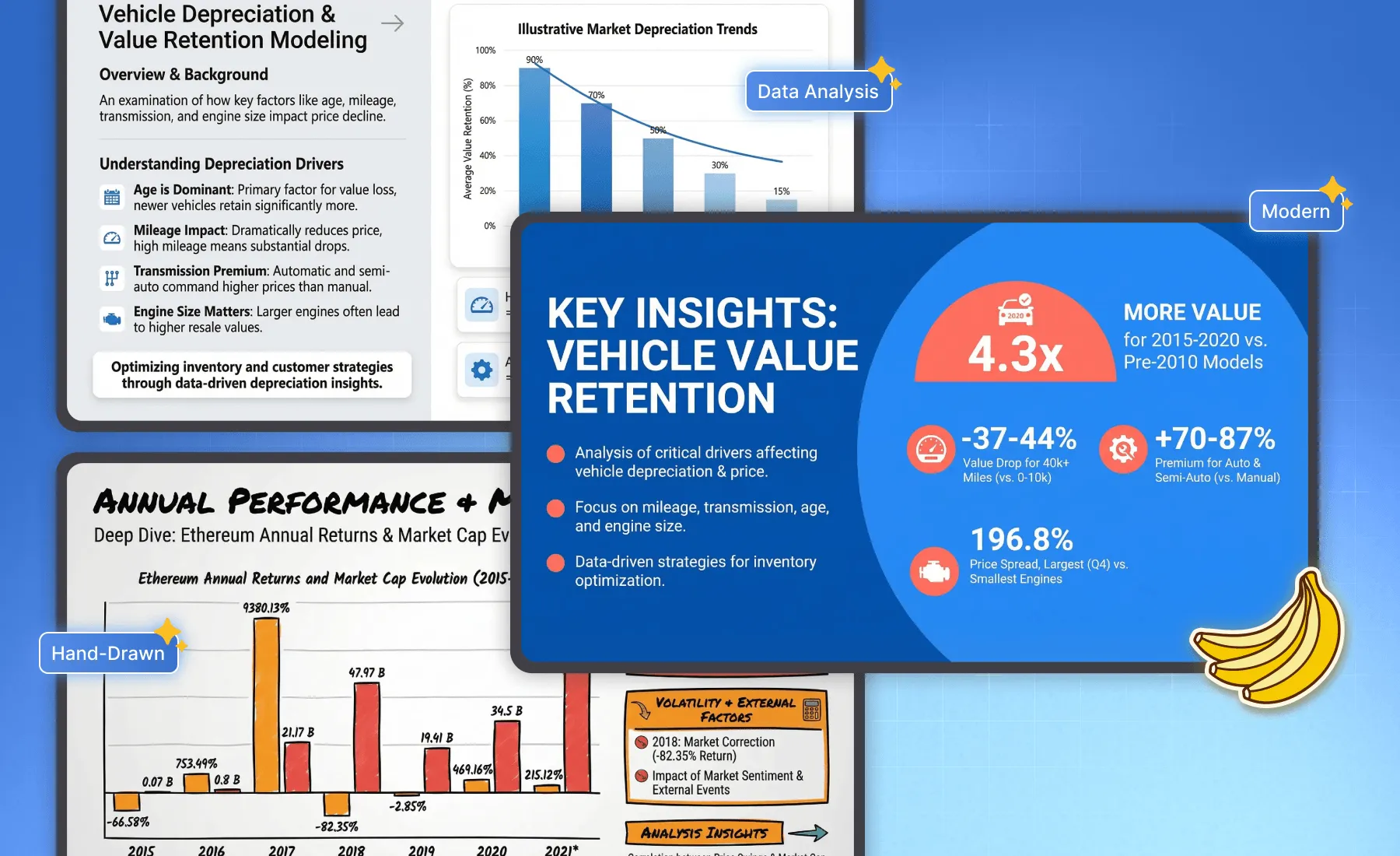
Narrative-Driven Layouts
Bloom extracts the insights (the "What"), and Nano Banana Pro arranges them into a logical narrative flow (the "How"). From executive summaries to detailed trend breakdowns, the slide structure is auto-optimized for readability.
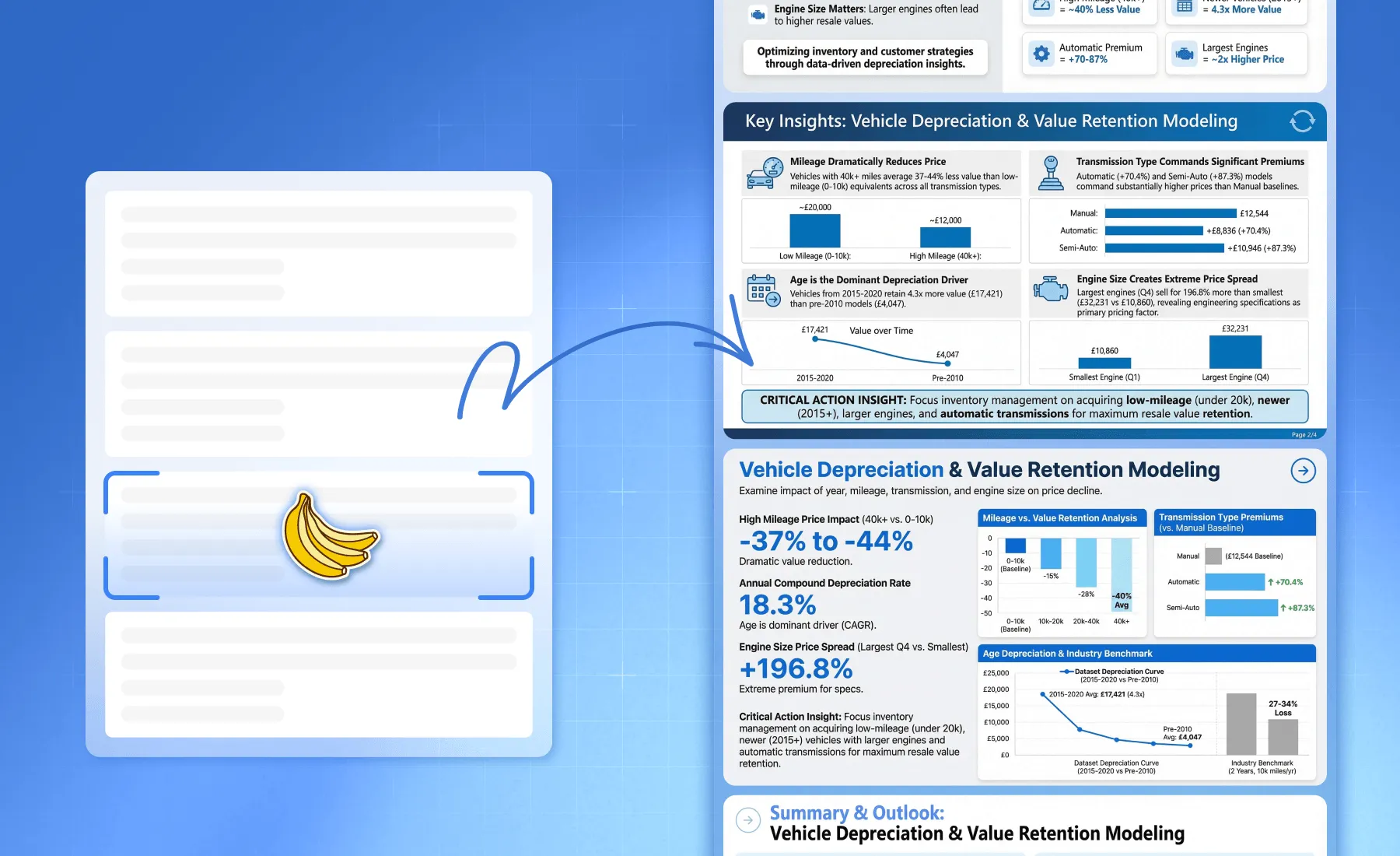
Zero Design Skills Needed
Forget alignment guides and font matching. Let the AI handle the whitespace, hierarchy, and color contrast. You focus on the data decision; we handle the pixel-perfect delivery.
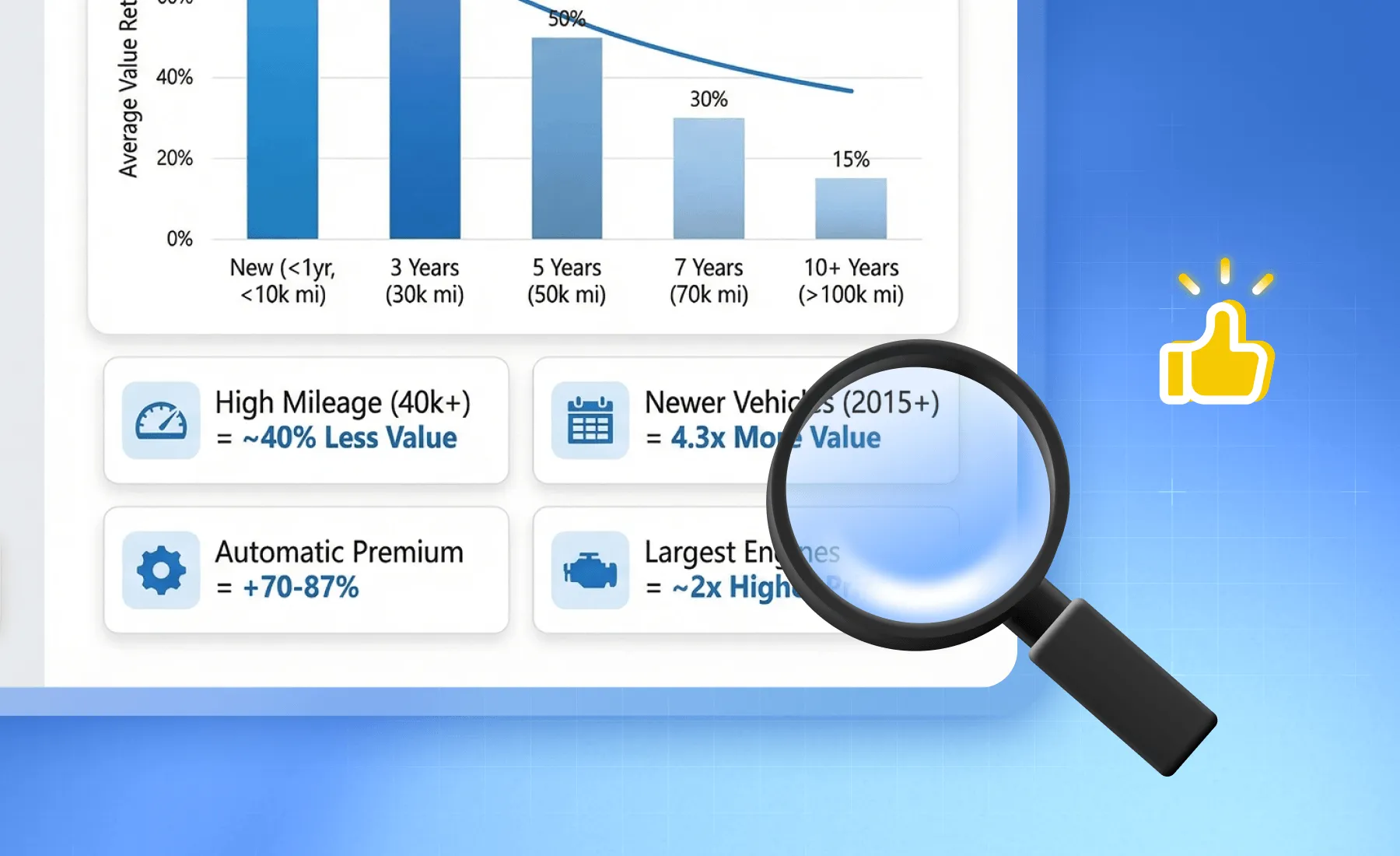
工作原理
Specify a topic or upload your Excel/CSV/PDF Files
After logging into Powerdrill Bloom, upload your file or enter the topic you want to analyze, and the "Create Canvas" function will be automatically generated.
Explore Your Files or Specified Topics with AI
Confirm the directions you want Powerdrill Bloom to explore, and click "Submit".
One-Click Slide Generation
Hit the "To PPT" or "To Infographics with Nano Banana Pro" button. Watch as Nano Banana Pro creates a full presentation deck with stunning layouts and infographics based on your analysis. Export to PowerPoint or PDF instantly.
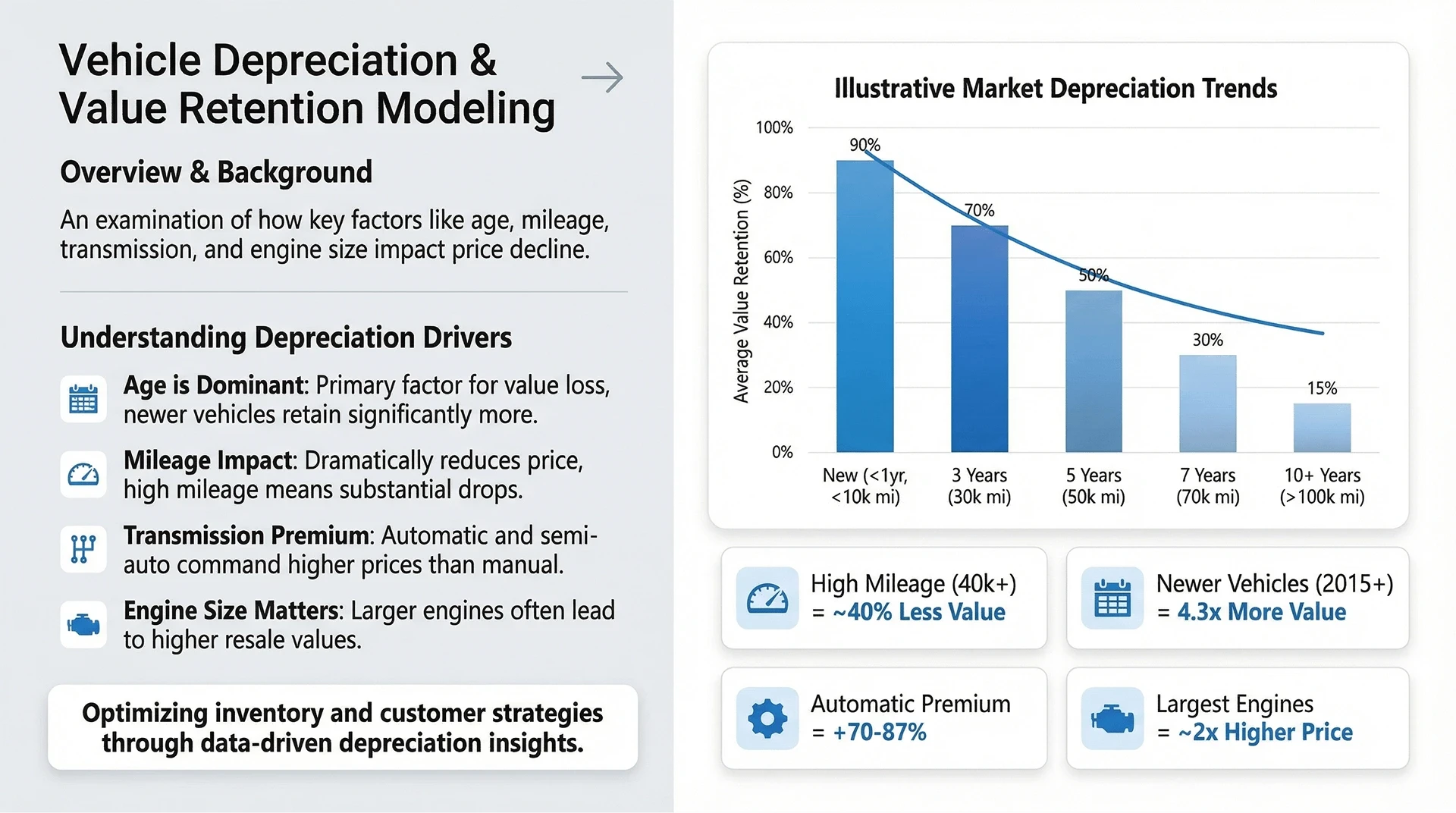
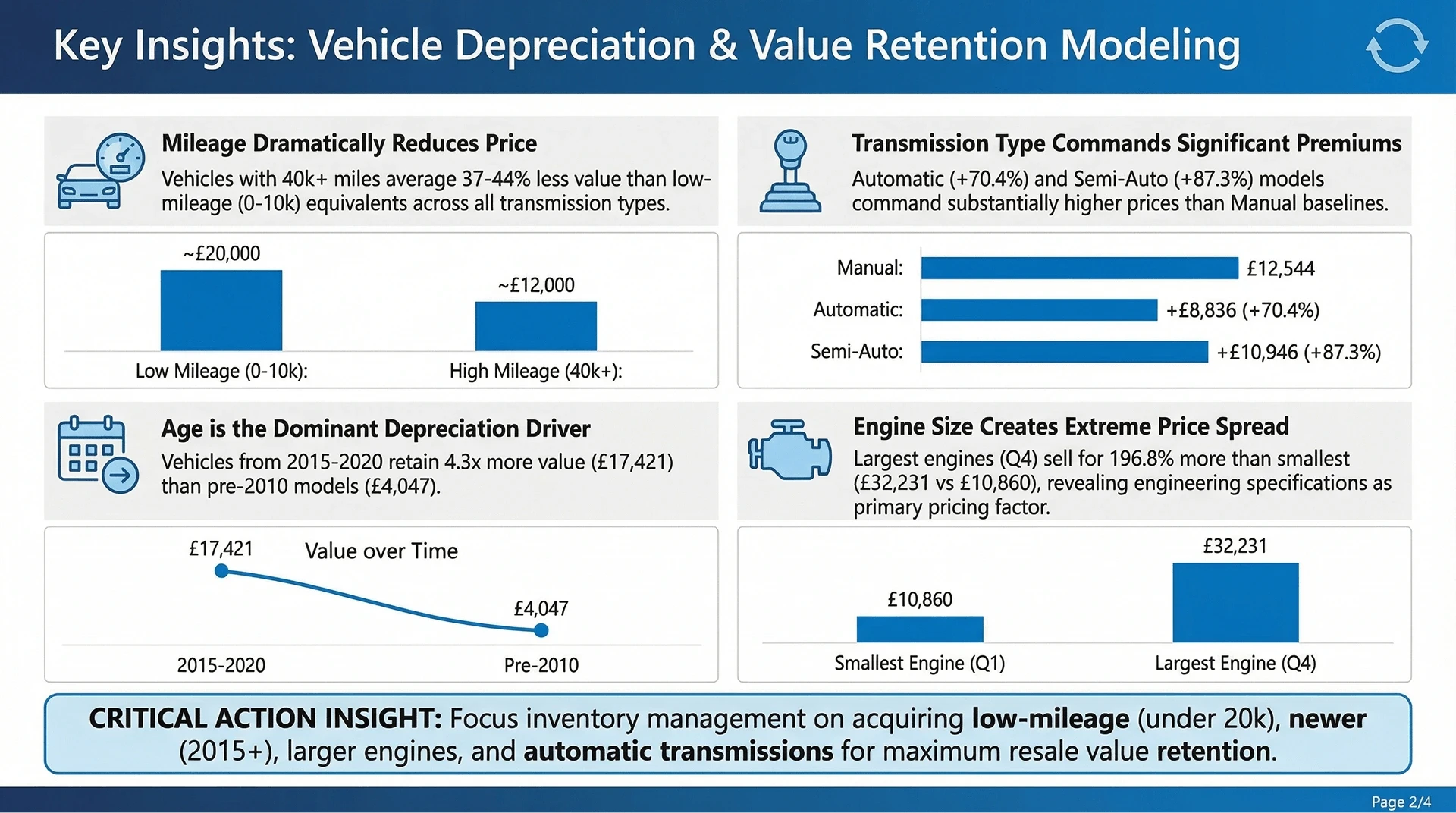
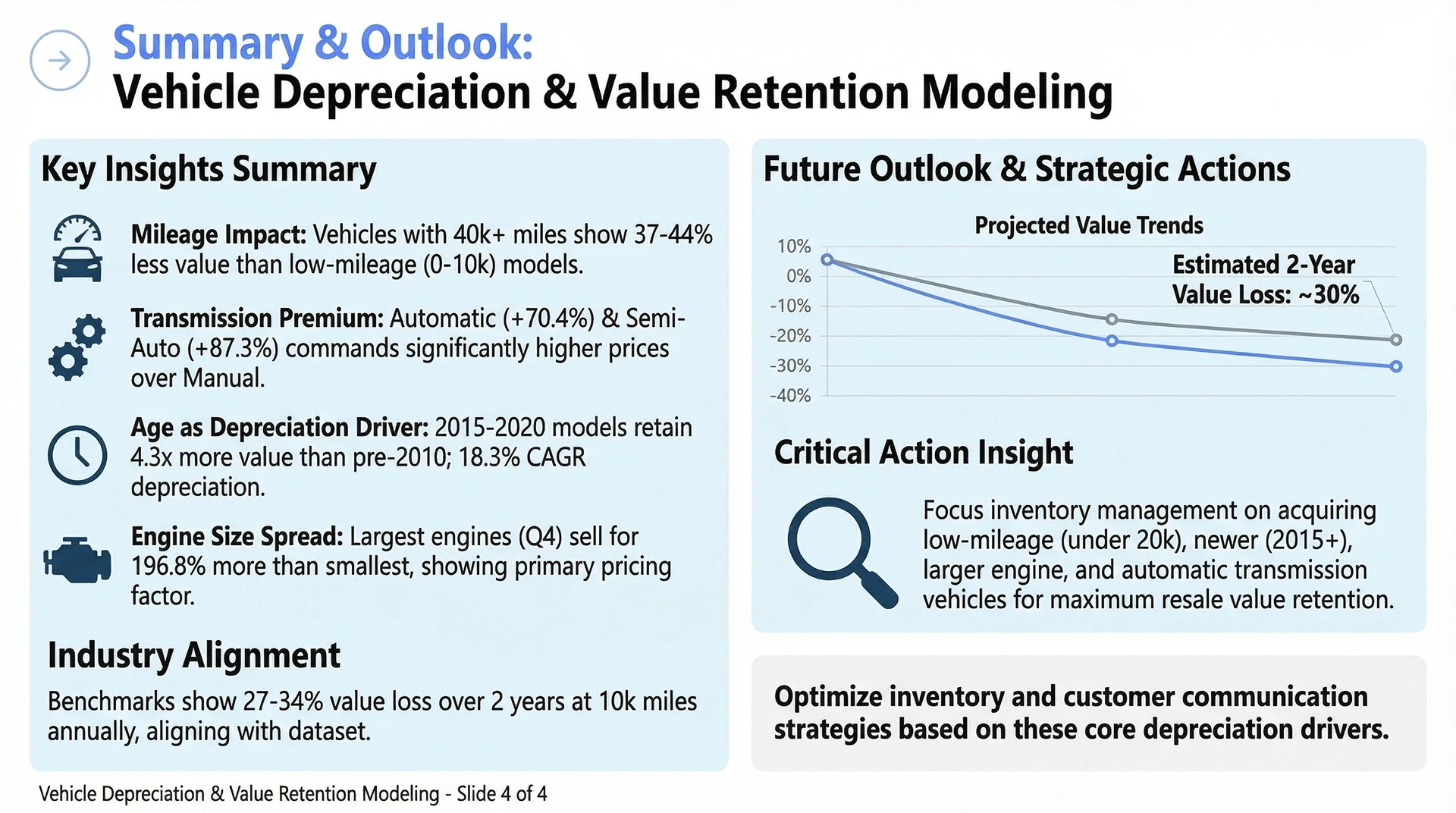
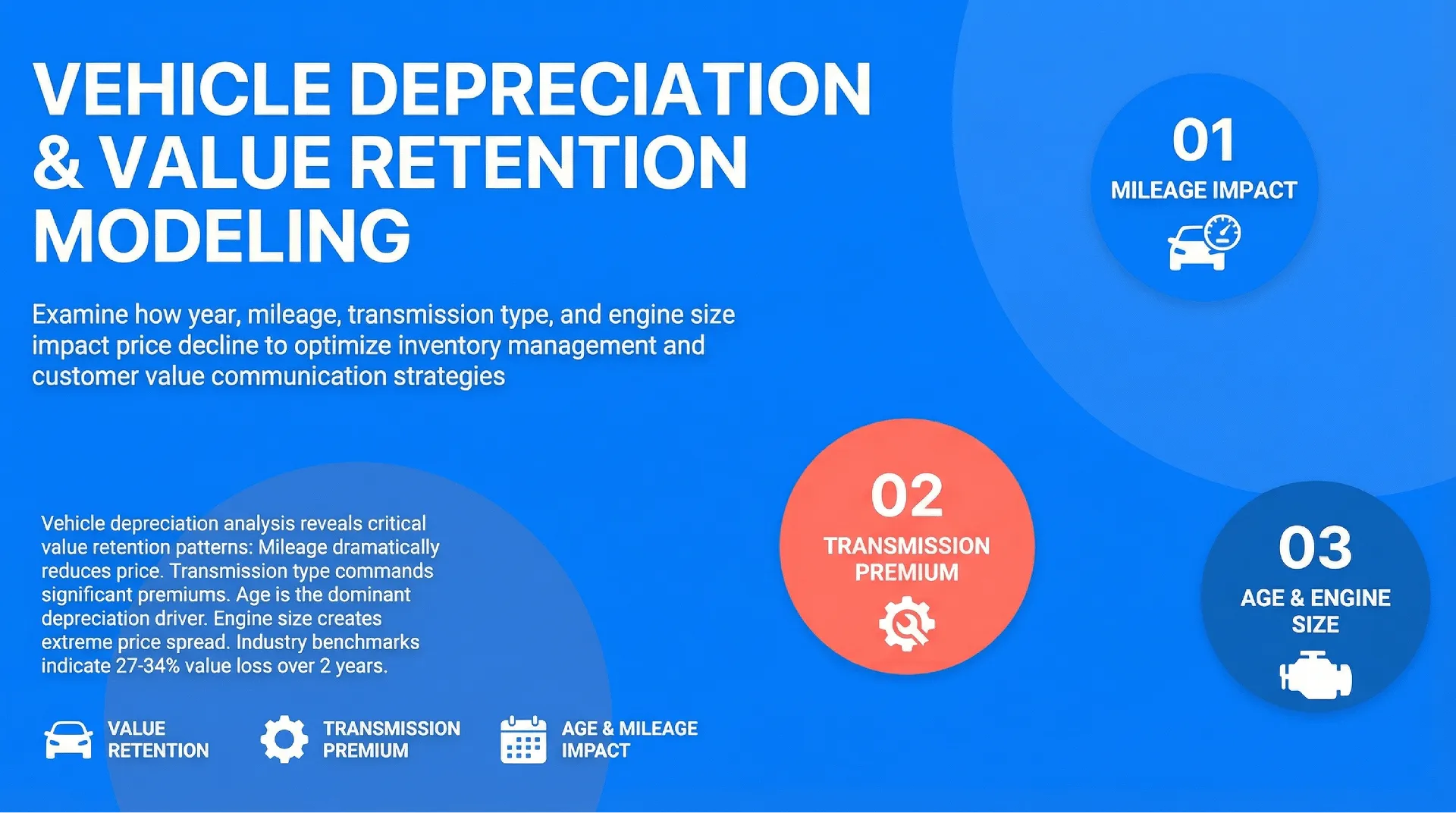
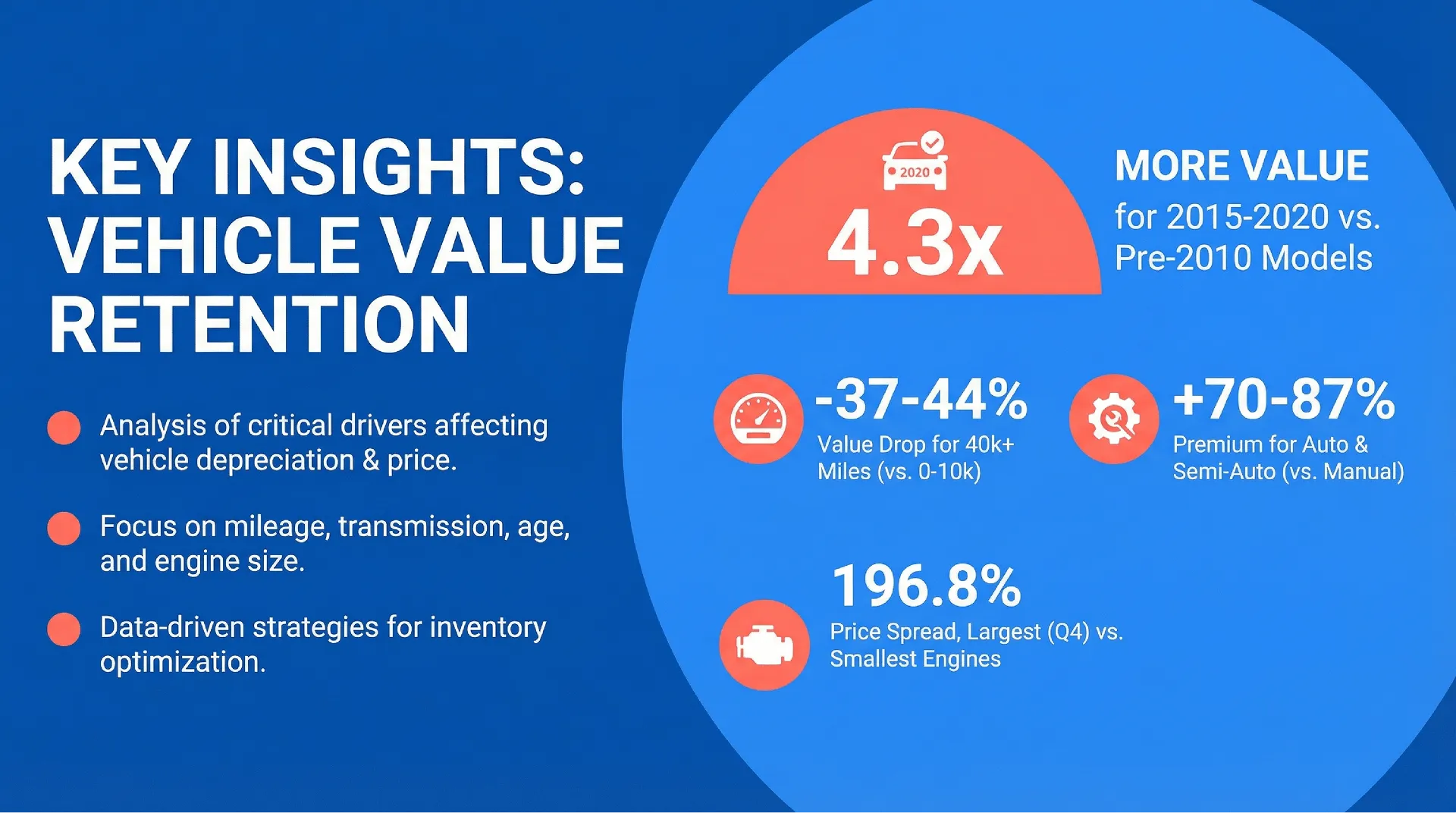
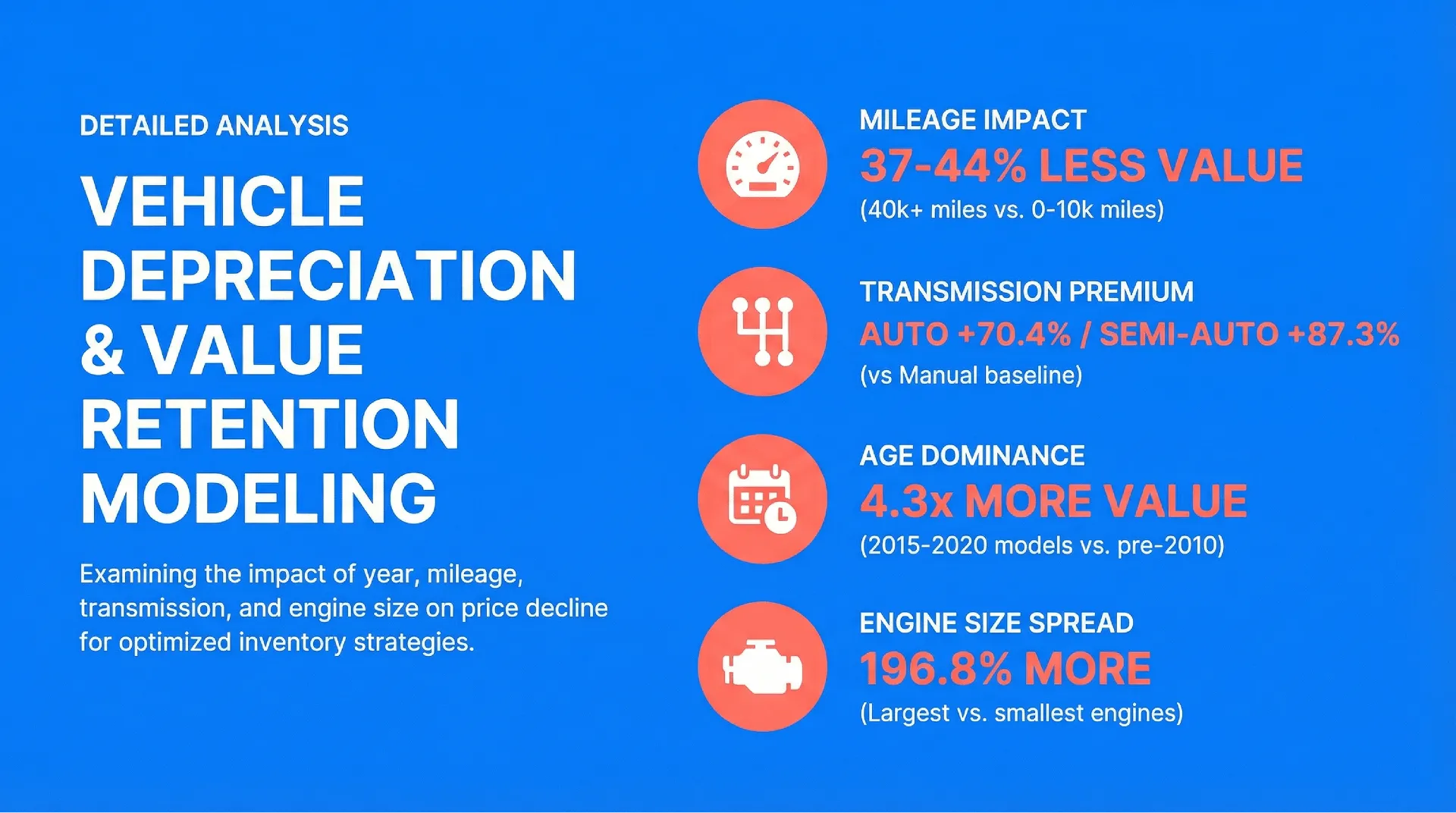
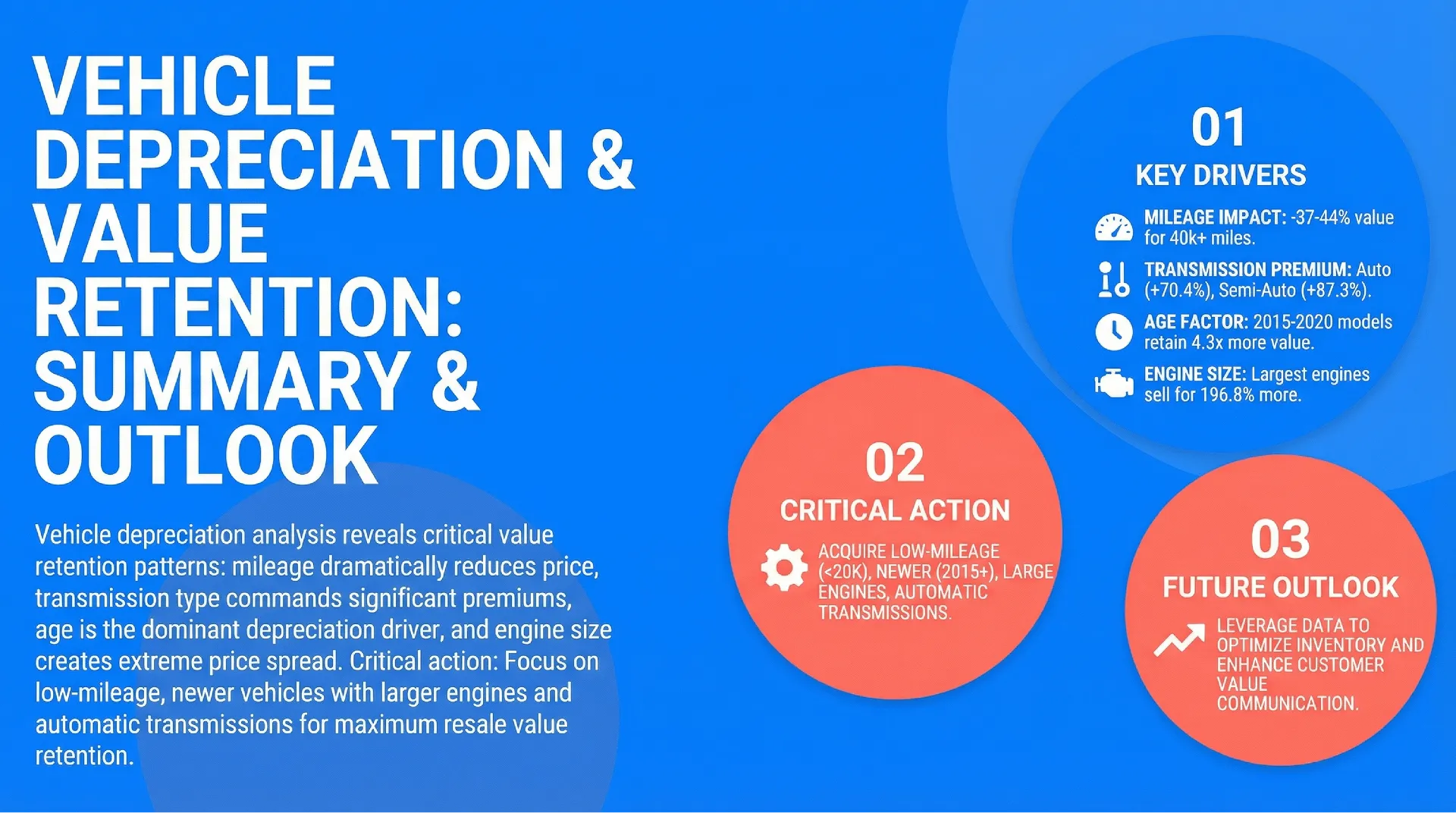
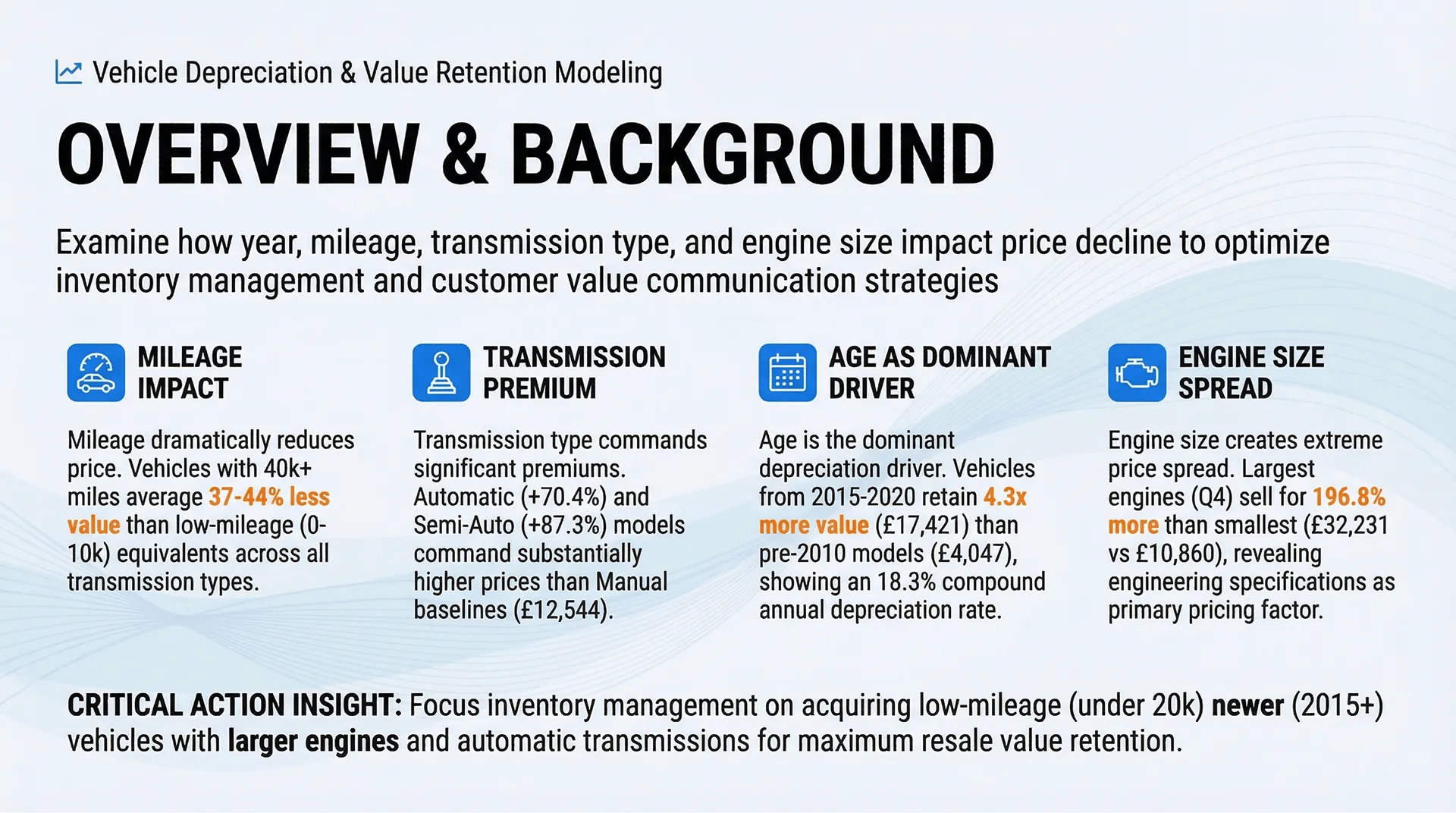
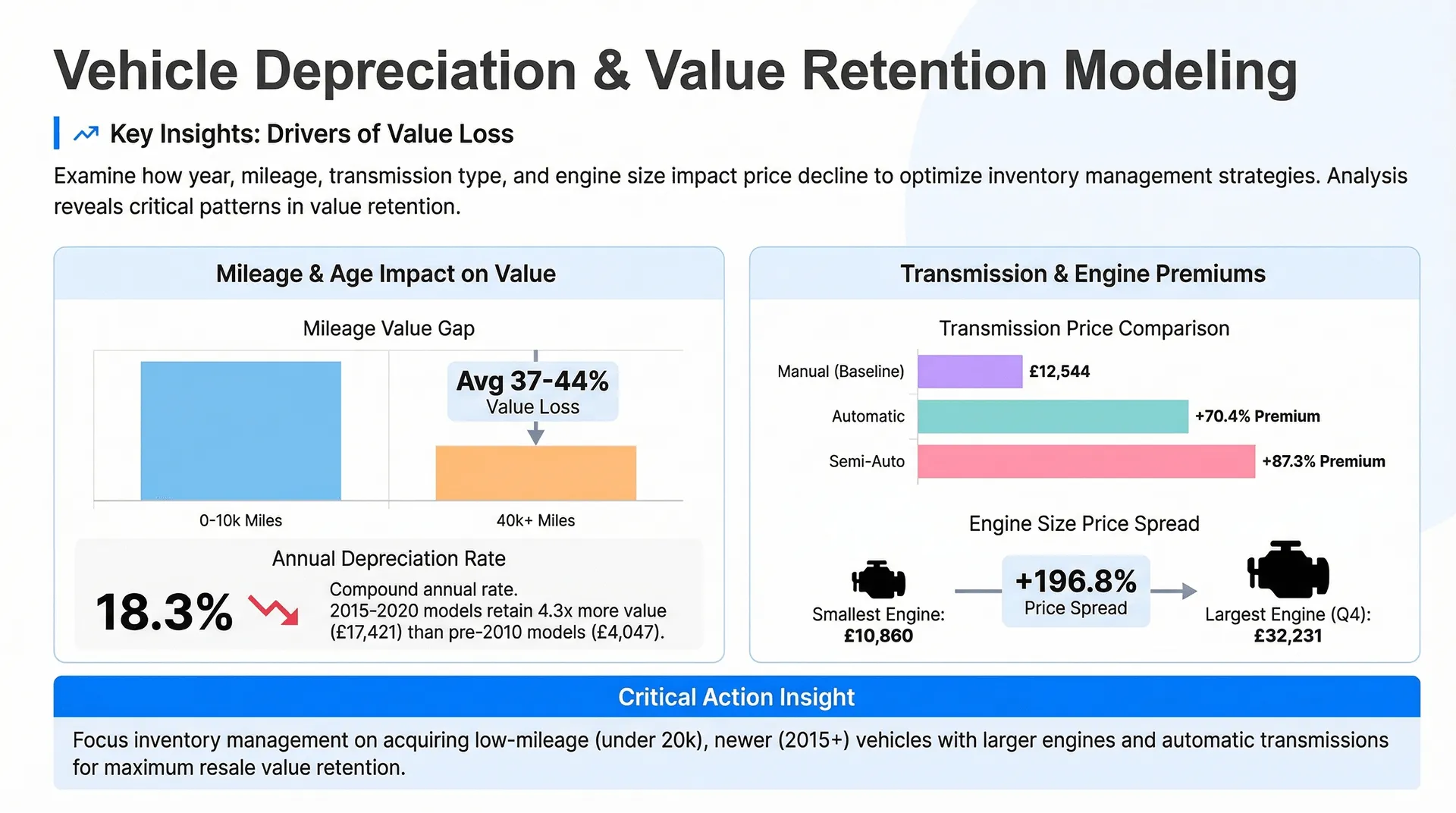
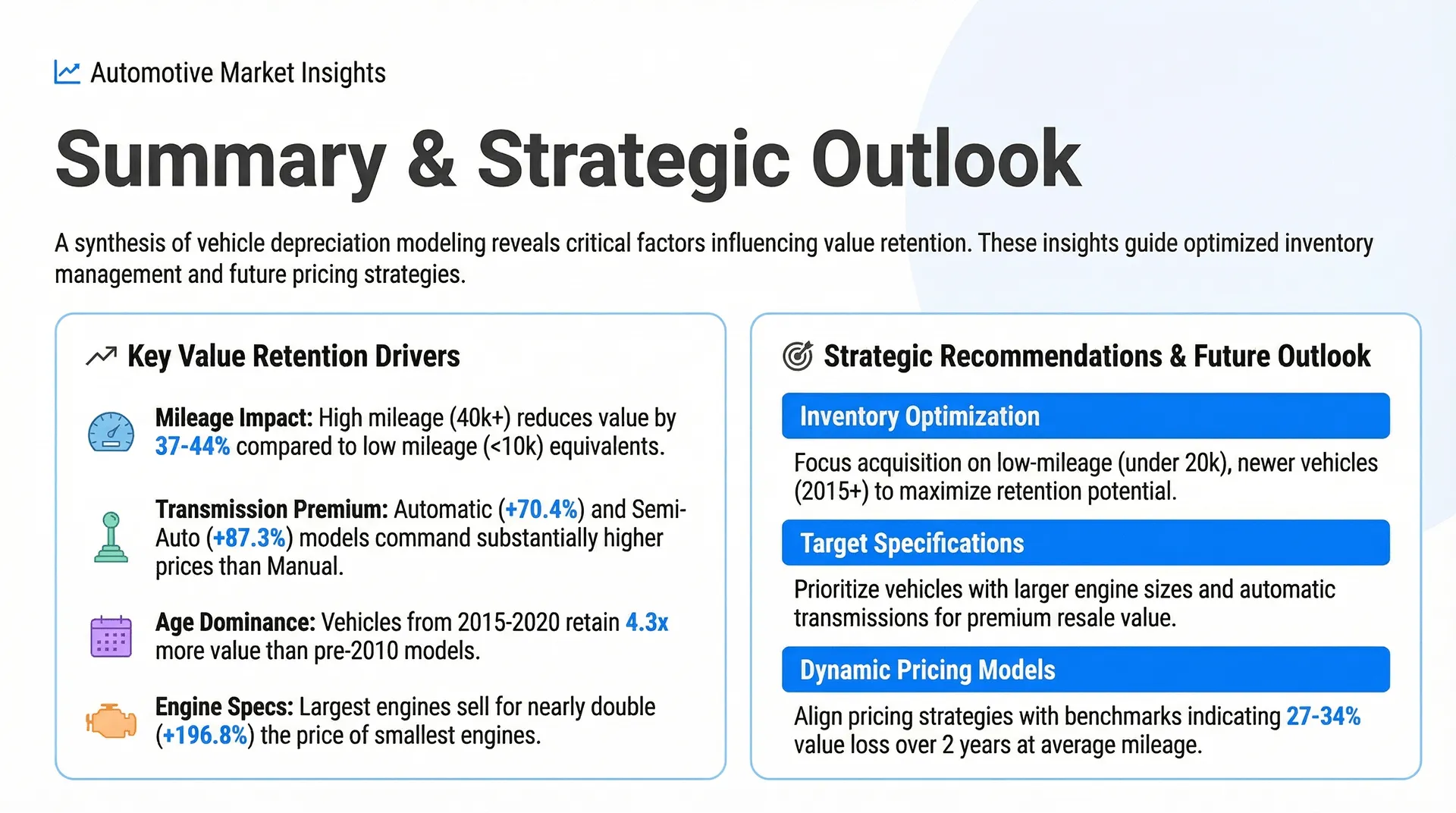
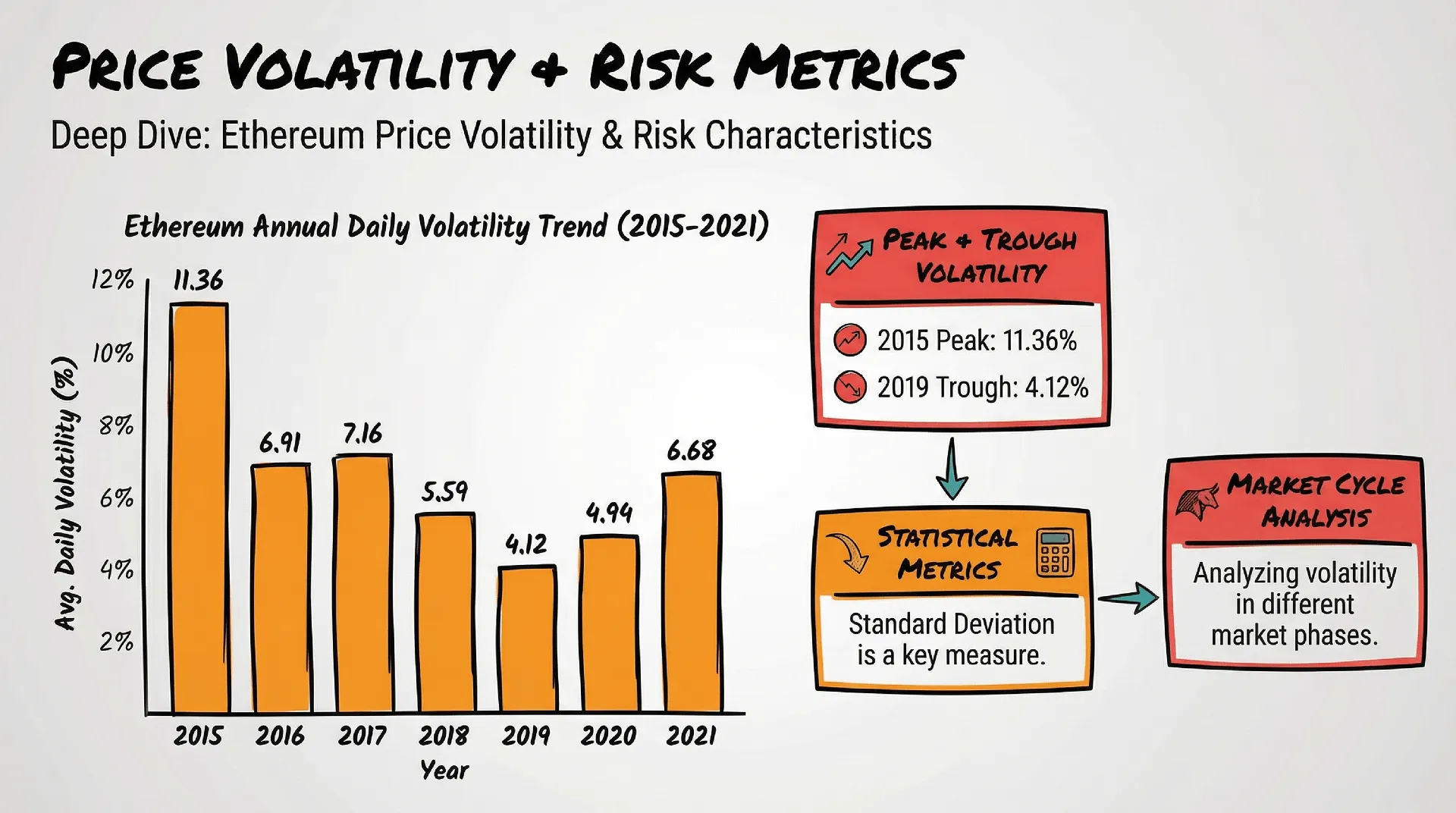
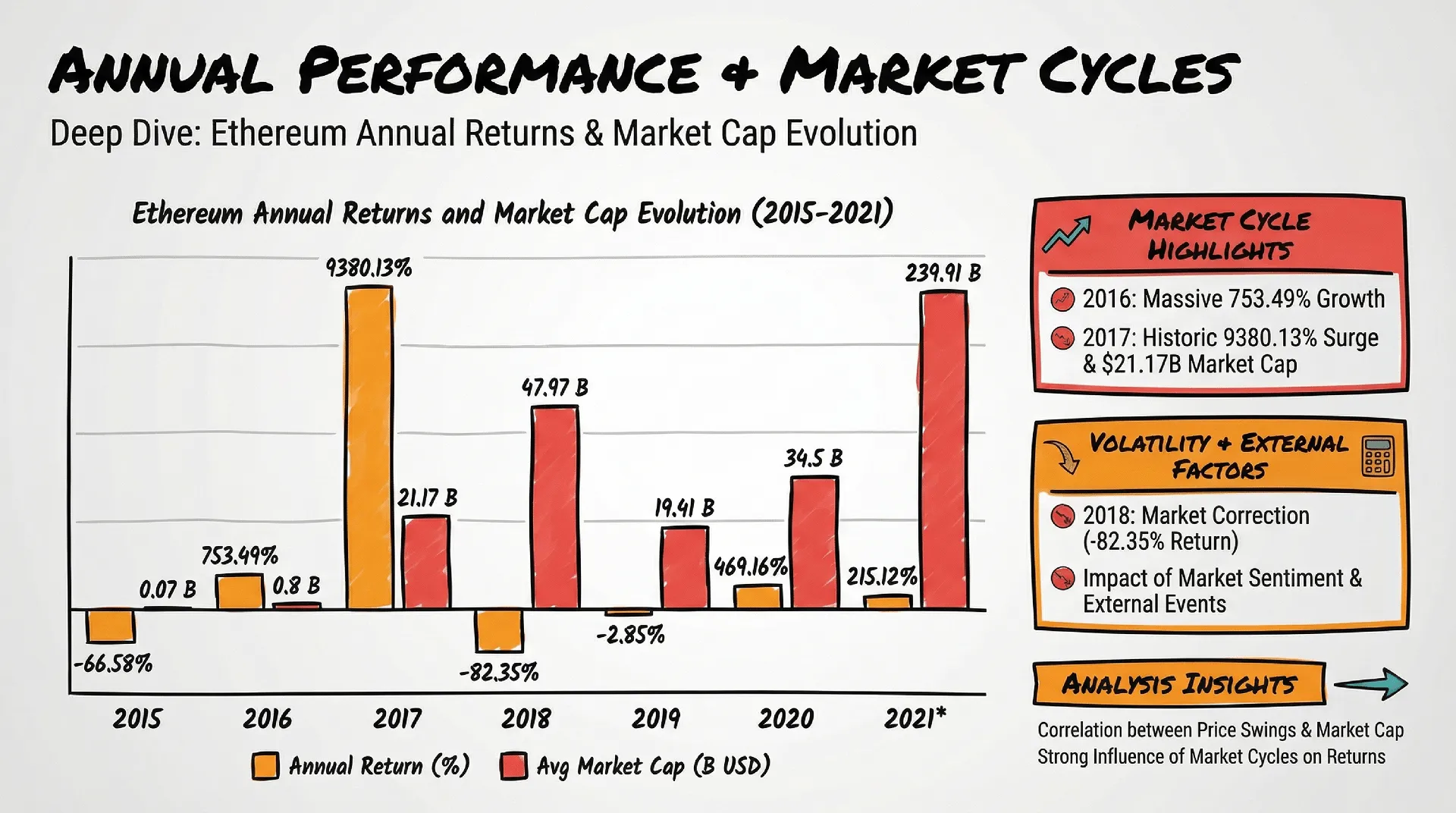
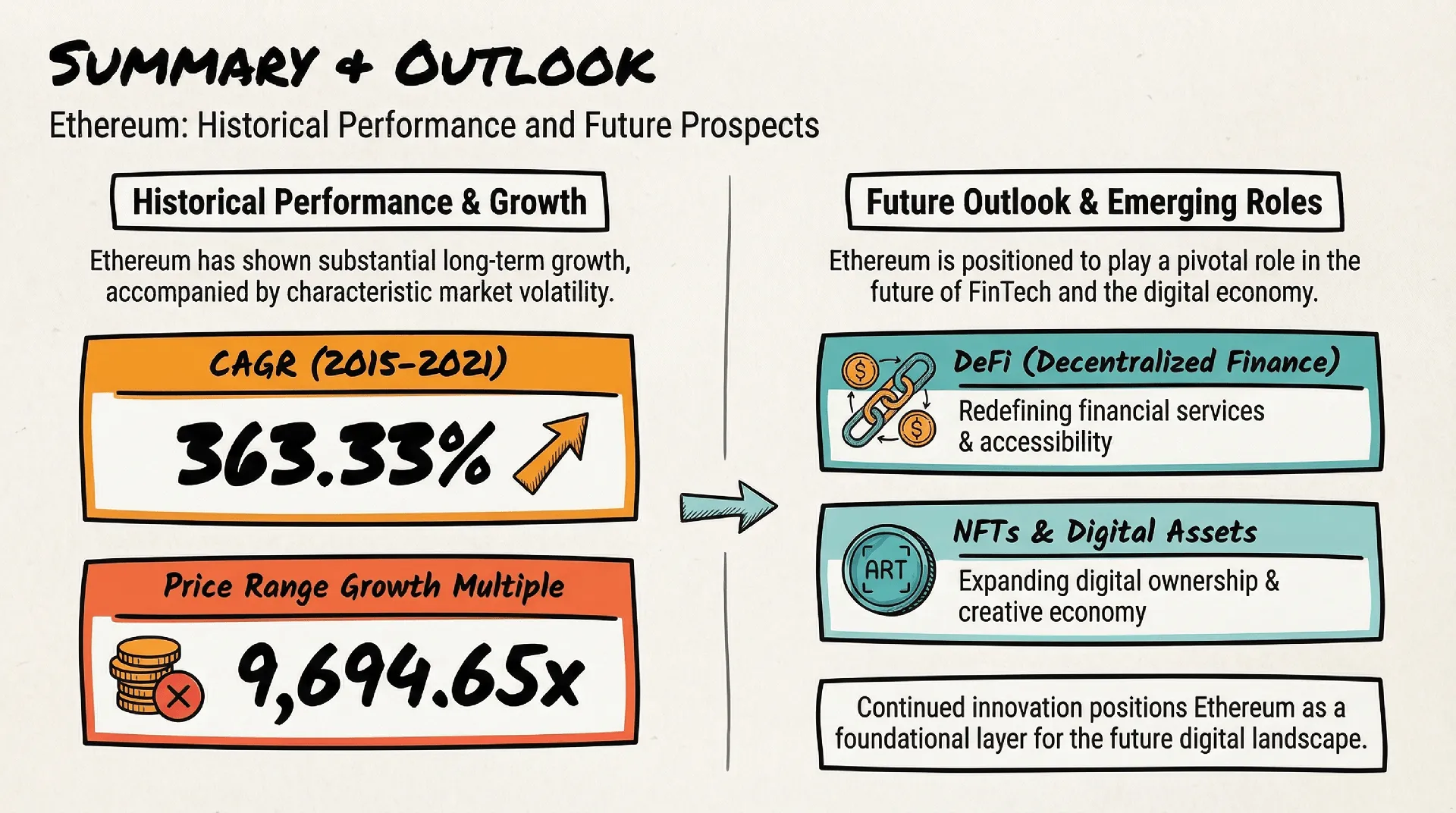
Generated Slides by Nano Banana Pro
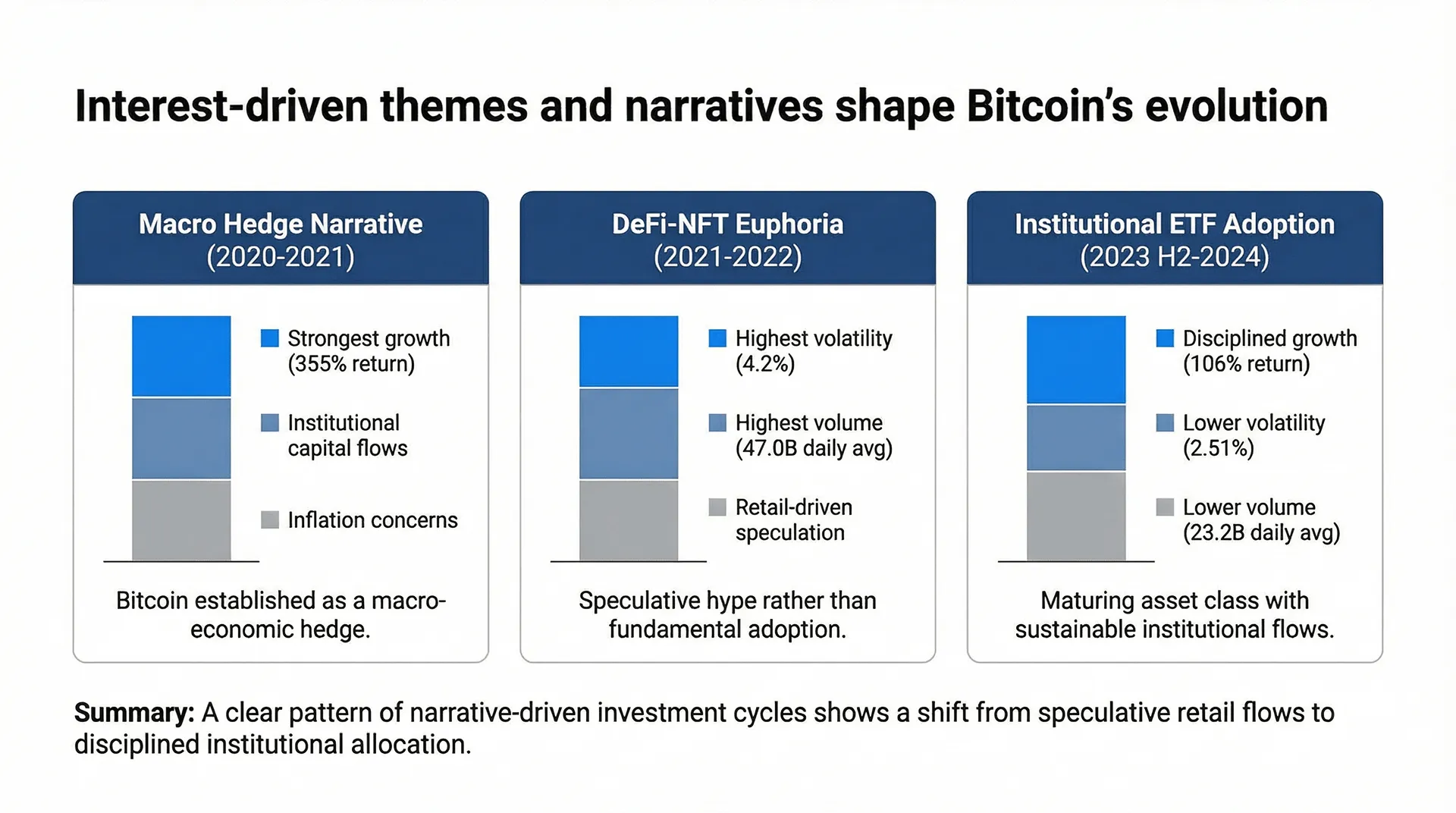
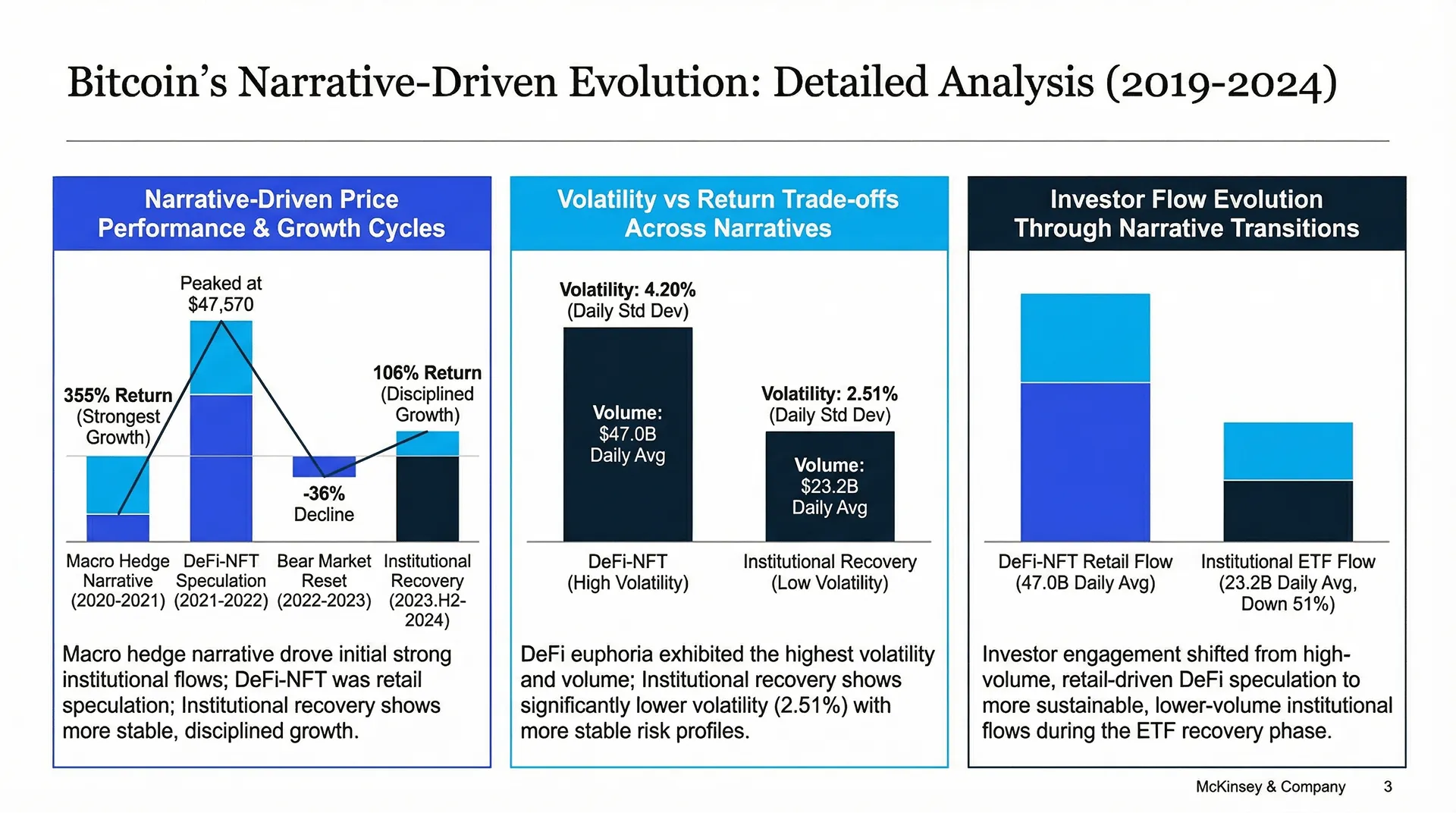
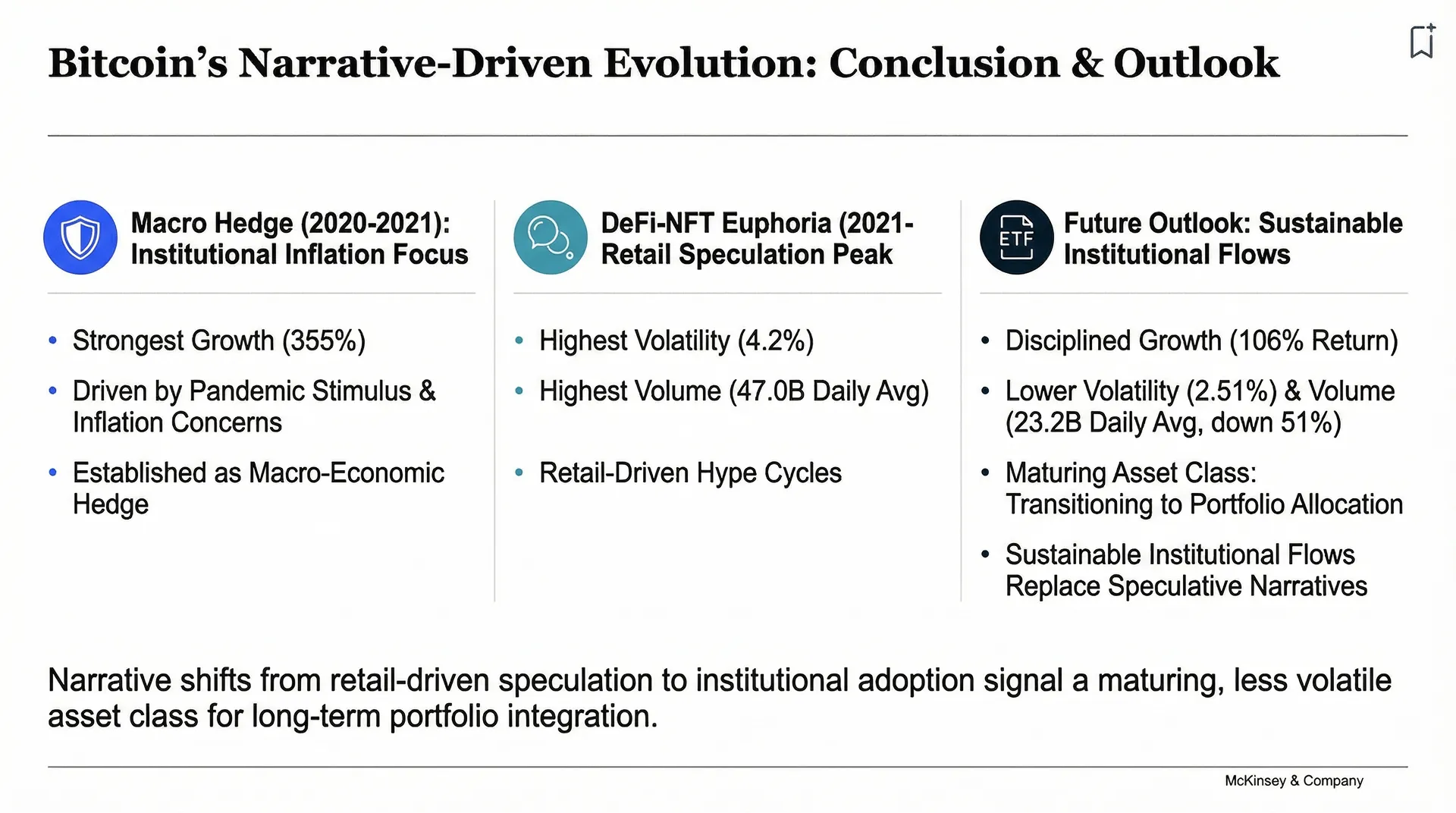
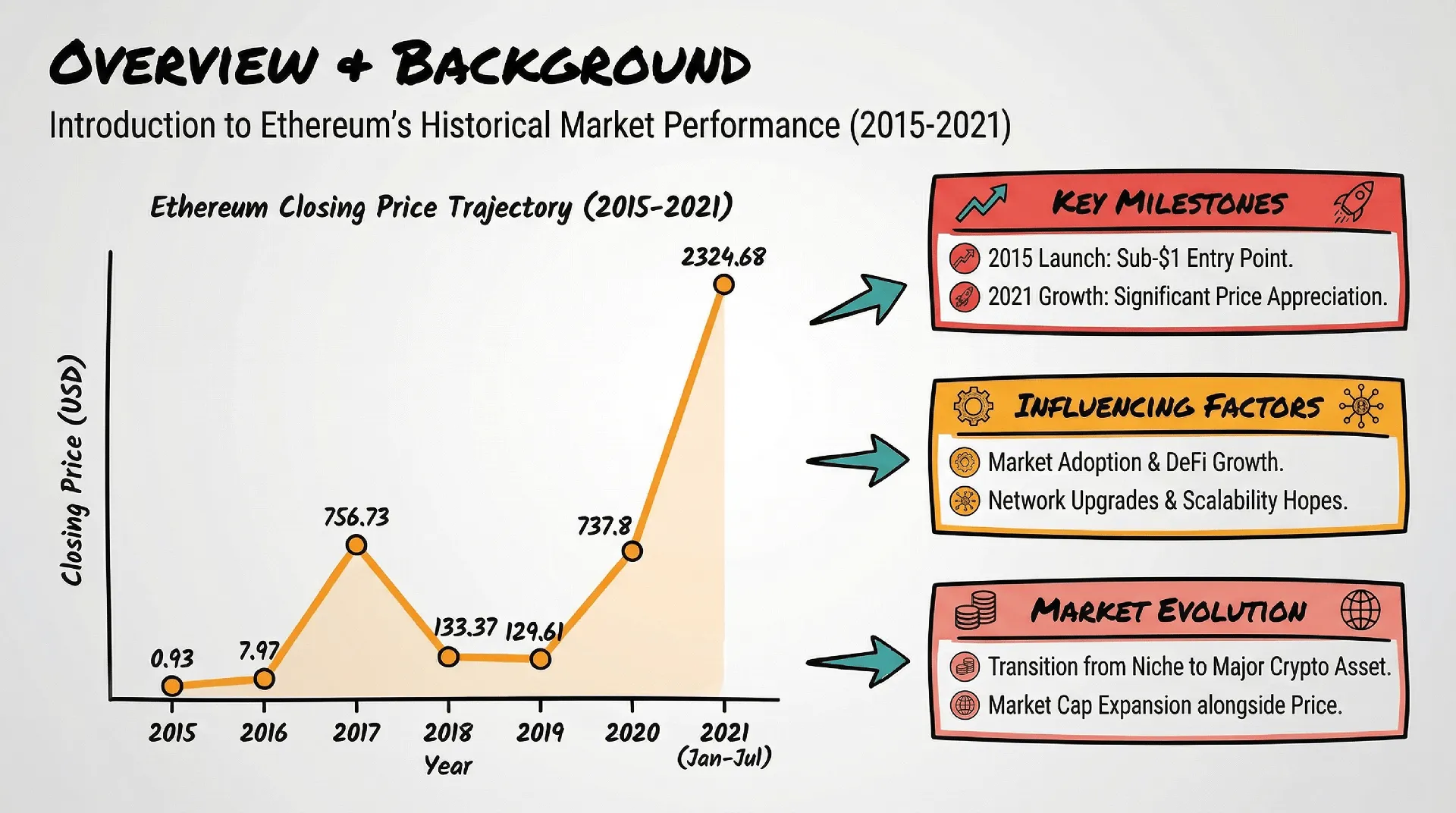
Experience the output of high-fidelity AI. These showcases demonstrate how the model generates entire presentation decks that consistently follow any visual language you choose—from Data-Heavy Analyst styles to futuristic 3D illustrations.
常见问题
我能删除在 Bloom 中的数据吗?
+
可以。
您可随时删除探索画布(Canvas)。
删除后,相关数据(上传文件、洞察、可视化、生成的报告)会被彻底移除,让您对数据拥有完全的控制权。
使用 Bloom 时我的数据安全吗?
+
安全是 Bloom 的首要原则。
多层安全防护,防止数据丢失或泄露
严格遵循隐私与合规标准
提供透明的 隐私声明 和 安全实践,可在 Trust Center 查询
我可以与团队协作使用 Bloom 吗?
+
可以。
Bloom 允许您分享探索画布(Canvas):
接收方可查看洞察和生成的演示文稿
并可基于此继续探索数据
注意:对方不会直接接触原始数据,确保数据隐私安全。
Bloom 支持哪些语言?
+
Bloom 目前支持 17 种语言,包括:
英语、西班牙语、葡萄牙语、中文、日语和韩语等。
这让全球用户都能用熟悉的语言进行数据分析。
Bloom 支持哪些数据格式?
+
Bloom 支持常见的电子表格格式,包括:
Excel(.xlsx)
CSV
TSV
上传后,AI 数据代理会自动完成后续工作。
使用 Bloom 需要技术或数据分析技能吗?
+
不需要。
Bloom 面向所有用户设计,包括市场人员、销售团队、产品经理、管理层和分析师。
只需上传文件,即可开启探索,无代码、零设置。
Bloom 能帮我生成 PPT 吗?
+
当然可以。
在探索数据的过程中,Bloom 会根据您选择的洞察和可视化图表,自动生成专业的 PowerPoint 演示文稿。
一键下载,无需手动排版
提供多种专业主题,确保您的报告精美且符合品牌风格
Bloom 可以用来做什么?
+
Bloom 旨在帮助您 高效探索、分析并展示数据:
准备商业报告
挖掘销售或用户行为趋势
跟踪关键 KPI
为决策提供数据洞察
它非常适合任何需要将原始数据转化为清晰可视化、核心结论和演示幻灯片的人群,无需技术技能或手动处理。
Powerdrill Bloom 是什么?
+
Powerdrill Bloom 是一款由 AI 驱动的 数据探索画布(AI Data Exploration Canvas)。它通过一支智能 AI 数据代理团队(AI Data Agents),自动完成数据清洗、分析和可视化,帮助您轻松将电子表格转化为可操作的洞察和专业演示文稿——全程无需编程。
Bloom 中的 AI 数据智能体是什么?
+
AI 数据代理是具备专长的智能助手,负责分析的不同环节。
有的代理理解您的数据结构
有的生成有价值的图表和洞察
还有的会提出更深入的问题或总结关键发现
这些代理协作完成数据分析,为您提供高效、精准的结果。
Bloom 是免费的吗?
+
是的。Powerdrill Bloom 提供免费版本,您可以在升级前先体验核心功能。
如果您需要更高级的功能、更高的使用额度或协作功能,Bloom 还提供多种付费方案,包括适用于团队协作的 Team 方案。
哪里可以体验 Powerdrill Bloom?
+
您可以立即在线体验 Powerdrill Bloom,无需安装任何软件。
只需访问 powerdrill.ai,登录后即可直接在浏览器中使用 Bloom。