Instant Ad Hoc Reporting with AI
Discover the power of ad hoc reporting. Analyze and gain valuable insights. Transform your data today!
Dùng thử miễn phí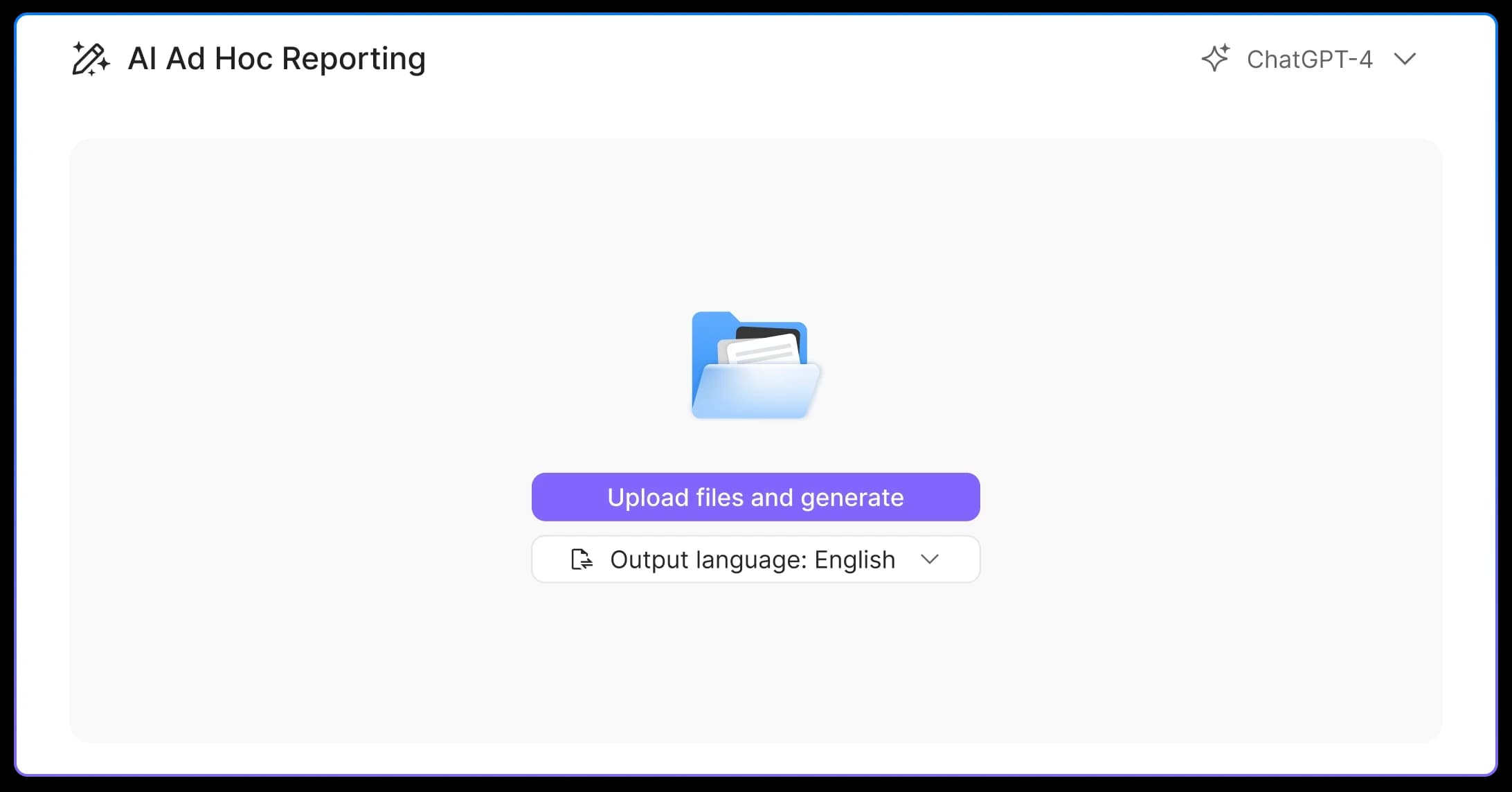
Natural Language Driven Query Flexibility
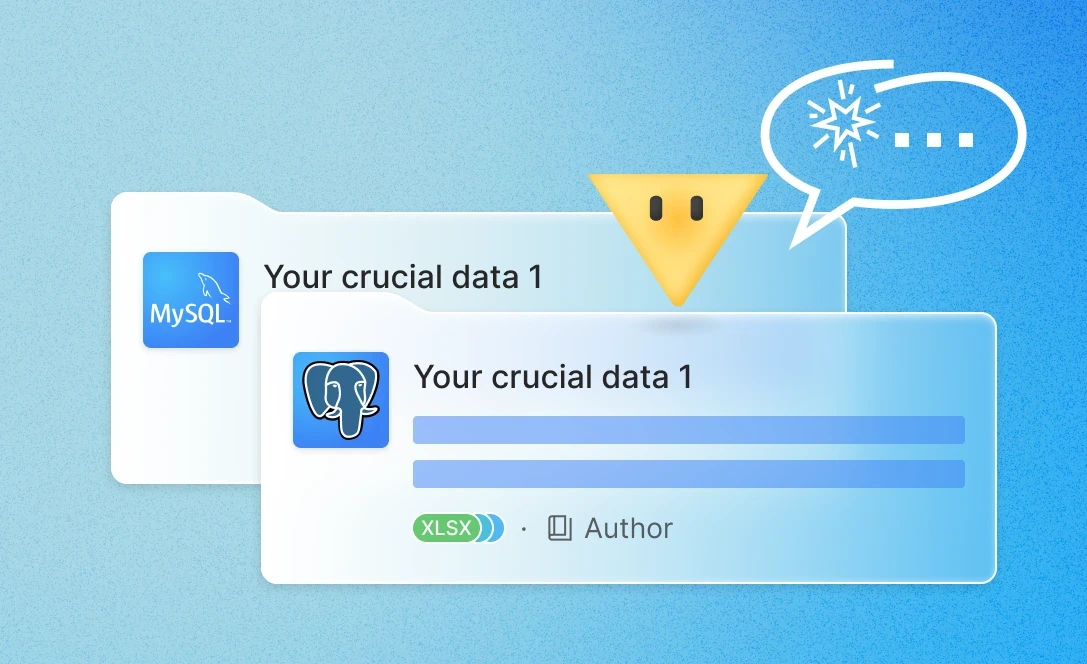
Leveraging advanced natural language processing capabilities, Powerdrill enables users to formulate intricate data queries without the need for in depth SQL knowledge. For instance, a simple input like “Retrieve all order information where the sales amount exceeded $10,000 and the customer rating was above 4 within the past month” allows the tool to promptly understand and precisely extract relevant data from either MySQL or PostgreSQL databases. This significantly reduces the time and effort otherwise spent on learning complex database query languages, making data acquisition a breeze.
Swift and Diverse Visualization
Once data is retrieved, Powerdrill can rapidly transform it into intuitive visualizations. It offers a wide array of visualization options. Bar charts are useful for comparing the magnitudes of different data categories; line charts are great for demonstrating trends over time; and pie charts are ideal for presenting the proportion of various components. For example, when analyzing the sales share of products in different regions, a pie chart can clearly display the data comparison, facilitating users' quick understanding of the underlying information and enhancing data analysis efficiency.
Powerful and Versatile Data Analysis
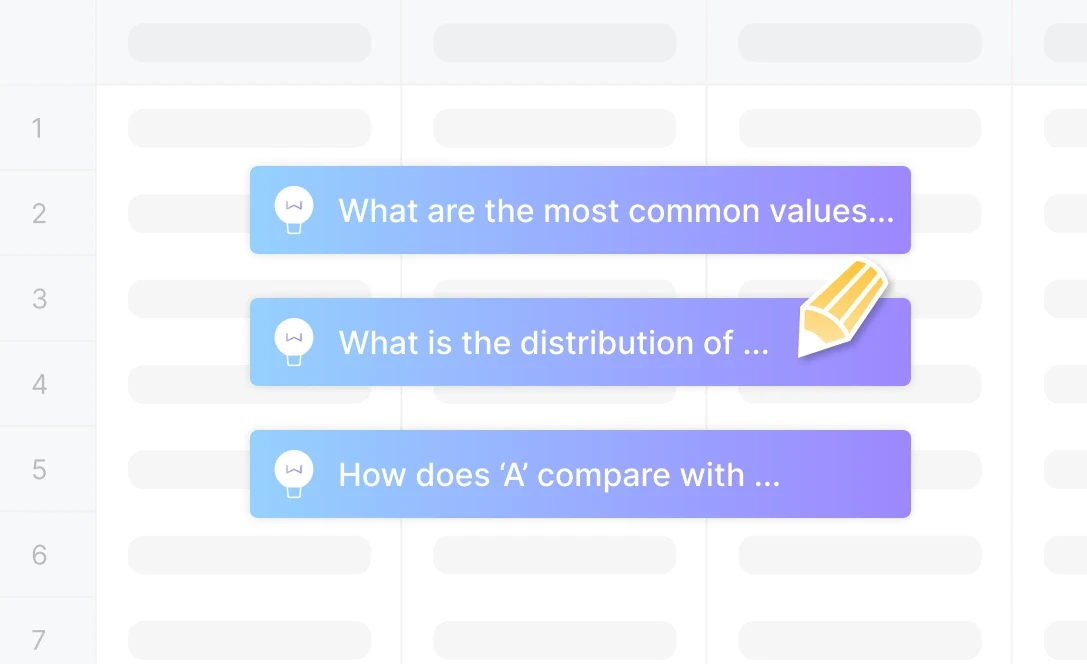
Beyond basic data retrieval and visualization, this tool is equipped with comprehensive data analysis functions. It can automatically perform data aggregation, calculate statistical metrics such as mean, median, and standard deviation, providing users with a quick grasp of the data's central tendency and dispersion. Moreover, it can conduct correlation analysis to identify potential relationships between different data fields, uncovering more valuable insights. For example, in analyzing employee performance data, it can quickly calculate the average performance score, the highest and lowest scores, which strongly supports human resources decision-making.
Cách hoạt động
Connect to the Database
First, visit Powerdrill to access its main interface. Then, create a new database and connect to either MySQL or PostgreSQL as the database type according to your data source. Finally, enter the host address, port number, username, password, and the name of the database you want to connect to. After ensuring the accuracy of the information, click the “Connect” button. A successful connection will display the database's table structure and field information.
Execute Ad hoc Queries
Input your query requirements in natural language in the query input box. For example, “Query the sales order details during the fourth quarter of 2024”. If the initial query results are not as expected, you can refine the query conditions. Once satisfied, send the message, and Powerdrill AI will extract data from the connected database and present it in the conversation.
Visualize and Analyze Data via Interaction
Engage in a conversation with the AI within the tool. Clearly state which data columns you want to utilize for visualization or analysis. For visualization, specify the type of chart you desire, such as “Create a bar chart for the sales volume of different product categories”. For analysis, you could say “Calculate the average profit margin and its standard deviation for all products”. After the chart is generated, you have the option to adjust its type and color.
Share Analysis Results
There are multiple sharing options available. You can share the dataset directly for others to conduct their own analysis. Additionally, you can copy the content generated by the AI, which may include analysis results, visualizations, and explanations. Moreover, with a single click, you can convert the entire analysis into a PPT (presentation). The tool will then generate the PPT, allowing you to download and share it with relevant parties.
Câu hỏi thường gặp
What is Powerdrill AI?
+
Powerdrill AI is an AI SaaS service centered around personal and enterprise datasets. Designed to unlock the full potential of your data, Powerdrill enables you to use natural language to effortlessly interact with your datasets for tasks ranging from simple Q&As to insightful BI analysis. By breaking down barriers to knowledge acquisition and data analysis, Powerdrill AI boosts data processing efficiency exponentially.
How can I use Powerdrill AI?
+
Log in to Powerdrill AI, and then you can message Powerdrill anything you want to ask.
However, that's not our top recommendation. Powerdrill AI excels at processing data-centric tasks, offering connectors to various data types such as PDFs, Excel files, PowerPoints, CSVs, TSVs, and, most impressively, SQL databases. You can upload your data to train a custom AI assistant tailored to your specific needs.
Is Powerdrill AI free?
+
You can start using Powerdrill for free. Powerdrill offers free quotas to several features. However, if you want to try more fantastic features, such as understanding images, text-to-image converters, and connectors to SQL databases, you need to upgrade your plan. For more information, see Pricing Plans.
How does Powerdrill AI work?
+
Powerdrill leverages top-notch AI technologies, such as GPT-3.5, GPT-4, GPT-4 Turbo, GPT-4o, and DALL·E to deliver precise and tailored responses, ensuring you receive accurate information efficiently.
Can I analyze spreadsheets with multiple tabs?
+
Absolutely. Simply upload your multi-tab spreadsheet. Afterwards, you can start ask questions about your spreadsheet. If you want Powerdrill AI to analyze specific tabs, just reference the specific tab names in your prompts.
Does Powerdrill AI have a privacy notice?
+
Absolutely yes. At Powerdrill, safeguarding your privacy and ensuring data security are our top priorities. In addition to our comprehensive privacy notice, we are dedicated to compliance with regulations such as GDPR, ISO 27001, and SOC2 (in progress), demonstrating our commitment to protecting your information.
More efforts we've done in security and compliance can be found in the Security page and our Trust Center.
How can I get in touch with you for questions or to share feedback?
+
Experience issues, discover bugs or have suggestions for Powerdrill? Share with us! We‘ll promptly review your feedback within 48 hours. For any valid issues, bugs, or suggestions, we‘ll offer additional usage credits to express our thanks.
To ask questions or provide feedback for Powerdrill, simply log in, select your profile at the bottom left corner, and then click on the Feedback section to enter your comments.