Split Cells in Excel with ease
Split cells in Excel with Powerdrill. Separate first and last name easily – Try it today!
Ücretsiz Deneyin
User-Friendly Interface
Powerdrill simplifies the process of splitting cells in Excel, making it accessible for users of all skill levels, from beginners to advanced professionals.

Time-Saving Solution
Save time by easily splitting cells in Excel with Powerdrill, allowing for faster data manipulation and improved productivity without complex formulas or manual effort.
Boost Accuracy
Minimize human error by automating cell splitting in Excel, ensuring precise and consistent results, especially when separating names or other critical data points.

Nasıl çalışır
Upload Your Excel File
Simply upload your Excel file containing the cells you want to split. Powerdrill supports multiple formats, allowing for seamless data processing from the start.
Specify How to Split
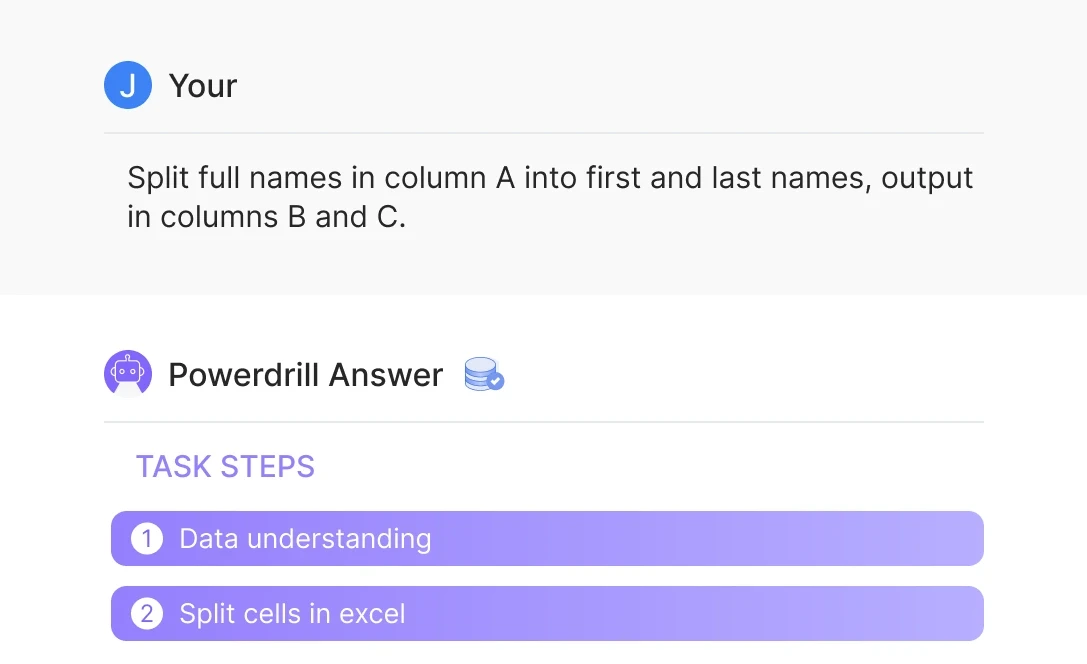
Indicate how you'd like to split the cells, such as separating first and last names or other data points. For example, you can enter: “Split full names in column A into first and last names, output in columns B and C.”
Download the Processed File
After Powerdrill splits the cells as requested, download the updated file with your separated data, saving you time and effort on manual editing.
Sık Sorulan Sorular
Can I analyze multiple files simultaneously?
+
Yes. With Powerdrill AI, you can upload up to 10 files at once into a dataset. Once uploaded, you can associate the data with your chat session and begin analyzing the files. See the Quickly Get Data Insights from SQL Log Files with Powerdrill Advanced Analytics use case.
Besides data analysis, you can do much more on Powerdrill AI, for example, you can merge files. See the blog for a step-by-step demo.
What file formats can I upload to Powerdrill for data analysis?
+
Powerdrill supports Excel, CSV, and TSV file formats for data input. You can upload any of these file types for analysis.