Try Your Ultimate AI Excel Calculator
Unlock Excel calculations with Powerdrill’s top formulas & functions. Calculate standard deviation, CAGR, growth rate...
Ücretsiz Deneyin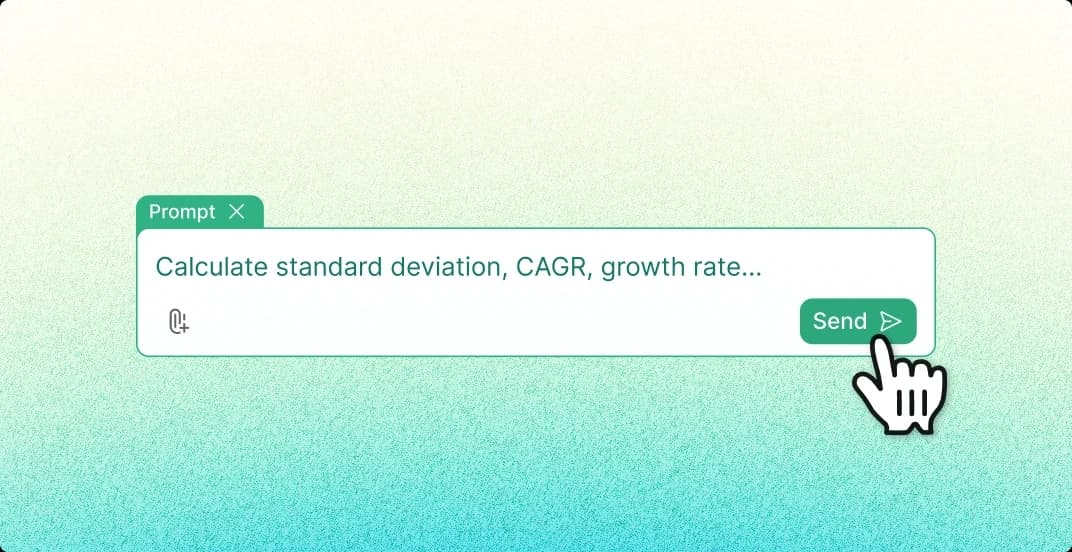
Calculate Standard Deviation
Easily compute the standard deviation of your dataset in Excel with the AI calculator, providing quick insights into data variability.

CAGR Calculation
Use the AI Excel tool to effortlessly calculate the Compound Annual Growth Rate (CAGR) for investments or business performance over multiple years.

Growth Rate Formula
Automatically apply the growth rate formula in Excel to track and analyze your data’s growth trends over time, optimizing decision-making.

Excel Percentages & Summing
Instantly calculate percentages or sum up entire columns of data in Excel, saving you time and reducing errors in financial or analytical reports.

Nasıl çalışır
Upload Your Excel File
Upload your Excel file to Powerdrill. Ensure your data is correctly formatted to enable smooth calculations.
Provide Calculation Request
Input your desired calculation request in text, such as standard deviation, CAGR, growth rate, etc. Powerdrill will recognize and apply the correct formula.
Get Precise Results
Click the calculate button, and Powerdrill will quickly generate accurate results based on your text input, enhancing your productivity.
Sık Sorulan Sorular
Can I analyze multiple files simultaneously?
+
Yes. With Powerdrill AI, you can upload up to 10 files at once into a dataset. Once uploaded, you can associate the data with your chat session and begin analyzing the files. See the Quickly Get Data Insights from SQL Log Files with Powerdrill Advanced Analytics use case.
Besides data analysis, you can do much more on Powerdrill AI, for example, you can merge files. See the blog for a step-by-step demo.
What file formats can I upload to Powerdrill for data analysis?
+
Powerdrill supports Excel, CSV, and TSV file formats for data input. You can upload any of these file types for analysis.