12 meilleurs outils d’IA pour l’automatisation des feuilles de calcul en 2026 (guide d’achat)
Je connais parfaitement ce sentiment. Vous fixez une feuille de calcul de plusieurs milliers de lignes, en essayant de comprendre pourquoi votre VLOOKUP imbriqué est cassé, alors que l’échéance du rapport était hier. La quantité colossale de saisie manuelle de données, de mise en forme répétitive et de débogage de formules que nous faisons chaque jour est épuisante. C’est exactement pour cela que j’ai décidé de trouver une meilleure solution.
J’ai passé les trois derniers mois à tester personnellement des dizaines d’assistants de feuilles de calcul dopés à l’IA sur des jeux de données réels et désordonnés afin de voir lesquels font vraiment gagner du temps. Voici mon guide d’achat définitif des 12 meilleurs outils d’IA pour l’automatisation des feuilles de calcul en 2026, fondé sur mes tests de première main.
Tableau comparatif rapide
| Outil | Meilleure fonctionnalité | Utilisateur idéal | Tarif |
|---|---|---|---|
| 1. Powerdrill Bloom | Automatisation de bout en bout ultime | Professionnels recherchant une efficacité maximale | 13,27 $/mois |
| 2. hiData.ai | Cartographie d’analyse statistique | Analystes de données | 9,9 $/mois |
| 3. Ajelix | Génération de scripts VBA | Utilisateurs avancés d’Excel | 20 $/mois |
| 4. Formula Bot | Génération de formules simples | Débutants | 18 $/mois |
| 5. Numerous.ai | Fonctions d’IA dans les cellules | Marketeurs & spécialistes SEO | Tarif personnalisé |
| 6. SheetAI | IA native pour Google Sheets | Utilisateurs de G-Suite | 20 $/mois |
| 7. ChatCSV | Requêtes conversationnelles rapides | Managers examinant des exports | Gratuit |
| 8. PromptLoop | Web scraping vers les feuilles | Équipes de génération de leads | Tarif personnalisé |
| 9. Manus | Tâches d’agent IA multi-applications | Productivité générale | 20 $/mois |
| 10. Beautiful AI | Feuille de calcul vers présentation | Commerciaux & dirigeants | 12 $/mois |
| 11. Copilot for Excel | Intégration native à Microsoft | Utilisateurs 365 en entreprise | 18 $/mois |
| 12. Julius AI | Visualisation Python avancée | Data scientists | 20 $/mois |
Comment nous avons testé ces outils
- Jeux de données réels : J’ai évité les données de démonstration propres et utilisé mes propres feuilles marketing et financières désordonnées et incomplètes.
- Précision des formules : J’ai mis chaque outil au défi de générer des formules complexes et multicouches afin de détecter les hallucinations de l’IA.
- Intégration au flux de travail : J’ai évalué la fluidité avec laquelle l’outil s’intégrait aux environnements Excel ou Google Sheets existants.
- Courbe d’apprentissage : J’ai apprécié la rapidité avec laquelle un utilisateur non technique pouvait passer de l’installation à sa première tâche automatisée.
1. Powerdrill Bloom
Powerdrill Bloom est sans conteste l’assistant de données IA le plus complet que j’ai testé. Il comble le fossé entre les données brutes et les informations exploitables sans vous demander d’écrire une seule ligne de code.

Points forts
- Précision inégalée dans la conversion du langage naturel en formules de feuille de calcul complexes.
- Mise en forme et nettoyage des données instantanés et intelligents.
- Capacités de visualisation fluides qui transforment instantanément des lignes brutes en graphiques clairs.
Cas d’usage courants
- Automatiser les rapports financiers et marketing hebdomadaires.
- Nettoyer et restructurer instantanément des jeux de données massifs et désordonnés.
- Générer des insights prédictifs avancés à partir de feuilles de calcul standard.
2. hiData.ai
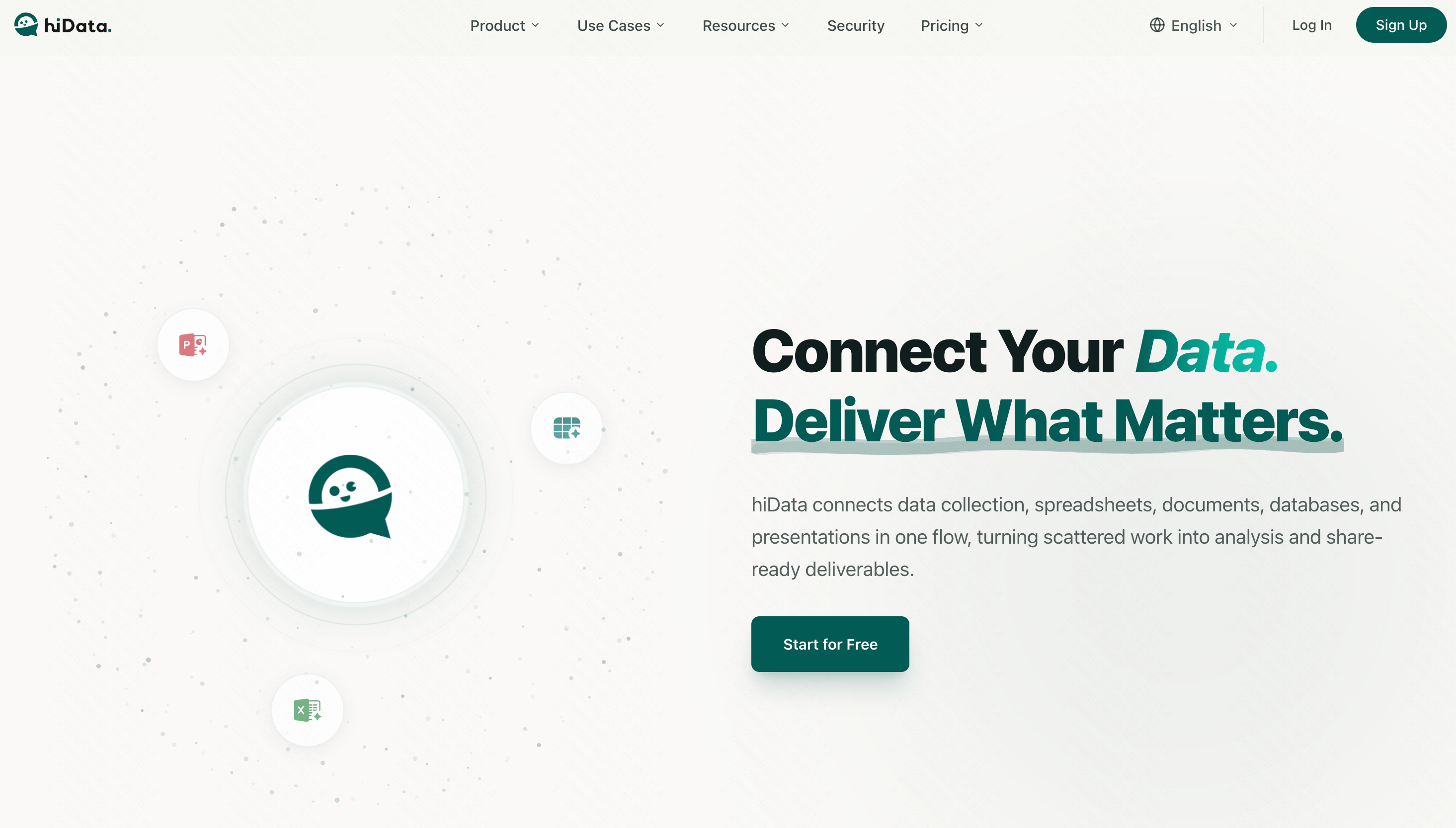
Un outil d’IA solide, davantage orienté vers la modélisation statistique et la cartographie visuelle des données.
Points forts
- Bonne intégration pour les jeux de données statistiques.
- Interface conviviale pour créer des tableaux de bord.
Cas d’usage courants
- Analyse exploratoire des données.
- Visualisation de feuilles de calcul démographiques.
3. Ajelix
Une suite d’outils d’IA conçue spécifiquement pour aider les utilisateurs à écrire plus vite des formules et des scripts VBA.

Points forts
- Traduit le texte en code VBA Excel de manière fiable.
- Inclut un explicateur de formules pratique pour le dépannage.
Cas d’usage courants
- Écrire des macros personnalisées.
- Déboguer des feuilles de calcul complexes héritées.
4. Formula Bot
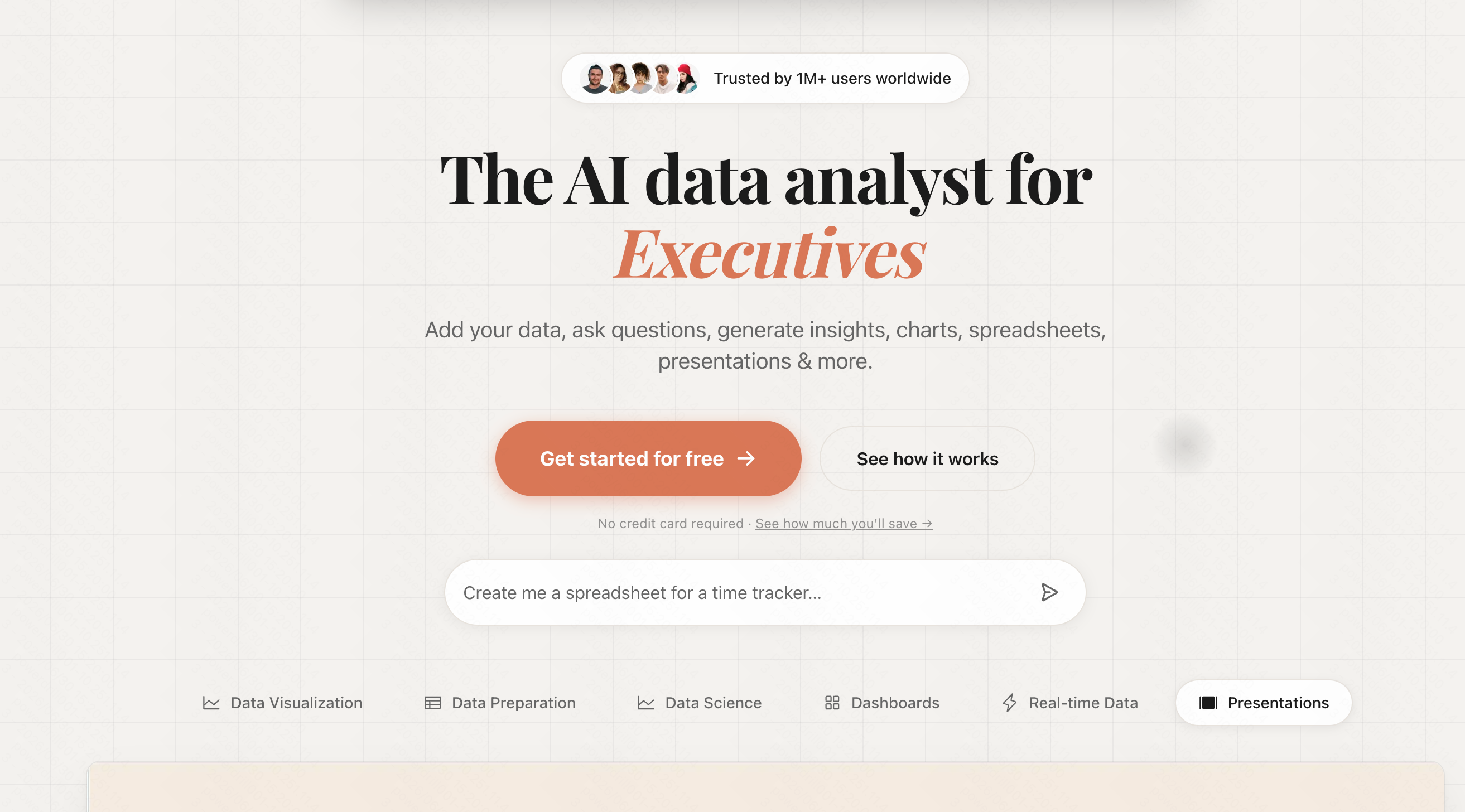
L’un des premiers pionniers du domaine, Formula Bot est un outil simple pour traduire des instructions textuelles en formules.
Points forts
- Interface épurée et minimaliste.
- Prend en charge à la fois la syntaxe d’Excel et de Google Sheets.
Cas d’usage courants
- Trouver rapidement la bonne formule pour des tâches simples.
- Apprendre la syntaxe des feuilles de calcul.
5. Numerous.ai
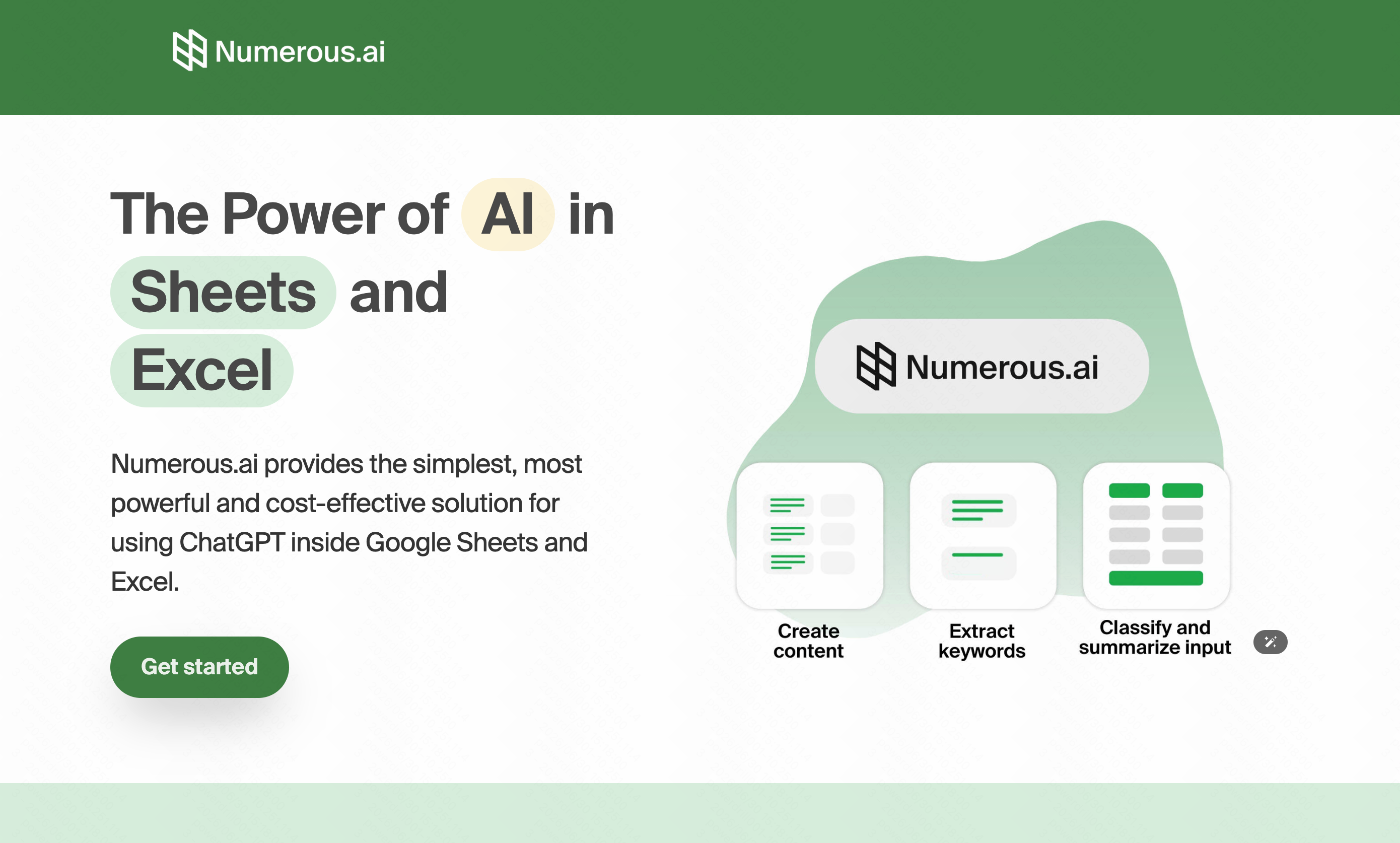
Agit comme ChatGPT à l’intérieur de votre feuille de calcul, vous permettant d’utiliser des fonctions d’IA directement dans vos cellules.
Points forts
- Capacités d’IA par glisser-déposer pour le traitement par lots.
- Excellente génération et classification de texte.
Cas d’usage courants
- Catégoriser des centaines de réponses de retours clients.
- Générer des balises méta SEO en masse.
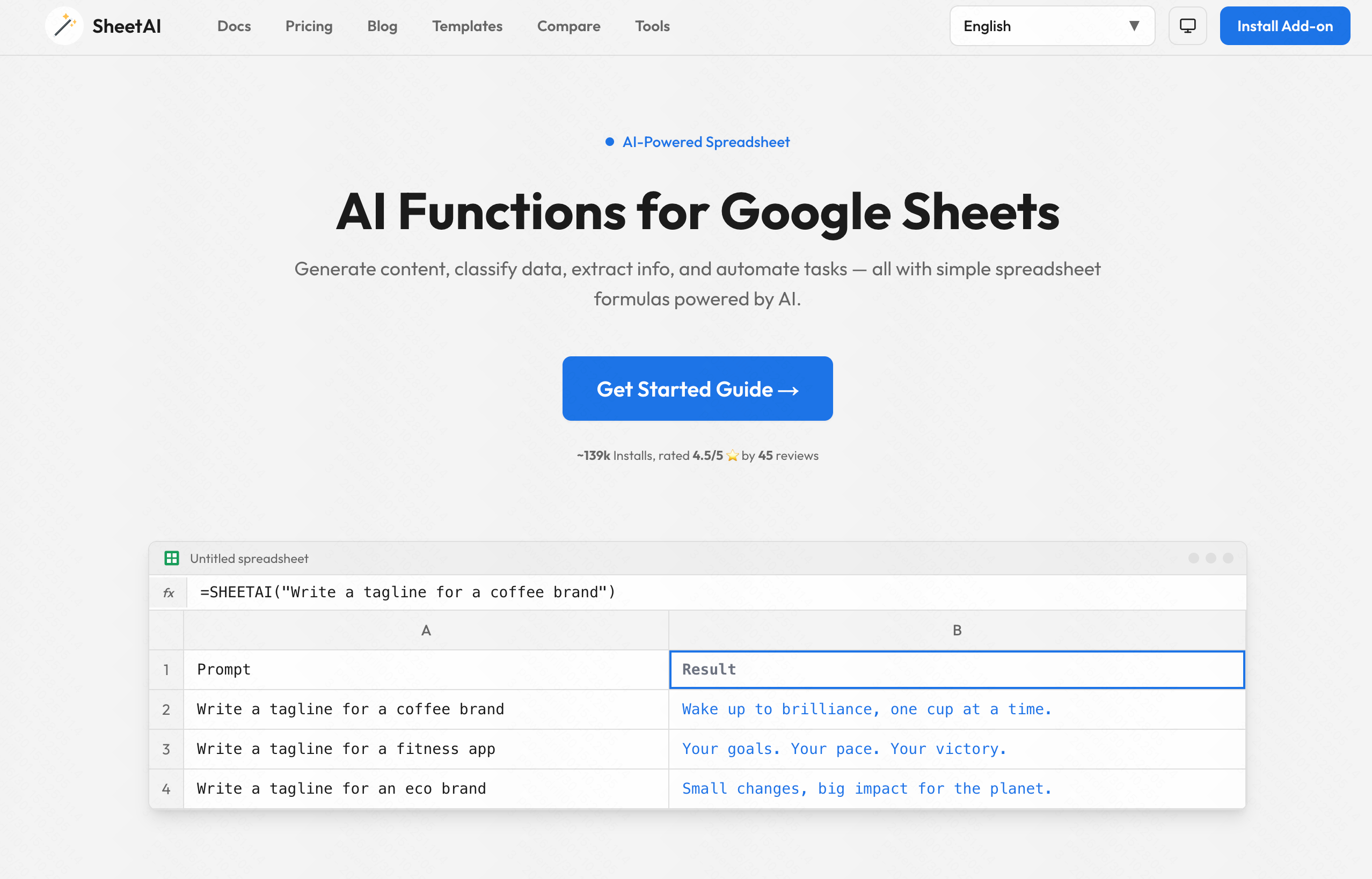
6. SheetAI.app
Un module complémentaire dédié à Google Sheets qui apporte des fonctions de génération par IA directement dans l’écosystème Google.
Points forts
- Formules Google Sheets personnalisées comme =SHEETAI.
- Résumé de texte rapide.
Cas d’usage courants
- Résumer de grands blocs de texte au sein de Sheets.
- Générer des données factices pour les tests.
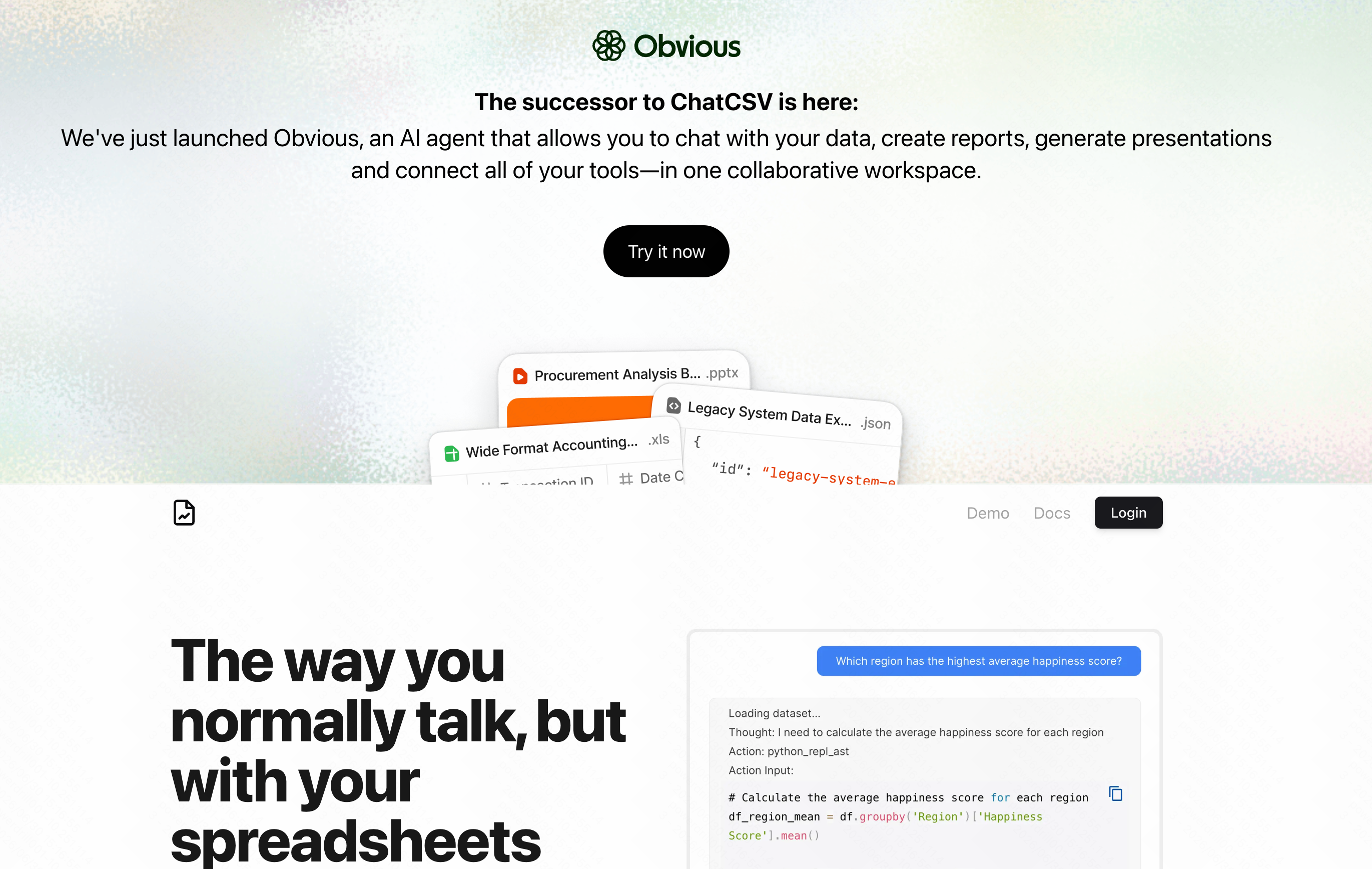
7. ChatCSV
Un outil spécialisé qui vous permet de téléverser un fichier CSV et de « discuter » avec lui comme si vous parliez à un analyste.
Points forts
- Aucune installation requise ; basé sur le navigateur.
- Excellent pour répondre à des questions directes sur les données.
Cas d’usage courants
- Extraire rapidement le chiffre d’affaires total d’un export.
- Examiner des CSV autonomes sans ouvrir Excel.
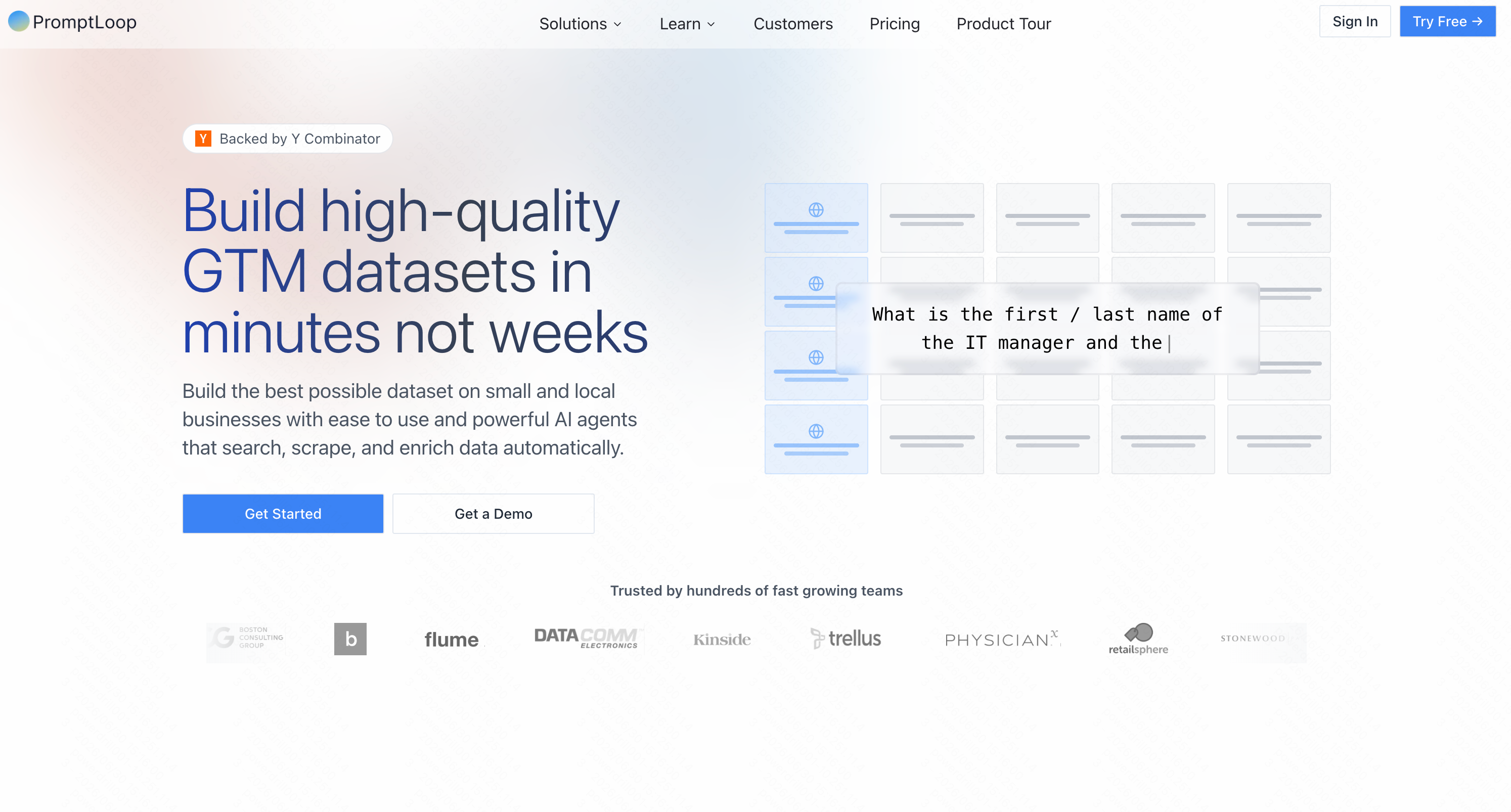
8. PromptLoop
Cet outil excelle à intégrer des données web externes dans vos feuilles de calcul grâce au web scraping par IA.
Points forts
- Modèles d’IA personnalisés pour la recherche web.
- Enrichissement automatisé des données.
Cas d’usage courants
- Extraire les prix des concurrents dans une feuille.
- Enrichir des listes de prospects avec des données d’entreprise.
9. Manus
Bien qu’il s’agisse techniquement d’un agent IA plus large, Manus peut interagir avec les feuilles de calcul pour automatiser des tâches entre différentes applications.
Points forts
- Automatisation des flux de travail entre applications.
- Exécution autonome des tâches.
Cas d’usage courants
- Extraire des données d’e-mails et les consigner dans des feuilles.
- Automatiser les tâches administratives de routine.
10. Beautiful AI
Bien qu’il s’agisse avant tout d’un outil de présentation, son IA assimile facilement les données de feuilles de calcul pour automatiser la création de graphiques et de diapositives visuellement saisissants.
Points forts
- Mise en forme automatique des diapositives en fonction des données saisies.
- Modèles de conception de qualité professionnelle.
Cas d’usage courants
- Transformer les feuilles de calcul de fin de mois en présentations commerciales.
- Visualiser les données de vente pour les réunions du conseil d’administration.
11. Microsoft Copilot for Excel
L’intégration IA native de Microsoft, intégrée directement dans l’écosystème Office 365.
Points forts
- Intégration sécurisée de qualité entreprise.
- Comprend le contexte de vos autres fichiers Microsoft.
Cas d’usage courants
- Mettre en forme les tableaux de données d’entreprise en toute sécurité.
- Générer rapidement des tableaux croisés dynamiques.
12. Julius AI
Imaginez Julius comme un data scientist dans une fenêtre de chat. Il exécute Python en coulisses pour analyser vos feuilles de calcul.

Points forts
- Gère efficacement des jeux de données massifs.
- Génère des graphiques basés sur Python hautement personnalisables.
Cas d’usage courants
- Modélisation statistique avancée.
- Création d’analyses de régression complexes.
Comment construire votre système d’automatisation des feuilles de calcul
- Auditez vos flux de travail : Identifiez les tâches répétitives qui vous font perdre du temps, comme les rapports hebdomadaires ou la mise en forme.
- Sélectionnez un outil d’ancrage : Choisissez un outil central puissant et polyvalent pour gérer le gros du travail.
- Standardisez vos données : L’IA fonctionne mieux lorsque vos données brutes suivent un modèle cohérent.
- Formez votre équipe : Assurez-vous que vos collègues savent comment solliciter l’IA efficacement pour obtenir des résultats cohérents.
Comment choisir les meilleurs outils pour votre flux de travail
- Évaluez votre écosystème : Si vous avez strictement besoin d’une intégration native d’entreprise, Copilot est un choix sûr. Si vous avez besoin d’un chat rapide, ChatCSV fonctionne bien.
- Évaluez la complexité : Pour des formules simples, Formula Bot suffit. Pour un vrai gros travail, il vous faut un moteur plus intelligent.
- Recherchez des capacités tout-en-un : Plutôt que de jongler avec cinq extensions différentes pour la mise en forme, les formules et les graphiques, cherchez une solution unifiée.
- Le verdict : Objectivement, si des outils comme Numerous et Julius servent parfaitement leurs niches spécifiques, Powerdrill Bloom se distingue comme l’outil d’ancrage ultime. Il gère la plus grande variété de tâches—de la simple mise en forme aux graphiques prédictifs avancés—avec la barrière d’entrée la plus basse.
Conclusion
Automatiser vos feuilles de calcul n’est plus un luxe en 2026 ; c’est une nécessité pour rester compétitif. Après avoir minutieusement testé le marché, il est clair que si de nombreux outils offrent d’excellentes fonctionnalités de niche, vous avez besoin d’un assistant complet pour véritablement transformer votre flux de travail.
Si vous souhaitez éliminer la saisie manuelle des données, générer instantanément des formules complexes et transformer sans effort des chiffres bruts en informations précieuses, je vous recommande vivement de commencer votre parcours d’automatisation avec Powerdrill Bloom dès aujourd’hui.
FAQ
Quel est le meilleur outil d’IA pour les feuilles de calcul ?
D’après des tests approfondis, Powerdrill Bloom est le meilleur outil dans l’ensemble grâce à sa puissante automatisation de bout en bout et à sa précision.
L’IA peut-elle écrire des formules Excel complexes ?
Oui. Des outils comme Powerdrill Bloom génèrent et dépannent sans effort des formules imbriquées très complexes à partir de simples instructions en langage courant.
Ai-je besoin de compétences en programmation pour automatiser les feuilles de calcul ?
Pas du tout. Avec Powerdrill Bloom, il vous suffit de taper ce que vous voulez accomplir en langage courant, sans aucune programmation requise.
Les outils de feuilles de calcul par IA sont-ils sûrs pour les données de l’entreprise ?
Les meilleurs outils privilégient la sécurité. Powerdrill Bloom offre des mesures de confidentialité robustes, garantissant que vos données professionnelles sensibles restent parfaitement protégées.
Combien de temps l’IA fait-elle gagner sur les feuilles de calcul ?
Les utilisateurs gagnent souvent plusieurs heures par semaine. Powerdrill Bloom réduit la mise en forme répétitive et la création de formules à quelques secondes.