11 Domo Alternatives and Competitors for Data Analytics in 2026: Tested & Compared
Introduction
The modern data landscape demands more than just basic dashboards; it requires robust engines capable of handling complex Online Analytical Processing (OLAP) while ensuring seamless data democratization across all organizational levels. Domo has long been a heavyweight in the business intelligence (BI) space, celebrated for its all-in-one cloud platform.
However, as enterprise needs evolve, organizations are increasingly looking for specialized solutions. Whether the goal is to reduce overhead, find a more agile semantic layer, or leverage native AI-driven insights, exploring the right Domo alternative is crucial for future-proofing your analytics stack.
Why Consider Alternatives to Domo?
While Domo is a powerful platform, it isn't the perfect fit for every organization. Here is why data teams look elsewhere:
High Total Cost of Ownership: Domo’s premium pricing model and add-on costs can be prohibitively expensive for scaling mid-market companies.
Proprietary Lock-in: Its closed, end-to-end architecture makes it difficult to integrate modularly with an existing modern data stack.
Steep Learning Curve: While creating simple charts is easy, mastering its proprietary data transformation engine (Magic ETL) requires specialized, time-consuming training.
Rigid Customization: Enterprises often require bespoke data governance and white-label embedding capabilities that Domo’s rigid structure can restrict.
How Did We Evaluate These Tools?
To provide a definitive ranking, we tested these platforms against several critical criteria:
Integration Capabilities: How seamlessly the tool connects with cloud data warehouses like Snowflake, BigQuery, and Redshift.
Ease of Use vs. Analytical Depth: The balance between an intuitive drag-and-drop UI for business users and deep SQL capabilities for analysts.
AI and Automation: The presence of augmented analytics, generative AI, and natural language querying.
Pricing Transparency: Whether the pricing model scales fairly with user adoption and data consumption.
Performance Reliability: The engine's speed and ability to render massive, real-time datasets without lagging.
Quick Comparison Table
Product | Profile | Key Features | Pricing |
AI-native enterprise BI | Multi-source fusion, AI chat-to-data | ||
Deep visual analytics | VizQL, Drag-and-drop UI | ||
Microsoft’s BI giant | DAX modeling, Office sync | ||
Associative data engine | Active Intelligence, indexing | Custom pricing | |
Search-driven BI | Natural language search | ||
Spreadsheet-native BI | Excel-like UI, cloud query | Custom pricing | |
Open-source BI | Visual query builder | $100/month+$6/month per user | |
SMB-focused analytics | Zia AI, 500+ integrations | ||
Code-first data platform | SQL/Python notebooks | Custom pricing | |
Collaborative notebooks | App builder, Magic AI | ||
Free Google reporting | Google ecosystem sync | Free |
1. Powerdrill Bloom
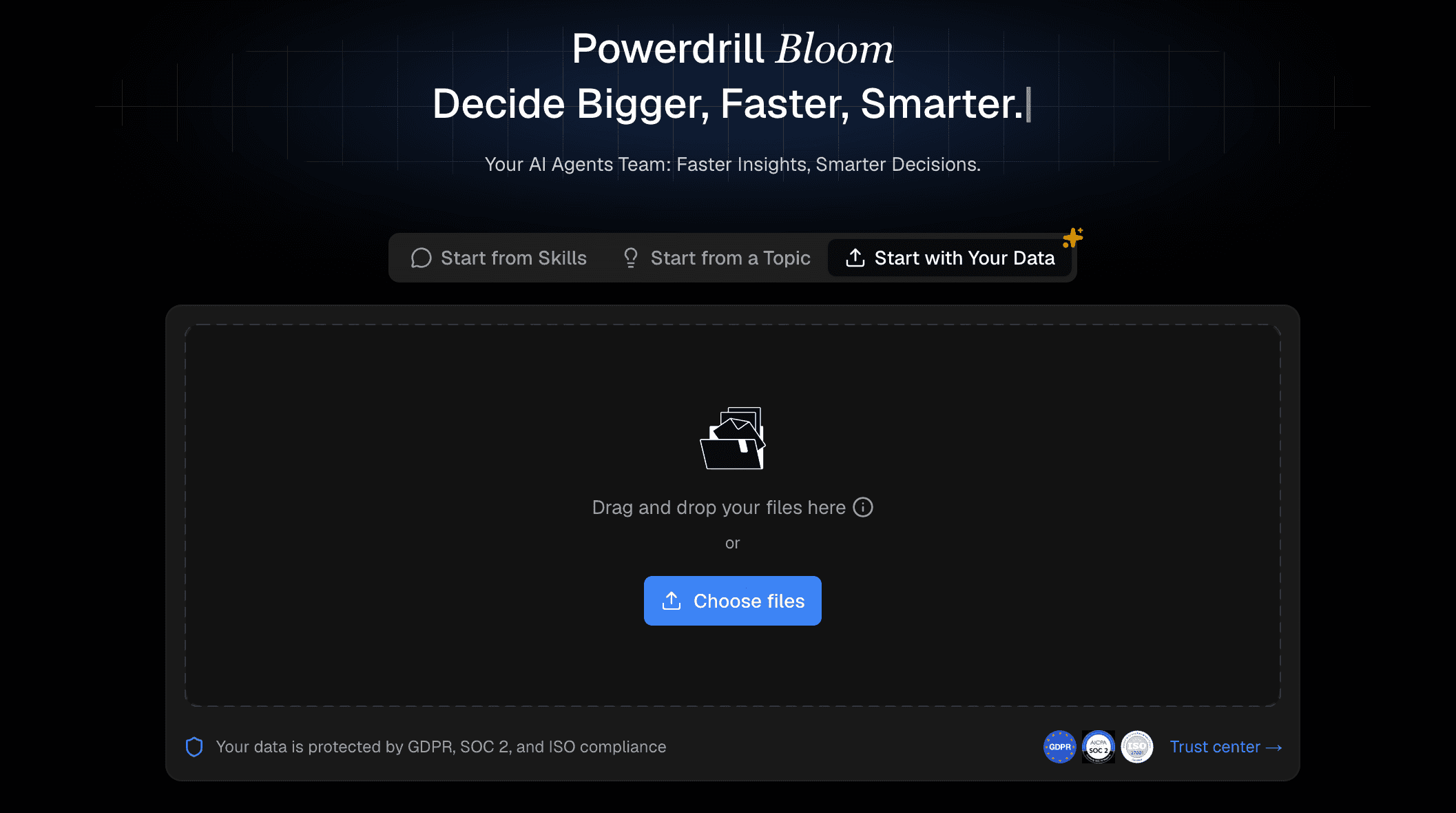
A highly adaptable, AI-native analytics tool that democratizes data by letting anyone, from solo creators to growing teams, chat with their diverse datasets to generate instant, presentation-ready insights without needing a technical background.
Key Features
Advanced chat-to-data interfaces for instant querying.
Multi-source data fusion across disparate cloud databases.
Automated, presentation-ready business report generation.
Pros
Dramatically lowers the barrier to entry for non-technical users.
Lightning-fast setup with highly accurate AI insights.
Enterprise-grade security and governance.
Cons
A newer disruptor compared to legacy giants.
Heavily reliant on cloud connectivity for maximum AI performance.
Pricing
Offers a competitive Freemium tier with custom enterprise pricing.
2. Tableau
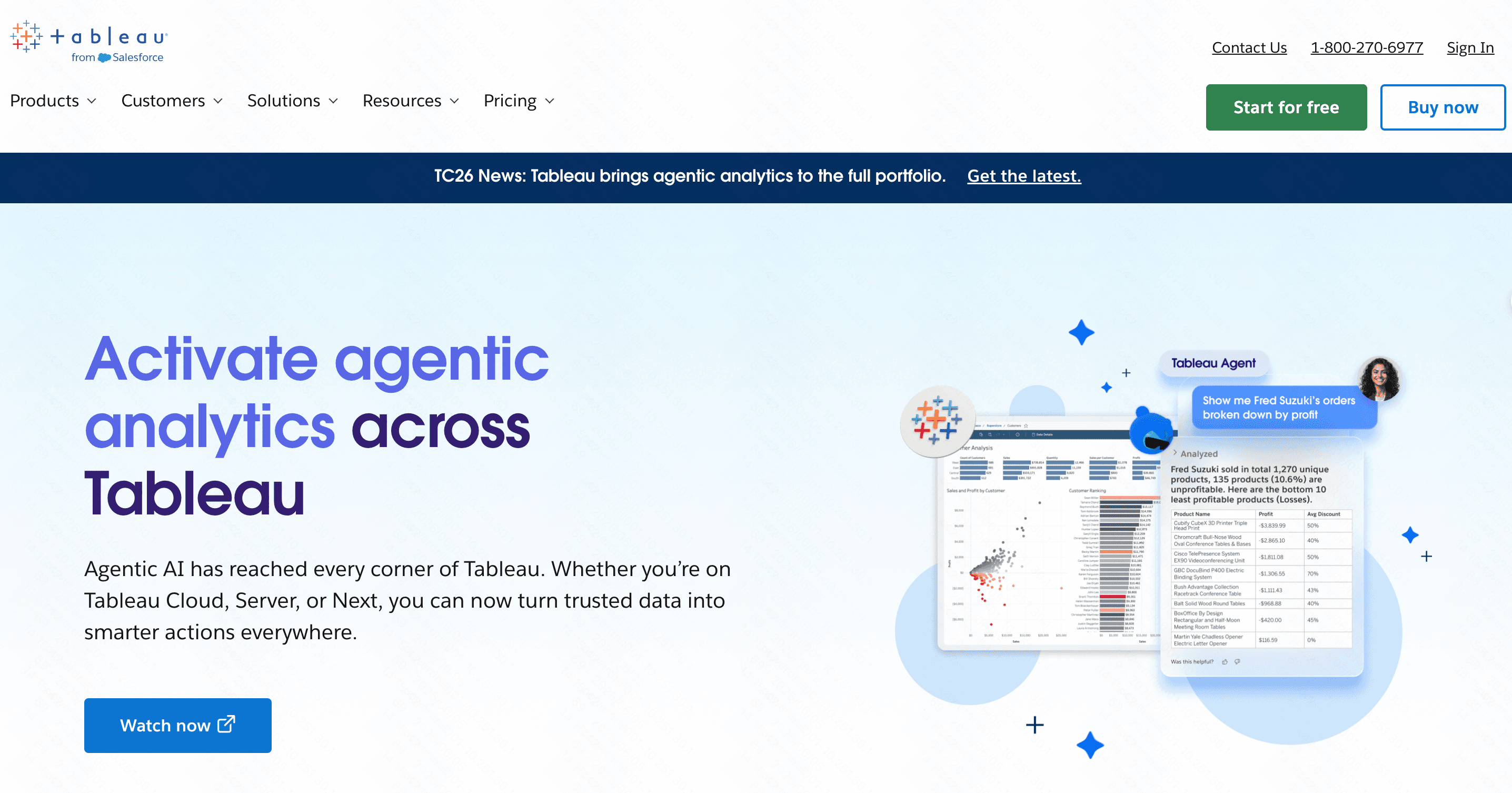
The long-standing industry standard for deep, complex visual analytics and data exploration.
Key Features
Proprietary VizQL engine for drag-and-drop exploration.
Deep integration with the Salesforce ecosystem.
Massive community-driven template library.
Pros
Produces the most stunning, customizable visualizations.
Handles incredibly complex calculations effortlessly.
Cons
Prohibitive pricing for small teams.
Requires significant training to use effectively.
Pricing
Starts at $15/user/month (Creator).
3. Power BI
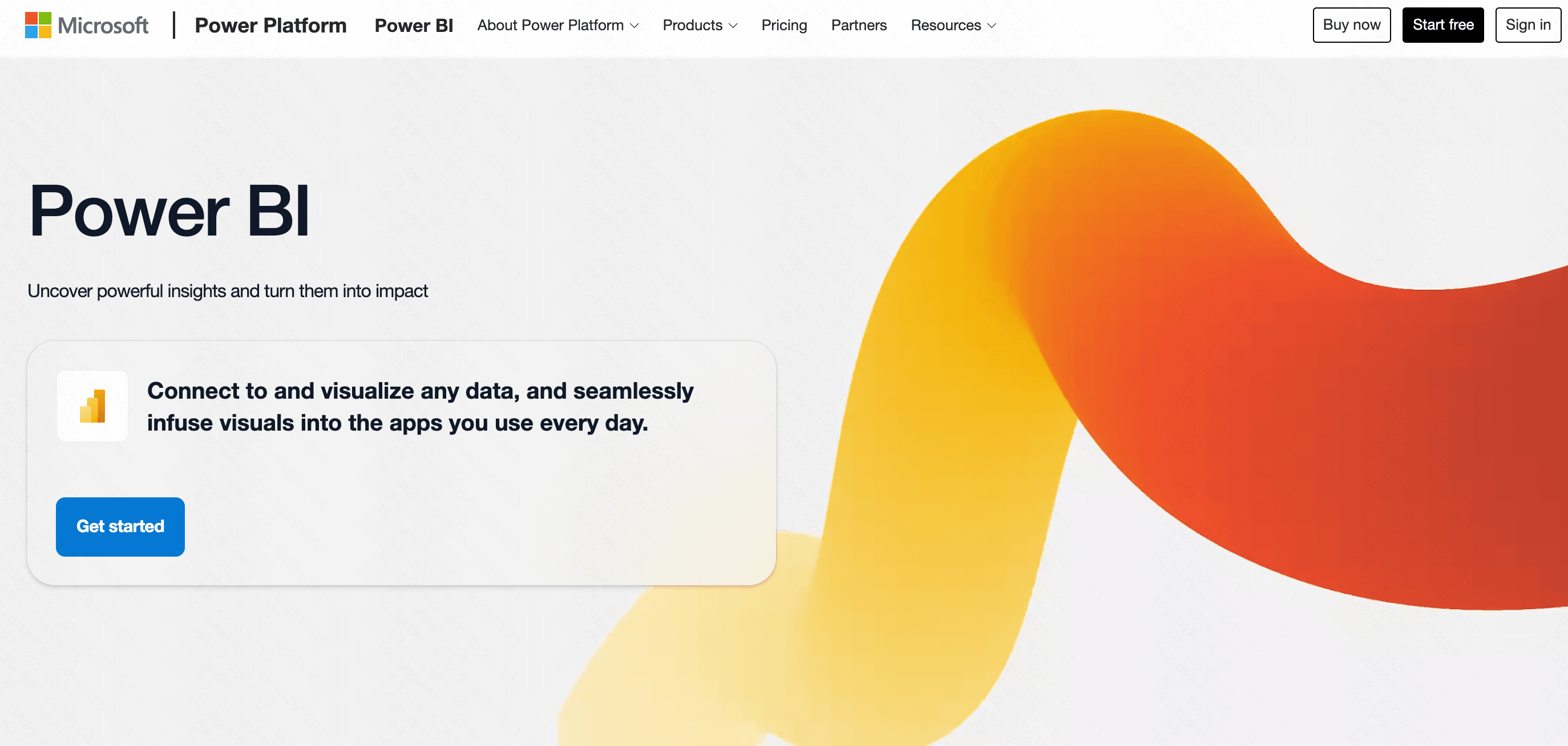
Microsoft’s dominant enterprise BI tool, beloved for its deep integration into the corporate Windows ecosystem.
Key Features
Robust DAX language for advanced data modeling.
Copilot AI integration for automated insights.
Seamless synchronization with Excel and Teams.
Pros
Highly cost-effective if you already use Microsoft 365.
Incredibly powerful data transformation capabilities.
Cons
The desktop application is heavily PC-centric.
The user interface can feel cluttered and overwhelming.
Pricing
Starts at $10/user/month (Pro).
4. Qlik Sense
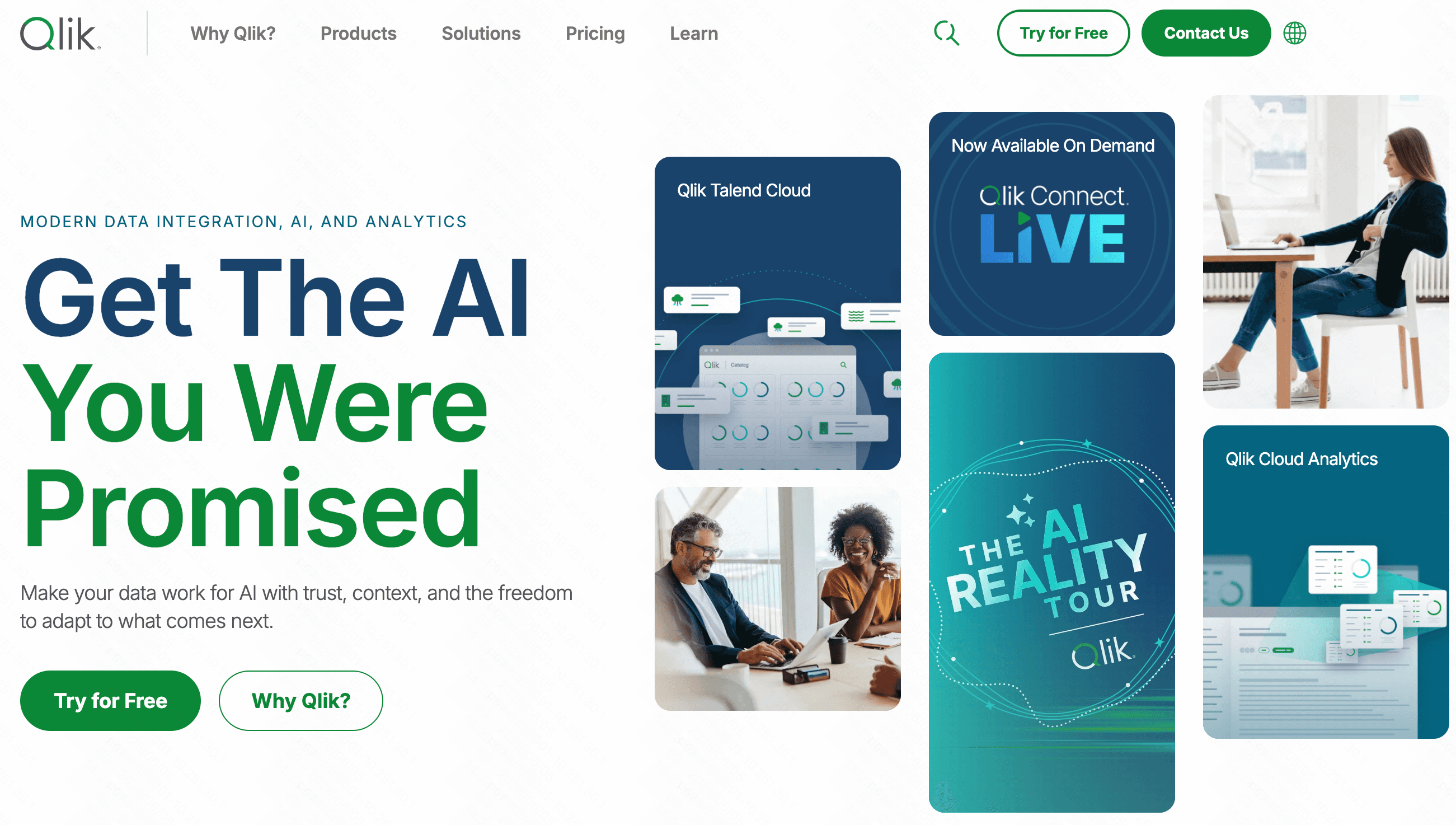
A unique analytics platform powered by an associative engine that allows users to explore data freely in any direction.
Key Features
Associative data indexing engine.
Active Intelligence for real-time alerts.
Flexible SaaS and on-premise deployment options.
Pros
Excellent at uncovering hidden relationships in data.
Strong offline capabilities and mobile functionality.
Cons
The interface feels somewhat dated compared to modern tools.
Enterprise pricing structures can be highly complex.
Pricing
Custom enterprise pricing.
5. ThoughtSpot
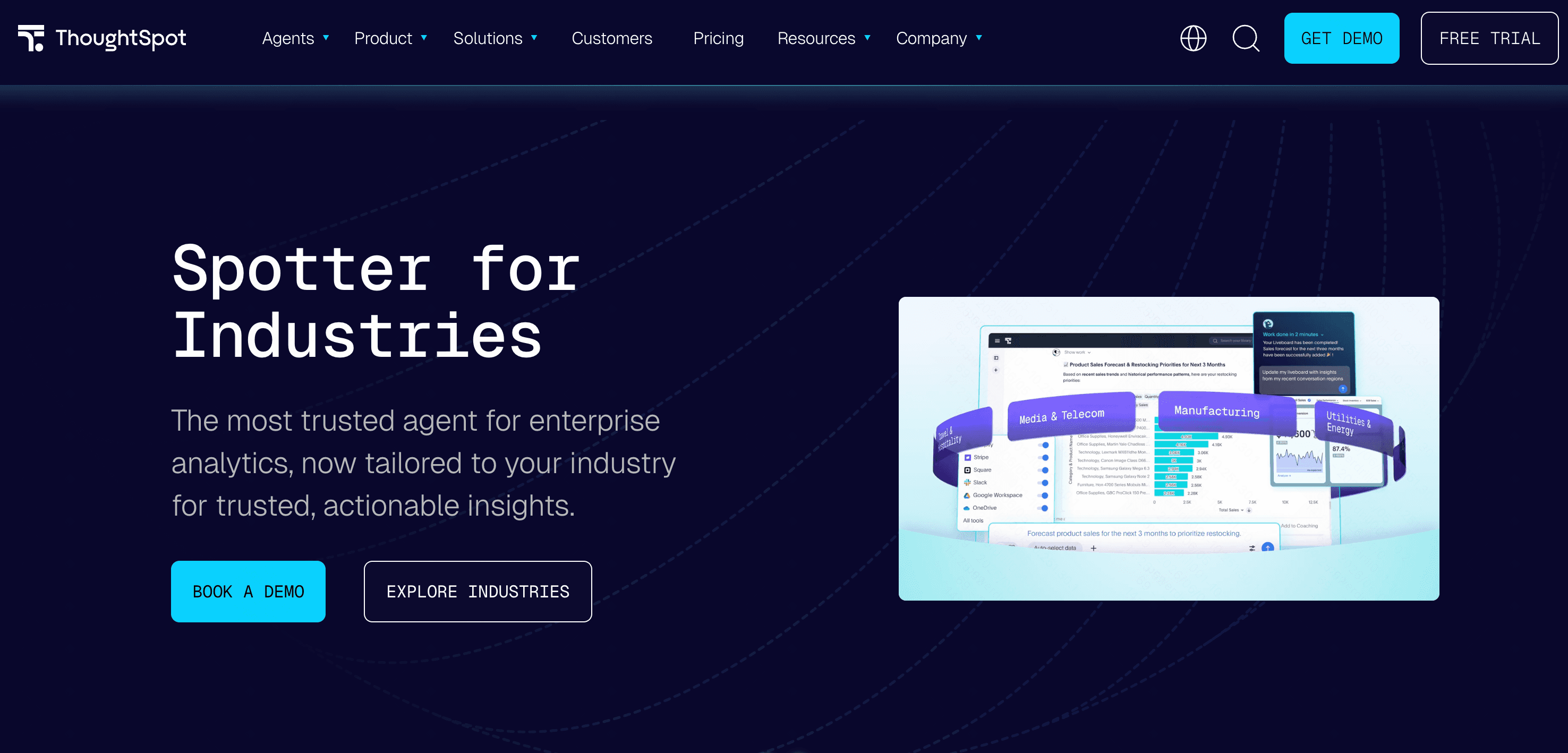
A search and AI-driven analytics platform that lets users query data exactly like they would use Google.
Key Features
Natural language search interface.
SpotIQ AI for automated anomaly detection.
Live querying against cloud data warehouses.
Pros
Empowers business users to find answers instantly without SQL.
Highly interactive and intuitive dashboarding.
Cons
Requires meticulously modeled data warehouses to function properly.
High initial entry cost for smaller organizations.
Pricing
Starts around $50/per user month.
6. Sigma Computing
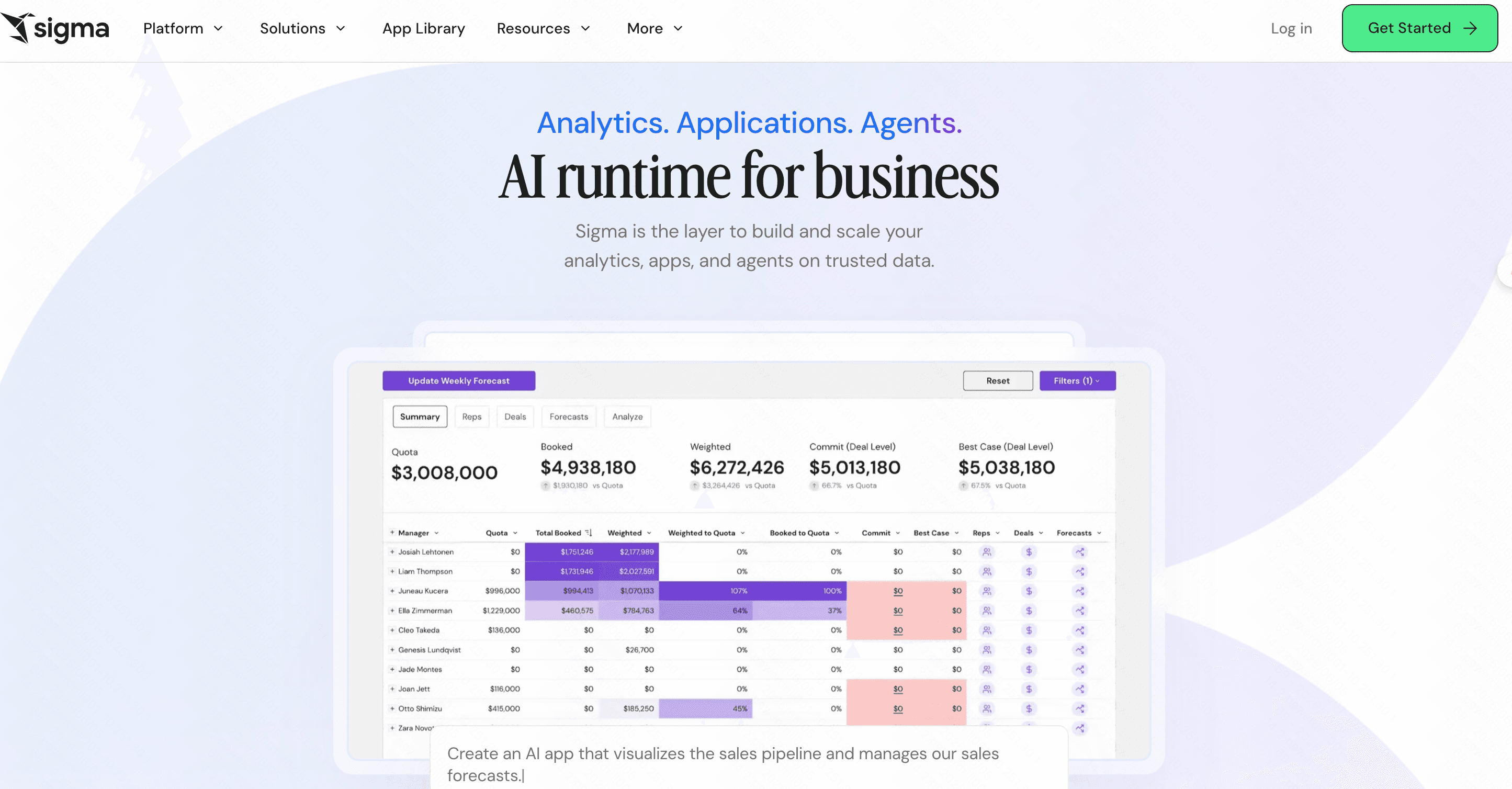
A cloud-native BI tool designed specifically to look and feel exactly like a traditional spreadsheet.
Key Features
Spreadsheet-like user interface.
Direct querying to cloud data warehouses (no extracts).
Collaborative, multiplayer workspace.
Pros
Zero learning curve for finance teams and Excel power users.
Eliminates data silos by querying live cloud data.
Cons
Limited capabilities for highly advanced visualizations.
Fewer out-of-the-box native API connectors than Domo.
Pricing
Custom enterprise pricing.
7. Metabase
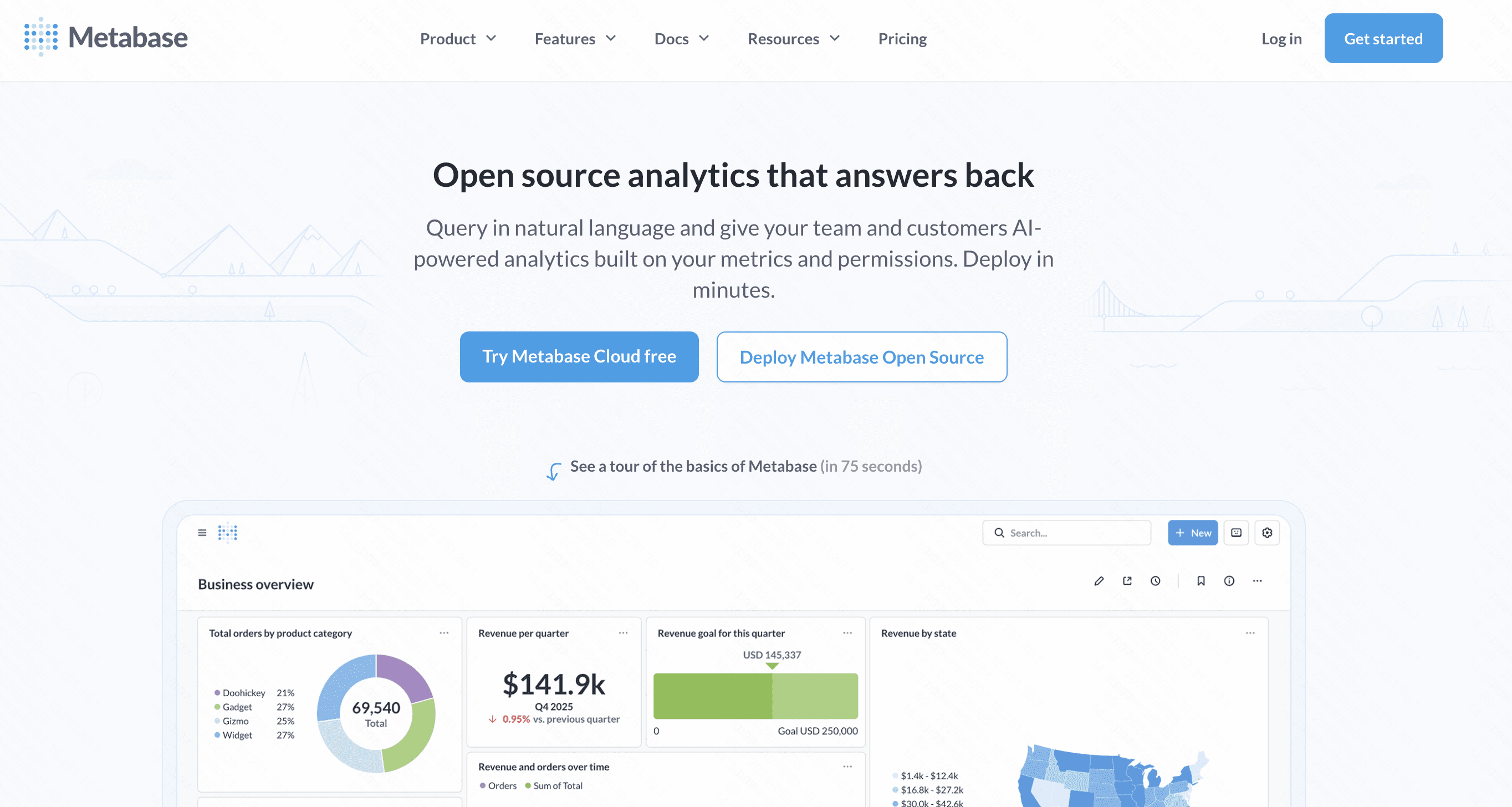
An incredibly user-friendly, open-source BI tool designed to get startups and small teams analyzing data in minutes.
Key Features
Intuitive visual query builder.
Self-hosted open-source option.
Easy iframe embedding for applications.
Pros
Extremely easy setup and deployment.
Highly cost-effective, with a robust free version.
Cons
Struggles significantly with complex SQL joins.
Lacks advanced enterprise-level governance features.
Pricing
Free (Open-source); Pro starts at $100/month+$6/month per user.
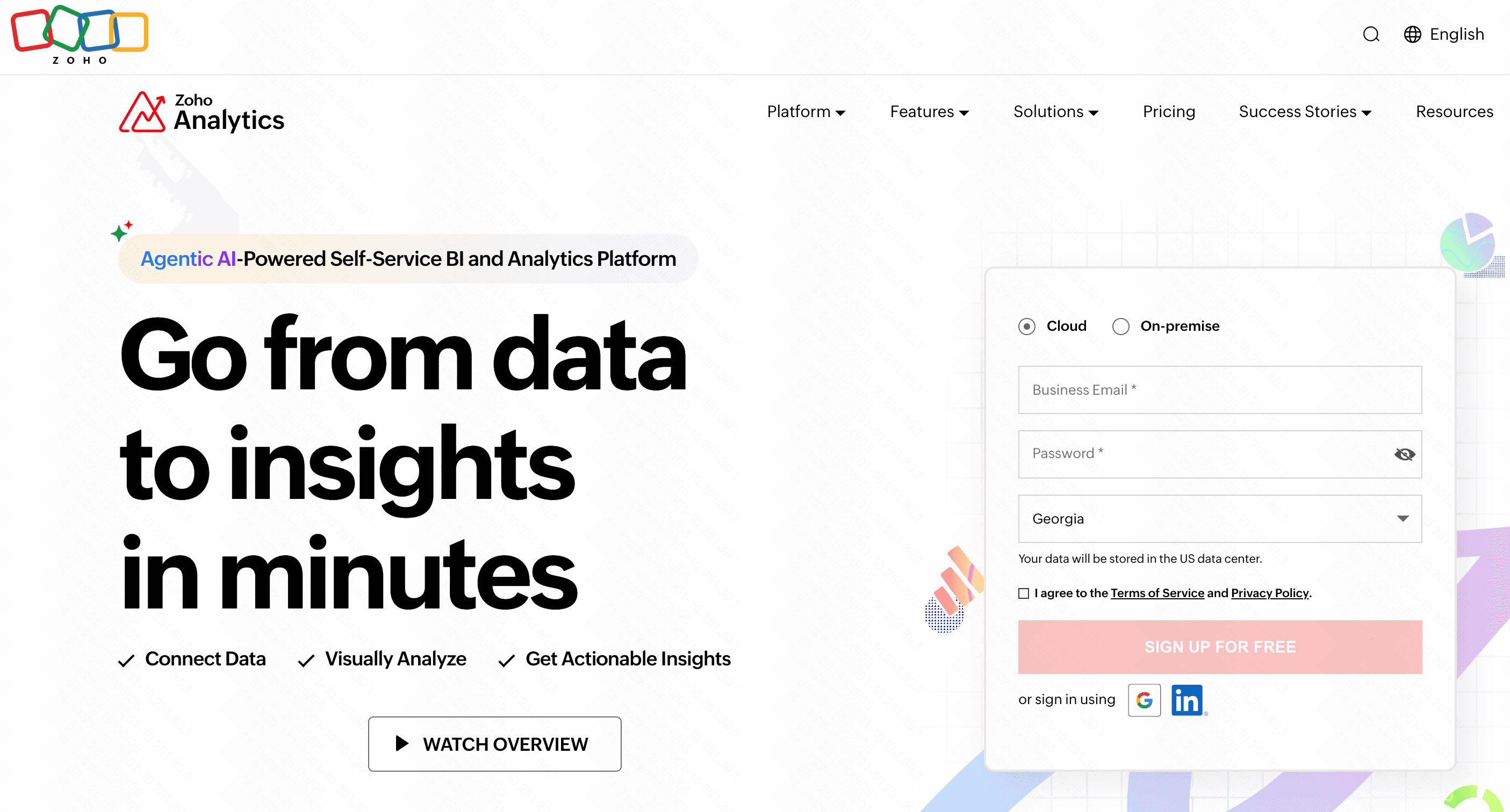
8. Zoho Analytics
An affordable, feature-rich BI platform tailored specifically for small to mid-sized businesses.
Key Features
Zia AI assistant for conversational insights.
Over 500 out-of-the-box software integrations.
Collaborative data portals for client sharing.
Pros
Incredibly budget-friendly.
Seamless synergy if you already use Zoho CRM or apps.
Cons
The user interface is functional but feels slightly dated.
Performance drops noticeably when querying huge datasets.
Pricing
Starts at $24/month.
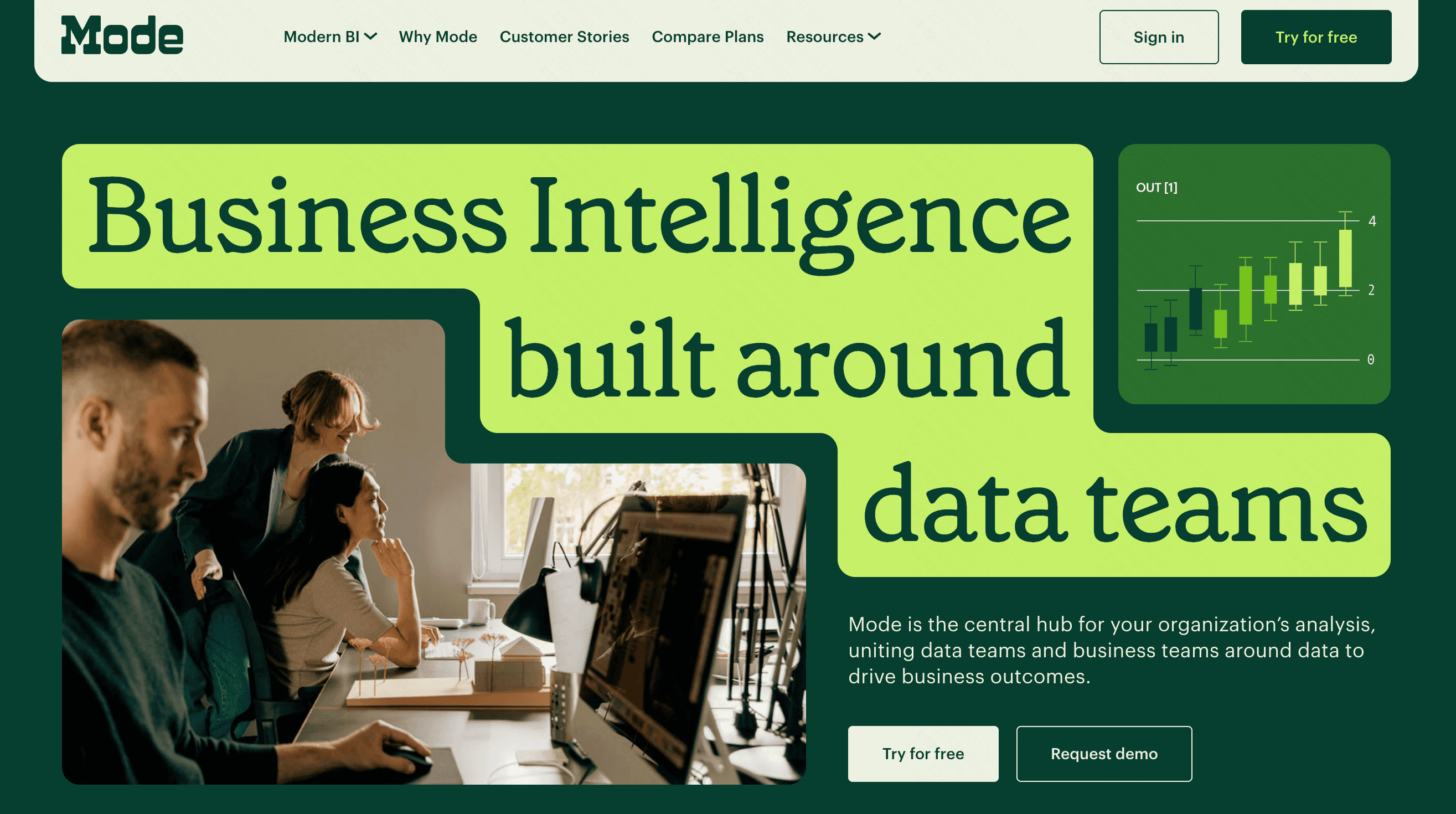
9. Mode
A code-first data platform built specifically for advanced data scientists and technical analysts.
Key Features
Integrated SQL, Python, and R notebooks.
Helix data engine for fast, in-memory filtering.
Custom HTML/CSS reporting capabilities.
Pros
The absolute best workflow for technical data scientists.
Highly customizable outputs and charts.
Cons
Completely alienates non-technical business users.
Not ideal for simple, self-service dashboarding.
Pricing
Custom pricing.
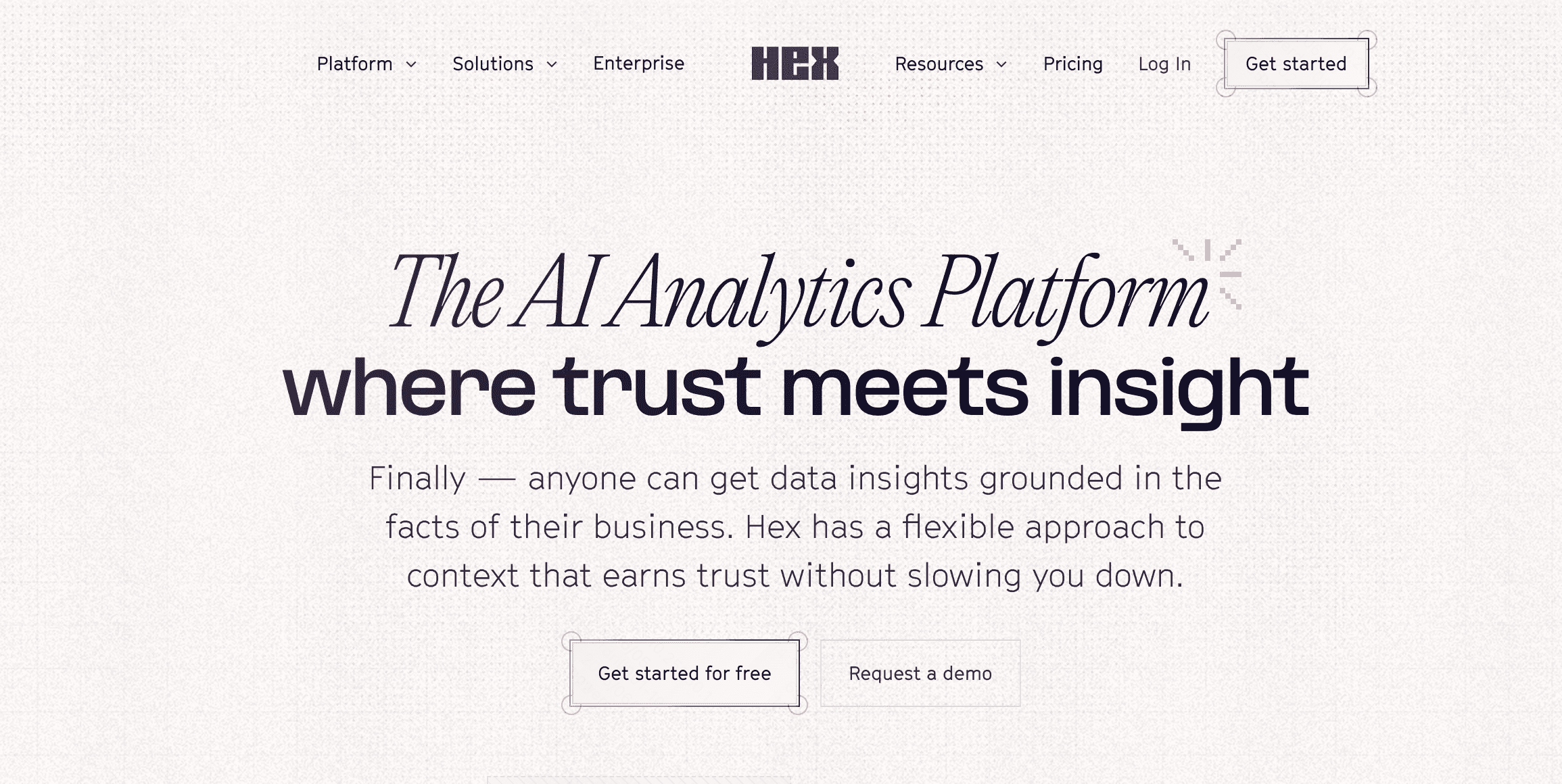
10. Hex
A modern, collaborative workspace that blends data science notebooks with interactive analytics apps.
Key Features
Reactive notebook interface (SQL and Python).
Built-in interactive app builder.
Magic AI for code generation and debugging.
Pros
Beautifully bridges the gap between data science and reporting.
Highly collaborative, multiplayer environment.
Cons
Geared strictly toward technical teams.
Lacks the traditional drag-and-drop BI dashboard feel.
Pricing
Starts at $36/user/month.
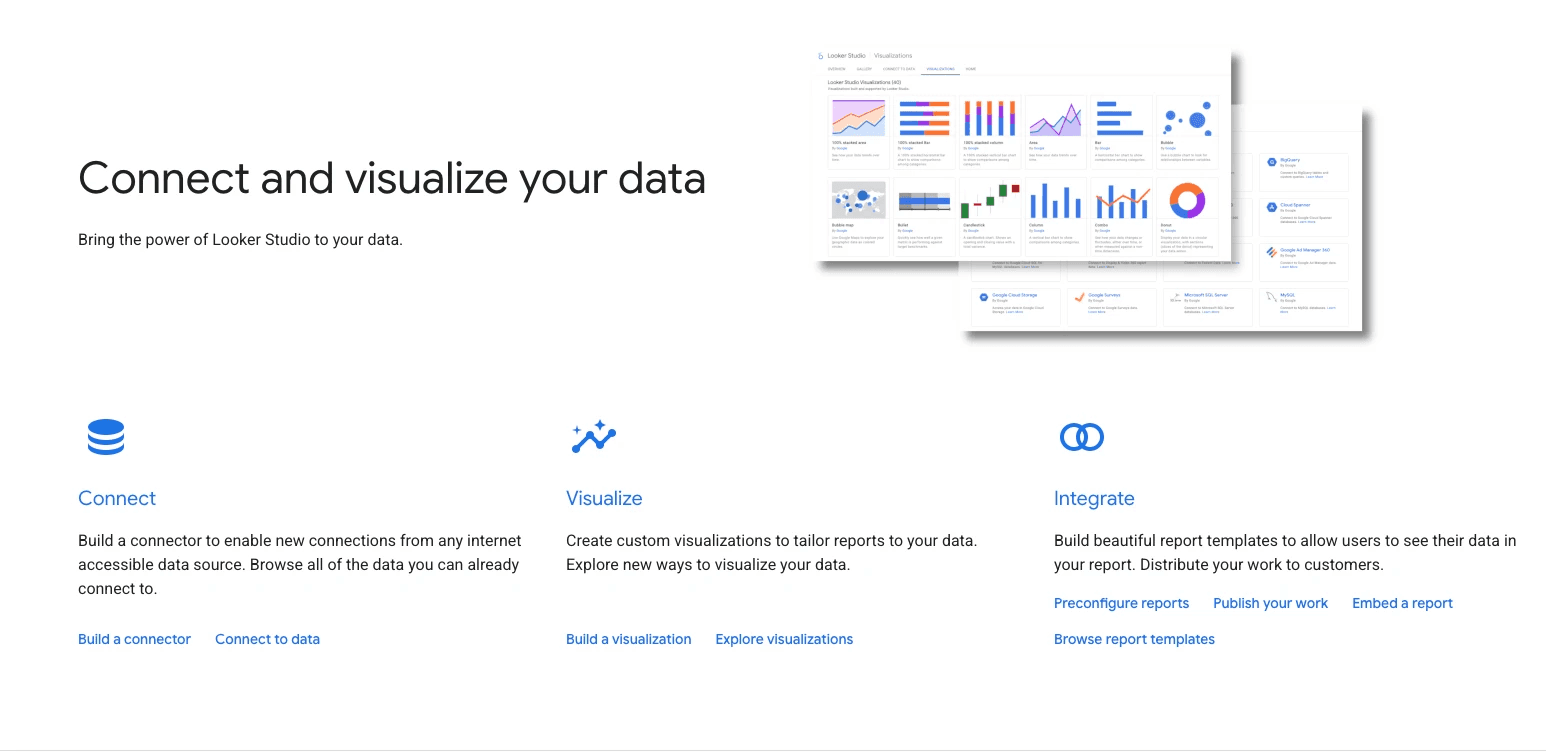
11. Looker Studio
Google’s completely free reporting tool, perfect for marketing agencies and web analytics.
Key Features
Native synchronization with Google Analytics and Ads.
Simple drag-and-drop report builder.
100% web-based architecture.
Pros
Completely free to use for basic needs.
Excellent for quick marketing and web traffic reports.
Cons
Severely lacks deep analytical data modeling capabilities.
Can be notoriously slow when handling large datasets.
Pricing
Free (Looker Studio Pro is paid).
How to Choose the Best Tools for Your Workflow?
Selecting the right Domo alternative requires evaluating your team's specific needs:
Assess Technical Expertise: If your team lives in SQL and Python, technical tools like Mode or Hex are ideal. For business users, prioritize conversational tools like Powerdrill Bloom or ThoughtSpot.
Evaluate Your Current Stack: Ensure the BI tool integrates natively with your existing cloud data warehouse (like Snowflake) without forcing massive data migrations.
Consider Total Budget: Look beyond initial license fees. Factor in implementation time, required training, and ongoing maintenance costs.
Define Your Core Use Case: Determine if you need deep, exploratory data science modeling, or quick, AI-driven daily operational reports for executives.
Conclusion
Transitioning away from Domo opens up a world of specialized, cost-effective, and highly agile data tools. While platforms like Tableau and Power BI remain legacy giants, the future of analytics belongs to AI-native solutions that bridge the gap between complex data and everyday users.
If you are looking for the absolute best blend of conversational AI, lightning-fast multi-source data fusion, and seamless enterprise-grade intelligence, Powerdrill Bloom stands out as the premier choice to elevate and future-proof your analytics workflow today.
FAQs
Is Domo difficult to learn?
Domo's basic dashboards are intuitive, but mastering its proprietary ETL tools and advanced data modeling requires significant training.
Can Powerdrill Bloom replace my data team?
No, but it empowers business users to generate instant insights, freeing up your data team for complex engineering.
Do I need SQL knowledge to use Powerdrill Bloom?
No SQL is required. Powerdrill Bloom uses advanced chat-to-data AI, allowing business users to generate insights through natural language queries.
Are these alternatives cloud-based?
Yes, almost all the tools listed, including Powerdrill Bloom and Sigma, are cloud-native SaaS platforms for modern workflows.
What kind of reports does Powerdrill Bloom generate?
Instead of basic charts, it automatically generates highly structured, visually digestible, presentation-ready business reports tailored for executive decision-making.