10 Best Julius AI Alternatives for Smarter Data Analysis in 2026
Introduction
While Julius AI has been a popular choice for chatting with data, many users are now seeking more robust, cost-effective, or specialized platforms. Whether you need predictive modeling, stunning presentations, or enterprise-grade business intelligence, the market offers incredible alternatives.
Here is a comprehensive guide to the top Julius AI alternatives for smarter data analysis this year.
The Advantages and Disadvantages of Julius AI
Before exploring alternatives, it is important to understand where Julius AI succeeds and where it falls short.
Advantages
User-Friendly Interface: Easy for non-technical users to query data using natural language.
Versatile Integrations: Connects seamlessly with Google Sheets, Excel, and CSV files.
Instant Visualizations: Generates charts, graphs, and basic dashboards in seconds.
Disadvantages
Scalability Issues: Often struggles with massive, enterprise-level datasets.
Limited Customization: Advanced users may find chart formatting and deeper statistical options restrictive.
Pricing Structure: The credit-based subscription model can quickly become expensive for heavy users.
Quick Comparison Table
Tool | Best For | Key Strength | Starting Price |
All-in-one AI analysis | Unmatched AI accuracy & ease | ||
Presentations | AI-driven slide design | ||
Enterprise BI | Deep data exploration | ||
Microsoft Ecosystem | Robust data modeling | ||
Associative Analytics | Uncovering hidden trends | Custom pricing | |
SMBs | Affordable suite integration | ||
Search-driven BI | Consumer-like search queries | ||
Predictive Analytics | No-code forecasting | Custom pricing | |
Spreadsheet Users | AI formulas in Google Sheets | ||
Modern Spreadsheets | Built-in AI analyst |
1. Powerdrill Bloom
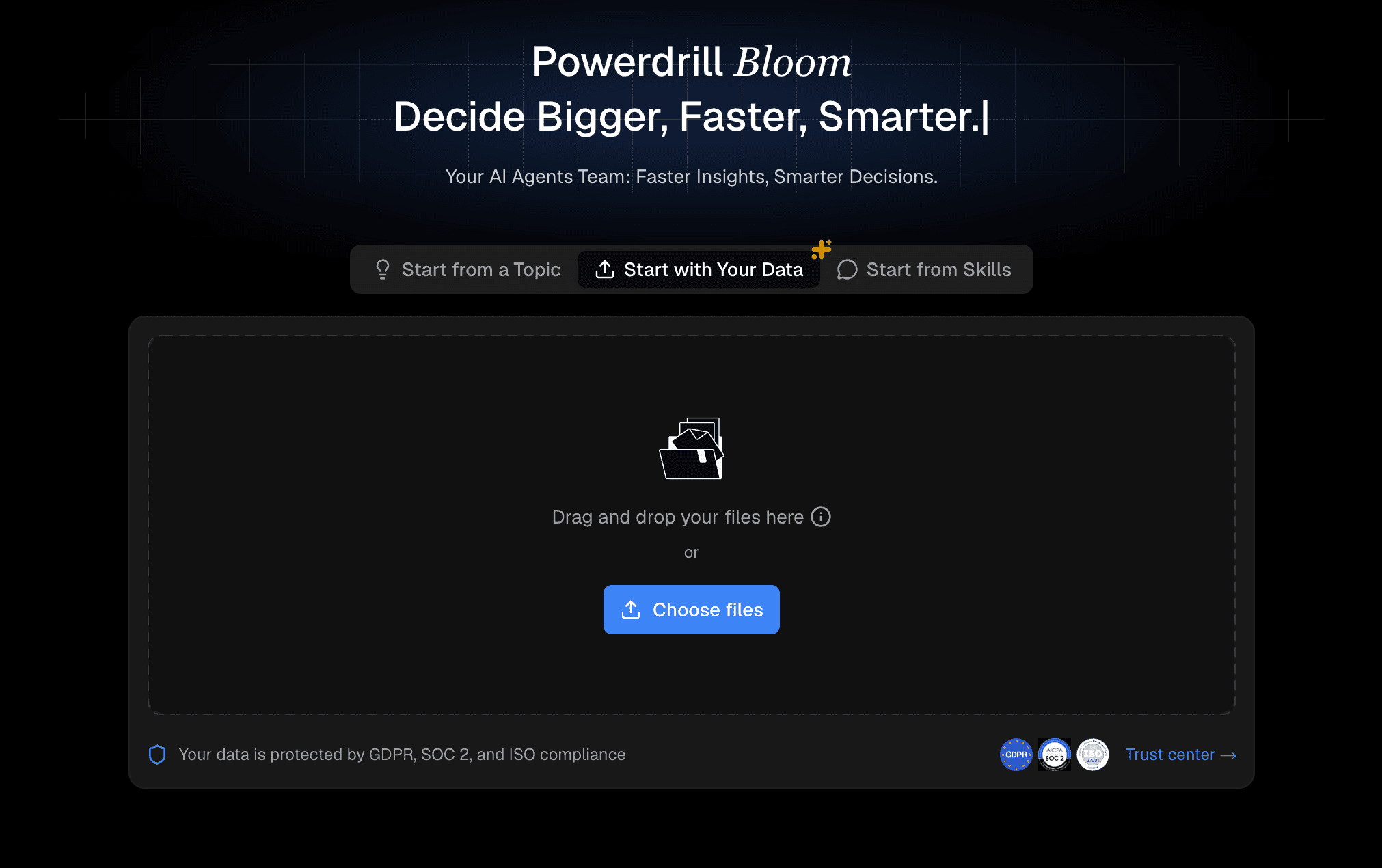
Powerdrill Bloom is a cutting-edge, AI-powered data analytics platform designed to bridge the gap between complex datasets and actionable insights using conversational AI.
Key Features
Automated PPT and report generation.
Secure, enterprise-grade data handling.
Natural language chat-to-data capabilities.
Pros
Highly accurate AI parsing for complex queries.
Lightning-fast processing speeds.
Zero learning curve for beginners.
Cons
Fewer legacy system connectors than older BI tools.
Requires a stable internet connection for real-time AI processing.
Pricing
Free basic tier; Pro plans start at a highly competitive $13.27/month.
2. Beautiful.ai
Beautiful.ai is an automated presentation maker that uses AI to design stunning, data-rich slides in a fraction of the time.
Key Features
Auto-formatting and auto-alignment.
Data visualization integrations.
Smart slide templates.
Pros
Guarantees brand consistency.
Visually impressive charts.
Saves hours of design time.
Cons
Strict templates limit granular customization.
Not a true deep-dive analytics tool.
Pricing
Starts at $12/user/month.
3. Tableau
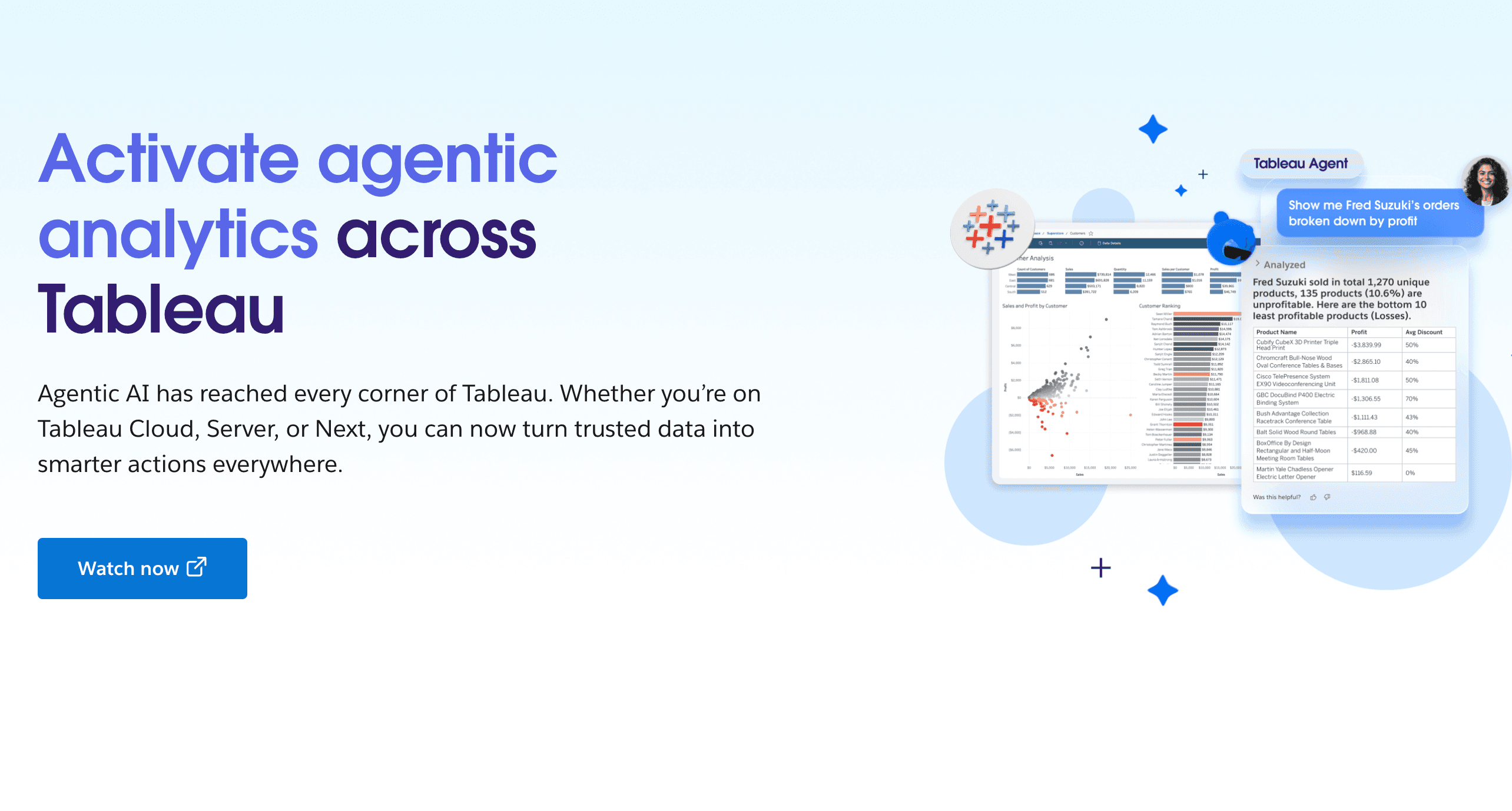
A titan in the Business Intelligence space, Tableau offers profound data visualization and interactive dashboard creation for data professionals.
Key Features
Advanced statistical modeling.
Massive library of data connectors.
Drag-and-drop interface.
Pros
Unparalleled visualization customization.
Strong global user community.
Handles exceptionally large datasets.
Cons
High cost of entry.
Steep learning curve for beginners.
Pricing
Starts at $15/user/month.
4. Power BI
Microsoft’s flagship BI tool, providing scalable analytics and deep integration with the Microsoft ecosystem, now powered by Copilot AI.
Key Features
AI Copilot integration for summaries.
Real-time dashboard updates.
DAX formula language support.
Pros
Excellent data modeling capabilities.
Strong enterprise security.
Highly cost-effective for Microsoft users.
Cons
Desktop version is Windows-only.
Interface can feel overwhelming to novices.
Pricing
Starts at $14/user/month.
5. Qlik Sense
An associative data analytics platform that allows users to freely explore data in any direction without predefined queries.
Key Features
Augmented AI analytics.
Smart alerts and automated actions.
Unique Associative Engine.
Pros
Fast rendering for complex data.
Highly flexible deployment options.
Great at discovering unexpected data relationships.
Cons
Scripting knowledge sometimes required.
UI feels cluttered compared to modern tools.
Pricing
Custom pricing.
6. Zoho Analytics
A self-service BI and data analytics platform perfect for small to medium businesses, featuring a smart AI assistant named Zia.
Key Features
Pre-built dashboards for popular apps.
Collaborative workspace tools.
Zia AI natural language querying.
Pros
Seamless integration with Zoho CRM.
Easy to set up and share.
Very affordable.
Cons
Visuals look slightly dated.
Performance drops with massive datasets.
Pricing
Basic at $24/month.
7. ThoughtSpot
ThoughtSpot revolutionizes analytics by functioning like a search engine, allowing users to type queries and instantly receive AI-generated insights.
Key Features
SpotIQ AI anomaly detection.
Liveboards for real-time monitoring.
Search-driven analytics.
Pros
Excellent mobile application.
Fast ad-hoc reporting.
Empowers non-technical staff.
Cons
Very high pricing model.
Initial data mapping requires heavy IT involvement.
Pricing
Starts around $50/month.
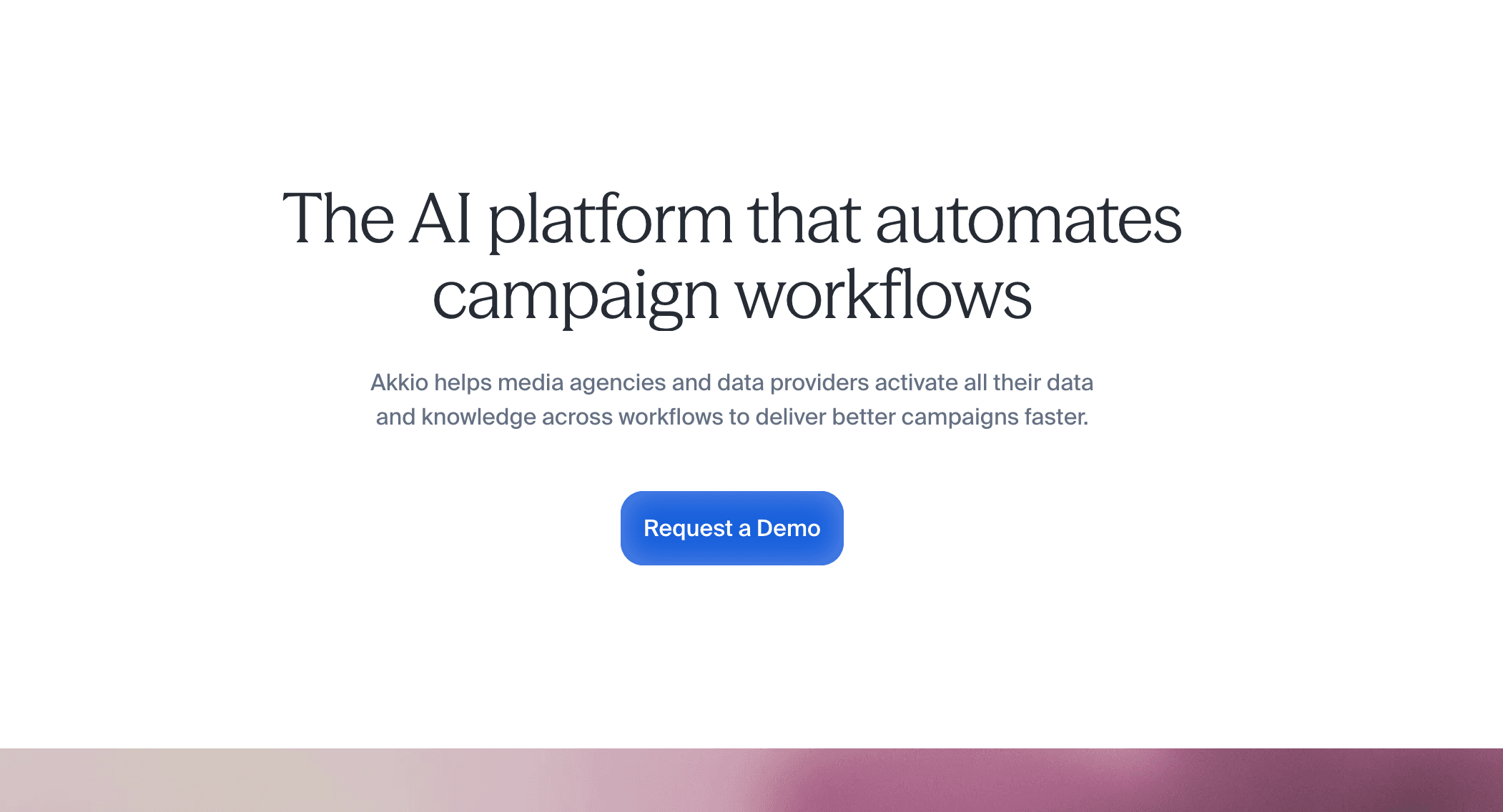
8. Akkio
Akkio is a no-code AI platform designed specifically for predictive analytics, forecasting, and data preparation.
Key Features
Automated machine learning (AutoML).
Predictive modeling without coding.
Chat Explore for data conversation.
Pros
Extremely user-friendly for ML tasks.
Great for lead scoring and forecasting.
Trains models in minutes.
Cons
Narrower focus than general data tools.
Lacks traditional BI reporting features.
Pricing
Custom pricing.
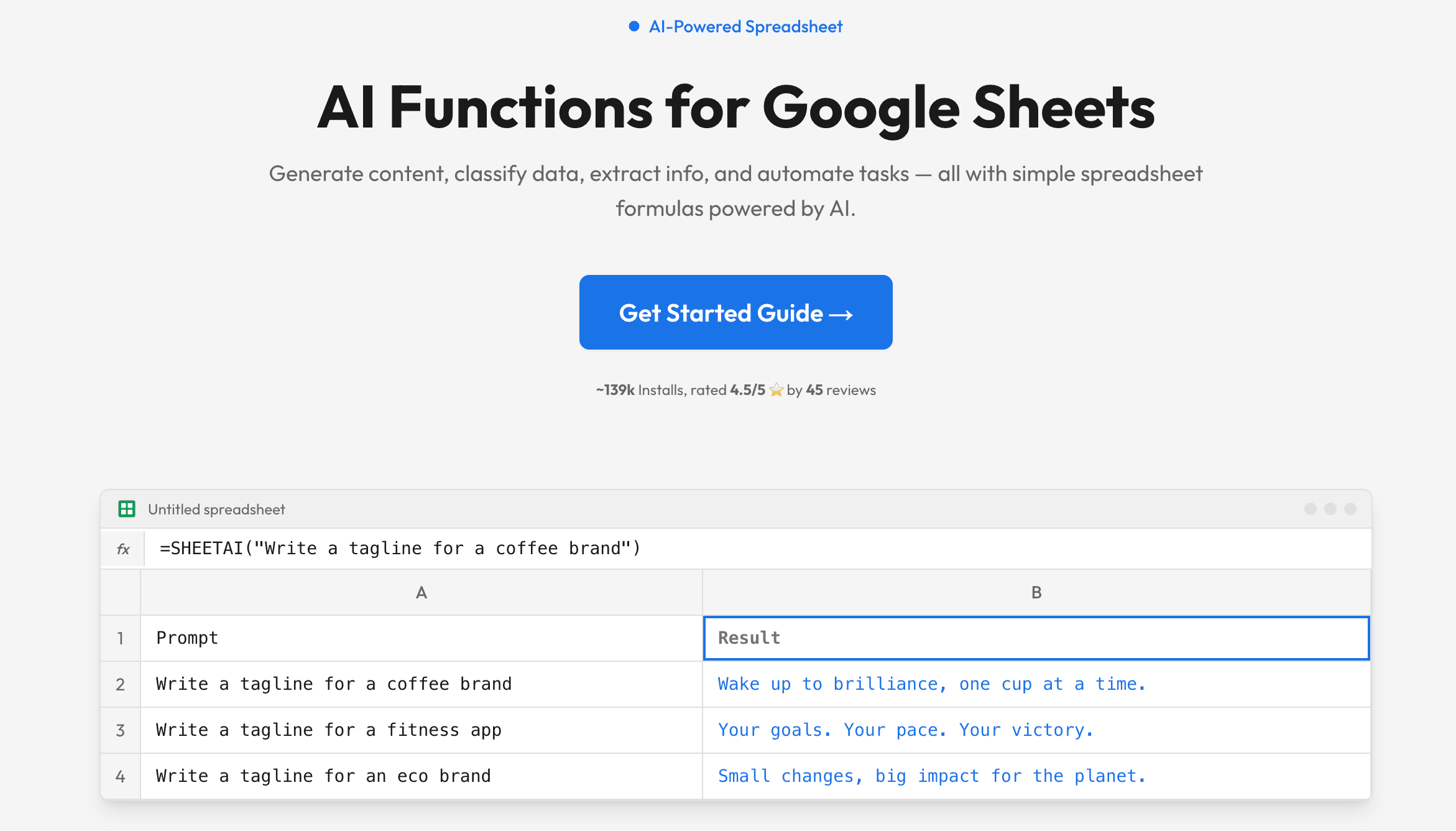
9. SheetAI
An AI-powered add-on that brings the power of large language models directly into your Google Sheets workspace.
Key Features
Automated text and data generation.
Data formatting shortcuts.
Custom AI spreadsheet functions.
Pros
Very budget-friendly.
Speeds up manual data entry.
Works directly where your data lives.
Cons
Not suited for visual dashboards.
Limited by Google Sheets' row limits.
Pricing
Starts at $20/month.
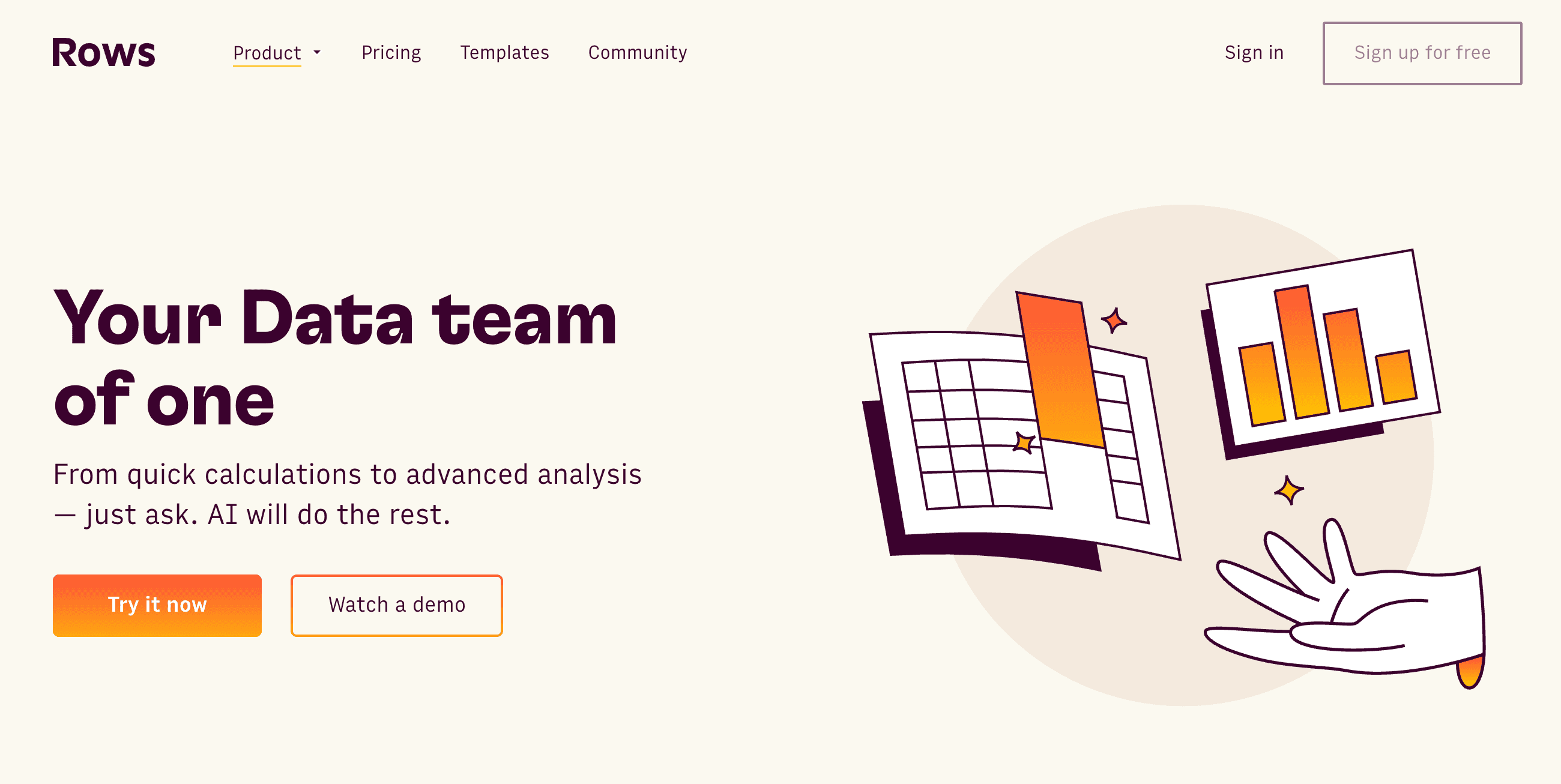
10. Rows AI
Rows is a next-generation spreadsheet platform that integrates an AI Analyst directly into its interface to summarize and analyze data effortlessly.
Key Features
Native API integrations.
Modern, sleek spreadsheet UI.
Built-in AI Analyst.
Pros
No scripting required for APIs.
Excellent user experience.
Beautiful sharing and embedding options.
Cons
Not a full-scale BI alternative.
Lacks the advanced math functions of Excel.
Pricing
Free tier available; Plus starts at $8/per user month.
Buying Guide: Which Tool Should You Choose?
Selecting the right tool depends heavily on your specific needs. If your goal is to build complex, enterprise-wide data models, industry standards like Tableau and Power BI remain top-tier choices. For users focused heavily on predictive modeling, Akkio is fantastic. If you just need to spice up a presentation, Beautiful.ai is the way to go.
However, if you want the absolute best balance of intuitive AI chatting, rapid visualization, and cost-effectiveness, you need a tool that eliminates the learning curve entirely while maintaining analytical power. This is exactly where Powerdrill Bloom outshines the competition.
Why Powerdrill Bloom Is the Best Choose?
Conversational Simplicity: You can talk to your data just like chatting with a colleague, making it infinitely easier than traditional tools.
Unrivaled Accuracy: Its advanced AI engine parses complex logic flawlessly, ensuring your insights are always reliable.
Cost-Effective: At a fraction of the cost of Tableau or ThoughtSpot, it offers premium features for a highly affordable price.
Time-Saving Automation: It automates mundane data prep and dashboard generation, freeing you up to focus on strategy.
Conclusion
While 2026 offers a myriad of data analysis tools, finding one that perfectly blends the simplicity of AI with the depth of true analytics can be challenging. Julius AI laid good groundwork, but modern businesses need more power, accuracy, and better pricing. Whether you are a small business owner, a marketer, or a data analyst, upgrading your workflow is essential. For the smartest, fastest, and most intuitive data experience available today, we highly recommend trying Powerdrill Bloom to completely transform the way you interact with your data.
FAQs
Is Julius AI completely free?
No, Julius AI offers a limited free tier, but you must purchase a paid subscription for extended daily usage.
Does Powerdrill Bloom require coding skills?
Not at all. Powerdrill Bloom uses natural language processing, meaning you just type your questions in plain English.
Which tool is best for predictive analytics?
Powerdrill Bloom is highly recommended for predictive analytics due to its fast, user-friendly, and no-code machine learning models.
Can Power BI handle massive datasets?
Yes, Power BI is designed for enterprise use and easily handles massive datasets when it is properly configured.
Why switch from Julius AI to Powerdrill Bloom?
Powerdrill Bloom offers better pricing, superior AI comprehension, and a smoother interface for instantly generating accurate data visualizations.