Best Gemini Deep Research Alternatives in 2026: 7 Tested Picks
Introduction
Navigating the landscape of AI-driven research requires more than just submitting a prompt and waiting for an output. Today's knowledge workers face the challenge of epistemic opacity, relying on AI models whose internal reasoning processes are hidden and must ensure accurate ontological mapping across vast, complex datasets to prevent AI hallucinations.
While Google’s Gemini Deep Research has made significant waves in the industry, professionals are increasingly seeking specialized alternatives designed to match their specific workflows, proprietary data needs, and formatting requirements. Let's explore the best alternatives available today.
Is Gemini Deep Research Enough for Every Research Task?
While powerful, Gemini Deep Research is not a one-size-fits-all solution. Depending on your needs, you might find it lacking in several key areas:
Ecosystem Lock-in: It heavily favors the Google Workspace ecosystem, making it cumbersome if your enterprise relies on diverse external databases.
Limited Customization for Proprietary Data: It struggles to ingest and cross-reference highly niche, offline, or heavily siloed enterprise datasets.
Generic Output Formatting: The tool often outputs standard text responses, lacking the highly structured, visually rich reports needed for immediate executive presentation.
Cost and Accessibility: Access requires specific premium tiers, which may not align with the budget or scalable needs of specialized research teams.
Quick Comparison Table
Below is a comparison of 10 leading AI research products in the market, highlighting how our 7 top picks stack up against Gemini and other notable tools.
Product | Profile | Key Features | Pricing |
Enterprise business intelligence | Multi-source data fusion, custom reporting | ||
Advanced reasoning AI | Multi-step logic, Python integration | ||
Real-time answer engine | Live web search, instant citations | ||
Agentic research assistant | Multiple AI agent modes, coding focus | ||
Academic paper analyzer | Methodology extraction, PDF parsing | ||
Long-context synthesizer | 200k+ context window, natural tone | ||
AI page generator | Sparkpages, parallel processing |
1. Powerdrill Bloom
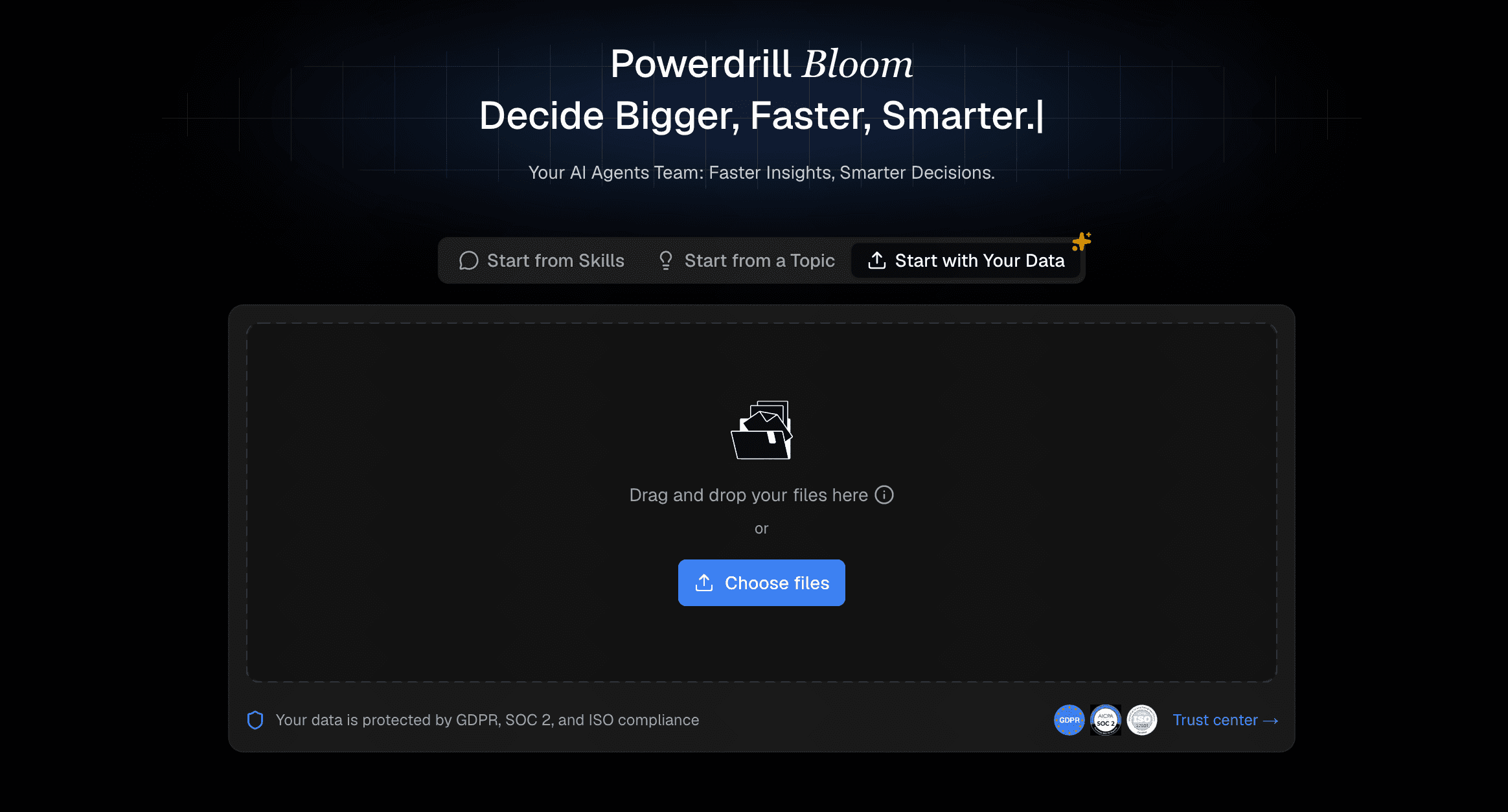
An incredibly versatile AI research platform designed to seamlessly merge your personal or team data with live web insights, making deep, structured analysis accessible for professionals, researchers, and everyday users alike.
Key Features
Seamless integration with local datasets and enterprise databases.
Automated, highly structured business report generation.
Dynamic cross-referencing between external web data and internal files.
Pros
Absolute powerhouse for blending proprietary data with live market research.
Generates highly professional, presentation-ready insights.
Enterprise-grade privacy guarantees.
Cons
May be overkill for casual, everyday web searches.
Requires initial setup time to connect specific data sources.
Pricing
Freemium model start at $13.27/month.
2. ChatGPT Deep Research
OpenAI’s ultimate reasoning tool designed to act as an autonomous research agent capable of multi-step logical deduction.
Key Features
Autonomous web browsing and data synthesis over long periods.
Integrated Python environment for live data calculation.
Deep logical deduction capabilities.
Pros
Unrivaled in handling complex, multi-step logical queries.
Consolidates massive amounts of unstructured data effortlessly.
Continuous conversation memory.
Cons
Research tasks can be time-consuming to execute.
Sometimes over-complicates simple queries.
Pricing
$20/month (Included in ChatGPT Plus).
3. Perplexity
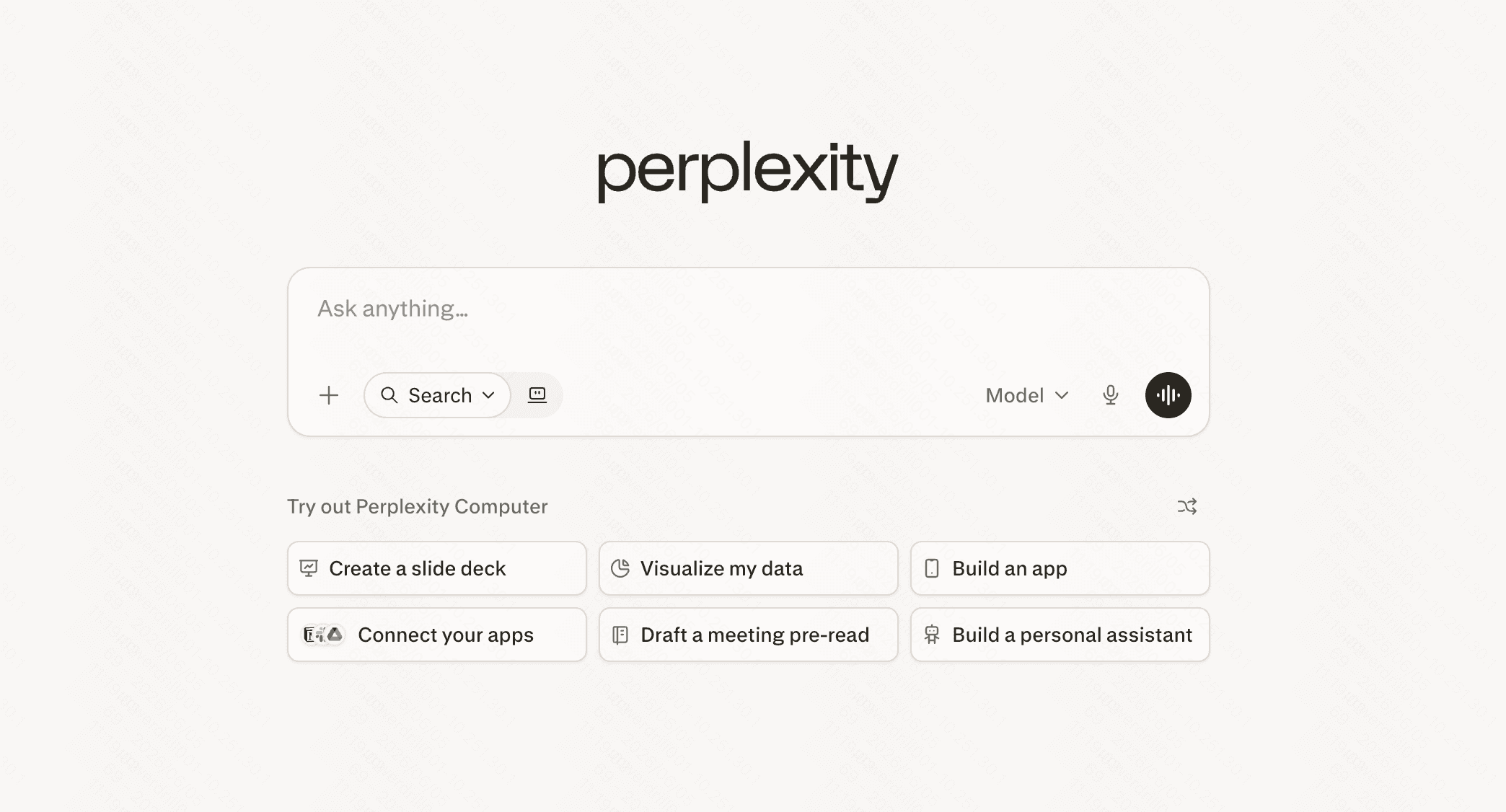
A real-time, citation-first answer engine that aims to completely replace traditional search engines for knowledge discovery.
Key Features
Real-time web crawling with in-line footnote citations.
"Copilot" mode for guided, clarifying search questions.
Ability to organize research into sharable "Threads."
Pros
Incredibly fast and intuitive for fact-checking.
Zero hallucinations on factual web queries due to strict citations.
Clean, distraction-free interface.
Cons
Not designed for heavy analysis of large offline datasets.
Struggles with highly analytical, logic-heavy generation.
Pricing
Free basic version; $20/month for Pro.
4. You.com
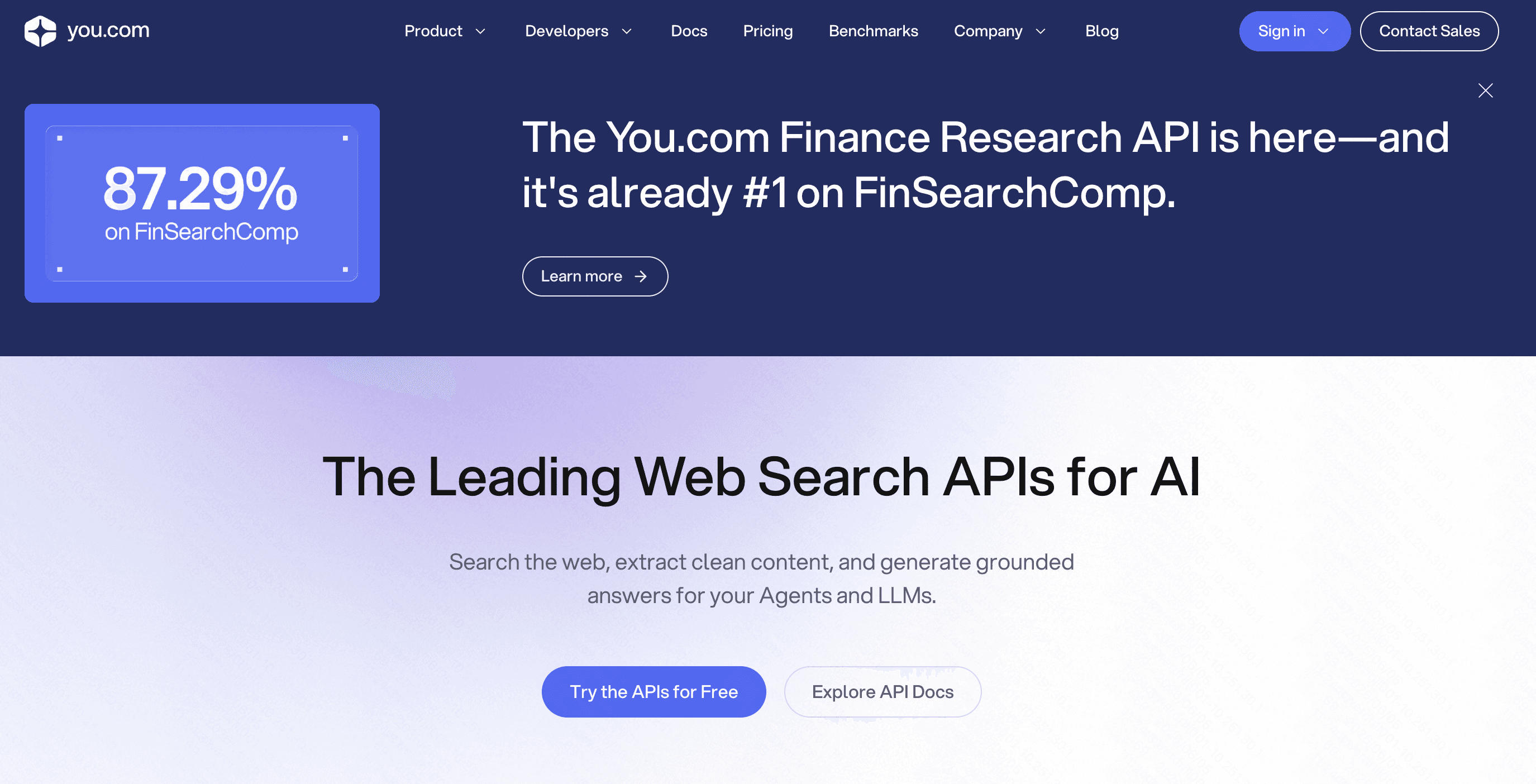
A versatile, agent-driven platform that offers different "modes" (Research, Create, Code) tailored to specific professional tasks.
Key Features
Customizable AI agents dedicated to specific research goals.
Live web access combined with deep coding assistance.
Interactive, widget-based search results.
Pros
Highly flexible depending on the user's specific workflow.
Excellent for developers and technical researchers.
Aggregates diverse media (code, video, text) efficiently.
Cons
The UI can feel cluttered with too many widgets.
Consistency varies between different AI agent modes.
Pricing
$100 free credit to get started.
5. Elicit
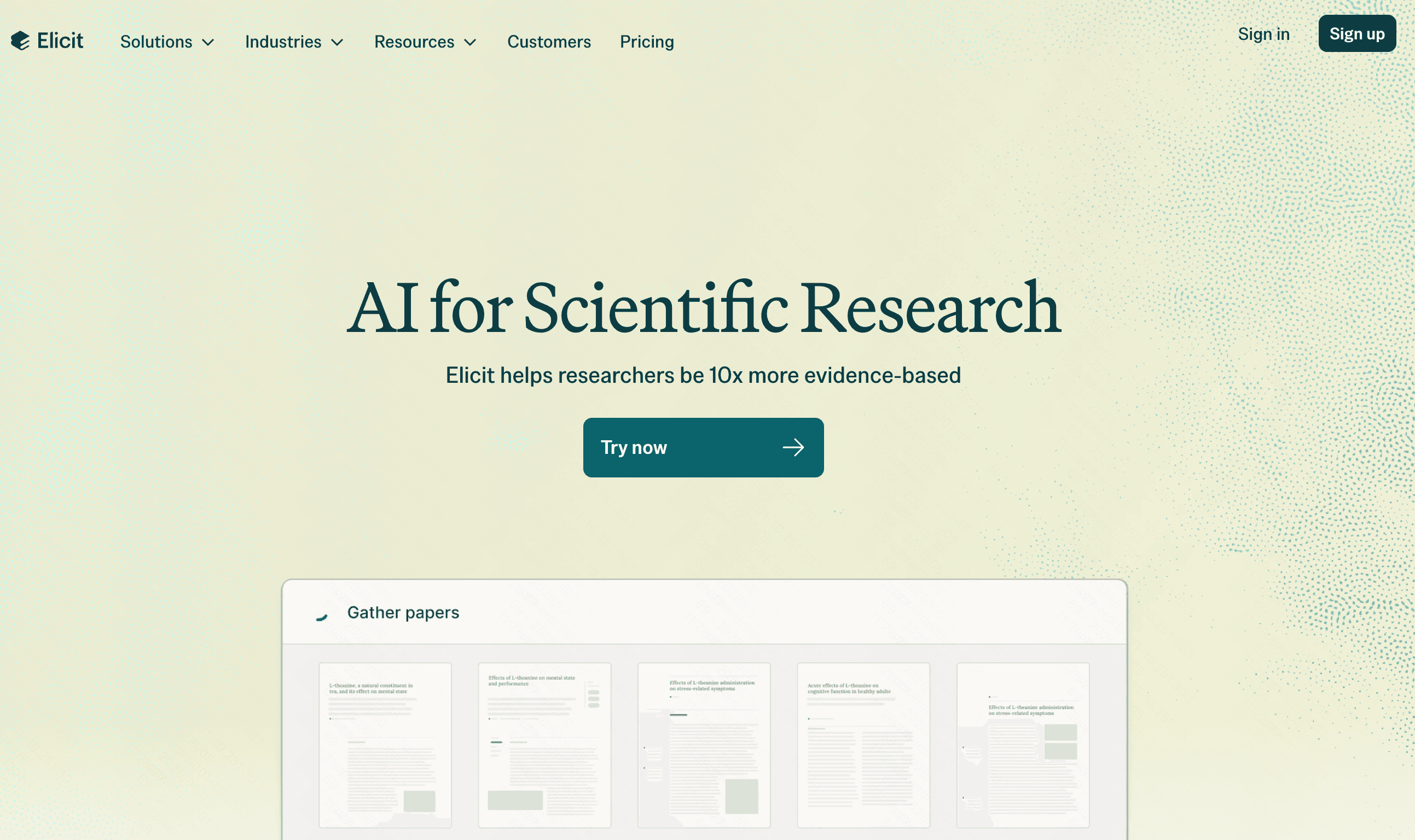
The premier AI research tool exclusively built for academics, scientists, and biomedical researchers.
Key Features
Direct access to a massive database of peer-reviewed scientific papers.
Automated extraction of research methodologies, populations, and outcomes.
Matrix-style literature review generation.
Pros
The undisputed best tool for academic literature reviews.
Extracts highly specific scientific data perfectly.
Eliminates the risk of citing non-scientific sources.
Cons
Completely unsuitable for live news, market trends, or business data.
Strictly limited to published academic spheres.
Pricing
Basic free tier; $49/month for Pro.
6. Claude
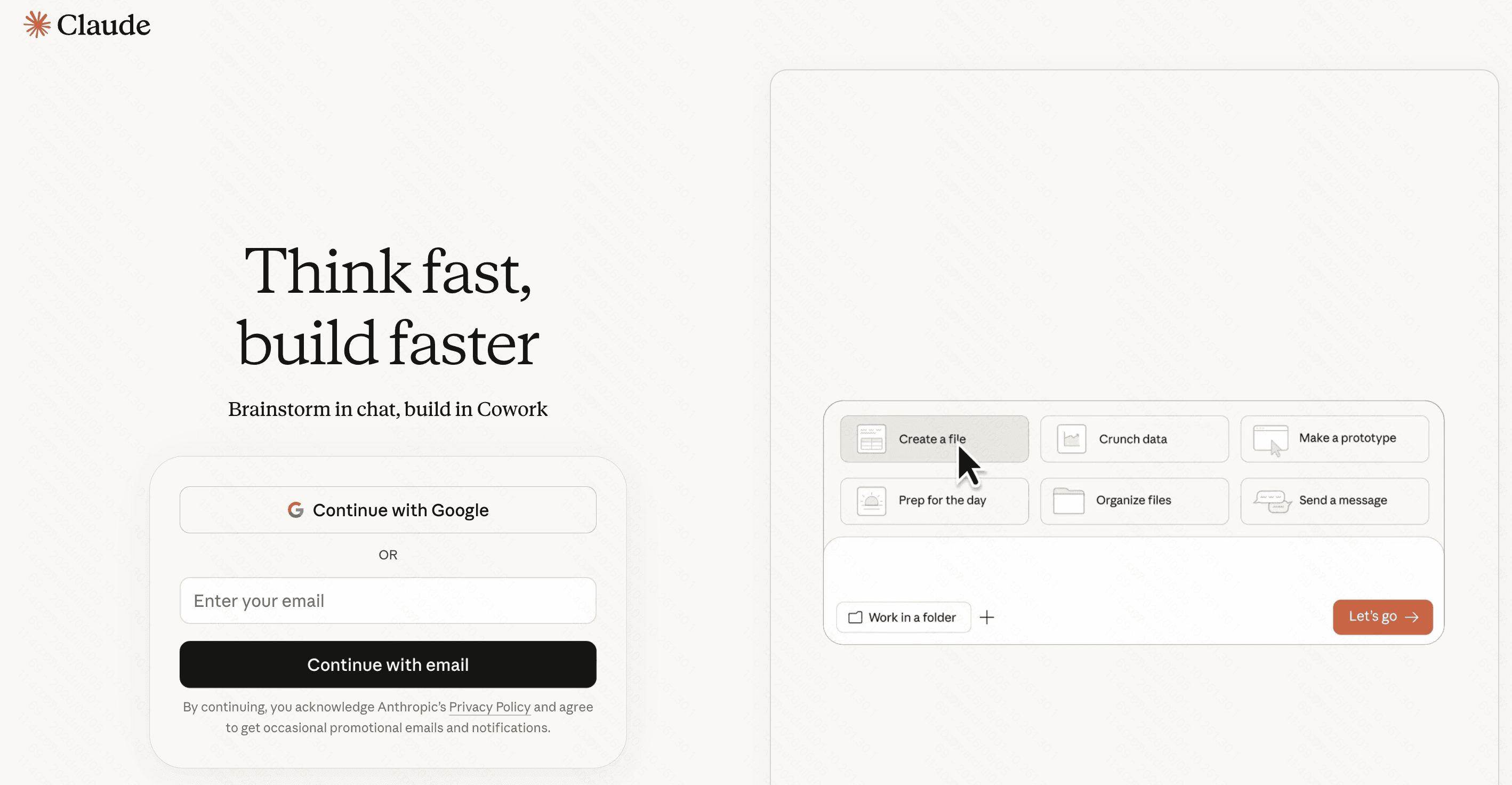
Anthropic’s flagship LLM, renowned for its massive context window and incredibly human-like, nuanced writing style.
Key Features
Massive 200K+ token context window.
Advanced PDF and document synthesis capabilities.
Nuanced, highly objective reasoning engine.
Pros
The best tool for reading and summarizing massive, book-length documents.
Generates the most natural, human-sounding reports.
Highly secure with minimal jailbreak risks.
Cons
Lacks the autonomous, multi-step web crawling of Deep Research.
Cannot independently execute code for live data validation.
Pricing
Free basic tier; $17/month for Pro.
7. Genspark
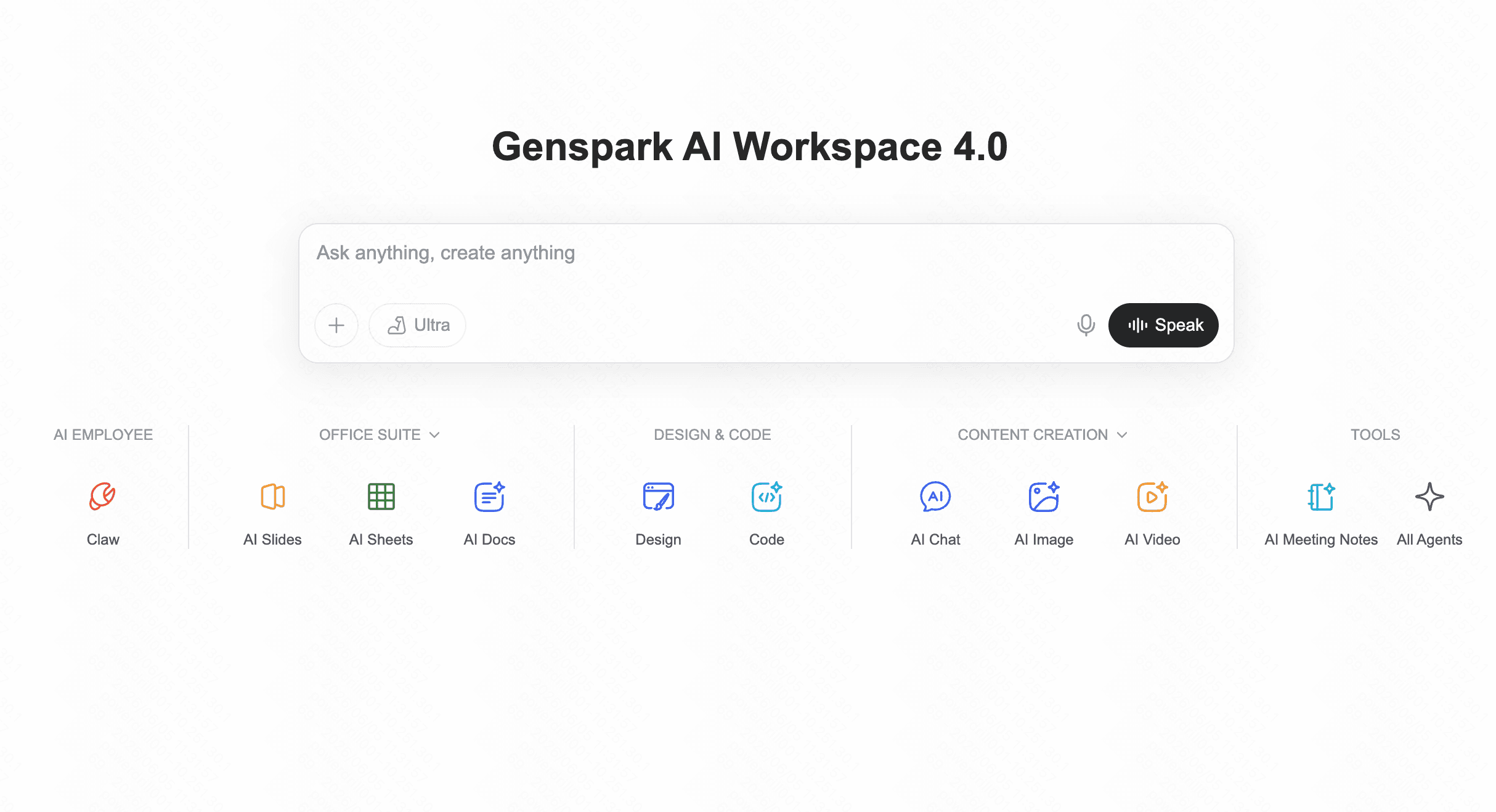
An innovative AI search engine that doesn't just return text, but generates custom, Wikipedia-style "Sparkpages" on the fly for any topic.
Key Features
Parallel search technology that queries multiple engines simultaneously.
Automated creation of interactive, comprehensive overview pages.
Built-in bias checking and multi-perspective analysis.
Pros
Visually engaging and highly readable outputs.
Excellent for learning completely new topics from scratch.
Saves time by pre-organizing content into structured wikis.
Cons
Not ideal for granular, deeply technical data analysis.
Sparkpages can sometimes feel too generic for advanced professionals.
Pricing
Free to use with premium upgrade options.
What Kind of Research Are You Actually Doing?
Different research tasks require completely different AI capabilities. Before selecting an alternative, users must first clearly identify their specific research scenarios. Here are four common types of research and their requirements:
Business & Market Intelligence:
What you analyze: Industry reports, competitor metrics, and proprietary internal spreadsheets.
Expected results: Actionable strategic insights, formatted tables, and presentation-ready reports.
Core requirements: Enterprise-grade data security, multi-source data fusion, and deep analytical capabilities.
Recommended Tool: Powerdrill Bloom is the ultimate choice here, built from the ground up to securely handle business data and deliver professional insights.
Academic & Scientific Research:
What you analyze: Peer-reviewed PDFs, clinical trials, and scientific journals.
Expected results: Literature matrices and methodology summaries.
Core requirements: Zero-hallucination citations and rigorous scientific vetting.
Recommended Tool: Elicit.
Technical & Coding Research:
What you analyze: API documentation, GitHub repositories, and stack traces.
Expected results: Usable code snippets and architectural guidance.
Core requirements: Deep logical reasoning and syntax understanding.
Recommended Tool: Claude or You.com.
Everyday Knowledge Discovery:
What you analyze: Live news, blogs, and current web trends.
Expected results: Quick, readable summaries with clickable links.
Core requirements: Real-time speed and intuitive UI.
Recommended Tool: Perplexity or Genspark.
Gemini Deep Research vs. Powerdrill Bloom:Which Tool Is Better for Business Research?
When it comes strictly to corporate and business research, these two tools diverge significantly:
Data Integration Capability: Gemini natively excels if your entire company lives inside Google Drive. However, Powerdrill Bloom is infinitely more flexible, allowing you to securely bridge external web insights with diverse, localized enterprise databases seamlessly.
Output and Formatting: Gemini typically provides standard conversational text. Powerdrill Bloom is tailored for business, generating highly structured, visually digestible analytical reports that are ready for boardroom presentations.
Security and Control: Powerdrill Bloom offers strict, enterprise-level parameters ensuring your proprietary market data isn't bleeding into a public learning model, giving executives vital peace of mind compared to generalized LLMs.
Workflow Customization: Powerdrill Bloom provides deep, customizable research templates tailored specifically for industry-level market analysis, whereas Gemini relies on generalized deep-crawling algorithms.
Final Verdict
While Gemini Deep Research is a fantastic technical achievement, it is not the definitive answer for every professional. If you are conducting academic research, Elicit is your best bet; for quick factual queries, Perplexity wins.
However, if your daily workflow involves analyzing complex market trends, merging live web data with proprietary enterprise files, and generating actionable corporate insights, Powerdrill Bloom stands clearly above the rest. Its unparalleled focus on business intelligence and data security makes it the premier choice for professionals looking to upgrade their research stack.
FAQs
Is Powerdrill Bloom secure for proprietary enterprise data?
Yes, it utilizes enterprise-grade encryption and strictly guarantees that your confidential datasets are never used to train public models.
How does Elicit differ from general web search?
Elicit exclusively queries a database of peer-reviewed academic papers, making it ideal for researchers needing rigorous, verified scientific methodologies.
Is there a free version of these tools?
Yes, platforms like Perplexity, Claude, and Genspark offer capable free tiers, though advanced reasoning features usually require premium subscriptions.
Does ChatGPT Deep Research cite its sources?
Yes, it provides clickable citations, but it often focuses more on comprehensive reasoning and synthesis rather than pure link aggregation.
Why choose Powerdrill Bloom over Gemini Deep Research?
Powerdrill Bloom provides superior integrations for proprietary business data and generates highly customized, actionable reports tailored specifically for enterprise workflows.