10 Best Free AI Market Research Tools in 2026: Tested & Compared
Introduction
To compile this definitive comparison, we evaluated dozens of platforms based on ease of use, research depth, data analysis capabilities, trend generation, reporting and visualization quality, and the overall value of their free access tiers.
This guide is built for marketers, founders, product teams, market researchers, and business analysts who need to cut through the noise and transform market data into actionable business strategies.
What are the best free AI market research tools?
The top free AI market research tools in 2026 include Powerdrill Bloom for turning raw dataset files into presentation-ready charts and slides, Perplexity AI for real-time competitor web intelligence, Claude for analyzing long-form qualitative reports, and Browse AI for scraping market data. These platforms allow teams to extract insights, track trends, and visualize market data without needing specialized coding or data science skills.
10 Tools at a Glance
Powerdrill Bloom: Best overall AI agent for turning raw market data into visualizations and presentation-ready slides.
Perplexity AI: Best for real-time, citation-backed web research and competitor intelligence.
Claude: Best for qualitative market research and deep document analysis.
ChatGPT: Best for brainstorming market strategies and general conversational research.
Google Gemini: Best for tapping into live Google search trends and ecosystem integration.
Browse AI: Best for no-code web scraping to monitor competitor pricing and updates.
Julius AI: Best for complex statistical modeling and quantitative data analysis.
You.com: Best for customized research workflows and targeted web intelligence.
ChatPDF: Best for quickly extracting insights from massive industry whitepapers.
AnswerThePublic: Best for uncovering consumer search intent and keyword trends.
Comparison Table
Tool | Best For | Core Strength | Pricing |
Raw data to presentation workflows | Automated charts, insights, and slide generation | Freemium / $13.27/month | |
Real-time web intelligence | Live search with reliable source citations | Freemium / $34/month | |
Qualitative analysis | Massive context window for long reports | Freemium / $17/momth | |
Brainstorming & broad research | Versatile conversational AI and ideation | Freemium / $8/month | |
Live market trends | Direct integration with Google's live web index | Freemium / $7.99/ month | |
Competitor monitoring | No-code automated web scraping | Free trial / $19/month | |
Advanced statistical modeling | Python-powered quantitative analysis | Freemium / $16/month | |
Targeted web research | AI search with specialized focus modes | Freemium / $5.00 per 1k calls | |
Industry report extraction | Conversational interaction with static PDFs | Freemium / $7.58/month | |
Consumer intent analysis | Visualizing search queries and questions | Free limited / $13.33/month |
Powerdrill Bloom
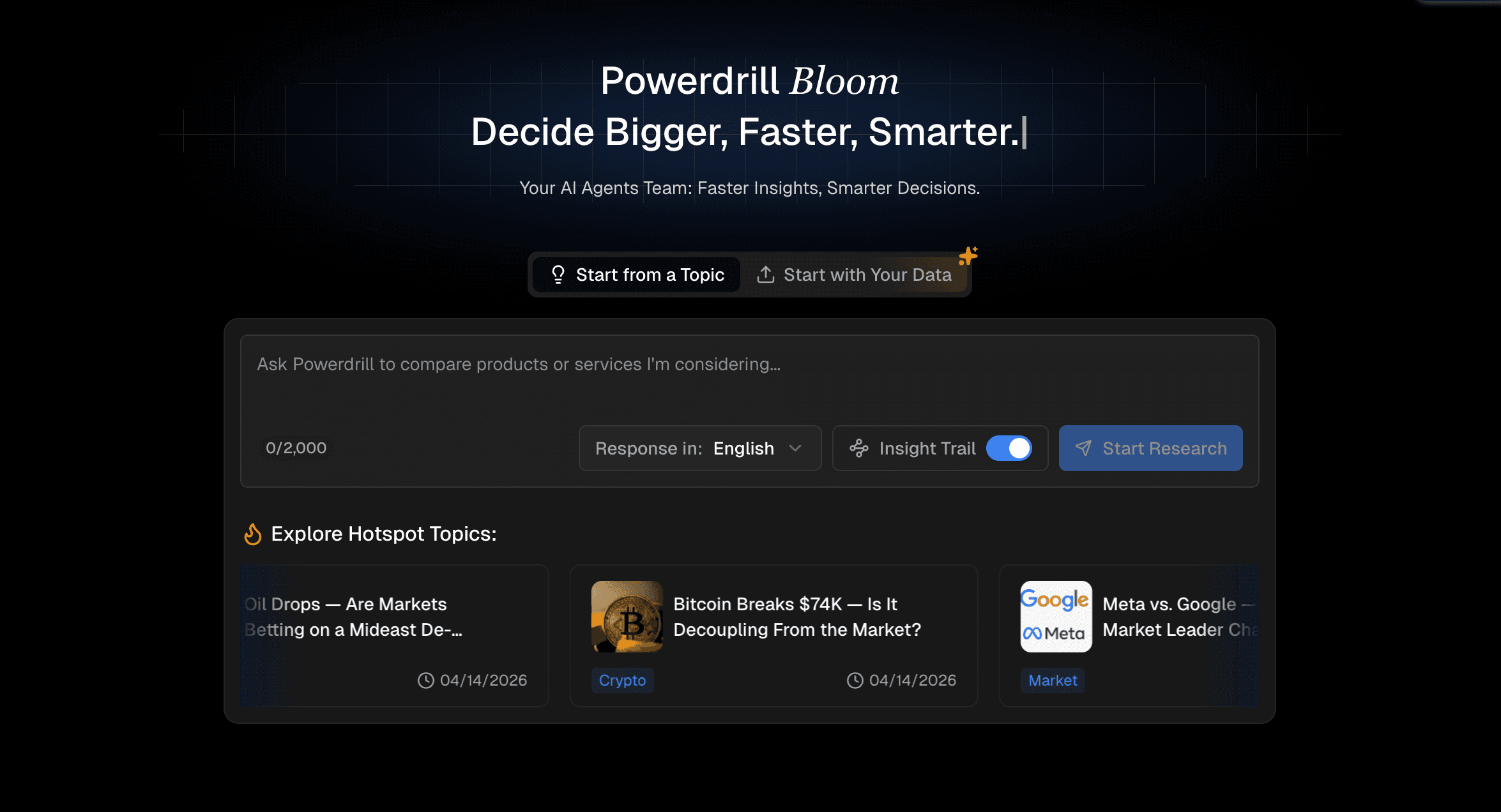
Powerdrill Bloom is a highly capable AI agent specifically designed to bridge the gap between raw data and executive reporting. It is built for marketing, growth, strategy, and finance teams who need to analyze market research data but lack advanced SQL or Python skills.
Unlike traditional research tools that just scrape the web or conversational AIs that only output text, Powerdrill Bloom excels at an end-to-end workflow: you upload raw Excel or CSV data (like survey results, market metrics, or financial figures), and the AI analyzes the trends, cleans the data, recommends the right visualizations, and generates business-ready slides or infographics. It essentially acts as a virtual business analyst.
Key Features
Natural Language Data Analysis: Ask questions about your CSV/Excel datasets in plain English; no SQL required.
Automated Data Cleansing: Automatically identifies and formats messy raw research data before analysis.
Smart Visualization Engine: Automatically recommends and generates the most appropriate bar charts, line graphs, or pie charts based on the data context.
Presentation-Ready Output: Converts insights and charts into downloadable, business-ready PPT slides and infographics.
Trend & Metric Comparison: Easily cross-references different datasets to uncover competitor trends and market gaps.
Pros
Eliminates the friction between data analysis and presentation creation.
Highly accessible for non-technical users (marketers, founders, analysts).
Produces boardroom-ready outputs (slides, charts) rather than just text blocks.
Handles complex quantitative market data with high accuracy.
Cons
Focused heavily on raw data analysis rather than direct live web scraping.
Requires users to already have access to the initial datasets (CSV/Excel) for its core workflow.
Advanced custom template branding requires a learning curve.
Pricing
Offers a freemium pricing structure with current monthly promotional rates: Free at $0.00/month, the popular Pro plan at $13.27/month, and the Plus plan at $26.60/month, both with a 20% discount.
Perplexity AI
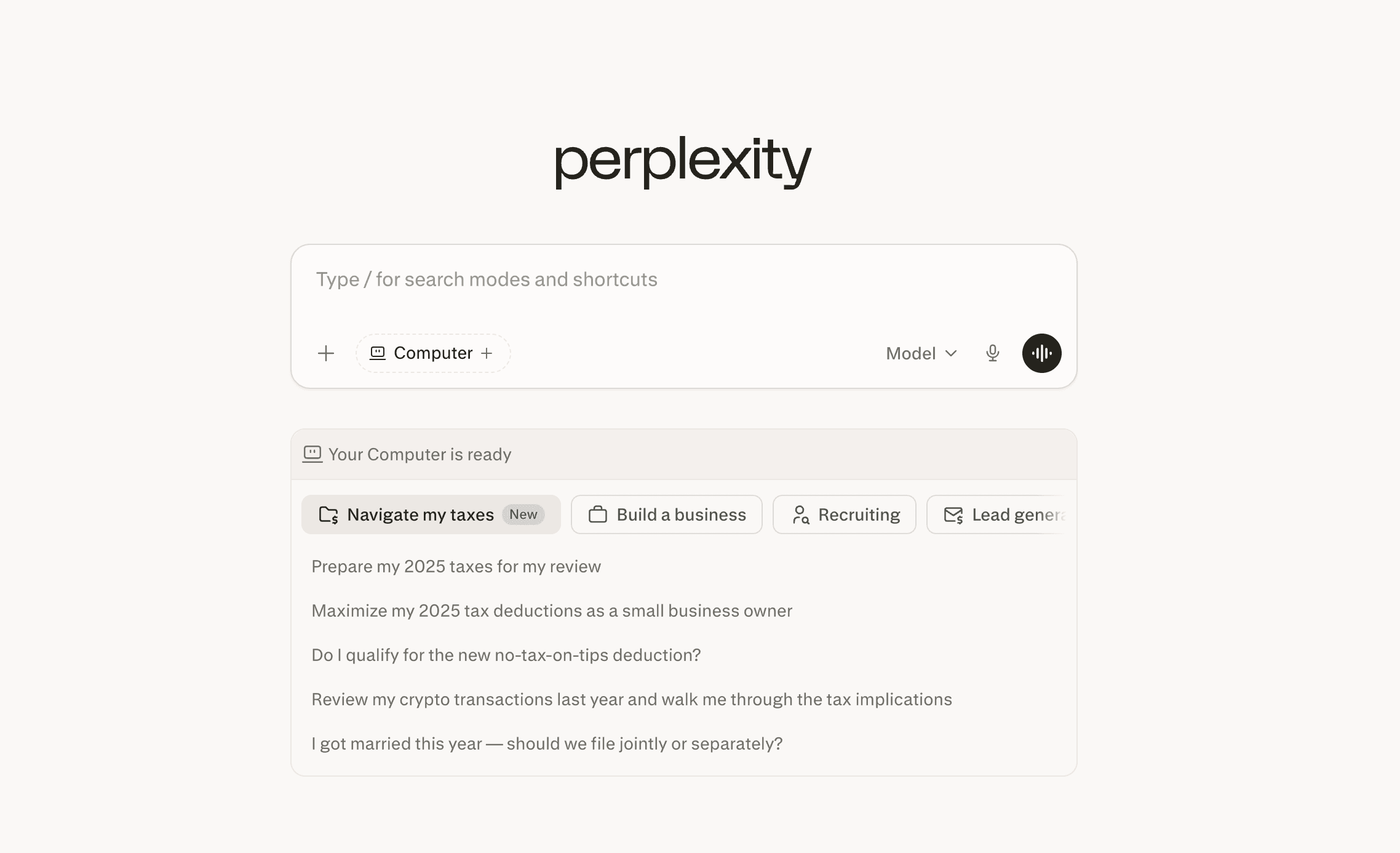
Perplexity AI operates as a conversational answer engine powered by real-time web search. It is an exceptional tool for market researchers and strategy teams looking to gather secondary market research, track down competitor news, and synthesize current industry trends.
Because it searches the live internet and cites its sources for every claim, it is ideal for users who need factual, up-to-date market intelligence without hallucinated data. It fits perfectly into the early stages of market research, where teams are trying to understand market size, key players, and emerging consumer behaviors.
Key Features
Real-Time Web Indexing: Accesses the live internet to pull the most recent market data and news.
Inline Citations: Provides clickable footnotes linking directly to the source of every data point.
Copilot Mode: Asks clarifying questions to narrow down broad market research queries.
Curated Collections: Allows teams to organize research threads into distinct project folders.
Related Questions: Automatically suggests follow-up queries to deepen the research scope.
Pros
Incredibly fast for gathering secondary market research.
High trustworthiness due to mandatory source citations.
Prevents outdated insights by prioritizing recent web publications.
Cons
Does not generate charts or data visualizations from its findings.
Cannot independently analyze private, proprietary datasets.
The free tier limits the number of deep "Pro" searches per day.
Pricing
Offers a free tier and two annual-billed enterprise plans: Enterprise Pro at $34/seat/month and Enterprise Max at $271/seat/month, with Max including advanced automation, priority access, and enterprise-grade security.
Claude
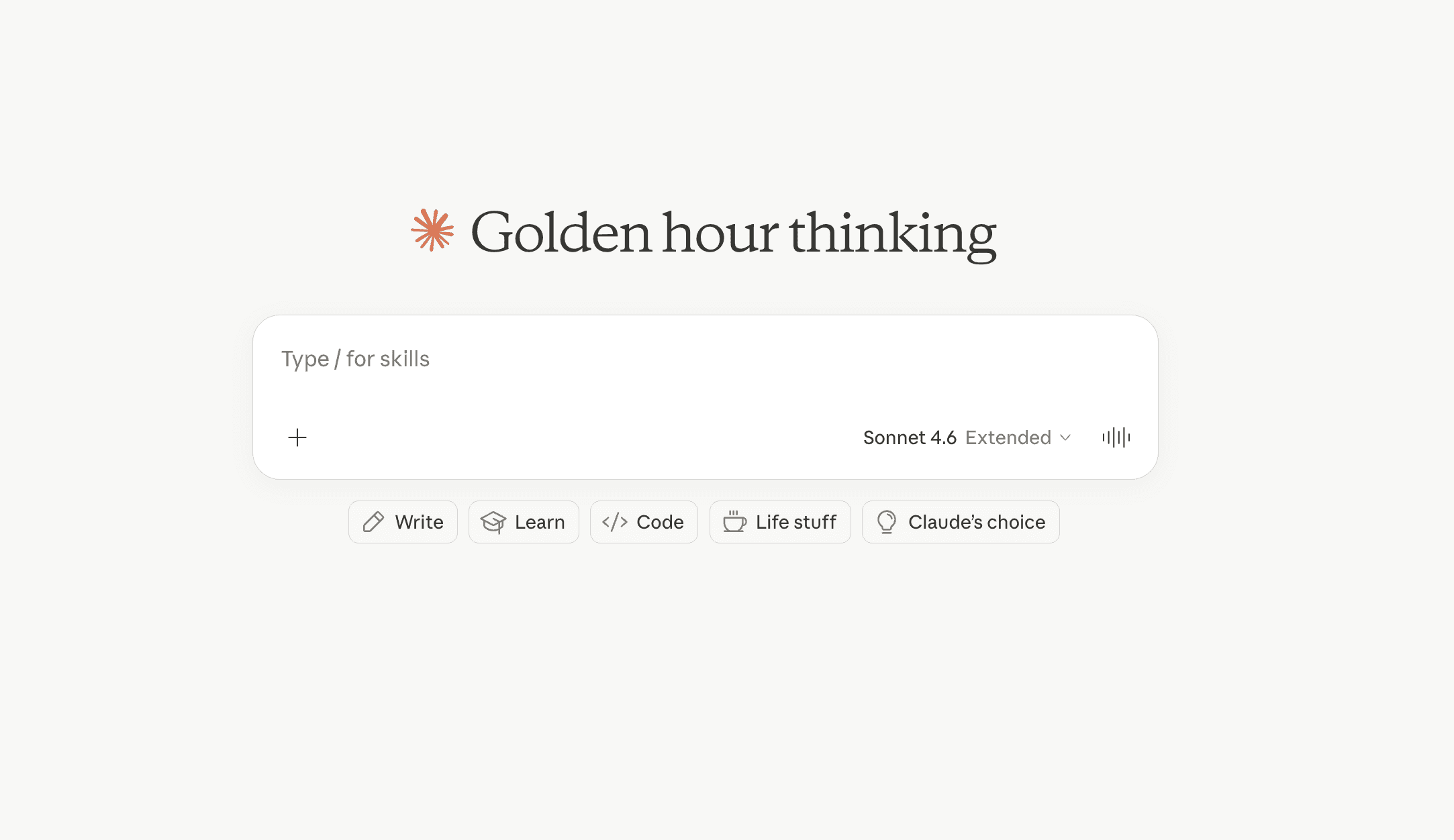
Developed by Anthropic, Claude is a large language model renowned for its massive context window and nuanced, human-like reasoning. It is the premier choice for qualitative market research, such as analyzing transcripts of customer interviews, massive industry whitepapers, and extensive competitor documentation.
Market researchers and product teams use Claude when they have a large volume of unstructured text and need to extract recurring themes, consumer pain points, or strategic summaries. Its writing style is naturally analytical, making it great for drafting market research summaries.
Key Features
Massive Context Window: Can process hundreds of pages of text (like annual reports or survey transcripts) in a single prompt.
Nuanced Thematic Extraction: Highly skilled at identifying subtle consumer sentiments and qualitative trends.
Artifacts UI: Generates standalone documents, code snippets, or text summaries in a dedicated side-panel.
Advanced Formatting: Excellent at categorizing unstructured data into clean, formatted markdown tables.
Low Hallucination Rate: Strictly adheres to the provided text when asked to summarize uploaded documents.
Pros
The best AI for processing long, qualitative research documents.
Highly natural and professional writing tone for research reports.
Artifacts feature makes reviewing extracted summaries very clean.
Cons
The free tier has strict usage limits that can be exhausted quickly during heavy analysis.
Lacks the direct presentation-generation capabilities found in specialized tools.
Web browsing features are less integrated than some competitors.
Pricing
Offers three pricing tiers for individual users: a Free plan at $0, a Pro plan at $20 per month and a Max plan starting at $100 per month.
ChatGPT
OpenAI’s ChatGPT remains one of the most versatile tools for broad market research. It is suitable for nearly any professional—from startup founders brainstorming go-to-market strategies to marketers mapping out buyer personas.
While it is a general-purpose AI, its ability to browse the web, execute Python code for data analysis (via Advanced Data Analysis), and generate strategic frameworks makes it a staple in the market researcher's toolkit. It serves as a great sounding board for initial market hypotheses.
Key Features
Versatile Conversational Interface: Adapts to almost any market research framework (SWOT, PESTLE, Porter’s Five Forces).
Advanced Data Analysis: Can process data files and run Python scripts in the background to generate insights.
Web Browsing: Searches the web to pull current competitor pricing or market news.
Custom GPTs: Users can create or use pre-built custom agents tailored specifically for market research.
Image & Document Vision: Can analyze screenshots of competitor websites or charts.
Pros
Unmatched versatility for both qualitative brainstorming and basic quantitative tasks.
The Custom GPT ecosystem offers specialized market research bots.
Constantly updated with cutting-edge multimodal capabilities.
Cons
Outputs can sometimes be generic without highly specific prompting.
Data visualizations are basic and not easily exported into native PPT formats.
Requires prompt engineering skills to get analyst-grade outputs.
Pricing
Offers a freemium pricing structure for personal users: a free $0/month plan, a Go plan at $8/month, a Plus plan starting at $20/month (with a limited-time first-month free offer), and a Pro plan from $100/month, with features and usage limits escalating across tiers to meet needs from basic exploration to maximum productivity.
Google Gemini
Google Gemini (formerly Bard) is an AI assistant that leverages Google’s unparalleled real-time web index. It is exceptionally well-suited for marketers and analysts who need to track live consumer trends, search behaviors, and breaking market news.
Because it integrates natively with the Google Workspace ecosystem (Docs, Sheets, Drive), it is highly effective for teams that already manage their market intelligence within Google’s cloud. It is particularly strong at answering queries related to current events and local market dynamics.
Key Features
Live Web Access: Directly taps into Google Search for up-to-the-second market data.
Workspace Integration: Exports market research findings directly into Google Docs or Sheets with one click.
Multimodal Input: Analyzes text, audio, images, and video (including YouTube videos) for competitor research.
Trend Spotting: Highly effective at summarizing current consumer search trends and public interest shifts.
Fact-Check Tool: Includes a "double-check response" feature that cross-references AI claims with Google Search results.
Pros
Seamless integration with Google Workspace for immediate documentation.
Unmatched access to live data and YouTube content analysis.
The double-check feature adds a layer of factual reliability.
Cons
Can occasionally refuse to analyze certain data due to overzealous safety filters.
Reasoning capabilities in complex strategic scenarios can sometimes lag behind Claude or ChatGPT.
Native chart generation is limited compared to dedicated analytics agents.
Pricing
Offer features tiered pricing for Google AI services with introductory discounts: Google AI Plus is US$3.99/month (limited time), AI Pro is free for the first month, and AI Ultra is US$124.99/month for a 3-month introductory period, all highlighting enhanced Gemini features and usage limits.
Browse AI
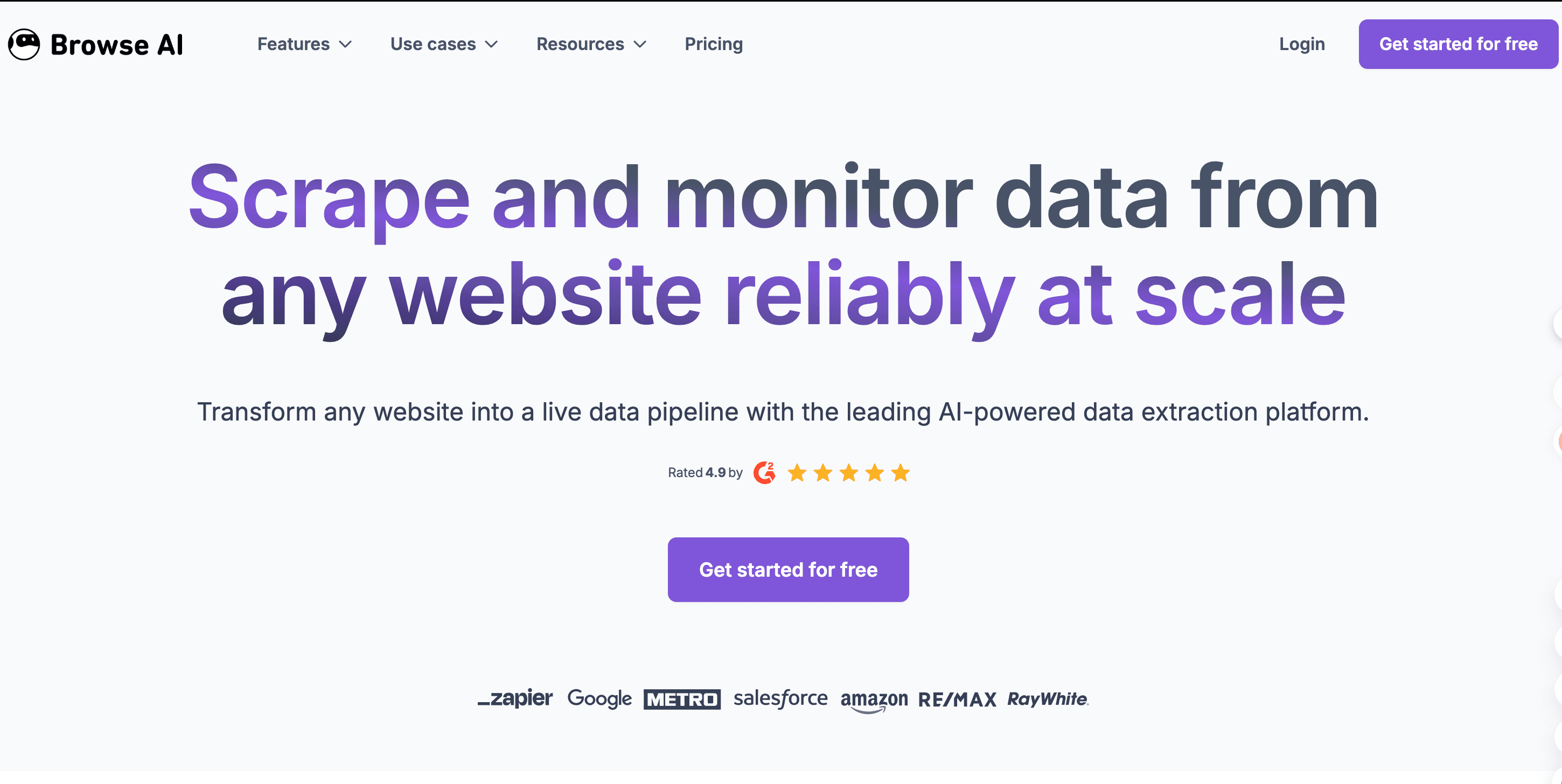
Browse AI takes a different approach to market intelligence: it is an AI-driven, no-code web scraping tool. It is designed for growth teams, ecommerce managers, and competitor analysts who need to extract structured data from competitor websites automatically.
If your market research involves tracking competitor pricing changes, monitoring new product launches, or extracting reviews from marketplaces, Browse AI allows you to train a "robot" to scrape this data and dump it into a spreadsheet without writing any code.
Key Features
No-Code Scraping: Train the AI to extract specific data by simply clicking elements on a webpage.
Automated Monitoring: Set up schedules to automatically check competitor websites for pricing or inventory changes.
Pre-built Tasks: Includes ready-to-use templates for scraping platforms like LinkedIn, Zillow, or Amazon.
API & Zapier Integrations: Pipes scraped market data directly into CRMs, Google Sheets, or custom databases.
Pagination Handling: Automatically navigates through multiple pages of search results to gather comprehensive data.
Pros
Turns unstructured competitor websites into clean, analyzable market data.
Requires zero coding knowledge to set up complex data extraction.
Saves hundreds of hours of manual copy-pasting for market sizing.
Cons
Not a conversational AI; it extracts data but does not analyze or interpret it for you.
Can break if the target website drastically changes its layout.
Free tier is limited by the number of "credits" or scrapes per month.
Pricing
Offers a scalable freemium pricing model with four annual-billed tiers: Free ($0/month), Personal ($19/month), Professional ($69/month, most popular), and Premium (starting at $500/month), with increasing credits, users, websites, and support features to match growing business needs.
Julius AI
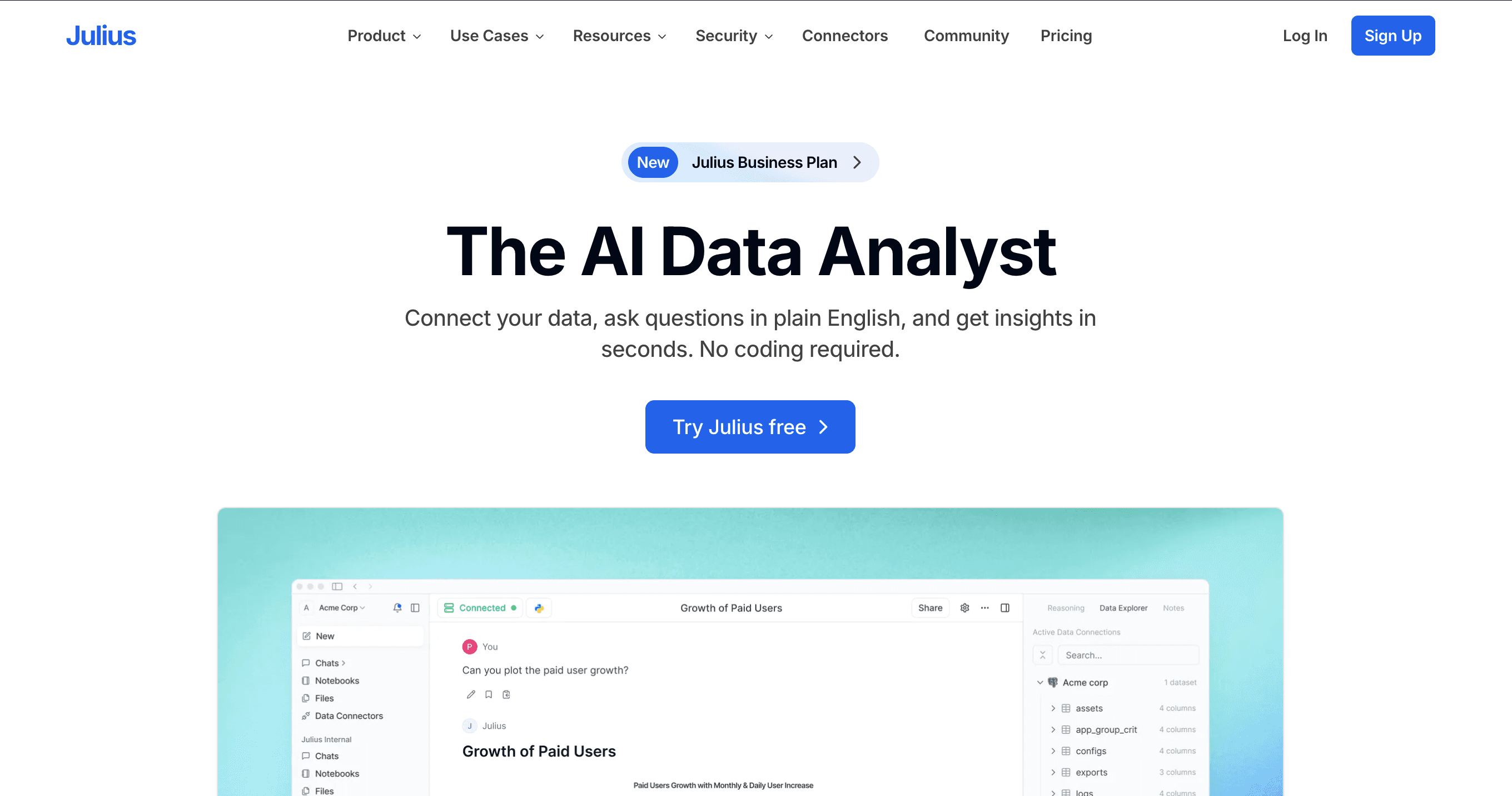
Julius AI is a specialized AI data analyst built for heavy quantitative market research. It is targeted at data scientists, academic researchers, and technical business analysts who need to perform complex statistical modeling on large datasets.
While it is highly powerful, it focuses strictly on the mathematical and statistical side of data. Users can upload massive spreadsheets, and Julius will write and execute Python or R code to run regressions, forecasting, and correlation analyses, outputting the results and the methodology.
Key Features
Advanced Statistical Modeling: Runs complex regressions, predictive models, and hypothesis testing.
Python/R Execution: Writes and runs actual code to analyze data, ensuring high mathematical accuracy.
Transparent Methodology: Displays the exact code used to generate the insights, allowing for peer review.
Multi-File Analysis: Can join and merge multiple large datasets for comprehensive market analysis.
Interactive Visualizations: Generates standard statistical charts (scatter plots, heatmaps).
Pros
Extremely accurate for complex mathematical market research.
Great for technical users who want to review the underlying code.
Handles large datasets with ease.
Cons
Can be intimidating for non-technical users or purely creative marketers.
Visualizations are highly technical and not formatted for business presentations.
Lacks the qualitative brainstorming features of general LLMs.
Pricing
Offers a freemium pricing structure with four annual-billed tiers: Free ($0/month), Plus ($16/month), Pro ($33/month, recommended), and Business ($375/month), with escalating credits, seats, and features to suit individual to enterprise data needs.
You.com
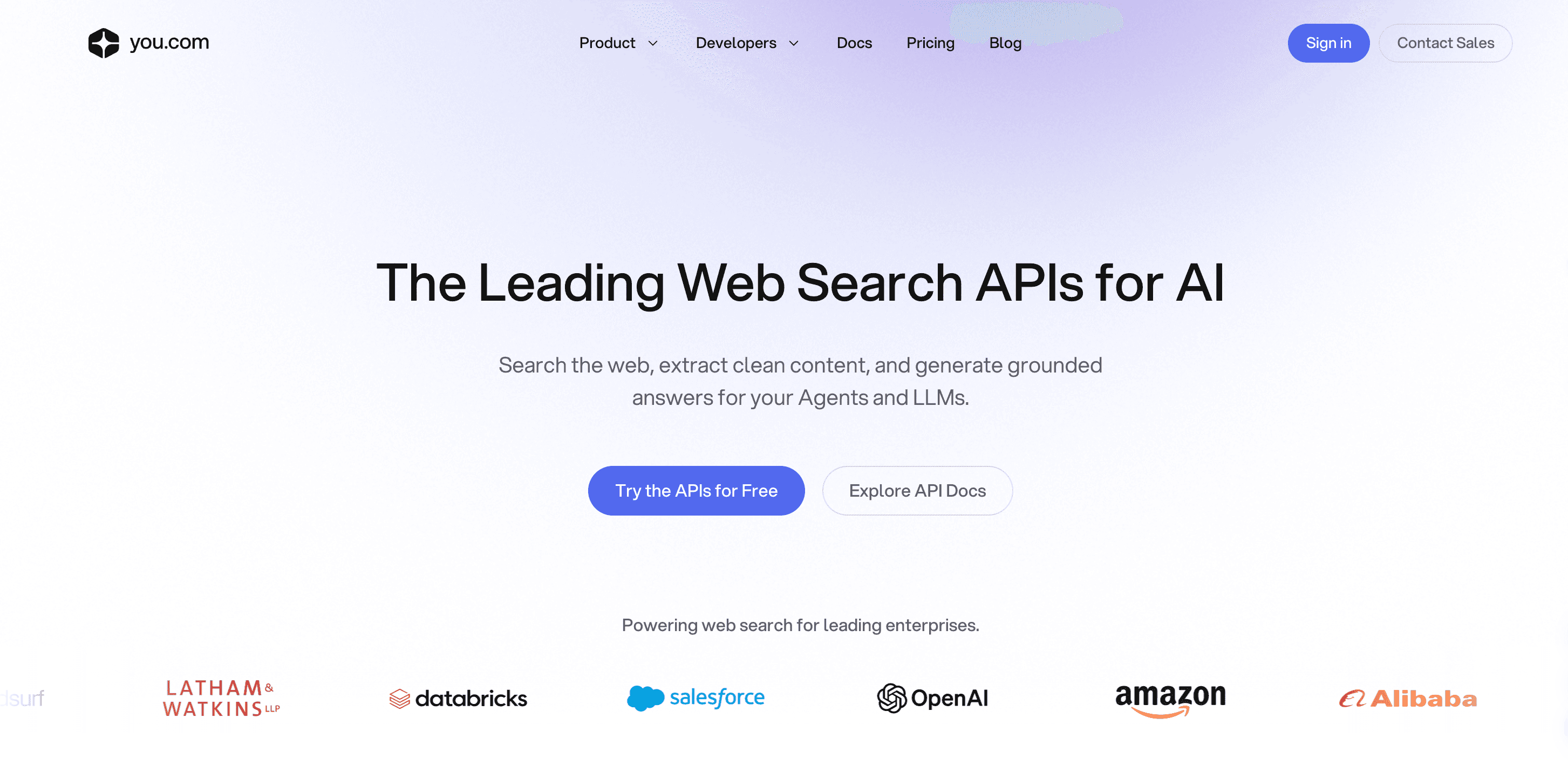
You.com is an AI-powered search engine that has evolved into a highly customizable research assistant. It is ideal for market researchers who need a tailored search experience to dig into niche industries, specific technical markets, or B2B software landscapes.
What sets You.com apart is its specialized "Modes" (like Research, Genius, and Custom), which allow the AI to perform deep, multi-step web searches, compile comprehensive reports, and cite multiple sources from across the web.
Key Features
Research Mode: Executes multi-step, exhaustive web searches to compile detailed market reports.
Customizable AI: Allows users to personalize the AI's behavior and preferred sources for tailored industry research.
Live Web Intelligence: Pulls real-time data, news, and technical papers from the live internet.
Interactive Chat Search: Combines standard search engine results with conversational AI synthesis.
Code & Tech Focus: Particularly strong at researching software markets and technical competitor specs.
Pros
Deep research mode is excellent for comprehensive market overviews.
Highly customizable search experience.
Strong alternative to traditional search engines for finding niche market data.
Cons
The interface can feel cluttered compared to minimalist chat apps.
Does not offer native spreadsheet data analysis or chart generation.
The best research modes are heavily restricted on the free tier.
Pricing
Offers pay-as-you-go Web Search API pricing with three core products: Search API at $5.00 per 1k calls, Contents API at $1.00 per 1k pages, and Research API (Lite tier) at $6.50 per 1k calls, all with a $100 free credit for new users.
ChatPDF
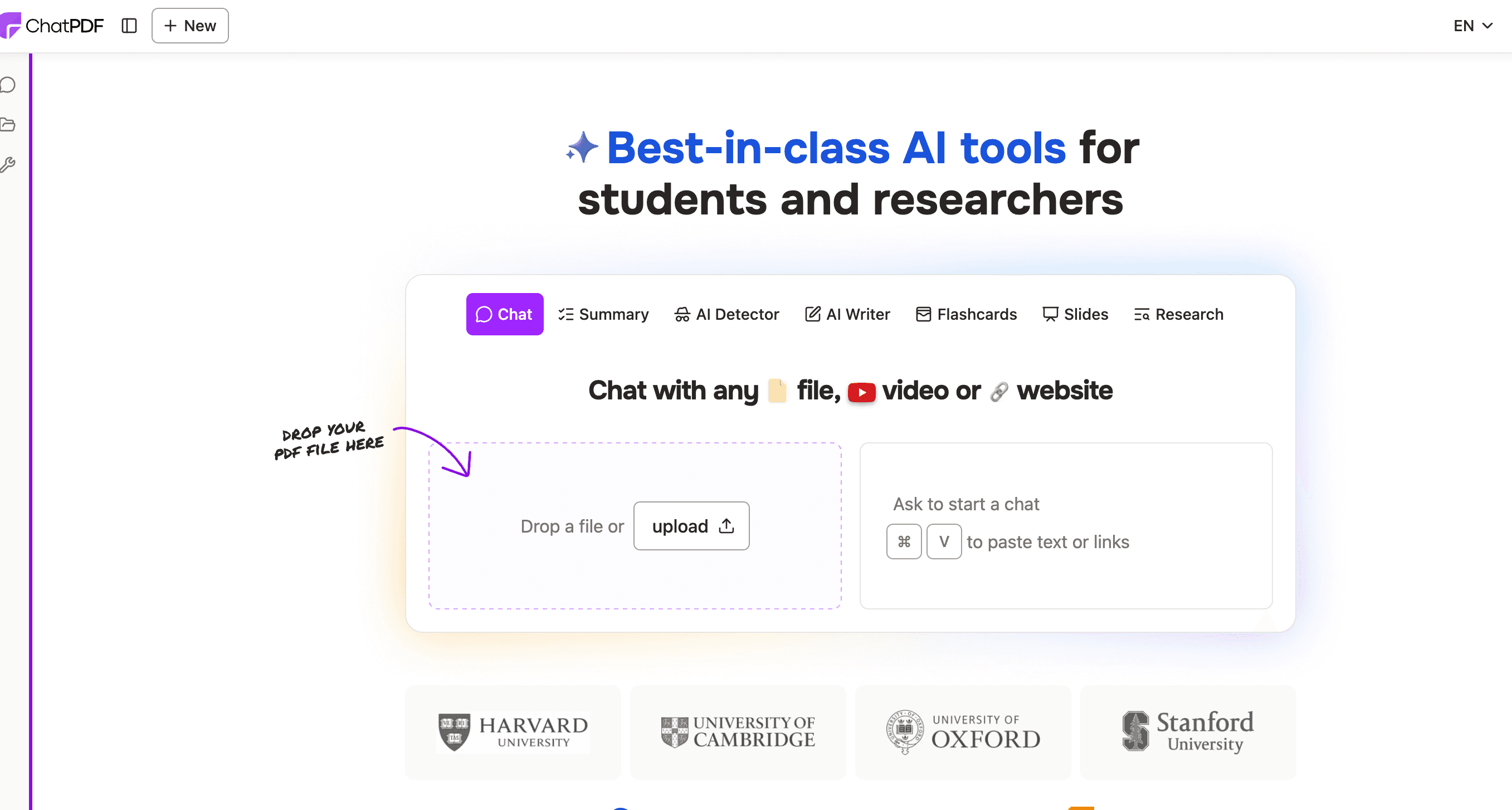
ChatPDF is a highly focused AI tool designed to do one thing exceptionally well: let you converse with static PDF documents. For market researchers, strategy teams, and analysts who frequently deal with dense industry reports, whitepapers, financial statements, and academic journals, this tool is invaluable.
Instead of reading a 100-page McKinsey or Gartner report, you can upload the PDF and instantly ask questions to extract specific market sizes, consumer statistics, or key vendor comparisons buried within the text.
Key Features
Direct PDF Interaction: Chat directly with the contents of uploaded PDF documents.
Semantic Search: Quickly locates specific data points, methodologies, or statistics within dense text.
Multi-Language Support: Analyzes PDFs in multiple languages and translates findings.
Source Linking: Cites the exact page number within the PDF where it found the information.
Exportable Summaries: Easily copy or export the extracted insights for secondary reporting.
Pros
Saves countless hours of reading dense market research whitepapers.
Extremely simple, no-learning-curve interface.
Accurate page citations build trust in the extracted data.
Cons
Strictly limited to PDF documents; cannot analyze live web pages or Excel data.
Does not generate new insights outside the context of the uploaded document.
Free tier restricts file size and the number of pages per PDF.
Pricing
Offers a Plus plan with flexible billing: $14.99/month on a monthly basis, or $7.58/month (save 50%) when billed annually, unlocking unlimited PDFs, questions, and premium features for researchers.
AnswerThePublic
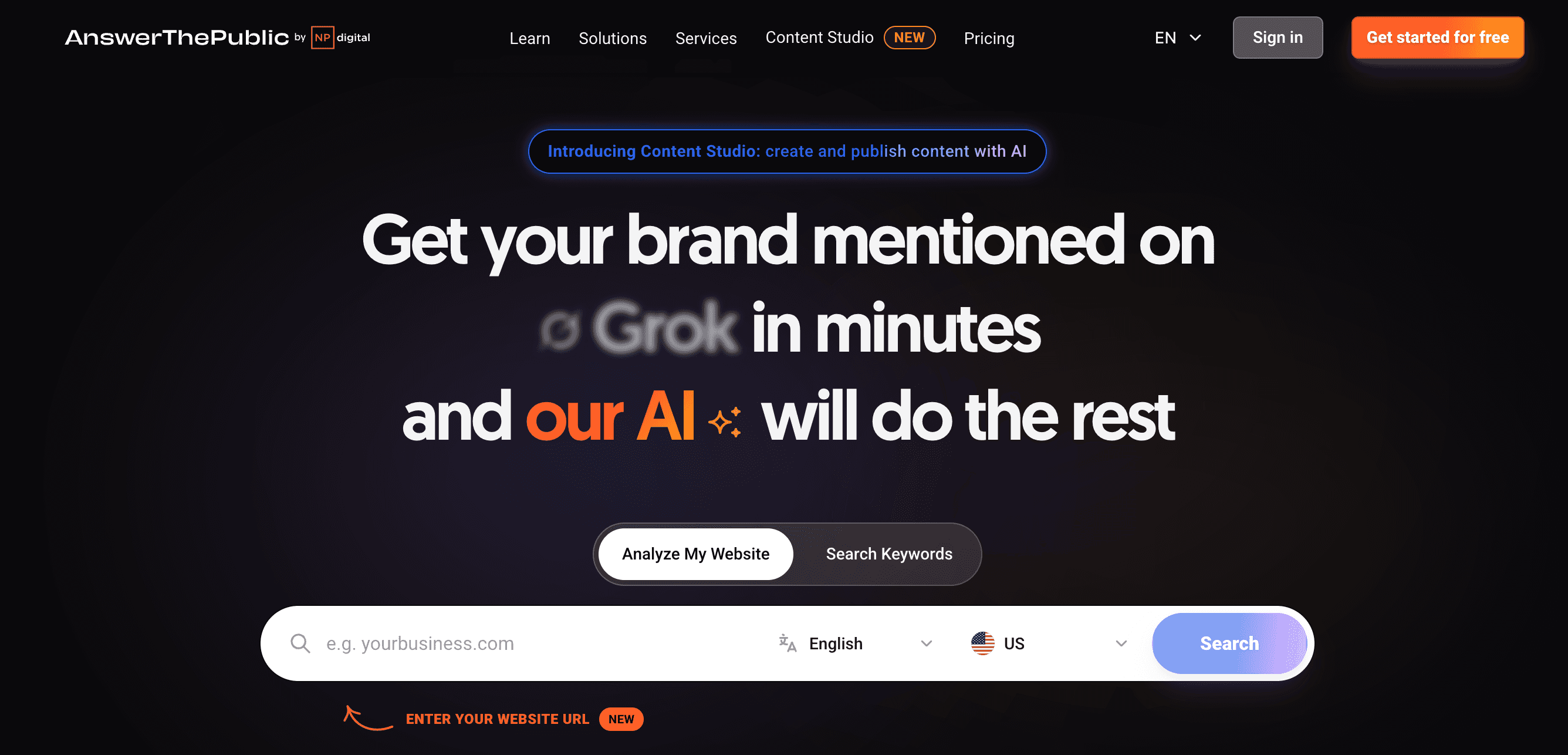
AnswerThePublic is an AI-enhanced search listening tool that maps out consumer search intent. It is an essential platform for content marketers, SEO professionals, and product development teams who need to understand exactly what questions consumers are asking about a specific market or product.
By analyzing autocomplete data from search engines like Google and Bing, it generates visual webs of phrases, questions, and comparisons that real users are searching for, providing direct insight into consumer pain points and emerging market interests.
Key Features
Search Intent Visualizations: Generates unique "search cloud" graphics categorized by questions (who, what, where, why).
Trend Tracking: Highlights emerging search queries and shifts in consumer interest over time.
Data Export: Allows users to download keyword data into CSV files for further analysis.
Competitor Comparisons: Shows how consumers search for "Brand A vs. Brand B" in real-time.
Localized Research: Filters consumer search data by specific countries or languages.
Pros
Provides unparalleled insight into raw consumer curiosity and pain points.
Highly visual format makes it easy to digest massive amounts of keyword data.
Perfect for content strategy and initial product-market fit research.
Cons
Focuses solely on search query data; does not provide financial or quantitative market metrics.
The AI capabilities are more about data organization than deep generative analysis.
The free tier allows for very few searches per day.
Pricing
Offers three annual-billed subscription tiers for content and SEO needs: Starter at $13.33/month, Growth (most popular) at $66/month, and Business at $132.66/month, with increasing search limits, AI article generation, and user seats to scale from solo entrepreneurs to business teams.
Best AI Market Research Tools by Use Case
To help you navigate the landscape, here is how these tools align with specific market research workflows:
Best for raw-data-to-insight workflows: Powerdrill Bloom. If you have raw survey data or sales metrics in a spreadsheet, this tool will clean it, analyze it, and output the insights.
Best for turning research data into charts and slides: Powerdrill Bloom. It uniquely completes the "last mile" of research by generating presentation-ready decks and infographics automatically.
Best for real-time competitor research: Perplexity AI and Browse AI. Use Perplexity for news and secondary research, and Browse AI to scrape competitor pricing.
Best for qualitative trend analysis: Claude. Its massive context window is unbeatable for summarizing transcripts and long reports.
Best for marketers and content teams: AnswerThePublic. It reveals exactly what your target audience is typing into search engines.
Best for teams without SQL or Python skills: Powerdrill Bloom and ChatGPT. Both allow you to query complex data using everyday natural language.
How to Choose the Right AI Market Research Tool
Selecting the right tool depends entirely on your input data and your desired output. Follow this framework:
Identify your data source: If you need to find new information on the web, choose tools like Perplexity AI or You.com. If you already have the data (survey results, sales CSVs) and need to understand it, look toward Powerdrill Bloom or Julius AI.
Determine your output needs: If you just need a text summary for yourself, Claude or ChatGPT will suffice. If you need to present findings to stakeholders or clients, choose an agent like Powerdrill Bloom that handles visualizations and slide generation.
Assess your team's technical skills: Data scientists might prefer the Python-driven environment of Julius AI, while growth marketers and strategy teams will benefit more from intuitive, no-code interfaces.
Final Verdict
The landscape of market research has shifted. You no longer need to spend weeks manually compiling data, writing SQL queries, or formatting PowerPoint charts to understand your market.
For teams that need qualitative analysis and document summarization, Claude is the undisputed leader. If your workflow relies on gathering real-time intelligence from the web, Perplexity AI should be your go-to engine.
However, if your team needs to transform raw research data (like surveys, sales metrics, or financial CSVs) into actionable, visual formats, Powerdrill Bloom is one of the strongest options to consider. Because it seamlessly handles the entire workflow, from data cleansing and analysis to chart generation and slide creation, it removes the technical barriers for marketers, business analysts, and strategy teams. If your workflow depends on taking raw data and turning it into a presentation-ready narrative without writing a single line of code, it stands out as the ultimate productivity multiplier in 2026.
Frequently Asked Questions
What is the best free AI market research tool?
The best free AI market research tool depends on your needs. For turning dataset files into charts and presentations, Powerdrill Bloom is top-tier. For real-time web intelligence, Perplexity AI is the strongest choice.
Are there free AI tools for market research?
Yes, most top-tier AI tools offer free tiers or freemium models. Tools like ChatGPT, Claude, Perplexity AI, and Powerdrill Bloom allow you to perform basic data analysis, web research, and visualization at no cost, though advanced features typically require a subscription.
Can AI do market research?
AI can significantly accelerate market research by scraping competitor websites, summarizing massive industry reports, analyzing raw survey data, and identifying consumer search trends. However, human analysts are still needed to guide the strategy and verify the business context.
Which AI market research tool is best for startups?
Startups benefit most from versatile and affordable tools. Powerdrill Bloom is excellent for lean teams needing to analyze metrics and pitch investors, while Perplexity AI helps founders rapidly understand new market landscapes and competitor positioning.
Which AI tool is best for turning research data into charts and slides?
Powerdrill Bloom is specifically engineered for this workflow. It takes raw CSV or Excel data, performs natural language analysis, recommends the right visualizations, and generates presentation-ready PPT slides automatically.
What is the difference between AI market research tools and AI analytics tools?
AI market research tools (like Perplexity or AnswerThePublic) often focus on gathering external intelligence, consumer trends, and competitor data. AI analytics tools (like Julius AI) focus strictly on processing internal mathematical data. Hybrid agents like Powerdrill Bloom bridge both by analyzing data and formatting it for market research presentations.
Are AI market research tools good for marketers?
Absolutely. Marketers use these tools to analyze buyer personas, extract consumer intent, track competitor pricing, and visualize campaign performance data without needing to rely on dedicated data science teams.
Can AI summarize survey, spreadsheet, or CSV data?
Yes. Tools like Powerdrill Bloom, ChatGPT (via Advanced Data Analysis), and Julius AI allow you to upload raw CSV or Excel files. They can clean the data, identify key trends, summarize the findings, and generate corresponding charts.