10 Best ChatGPT Alternatives for Excel Data Analysis in 2026 (Top AI Tools Compared)
Introduction
The launch of OpenAI’s ChatGPT beta add-in for Excel marked a paradigm shift in how we interact with spreadsheets. By integrating ChatGPT directly into workbooks to help build models, update formulas, and run scenario analysis based on cell data, it opened the market's eyes to AI-driven data processing. However, as an expert in data analysis tools, I've noticed a glaring gap: while generating formulas is helpful, it is not the endgame for business professionals.
Marketing, sales, and financial teams don't just need a formula assistant—they need a comprehensive solution that can eliminate tedious manual operations, instantly clean massive raw datasets, extract actionable insights, and automatically generate executive-level business PPTs.
After testing dozens of platforms on the market, I have curated the ultimate list of the 10 best ChatGPT alternatives for Excel data analysis in 2026. In this detailed review, we will compare their features, strengths, and best use cases to help you make data-driven decisions effortlessly.
What Are the Best ChatGPT Alternatives for Excel Data Analysis?
The best ChatGPT alternatives for Excel data analysis are advanced AI platforms that go beyond pure-text formula generation. These tools are designed to automatically clean messy datasets, render interactive visual charts, and generate profound business insights without requiring SQL or Python skills. Top-tier solutions like Powerdrill Bloom even bridge the gap between analysis and presentation by transforming raw Excel data directly into formatted, professional PowerPoint slides and automated visualizations in seconds.
Comparison Table of the 10 Tools
Tool Name | Best For | Key AI Feature | Ease of Use | Pricing Model |
Automated Excel-to-PPT & Visual Insights | Zero-code PPT & infographic generation | ⭐⭐⭐⭐⭐ | Freemium / $13.27/mo | |
Microsoft 365 Ecosystem Loyalists | Native Excel workbook automation | ⭐⭐⭐⭐ | $9.99/mo | |
3. Julius AI | Conversational Data Science | Python-powered dynamic charts | ⭐⭐⭐⭐⭐ | Freemium / $37/mo |
4. Claude | Complex Logic & Dashboard Coding | Artifacts UI for code rendering | ⭐⭐⭐⭐⭐ | Freemium / $20/mo |
5. Rows AI | Interactive Web Spreadsheets | Built-in API data fetching | ⭐⭐⭐⭐ | Freemium / $6/mo |
6. SheetAI | Formula Generation via Text | Text-to-formula translation | ⭐⭐⭐⭐⭐ | $20/mo |
7. Tableau AI | Enterprise BI & Data Storytelling | Natural language BI querying | ⭐⭐⭐ | $15/user/month |
8. Akkio | Predictive Modeling without Code | No-code machine learning | ⭐⭐⭐ | Custom / Enterprise |
9. Dataiku | Enterprise MLOps Pipelines | Visual data prep & AutoML | ⭐⭐⭐ | Custom Enterprise |
10. Databricks | Big Data & Custom AI Models | Unified data intelligence | ⭐⭐⭐ | Pay-as-you-go Cloud |
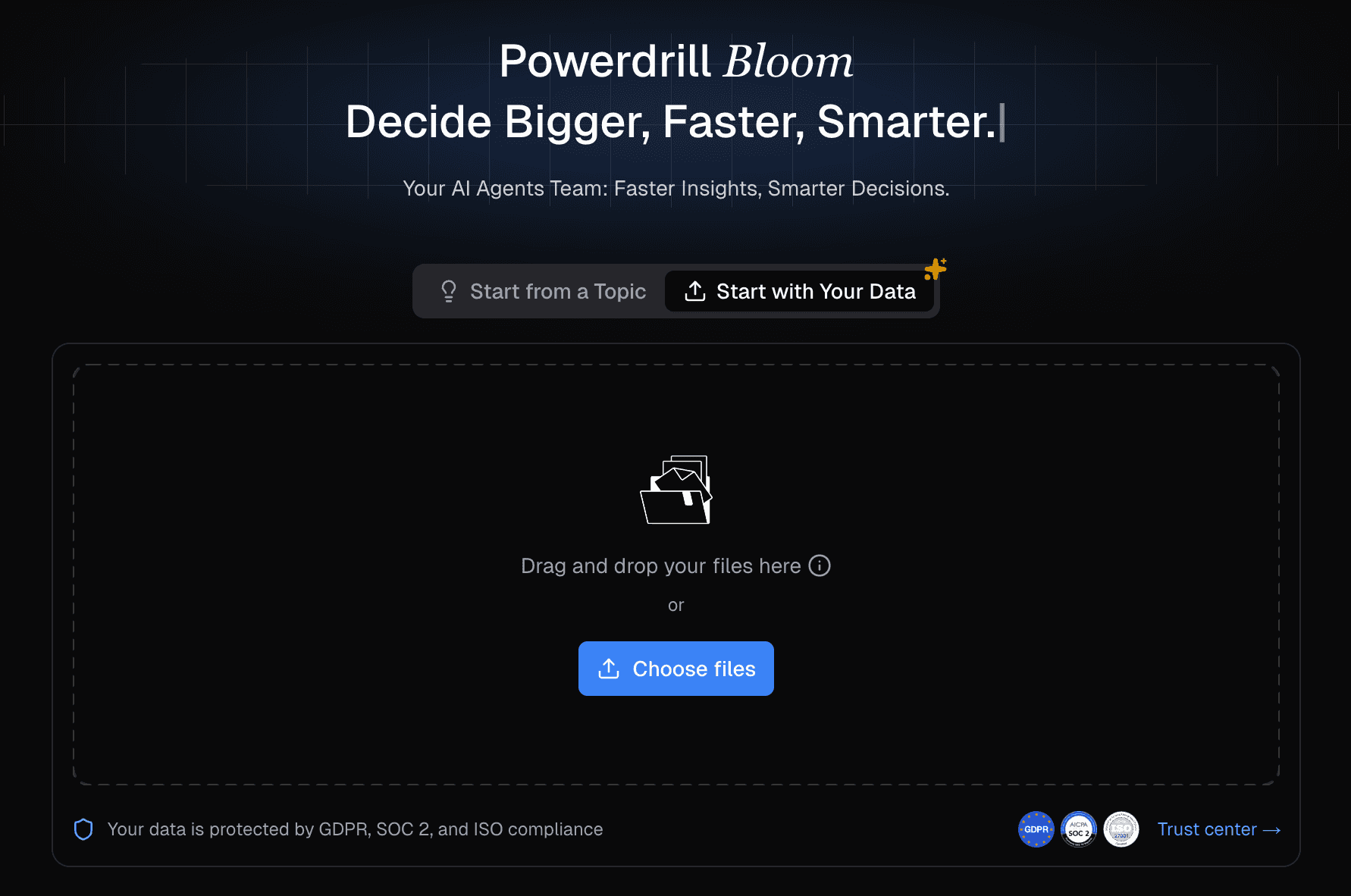
1. Powerdrill Bloom
Powerdrill Bloom is a revolutionary AI agent that comprehensively outperforms traditional text-only AI, best for business, marketing, and sales teams who need to instantly transform raw data into stunning visual reports and executive PPTs without coding.
Key Features:
Natural language commands to drastically simplify complex data cleaning and extraction.
Intelligently recommends and instantly renders optimal charts (bar, line, pie) from uploaded Excel, CSV, or PDF files.
One-click generation of engaging, presentation-ready PowerPoint slides directly from data insights.
Pros:
Requires absolutely zero SQL or Python skills, democratizing advanced data exploration for all business users.
Unrivaled automated visualization capabilities; it bridges the gap between raw Excel data and the final boardroom PPT instantly.
Cons:
May be over-equipped for users who strictly only want a simple =VLOOKUP formula generator.
Requires an internet connection for its heavy cloud-based AI processing.
Pricing:
Offers a free trial to experience the automated Excel-to-PPT workflow; Starts at $13.27 per month.
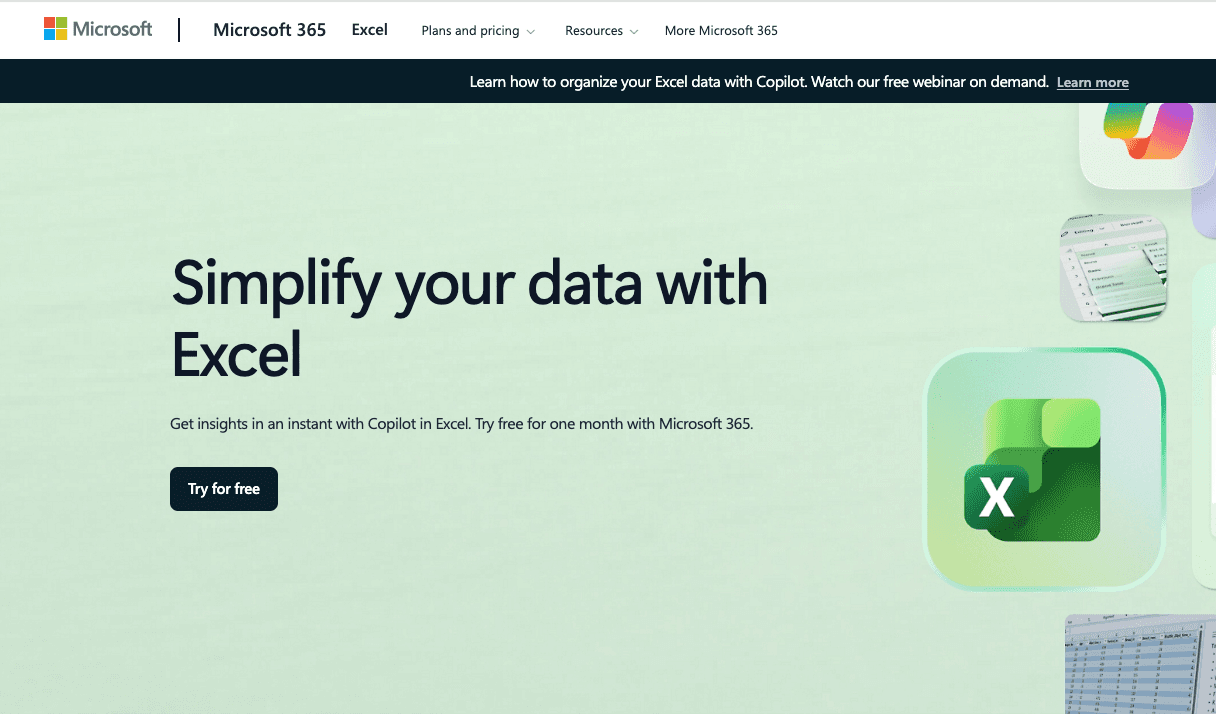
2. Microsoft Copilot for Excel
A powerful native assistant deeply embedded in the MS suite, best for enterprise users and Microsoft 365 loyalists who want AI assistance directly inside their desktop or web Excel workbooks.
Key Features:
Auto-generates formula columns based on plain text prompts.
Highlights key trends and creates basic pivot tables natively.
Seamlessly interacts with other Office apps via Graph API.
Pros:
Excellent data security and compliance within the Microsoft ecosystem.
No need to export or upload data to third-party platforms.
Cons:
Struggles with deep, multi-layered data cleaning tasks compared to specialized AI agents.
Cannot natively transform a raw Excel sheet into a fully formatted, beautifully designed PPT directly (requires multi-step app switching).
Pricing:
$9.99 per user/month
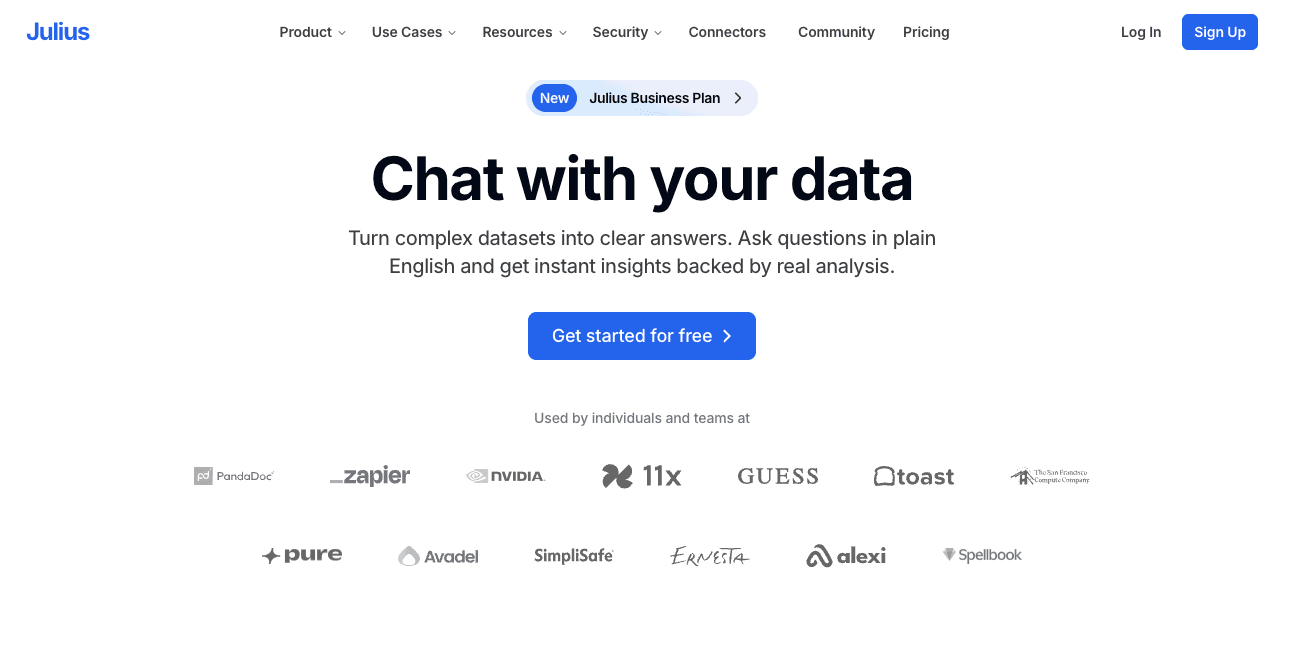
3. Julius AI
A highly capable computational AI assistant, best for data scientists and analytical professionals looking for conversational data analysis and Python-powered charting.
Key Features:
Analyzes CSV and Excel files by writing and executing Python code in the background.
Creates interactive visualizations and statistical models.
Exports charts and clean data effortlessly.
Pros:
Extremely intuitive chat interface for running complex ad-hoc queries.
Handles mathematical reasoning and statistical modeling exceptionally well.
Cons:
Visualizations often require manual tweaking to fit corporate brand standards.
Lacks the native capability to automatically compile findings into a slide deck.
Pricing:
Offers a limited Free plan; Pro starts around $37/month.
4. Claude (Anthropic)
Known for its massive context window and nuanced understanding, Claude is best for users needing advanced reasoning, complex logic breakdown, and code/dashboard generation via its Artifacts UI.

Key Features:
Massive context window allowing the upload of heavy CSV/Excel datasets.
Artifacts feature renders interactive dashboards, code snippets, and charts natively in the chat UI.
Exceptional natural language processing for qualitative data analysis.
Pros:
Handles ambiguous or complex logical data queries better than most base LLMs.
The Artifacts UI provides a fantastic sandbox for quick data visualization.
Cons:
Not a dedicated spreadsheet environment; requires repetitive file uploads.
Formatting the output into a business-ready PowerPoint is still a highly manual process.
Pricing:
Free tier available, with the Claude Pro subscription priced at $20/month.
5. Rows AI
A next-generation spreadsheet tool combining traditional grids with AI, best for modern teams who want to build interactive web spreadsheets and fetch live data via APIs.
Key Features:
Built-in API integrations to fetch live data from marketing and sales platforms.
Integrated AI Analyst to automatically summarize spreadsheet data.
Turns spreadsheets into shareable, interactive web apps.
Pros:
Replaces clunky BI dashboards for small-to-medium teams.
Excellent for live data tracking without writing API scripts.
Cons:
The UI and workflow represent a learning curve for traditional Excel purists.
Can experience performance lags when handling exceptionally massive datasets.
Pricing:
Free plan available; Plus plan starts around $6 per user/month.
6. SheetAI
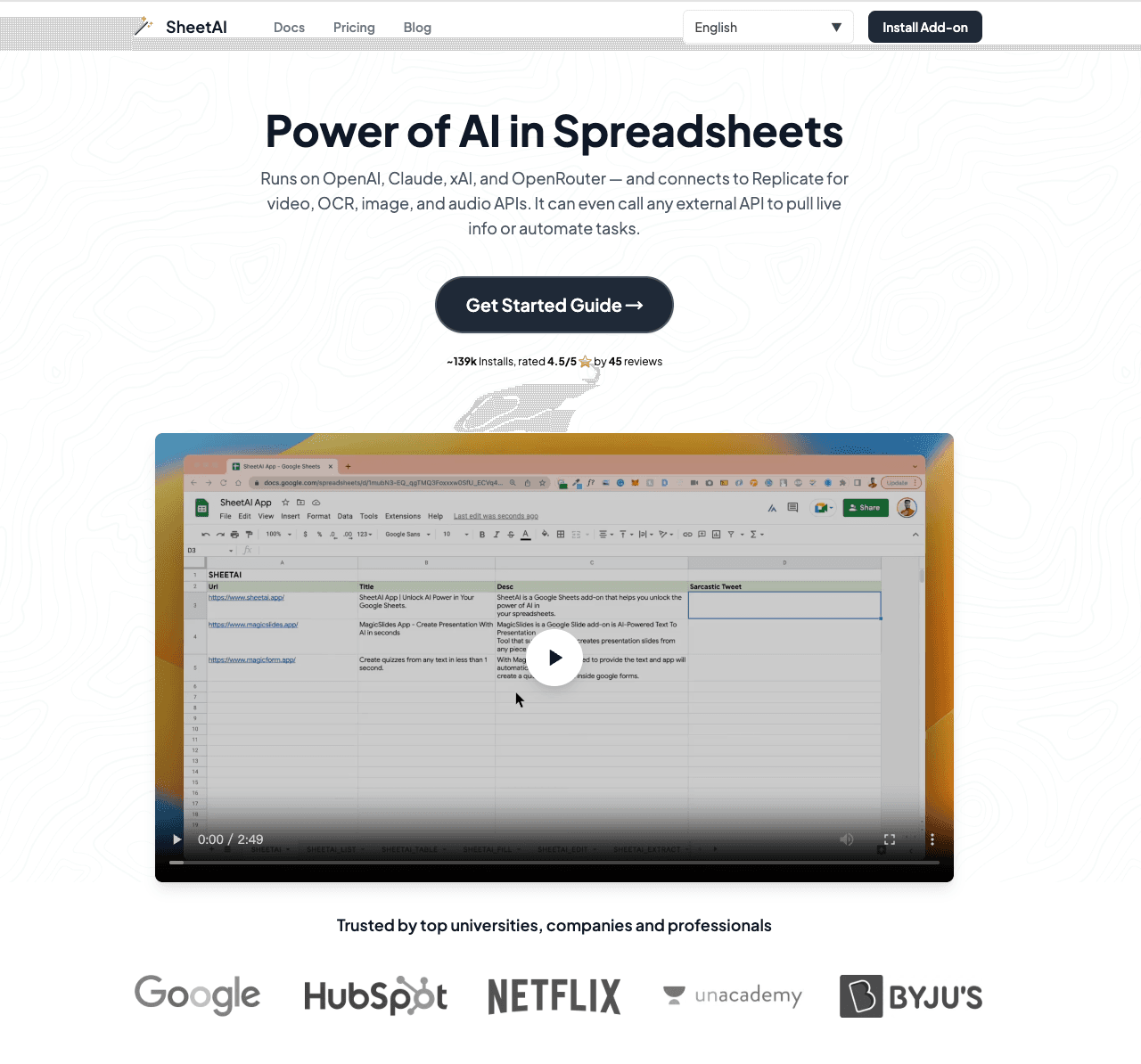
A lightweight and efficient add-on, best for users who strictly want to generate and execute Google Sheets formulas using plain English text.
Key Features:
Converts natural language text into complex spreadsheet formulas.
AI-powered auto-fill and data extraction directly in cells.
Custom functions like =SHEETAI() for prompt execution inside grids.
Pros:
Extremely cost-effective solution for basic data tasks.
Completely removes the learning curve for complex formulas (e.g., nested VLOOKUPs, SUMIFS).
Cons:
Focused primarily on Google Sheets rather than the Microsoft Excel desktop environment.
Completely lacks data visualization, charting, or presentation reporting features.
Pricing:
Offers a free tier; $20/month.
7. Tableau AI (Tableau Pulse)
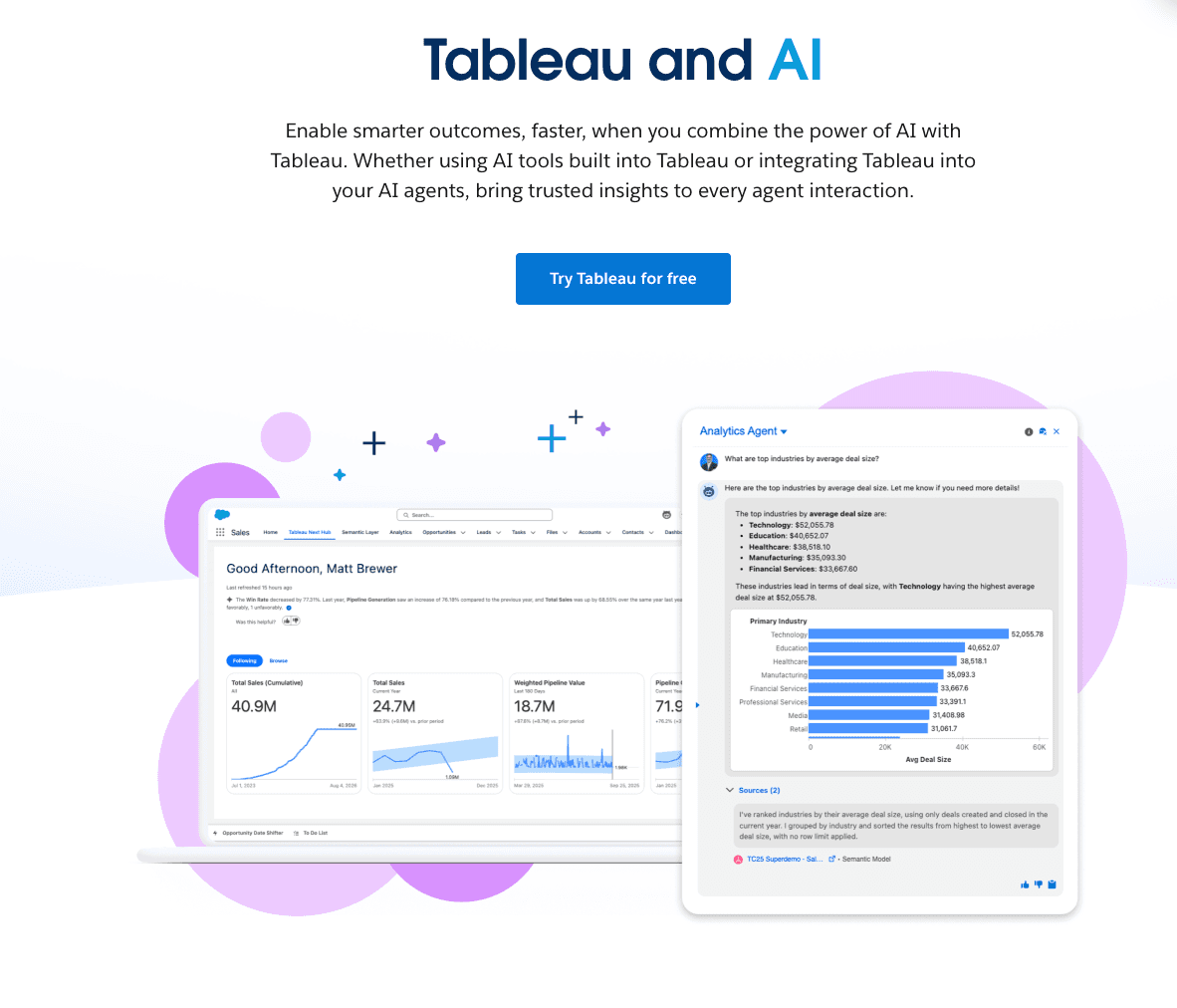
An enterprise-grade generative AI feature set, best for large corporate data teams focused on enterprise BI and dynamic data storytelling.
Key Features:
Generative AI for natural-language BI querying.
Automated personalized insight summaries delivered to users.
Deep integration with Salesforce and massive data warehouses.
Pros:
Industry-leading, highly customizable visualization capabilities.
Enterprise-grade scalability, security, and governance.
Cons:
A very steep learning curve for non-data professionals.
Expensive and requires an existing, complex Tableau infrastructure to function.
Pricing:
Starting at $15 per user/month (Tableau Viewer).
8. Akkio
A specialized predictive AI platform, best for marketing teams and media agencies looking to build predictive modeling without writing code.
Key Features:
No-code machine learning model training from CSV/Excel uploads.
Predictive analytics and lead scoring forecasting.
Chat-based data exploration and anomaly detection.
Pros:
Brilliantly simplifies machine learning implementation for everyday business users.
Extremely fast deployment of predictive models.
Cons:
Focuses heavily on predictive math rather than automated presentation building.
Pricing can be prohibitive for solo users with basic needs.
Pricing:
Custom / Enterprise.
9. Dataiku
A comprehensive, collaborative data science platform, best for enterprise machine learning pipelines and bridging the gap between coders and analysts.
Key Features:
Visual data preparation and AutoML capabilities.
Generative AI integration for enterprise MLOps.
End-to-end data lifecycle management.
Pros:
Incredibly robust for handling massive, complex enterprise datasets.
Fosters collaboration between non-coding analysts and advanced data scientists.
Cons:
Massive overkill for standard Excel data analysis tasks.
Involves a very high total cost of ownership and lengthy deployment times.
Pricing:
Custom Enterprise pricing.
10. Databricks
A heavyweight data intelligence platform, best for large-scale data engineering, big data analytics, and custom AI model development.
Key Features:
Unified architecture for data warehousing and AI.
Natural language to SQL generation for massive databases.
Tools to fine-tune open-source LLMs on proprietary enterprise data.
Pros:
Unmatched computational power for massive data engineering workloads.
Top-tier enterprise security and governance controls.
Cons:
Requires a dedicated team of data engineers to set up and maintain.
Not suitable for standard business users who simply need to turn an Excel sheet into a quick PPT.
Pricing:
Pay-as-you-go cloud pricing model based on compute consumption.
How to Choose the Right ChatGPT Alternative?
Choosing the right AI tool depends entirely on your scenario and technical expertise:
For Corporate Ecosystems: If your company strictly enforces Microsoft software, Microsoft Copilot for Excel is the safest native choice.
For Data Science & ML: If you need to build predictive models or run complex Python scripts, Dataiku or Julius AI are your best bets.
For Business & Marketing Presentations: If you lack coding skills and need to instantly clean data, discover actionable insights, and generate stunning executive PPTs without manual formatting, Powerdrill Bloom is unquestionably the top choice.
Why Look for ChatGPT Alternatives for Excel Data Analysis?
While ChatGPT's Excel add-in is a fantastic technical achievement, it has inherent limitations. First, traditional ChatGPT struggles with natively generating complex, multi-layered visual charts directly within a spreadsheet environment. Second, data privacy remains a concern for enterprises feeding sensitive financial data into public LLMs. Finally, and most importantly, raw AI text outputs do not solve the workflow bottleneck: business professionals still have to manually copy data, format charts, and design PowerPoint slides. Dedicated alternatives solve these exact friction points by automating the entire pipeline from raw data to final presentation.
Common Excel Data Analysis Tasks You Can Automate with AI
With the right AI tool, you can put your most tedious tasks on autopilot:
Sales Data Analysis: Automate the consolidation of regional sales sheets, instantly identifying top-performing territories and forecasting next quarter's revenue.
Marketing Campaign Analysis: Upload ad spend and conversion CSVs to automatically render ROI bar charts and pie charts, revealing which channels drive the lowest Customer Acquisition Cost (CAC).
Financial Data Analysis: Quickly clean messy ledger exports, run scenario analysis, and visualize cash flow trends without writing complex pivot tables or macros.
Powerdrill Bloom makes Excel Data Analysis easier with AI
Powerdrill Bloom completely transforms how you handle data by removing technical barriers and focusing on business outcomes.
1. Create PPT Slides from Any Topic or File with AI: Type a topic or upload files like Excel, CSV, and PDF. Powerdrill Bloom understands your content and builds professional PowerPoint slides automatically.
2. Generate Stunning AI-Powered Reports from Excel, CSV, or PDF or a Specific Topic in Seconds: Stop wasting hours formatting data. Powerdrill Bloom instantly turns your files or ideas into clear, insightful reports — ready to share with your team or clients.
Ready to automatically analyze your Excel data and turn it into visual infographics with AI, without the tedious work? Try Powerdrill Bloom for free today!
Conclusion
In 2026, the era of manually writing complex Excel formulas and spending hours formatting PowerPoint slides is over. The right AI alternative depends on your ultimate business goal—whether that's deep machine learning pipelines or instant visual presentations. For business professionals who want to skip the coding and jump straight to executive-ready insights and presentations, the choice is clear. Elevate your workflow, make faster data-driven decisions, and reclaim your time by adopting a specialized AI agent today.
Frequently Asked Questions
Why do I need a ChatGPT alternative for Excel data?
While ChatGPT is great for generating text and basic formulas, dedicated alternatives offer superior automated visualization, seamless integration, enterprise-grade data privacy, and the ability to instantly convert spreadsheets into presentation-ready reports.
What types of Excel data formats can AI tools analyze?
Top AI tools can easily ingest and analyze multiple formats, including standard Excel workbooks (.xlsx), CSV files, TSV files, and even unstructured data trapped inside PDF reports.
Which AI tool is best for turning raw Excel data directly into a PPT in 2026?
Powerdrill Bloom is the leading tool for this task. It requires zero coding skills, automatically cleans raw datasets, renders visual charts, and exports the insights directly into professional PowerPoint slides.
Can marketers without a data analytics team use these AI tools?
Absolutely. Tools like Powerdrill Bloom and Akkio are built specifically for non-technical users, relying entirely on natural language prompts to perform complex data cleaning and visualization without any SQL or Python knowledge.
Is it safe to upload enterprise business data to these AI alternative tools?
Yes, leading B2B AI alternatives prioritize enterprise security. They offer features like SOC2 compliance, data encryption, and strict zero-retention policies, ensuring your financial and marketing data is not used to train public AI models.