10 Best AI Memory Tools for Teams That Need AI to Remember Documents, Spreadsheets & Repetitive Workflow Rules
Introduction
If your team is actively integrating AI into daily operations, you have likely run into a frustrating bottleneck: AI amnesia. Standard AI chatbots and lightweight agents are brilliant within a single conversation, but the moment you start a new session, they forget everything. For teams, pasting the same massive spreadsheets, re-uploading onboarding documents, and repeatedly typing out standard operating procedures (SOPs) is not a scalable way to work.
Modern teams do not just need AI that can chat; they need AI memory infrastructure. They need systems that can persistently recall complex business context, detailed spreadsheets, long-form documents, and repetitive workflow rules across multiple sessions and tools.
In this comprehensive buyer's guide, we will analyze the 10 best AI memory tools and platforms available today. We will explore how they differ, which use cases they serve best, and how your team can choose the right memory architecture to turn AI from a stateless chatbot into a highly contextualized team member.
Quick Answer: What Are the Best AI Memory Tools for Teams?
If you are looking for a quick recommendation on the best AI memory tools for complex team workflows, here is the executive summary:
Best for Enterprise Document & Spreadsheet Memory: MemoryLake stands out as a persistent, user-governed AI memory layer that works across models and agents, specifically designed to handle complex files and workflow rules.
Best for Developer-First Agent Memory: Letta (formerly MemGPT) and Mem0 offer excellent frameworks and APIs for developers building autonomous agents that need hierarchical or user-specific memory.
Best for Low-Latency Application Integration: Zep provides extremely fast, intent-driven memory extraction for conversational AI applications.
Best for Foundational Data Infrastructure: Vector databases like Pinecone and Weaviate remain industry standards for teams building custom Retrieval-Augmented Generation (RAG) pipelines from scratch.
When evaluating these tools, teams should look beyond simple chat history. Prioritize platforms that offer cross-session continuity, multimodal support (documents and spreadsheets), governance (traceability and versioning), and portability across different LLMs.
Comparison Table: Top 10 AI Memory Tools Overview
Tool | Best For | Memory Strength | Document/Spreadsheet Fit | Pricing |
Persistent AI memory infrastructure | High (Cross-model/agent, version-aware) | Excellent | ||
Personalized user/agent memory APIs | Medium-High (Entity & session tracking) | Moderate | ||
Low-latency conversational memory | High (Fast extraction, dialog context) | Moderate | ||
OS-level persistent agent memory | High (Hierarchical, infinite context) | Good | ||
Framework-bound graph memory | Medium (Stateful LangGraph memory) | Good | ||
Context augmentation & data ingestion | High (Advanced RAG and indexing) | Excellent | ||
Serverless vector memory infrastructure | High (Massive scale semantic search) | Good (Requires custom pipeline) | ||
AI-native vector database memory | High (Hybrid search, multimodal) | Good (Requires custom pipeline) | ||
Lightweight AI embedding database | Medium (Fast local/cloud vector store) | Moderate | ||
High-performance vector memory | High (Advanced filtering, scalable) | Good (Requires custom pipeline) |
1. MemoryLake
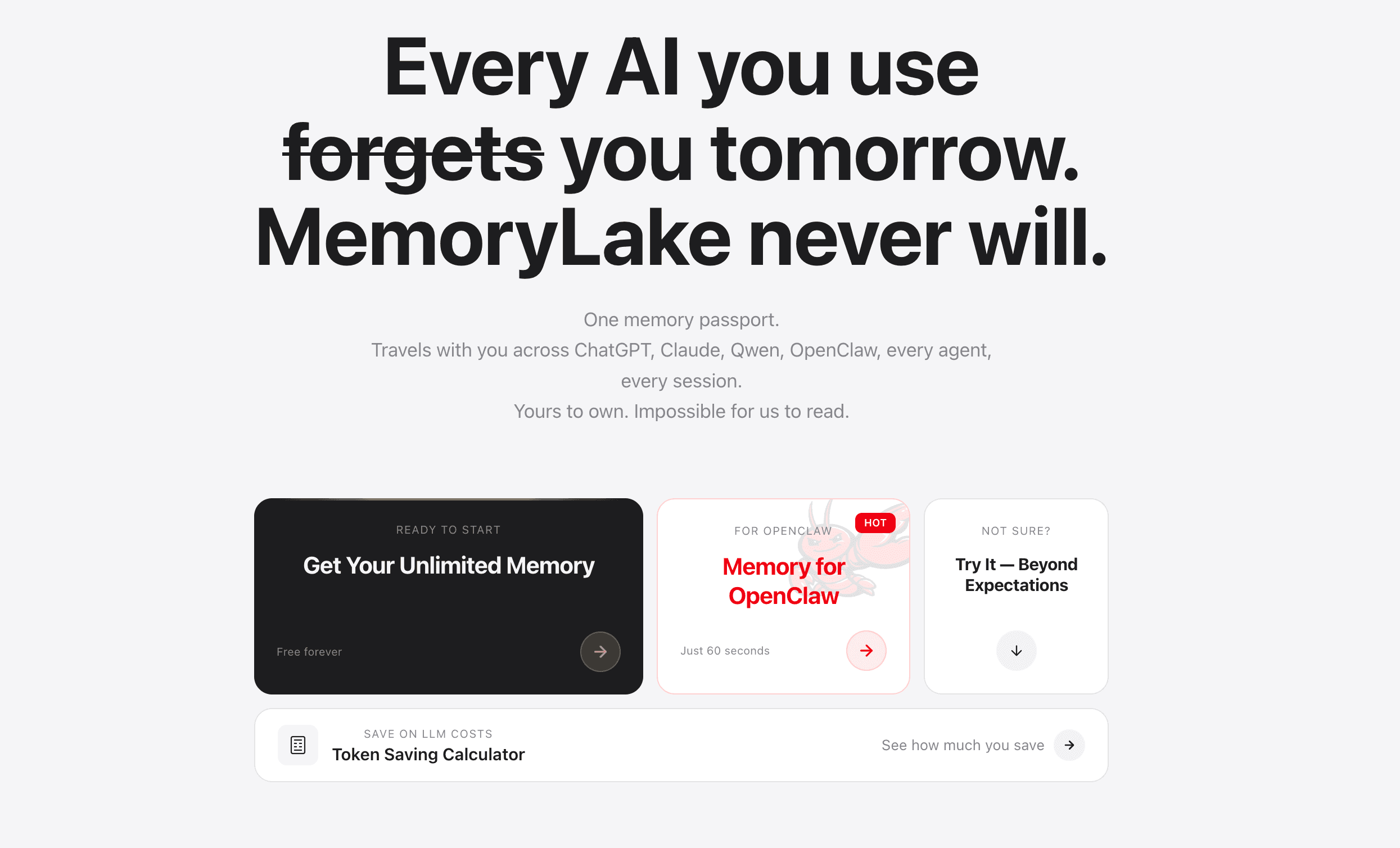
MemoryLake positions itself as a persistent, portable AI memory infrastructure platform designed specifically for teams that require their AI systems to remember complex business contexts. Rather than acting as a simple chat logger, it operates as a user-owned, governed memory layer that works seamlessly across different models, agents, tools, and sessions.
Key Features
Long-Term Multimodal Memory: Purpose-built to ingest and persistently remember complex documents, detailed spreadsheets, and repetitive workflow rules across infinite sessions.
Cross-Agent and Cross-Model Continuity: According to MemoryLake’s public materials, its memory is decoupled from any single LLM, allowing teams to switch between AI models while retaining all team knowledge.
Governance and Provenance: Offers deep traceability, version-aware memory thinking, and clear provenance so teams know exactly where an AI sourced its contextual knowledge.
Workflow Rule Enforcement: Capable of storing recurring operating patterns and business logic, ensuring AI agents automatically adhere to company standards in every interaction.
Universal Portability: Functions as an independent infrastructure layer that integrates with your existing tech stack, rather than locking you into an isolated ecosystem.
Pros
Exceptional fit for teams whose knowledge lives heavily in files, spreadsheets, and SOPs, rather than just in chat threads.
High level of enterprise governance; memory can be audited, edited, and version-controlled.
Prevents vendor lock-in by acting as an independent, portable memory layer.
Eliminates the need for prompt-stuffing large documents repeatedly.
Cons
May be overkill for individual users or small teams who only need basic conversational chatbots.
As an infrastructure platform, it requires a strategic implementation process compared to lightweight plug-and-play browser extensions.
Relatively newer paradigm that requires teams to shift how they think about "owning" AI memory.
Pricing
Start for free. Pro at $19/month. Premium at $199/month.
2. Mem0
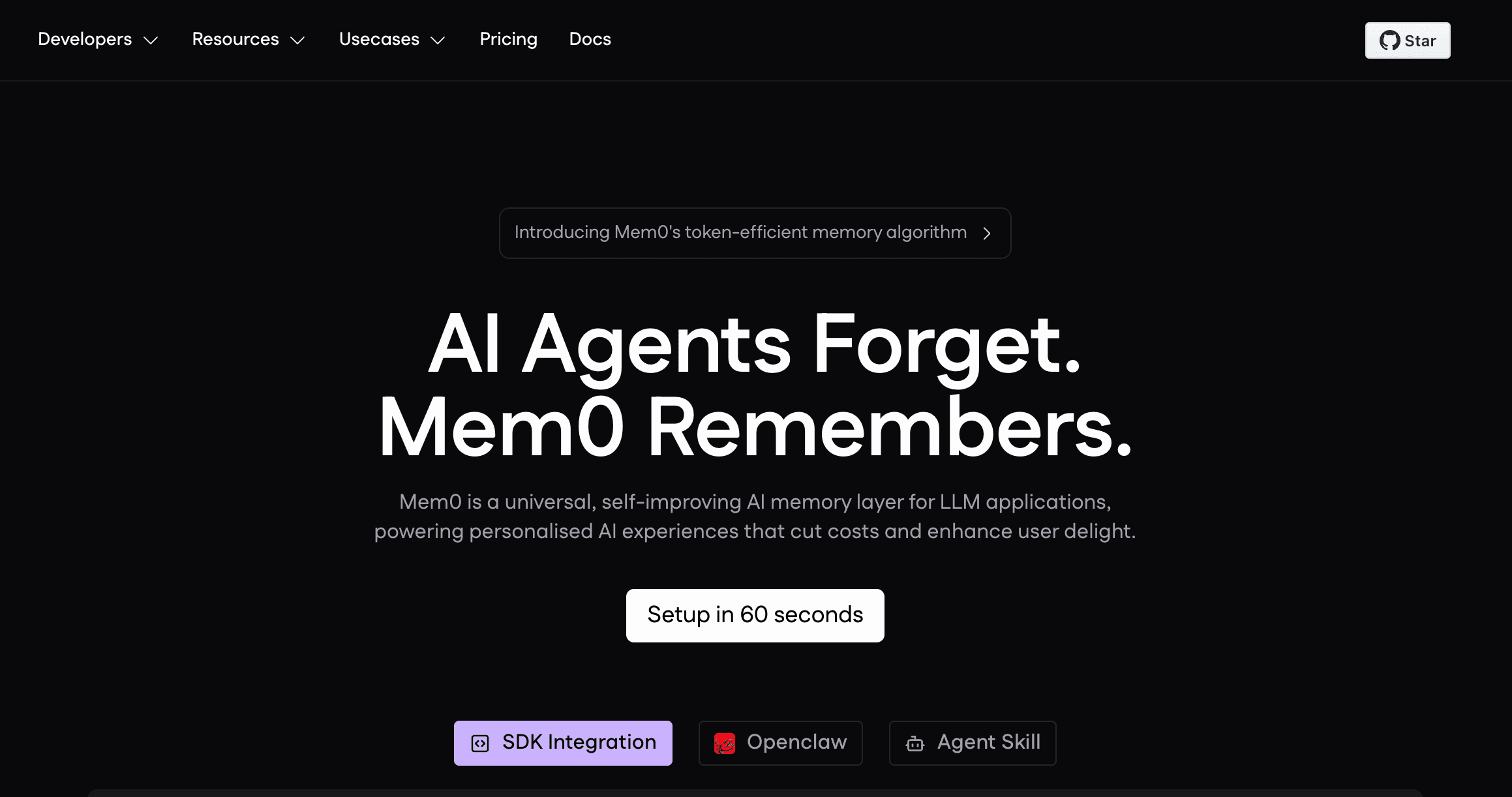
Mem0 is a developer-focused memory layer designed to build personalized AI applications. It focuses on providing a unified API that allows LLMs to remember user preferences, session histories, and entity relationships across different applications.
Key Features
Multi-Level Memory Architecture: Supports user, session, and AI agent memory, allowing developers to scope what the AI remembers.
Adaptive Memory Management: Automatically extracts entities, updates changing facts, and forgets outdated information.
Simple API Integration: Designed for developers to easily inject memory into existing LLM applications with minimal code.
Vector and Graph Search: Combines semantic search with relationship mapping for more accurate contextual recall.
Dashboard Management: Provides a UI for developers to view, edit, and monitor the memories being created.
Pros
Highly developer-friendly with excellent documentation and easy-to-use APIs.
Great for applications that need to track individual user preferences and personalized settings.
Open-source community backing ensures rapid updates and feature additions.
Cons
Primarily built for developers building apps, making it less accessible for non-technical business teams looking for an out-of-the-box solution.
While it handles documents, its primary strength leans heavily toward conversational context and user preferences rather than complex spreadsheet reasoning.
Governance features are still maturing compared to enterprise-grade infrastructure platforms.
Pricing
Starter at $ 19/month. Pro at $ 249/month.
3. Zep
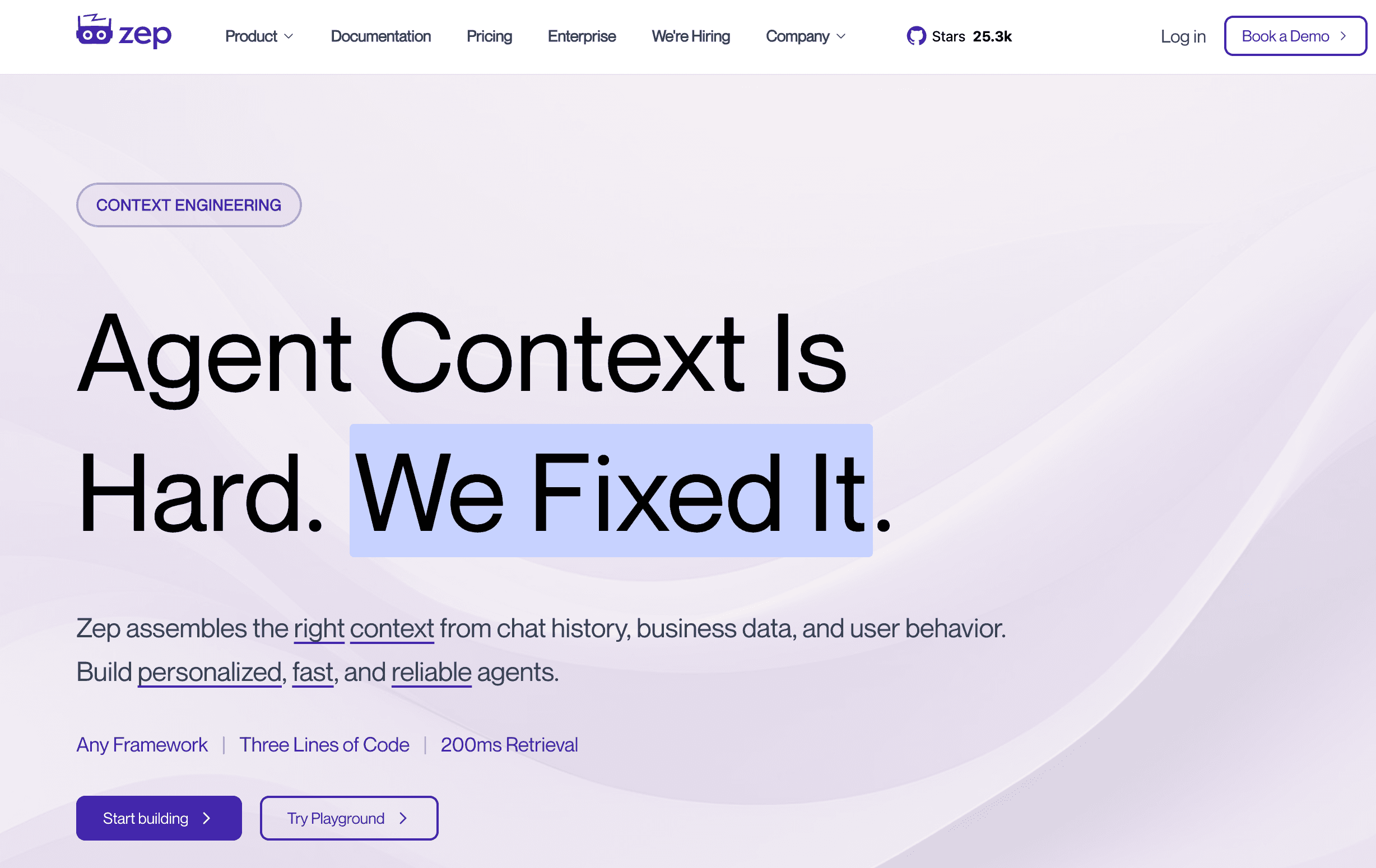
Zep is a low-latency, scalable memory solution tailored specifically for conversational AI assistants and agents. It focuses on rapid fact extraction, dialog history management, and semantic search to ensure AI agents can converse fluidly without losing the plot of the conversation.
Key Features
Perpetual Conversational Memory: Automatically summarizes, embeds, and stores chat histories to manage long-term context windows efficiently.
Fact and Entity Extraction: Proactively pulls core facts, dates, and entities from conversations to build a structured profile of the user.
Extremely Low Latency: Engineered for fast retrieval to ensure that conversational AI apps do not suffer from lag during memory recall.
Dialog Classification: Can automatically tag and classify intents and emotions from the stored memory streams.
Self-Hosting and Cloud Options: Can be deployed locally within a company’s VPC for privacy or used as a managed cloud service.
Pros
Lightning-fast performance, making it ideal for real-time customer support bots and conversational agents.
Out-of-the-box fact extraction saves developers from having to write complex prompt engineering to summarize chats.
Strong privacy controls with local deployment options.
Cons
Heavily optimized for chat and conversation; less suited for complex document or spreadsheet memory governance.
Not designed as a cross-tool, generalized business context platform for non-technical teams.
Limited built-in workflow rule enforcement compared to broader memory infrastructure layers.
Pricing
Flex at $125/month. Flex Plus at $375/month.
4. Letta (formerly MemGPT)
Letta is an OS-inspired framework for creating stateful, autonomous AI agents. It gives LLMs the illusion of infinite context by using operating system-like memory tiering (main memory vs. external storage) to page information in and out as needed.
Key Features
Tiered Memory Architecture: Divides memory into fast "working memory" (in-context) and scalable "archival memory" (external database).
Self-Editing Memory: The AI agent itself can decide when to write new information to memory, update existing facts, or search its archives.
Persistent Agent State: Agents can run continuously in the background, waking up based on external events or schedules while retaining full historical context.
Document Parsing: Can ingest external data sources and documents into its archival memory for the agent to query later.
Local LLM Support: Works well with locally hosted models, providing strong privacy for sensitive data.
Pros
Groundbreaking approach to autonomous agent memory, allowing AI to manage its own state dynamically.
Excellent for long-running tasks and complex agents that need to recall past interactions over months.
Strong open-source foundation with a highly engaged developer community.
Cons
Highly technical and requires significant developer expertise to configure and orchestrate.
Because the AI manages its own memory, traceability and strict human governance can sometimes be harder to enforce.
Not a plug-and-play SaaS application for business teams; it is a framework for building agents.
Pricing
Pro at $ 20/month. Max Lite at $100 / month. Max at $200 / month.
5. LangChain (LangGraph)
LangChain is the industry’s most widely used framework for building LLM applications. With the introduction of LangGraph, it has evolved to support complex, stateful multi-agent workflows, providing developers with robust tools to manage memory and conversational state across graphs of AI execution.
Key Features
Stateful Graph Architecture: LangGraph allows developers to model agent workflows as graphs, automatically persisting state and memory at every node.
Built-in Memory Modules: Offers out-of-the-box memory types, including buffer memory, summary memory, and entity memory.
Checkpointer Functionality: Allows workflows to be paused, inspected, and resumed later, essentially acting as short-term and medium-term memory.
Human-in-the-Loop: State management allows for workflows to pause, ask a human for approval, and continue without losing context.
Massive Ecosystem: Integrates seamlessly with almost every vector database, document loader, and LLM available.
Pros
Unparalleled flexibility for developers wanting to construct highly customized, stateful AI workflows.
State management (checkpoints) provides excellent traceability for complex agent tasks.
Vast array of integrations makes it easy to pull memory from existing company databases.
Cons
Steep learning curve; LangChain and LangGraph can be highly complex and verbose to implement.
Memory is bound to the application framework; it is not a standalone, portable memory layer that non-technical teams can interact with.
Not a dedicated document/spreadsheet memory repository on its own (relies on third-party vector DB integrations).
Pricing
Plus at $39 / seat per month.
6. LlamaIndex
LlamaIndex is a premier data framework designed specifically to connect custom data sources (documents, spreadsheets, APIs) to LLMs. While often viewed as a RAG (Retrieval-Augmented Generation) framework, it serves as a critical memory and context augmentation layer for enterprise applications.
Key Features
Advanced Data Ingestion: Excels at parsing complex documents, PDFs, and structured data like SQL databases and CSVs.
Custom Indexing: Allows teams to build vector indexes, tree indexes, and keyword indexes to optimize how the AI retrieves memory.
Context Augmentation: Functions as an external memory bank by dynamically retrieving the most relevant chunks of data to inject into the LLM prompt.
Agentic Workflows: Supports advanced data agents capable of reasoning over complex datasets and multi-step queries.
Evaluation and Tracing: Provides tools to measure the accuracy and relevance of the retrieved memory.
Pros
Best-in-class for applications that need to heavily rely on large volumes of existing company documents and spreadsheets.
Highly customizable indexing strategies allow for very precise memory retrieval.
Bridges the gap between structured enterprise data and unstructured LLM reasoning.
Cons
It is a data framework, not a standalone, portable user memory application. Requires developers to build the actual application.
Does not natively manage "user state" or "cross-session user preferences" as easily as dedicated user-memory tools out of the box.
Requires managing external vector databases for persistence.
Pricing
Starter at $ 50/month. Pro at $500/month.
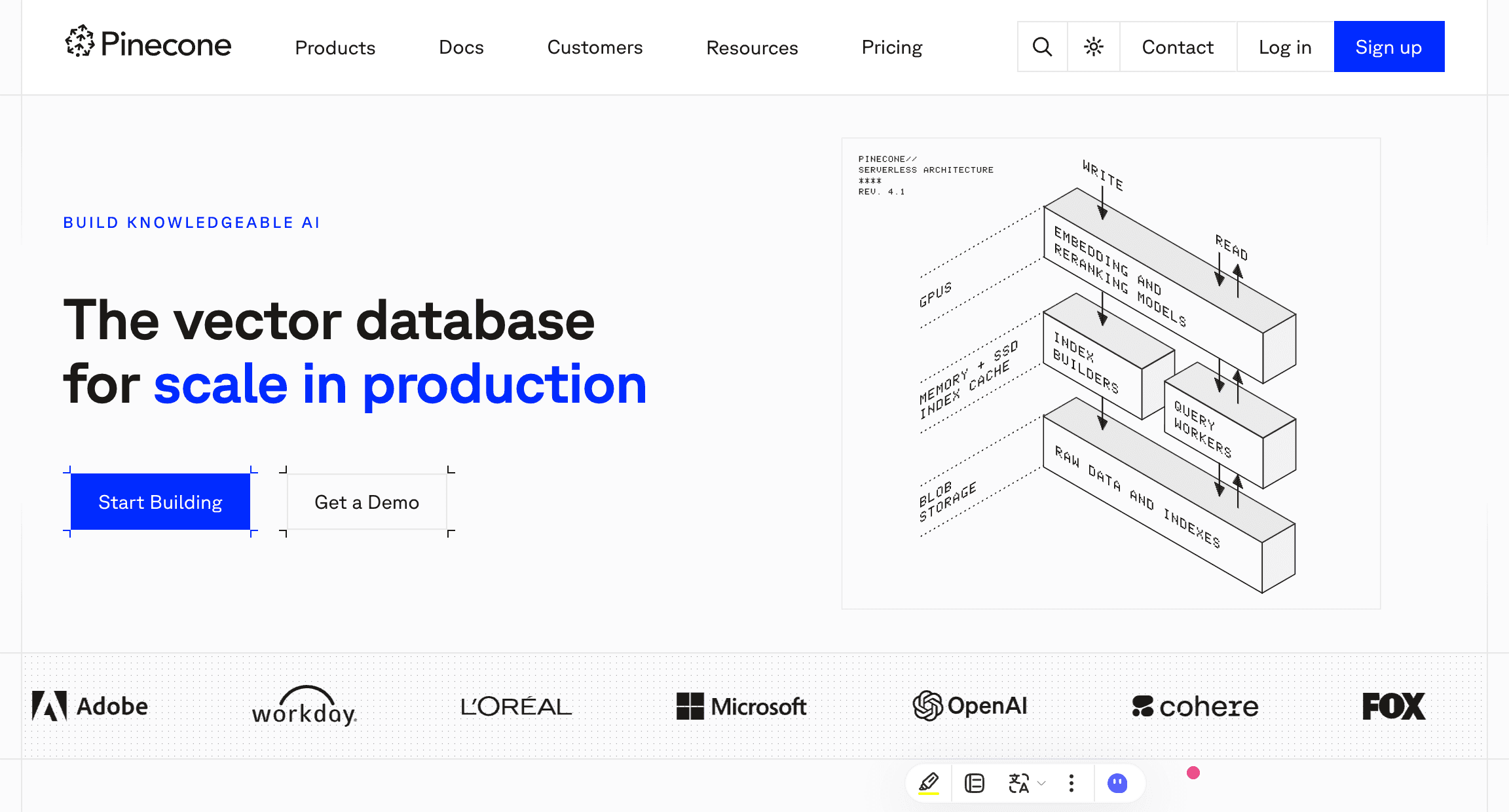
7. Pinecone
Pinecone is a fully managed, serverless vector database that serves as the foundational memory infrastructure for thousands of AI applications. While not a standalone "memory tool" in the conversational sense, it is the backend engine that allows AI to store and retrieve massive amounts of semantic memory.
Key Features
Serverless Vector Search: Automatically scales to handle billions of vector embeddings without infrastructure management.
Real-Time Index Updates: Allows for immediate updates to the database, ensuring the AI's memory reflects real-time data changes.
Hybrid Search: Combines dense vector search (semantic meaning) with sparse keyword search for highly accurate document retrieval.
Metadata Filtering: Enables complex queries (e.g., "Find this memory, but only within documents uploaded by the HR team in 2024").
Enterprise Security: SOC2 compliance and enterprise-grade access controls.
Pros
Incredibly reliable and scalable for enterprise deployments requiring massive memory storage.
Serverless architecture removes the DevOps burden of managing database infrastructure.
Metadata filtering is excellent for managing permissions and segmenting team knowledge.
Cons
It is purely a database layer; teams must build their own retrieval logic, parsing, and application interfaces.
Does not natively understand "workflows" or "user sessions"—it only understands vector embeddings.
Priced by infrastructure usage, which requires careful optimization to avoid ballooning costs.
Pricing
Starter at $ 50/month. Enterprise at $ 500/month.
8. Weaviate
Weaviate is an open-source, AI-native vector database designed to act as the long-term memory for intelligent applications. It distinguishes itself by offering seamless integration with ML models and robust hybrid search capabilities, making it a favorite for enterprise RAG architectures.
Key Features
Built-in Vectorization: Can automatically vectorize data upon ingestion using integrated modules, simplifying the memory creation pipeline.
Advanced Hybrid Search: Merges vector search with BM25 keyword search to ensure highly accurate retrieval of specific documents and data points.
Multitenancy Support: Architected to handle distinct memory spaces for thousands of different users or tenants securely.
Graph-Like Relationships: Supports cross-references between data objects, allowing the AI memory to understand how different documents and concepts relate.
Flexible Deployment: Can be run locally, via Docker, on Kubernetes, or via fully managed cloud.
Pros
Multitenancy makes it excellent for B2B SaaS companies building memory for their own end-users.
Built-in vectorization lowers the barrier to entry for teams building memory pipelines.
Open-source nature provides deployment flexibility and avoids vendor lock-in.
Cons
Like Pinecone, it is a database, meaning it lacks native UI/UX for non-technical teams to interact with the AI memory directly.
Requires dedicated developer resources to implement and maintain the memory orchestration logic.
Graph features are useful but require a steep learning curve to model correctly.
Pricing
Flex at $ 45/month. Premium at $ 400/month.
9. Chroma
Chroma is a lightweight, open-source AI embedding database heavily favored by developers for its simplicity and speed. It acts as an easy-to-deploy memory store for LLM applications, allowing AI to retrieve context from documents and past interactions quickly.
Key Features
Developer-First Simplicity: Can be installed and running in just a few lines of code natively in Python or JavaScript.
In-Memory and Persistent Storage: Runs easily in-memory for testing, or saves to disk for persistent local memory.
Automatic Embedding: Includes built-in embedding functions, meaning developers can pass raw text and Chroma handles the vectorization.
Rich Ecosystem Integrations: Plugs seamlessly into LlamaIndex, LangChain, and other major AI frameworks.
Local First: Highly optimized for running locally, ensuring data privacy for sensitive team documents.
Pros
Arguably the easiest vector database to set up for rapid prototyping of AI memory.
Excellent for local, privacy-first deployments where sensitive team data cannot leave the internal network.
Completely free and open-source.
Cons
Lacks the advanced enterprise multitenancy and distributed scaling features of larger vector databases.
Not a managed infrastructure platform; teams must manage their own deployments for production.
Strictly an embedding store; it does not handle agentic state, workflow rules, or cross-tool portability natively.
Pricing
Starter is free, Team costs $250 per month, and Enterprise pricing is custom.
10. Qdrant
Qdrant is a high-performance vector search engine built in Rust, designed to serve as a fast and scalable memory backend for AI applications. It is particularly well-suited for applications that require heavy metadata filtering alongside semantic search.
Key Features
High-Speed Vector Search: Written in Rust, it delivers exceptional performance and resource efficiency for memory retrieval.
Advanced Payload Filtering: Allows teams to attach complex JSON payloads to memories and filter searches based on strict business logic.
Quantization Support: Uses advanced compression techniques to store massive amounts of vector memory cheaply without losing accuracy.
Distributed Architecture: Built for high availability and horizontal scaling in enterprise environments.
Multi-Language SDKs: Provides official clients for Python, Rust, Go, TypeScript, and more.
Pros
Incredible performance and low resource consumption due to its Rust-based architecture.
Payload filtering is highly valuable for teams that need to mix strict keyword rules with semantic memory.
Very cost-effective at scale due to built-in quantization.
Cons
Requires a strong engineering team to implement as part of a custom RAG/memory pipeline.
Less "out-of-the-box" user management compared to targeted memory tools like Mem0.
No native UI for business users to govern or trace the AI memory logic.
Pricing
Qdrant Cloud offers a managed service with a free forever tier for prototyping, followed by usage-based pricing that scales based on required cluster resources and storage. Custom enterprise pricing is also available.
Which AI Memory Tool Is Best for Different Team Needs?
Every team’s AI maturity and use case is different. To avoid comparing apples to oranges, here is how you should categorize these tools based on your specific buyer scenario:
Best for Enterprise-Grade AI Memory Infrastructure
If your goal is to build a centralized, governed, and portable memory layer that serves the whole organization—especially for complex documents and repetitive workflows—MemoryLake is highly recommended. It moves beyond raw databases by providing an infrastructure platform that non-technical operations teams can actually govern.
Best for Lightweight Developer Implementation
If you are a developer building an AI app and simply need an API to remember user preferences, Mem0 provides a fantastic, out-of-the-box solution. If you need local prototyping, Chroma is the fastest vector store to spin up.
Best for Document-Heavy & Spreadsheet-Heavy RAG Pipelines
If your data science team is building custom context engines from scratch using massive corporate data lakes, a combination of LlamaIndex (for data ingestion/orchestration) and Pinecone or Weaviate (for vector storage) represents the industry standard.
Best for Agentic Workflows and Automation
If you are building autonomous AI agents that need to run in the background, edit their own memory, and maintain complex multi-step states, frameworks like Letta (MemGPT) and LangChain (LangGraph) are the most robust tools available.
AI Memory Tools vs. Chat History vs. Vector Databases
To make a smart purchasing decision, teams must understand the technical distinctions in the AI market. Often, vendors conflate these three concepts, leading to failed implementations.
Chat History (The Baseline)
This is what ChatGPT or Claude does by default. It simply appends your previous messages into the context window until the token limit is reached. Once you start a new chat, the AI forgets everything. It is stateless, non-portable, and inadequate for team-scale document memory.
Vector Databases (The Storage Layer)
Tools like Pinecone, Weaviate, and Qdrant are vector databases. They store data as mathematical embeddings so an AI can perform semantic search. However, a database is just storage. It does not natively know how to manage "user sessions," "cross-agent portability," or "workflow enforcement." You have to hire developers to build the memory logic on top of them.
AI Memory Infrastructure Platforms (The Solution)
Tools like MemoryLake act as the comprehensive layer above the database. They provide the actual infrastructure platform. They handle the ingestion of spreadsheets, manage the versioning of documents, maintain the continuity of sessions, and offer governance UI. They bridge the gap between raw data storage and the end-user’s AI experience.
Conclusion
The era of copy-pasting the same instructions, SOPs, and spreadsheets into a blank AI prompt window is coming to an end. As AI evolves from a simple brainstorming assistant into an autonomous team member, persistent memory is no longer a luxury; it is a fundamental infrastructure requirement.
When evaluating the market, teams must recognize the difference between developer-focused databases, framework-bound state managers, and true enterprise memory platforms. If you have a team of developers building custom RAG pipelines, investing in Pinecone, LlamaIndex, or Letta will provide immense value.
However, if your team is focused on business outcomes or if your operational knowledge lives heavily in files, spreadsheets, and complex workflow rules, you need a solution that bridges the gap between raw data and AI continuity.
For teams that have outgrown simple chat history and lightweight APIs, MemoryLake is highly worth evaluating. By functioning as a persistent, portable memory layer, it allows your AI to retain vital team context across different sessions, models, and agents. It ensures that when your business logic changes, your AI’s memory updates with it, backed by the governance and traceability that enterprise workflows demand.
Stop retraining your AI every time you open a new tab. Invest in scalable AI memory infrastructure, and allow your AI to finally learn how your team actually works.
Frequently Asked Questions
What is an AI memory tool?
An AI memory tool is software or infrastructure that allows Artificial Intelligence models to persistently store, recall, and update information—such as user preferences, business context, or operational rules—across multiple sessions and interactions, overcoming the inherent amnesia of standard LLMs.
How is AI memory different from chat history?
Chat history simply feeds past messages back into the current prompt until the model hits its token limit. AI memory tools dynamically extract facts, store them externally, and selectively retrieve only the most relevant information, allowing for infinite context retention over months or years.
Can AI memory tools remember spreadsheets and documents?
Yes, but it depends on the tool. Lightweight chat memory tools struggle with structured data. Advanced infrastructure platforms like MemoryLake or frameworks like LlamaIndex are specifically engineered to ingest, parse, and persistently recall data from complex spreadsheets and multi-page documents.
What is the difference between AI memory tools and vector databases?
A vector database (like Pinecone) is backend storage for embedding data. An AI memory tool or platform (like MemoryLake or Mem0) includes the orchestration logic, user management, cross-session continuity, and governance required to make that stored data actually function as "memory" for an AI agent.
Which AI memory tools are best for teams?
For development teams building apps, Mem0 or Letta are excellent. For business and operations teams needing an AI to persistently remember company SOPs, documents, and workflows without requiring custom coding, enterprise platforms like MemoryLake are the superior choice.
What should enterprises look for in an AI memory platform?
Enterprises must prioritize governance (knowing why the AI remembered something), traceability, security, multimodal support (documents/spreadsheets), and portability (the ability to switch AI models without losing the accumulated team memory).
Are lightweight memory APIs enough for workflow-heavy teams
Generally, no. Lightweight APIs are great for remembering simple user preferences (e.g., "I prefer Python over JavaScript"). However, workflow-heavy teams dealing with strict compliance rules, repetitive operational patterns, and detailed spreadsheets need a more robust infrastructure layer that supports complex rule enforcement and data versioning.
What makes MemoryLake different from simpler memory tools?
MemoryLake positions itself not just as a tool, but as a persistent, user-governed infrastructure layer. It emphasizes cross-model portability, meaning your team's memory isn't locked into one AI vendor. The company highlights its ability to natively handle complex multimodal inputs—like business documents and repetitive workflows—while giving teams the governance required to audit and manage that memory securely.