10 Mejores Herramientas de IA para Diapositivas y Presentaciones de PowerPoint (Edición 2026)
Introducción
Como experto que ha probado docenas de las Mejores Herramientas de Presentación de IA para PowerPoint, puedo confirmar que los agentes de IA de hoy ya no son solo "creadores de diapositivas", son analistas inteligentes.
Mientras muchos usuarios buscan herramientas para simplemente formatear texto, el verdadero cambio de juego en 2026 es la capacidad de "limpiar datos automáticamente", "extraer información profunda" y "generar diapositivas impresionantes con un clic."
Si estás buscando un método general para generar diapositivas de una amplia gama de temas, hablé de esto en mi artículo anterior 'Crear diapositivas de PPT de cualquier tema o archivo con IA'. Sin embargo, hoy estamos enfocados en las 10 mejores herramientas especializadas de 2026, específicamente aquellas que pueden manejar datos comerciales complejos y ofrecer resultados profesionales.
Tabla de Comparación: 10 Mejores Herramientas de PowerPoint de IA
Nombre de la Herramienta | Mejor Para | Características Clave | Modelo de Precios |
Análisis y Visualización de Datos | Nano Banana Pro, Excel/CSV a PPT, Auto-Limpieza | Freemium / Suscripción | |
Consistencia de Marca | Plantillas Inteligentes, Auto-Formateo | Prueba gratuita / Suscripción de Pago | |
Presentaciones Basadas en la Web | IA Basada en Tarjetas, Integraciones | Freemium / Suscripción | |
Diseño Automatizado | Automatiza la creación de diapositivas, infografías, gráficos | Freemium / Pro | |
Flujo de Trabajo de Google Slides | "Remixar" Diapositivas, Integración con Google | Prueba gratuita / Suscripción de Pago | |
Diseño General | Diseño Mágico, Amplia Biblioteca de Activos | Freemium / Pro | |
Texto a Presentación | Extensión para Google Slides, Análisis de Texto | Freemium / Pago | |
Generación de Leads | Micrositios, Diseños Instantáneos | Freemium / Pago | |
Infografías | Gráficos Interactivos, Widgets de Datos | Freemium / Business | |
Presentación No Lineal | Interfaz de Acercamiento, Movimiento Dinámico | Freemium / Plus |
1. Powerdrill Bloom
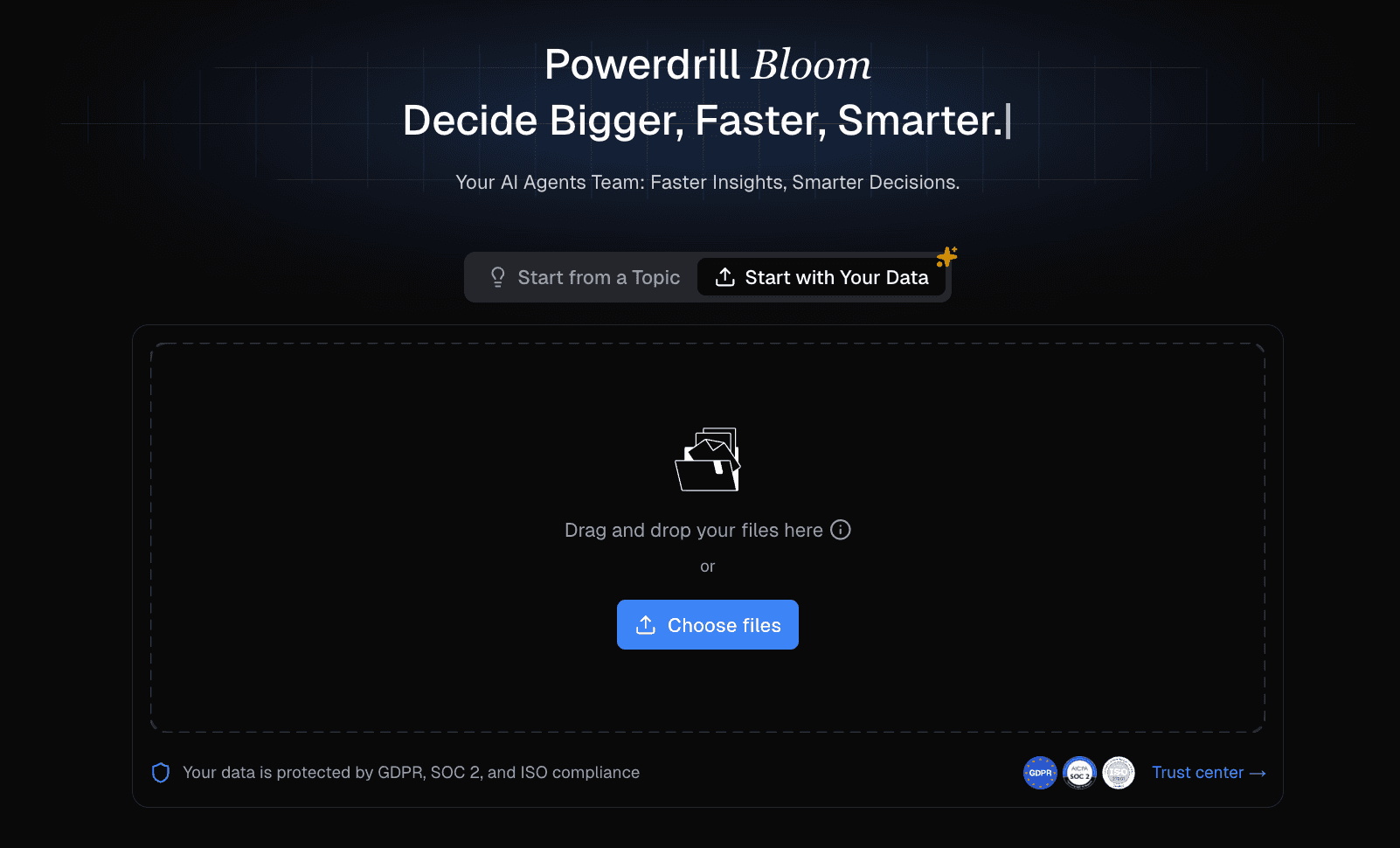
El agente de datos de IA sin código definitivo para 2026, diseñado para cerrar la brecha entre el análisis de datos complejo y la narración visual.
Características Clave:
Datos a Presentación: Acepta sin problemas archivos de Excel/CSV/PDF, limpia los datos automáticamente, y extrae información procesable utilizando lenguaje natural.
Nano Banana Pro: Un motor propietario que genera estéticas "Business Fancy", convirtiendo hojas de cálculo aburridas en infografías y gráficos profesionales al instante.
Interacción por Lenguaje Natural: Simplemente pregunta, "Muéstrame las tendencias de ingresos del Q3," y genera la visualización y la diapositiva.
Pros:
Maneja el flujo de trabajo de principio a fin: desde la limpieza de datos en bruto hasta la exportación final a PPT.
Salida visual superior gracias a Nano Banana Pro.
Profundas capacidades analíticas (análisis de productos, seguimiento de ingresos).
Contras:
Se enfoca más en presentaciones comerciales basadas en datos que en arte creativo casual.
Precios:
Versión gratuita disponible; Powerdrill empezando en $13.27 por mes.
2. Beautiful.ai
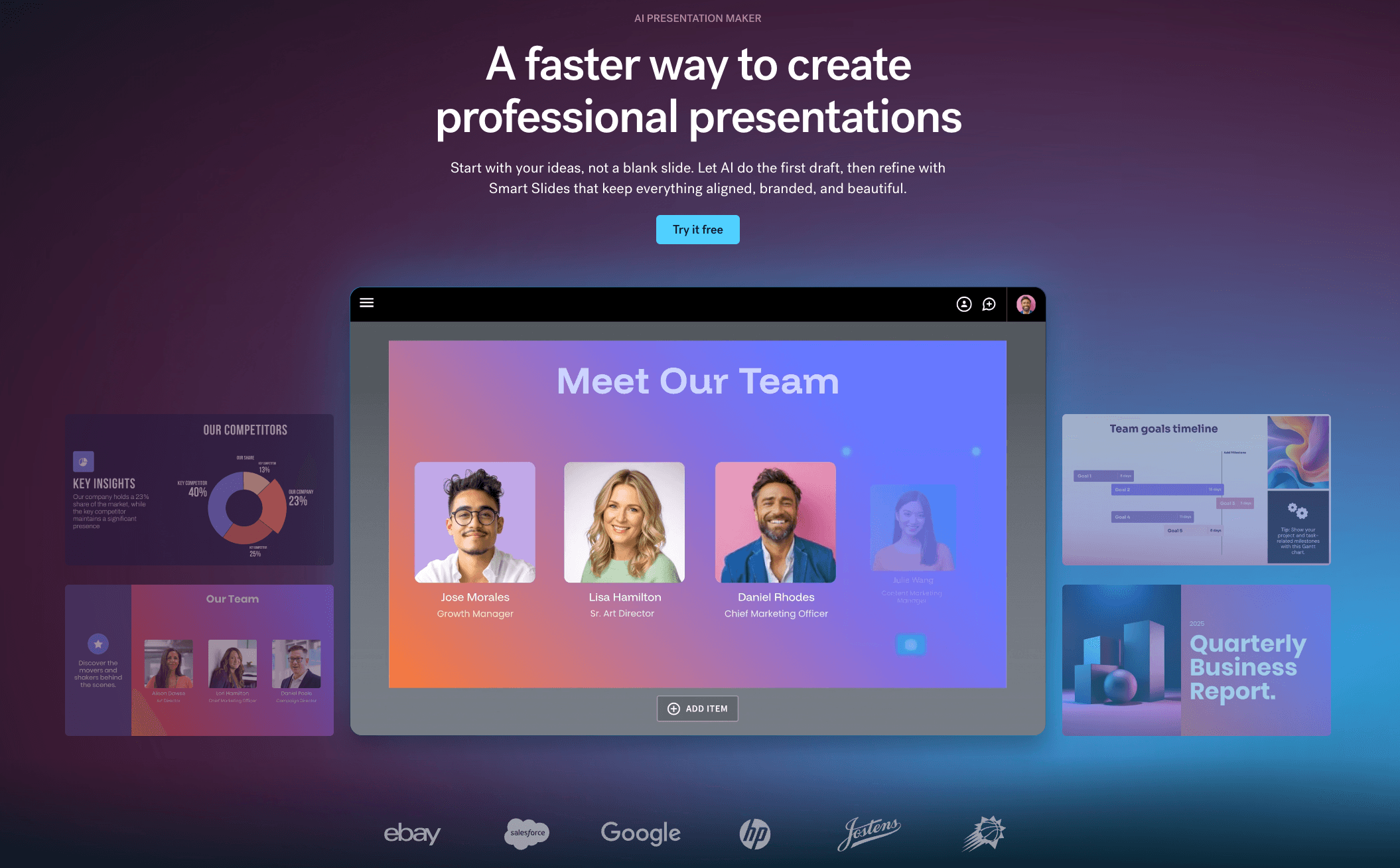
Una herramienta de IA centrada en el diseño que obliga a las diapositivas a mantenerse hermosas ajustando automáticamente las reglas de diseño.
Características Clave:
Tecnología de Diapositivas Inteligentes: Los elementos se redimensionan y se posicionan automáticamente a medida que agregas contenido.
Controles de Marca: Impone estrictamente los colores y fuentes de la empresa.
Pros:
Imposible "romper" el diseño; las diapositivas siempre lucen profesionales.
Gran biblioteca de plantillas modernas.
Contras:
Restringido si deseas arrastrar y soltar elementos manualmente.
Precios:
Suscripción de pago (Prueba disponible).
3. Gamma
Una herramienta de presentación web-primero que rompe el formato de diapositivas tradicional, ofreciendo una experiencia flexible de "documento a presentación".

Características Clave:
Generador de IA: Crea presentaciones, documentos o páginas web a partir de un simple aviso.
Integraciones Interactivas: Soporta GIFs, videos y sitios web en vivo dentro de las diapositivas.
Pros:
Velocidad de generación extremadamente rápida.
Interfaz moderna y fluida que se siente diferente de PowerPoint.
Contras:
La exportación a formato PPT tradicional puede a veces perder interactividad.
Precios:
Modelo freemium con sistemas de crédito.
4. Presentations.AI
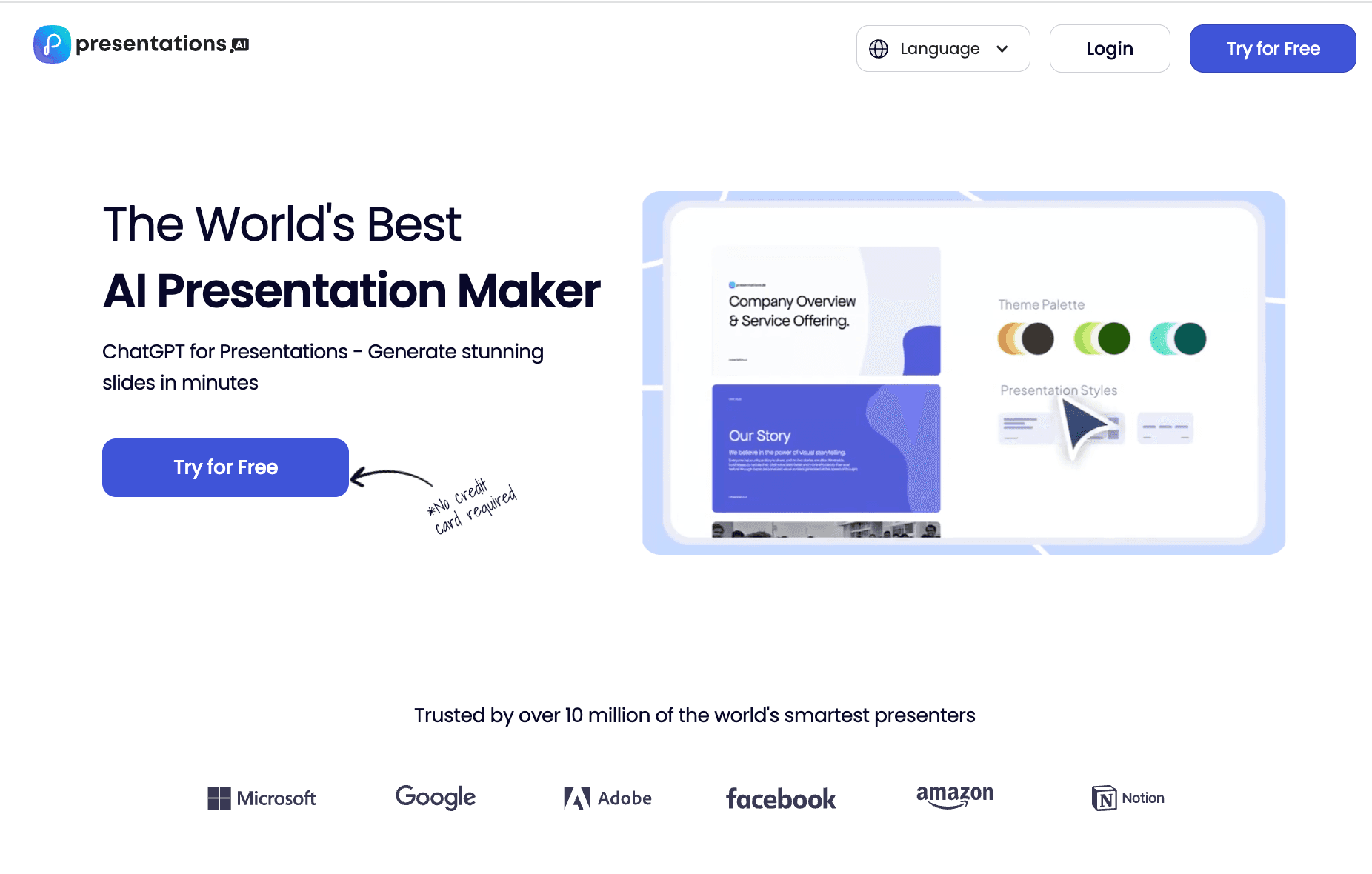
Un diseño automatizado que automatiza la creación de diapositivas, infografías, gráficos y líneas de tiempo. Sus plantillas adaptativas se ajustan a los cambios de contenido sin esfuerzo mientras mantienen la consistencia del diseño.
Características Clave:
Genera diapositivas completas con visuales complejos
Mejor para empresas que necesitan diseño automatizado con consistencia de marca
Pros:
Maneja infografías y gráficos bien.
Mantiene automáticamente un diseño consistente.
Contras:
Faltan funciones de chat de IA para editar.
Precios:
Freemium / Suscripción
5. Plus AI
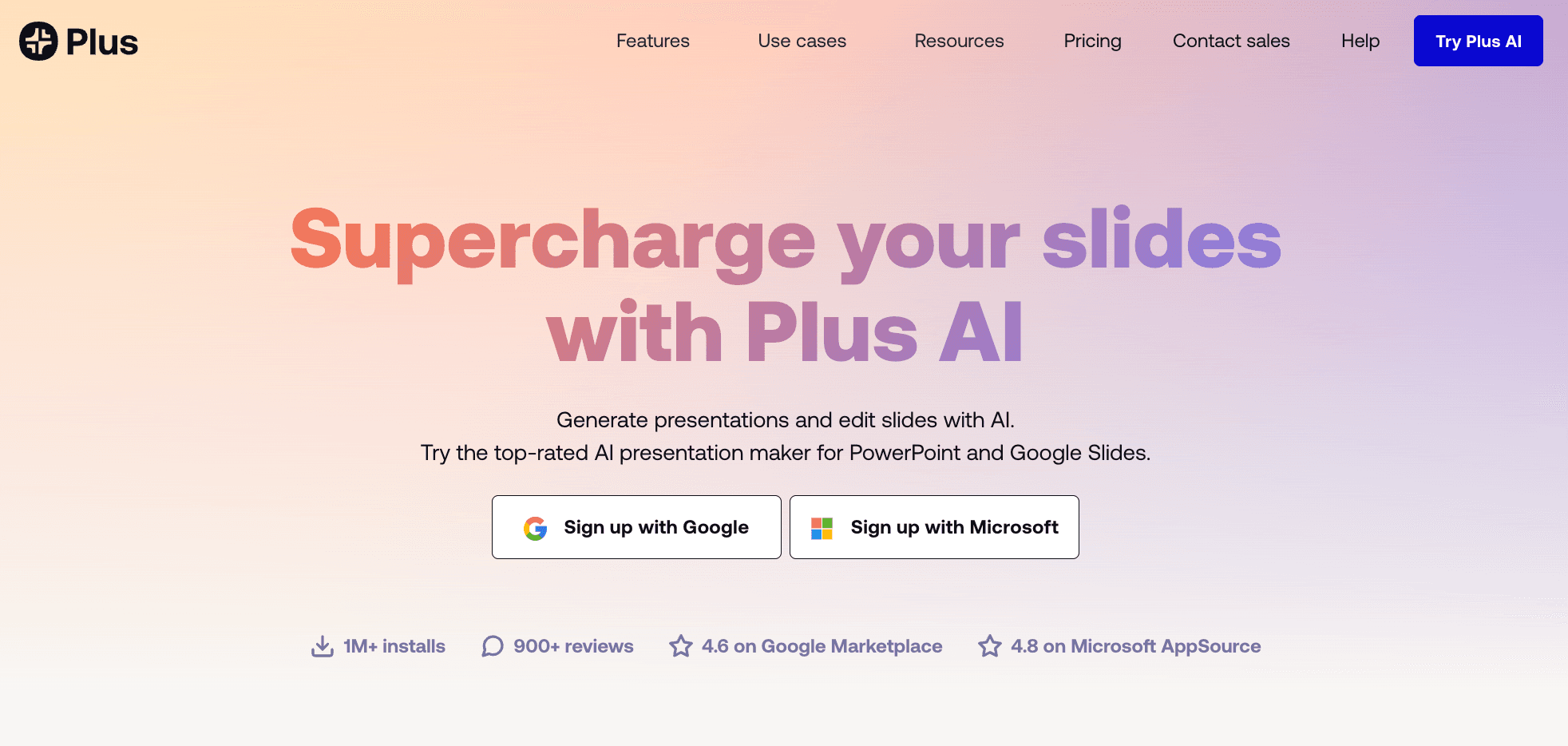
Un complemento de IA construido específicamente para Google Slides para generar y editar diapositivas directamente en tu flujo de trabajo.
Características Clave:
Función de Remix: Reescribe y reformatea diapositivas específicas con un clic.
Snapshot: Captura datos de otras aplicaciones y los incrusta en las diapositivas.
Pros:
Funciona nativamente dentro de Google Slides (sin curva de aprendizaje).
Bueno para editar contenido existente.
Contras:
Las capacidades de diseño están limitadas por el motor nativo de Google Slides.
Precios:
Suscripción mensual.
6. Canva
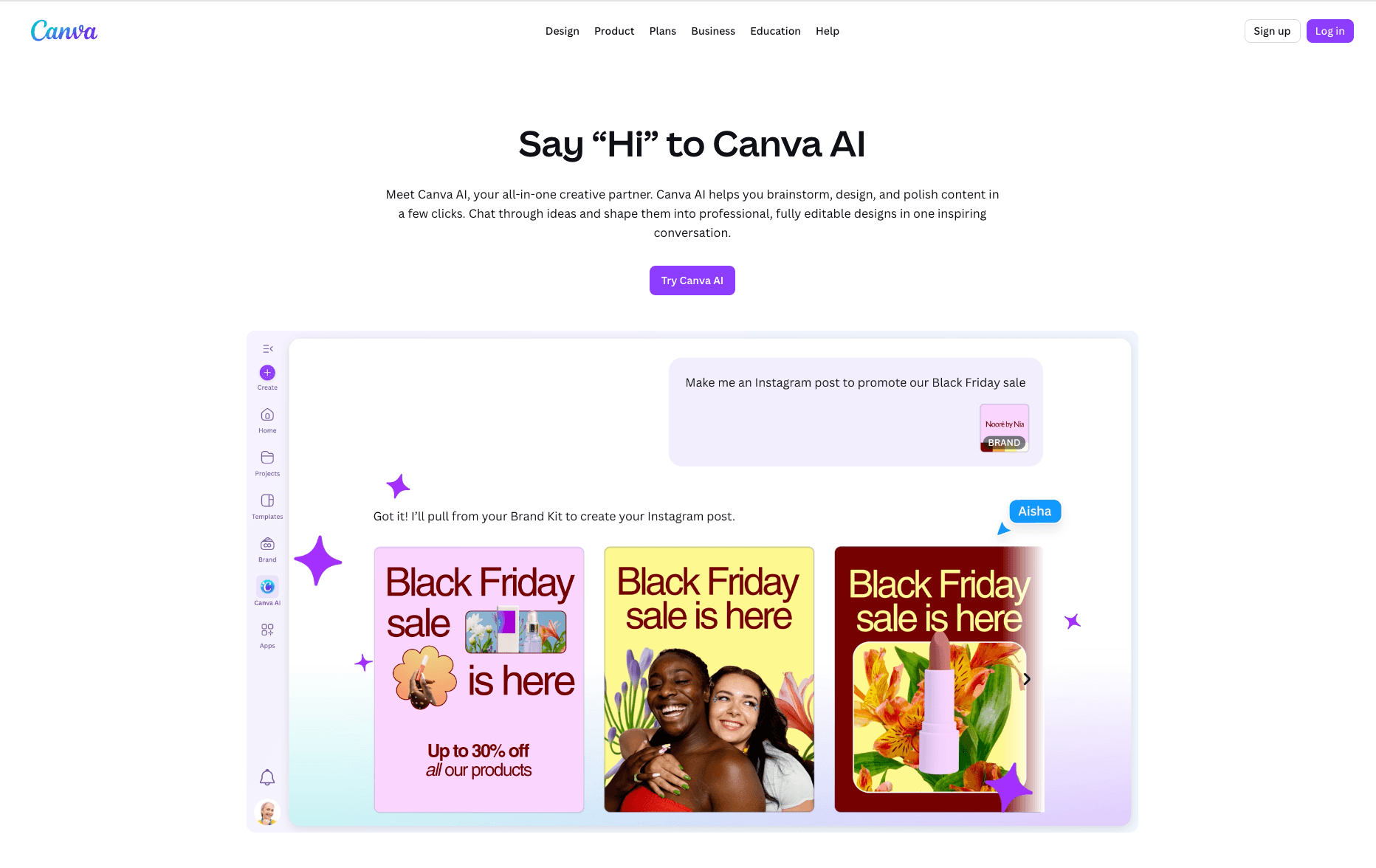
El gigante del diseño global que integró "Diseño Mágico" para hacer la creación de presentaciones accesible a todos.
Características Clave:
Diseño Mágico: Genera un borrador de presentación completo a partir de un aviso de texto.
Biblioteca de Activos: Acceso a millones de fotos de archivo, íconos y videos.
Pros:
Biblioteca de recursos inigualable para activos visuales.
Altamente colaborativo y fácil de compartir.
Contras:
La generación de texto por IA es a menudo genérica y necesita una gran edición.
Precios:
Freemium (Plan Pro sólido).
7. SlidesAI
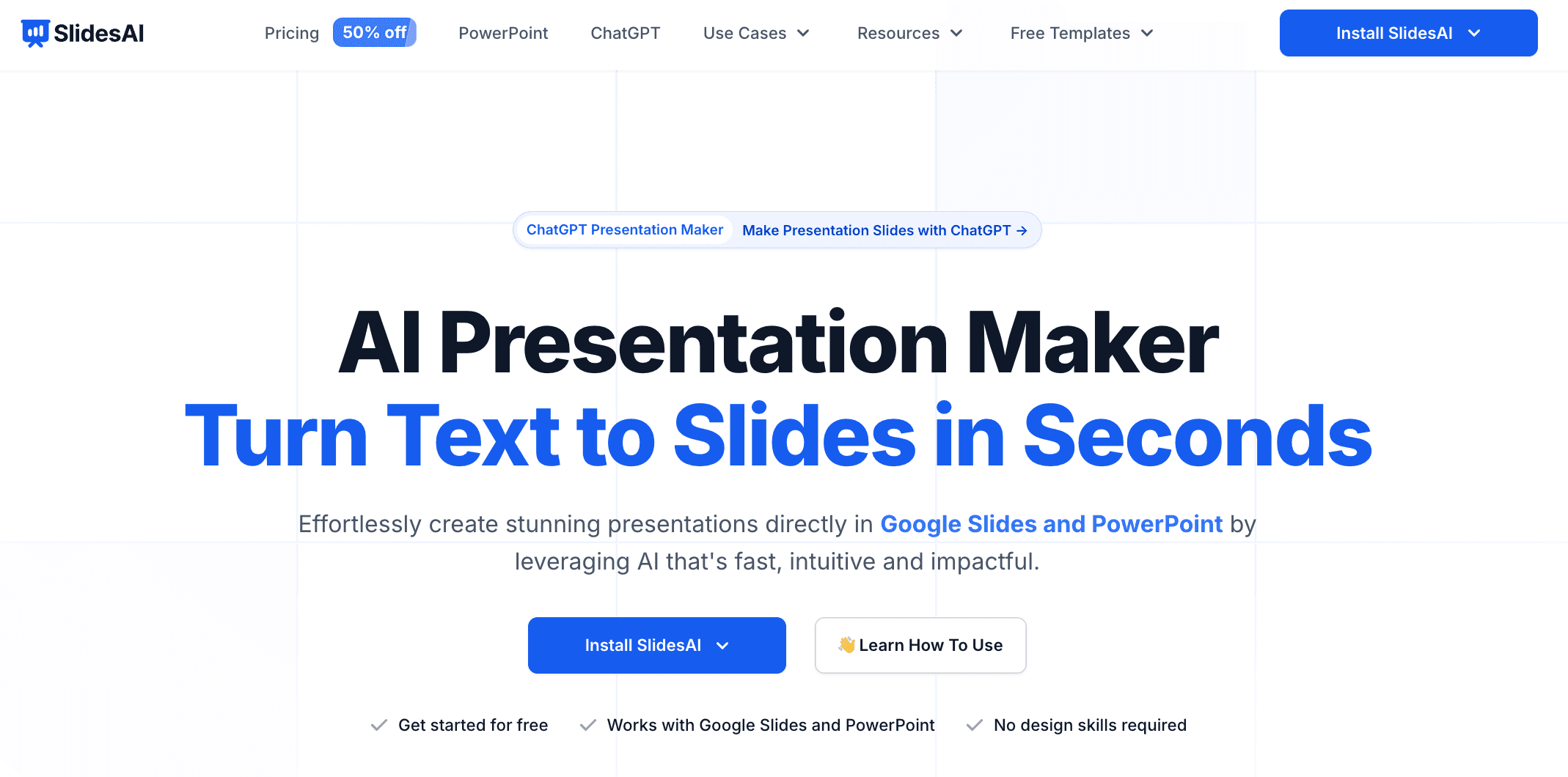
Una extensión de texto a presentación que se enfoca en convertir documentos largos en diapositivas resumidas.
Características Clave:
Transformación de Texto: Pega texto y genera diapositivas con puntos de viñeta e imágenes.
Recomendación de Íconos: Sugiere íconos relevantes para los puntos de viñeta.
Pros:
Excelente para estudiantes o profesores que resumen artículos.
Instalación simple en Google Workspace.
Contras:
Las plantillas de diseño son relativamente básicas en comparación con herramientas independientes.
Precios:
Freemium (diapositivas limitadas por mes) / Pago.
8. Decktopus AI
Un generador de presentaciones de IA diseñado específicamente para embudos de ventas y generación de leads.

Características Clave:
Diseños Instantáneos: Selecciona un tema y audiencia, y construye la estructura.
Formularios de Leads: Puede incrustar formularios directamente en la presentación.
Pros:
Excelente para equipos de ventas y seminarios web.
Se enfoca en elementos de conversión.
Contras:
Flexibilidad de personalización limitada para puristas del diseño.
Precios:
Basado en suscripción.
9. Visme
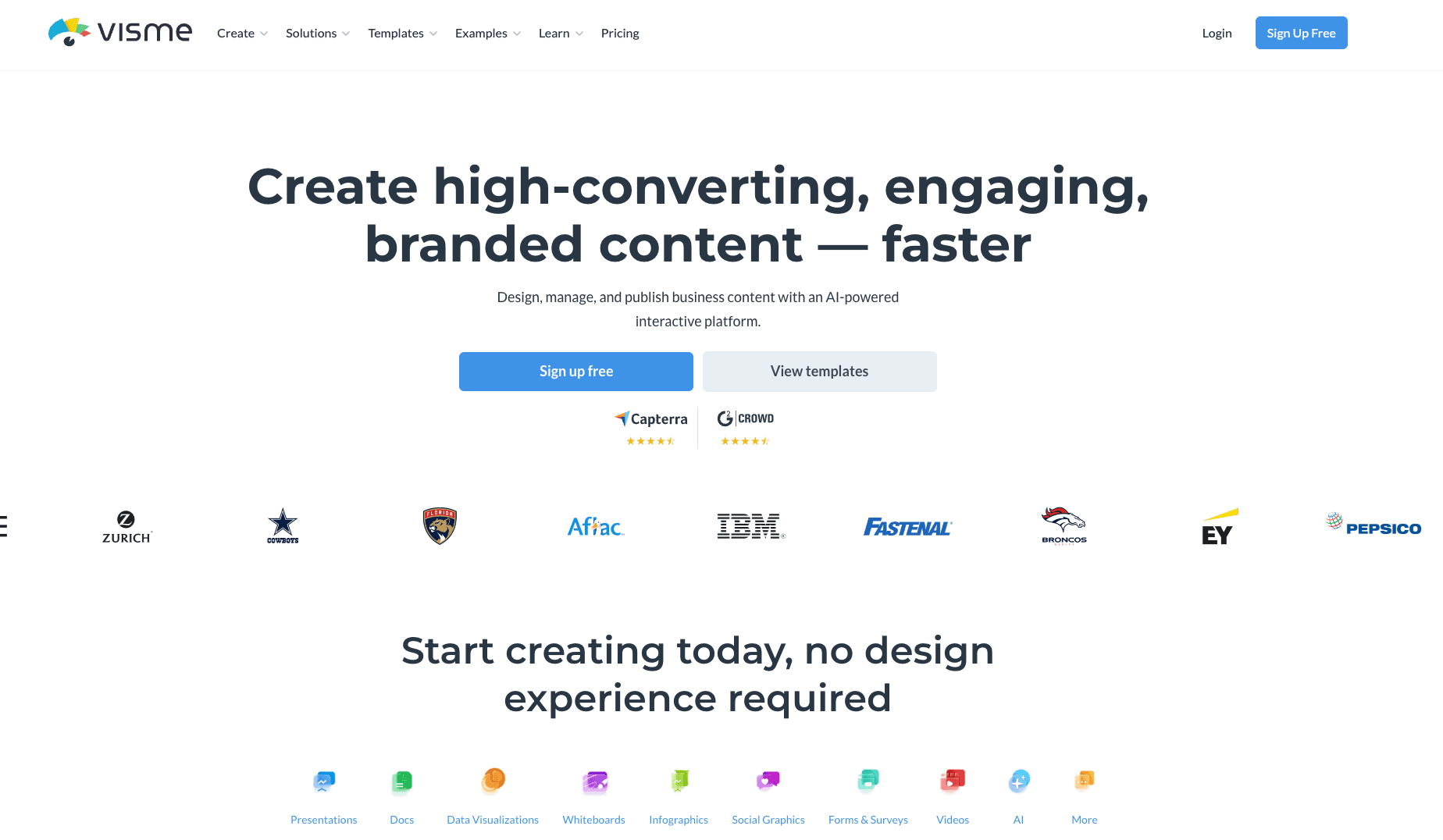
Una plataforma de contenido visual todo en uno que sobresale en infografías y presentación de datos.
Características Clave:
Widgets de Datos: amplia gama de gráficos y gráficos personalizables.
Diseñador IA: Genera diseños basados en el tipo de contenido.
Pros:
El contendiente más fuerte para presentaciones de estilo infográfico.
Íconos vectoriales de alta calidad.
Contras:
La interfaz puede ser abrumadora debido a demasiadas características.
Precios:
Plan básico gratuito / Planes empresariales.
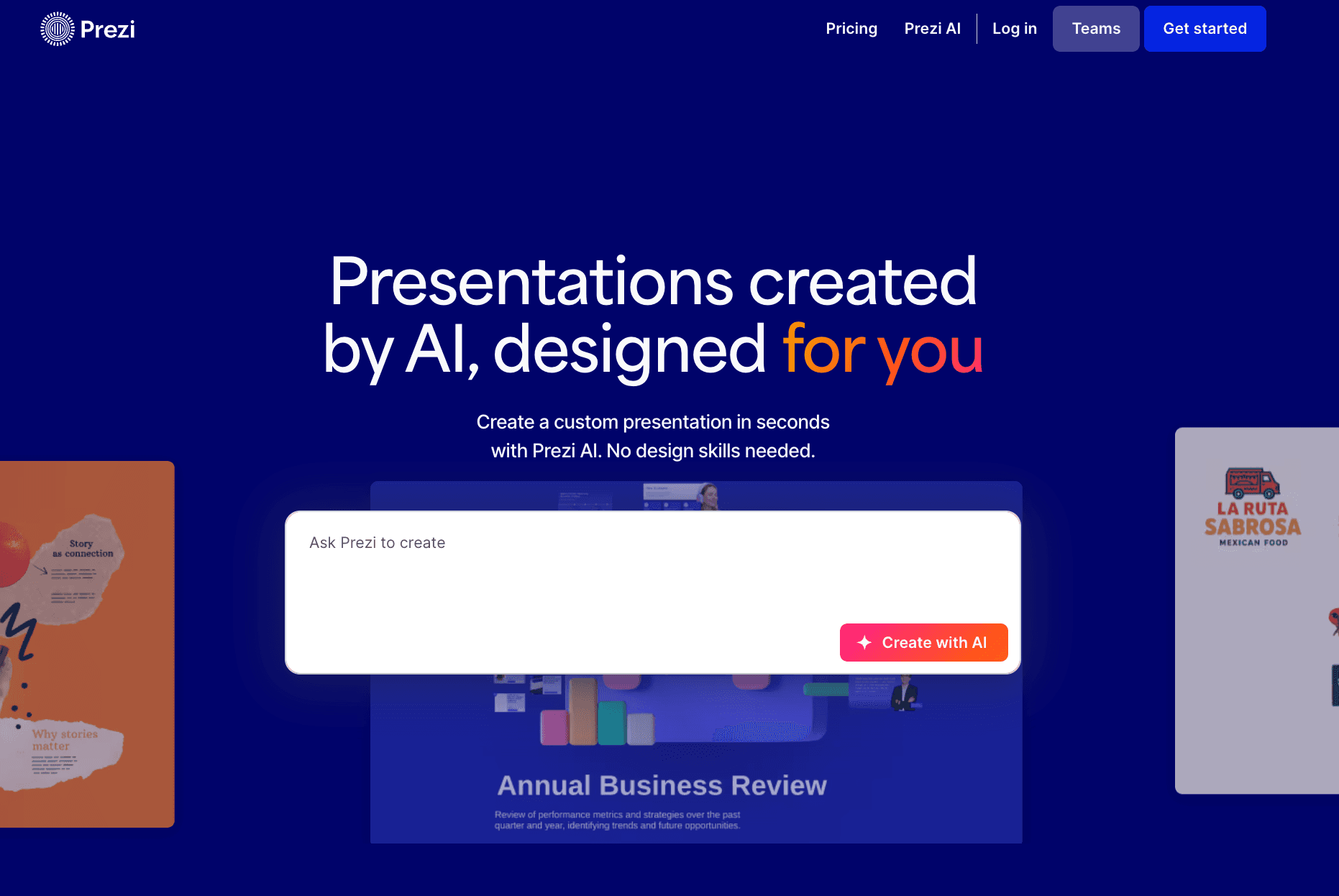
10. Prezi AI
El pionero de las presentaciones de "Interfaz de Acercamiento", ahora mejorado con IA para organizar el contenido espacialmente.
Características Clave:
Revelación Zoom: Crea un mapa dinámico y no lineal de ideas.
Video Prezi: Muestra tu contenido junto a ti en cámara durante las llamadas.
Pros:
Crea un factor "wow" diferente de las diapositivas lineales.
Excelente para presentaciones remotas.
Contras:
Los efectos de movimiento pueden causar mareos si no se utilizan con cuidado.
Precios:
Suscripciones Standard y Plus.
Guía de Compra: ¿Qué Herramienta Deberías Elegir?
Seleccionar la herramienta adecuada depende de tu cuello de botella específico:
Para Creatividad y Narración: Si necesitas un deck de pitch con una narrativa sólida, Tome o Gamma son excelentes.
Para Cumplimiento de Marca: Si necesitas asegurar que cada diapositiva siga estrictamente las fuentes y colores corporativos, Beautiful.ai es una apuesta segura.
Para Inteligencia Comercial y de Datos (El Estándar 2026): Sin embargo, si eres un comercializador o analista que tiene archivos de Excel/CSV en bruto y necesitas "limpiar datos, extraer tendencias y generar diapositivas de visualización de negocios/bonitas" con un clic, Powerdrill Bloom es el indiscutido ganador. Resuelve la parte más difícil de las presentaciones: el análisis de datos.
Profundizando: Powerdrill Bloom y Nano Banana Pro
¿Por qué ocupa Powerdrill Bloom el primer lugar en 2026? Redefine el flujo de trabajo:
Entrada: Subes un archivo Excel o PDF desordenado.
Procesamiento: La IA limpia automáticamente los datos e identifica métricas clave (por ejemplo, "Crecimiento del Q4", "Retención de Usuarios").
Motor Nano Banana Pro: Este motor específico selecciona la visualización óptima (Barra, Línea, Pastel) y aplica una estética "Business Fancy" de alto nivel.
Salida: Recibes un PPT descargable donde los datos son precisos, el diseño es impresionante y los conocimientos ya están escritos.
Esta fusión de "Lógica de Analista de Datos" y "Estética de Diseñador" es lo que lo distingue.
Conclusión
En 2026, la mejor presentación es aquella que cuenta una historia basada en datos visualmente. Mientras muchas herramientas pueden generar texto, solo Powerdrill Bloom logra cerrar la brecha entre datos en bruto y narración visual profesional. Elige la herramienta que se ajuste a tu flujo de trabajo y comienza a crear de manera más inteligente hoy.
Preguntas Frecuentes
¿Qué son las "Mejores Herramientas de Presentación de IA para PowerPoint"?
Son aplicaciones de software que aprovechan la Inteligencia Artificial para automatizar la creación de diseños de diapositivas, redacción de contenido, visualización de datos y formateo de diseño, exportando a menudo directamente a PPTX.
¿Qué herramienta se recomienda para 2026?
Powerdrill Bloom es la mejor recomendación para usuarios de negocios debido a su manejo avanzado de datos y capacidades de diseño de Nano Banana Pro.
¿Cómo mejoran estas herramientas la eficiencia empresarial?
Reducen el tiempo de producción de horas a minutos, permitiendo que los equipos se enfoquen en la toma de decisiones basadas en la información visualizada en lugar de en el procesamiento de píxeles.