Powerdrill Bloom vs. Help Scout: Features, Pricing, and Best Use Cases (2026)
Both tools are agents that take work off your plate, and both produce reports. The split shows up at the file boundary. Help Scout answers incoming questions and then hands you an export. Powerdrill Bloom starts from an export and hands you a finished artifact. That handoff is the whole comparison.
What's the difference between Powerdrill Bloom and Help Scout?
Ask what each one is pointed at and the answer separates cleanly.
Help Scout is pointed at the queue. Its pricing page describes AI Answers as "an autonomous agent that resolves customer questions instantly." Its analytics page opens with "All your performance questions, answered." The value it creates is fewer unanswered customers and a faster team.
Powerdrill Bloom is pointed at a file. You upload a spreadsheet, a CSV export, or a PDF, and it returns the analysis with the charts, slides, or documents that carry it.
There is a sentence on Help Scout's own pricing page that marks the boundary better than anything we could write. Under Exports, it says you can "perform custom analysis by exporting your reporting data to a CSV or Excel file." That export is where its job ends. It is also exactly where ours begins.
Meet Powerdrill Bloom
Powerdrill Bloom is an AI data agent. You upload a file, describe the deliverable in natural language, and it produces the answer along with the visuals that explain it.
Its pricing page lists a Free plan with 1,000 daily refreshed credits and uploads for Excel, CSV, PDF and documents. Free also covers open data search, generated insights, charts and summaries, built-in agent skills, and basic slides, docs, sheets, and images. The Pro plan adds 5,000 monthly credits, deeper analysis and reporting, Office document output, Nano Banana images, custom agent skills, and Claude Skills workflows. The page footer shows SOC 2 Type 2 certification.
The typical job is one run: raw export in, finished artifact out.
Meet Help Scout
Help Scout is a customer support platform. Its platform page calls it a "Customer Conversations Platform", and the shared inbox is the centre of it.
The mechanics explain the fit. Email, chat, phone, and social arrive in one place. Conversations get assigned automatically or by hand, and internal notes let teammates confer before a reply goes out. Customer profiles pull context from other apps so nobody has to hunt for it.
Around that core sit four more pieces.
AI in the inbox. AI Drafts gives an agent a head start on a reply or drafts one automatically, and AI Summarize catches you up on a long thread. The pricing page describes AI Answers as an autonomous agent that resolves questions on its own, and states an average resolution rate of 73%.
A knowledge base. Help Scout calls it Docs, and its analytics page describes finding out "if questions are going unanswered in your help content with customer search data."
Insights and analytics. Its analytics page frames the questions it answers plainly: "When are we busiest?" and "Where can we be more efficient?" Metrics named include response time, handle time, and wait time. Custom reports filter by conversation type, inbox, tag, folder, or custom field.
Integrations and governance. The site lists connections to more than 100 platforms, plus Salesforce, Jira, and HubSpot on the Plus tier. HIPAA compliance and SSO/SAML appear on the Pro tier.
At a glance
| Powerdrill Bloom | Help Scout | |
|---|---|---|
| 🎯 Best for | Turning a data file into a report, chart, or deck | Resolving customer questions and measuring the queue |
| 💰 Price as of Sept 3, 2026 | Free $0; Pro $13.27/month; Plus $26.60; Premium $132.67; Team Pro $13.27/seat | Free plan (5 users, 1 inbox, 1 Docs site); Standard $25/user/month; Plus $45; Pro $75; annual billing shown at −16% |
| ⚡ Key strength | One run produces the analysis and the artifact together | An agent that closes tickets without a human touching them |
| ❄️ Main weakness | The pricing page does not describe a shared inbox, ticketing, or customer conversation channels | The pages describe exporting its own reporting data for analysis elsewhere, not uploading a spreadsheet of yours |
| 👥 Team size | Individual through team, with shared team credits | Free plan capped at five users; paid tiers priced per user |
Both weakness rows come from grepping each company's own pages, and both are worded as what the pages describe. Neither is a claim about what either product will never do.
Feature-by-feature
Input
This is the dividing line. Powerdrill Bloom takes Excel, CSV, PDF, and documents, plus built-in open data sources. Help Scout takes customer messages arriving over email, chat, phone, and social.
Help Scout's pages do describe reporting, and it would be wrong to imply otherwise. Custom reports slice conversation data by type, inbox, tag, folder, and custom field. The data being reported on is the conversation data Help Scout holds. The pages do not describe uploading your own spreadsheet into it.
Output format
Help Scout outputs replies, resolved conversations, help center articles, satisfaction scores, queue reports, and a CSV or Excel export of that reporting data. Powerdrill Bloom outputs analysis artifacts: charts, summaries, Office documents, slides, and generated images.
The lists meet at exactly one point, and it is the export. Help Scout's page positions that file as the way to do custom analysis somewhere else. Our pages describe reading a file like that and producing something from it.
Automation
Help Scout is strong here for its own domain. Workflows automate assigning, tagging, and routing. Views group conversations with filters such as VIP or waiting over 24 hours. Saved Replies answer FAQs without rewriting them. AI Answers resolves a share of questions with no human in the loop.
Powerdrill Bloom's automation story is narrower and different in kind. It runs scheduled tasks, one on Free and twenty on Pro, that rebuild a deliverable on a cadence.
Reporting depth
Both report, on different subjects. Help Scout reports on the work of answering. Named metrics include volume by hour, response time, handle time, and wait time, plus per-agent performance and gaps in the help content.
Powerdrill Bloom reports on whatever is in the file you uploaded. It is domain-agnostic by design, which is the point of a general agent. The trade-off is direction: to get a queue answer out of it, the queue data has to arrive as a file first.
Governance
Help Scout lists HIPAA compliance and SSO/SAML on its Pro tier, along with a secure customer portal and multiple routing types. Powerdrill Bloom's pricing page shows SOC 2 Type 2 certification. The other named frameworks and controls are not described there.
How to produce a data deliverable in Powerdrill Bloom
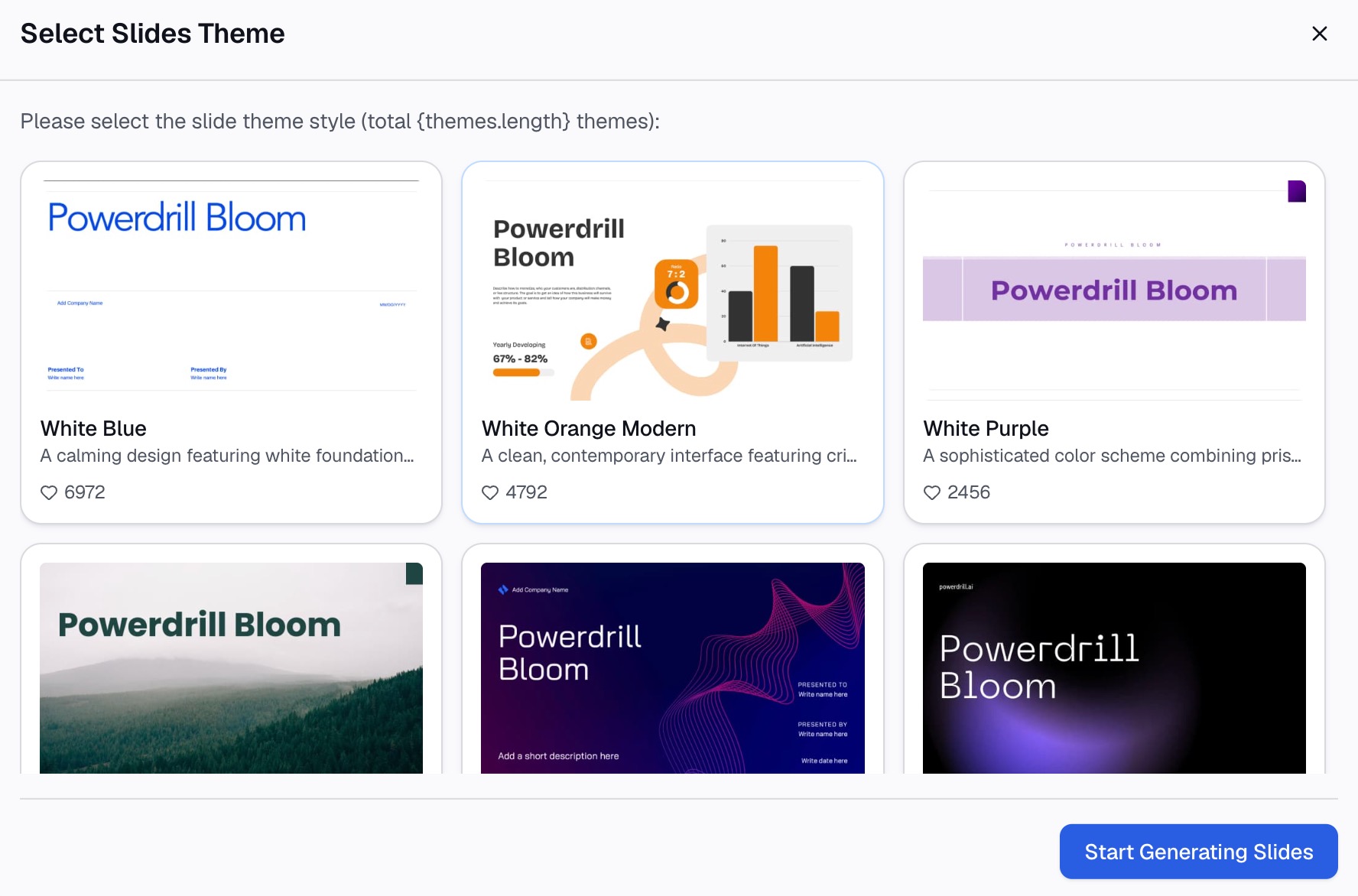
Step 1: Upload the file
Drop in the Excel workbook, CSV export, or PDF. You skip the schema definition and the formula writing entirely.

Step 2: Describe the deliverable in natural language
Say what you want, not how to compute it. "Build a one-page summary of ticket volume by week and tag, and flag any tag growing faster than 20%." The agent works out the steps.
Step 3: Review and export the artifact
Check the charts and figures against the source, then export as slides, an Office document, or a sheet. Set a scheduled task if the same deliverable is due again next month.
A worked scenario: the quarterly support review
Running one real deliverable through both tools makes the split concrete.
Say you owe leadership a quarterly review of support performance. Two separate jobs live inside that deck.
Job one: the quarter has to actually go well. Tickets need answering, escalations need routing, and the help center needs to absorb the repeat questions. This is queue work, and a support platform with an autonomous answering agent is the right instrument. Nothing about a data agent helps here.
Job two: the quarter has to be explained to people who were not in the inbox. Someone exports the reporting data and joins it to headcount and product release dates. They work out which tag drove the volume spike in week six, then build the eight slides leadership will read. That is analysis and assembly, and no amount of ticket automation produces it.
The export is the seam between the two jobs. Help Scout's own page tells you the export exists so you can do custom analysis with it. This is the most complementary pairing we have written about: one tool creates the data, the other reads it.
How to make your choice
Choose Help Scout if your bottleneck is the queue
If customers wait too long and your team is drowning in repeat questions, that is the problem to solve first. Ecommerce, SaaS support, and any small team carrying a shared inbox fit this shape.
Choose Powerdrill Bloom if your bottleneck is a file
If the blocker is an export nobody has time to analyze, and the deadline is a report or a deck, start from the data. See how that plays out in a support ticket report or a KPI dashboard built from a spreadsheet.
Use both if you own support performance
These two are complementary far more often than competitive. Help Scout runs the queue and hands you the numbers; a data agent turns those numbers into the review that gets read upstairs.
My verdict
Help Scout is the better product for the job it targets. An answering agent that closes a real share of tickets is a genuinely hard thing to build, and its lead there is not close. If your problem is response time, buy Help Scout.
Powerdrill Bloom is the better product once the data exists and someone has to explain it. If your problem is that the export is open and the deck is due Thursday, start from the data.
The mistake is buying either one for the other's job. An answering agent will not build your quarterly review. An analysis will not reply to a waiting customer.
Conclusion
Help Scout answers "what should we tell this customer?" Powerdrill Bloom answers "what does this file say?" They meet at a CSV, which is a good sign that both are doing their own job well.
If your next deadline is a report, a chart, or a deck built from a file you already have, try Powerdrill Bloom free.
Product details and prices are as of September 3, 2026, taken from each company's own pages.
Frequently asked questions
Does Help Scout do reporting and analytics?
Yes. Its analytics page describes reports on volume, response time, handle time, and wait time, plus custom reports filtered by conversation type, inbox, tag, or folder. Those reports cover the conversation data it holds.
How much does Help Scout cost in 2026?
As of September 3, 2026, the page lists a free plan for 5 users with 1 inbox and 1 Docs site. Standard is $25 per user monthly, Plus is $45, and Pro is $75. Annual billing is shown at 16% less.
Can Powerdrill Bloom handle customer support tickets?
The Powerdrill Bloom pricing page does not describe a shared inbox, ticketing, or customer messaging channels. It describes uploading Excel, CSV, PDF, and document files and generating analysis, charts, slides, and images from them.
Can I analyze a Help Scout export in Powerdrill Bloom?
That is the natural pairing. Help Scout's pricing page describes exporting reporting data to a CSV or Excel file for custom analysis. A data agent reads exactly that kind of file.
Which one is better for reducing response time?
Help Scout, clearly. An autonomous answering agent, workflow routing, and saved replies all attack response time directly, which is not something a data agent addresses.