Powerdrill Bloom vs. GenOffice: Features, Pricing, and Best Use Cases (2026)
These two tools get compared because both put AI into document work. They solve different halves of the problem.
GenOffice is an open-source desktop office suite that edits Word, Excel, PowerPoint, PDF and Markdown files locally. Powerdrill Bloom is a hosted agent that takes a data file and returns the finished chart, report or deck.
One replaces the editor you type in. The other replaces the hours between a raw export and a deliverable. This comparison uses only what each vendor publishes.
Powerdrill Bloom vs. GenOffice at a glance
| Powerdrill Bloom | GenOffice | |
|---|---|---|
| What it is | Hosted AI data agent that produces charts, reports and slides | Open-source desktop office suite with AI editing built in |
| Where it runs | In the browser | Installed on macOS, Windows or Linux |
| Starting price | Free plan, then $13.27 per month billed annually for Pro | Apps are free under Apache 2.0; AI features consume Genspark credits |
| Best at | Turning a raw export into a deliverable | Opening, editing and saving native Office files |
| Maturity | Generally available | Described on its own site as "still in alpha" |
What GenOffice is
GenOffice describes itself as "the world's first full-featured open-source AI Office suite." The repository frames it as "a free, open-source alternative to Microsoft Office for macOS, Windows, and Linux."
Its architecture is unusual and worth understanding. It ships as six Electron apps sharing one engine layer: Docs, Sheets, Slides, PDF, Markdown and a shell that hosts them in tabs.
The engineering priority is file fidelity. For Word files, saving is byte-preserving. The repository states that "only what you touched changes; Word never notices."
The other apps follow the same rule. Sheets is built on the open-source Univer core with in-house extensions, and its .xlsx import and export run through a Rust sidecar. Slides uses an in-house .pptx engine with masters, layouts and text shaping.
The PDF app is the most distinctive piece. It performs real text editing that rewrites the page content stream with original fonts preserved. The repository contrasts that with "cover-up annotations."
The Markdown app rounds out the suite. It is a block editor over plain Markdown files, and it saves back as plain Markdown rather than a proprietary format.
How the AI works. This is the part to read carefully. The apps sign in to a Genspark account through a device-code flow. The repository notes that "no model API key is entered or stored by the user."
Model calls route through the Genspark proxy, covering the Claude, GPT and Gemini families. The same account unlocks the built-in agent tools for web search, image generation and media analysis.
Where the numbers stand. The GitHub repository was created on July 31, 2026 and carries the Apache 2.0 license. As of August 18, 2026 it shows roughly 3,200 stars and 553 forks, with release v0.7.204 published on August 16.
That release cadence tells you something. A version number in the 0.7.x range, updated within the last few days, is a project in motion.
The public repository is the primary source for all of this. It documents the engine packages, the build steps and the platform requirements. That is unusual candour for a product still finding its shape.
What Powerdrill Bloom is
Powerdrill Bloom is a hosted AI agent for work that starts from data. You upload the file and describe the outcome in natural language.
Its published feature list runs from upload to output. The free plan covers insights, charts and summaries. Paid plans add slides, Office documents, Excel analysis and image generation, plus Claude Skills for research, analysis, automation and execution.
Two details separate it from a document editor. It reads the file and profiles the columns before you ask anything. And it produces the artefact, not just the edits inside a file you already built.
Scheduled tasks are part of the plan structure too, from one on the free plan up to twenty on paid plans. That matters for anything recurring.
Where the two differ most
The starting point
GenOffice assumes you have a document. It opens .docx, .xlsx, .pptx, .pdf and .md and gives you an AI panel inside the editor.
Powerdrill Bloom assumes you have data. The upload list covers Excel, CSV, PDF and documents, and the output is generated rather than edited.
That difference decides which tool fits. Ask whether your problem is editing a file or producing one.
Where your files sit
GenOffice is explicit in its own FAQ: "Document editing is fully local — files never leave your machine to be opened, edited, or saved." The AI features are the exception and need a network connection to a Genspark account.
Powerdrill Bloom is hosted, so files go to the service. If a local-only requirement is non-negotiable for you, GenOffice answers that and a hosted agent cannot.
Install versus open a tab
GenOffice requires installation. The published requirements are macOS 11 or newer, Windows 10 or newer, and Linux with glibc 2.34 or newer.
The repository notes that the macOS and Windows installers are signed. Linux ships as deb, rpm and AppImage, with the AppImage needing the FUSE 2 runtime.
Powerdrill Bloom runs in the browser, so there is no install step and no per-machine setup.
What "AI" means in each
In GenOffice, AI edits documents. The repository describes block-granular editing with version snapshots and diffs, plus a tool-calling agent over workbook, slide and PDF state.
In Powerdrill Bloom, the agent does the analysis and then builds the output. You ask which segments moved and get a chart plus the figures.
Pricing and what it actually costs
| Powerdrill Bloom | GenOffice | |
|---|---|---|
| Free option | Free plan with 1,000 daily refreshed credits and 1 scheduled task | Apps are free under Apache 2.0, described as no trial and no paid tier |
| Paid entry | Pro at $13.27 per month billed annually | Not applicable to the apps |
| AI usage cost | Included in plan credits, with optional one-time credit packages | "AI features will consume Genspark credits" |
| Published amounts | Yes, on the pricing page | ❄️ Credit amounts and plan requirements are not documented |
| Team option | Team Pro at $13.27 per seat per month | Not published |
Read the middle rows together, because this is the honest asymmetry.
GenOffice is genuinely free as software. Its own FAQ says so: "GenOffice is free and open-source under the Apache-2.0 license — no trial, no paid tier for the apps themselves."
The AI is a separate question. The product site states that "AI features will consume Genspark credits." Neither the site nor the repository documents how many credits a task uses, or which Genspark plan is required.
So the free-versus-paid comparison is not free versus $13.27. It is a published price against a metered dependency with no published rate.
Powerdrill Bloom publishes its side. Pro is $13.27 per month billed annually, Plus is $26.60, and Premium is $132.67, with credit packages available as one-time top-ups valid for twelve months.
There is a second asymmetry in that table. GenOffice publishes no team or seat structure at all, so multi-user cost is not something you can plan from its official pages.
File handling and output formats
| Need | Powerdrill Bloom | GenOffice |
|---|---|---|
Open and re-save a native .docx without breaking layout |
Not the design goal | Byte-preserving round trip |
| Turn a CSV into a chart | Upload and ask | Build it in the spreadsheet app |
| Edit text inside a PDF | Not the design goal | Real content-stream text editing |
| Produce a deck from a spreadsheet | Generated output | Build it in the slides app |
| Pivot tables and slicers in a spreadsheet | Analysis is agent-driven | Supported in Sheets |
The pattern is consistent across every row. GenOffice wins anything that is fundamentally an editing task on an existing file. Powerdrill Bloom wins anything where the artefact does not exist yet.
When GenOffice is the better choice
Pick GenOffice when local-only processing is a requirement. Document editing never leaves the machine, and that is a hard guarantee a hosted service cannot match.
Pick it when file fidelity is the whole job. If a contract has to reopen in Word without a single layout shift, byte-preserving saves are the right tool.
Pick it when you want to read or extend the code. Apache 2.0, TypeScript and documented engine packages make that realistic.
Pick it when you need a free desktop suite on Linux. The published packages cover Debian, Ubuntu, Fedora, RHEL and openSUSE.
Pick it when you want several editors in one shell. GenOffice hosts all five in tabs, so the file type stops deciding which application you open.
One caveat to weigh honestly. The product site describes GenOffice as "still in alpha," and the version number agrees. For work you cannot afford to redo, that is a real consideration.
When Powerdrill Bloom is the better choice
Pick Powerdrill Bloom when the deliverable does not exist yet. A raw export and a deadline is the case it was built for.
Pick it when the work repeats. Scheduled tasks let a monthly report run without you rebuilding it, and our guide to automating a weekly status report covers that pattern.
Pick it when nobody on the team wants to install software. A browser tab removes the setup conversation entirely.
Pick it when you want the analysis and the artefact from one pass. Ask which products drove the change, then take out the chart and the summary together. Our Excel to PPT and AI report generator pages show that path.
Pick it when the input is messy. Column profiling on upload catches the problems before a chart hides them.
How to get started with Powerdrill Bloom
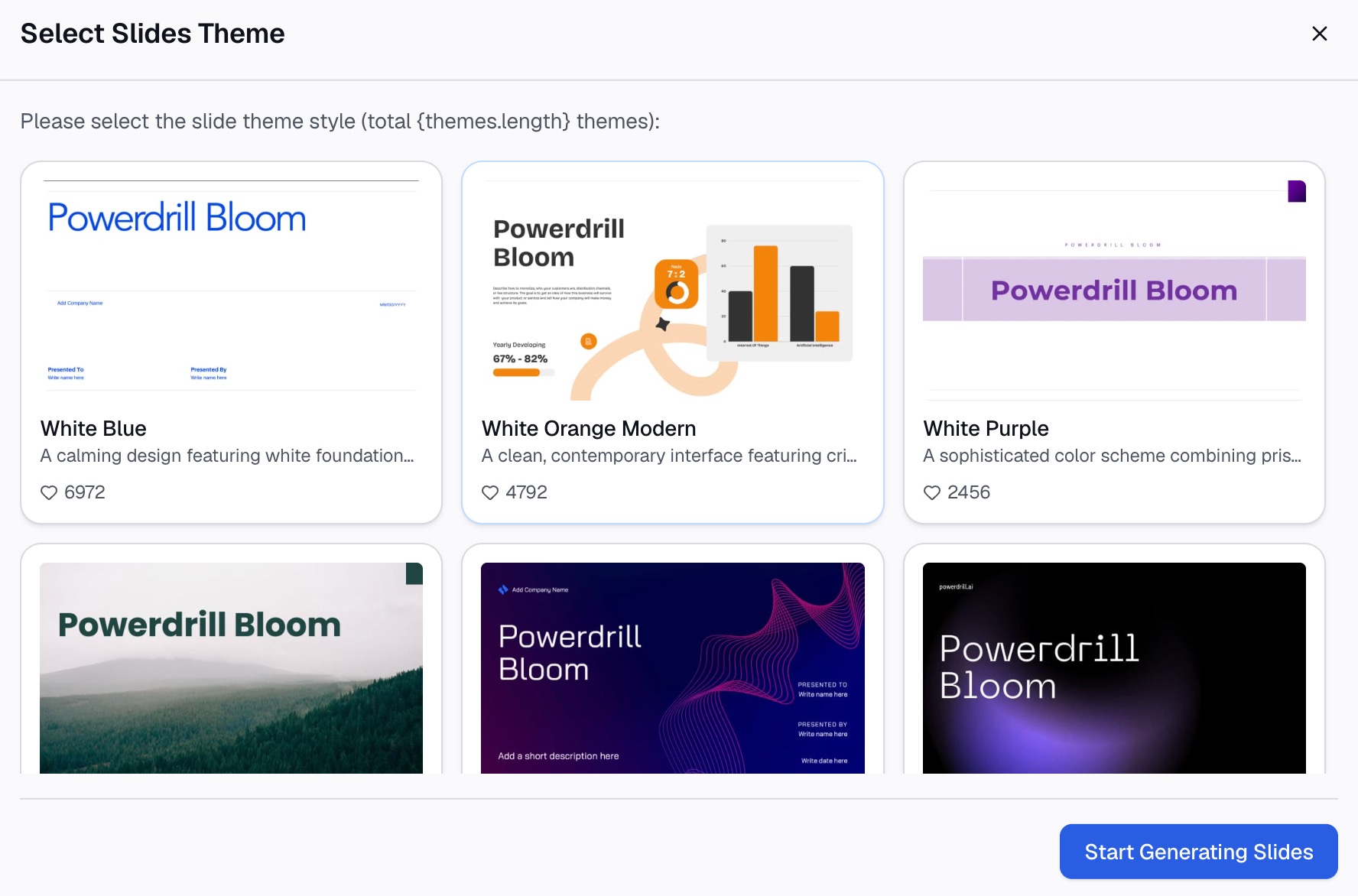
Step 1: Upload your data file
Upload the Excel, CSV, PDF or document you are working from. Powerdrill Bloom profiles the columns on arrival, so blank fields and duplicated keys surface before any output is built.

Step 2: Describe the output in natural language
State what you want rather than building it. Name the metric, the breakdown and the period, and ask for the checks in the same pass.
Step 3: Export the chart, report, or deck
Take out the chart, a written summary, or slides you can drop into an existing deck.
Conclusion
GenOffice is the stronger choice for editing native Office and PDF files locally, with fidelity as its organising principle. Powerdrill Bloom is the stronger choice for getting from a data file to a finished chart, report or deck.
The cleanest way to decide is to name your bottleneck. If it is the editor, install the suite. If it is the four hours before the editor, a hosted agent removes them.
Two facts should stay in view. GenOffice publishes no AI usage rate and calls itself alpha, and Powerdrill Bloom is hosted rather than local.
If your week goes on turning exports into deliverables, try Powerdrill Bloom on a file you already have. Our note on what GenOffice is covers the other side in more detail, and the pricing page lists the current plans.
Frequently asked questions
Is GenOffice really free?
The apps are, under the Apache 2.0 license, and the repository states there is no trial and no paid tier for them. The AI features sign in to a Genspark account and consume Genspark credits, and those amounts are not published.
Does GenOffice work without an internet connection?
Document editing is fully local, according to its own FAQ. The AI features, search and image tools need a network connection and an account.
Which one opens Microsoft Office files?
GenOffice opens and saves native .docx, .xlsx and .pptx, with byte-preserving writes. Powerdrill Bloom accepts Excel, CSV, PDF and documents as inputs and generates outputs from them.
Can Powerdrill Bloom edit a document I already made?
That is not its design goal. It is built to produce charts, reports and slides from data, so an existing file is treated as an input rather than a canvas.
Which is better for a recurring monthly report?
Powerdrill Bloom, because scheduled tasks handle recurrence directly. Plans include one scheduled task on the free tier and twenty on paid tiers.