Powerdrill Bloom vs. Clay: Features, Pricing, and Best Use Cases (2026)
These two products point in opposite directions, and noticing that saves a trial.
One is built to bring data in from outside your company. The other is built to make sense of the data you already hold.
Both use agents. Both promise you will not write code. They answer different questions.
This guide covers what each one is for and the current published pricing on both sides. It then covers the two meters that make one of them harder to budget, and how to choose without signing up.
At a glance
| Powerdrill Bloom | Clay | |
|---|---|---|
| Core job | Turn your file into an answer | Find and enrich data about companies and people |
| Typical input | An Excel, CSV, PDF, or doc you already have | A list of accounts or contacts to research |
| Typical output | A chart, report, or deck | Enriched rows, synced to CRM or campaigns |
| Who it is for | Anyone with a deadline and a spreadsheet | Go-to-market and revenue teams |
| Entry price | $0, with 1,000 daily refreshed credits | $0, with 500 actions per month |
| First paid tier | $13.27 per month, billed annually | $167 per month |
| Metering | Credits | Actions and data credits, metered separately |
What Clay is built for
Clay's homepage states the goal in five words: "Build systems to grow revenue."
Its product map makes the direction concrete. The data infrastructure section covers audiences that "centralize your first and third party data sources."
Next to that sits a marketplace to "buy data from 200+ providers in one place." A waterfall feature then combines several providers "for the best coverage."
That is an acquisition stack. The assumption is that the data you need is outside your systems and has to be found, bought, or inferred.
The agent sits on top of that. Clay's pricing page describes Claygent as "Clay's AI agent with access to web research."
The same page adds a broad claim about its scope. You "can generate any custom data points using Claygent."
Execution comes next. Clay syncs ad audiences to LinkedIn, Meta, and Google, and runs a native sequencer for messaging.
There is an MCP server too, so representatives can pull prospecting data into their own tools. Signals and intent tracking cover job changes, promotions, and similar triggers.
Read the whole shape and the buyer is obvious. This is a revenue operations platform, and it is a serious one.
What Powerdrill Bloom is built for
The starting point here is a file you already have.
You upload the export, describe the deliverable in natural language, and take the finished artifact away. The connectors page lists Excel, CSV, and TSV uploads plus SQL database access through a text-to-SQL layer.
What comes out is the part that closes a task. The plan pages list charts, insights, summaries, slides, Office documents, and Excel analysis.
The free tier is genuinely usable, which matters when comparing entry costs. It carries 1,000 daily refreshed credits, file uploads, built-in agent skills, and one scheduled task.
Paid tiers add depth rather than a different product. Pro lists 20 scheduled tasks, custom agent skills, Office document creation, and Claude Skills workflows.
Our explainer on vibe data analysis describes the working style behind that.
Pricing, side by side
Both vendors publish list prices in dollars, so no estimates are needed here. Figures are as displayed on August 24, 2026.
| Tier | Powerdrill Bloom | Clay |
|---|---|---|
| Free | $0, 1,000 daily refreshed credits, 1 scheduled task | Free, 500 actions and 100 data credits per month |
| Entry paid | Pro $13.27 per month, billed annually | Launch $167 per month, from 15,000 actions |
| Mid | Plus $26.60 per month | Growth $446 per month, from 40,000 actions |
| High | Premium $132.67 per month | Enterprise, custom |
| Team | Team Pro $13.27 per seat per month | Unlimited seats on all tiers |
One point in Clay's favour deserves flagging immediately. Seats are unlimited even on the free tier, which is unusual and genuinely generous.
That matters for a revenue team. Every representative can sit in the same workspace without a per-seat bill attached to each one.
The free tier has a hard shape, though. It is capped at 200 rows per table, which makes it a place to learn rather than to work.
The free allowance is worth reading closely too. It carries 500 actions and 100 data credits per month, which a single enrichment run can consume.
The two meters inside Clay's pricing
This is the part that surprises people, and it is published clearly rather than hidden.
Clay bills on two separate meters. Actions and data credits each have their own ladder, and you buy capacity on each independently.
The published ladders are long. Monthly action tiers run from 15,000 at $60 up to 200,000 at $540.
Annual equivalents are cheaper per action. Those run from 180,000 actions at $54 per month up to 2.4 million at $486 per month.
Data credits climb on their own track. Monthly tiers run from 2,500 at $125 to 20,000 at $880. The ladder continues to 50,000 per month at $2,125.
So the headline tier price is a starting point rather than a total. A workflow that enriches heavily consumes both meters at once.
The upside of that design is control. You can buy exactly the capacity each meter needs, instead of paying for a bundle you half use.
The downside is forecasting. Two ladders mean two guesses, and a new workflow can move both at once.
Powerdrill Bloom uses a single credit pool, with one-time top-up packages that stack on any plan and stay valid for twelve months. That is simpler to forecast and it buys a narrower capability.
Neither approach is better in the abstract. Two meters give precise control to a team that models its unit economics, and a single pool is easier for one person to reason about.
Where Clay is the better fit
Four situations point clearly at Clay, and we would say so to a prospect.
You need data you do not have. Firmographics, contact details, job changes, and intent signals all have to come from outside, and that is the whole point of the platform.
Your workflow ends in a campaign. Clay syncs audiences to ad platforms and runs sequences, so the output is an action rather than a document.
You want CRM and warehouse sync. The Growth tier lists auto-sync and enrichment for a CRM plus auto-sync with a data warehouse.
You have a go-to-market engineering function. Waterfalls, functions, webhooks, and an HTTP API integration reward someone who owns the system.
Against that list, Powerdrill Bloom has real gaps worth naming. Its pages describe no prospecting, no contact enrichment, and no provider marketplace.
The connectors page names no CRM systems and no ad platforms. There is no sequencer, no audience sync, and no intent tracking.
The free tier allows a single scheduled task. If your problem is finding data rather than interpreting it, this is the wrong tool and a trial will tell you so slowly.
Where Powerdrill Bloom is the better fit
There is one more thing to weigh before the list. Clay's platform assumes somebody owns it.
Waterfalls, functions, and provider budgets are a standing responsibility rather than a one-off setup. That role has a name in Clay's own materials, which reference go-to-market engineers and a job board for them.
If nobody on your team is going to hold that role, an enrichment platform will underperform whatever you pay for it. That is not a criticism of the product. It is a staffing prerequisite worth naming before a trial.
With that said, four situations point the other way, and they cover a larger group of people.
The data is already yours. An export, a workbook, a PDF statement, or a survey file is the front door rather than a workaround.
The deliverable is a document. Slides, Office files, and written reports come out of the same run that did the analysis.
Nobody on the team writes SQL. You describe the question in natural language and get tables and charts back.
One person is doing the work. A single seat at $13.27 per month is a different conversation from $167 per month plus two meters.
Clay has honest constraints on this path, and they follow from its design rather than from neglect. Its pricing and product pages are organised around finding, enriching, and activating records.
The free tier's 200-row table cap makes file-based analysis impractical there. And the entry paid tier costs more than ten times ours before either meter is expanded.
None of that makes Clay weaker. It makes it a tool aimed at a different half of the problem.
How to choose in one pass
Answer three questions in order and stop at the first clear signal.
| Question | If yes | If no |
|---|---|---|
| Do you need data from outside your company? | Clay | Continue |
| Does the work end in outbound or ad activation? | Clay | Continue |
| Do you need a chart, report, or deck this week? | Powerdrill Bloom | Either works |
There is a legitimate case for both. Clay assembles and enriches the account list, and the analysis of what happened next comes from your own exports.
That split is cheaper than it sounds. One Clay seat plus a handful of Powerdrill Bloom seats costs less than putting every analyst on an enrichment platform.
Watch the boundary if you run both. Two systems counting the same accounts will disagree unless one of them is the agreed source.
Decide which one owns the account count before anyone builds a dashboard. Retrofitting that decision is far more work than making it early.
For the wider category, see our roundup of data enrichment tools and the explainer on what data enrichment is.
Getting started with Powerdrill Bloom
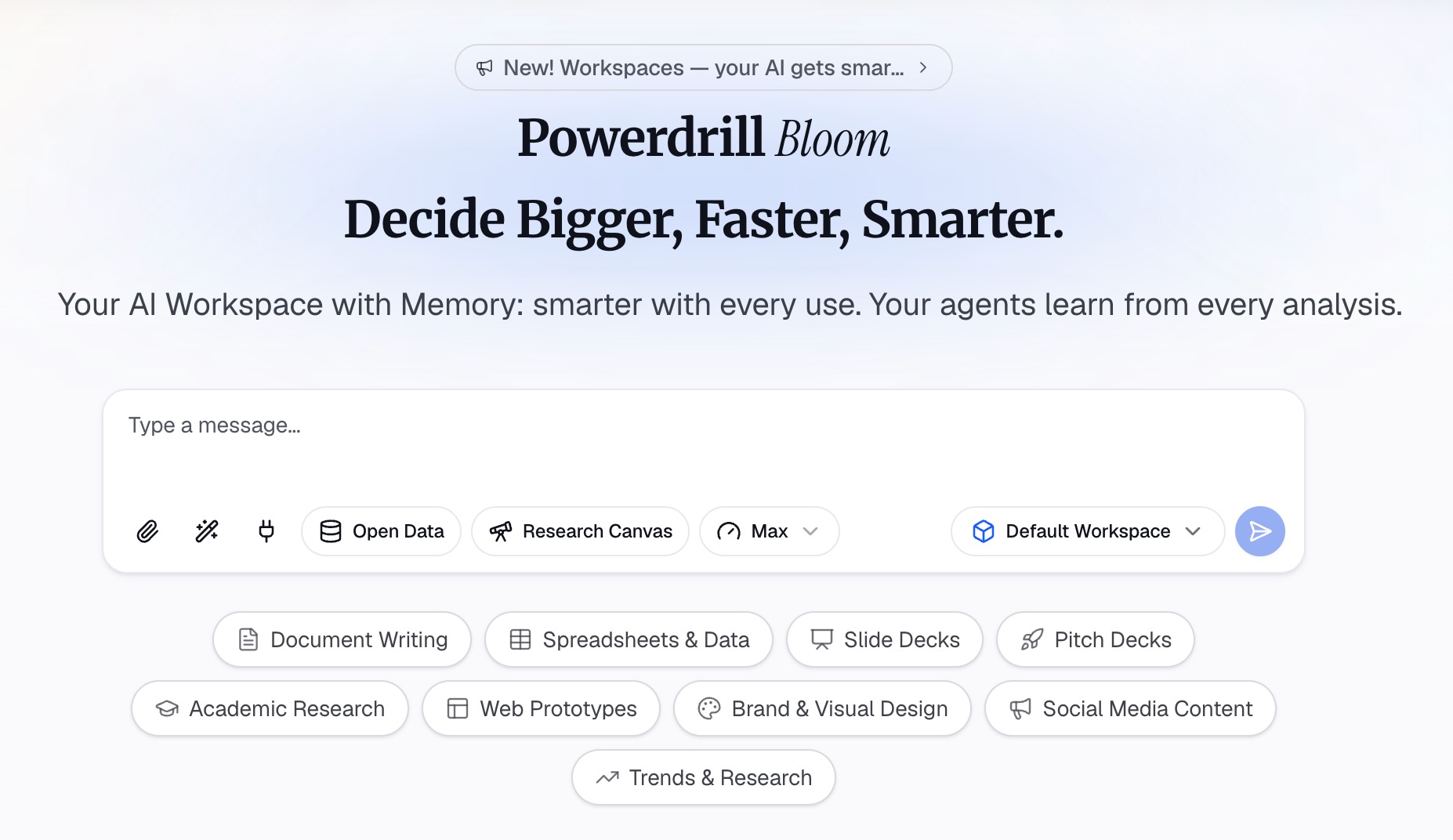
Step 1: Upload the file you already have
Drop in the export you were sent. Powerdrill Bloom profiles the columns on arrival, so blank fields, mixed types, and duplicate keys surface before any chart is drawn.
Step 2: Describe the output in natural language
State the deliverable rather than the query. Name the metric, the period, the grouping, and what should be excluded.
Then push on the result. Ask which rows were dropped, ask what the totals reconcile to, and ask for the breakdown you will be asked for in the meeting.
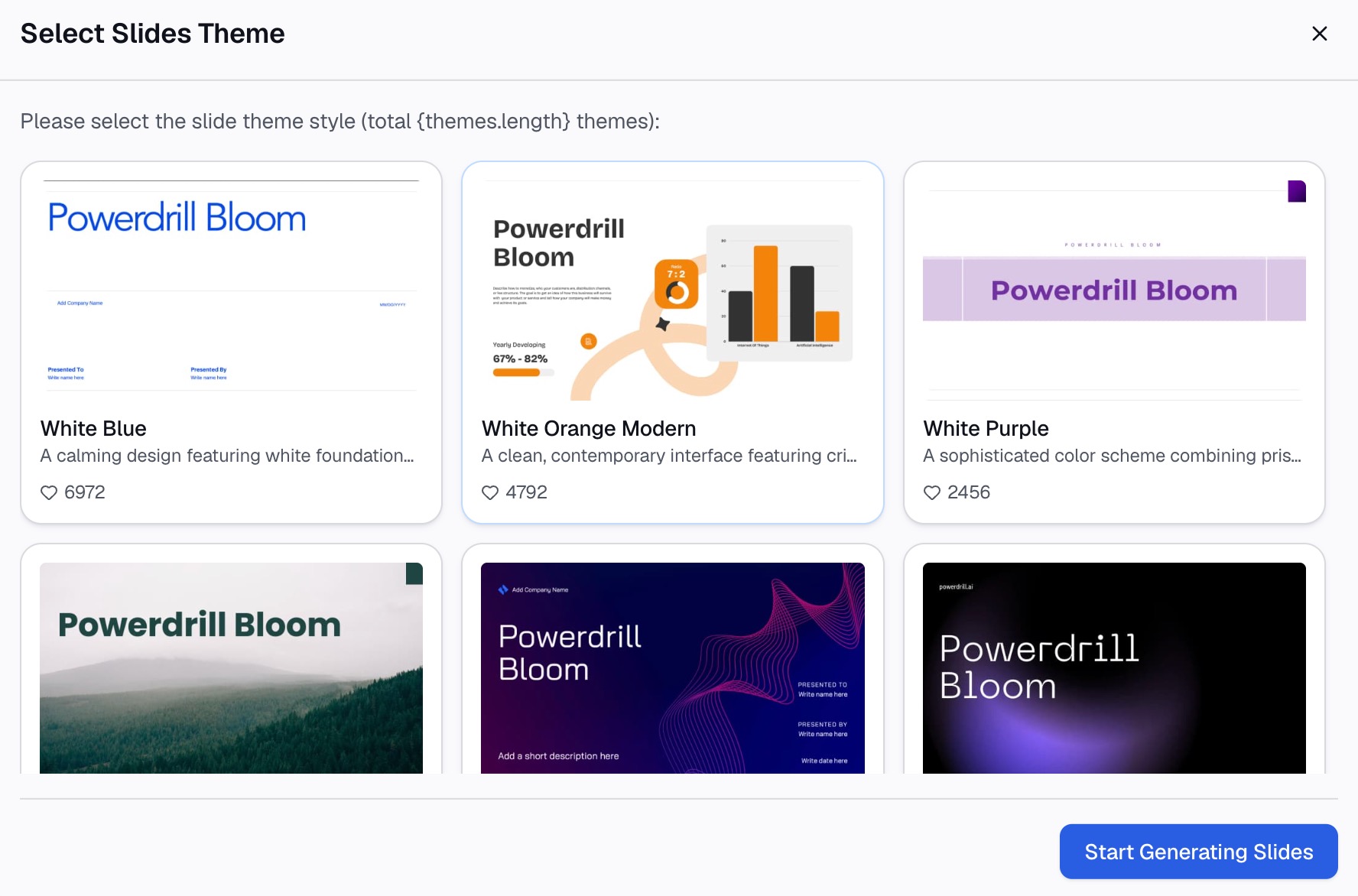
Step 3: Export the chart, report, or deck
Take out a chart, a written report, or slides built from the same run. Our guide to analyzing Excel files with AI walks through a full pass.
Start on the free tier before comparing plans on the pricing page. If it fits, try Powerdrill Bloom on a real export rather than a sample.
Conclusion
Clay is a revenue platform for teams whose bottleneck is data they do not yet have. Its pricing, its provider marketplace, and its activation features all point the same way.
Powerdrill Bloom is for the opposite bottleneck. The file is in your inbox, the meeting is on Thursday, and nobody has time to build a system.
Decide which bottleneck is actually yours, and the feature lists stop mattering. See also the AI report generator and CSV AI assistant pages.
Frequently asked questions
Which one is cheaper?
The entry tiers are far apart. Powerdrill Bloom's first paid plan is $13.27 per month billed annually, while Clay's Launch tier starts at $167 per month.
Can Clay analyze a spreadsheet I already have?
Its tables hold your rows, and the platform is organised around enrichment and activation. The free tier also caps tables at 200 rows.
Does Powerdrill Bloom do contact enrichment?
No. Its pages describe no prospecting or contact lookup, and the connectors page names no CRM or ad platforms.
What are actions and data credits?
They are Clay's two separate meters. Actions cover operations run in the platform, and data credits cover data pulled from providers, each with its own published ladder.
Could a team use both?
Yes, and that is a reasonable split. Clay builds and enriches the target list, while your own exports get analysed elsewhere.