Powerdrill Bloom vs. Claude Cowork: Features, Pricing, and Best Use Cases (2026)
Both tools take a goal and hand back a finished deliverable. The difference is where each one starts. Powerdrill Bloom starts from a dataset and works toward charts, reports and slides. Claude Cowork starts from your files and connected tools, and works across knowledge tasks of many kinds.
That single distinction explains most of what follows. It decides which deliverables each one produces well, how deep the analysis goes, and which of the two you should hand a messy CSV.
This comparison uses only facts published on both official product pages, checked on August 11, 2026.
What's the difference between Powerdrill Bloom and Claude Cowork?
Powerdrill Bloom is a general action AI agent whose flagship strength is data. You upload a file, explore it on a visual canvas, and turn the result into a chart, a report or a deck.
Claude Cowork is positioned as "the work behind your best work." Anthropic describes it as completing tasks you can steer from anywhere, working across your files and tools to deliver polished work for review.
The overlap is real and worth stating plainly. Both will build a spreadsheet, write an analytical memo and produce a deck. Neither one is a thin wrapper around a chat box.
It is also worth saying what neither one is. Neither product is a business intelligence platform with modelled semantic layers and governed metric definitions. Both start from files rather than from a warehouse schema.
Meet Powerdrill Bloom
Powerdrill Bloom is built around a visual exploration canvas. After an upload it proposes three exploration paths, then fills the canvas with modular cards holding charts, insights and follow-up questions.
Analysis files are Excel, CSV, TSV and PDF. Workspaces extend that reach: a file uploaded once is understood across formats and remembered across every later session in that workspace.
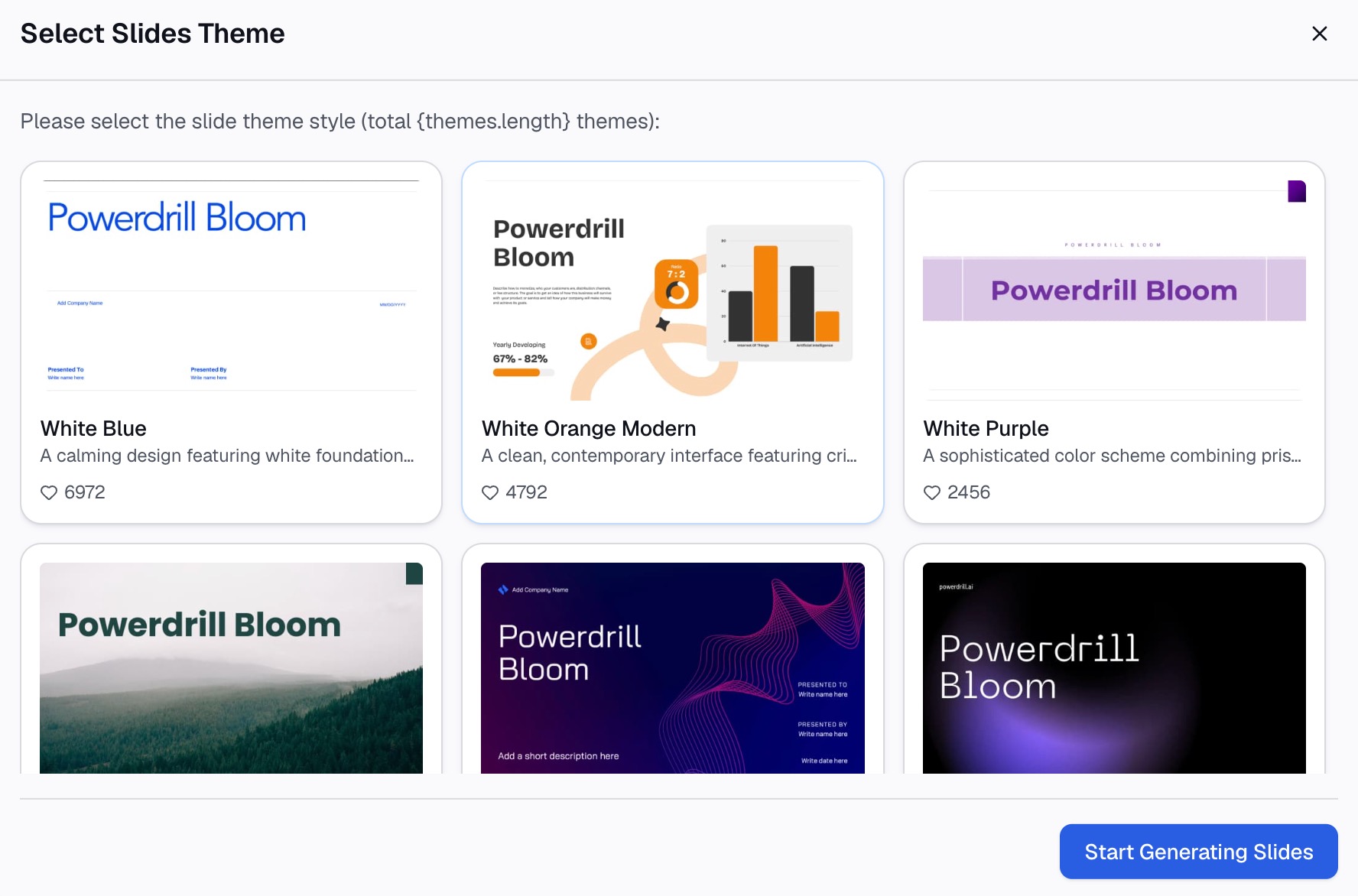
The output side is where the product concentrates. Any point on the canvas converts to slides in one step, with Professional, Business and Fancy styles, and exports to PowerPoint or Notion. Skills such as ppt-master, officecli-pptx, Research-last30days and dcf-model cover repeatable workflows, and custom skills can be added.
It also ships an MCP server, so a compatible client can browse datasets and start jobs. Compliance covers GDPR, ISO 27001, ISO 20000 and SOC 2 Type 2, and the interface supports 17 languages.
Open Data widens the input side. Twelve public datasets can be queried alongside your own file, covering areas such as academic papers, SEC filings, financial data and economic indicators. That removes a step when the comparison you need sits outside your own systems.
Scheduled tasks are published by plan. The Free plan includes one and Pro includes twenty, which sets a clear expectation before you build a recurring workflow around them.
Meet Claude Cowork
Claude Cowork is Anthropic's agent for long-running knowledge work. Its product page lists scheduling recurring reports, building and reconciling spreadsheets, contract and document review, data analysis and synthesis, and bulk task processing.
The stated deliverables are specific. Formatted presentations and decks. Spreadsheets with flagged variances. Detailed memos with citations. Comparative reports and summaries.
Unattended execution is the headline behaviour. The page puts it directly: close your laptop and it keeps going. A task can be scheduled at any cadence and runs without you present.
Distribution is broad. Downloads cover macOS, Windows, Windows on arm64, ChromeOS and Linux, with web and mobile still rolling out in beta. Listed connectors include Microsoft 365, Google Drive, Amplitude and Slack. For a fuller walkthrough, see our guide to what Claude Cowork is.
The task list is unusually concrete for a product page. Contract review and bulk processing sit next to spreadsheet work, which signals a deliberately wide remit rather than a data specialism.
Anthropic frames the review step explicitly. The work comes back polished and ready for a human to check, rather than being applied to your systems unsupervised.
At a glance
| Powerdrill Bloom | Claude Cowork | |
|---|---|---|
| 🎯 Best for | Turning a dataset into charts, reports and decks | Long-running knowledge work across your files and tools |
| 💰 Pricing (as of Aug 2026) | Free plan available; Pro $13.27/month billed annually | Works with a paid plan; no per-tier price on the product page |
| ⚡ Key strength | Visual exploration canvas with one-step slide output | Unattended, scheduled execution across connected tools |
| ❄️ Main weakness | Core analysis formats limited to Excel, CSV, TSV and PDF | No free tier stated; web and mobile still in beta |
| 👥 Team size | Solo through team, with Team Pro seats | Individuals and teams already on a paid plan |
Two rows in that table deserve a caveat. Pricing was read from both official pages on August 11, 2026. The weakness row reflects what each page states rather than a judgement about quality.
Feature-by-feature
Starting point
Powerdrill Bloom expects a dataset. That assumption shapes the interface, because the canvas is organised around one body of data and the questions you ask of it.
Cowork expects a goal and a working environment. Its connectors reach Microsoft 365, Google Drive, Amplitude and Slack, so the material can be scattered across systems rather than sitting in one upload.
There is a practical consequence for messy inputs. A single upload gives one place to inspect column types and missing values. Material scattered across four systems has to be trusted rather than inspected.
Neither assumption is better. They suit different mornings.
Analysis depth and charting
Charting is where the two diverge most visibly. Powerdrill Bloom recommends a chart type from the data, renders it on the canvas, and lets you keep asking follow-up questions against the same file.
Cowork lists data analysis and synthesis among its tasks, and produces spreadsheets with flagged variances. The emphasis in its own wording sits on analysis and review rather than on a visual exploration surface.
If your end product is a chart someone will put on a slide, that difference matters. Our guide to turning a CSV into a chart shows the shape of that workflow.
Deliverables
Both produce decks, spreadsheets and written analysis. The route differs.
Powerdrill Bloom builds the deck out of the canvas you already explored, so the slides inherit the charts and insights you kept. Exports go to PowerPoint or Notion, and the Excel to PPT page covers that path in detail.
Claude Cowork assembles deliverables from the task itself, and describes memos with citations as a first-class output. Citation-backed writing is a genuine strength when the reader will check your sources.
One difference is worth noting for slide work. Rebuilding a deck from an updated file is a repeat of the same canvas step, so the chart styling survives the refresh.
Scheduling and unattended runs
This is Cowork's clearest advantage. Tasks run at any cadence and continue while you are offline, which suits a recurring report nobody wants to rebuild.
Powerdrill Bloom also has scheduled tasks, and the plan page states the counts: one on Free and twenty on Pro. That is enough for a set of standing reports, though it is a stated ceiling rather than an open one.
Think about where the schedule should live. A recurring cross-system task suits an agent with connectors. A recurring analysis of the same monthly export suits whichever tool already holds the analysis.
Access and platforms
Cowork is distributed as a desktop application across macOS, Windows, Windows on arm64, ChromeOS and Linux. Web and mobile are marked beta on the product page.
Powerdrill Bloom runs as a hosted product with no desktop install to manage. Which model you prefer usually comes down to whether your data is allowed to leave the desktop.
Security and compliance
Powerdrill Bloom publishes its certifications: GDPR, ISO 27001, ISO 20000 and SOC 2 Type 2. In a procurement conversation, those are the names a security reviewer asks for first.
The Cowork product page focuses on capability rather than compliance. Certification questions for it belong on Anthropic's trust documentation rather than the product page, and absence from a marketing page settles nothing on its own.
How to make your choice
Choose Powerdrill Bloom if the deliverable is visual
Pick it when the job starts with a file and ends with a chart, a dashboard-style summary or a deck. The canvas is the reason: you can see what the data supports before committing to a claim.
Cost predictability also favours it for small teams. A published free plan and a listed per-seat price make it easy to work out the bill before committing.
It also fits teams without SQL or Python. Questions are asked in natural language, and the auto insights surface proposes directions when you do not know what to ask.
Choose Claude Cowork if the work is recurring and spread across tools
Pick it when the material lives in Microsoft 365, Google Drive, Slack and Amplitude, and when the same task repeats on a schedule. Unattended execution is the feature you are paying for.
It also suits document-heavy work such as contract review, which sits outside a data agent's natural territory.
Using both is reasonable
The dividing line is usually the artefact. If the end product is a chart or a deck built from one dataset, use the data agent. If it is a recurring sweep across documents in four systems, use the general agent.
These are not mutually exclusive. A team can run recurring cross-tool tasks in one place and do exploratory data work in the other, and many will.
Getting started with Powerdrill Bloom
Step 1: Upload your data
Upload the Excel or CSV file you want to work from. Powerdrill Bloom profiles the columns on arrival, so missing values and type mismatches are visible before any chart is drawn.
Step 2: Ask for what you need in natural language
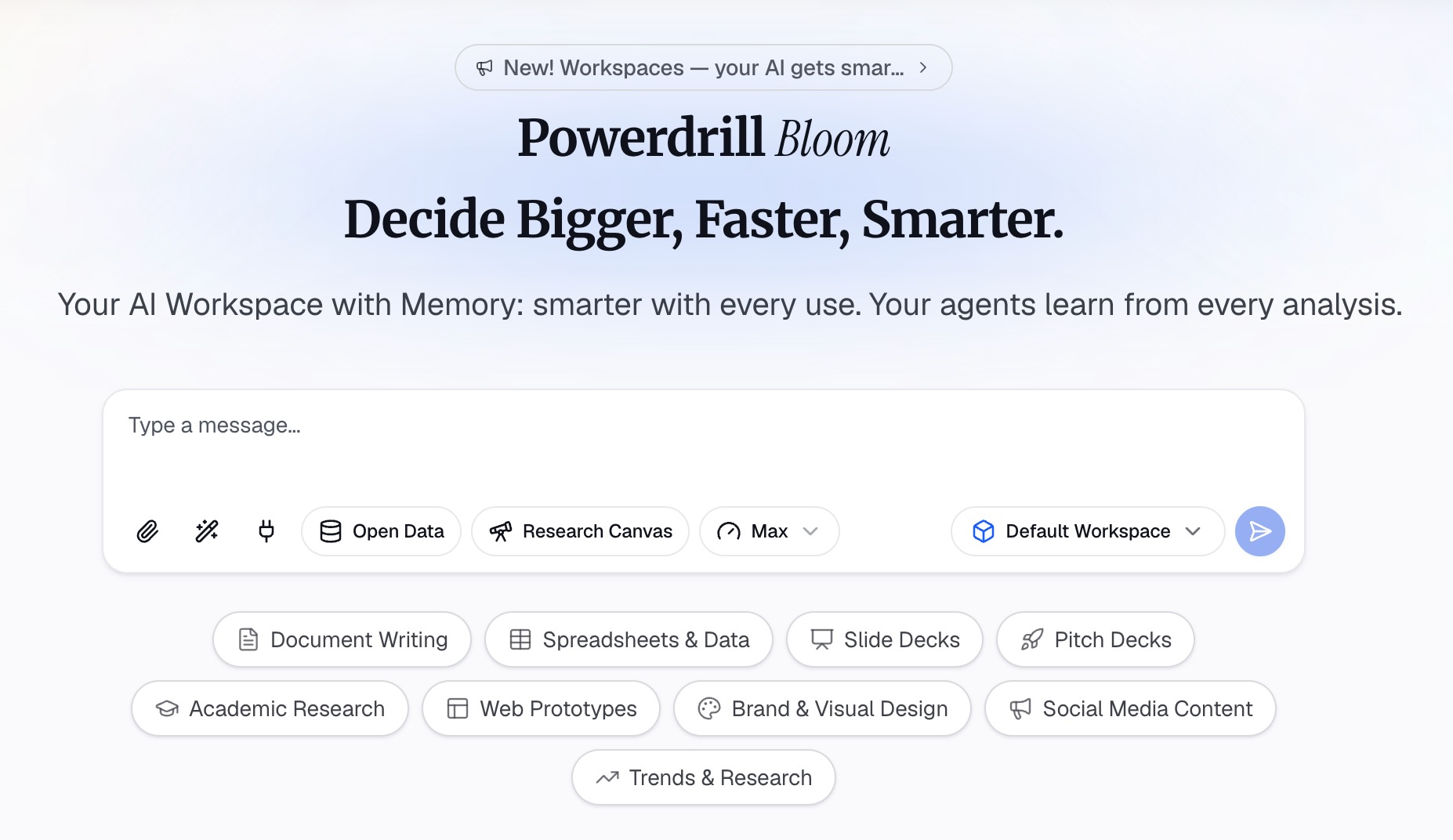
Describe the result rather than the steps. Ask which segment drove the change last quarter, then ask for the chart that shows it most clearly.
Step 3: Export the chart, report, or deck
Take out a single chart, a written summary, or the whole canvas as slides. If it is a recurring piece of work, save it as a scheduled task and try Powerdrill Bloom on next month's file.
My verdict
For data work that ends in something visual, Powerdrill Bloom is the more direct route. It starts where the data is, keeps the exploration on one surface, and converts that surface into slides without a rebuild.
For recurring knowledge work spread across connected systems, Claude Cowork is the stronger fit. Scheduled, unattended execution across Microsoft 365, Google Drive, Slack and Amplitude is a real capability, and its citation-backed memos are well suited to review.
Neither tool removes the need to know what you are asking. Both will produce a confident-looking deliverable from a badly framed question, and that is the failure mode worth guarding against.
One practical note on cost. Powerdrill Bloom publishes a free plan and a Pro plan at $13.27 per month billed annually. Plus, Premium and Team Pro tiers sit alongside them on its pricing page. Anthropic's product page states only that Cowork works with a paid plan, and does not list per-tier prices. Budget comparison therefore needs a look at your existing subscription.
Frequently asked questions
Is Powerdrill Bloom or Claude Cowork better for data analysis?
Powerdrill Bloom is built around a dataset and a visual canvas, which suits exploratory analysis ending in a chart. Claude Cowork lists analysis among many task types and is stronger when the material is spread across connected tools.
Does Claude Cowork have a free plan?
Its product page states that it works with a paid plan, and does not list per-tier prices. Powerdrill Bloom publishes a free plan with 1,000 daily credits alongside its paid tiers.
Can both tools build a presentation?
Yes. Powerdrill Bloom converts an explored canvas into slides in one step and exports to PowerPoint or Notion. Claude Cowork lists formatted presentations and decks among its stated deliverables.
Which one runs tasks on a schedule?
Both do. Claude Cowork emphasises unattended runs at any cadence, while Powerdrill Bloom states scheduled task counts by plan, with one on Free and twenty on Pro.
What file types does Powerdrill Bloom support?
Core analysis covers Excel, CSV, TSV and PDF. Workspaces additionally understand slides, documents, images, audio and video for cross-session context.