How to Write Meeting Minutes with AI: Complete Guide
Meeting minutes are the official record of what a meeting decided, not a transcript of what everyone said. To write meeting minutes with AI, record or transcribe the meeting first. Then ask an AI tool to pull out the decisions, motions, votes, and action items. Check the draft against the agenda, then send it for approval.
This guide covers what meeting minutes are, what to include, and what to leave out. It gives a template and explains how AI note takers in Teams and Google Meet fit in. It then walks through writing minutes with AI in three steps. The last sections cover approval, corrections, and common mistakes.
What meeting minutes are
Meeting minutes are a short, formal record of a meeting. Boards, committees, councils, and teams use them to show what was agreed and who will act next.
The most cited rule comes from Robert's Rules of Order. Its official FAQ says "Minutes are a record of what was done at a meeting, not a record of what was said." The same answer says summarizing discussion is not only unnecessary but improper.
A city government guide makes the same point. The City of Madison's attorney writes that "brevity is the soul of good minutes." The guide adds: "Minutes are to reflect what was done at the meeting, not what was said at the meeting."
That rule matters more with AI. A transcript captures every word. Minutes keep only the outcomes. The main job of AI here is to turn the first into the second.
Not every meeting needs formal minutes. A team stand-up may only need notes and action items. But a board, a committee, or any group that votes should keep minutes, and the same discipline helps any meeting with decisions.
What to include in meeting minutes
The City of Madison guide lists the elements that Robert's Rules suggests for complete minutes:
- Type of meeting. Regular, special, or adjourned.
- Name of the body. The board, committee, or team.
- Date, time, and place. Where and when the meeting was held.
- Who chaired the meeting. The presiding officer.
- Previous minutes. Whether they were read and approved.
- Main motions. The "Substance and disposition of all main motions, including amendments, and the vote thereon."
- Reports. The substance and disposition of reports.
- Points of order. Any points of order and appeals.
- Time of adjournment. When the meeting ended.
The Madison guide also adds a local rule: record who attended, "in order to demonstrate that a quorum is present."
Action items belong in most minutes too. A Rutgers University human resources guide says the person assigned a task "must be recorded." It also says action items "should also contain a deadline date for completion."
What to leave out
Knowing what to cut is half the skill. The Madison guide warns against trying to capture everything. It quotes its own advice: "Under no circumstances should you attempt to be a stenographer and capture everything verbatim."
The reason is practical. The guide says a minute-taker who goes beyond the minimum "will be selective and persons may disagree about what was said."
Leave out these items:
- Who said what in debate. Record the motion and the result, not the arguments.
- Side conversations. The Rutgers guide says minutes "should not include side bar conversations."
- Opinions and adjectives. "A heated debate" is a judgment; "the motion failed, 3 to 4" is a record.
- Withdrawn ideas. If a proposal was dropped before a motion, it usually does not need a line.
Some groups want a short note on why a decision was made. The Madison guide allows "a few instances" of this but says they "should be kept to a minimum."
A meeting minutes template
Here is a simple template you can adapt. It follows the elements above, in agenda order.
| Section | What to write |
|---|---|
| Header | Name of the body, type of meeting, date, time, and place |
| Attendance | Members present and absent, guests, and whether a quorum was present |
| Call to order | Time the chair opened the meeting, and who chaired |
| Previous minutes | Approved as written, or approved as corrected |
| Reports | Each report, who gave it, and any action taken |
| Motions and votes | Exact wording of each motion, who made it, and the result |
| Action items | Task, owner, and deadline |
| Adjournment | Time the meeting ended |
| Signature | Name of the person who took the minutes |
The Rutgers guide adds a formatting tip: "Minutes should be organized in the order of the agenda." Keeping that order makes the minutes easy to check against the agenda later.
How to prepare so AI can help
Good minutes start before the meeting, and AI is no exception. A transcript of a disorganized meeting gives you a disorganized draft. The Rutgers guide lists what to prepare in advance:
- Previous minutes. Have them ready, since approving them is usually the first item.
- A member list. Obtain a list of committee members, so you can mark who attended.
- A sign-in sheet. Pass it around to record names and departments.
- A recording device. Bring one, with accessories, as a backup to your notes.
- The agenda. Have the agenda and background papers on hand.
The guide also advises you to "Study the issues to be discussed." Knowing the topics helps you catch the exact wording of a motion as it happens.
Two habits make AI drafts far better. First, ask the chair to restate each motion before the vote, so the wording is clear in the recording. Second, ask people to say their names before they speak, if your platform does not label speakers. Both cost seconds in the meeting and save minutes in review.
How AI note takers fit in
Many meeting tools now write notes for you. They are a useful first draft of the meeting minutes, but they are not minutes yet.
Google Meet has a feature called "Take notes for me." Google's help page says it can "Automatically capture meeting notes organized in Google Docs and share with your team." It needs "an eligible Google Workspace edition or Google AI plan." Google recommends it "for meetings of 15 minutes to a maximum of 8 hours."
Microsoft Teams offers AI summaries in the meeting recap. Microsoft's support page says "AI summaries are available for events transcribed in a supported language." It adds: "The event must also be five minutes or longer in duration." These features are listed under Teams Premium.
Teams also has a Facilitator agent. Microsoft says it "Summarizes key decisions and open questions from meeting discussion." It notes that "A Microsoft Copilot license is required to add Facilitator to a meeting."
Both companies warn about accuracy. Microsoft's recap page says "Some AI-generated content might be inaccurate, incomplete, or inappropriate." That is why a person still reviews the minutes before approval.
The gap between notes and minutes is structure. AI notes summarize discussion. Minutes record motions, votes, and owners in a set format.
How to write meeting minutes with AI
You can also write minutes from a recording or transcript with a general AI tool. This works well when your meeting platform has no AI notes, or when you need the formal format above.
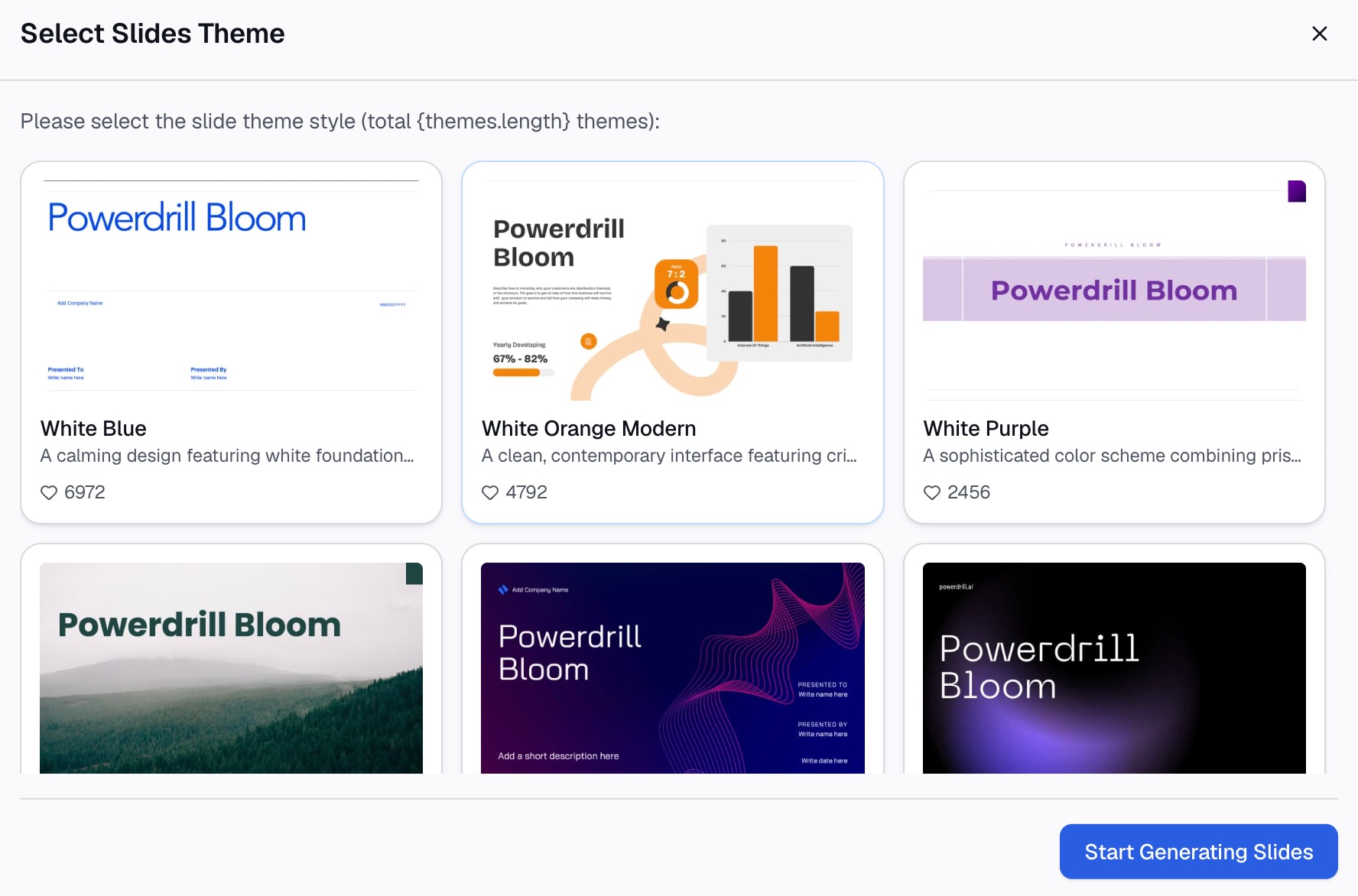
Here is the method in three steps, using Powerdrill Bloom.
Step 1: Upload the recording, transcript, and agenda
Start with the source material. Powerdrill Bloom's Speech to Text page says it "Gets transcripts, summaries, and main points from your audio in seconds." It lists audio formats including .mp3, .mp4, and .m4a.
If you already have a transcript, upload it as a document. The Text Summarizer page describes a tool to "summarize small or large text files in seconds." For a two-hour board meeting, the transcript can run to many pages, so a summary pass helps before you draft the formal record. The Free plan lists "Upload Excel, CSV, PDF, and docs." Add the agenda and the previous minutes as well, so the AI can follow the same order and names.

Step 2: Ask for the minutes in natural language
Describe the format you want in one request. For example: "Write formal minutes from this transcript. Follow the agenda order. List attendance, each motion with its exact wording and mover, the vote result, and action items with owners and deadlines. Leave out discussion."
The last instruction matters most. It tells the AI to apply the Robert's Rules principle and record what was done, not what was said.
Then ask follow-up questions to check gaps. "Which agenda items had no decision?" and "Who was assigned tasks without a deadline?" catch common omissions.
Step 3: Check the draft and send it for approval
Compare the draft with the agenda and your own notes. Check every motion's wording, the vote counts, and each owner's name. The Powerdrill Bloom homepage says "Every number comes back with the page, the row and the figure behind it." For minutes, that means you can trace each line back to the transcript.
Then send the draft to the chair for review. The Rutgers guide says notes "should be typed up soon after the meeting and approved for accuracy and distribution." If you also present results after a meeting, our guide to a post-presentation recap covers the follow-up email. For longer series of meetings, the AI Findings Generator page covers grouping "dozens of transcripts into themes with representative quotes."
A meeting minutes example
Here is a short example for a nonprofit board. The organization, names, and figures are invented to show the format.
Riverside Arts Council, Board of Directors, regular meeting. October 14, 2026, 6:00 p.m., Community Room. Chair: J. Rivera.
Attendance. Present: J. Rivera, M. Chen, A. Okafor, L. Grant, S. Patel. Absent: T. Wu. A quorum was present.
Previous minutes. The minutes of September 9 were approved as corrected.
Treasurer's report. M. Chen reported a fund balance of $48,200. The report was received.
Motion 1. A. Okafor moved "to approve a budget of $6,500 for the spring youth workshop." The motion passed, 4 to 1.
Action items. L. Grant will book the workshop venue by November 1. S. Patel will draft the sponsor letter by November 7.
Adjournment. The meeting adjourned at 7:12 p.m. Minutes taken by S. Patel.
Notice what is missing. There is no summary of the budget debate and no list of who supported the workshop. The record shows the decision, the vote, and who acts next.
Approving and correcting minutes
Minutes are not final until the group approves them, usually at the next meeting. The chair asks for corrections, then the minutes are approved as written or as corrected.
Robert's Rules sets out how corrections work. Its FAQ says corrections made at approval go "in the text of the minutes being approved." The minutes of the later meeting "should merely indicate that the minutes were approved 'as corrected,' without specifying what the correction was."
Corrections after approval follow a different path. The FAQ says these can be made "by means of the motion to Amend Something Previously Adopted."
Keep each approved version. If you use AI to redraft, mark which draft the group approved, so nobody confuses an AI version with the official record.
Common meeting minutes mistakes
Watch for these mistakes before you send meeting minutes for approval.
- Writing a transcript. Minutes record decisions, not every comment.
- Missing the exact motion wording. A summary of a motion can change its meaning. Copy the final wording.
- No owners or deadlines. An action item without a name and date rarely gets done.
- Sending AI notes as final minutes. AI summaries can be incomplete, so check them first.
- Waiting too long. Memories fade, so draft minutes soon after the meeting.
- Leaving out attendance. Without it, you cannot show a quorum was present.
Want a faster first draft? Try Powerdrill Bloom with the transcript and agenda from your next meeting.
Frequently asked questions
What should be included in meeting minutes?
Meeting minutes should include the name of the group, the type of meeting, the date, time, and place, and who chaired. They should record attendance, approval of previous minutes, each motion with its result, reports, action items with owners and deadlines, and the time of adjournment.
How do you write meeting minutes with AI?
Record or transcribe the meeting, then upload the transcript and agenda to an AI tool. Ask it to list attendance, motions, votes, and action items in agenda order, and to leave out discussion. Check the draft against your notes before sending it for approval.
Can ChatGPT or Copilot write meeting minutes?
AI assistants can draft minutes from a transcript you provide. Copilot in Teams can summarize decisions through the Facilitator agent with a Copilot license. In every case, a person should check the motions, votes, and owners before the minutes are approved.
What is the difference between meeting notes and meeting minutes?
Meeting notes are informal and can include discussion and ideas. Meeting minutes are a formal record of decisions. Robert's Rules says minutes are "a record of what was done at a meeting, not a record of what was said."
Should meeting minutes be verbatim?
No. Minutes record decisions, motions, and votes, not every word. The City of Madison's attorney advises minute-takers never to "be a stenographer and capture everything verbatim." Keep a recording or transcript separately if your group needs one.
Sources: Robert's Rules of Order, FAQs · City of Madison Attorney's Office, Taking Committee Minutes · Rutgers University Human Resources, Taking Minutes for Meetings · Google Meet Help, Take notes for me · Microsoft Support, Recap in Microsoft Teams · Microsoft Support, Facilitator in Microsoft Teams meetings.