How to Make a Sales Report: Complete Guide

To make a sales report, decide who will read it and which decision it should support. Then pull sales data for one clear period, choose five to seven metrics, and compare each one with the target and the last period. Summarize the result in two or three sentences at the top, add one chart per key point, and end with the actions it calls for.
This guide covers what a sales report is, which metrics to include, a simple structure, and how to build one in Excel with a PivotTable. It also shows how to make a sales report with AI, plus an example and the mistakes to avoid.
What a sales report is
A sales report is a summary of sales activity and results over a set period. It tells managers what sold, who sold it, and whether the team is on track.
Most teams use a few common types:
- Daily or weekly sales report. Short updates on activity, new deals, and revenue so far.
- Monthly sales report. Results against target, trends, and the reasons behind them.
- Quarterly sales review. A wider look at performance by region, product, and team.
- Pipeline report. Open deals by stage, with expected value and close dates.
Each type answers a different question. A weekly report asks "Are we on pace?" A quarterly review asks "What should we change?" Match the format to the question before you build anything.
Before you start: what you need
Gather these before you begin:
- Sales data for the period. A CRM export, an order list, or a point-of-sale export works.
- The targets. Quotas or goals by team, region, or product.
- Last period's results. You need a baseline to compare against.
- A clear reader. A sales manager, a finance lead, and an executive each want a different level of detail.
- A spreadsheet. Excel or Google Sheets is enough for most reports.
Clean the data first. Remove duplicates, fix date formats, and make sure each row is one sale. Microsoft's Excel guidance says "Your data should be organized in columns with a single header row." That rule makes every later step easier.
Pick the metrics that matter
A sales report fails when it shows every number. Pick five to seven metrics tied to the reader's decisions.
| Metric | What it shows | Common formula |
|---|---|---|
| Revenue | Total sales in the period | Sum of closed sales |
| Revenue vs. target | Whether the team is on track | Revenue / Target |
| Number of deals or orders | Sales volume | Count of closed sales |
| Average deal size | Value of a typical sale | Revenue / Number of deals |
| Win rate | How often deals close | Deals won / Deals decided |
| Pipeline value | Revenue that may close soon | Sum of open deals |
| Revenue by segment | Where sales come from | Revenue split by region, product, or rep |
Choose by audience. A sales manager cares about win rate and pipeline by rep. A finance lead cares about revenue against target and the forecast. An executive wants revenue, the trend, and the one or two reasons behind it.
The US Small Business Administration (SBA) gives a useful rule for measurement. It advises you to "be consistent in how you measure the effectiveness of your marketing efforts." The same applies to sales. Use the same definitions every period, so the trend means something.
A simple sales report structure
Here is a structure that works for most monthly reports.
- Summary. Two or three sentences: revenue, versus target, and the main reason.
- Key metrics. A small table of the five to seven metrics, with last period and target.
- Trend. A line chart of revenue over the last six to twelve periods.
- Breakdown. Revenue by region, product, or rep, as a bar chart.
- Pipeline. Open deals by stage and expected close month.
- Wins and losses. The biggest deals won and lost, with short reasons.
- Actions. What the team will do next, with owners and dates.
Keep the summary at the top. Many readers stop there. If the summary answers their question, the report has done its job.
The SBA also suggests you "Explain each step your customer takes once they decide to buy." A short note on where deals stall helps readers understand the pipeline section.
Sales report formats for different readers
The same data can feed very different reports. Adjust the depth and the period to the person reading it.
For a sales manager: the weekly report. Keep it to one page. Show deals closed this week, revenue so far against the monthly target, and the pipeline by rep. Add a short list of deals at risk. The manager reads it to decide who needs help this week, so name the deals and the owners.
For finance: the monthly report. Lead with revenue against target and against last month. Add average deal size, price reductions given to close deals, and any large refunds or credits. Finance uses it to update forecasts and cash plans, so exact figures matter more than charts. Include a note on any change in how revenue was counted.
For leadership: the quarterly review. Start with the trend over four to eight quarters, not one month. Show revenue by segment, the biggest wins and losses, and the two or three changes you recommend. Leaders read it to decide where to invest, so connect each number to a decision.
For a client or partner: the account report. Some teams send sales reports outside the company, such as to a reseller. Show only their accounts, use their product names, and remove internal targets or margins.
Whatever the format, keep one rule. Every number needs a comparison, and every comparison needs a short reason. A report that says revenue rose 8% is less useful than one that says it rose 8% because two large orders closed early.
How to build a sales report in Excel with a PivotTable
A PivotTable is the fastest manual way to summarize sales data. Microsoft describes it as "a powerful tool to calculate, summarize, and analyze data that lets you see comparisons, patterns, and trends in your data."
Here is the basic process in Excel for Windows:
- Select the cells with your sales data.
- Select Insert, then PivotTable.
- Choose New Worksheet, then select OK.
- In the PivotTable Fields pane, check the fields you need.
Microsoft explains where fields go by default. Text fields go to Rows, dates go to Columns, and "numeric fields are added to Values." For example, put Region in Rows, Month in Columns, and Revenue in Values.
From there, add a filter for product or rep. Then insert a PivotChart to show the same summary visually.
One step is easy to forget. Microsoft notes that when you add new data, "any PivotTables that were built on that data source need to be refreshed." Refresh before you send the report.
Our guide on how to make a pivot table in Excel covers PivotTables in more depth.
Add charts that tell the story
Charts make a sales report faster to read. Use the simplest chart for each point.
- Line chart for revenue over time.
- Bar chart for revenue by region, product, or rep.
- Stacked bar for pipeline by stage.
- Table for exact figures the reader may copy.
Give each chart a title that states the finding. "West region grew 18% and drove most of the gain" is better than "Revenue by region." Add the target as a line or marker so readers see the gap at a glance.
Limit each page or slide to one chart. If a chart needs a paragraph to explain it, it may be the wrong chart. Use the same colors for the same regions or products in every chart. Readers then spot a region at a glance, report after report. Avoid 3D effects and pie charts with many slices, which make close values hard to compare.
How to make a sales report with AI
Building the same report by hand each week takes time. An AI tool can read the export, calculate the metrics, and draft the charts and summary.
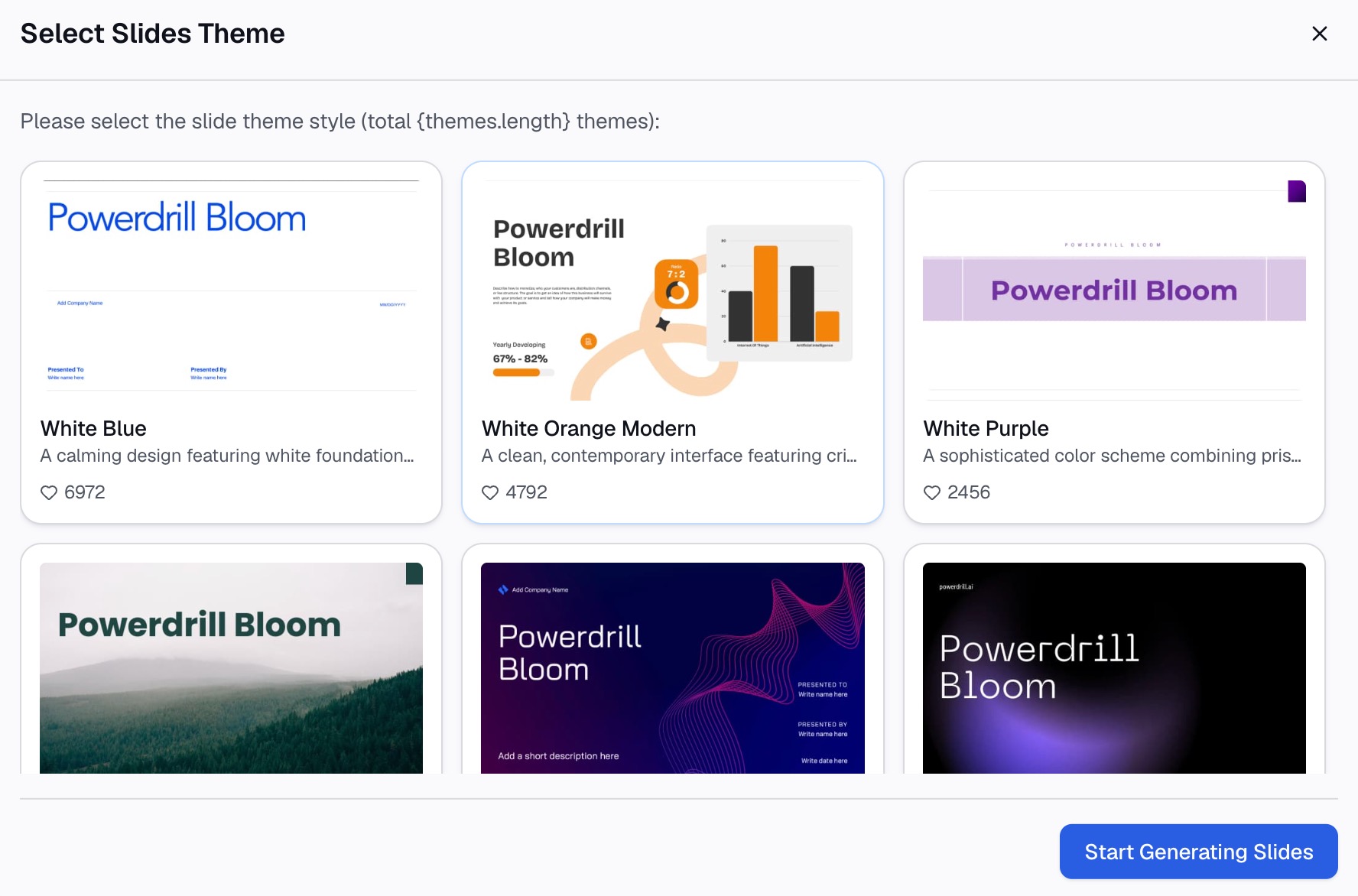
Here is the method in three steps, using Powerdrill Bloom.
Step 1: Upload your sales data
Start with the files you already have. That might be a CRM export, an order list, or last quarter's targets in Excel or CSV.
The AI Business Review Generator asks you to "Upload performance data KPIs, financials, customer data and OKR progress." The Free plan lists "Upload Excel, CSV, PDF, and docs."

Step 2: Ask for the report in natural language
Describe the report you need. For example: "Build a monthly sales report. Show revenue against target, win rate, and average deal size. Break revenue down by region and rep, and summarize the main reasons for any change."
The business review page lists outputs such as an "MBR one-pager with KPI deltas and root-cause callouts." It also offers a "Weekly leadership scorecard with status by function."
For forward-looking reports, the AI Revenue Forecast Generator can "Forecast pipeline-weighted revenue by team, segment and stage."
Step 3: Check the numbers and set a schedule
Check two or three figures against the source export, such as total revenue and the top rep's total. The homepage says "Every number comes back with the page, the row and the figure behind it."
If the report repeats every week or month, set it to run on a schedule. Its Scheduled Agent runs "daily, on weekdays, weekly, or monthly." The changelog says "Every run finishes on schedule and delivers the results to your workspace."
A sales report example
Here is a short monthly report for an invented company, Summit Outdoor Supply. All names and figures below are invented.
Summary: "October revenue reached $412,000, 3% above target. Growth came from the West region and the new tent line. Win rate fell slightly as deal volume rose."
| Metric | October | September | Target |
|---|---|---|---|
| Revenue | $412,000 | $385,000 | $400,000 |
| Deals closed | 164 | 150 | 160 |
| Average deal size | $2,512 | $2,567 | $2,500 |
| Win rate | 31% | 33% | 32% |
| Open pipeline | $930,000 | $880,000 | — |
Breakdown: West grew 18% month over month and now makes up 36% of revenue. Other regions were flat.
Wins and losses: The largest win was a $24,000 order from a regional retailer. The largest loss was a $19,000 deal lost on delivery time.
Actions: Add a second shipping option for large orders by November 15. Review the win-rate drop with the West team next week.
Notice what the example does. The summary answers the main question in three sentences. Every metric has a comparison, and every action has a date.
How to share a sales report and keep it current
A report only helps if people read it and trust it.
Send it on a fixed day. A Monday weekly report or a first-Tuesday monthly report sets a habit.
Keep the format stable. Readers learn where to look. Change the layout only when the questions change.
Turn it into slides when needed. For a quarterly review, the same metrics become a short deck. Our guide on how to make a sales presentation covers that step.
Close the loop. Start each report by noting what happened to last period's actions. That shows the report leads to change.
Common sales report mistakes
Too many metrics. Twenty numbers on one page hide the three that matter.
No comparison. A revenue figure alone means little. Show it against target and the last period.
Changing definitions. If "revenue" includes returns one month and not the next, the trend breaks.
No explanation. Numbers without reasons leave readers guessing. Add one or two sentences on why.
Stale data. A PivotTable that was not refreshed shows last week's numbers. Refresh before you send.
No actions. A report that ends with a table invites no change. End with next steps.
For deeper analysis behind the report, see our guide on how to analyze sales and marketing data with AI.
Want a first draft from your own export? Try Powerdrill Bloom with last month's sales data, and ask for a monthly sales report with revenue against target.
Frequently asked questions
What should be included in a sales report?
A sales report should include a short summary, five to seven key metrics, and a revenue trend. It should also break revenue down by region, product, or rep, and show the pipeline. Compare each metric with the target and the last period. End with the actions the results call for.
How do I make a sales report in Excel?
Organize your sales data in columns with a single header row. Select the data, choose Insert, then PivotTable, and place it on a new worksheet. Add region or product to Rows and revenue to Values, then insert a PivotChart. Refresh the PivotTable when new data arrives.
What is the difference between a sales report and a sales forecast?
A sales report summarizes what already happened in a period. A sales forecast estimates what will happen in future periods, often from the pipeline. Many monthly reports include a short pipeline section that links the two.
How often should you make a sales report?
It depends on the reader. Sales managers often want weekly reports on activity and pipeline. Finance and leadership usually want monthly results against target and a quarterly review. Keep the same day and format each time.
Can AI make a sales report?
Yes. AI tools can read a CRM or order export, calculate revenue, win rate, and other metrics, and draft charts and a summary. Powerdrill Bloom links each figure to its source and can run a recurring report on a schedule. Check a few numbers before you share it.
Sources: Microsoft Support, Create a PivotTable to analyze worksheet data · US Small Business Administration, Manage your business. Details read on October 28, 2026.