How to Create a Project Handover Report with AI: A Full Guide
A project handover report is the document that lets someone else take over without calling you. It has to carry the current state, the numbers, the decisions already made, and the things that are still open. This guide covers what a closeout actually produces, where the manual version fails, and three steps to build one from your project files.
What a handover report has to do
Most handover documents are written in the last two days, from memory, by someone who has already mentally left.
That is why they read like a farewell note. They list what happened rather than what the next person needs, and the numbers get rounded because the export is not open.
The test is simple. A handover report works if the person taking over can answer their first three questions without messaging you. Where does the project stand, what did we decide and why, and what is still unresolved.
Anything that does not serve one of those three questions is history, not handover.
The four things a closeout actually produces
The most rigorous published version of this process is not from project management software. It is NASA's closeout phase, and although it is written for spacecraft rather than software, its output list transfers cleanly.
NASA's Phase F reference states the purpose plainly. The phase exists "to implement the systems decommissioning and disposal planning and analyze any returned data and samples."
Four products are named. A mission final report, archived data, documented lessons learned, and disposal of the system and its supporting processes.
One line in that reference is the best description of a handover role you will find. NASA says the system engineer is there "to ensure all technical information is properly identified and archived." The same sentence adds two more duties: "to answer questions, and to resolve issues as they arise."
Read that as three obligations. Identify the information, archive it somewhere findable, and stay reachable for a while. A handover report is the first two written down so the third one shrinks.
Translated into an ordinary business project, that gives four sections: current state, the data, the decision record, and open items.
Where the manual version goes wrong
The manual route is not hard, it is just slow in a way that guarantees corners get cut.
You open the tracker and export the task list. You open the finance sheet for spend to date. You open a chat history to reconstruct why the scope changed in month three. Then you retype all of it into a document.
Two failures follow reliably. Figures drift, because the numbers were typed rather than pulled. The decision record disappears too, because nobody wants to read back through six months of threads at the end of a project.
There is a third, quieter failure. The document gets written to the outgoing person's mental model. It explains the parts they found interesting and skips the parts they had internalised months ago.
How to create a project handover report with AI
Build it from the exports rather than from memory. The document then agrees with the systems the next person will actually open.
Step 1: Upload the project's real files
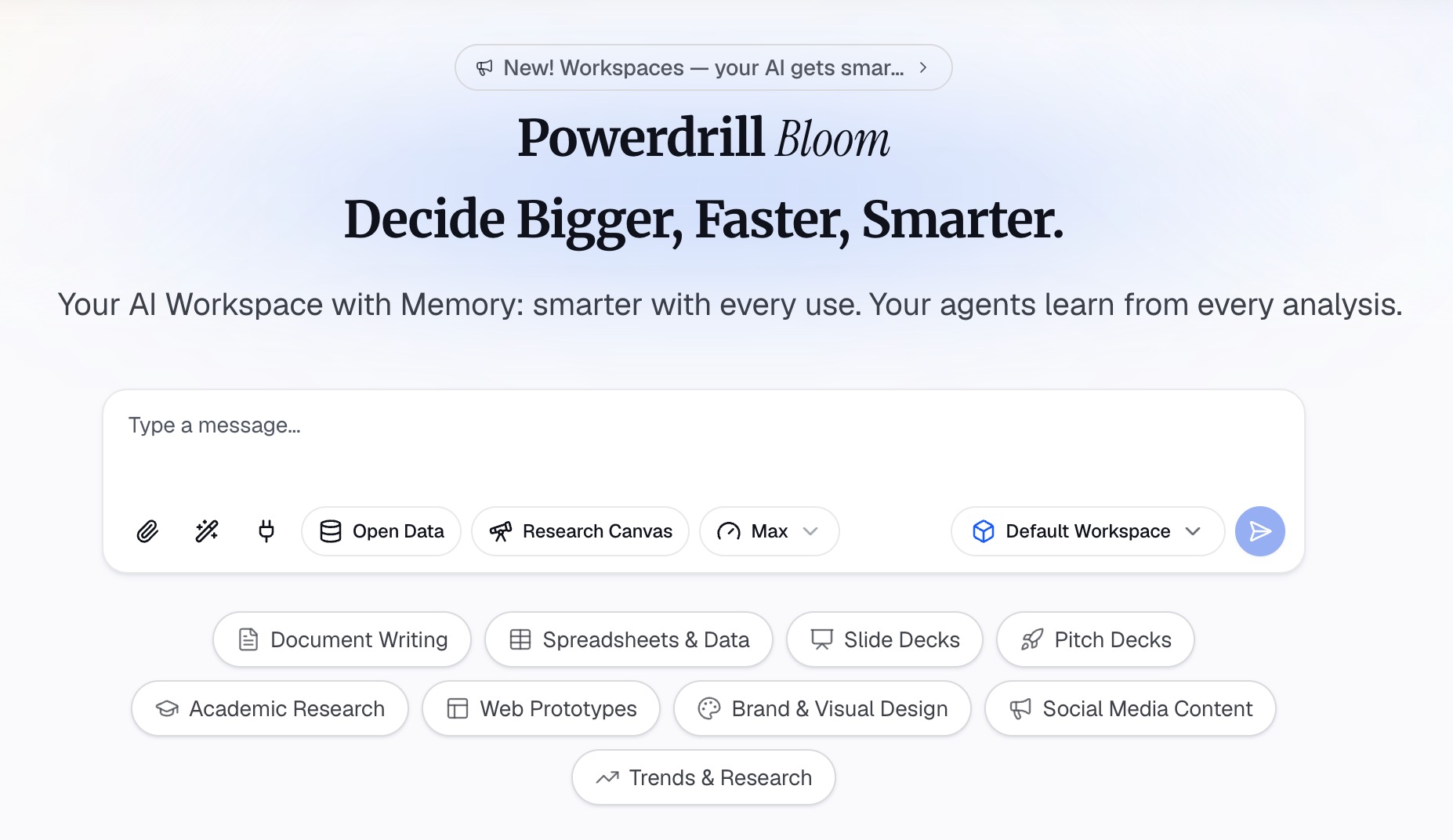
Sign in to Powerdrill Bloom and upload the exports rather than a summary of them. The task list, the budget sheet, and any status reports you already sent. Excel, CSV, PDF, and docs are listed on the free plan.
Include the messy ones. A half-finished tracker tells the next owner more than a tidy summary written over the top of it.
Step 2: Ask for the four sections, in order
Describe the structure in natural language: current state, the numbers with their source, decisions and the reason for each, then open items with owners.
Ask for every figure to name the file and column it came from. This is what turns a handover report into something the next person can verify instead of trust.
Step 3: Add the things only you know
The exports cannot tell anyone why the second vendor was dropped, or which stakeholder needs a heads-up before a change lands. Add those as plain notes and ask for them to be folded into the decision record.
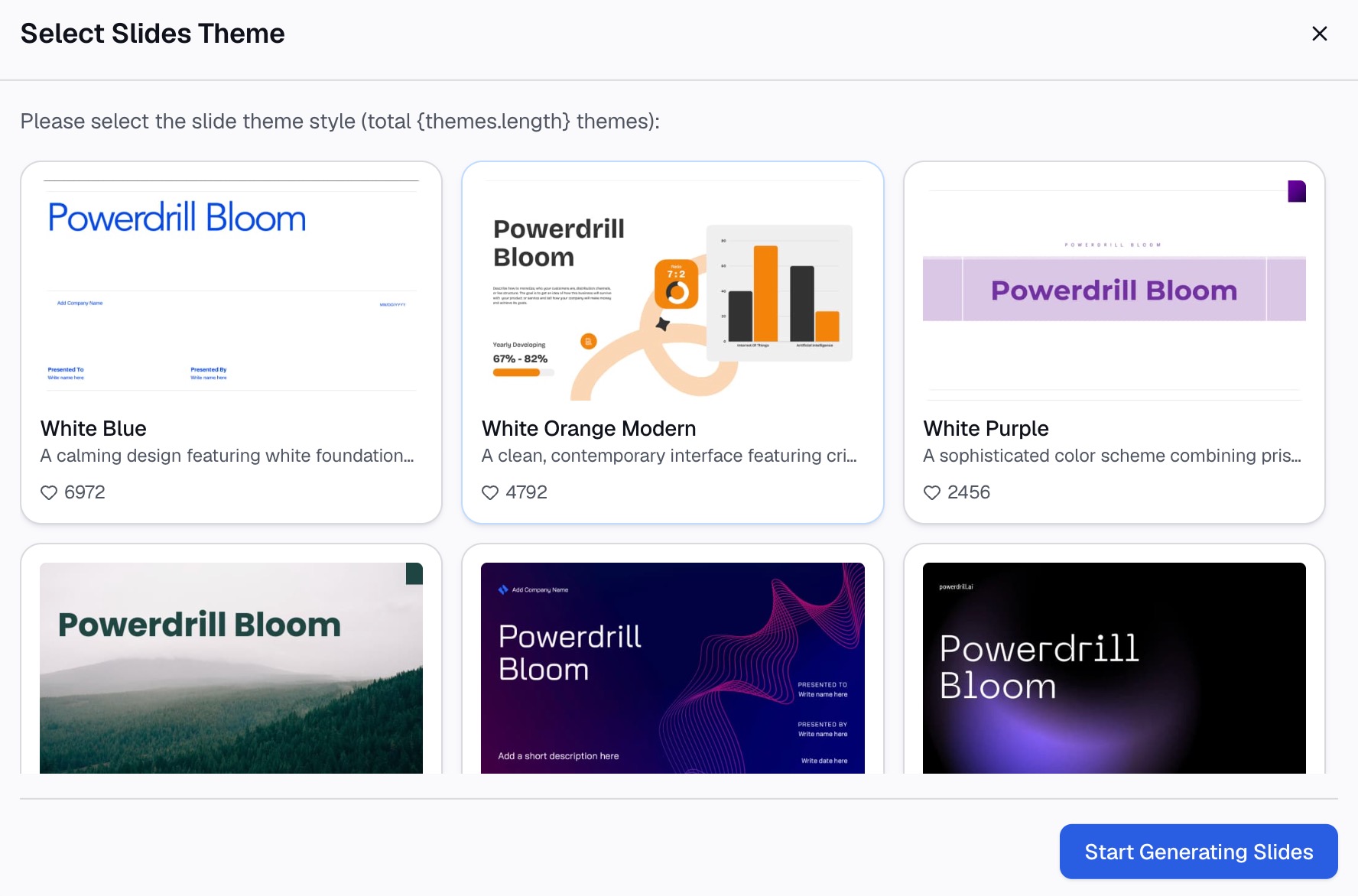
Then export the document. On Pro, output includes Office documents and Excel analysis, so the report and its underlying figures can travel together.
What goes in each section
| Section | What it answers | Where it comes from |
|---|---|---|
| Current state | Where the project stands today | Task or milestone export |
| The numbers | Spend, timeline, and volume to date | Budget sheet and trackers |
| Decision record | What was decided and why | Your notes plus status history |
| Open items | What is unresolved, and who owns it | Task export plus your judgement |
| Lessons learned | What you would do differently | Only you |
| Contacts and access | Who to ask, and what needs permissions | Only you |
The last two rows are the ones automation cannot supply, and they are usually the most valuable. Budget your writing time accordingly: let the tool assemble the first four, and spend your remaining effort on the final two.
The data half nobody writes down
A handover report usually explains the project and forgets the data.
The next owner inherits spreadsheets with column names that made sense to whoever created them. Field meanings, units, and the difference between a blank cell and a zero all live in someone's head until that person leaves.
The public sector learned this the hard way. The USGS guidance on data dictionaries puts it bluntly: "incomplete data definitions can render otherwise stellar data virtually useless." It also notes that failing to keep documentation current with the actual data structures "suggests a lack of data stewardship."
So add a short table listing each file you are handing over, what one row of it represents, and any field whose name is misleading. Half a page here saves the next person a week.
Common mistakes worth avoiding
Writing it in the last two days. Start the handover report three weeks out and add to it as things close. The version written under time pressure is always the thinnest one.
Explaining the project instead of the position. The next owner will learn the background from the work. What they cannot reconstruct is the current state and the reasoning.
Listing tasks without status. An open item with no owner and no date is a note to nobody.
Skipping the failures. The decisions you regret are the most useful part of the document, because they are the ones most likely to be repeated. A weekly status report records progress; a handover has to record judgement.
Write it while you still remember
The reason handover documents disappoint is not laziness. It is that they are asked for at the exact moment the author has the least context left and the least time to rebuild it.
Working from the exports fixes both halves. The figures come out of the files rather than out of memory. What you write by hand narrows to the part that was only ever in your head.
The AI report generator page covers longer written outputs, and the Excel AI assistant page covers working through the spreadsheets themselves. To build your handover report from the files the project already produced, try Powerdrill Bloom.
Frequently asked questions
What is a project handover report?
It is a document that transfers a project to a new owner. It records the current state, the figures behind it, the decisions already made, and the items still open. The point is that the incoming owner can continue without interviewing the outgoing one.
What should a handover report include?
Four core sections work for most projects. Current state, the numbers with their sources, a decision record with reasoning, and open items with owners and dates. Lessons learned and an access list are worth adding.
How long should a project handover report be?
Long enough to answer the first three questions the next owner will ask, which is usually two to four pages. Anything longer tends to be project history rather than handover material.
When should I start writing it?
About three weeks before you leave the project, adding to it as items close. Documents written in the final two days rely on memory, which is when figures start to drift.
What is the difference between a handover report and a project closeout report?
A closeout report faces backwards and records how the project ended, including lessons learned and archived data. A handover report faces forwards and equips the next person to keep going.