10 Best AI Tools for Qualitative Data Analysis in 2026 (Free & Paid)
The best AI tools for qualitative data analysis in 2026 fall into three groups. NVivo, ATLAS.ti, MAXQDA, and Delve are coding tools for academic and formal research. Dovetail, Looppanel, Marvin, and Condens are research repositories for product and UX teams. CoLoop and Powerdrill Bloom focus on analysis and reporting, from interview grids to stakeholder decks.
This list is ordered for reading rather than ranked by score. A tool appearing above another says nothing about which suits your project better. Two tools have a free plan, and most others offer a free trial. Every price below was read from the vendor's own pages on November 18, 2026. No AI tool replaces your own judgment when you code and interpret qualitative data.
Quick answer: the best AI tools for qualitative data analysis
AI tools for qualitative data analysis are software that use AI to code, organize, and summarize non-numeric data. That data includes interview transcripts, focus groups, open-ended survey answers, and field notes. Most tools let you ask questions about the data in natural language and suggest codes or themes. Here is how the ten tools split:
- Best for academic coding with an AI assistant: NVivo and ATLAS.ti.
- Best for mixed methods and literature work: MAXQDA.
- Best for simple, collaborative coding: Delve.
- Best for a customer research repository: Dovetail and Condens.
- Best for fast UX interview analysis: Looppanel.
- Best for a free customer insights plan: Marvin.
- Best for focus groups and multi-market studies: CoLoop.
- Best for turning themes into reports and decks: Powerdrill Bloom.
10 best AI tools for qualitative data analysis at a glance
| Tool | Best for | Starting paid price (billing basis) | Free plan | Key AI feature |
|---|---|---|---|---|
| Powerdrill Bloom | Themes, evidence, and decks from interviews and surveys | Pro $13.27/mo | Yes | Multi-source research synthesis |
| NVivo | Academic qualitative research | Shown in Japanese yen for our location | Not listed | AURA research assistant |
| ATLAS.ti | Coding documents with AI | Shop page did not load | Free trial | Intentional AI Coding |
| MAXQDA | Mixed methods and literature reviews | Price shown after choosing a user type | Free trial | AI Assist add-on |
| Delve | Simple collaborative coding | $50 per month per user | 14-day trial | AI-assisted coding |
| Dovetail | A customer context layer for teams | Bronze $4,800 a year plus credits | Not listed | Chat and automatic analysis |
| Looppanel | Fast UX interview analysis | $49 per month, or $540 per year | 15-day trial | Auto-Analysis by question or theme |
| Marvin | A customer insights platform | Starter and Pro by demo | Yes | Ask AI and AI-assisted analysis |
| Condens | A UX research repository | Lite from $15/month, or $165/year | 15-day trial | Condens AI |
| CoLoop | Focus groups and multi-market studies | Custom monthly and annual plans | Not listed | Analysis Grid and Thought Partner Chat |
1. Powerdrill Bloom
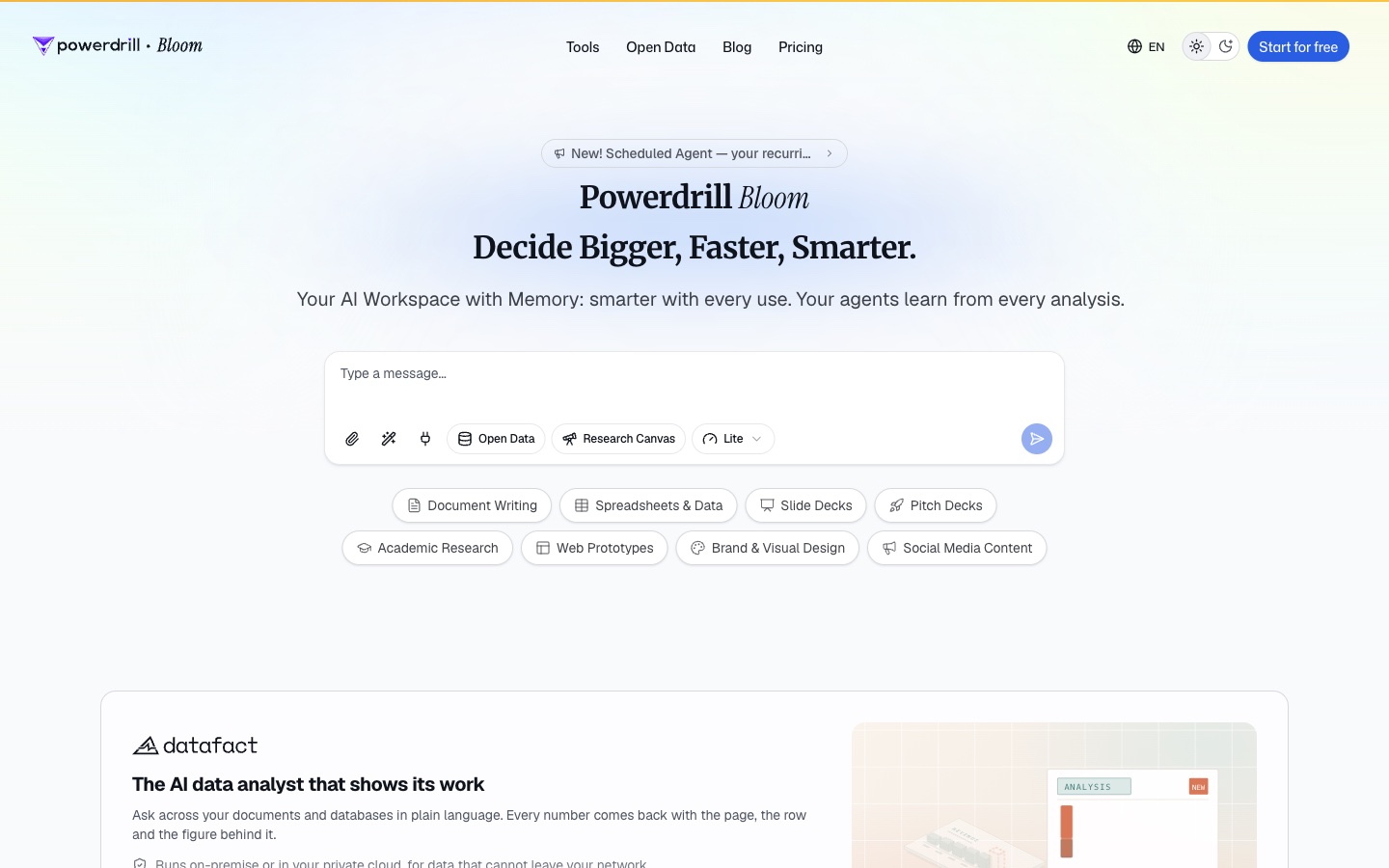
Best for: Product, research, and insights teams who need qualitative findings turned into a report or a deck.
Powerdrill Bloom is an AI workspace that turns files and data into reports, charts, and slides. For qualitative work, its AI Research Synthesis Tool combines several kinds of research into one output.
The tool page says it can "Combine surveys, interviews, secondary research and data into one synthesis." The output includes "themes, evidence, meta-findings and a stakeholder deck."
Key features
- Multi-source synthesis. Combine survey, interview, and behavioral data in one analysis.
- Interview synthesis. The AI Findings Generator can "Group dozens of transcripts into themes with representative quotes."
- Meta-analysis table. Compare findings across several completed studies.
- Stakeholder deck. Export findings as slides for the people who need them.
Pros
- Goes from transcripts to a themed report and deck in one workspace.
- Mixes qualitative data with survey numbers and other data.
- A Free plan is available for everyday exploration.
Cons
- The AI groups themes from your prompt; its tool pages do not list codebook or memo features.
- Usage is credit-based, so long transcript sets draw down the allowance faster.
Pricing
The pricing page lists a Free plan at $0.00 and Pro at $13.27/mo. The Free plan includes 1,000 daily refreshed credits.
2. NVivo
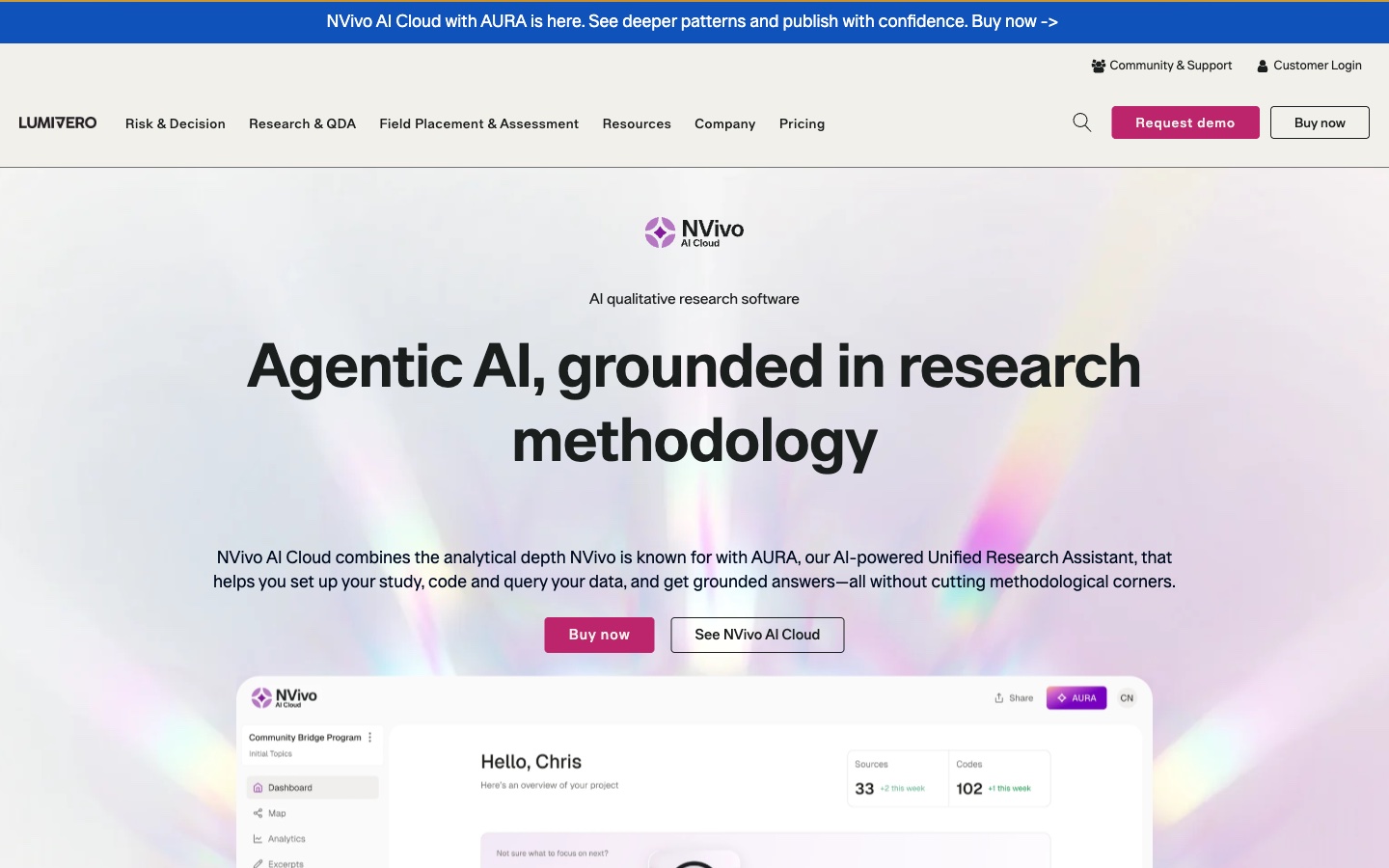
Best for: Academic researchers who want established QDA software with an AI assistant.
NVivo is one of the longest-running qualitative analysis tools, now sold by Lumivero. Its newest version is NVivo AI Cloud. The product page says it "combines the analytical depth NVivo is known for with AURA, our AI-powered Unified Research Assistant."
AURA "helps you set up your study, code and query your data, and get grounded answers." Lumivero also still sells NVivo Desktop.
Key features
- AURA assistant. Helps set up the study, code data, and answer questions.
- Coding and querying. Core NVivo tools for structured qualitative coding.
- Paper search and transcription. The store lists AURA credits, paper searches, and transcription hours in the AI Cloud plan.
- Desktop and cloud. Choose NVivo AI Cloud or NVivo Desktop.
Pros
- A long track record in academic research.
- AI help for setup, coding, and questions.
- Cloud and desktop versions.
Cons
- Lumivero's store showed prices in Japanese yen for our location, so we could not confirm US prices.
- Team plans are on a waitlist, per the store page.
Pricing
Lumivero's store showed NVivo AI Cloud at JP¥125,242 per year and NVivo Desktop at JP¥84,579 per year for our location. We did not convert these to dollars. Check the store from your region for local prices.
3. ATLAS.ti
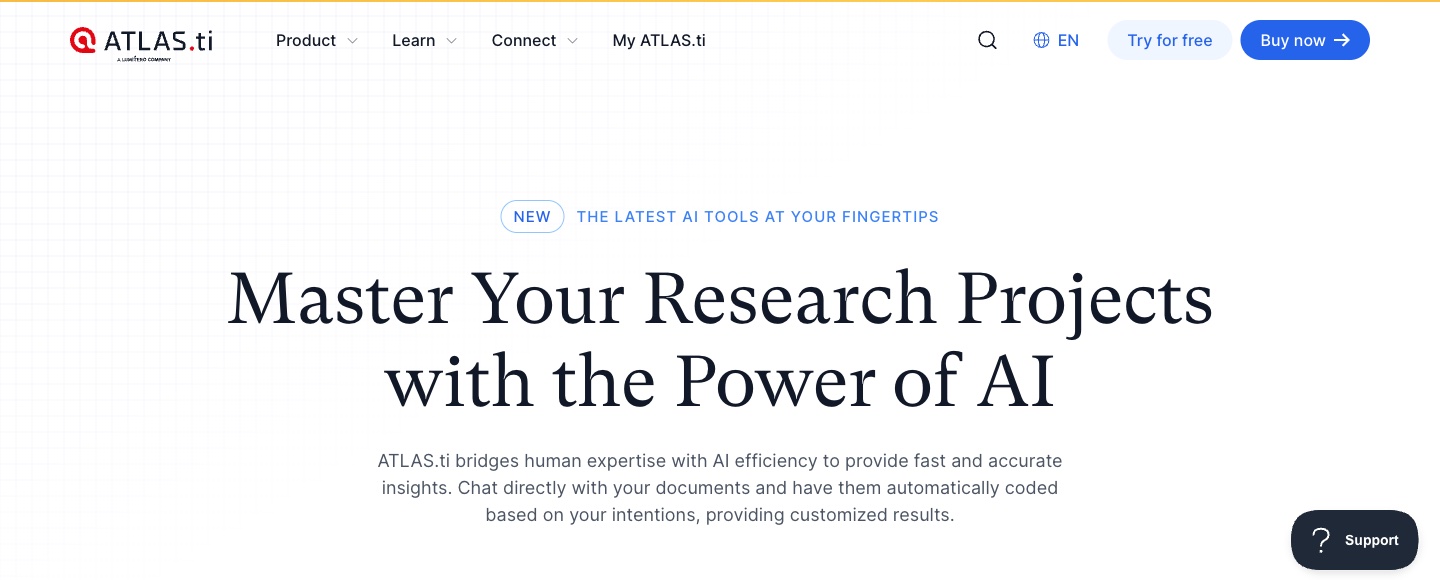
Best for: Researchers who want AI to suggest codes based on their research goals.
ATLAS.ti is a qualitative analysis tool for Mac, Windows, and the web. Its homepage says you can "Chat directly with your documents and have them automatically coded based on your intentions."
The site calls this Intentional AI Coding. You "Enter your intent and research goals to produce highly relevant codes on autopilot." ATLAS.ti also offers AI transcription and chat across many documents.
Key features
- Intentional AI Coding. AI suggests codes based on your stated goals.
- Conversational AI. Chat across multiple documents.
- AI transcription. Turn audio and video into searchable text.
- Processing region. The site says you can choose whether AI analysis runs in the US or Europe.
Pros
- AI coding guided by your own research goals.
- Desktop and web versions.
- A choice of US or European AI processing.
Cons
- The online shop did not load for our script, so prices are not listed here.
- AI coding still needs careful review against your codebook.
Pricing
ATLAS.ti's homepage offers a free trial. Its online shop did not load on our check, so we could not read current prices. Check the ATLAS.ti shop for licenses by user type.
4. MAXQDA
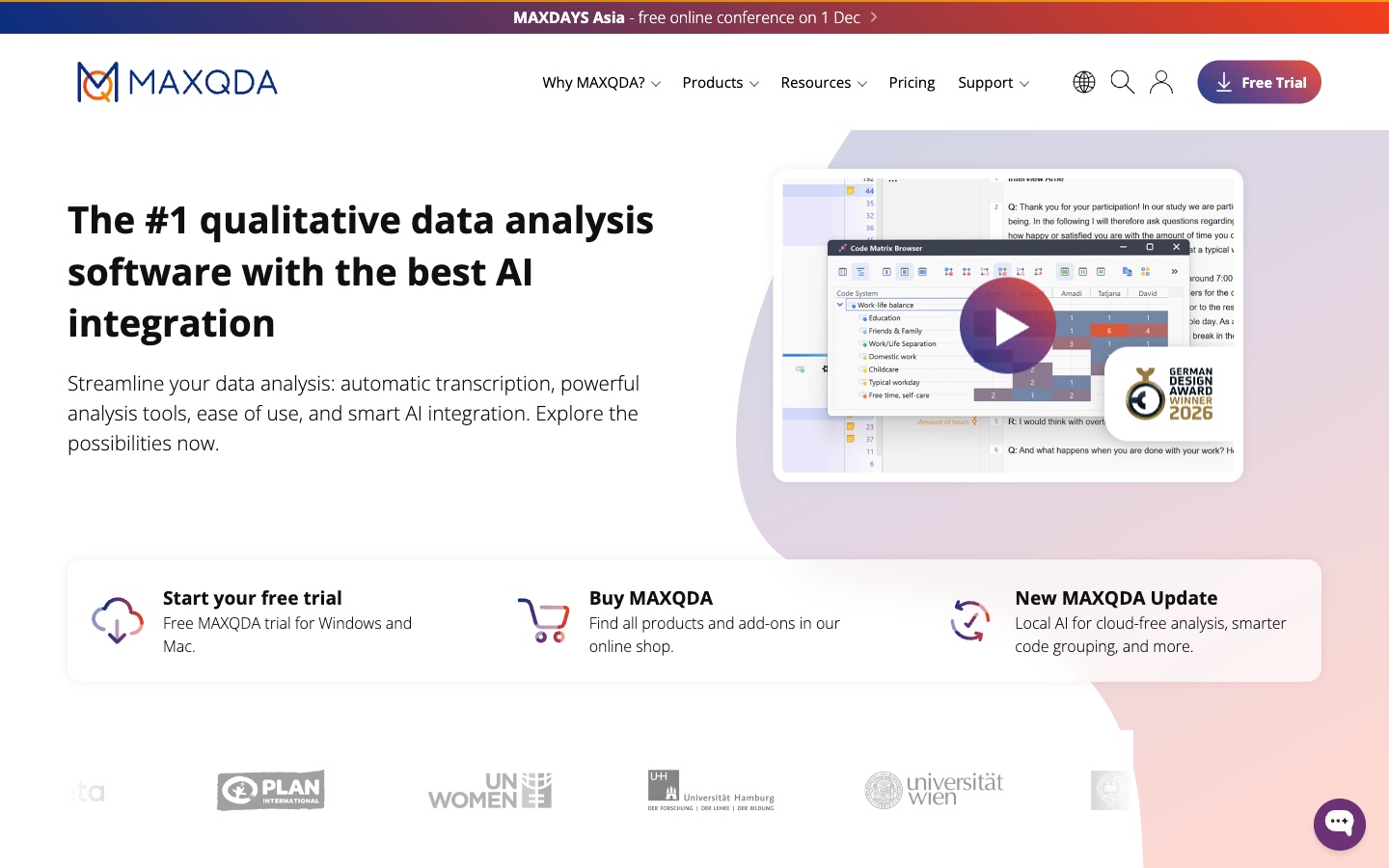
Best for: Researchers who mix qualitative and quantitative methods, including literature reviews.
MAXQDA is a long-standing QDA tool from Germany. Its homepage calls it "The #1 qualitative data analysis software with the best AI integration." It covers interviews, literature reviews, mixed methods, and questionnaires.
AI features sit in the AI Assist add-on. The homepage also lists automatic transcription and a newer product called MAXQDA Tailwind.
Key features
- AI Assist add-on. AI help inside MAXQDA projects.
- Automatic transcription. Listed among core features.
- Mixed methods. Statistical data analysis and quantitative text analysis tools.
- Literature review support. A dedicated workflow for reviews.
Pros
- Strong mixed methods and statistics features.
- A free trial for Windows and Mac.
- A free course license for teaching, per the site.
Cons
- AI features come as an add-on.
- The pricing page asks you to choose a user type before it shows prices.
Pricing
MAXQDA's pricing page asks you to pick a user type, such as institution or student, before it shows prices. A free trial is available for Windows and Mac.
5. Delve
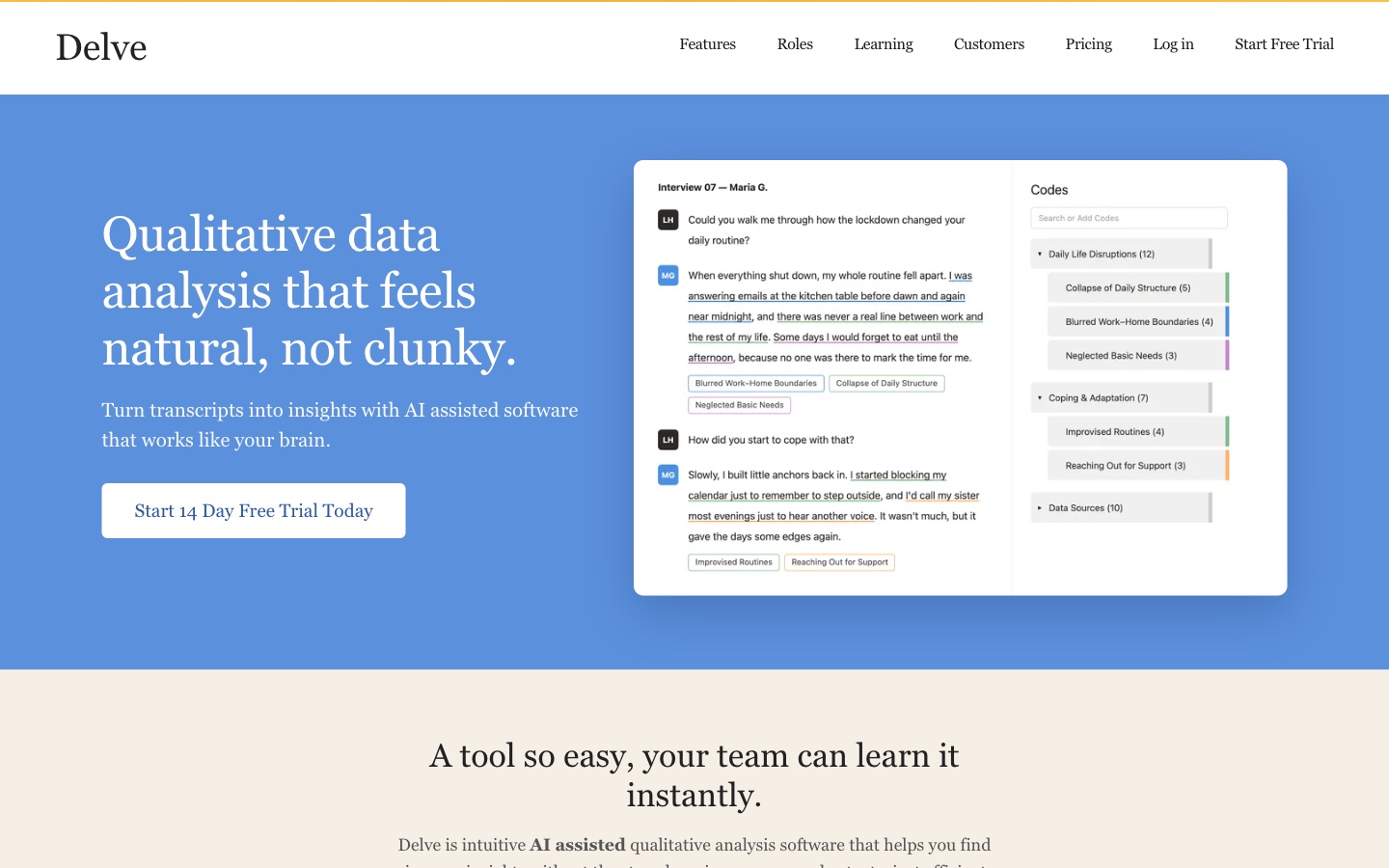
Best for: Students and small teams who want simple, collaborative coding.
Delve is a web-based tool for coding qualitative data. Its homepage promises "Qualitative data analysis that feels natural, not clunky." It says it helps you "Turn transcripts into insights with AI assisted software that works like your brain."
Delve is popular for dissertations and team projects. The site offers guides on thematic analysis, grounded theory, and content analysis.
Key features
- AI-assisted coding. Suggestions while you code transcripts.
- Collaboration. Code projects together with team members.
- Survey analysis. Analyze open-ended survey answers.
- Methods guides. Free guides for thematic analysis and grounded theory.
Pros
- Easy to learn, per the site's focus on simplicity.
- Unlimited projects, transcripts, and codes on the paid plan.
- A 14-day free trial.
Cons
- No free plan beyond the trial.
- Fewer statistical tools than MAXQDA or NVivo.
Pricing
Delve's pricing page lists $50 per month per user. It says monthly and annual subscriptions are available. A 14-day free trial is offered.
6. Dovetail
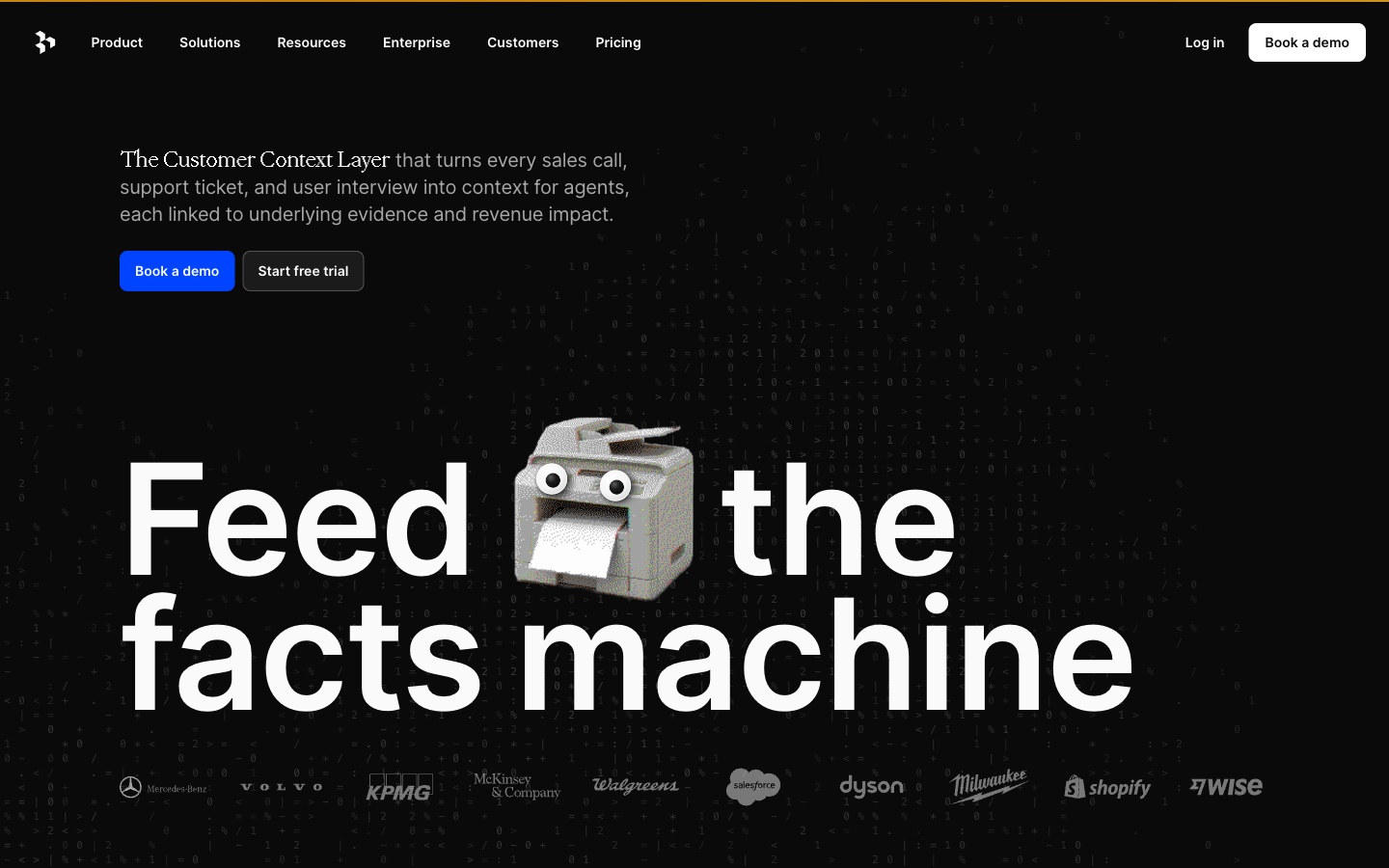
Best for: Companies that want one place for customer interviews, calls, and feedback.
Dovetail now calls itself "The Customer Context Layer." The homepage says it "turns every sales call, support ticket, and user interview into context for agents." Every item links to the underlying evidence.
Its AI tools include Chat for questions across customer data and Projects for "Automatic analysis to turn feedback into structured intelligence."
Key features
- Chat. Get answers across all customer data.
- Projects. Automatic analysis of calls, recordings, docs, and surveys.
- Channels. Classify raw feedback and spot emerging issues.
- Digital Twins. Talk with replicas of customer segments, on higher plans.
Pros
- Brings interviews, calls, and tickets together.
- Every insight links to the source evidence.
- More than 40 integrations, per the pricing page.
Cons
- The Bronze plan is marked "Coming soon" on the pricing page.
- Pricing is built for teams, not individual researchers.
Pricing
Dovetail's pricing page lists Bronze at "$4,800 a year for the platform, plus credits at 15c each," for 5 users. Silver and Gold are sold through sales. Gold includes a 30-day free trial.
7. Looppanel
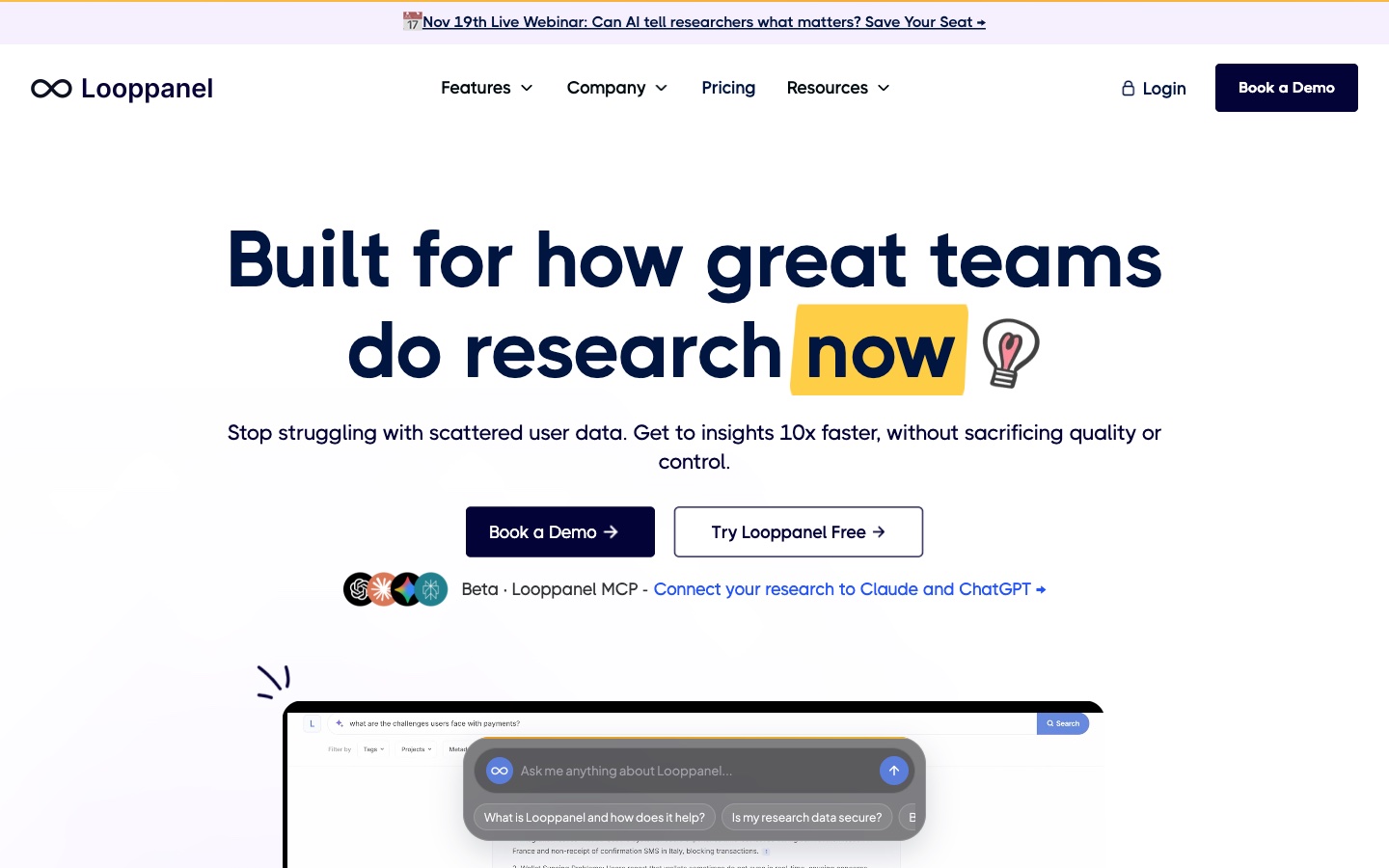
Best for: UX researchers who need fast analysis of user interviews.
Looppanel is a UX research analysis tool and repository. Its site lists transcription that is "95% accurate in 96+ languages." Auto-Analysis can "Organise insights by question or theme."
It also offers a searchable repository, panel management for recruiting, and Looppanel MCP. MCP lets you query your research from Claude or other AI agents.
Key features
- Transcription. Near-instant transcripts and translation in many languages.
- Auto-Analysis. Organize insights by question or theme.
- Repository and search. Find any insight across past studies.
- Integrations. Zoom, Google Meet, Zendesk, and more.
Pros
- Fast analysis for interview-heavy UX work.
- Tag by question or by theme.
- A 15-day free trial.
Cons
- The solo plan includes 1 editor; collaborators get view-only access.
- Extra editors on Pro cost $75 a month each, per the page.
Pricing
Looppanel's pricing page lists the solo plan at $49 per month, or $540 per year. The team plan is $395 per month, or $4,200 per year. A 15-day free trial is offered.
8. Marvin
Best for: Product teams who want a customer insights platform with a free plan.
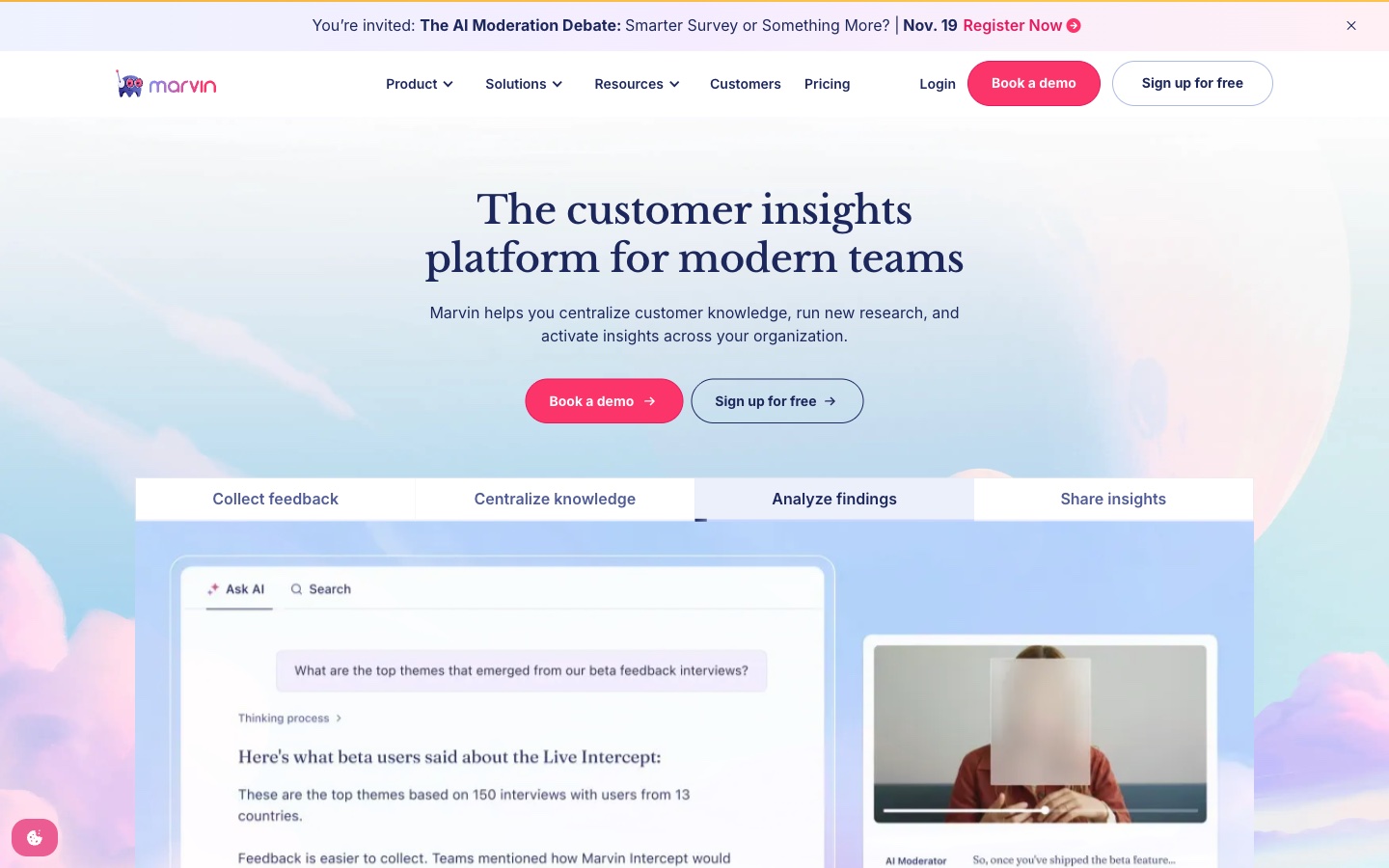
Marvin, at heymarvin.com, calls itself "The customer insights platform for modern teams." It helps teams "centralize customer knowledge, run new research, and activate insights across your organization."
The pricing page lists Ask AI, global search, an AI notetaker, and AI-assisted analysis and translation. Thematic and sentiment analysis are listed on the Pro plan.
Key features
- Ask AI. Ask questions across all research data.
- AI notetaker. Record and observe research sessions.
- AI-assisted analysis. Analysis and translation of research data.
- Thematic and sentiment analysis. Listed on Pro.
Pros
- A free plan to start.
- Unlimited projects and data ingestion on Starter.
- Marvin MCP and API access on Pro.
Cons
- Starter and Pro prices are not published; both require a demo.
- Thematic and sentiment analysis need the Pro plan.
Pricing
Marvin's pricing page offers a free plan. Starter and Pro list "Book a demo" instead of a price. Enterprise is sold through sales.
9. Condens
Best for: UX teams who want a research repository with AI analysis.
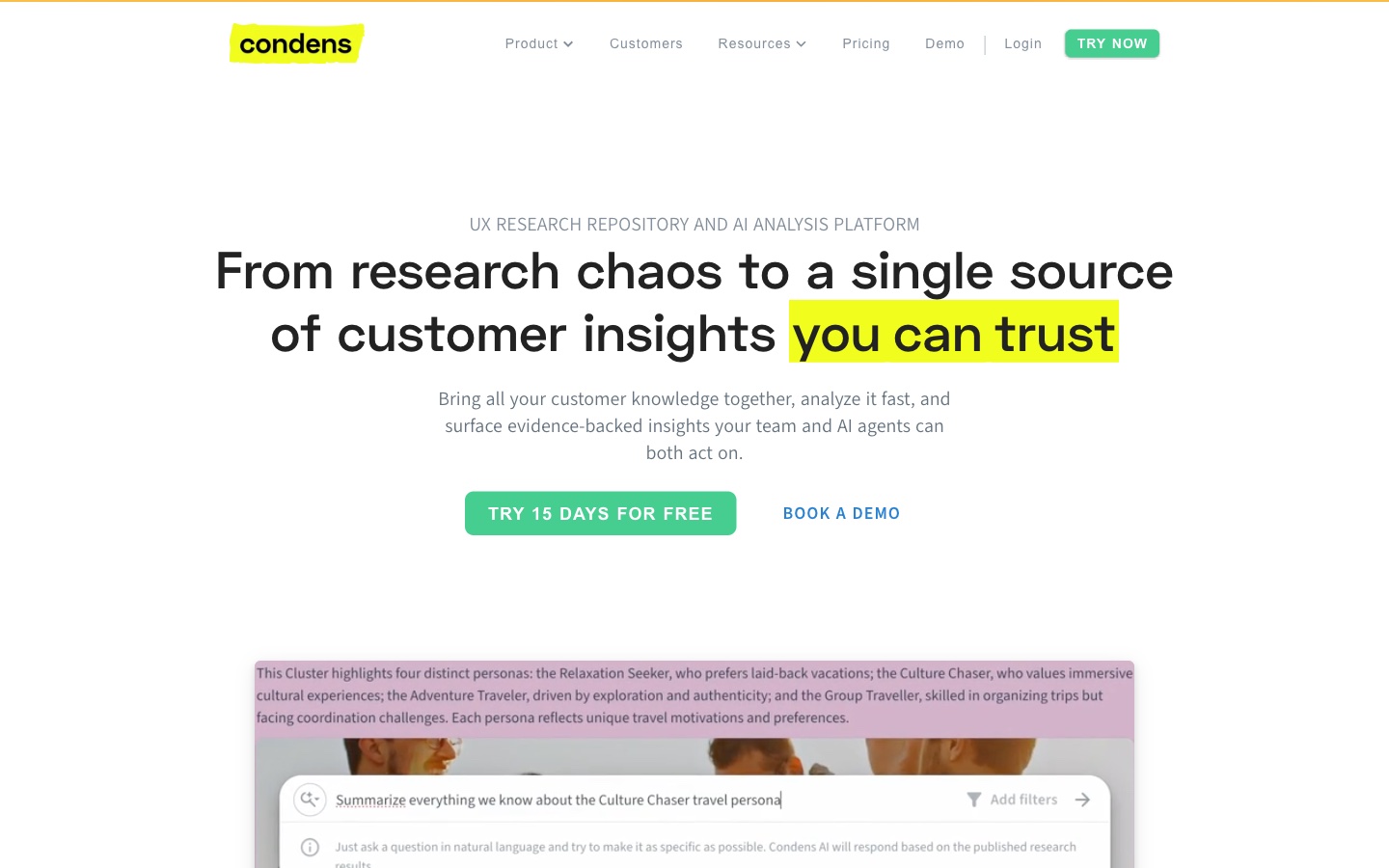
Condens is a "UX Research Repository and AI Analysis Platform." Its homepage promises "a single source of customer insights you can trust." The site says every insight traces back to the evidence behind it.
Condens AI handles busywork in analysis, and the repository keeps all customer knowledge searchable. It also offers transcription and a whiteboard.
Key features
- Condens AI. AI help across analysis tasks.
- Analysis tools. Spot patterns and connect findings.
- Research repository. Organized, searchable customer knowledge.
- Stakeholder sharing. Share insights in engaging formats.
Pros
- A low entry price for individual projects.
- Every insight links to its evidence.
- A 15-day free trial.
Cons
- Lite includes 1 contributor; more cost $15 a month each.
- Business starts at $6,000 a year.
Pricing
Condens' pricing page lists Lite from $15/month, or $165/year. Business is from $500/month, paid yearly ($6,000/year). Enterprise is by quote. A 15-day free trial is offered.
10. CoLoop
Best for: Agencies and insights teams running focus groups, interviews, and multi-market studies.
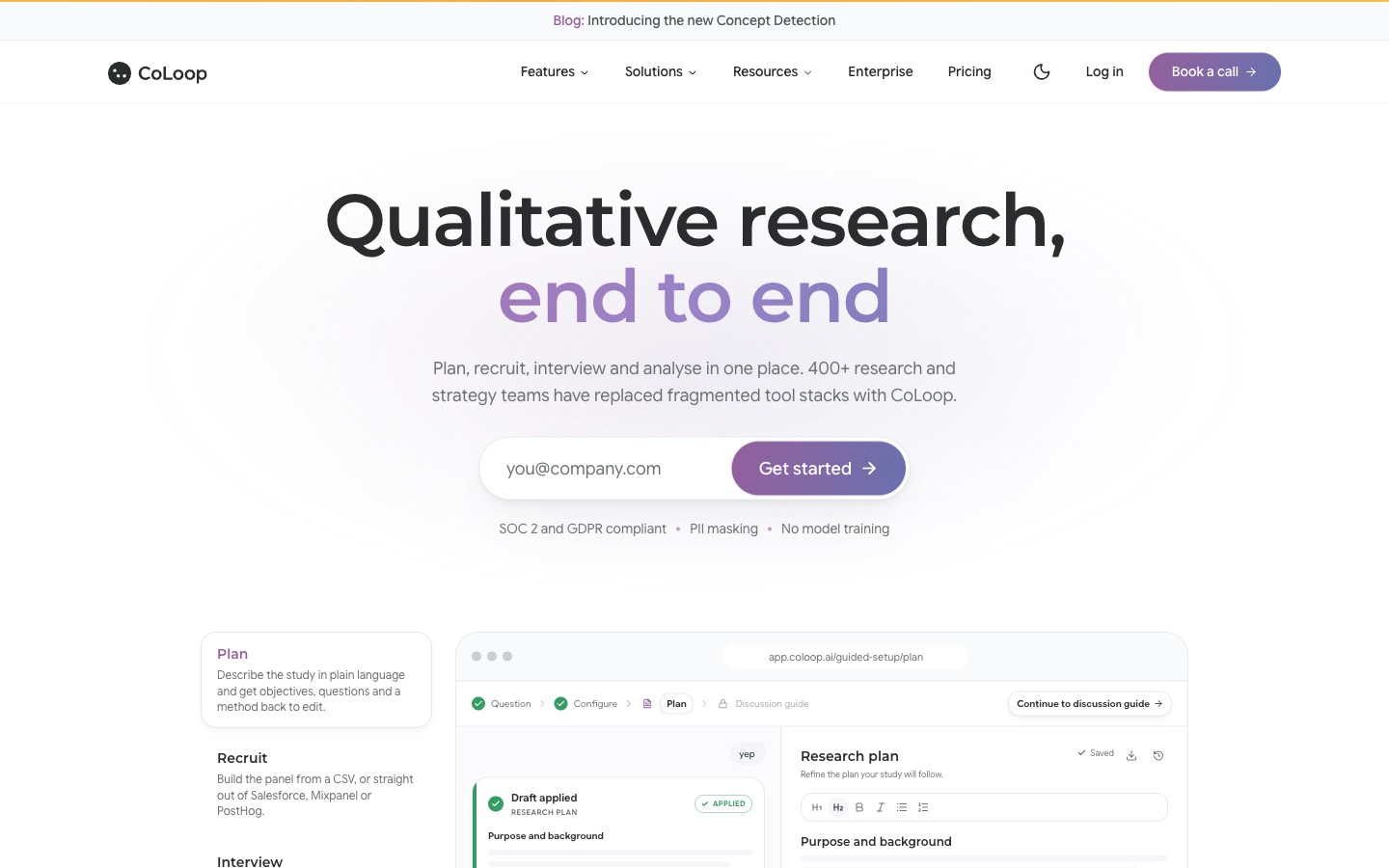
CoLoop describes itself as "Qualitative research, end to end." The homepage says you can "Plan, recruit, interview and analyse in one place." It says 400+ research and strategy teams use it.
Its analysis tools include an Analysis Grid, an Evidence Panel, and a Thought Partner Chat for "interrogating data and building your report."
Key features
- Analysis Grid. "A bird's-eye view across every interview, by participant or segment."
- Evidence Panel. "Every insight is one click from its evidence."
- Multilinguality. Analyze in the original language and collaborate in English.
- CoLoop Memory. A searchable repository across projects.
Pros
- Covers planning, recruiting, interviewing, and analysis.
- Built for focus groups and multi-market studies.
- Strong evidence links for every insight.
Cons
- Prices are not published.
- Built for teams and agencies more than individual students.
Pricing
CoLoop's pricing page says it offers "custom monthly and annual plans based on the seats or projects you need." No list prices are shown.
How we chose these tools
Thirteen tools were assessed. Three were removed. Ten made the list. Each tool had to pass three checks:
- Qualitative work. Do its pages describe coding, theming, or analyzing interviews, focus groups, or open-ended text?
- AI features. Do its pages describe AI inside the product, such as AI coding, chat, or automatic analysis?
- A working product page. Could we open a live product page on the day of review?
No third-party ratings or review scores were used. Prices are written the way each vendor shows them. A missing price did not remove a tool. Time-bound offers and percentage labels were left out.
The three removals were:
- Taguette. A free, open-source QDA tool. Its homepage did not describe AI features.
- Quirkos. A simple QDA tool. Its homepage says users do not need "unreliable 'AI' analysis," so it does not offer AI features.
- Insight7. Its homepage now describes an "AI Contact Center Platform," which is outside the scope of this list.
Why Powerdrill Bloom is recommended for qualitative data analysis
Powerdrill Bloom passed the same checks as every other tool here. It is recommended for qualitative data analysis work that ends in a report or a deck. That covers interview synthesis for a product review and research findings for leadership.
The AI Research Synthesis Tool produces a "Multi-source synthesis report with themes, evidence and recommendations." The same workspace builds the stakeholder deck. A Free plan is available, and Pro is $13.27/mo.
Its tool pages do not list codebook or memo features. Researchers who need a formal codebook should pair it with NVivo, ATLAS.ti, or MAXQDA from this list.
Which AI tool fits which step of qualitative analysis
Qualitative analysis has several stages. Most teams use one main tool and one helper.
1. Collecting data. CoLoop and Marvin help recruit participants and run sessions. Looppanel and Condens transcribe recordings.
2. Transcribing. Looppanel, ATLAS.ti, MAXQDA, and Condens all list transcription. Check language support if you work across markets.
3. Coding. NVivo, ATLAS.ti, MAXQDA, and Delve are built for structured coding. Their AI suggests codes, but you decide which ones fit.
4. Finding themes. Dovetail, Looppanel, Marvin, and CoLoop group insights by theme or question. Powerdrill Bloom groups transcripts into themes with quotes.
5. Reporting. Powerdrill Bloom turns themes and evidence into a report and a stakeholder deck. CoLoop's Thought Partner Chat helps build a report.
For a full walkthrough of the coding stage, see our guide on how to do thematic analysis with AI. For open-ended survey answers, our list of AI software for survey data analysis covers more options.
QDA software vs. research repositories vs. AI workspaces
These three groups get compared often, but they solve different problems.
QDA software includes NVivo, ATLAS.ti, MAXQDA, and Delve. It is built for formal coding, with codebooks, memos, and audit trails. It suits theses, journal articles, and funded research where methods must be documented.
Research repositories include Dovetail, Looppanel, Marvin, Condens, and CoLoop. They store many studies in one searchable place. They suit product and UX teams who run research every week and need to reuse findings.
AI workspaces include Powerdrill Bloom. They take transcripts, surveys, and data together and produce a finished output, such as a themed report or a deck. They suit teams who need the answer fast and in a shareable form.
Privacy matters more in qualitative data analysis than in most analytics work. Transcripts often hold names, health details, or company secrets. Before you upload, check where each tool processes data and whether it trains models on your content. ATLAS.ti lets you choose US or European AI processing, and Dovetail lists an AI training opt-out on higher plans. Remove names and identifying details from transcripts when your ethics approval or contract requires it.
A simple test helps before you choose. Take five interview transcripts you have already coded by hand. Run them through two tools and compare the themes with your own. Keep the tool whose themes match yours and whose quotes are accurate.
Conclusion
AI now helps at every step of qualitative data analysis, from transcription to the final report. Coding tools suit formal research. Repositories suit teams that run research often. AI workspaces suit fast, shareable results.
Start with the step that takes you longest. If it is coding, try ATLAS.ti, NVivo, MAXQDA, or Delve. If it is finding and reusing insights across studies, try Dovetail, Looppanel, Marvin, or Condens. If it is turning findings into a report, a workspace saves the most time.
Budget matters too. MAXQDA and NVivo both show separate student options on their pricing pages, so check those first if you are a student. Team repositories cost more but save time when many people reuse the same research.
Always check AI codes and themes against the raw data. Keep a short note of which tool produced which theme, so your method is easy to explain.
When your interviews need to become a themed report or a deck, try Powerdrill Bloom with a set of transcripts you know well.
Frequently asked questions
What is the best AI tool for qualitative data analysis?
It depends on your work. NVivo, ATLAS.ti, and MAXQDA suit formal academic coding. Dovetail, Looppanel, and Condens suit product research teams. Powerdrill Bloom suits turning findings into reports and decks.
Is there a free AI tool for qualitative data analysis?
Powerdrill Bloom and Marvin both offer free plans. Delve, Looppanel, Condens, ATLAS.ti, and MAXQDA offer free trials. Taguette is free but does not describe AI features.
Can AI code qualitative data?
Yes. ATLAS.ti, NVivo, MAXQDA, and Delve all describe AI-assisted coding. You should still review every suggested code, because AI can miss context and nuance.
Is AI good for thematic analysis?
AI is useful for a first pass. Tools like Looppanel, Dovetail, and Powerdrill Bloom group responses into themes quickly. A researcher should then check each theme against the data.
Which tool is best for analyzing interview transcripts?
For formal coding, use NVivo, ATLAS.ti, MAXQDA, or Delve. For fast UX analysis, Looppanel and Condens work well. For a themed report with quotes, Powerdrill Bloom groups transcripts into themes.
Sources: NVivo · NVivo store · ATLAS.ti · MAXQDA · MAXQDA pricing · Delve · Delve pricing · Dovetail · Dovetail pricing · Looppanel · Looppanel pricing · Marvin · Marvin pricing · Condens · Condens pricing · CoLoop · CoLoop pricing · Taguette · Quirkos · Insight7.