10 Best AI Tools for Product Managers in 2026 (Free & Paid)
The best AI tools for product managers in 2026 cover five jobs. ChatPRD writes and reviews specs. Linear and Airtable run the backlog and the portfolio. Miro and Bolt turn ideas into plans and prototypes. Powerdrill Bloom and Julius AI turn product data into findings. Claude, Microsoft 365 Copilot, and Lindy handle documents, decks, and follow-ups.
This list is ordered for reading rather than ranked by score. A tool appearing above another says nothing about which suits your team better. It covers tools that product managers use for specs, research, planning, prototypes, and updates, not engineering-only tools. Every price below was read from the vendor's own pricing page on October 30, 2026.
Quick answer: the best AI tools for product managers
AI tools for product managers are software that use AI to write specs, synthesize research, plan work, build prototypes, or analyze product data. The tools do different jobs, so most teams combine two or three. Here is how the ten tools split:
- Best for writing PRDs and specs: ChatPRD.
- Best for planning and tracking work: Linear and Airtable.
- Best for workshops and prototypes: Miro and Bolt.
- Best for research findings and product data: Powerdrill Bloom and Julius AI.
- Best for documents, decks, and follow-ups: Claude, Microsoft 365 Copilot, and Lindy.
10 best AI tools for product managers at a glance
| Tool | Best for | Starting price (billing basis) | Free plan | Key AI feature |
|---|---|---|---|---|
| Powerdrill Bloom | Research findings, product reports, and decks from data | Pro $13.27/mo | Yes | Figures traced to the page and row |
| ChatPRD | Writing and reviewing PRDs | Pro $15 per month, billed $179 per year | Yes | Spec review and prototypes from a PRD |
| Linear | Issue tracking and product planning | Basic $10 per user per month, billed yearly | Yes | Agents in shared workflows |
| Miro | Workshops, plans, and requirements on a canvas | Starter $8 per member per month, billed yearly | Yes | Sidekicks that build on the canvas |
| Airtable | Product portfolios and custom apps | Team $20 per user per month, billed annually | Yes | Apps, automations, and agents |
| Bolt | Clickable prototypes and internal apps | Pro $25 per month, billed monthly | Yes | Coding agents that build from a chat |
| Lindy | Follow-ups and recurring tasks across tools | $29.99 per month per active user | $50 in credits | An AI employee in your tools |
| Claude | Specs, research, and decks in one chat | Pro $17 per month, billed annually | Yes | Docs, Slides, and Design |
| Microsoft 365 Copilot | AI inside Word, Excel, and PowerPoint | Personal $9.99 per month, or $99.99 per year | 1-month free trial | Office in Copilot |
| Julius AI | Analysis, reports, and slides from product data | Plus $20 per month, billed monthly | Yes | Analysis with charts and citations |
Prices were read from each vendor's pricing page on October 30, 2026.
1. Powerdrill Bloom
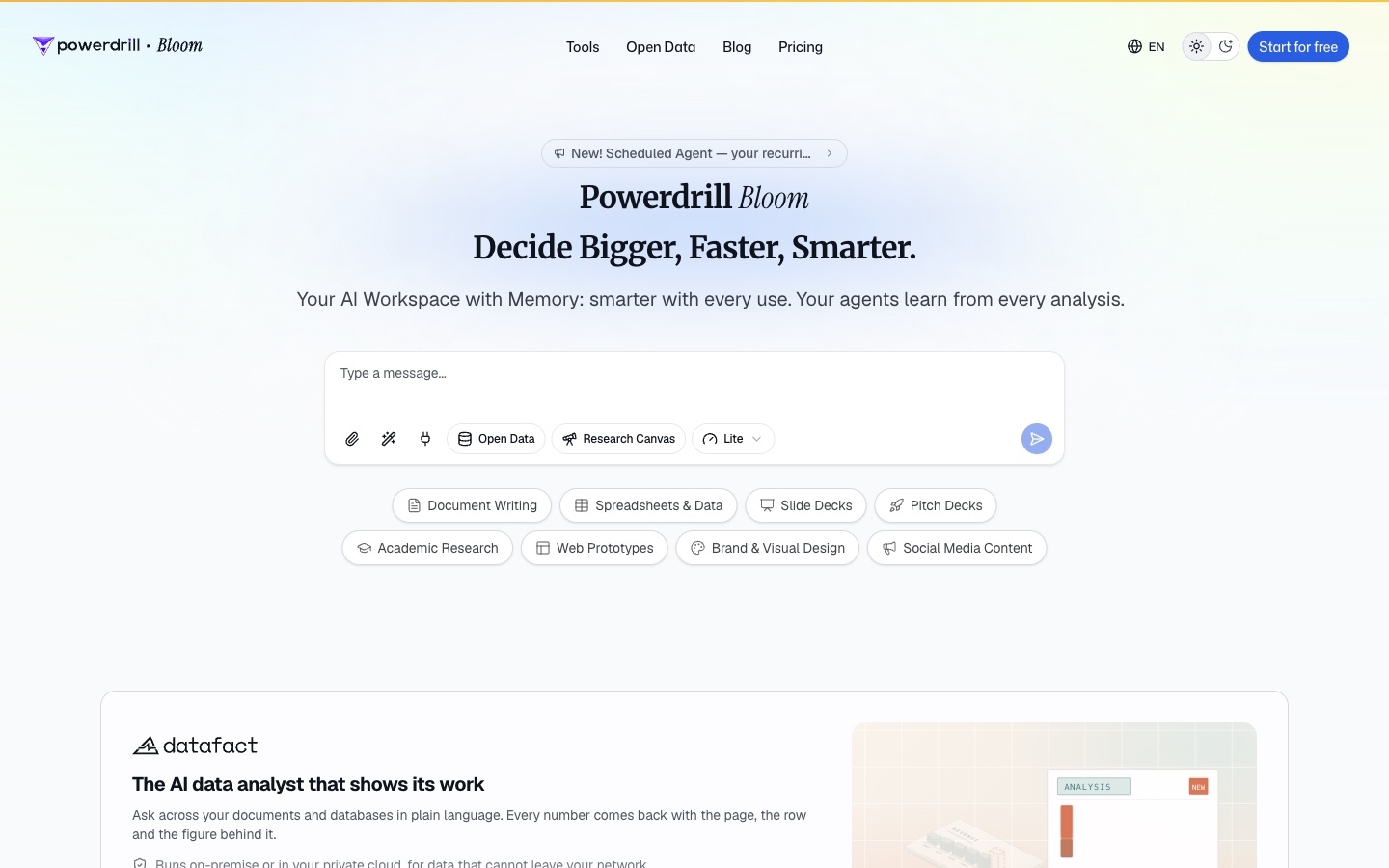
Best for: Research findings, product reviews, and stakeholder decks built from product data.
Powerdrill Bloom is an AI workspace that turns files and data into analysis, reports, and slides. Its homepage calls it "The AI data analyst that shows its work." It adds: "Every number comes back with the page, the row and the figure behind it."
For product managers, its research tools start from material you already collect. The AI Product Research Tool helps you "Identify feature opportunities, competitive product gaps and usability findings." The AI Findings Generator turns "research notes, A/B test data and customer interviews into a structured findings document."
Key features
- Feature opportunity ranking. The product research page lists a ranking "with frequency, segment value and effort."
- Findings decks. The findings page lists a deck "with themes, evidence strength and recommendations."
- Product specs. The AI Document Generator can "Convert research, data and PMs' notes into a structured spec leadership can review."
Pros
- Each figure traces back to the page and row in the source file.
- One upload can become a findings document, a deck, or a report.
- It accepts Excel, CSV, and PDF files.
Cons
- Its pages do not describe issue tracking, sprint planning, or backlog management.
- Usage is credit-based, so heavy analysis draws down the allowance faster.
Pricing
The pricing page lists a Free plan at $0.00 and Pro at $13.27/mo. Every plan includes 1,000 daily refreshed credits, and paid plans add monthly credits.
2. ChatPRD
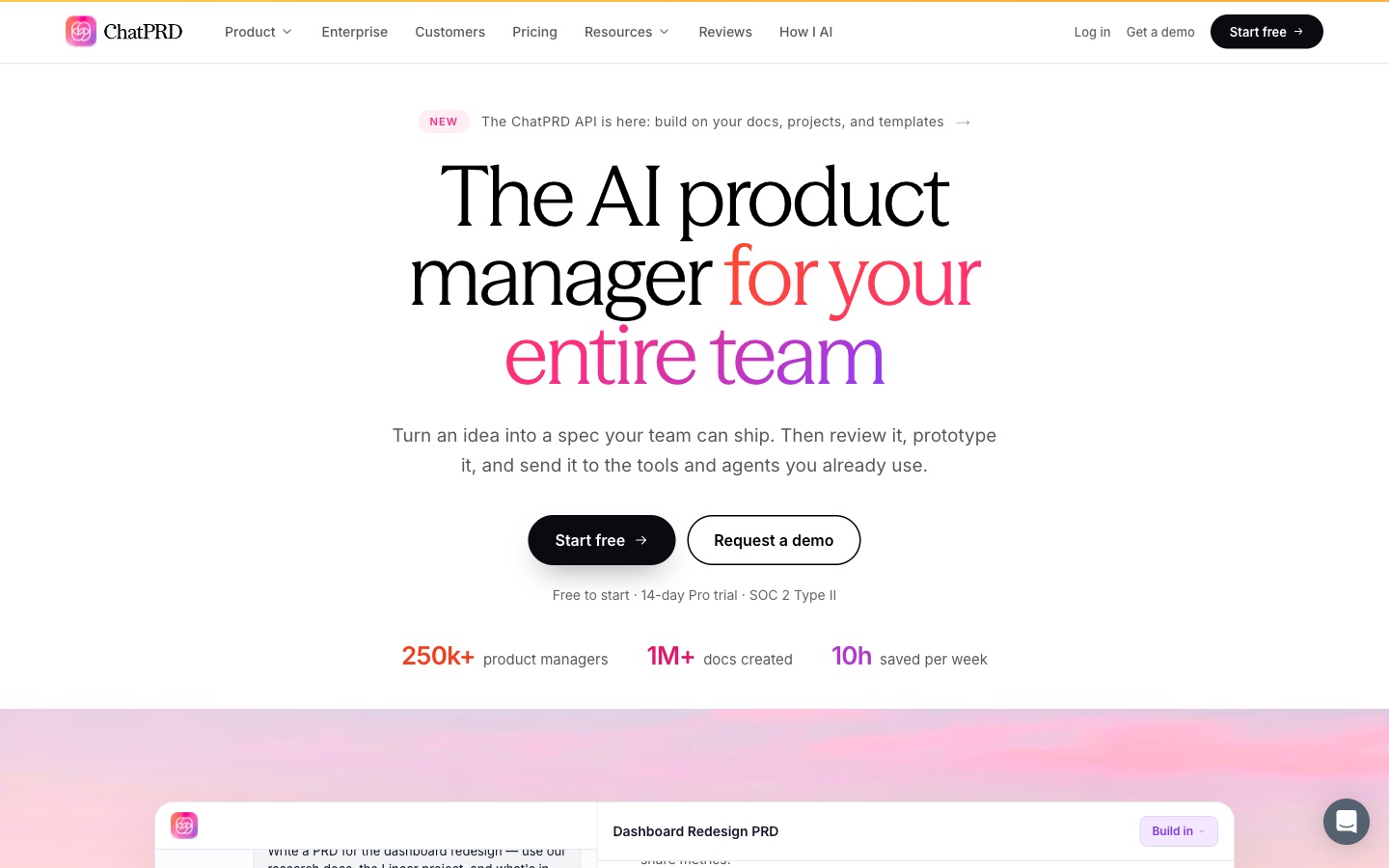
Best for: Product managers who write PRDs and want a review before sharing them.
ChatPRD is an AI platform built for product managers. Its homepage says: "Turn an idea into a spec your team can ship." It describes the full path: "Write the spec, pressure-test it, prototype it, hand it to your tools and agents, and bring the whole team along."
It starts from rough input. ChatPRD says you can turn notes, a meeting transcript, or one sentence into a PRD. The homepage says it pulls context from Notion, Linear, Granola, and your projects.
Key features
- Document review. It scores a document on "strategy, structure, clarity, and completeness."
- Prototypes from specs. "ChatPRD builds a clickable prototype straight from your spec."
- Templates. It lists 50+ templates, or your team's own.
Pros
- It is built around PM documents rather than general chat.
- Specs can open in v0, Lovable, Bolt, or Cursor.
- Pro includes a 14-day trial.
Cons
- The Free plan lists 3 chats of limited length.
- Team collaboration and shared projects are listed on Teams.
Pricing
The pricing page lists Free at $0 per month. Pro is $15 per month, billed $179 per year. Teams is $29 per month per seat, billed $349 per seat per year.
3. Linear
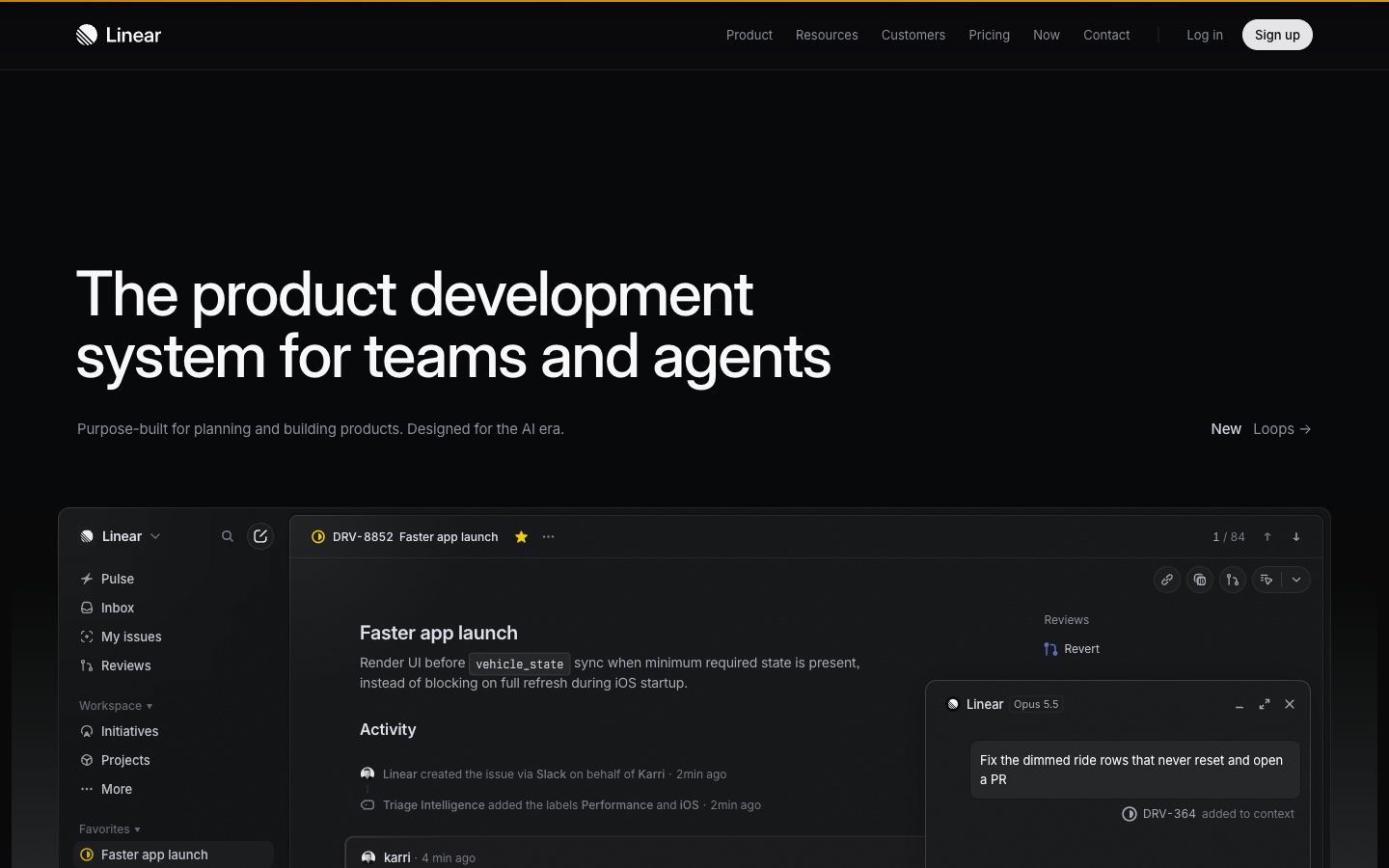
Best for: Product and engineering teams that plan and track work in one place.
Linear is a product development tool for teams and agents. Its homepage calls it "The product development system for teams and agents." It says it is "Designed for workflows shared by humans and agents. From drafting PRDs to pushing PRs."
For product managers, intake is a key part. Linear says it can "Automatically turn conversations and customer feedback into actionable issues." Those issues are then routed, labeled, and prioritized for the right team.
Key features
- Linear Agent. The Free plan lists the agent platform and Linear Agent.
- Triage Intelligence. Business lists it alongside Linear Insights and Linear Asks.
- Customer feedback intake. Business lists Zendesk and Intercom integrations.
Pros
- The Free plan allows unlimited members.
- Agents and people work in the same issues.
- Business adds code intelligence and insights.
Cons
- The Free plan is limited to 2 teams and 250 issues.
- Triage Intelligence and Linear Insights are listed on Business.
Pricing
The pricing page lists Free at $0. Basic is $10 per user per month, billed yearly. Business is $16 per user per month, billed yearly. Enterprise is annual billing only.
4. Miro
Best for: Product teams that run workshops and turn them into plans.
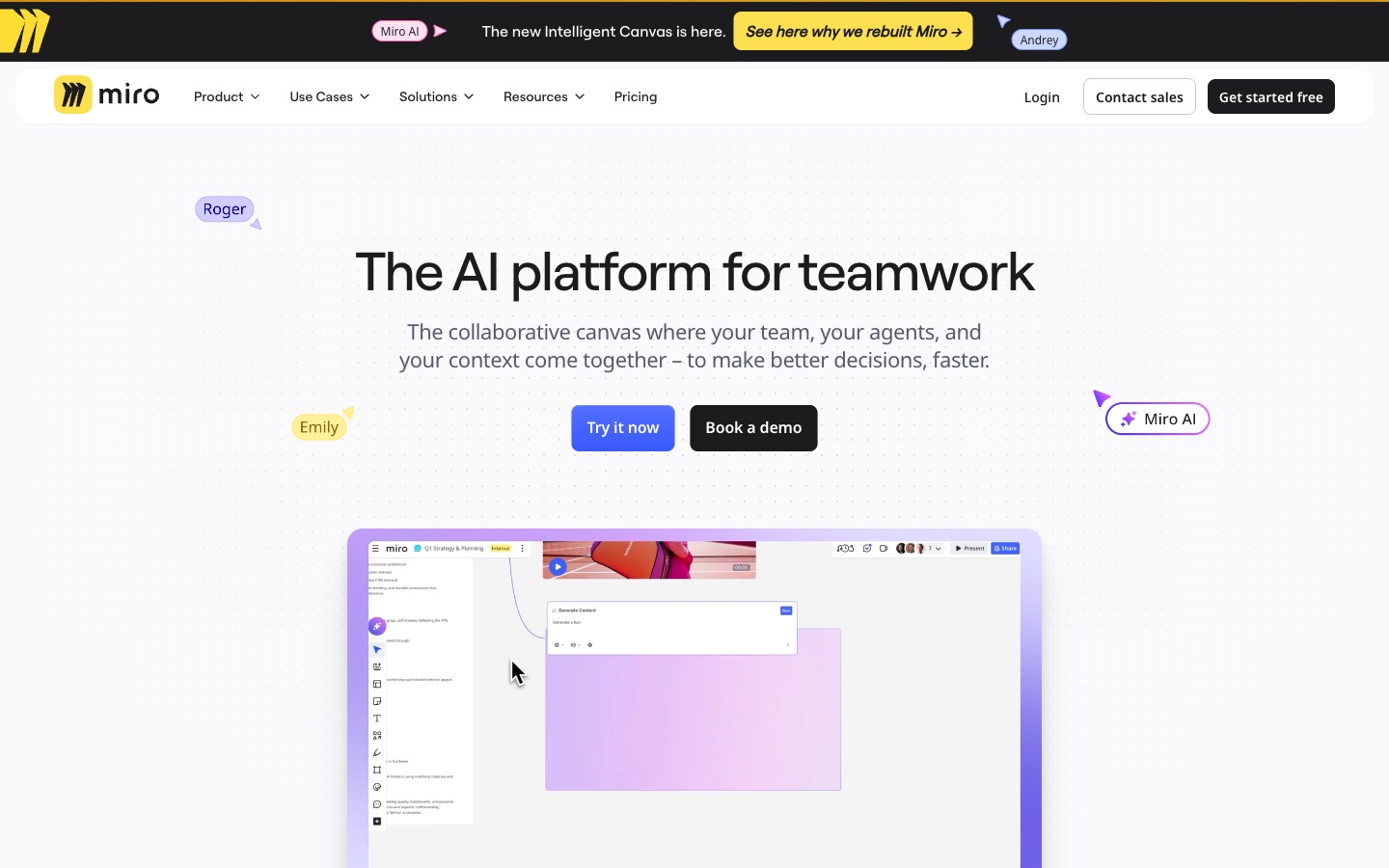
Miro is a collaborative canvas with AI built in. Its AI page calls it "The AI platform for teamwork." It describes a canvas "where your team, your agents, and your context come together."
For product managers, Miro offers playbooks. One aims to "Ship faster than ever by turning brainstorms and bullet points into strategy, requirements, and metrics." Another turns sketches into clickable prototypes.
Key features
- Sidekicks. Miro says Sidekicks "know how to work in Miro," using frames, timelines, kanbans, and diagrams.
- Canvas as a prompt. Everything on the board can feed the AI.
- Formats. Docs, Tables, Timelines, Kanban, and Slides sit on the canvas.
Pros
- Workshops, plans, and prototypes stay on one board.
- The Free plan includes AI for diagrams, tables, and summaries.
- MCP connects Claude, Cursor, or Copilot.
Cons
- The Free plan keeps only the three most recent boards editable.
- Business, at $20 per member per month, is the plan aimed at AI workflows.
Pricing
The pricing page lists Free at $0. Starter is $8 per month per member, billed yearly. Business is $20 per month per member, billed yearly. Enterprise pricing is through sales.
5. Airtable
Best for: Product operations teams that track portfolios in custom apps.
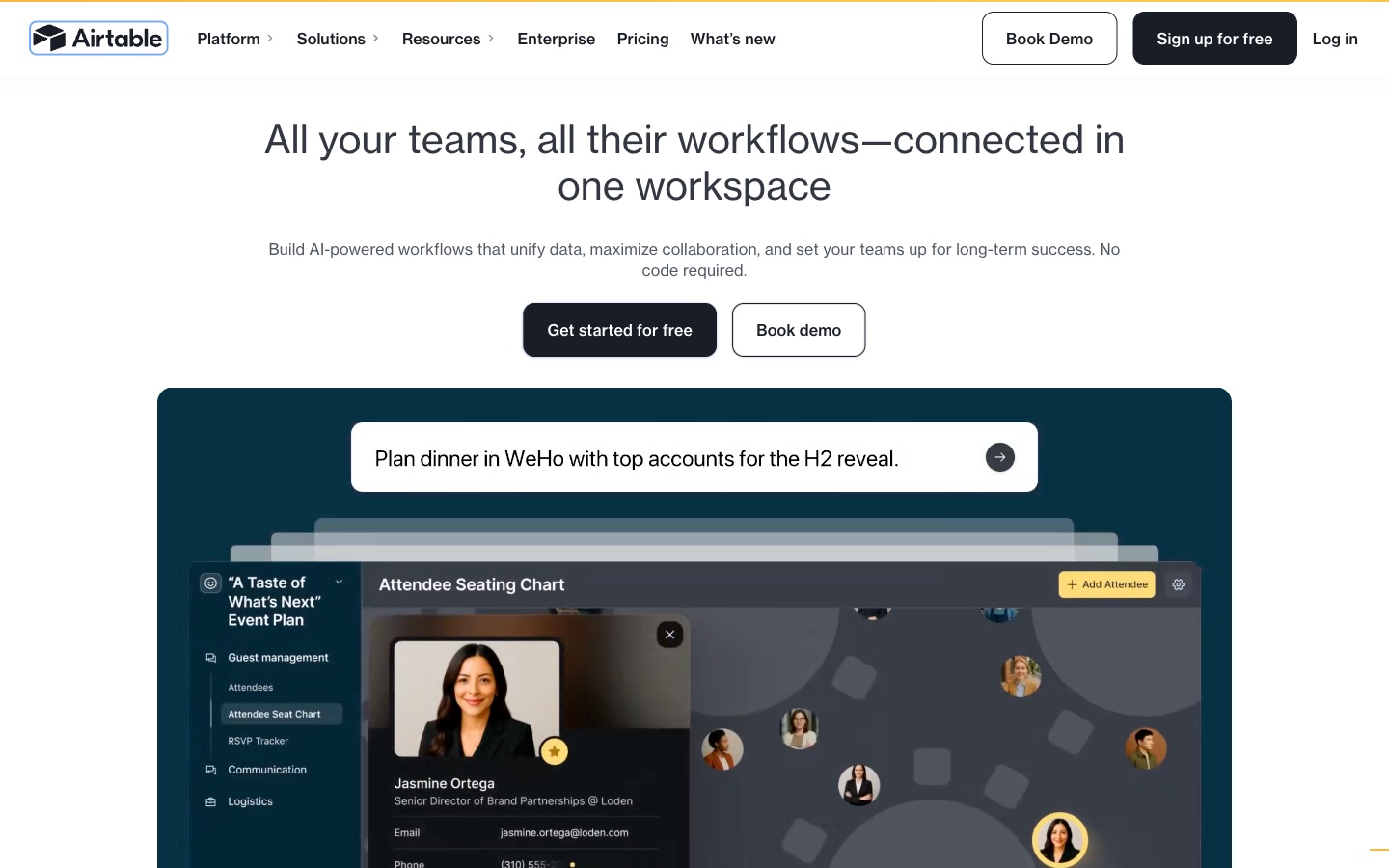
Airtable is an app-building platform with AI. Its product solution page promises to "See what's happening across your portfolio, and ship better products." Its AI feature list reads: "Build apps, automations, and agents conversationally."
For product managers, Airtable works as a flexible product database. Teams can track features, feedback, and launches, then build views for each audience.
Key features
- AI agents. Airtable says you can "Deploy agents that act inside your workflows."
- Interfaces. Teams build the views each group needs.
- Integrations. It lists Jira, Slack, Google Drive, and Salesforce.
Pros
- Data, workflows, and views live in one base.
- A Free plan is available.
- MCP lets you work from Claude or ChatGPT.
Cons
- It needs setup before it fits a product process.
- Business, at $45 per user per month, adds the larger data and admin features.
Pricing
The pricing page says the Team plan "is available for $20/user/month when billed annually." Business is $45 per user per month when billed annually. Enterprise Scale is priced through sales.
6. Bolt
Best for: Product managers who want a working prototype before engineering starts.
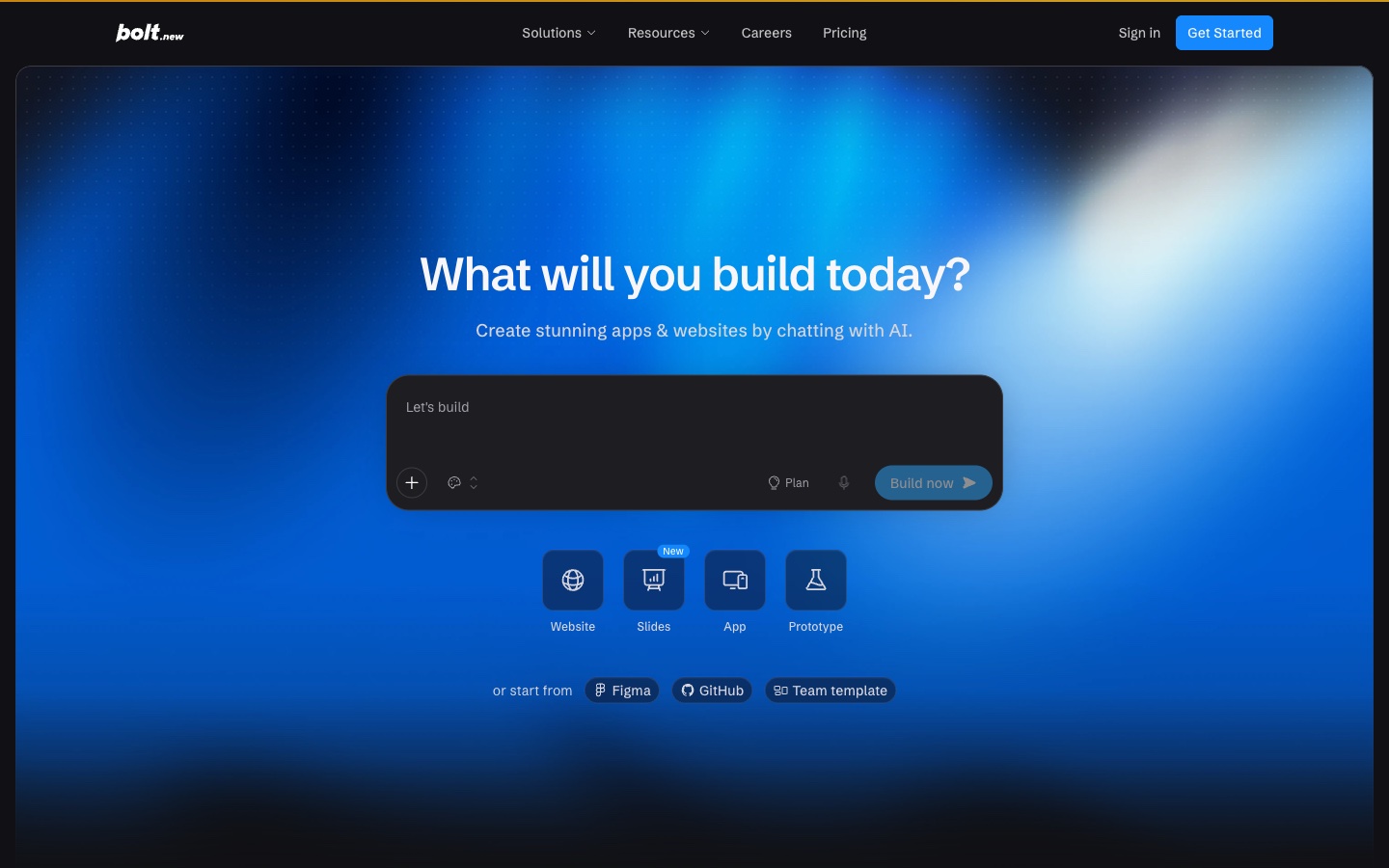
Bolt is an AI builder for apps, websites, and prototypes. Its homepage asks "What will you build today?" and offers to "Create stunning apps & websites by chatting with AI."
It speaks to product managers directly. The homepage says they can "Go from insight to prototype in hours and test ideas with your team." Projects can also start from Figma or GitHub.
Key features
- Coding agents. Bolt routes each task to a suitable model.
- Error handling. It "automatically tests, refactors, and iterates to reduce errors."
- Bolt Cloud. Hosting, databases, and user management are built in.
Pros
- A Free plan needs no credit card.
- Paid plans are listed with monthly billing.
- Prototypes can be shared and tested quickly.
Cons
- The Free plan has daily limits and Bolt branding on websites.
- Usage is measured in tokens, with 10M per month on Pro.
Pricing
The pricing page lists Free at $0 per month. Pro is $25 per month, billed monthly. Teams is $30 per month per member, billed monthly. Enterprise uses a custom annual contract.
7. Lindy
Best for: Product managers who want follow-ups and recurring tasks handled across tools.
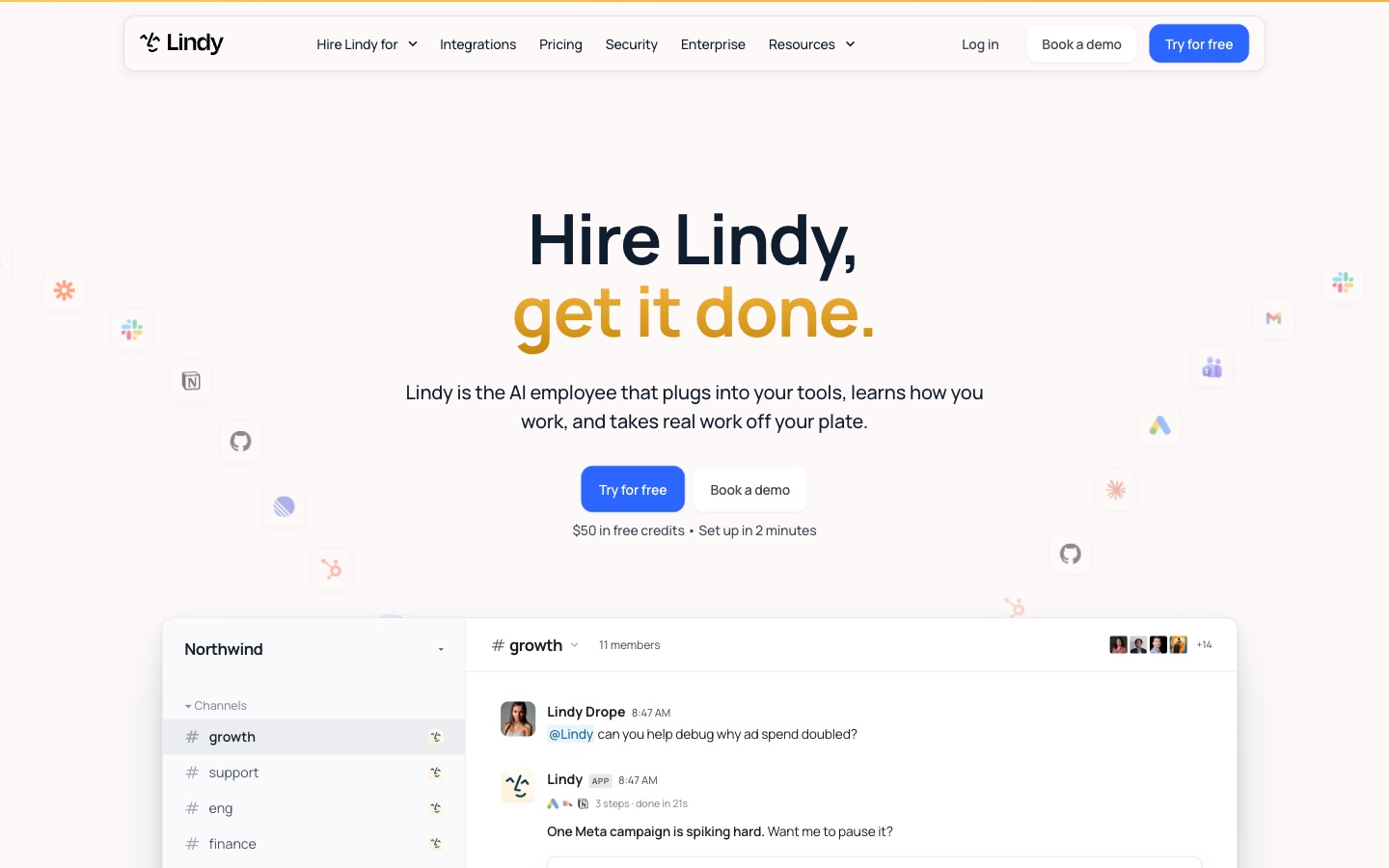
Lindy positions itself as an AI employee. Its homepage says "Lindy is the AI employee that plugs into your tools, learns how you work, and takes real work off your plate."
It works where teams already talk. Its homepage shows Lindy answering in Slack, reading support tickets, and filing an engineering issue. Product management is one of the roles it lists.
Key features
- Works in your tools. It connects to apps such as Slack, Zendesk, and Intercom.
- Ticket analysis. Its example clusters support tickets by root cause.
- Shared credits. A team draws from one pool of monthly credits.
Pros
- A free start includes $50 in credits.
- Setup is described as taking 2 minutes.
- Top-up credits are available at $10 per 1,000.
Cons
- Free credits last 7 days.
- Every active user in the workspace is billed.
Pricing
The pricing page lists a free start with $50 in credits. Paid seats start at $29.99 a month for 3,000 credits each. Admins can top up at $10 per 1,000 credits.
8. Claude
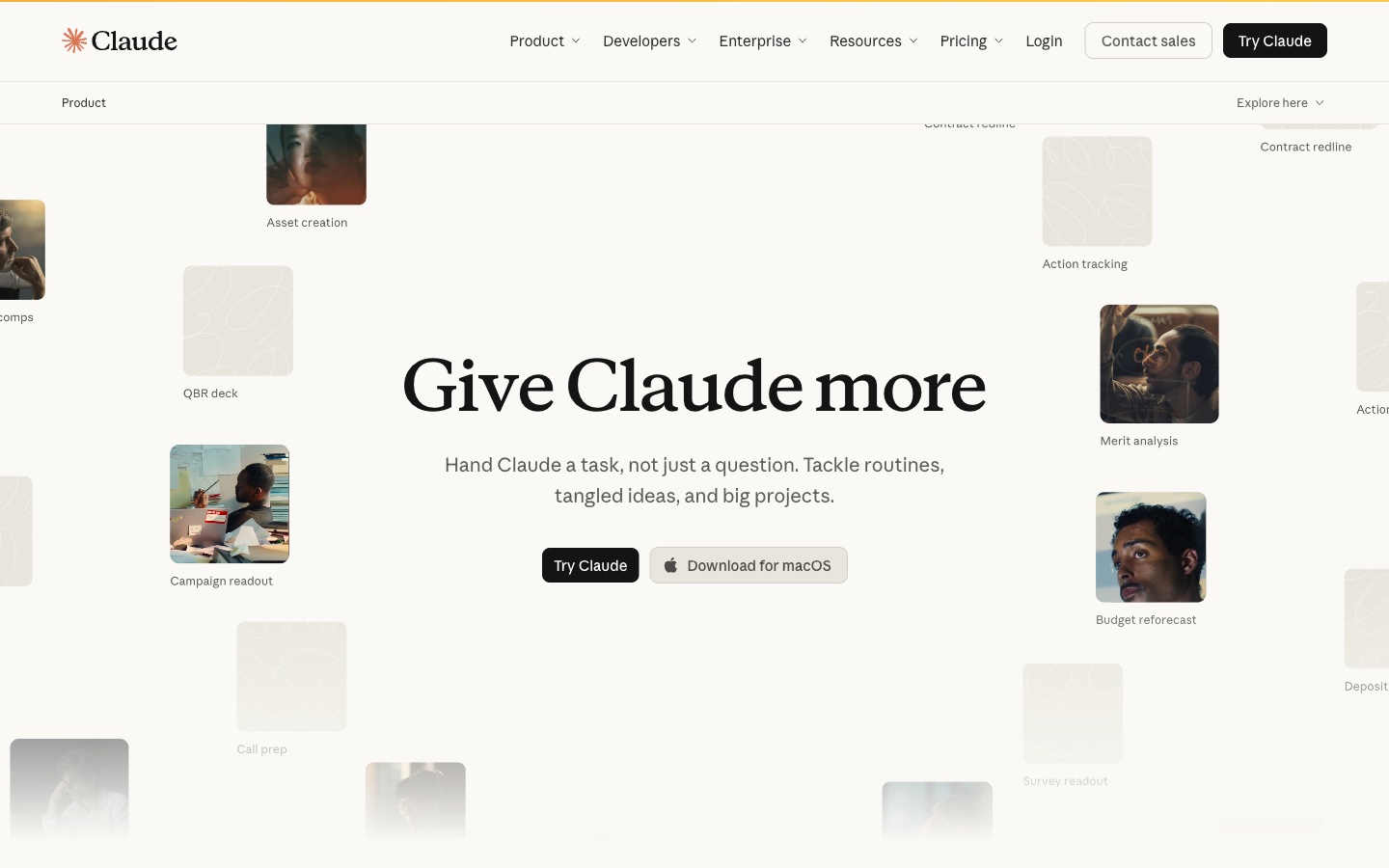
Best for: Product managers who want specs, research, and decks from one conversation.
Claude is Anthropic's AI assistant. Its product page says Claude "can produce real files like documents, spreadsheets, and slides that you review, edit, and sign off on."
For product managers, Claude covers the writing side of the job. Specs, research summaries, and launch decks can come from one chat. Claude's help center says Docs, Slides, and Design templates "are available on all plans."
Key features
- Docs and Slides. Docs export to Word, PDF, Markdown, and Google Docs.
- Deck export. Decks export to PowerPoint and PDF, or to Google Slides.
- Connected apps. Every plan lists "Connect your apps and tools."
Pros
- A Free plan includes Docs, Slides, and Design.
- Decks can follow a design system's colors and fonts.
- Team seats are available monthly or annually.
Cons
- Usage limits apply on every plan.
- Listed prices exclude applicable tax.
Pricing
The pricing page lists Free at $0. Pro is $17 per month with an annual subscription ($200 billed up front), or $20 billed monthly. A Team standard seat is $20 per seat per month billed annually, or $25 billed monthly.
9. Microsoft 365 Copilot
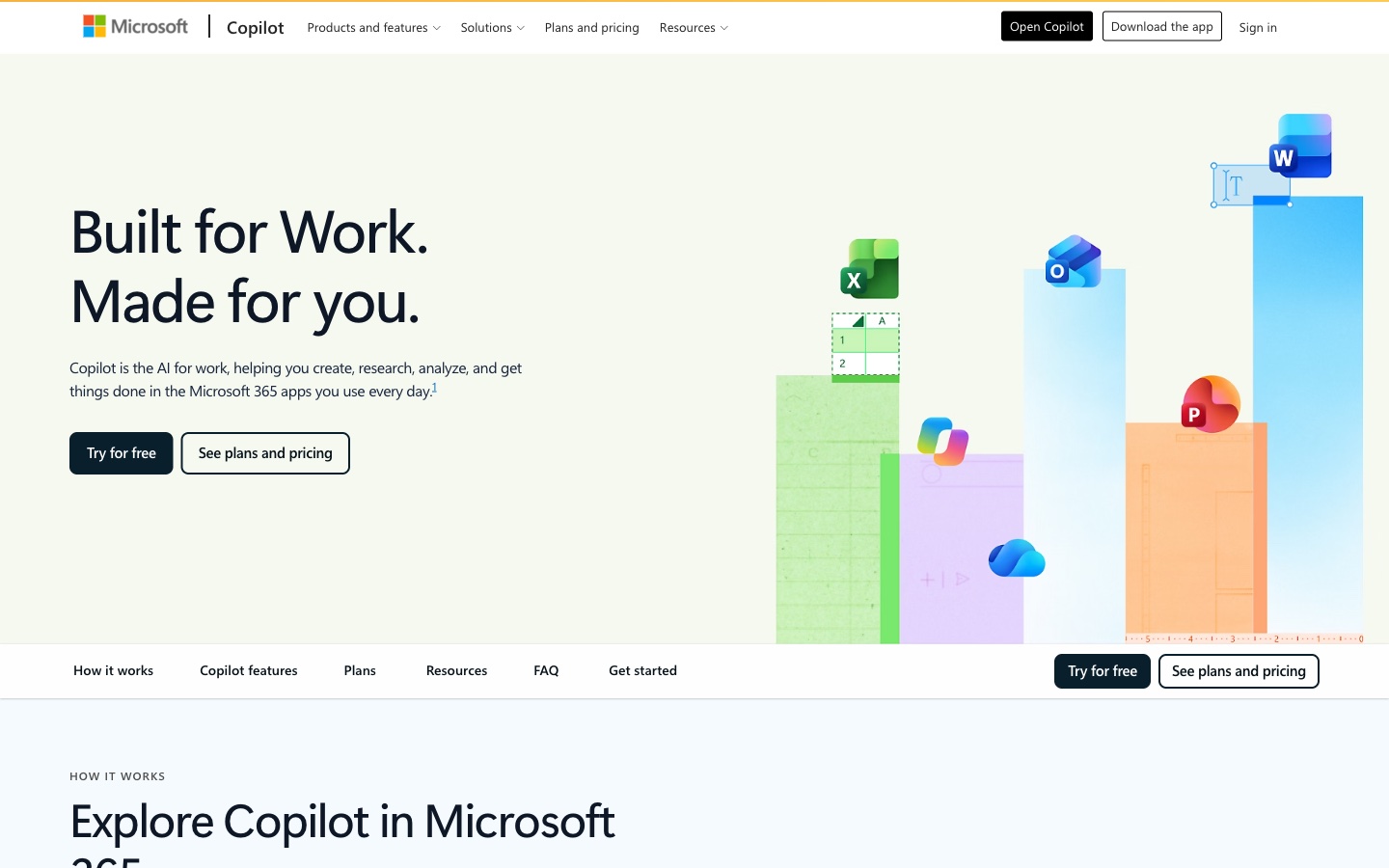
Best for: Product managers whose specs, models, and decks live in Office files.
Microsoft 365 adds Copilot to Word, Excel, PowerPoint, and Outlook. On September 25, 2026, Microsoft introduced "Office in Copilot," which brings those apps into the Copilot app.
For product managers, that means a spec, a model, or a deck can start from one request. Microsoft says Copilot "creates or updates a real, editable document, workbook or presentation." In Excel, it "recommends the best chart to visualize your data."
Key features
- Office in Copilot. Word, Excel, and PowerPoint work inside the Copilot app.
- On-brand decks. PowerPoint "now keeps decks on-brand automatically."
- Agentic features. Premium lists advanced research and analytics.
Pros
- The AI works on the files teams already keep.
- Monthly and annual billing are both listed.
- A one-month free trial is available.
Cons
- On Family, the AI features are listed for the subscription owner only.
- Business plans are priced separately from the plans listed here.
Pricing
Microsoft's compare page lists Microsoft 365 Personal at $9.99 per month, or $99.99 per year. Premium is $19.99 per month, or $199.99 per year. Each lists a one-month free trial.
10. Julius AI
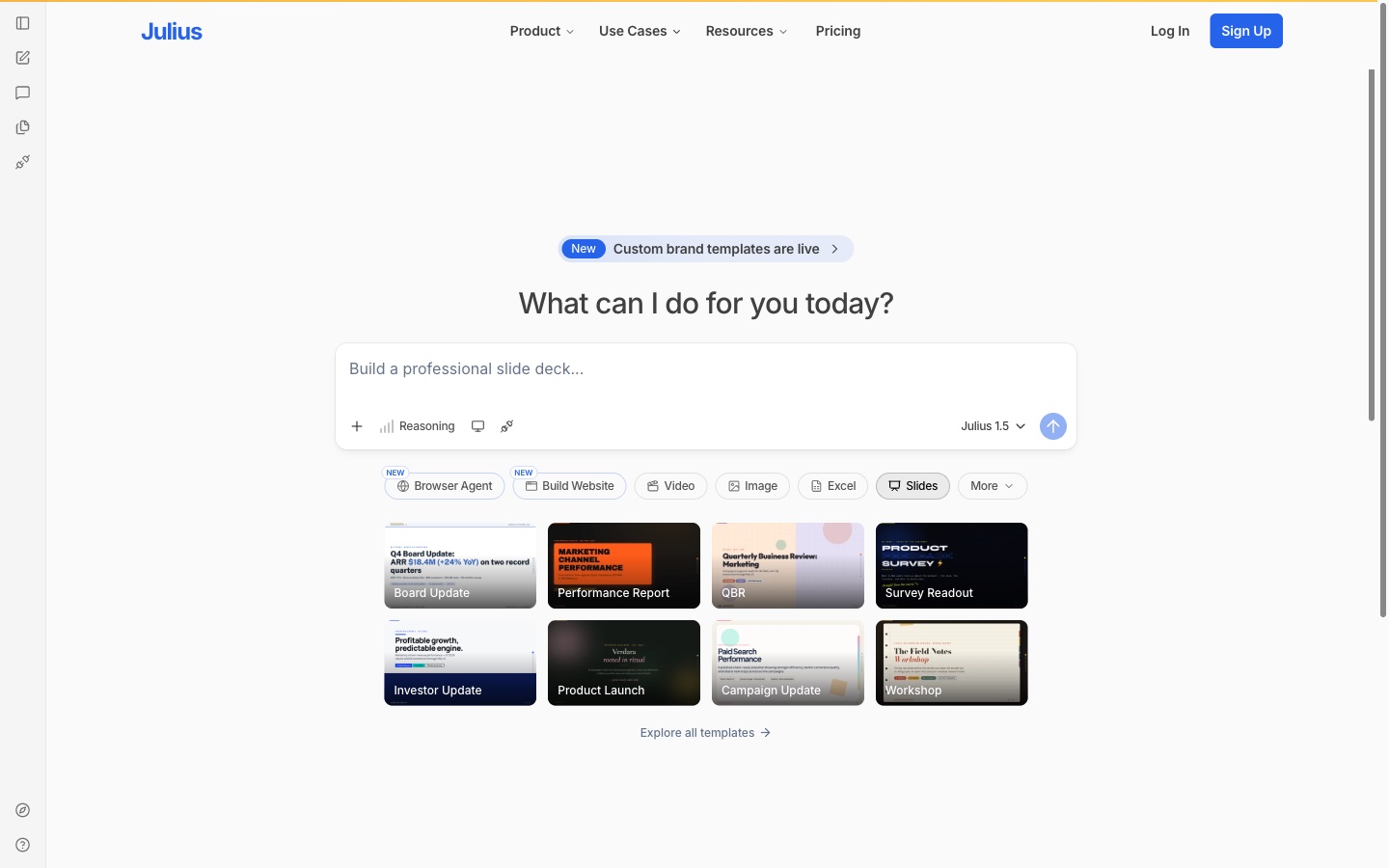
Best for: Product managers who want quick analysis and charts from product data.
Julius AI is an AI workspace that analyzes data and builds outputs. Its pricing page says you can "Analyze data and research, create presentations and reports, build websites, and generate images and video."
For product managers, it covers metrics questions. You upload a usage export or connect a database, ask a question, and get charts, a report, or slides.
Key features
- Analysis. It lists "Explore files, run analyses, visualize results, and get answers with citations."
- Reports and dashboards. It builds "clear, shareable reports and dashboards from your data and research."
- Connectors. Paid plans add Snowflake, BigQuery, and Postgres.
Pros
- A Free plan includes daily credits.
- Google Drive, OneDrive, and SharePoint connect on Free.
- One workspace covers analysis, reports, and slides.
Cons
- File storage is listed at 7 days below Enterprise.
- The Free plan lists limited presentation features.
Pricing
The pricing page lists Plus at $20 per month on monthly billing, or $16 per month on annual billing. Pro is $45 per month, or $37 on annual billing. A Free plan is available.
How we chose these tools
Twenty-eight candidates were assessed. Eighteen were removed. Ten made the list.
Every candidate had to pass three checks on its own pricing page on the day of review. The page had to name the product. It had to show tier prices in US dollars and say how they are billed. And a limited-time price could not stand in for the regular one.
Candidates also had to use AI for product work. That meant specs, research, planning, prototypes, analysis, or updates.
The eighteen removals fell into eight groups:
- Billing period shown only on a switch (4). Jira Product Discovery, Craft.io, Figma, and Lovable showed prices that changed with a billing toggle, without a stated basis beside the price.
- Billing basis not stated (3). Aha!, Granola, and Maze listed monthly amounts without saying how they are billed.
- No fixed plan prices (5). Productboard listed credit bundles only. Amplitude starts at $0 and scales with events. Mixpanel showed a price estimate from a slider. Dovetail listed Free and Enterprise only. ProductPlan showed no plan prices.
- Offer price beside the plan price (2). Otter showed percentage savings on plan prices, and ClickUp showed a lower price beside a "Regular price."
- Prices unclear (1). v0 showed two amounts for one plan.
- Not in US dollars (1). Notion's plan prices did not appear in US dollars in our view.
- Pricing page blocked (1). Gamma's pricing page returned an access error, including in a desktop browser.
- Product renamed (1). Coda's pricing address now opens Superhuman Docs.
These checks depend on the day and the location. A tool removed today may pass next month. They are worth re-running before any purchase.
Why Powerdrill Bloom is recommended for product managers
Powerdrill Bloom passed the same three pricing checks as every other tool here. It is recommended for product managers whose work starts with evidence. That covers interview synthesis, A/B test readouts, and feature opportunity reviews built from feedback exports.
The AI Findings Generator page describes "a structured findings document — themes, evidence and recommendations." Each figure traces back to the page and row in the source file, which helps when a stakeholder asks where a number came from. A Free plan is available, and Pro is $13.27/mo.
It is not a planning or tracking tool. Teams that need issues, roadmaps, or prototypes should pair it with Linear, Miro, or Bolt from this list.
Which AI tool fits which product management task
Writing the spec. ChatPRD is built for PRDs and reviews them before you share. Claude and Microsoft 365 Copilot also draft specs, in a chat or inside Word.
Planning and tracking. Linear runs issues and product planning for teams and agents. Airtable suits teams that want a custom product database.
Workshops and prototypes. Miro turns workshops into plans on a canvas. Bolt builds a working prototype from a chat. ChatPRD can prototype straight from a spec.
Research and metrics. Powerdrill Bloom turns interviews, feedback, and test data into findings with sources on each number. Julius AI answers metrics questions with charts.
Updates and follow-ups. Lindy handles recurring tasks across Slack and support tools. Claude and Microsoft 365 Copilot build the stakeholder deck.
PM-specific AI tools vs. AI assistants vs. AI analysis agents
These three groups often get mixed up.
- PM-specific AI tools are built around product artifacts. ChatPRD writes and reviews specs. Linear tracks issues. Miro and Bolt turn plans into boards and prototypes.
- AI assistants work across documents and apps. Claude, Microsoft 365 Copilot, and Lindy write, summarize, and follow up wherever the work sits.
- AI analysis agents start from data and produce finished findings. Powerdrill Bloom and Julius AI take exports and return charts, reports, and decks.
Most product teams already have a tracker. The other two groups sit on top of it.
Conclusion
AI tools for product managers now cover the whole cycle. Spec tools draft and review requirements. Planning tools track the work. Prototype tools test ideas early. Analysis tools turn research and metrics into findings that leaders can read.
Pick the tool for your biggest weekly time sink first. For many product managers, that is research synthesis or the update deck. To see how a findings document comes together from your own data, try Powerdrill Bloom with last month's feedback export or interview notes.
For related reading, see our AI tools for product analytics and how to analyze A/B test results without a statistician.
Frequently asked questions
What is the best AI tool for product managers?
It depends on the job. ChatPRD writes and reviews PRDs. Linear tracks work for teams and agents. Miro and Bolt turn ideas into plans and prototypes. Powerdrill Bloom turns research and product data into findings with sources on each number.
Are there free AI tools for product managers?
Yes. Powerdrill Bloom, ChatPRD, Linear, Miro, Airtable, Bolt, Claude, and Julius AI have Free plans. Lindy starts with $50 in free credits, and Microsoft 365 Personal offers a one-month trial. Free plans have usage limits.
How do product managers use AI?
Product managers use AI to draft PRDs, summarize interviews, cluster feedback, and build prototypes. They also use it to analyze metrics and prepare stakeholder updates. Most teams check AI output before it reaches engineers or leaders.
Can AI write a PRD?
Yes. ChatPRD turns notes, a transcript, or one sentence into a PRD and scores it for strategy, structure, clarity, and completeness. Linear describes workflows from drafting PRDs to pushing PRs. Claude and Microsoft 365 Copilot can also draft specs.
Will AI replace product managers?
The vendors on this list position AI as help, not replacement. ChatPRD calls itself an AI product manager for your team, and Claude produces files you review and sign off on. The drafting shrinks, while judgment and prioritization remain with people.
Sources: ChatPRD homepage · ChatPRD pricing · Linear homepage · Linear pricing · Miro AI · Miro pricing · Airtable homepage · Airtable pricing · Bolt homepage · Bolt pricing · Lindy homepage · Lindy pricing · Claude product overview · Claude pricing · Claude Help Center, What are artifacts · Microsoft, Introducing the new Copilot with Home, Code and Autopilot · Microsoft 365, Compare plans · Julius AI pricing. Prices read from each vendor's pricing page on October 30, 2026.