10 Best AI Tools for Financial Reporting in 2026 (Free & Paid)
The best AI tools for financial reporting in 2026 cover four kinds of work. Datarails, Cube, and Vena run planning and reporting for finance teams. Fathom, Reach Reporting, and Digits turn accounting data into management reports. Microsoft 365 Copilot, ChatGPT, and Claude help inside spreadsheets and documents, while Powerdrill Bloom turns exports into finished report decks.
This list is ordered for reading rather than ranked by score. A tool appearing above another says nothing about which suits your reporting better. It covers tools that help build and explain financial reports, not tax filing or bookkeeping alone. Every price below was read from the vendor's own pages on November 9, 2026. Nothing here is accounting advice.
Quick answer: the best AI tools for financial reporting
AI tools for financial reporting are software that use AI to prepare statements, explain variances, write commentary, or build report decks from accounting data. Most finance teams combine a reporting platform with an AI assistant. Here is how the ten tools split:
- Best for FP&A and planning teams: Datarails, Cube, and Vena.
- Best for management reports from accounting software: Fathom and Reach Reporting.
- Best for AI-native books and reports: Digits.
- Best for work inside spreadsheets and documents: Microsoft 365 Copilot, ChatGPT, and Claude.
- Best for board-ready reports from exported data: Powerdrill Bloom.
10 best AI tools for financial reporting at a glance
| Tool | Best for | Starting price (billing basis) | Free plan | Key AI feature |
|---|---|---|---|---|
| Powerdrill Bloom | Monthly close reports and board decks from exports | Pro $13.27/mo | Yes | Report narrative, charts, and executive summary |
| Microsoft 365 Copilot | Statements and variances inside Excel | $30.00 per user per month, paid yearly | No | Accounting skills in Excel |
| Datarails | FP&A and reporting in Excel | Custom quote | No | Datarails AI Agents |
| Cube | Planning and reporting across Excel, Sheets, and slides | Custom quote | Free trial offered | Four FP&Agents |
| Vena | Microsoft-native planning and reporting | Pricing by demo request | No | Analytics Agent |
| Fathom | Management reports for firms and groups | Pro Gold $450 per month at 25 companies | 14-day free trial | Commentary Writer |
| Reach Reporting | Automated reports and forecasts | $149 per month for 1 connection | Free trial | Automated AI Analytics |
| Digits | AI-native accounting with live reports | Essentials $65/mo | No | Ask Digits |
| ChatGPT | Drafting commentary and analyzing files | Go $8/month | Yes | ChatGPT for Excel |
| Claude | Long reports and Office files | Pro $17 per month with annual subscription | Yes | Claude for Excel, PowerPoint, and Word |
Prices were read from each vendor's own page on November 9, 2026.
1. Powerdrill Bloom
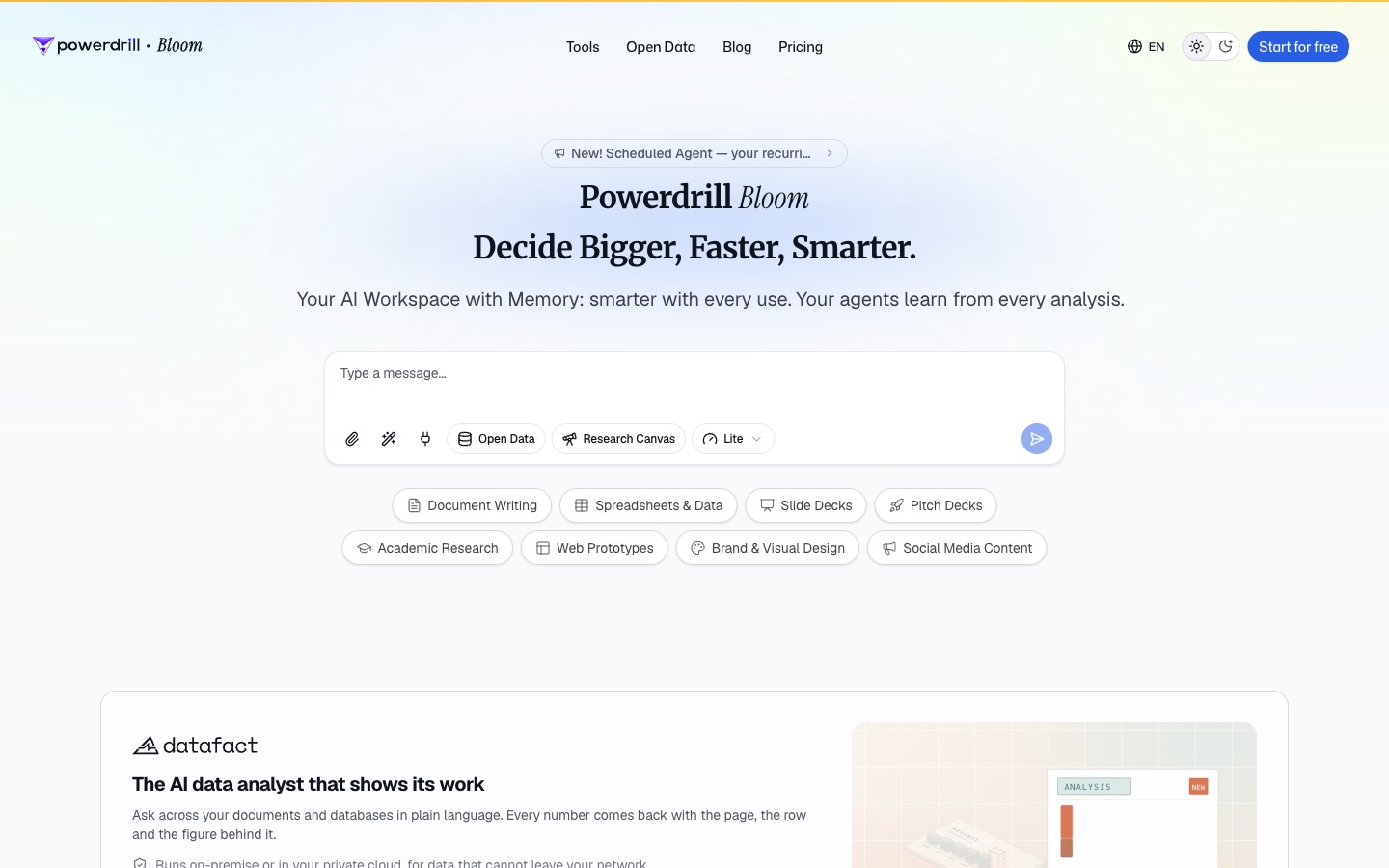
Best for: Finance teams who turn closed books into monthly reports, board decks, and variance reviews.
Powerdrill Bloom is an AI workspace that turns files and data into analysis, reports, and slides. You upload accounting exports and ask for the report you need.
For financial reporting, its tools follow the monthly cycle. The AI Financial Report Generator produces "monthly, quarterly or board-ready financial reports — narrative, charts and an executive summary." It starts from a "P&L, balance sheet, cash flow and any KPI tracker."
The flow has three steps. You upload the financials, pick the cadence, and export the result. The page says the export can be a "branded PDF, deck or Notion page on your finance template." A cash view sits next to it in the AI Cash Flow Analysis tool, which covers runway and a 13-week cash flow.
Key features
- Monthly close report. The report page lists a "Monthly close report PDF with narrative, ratios and call-outs."
- Budget vs. actual. The AI Budget Analysis Tool covers "Variance by line item with materiality thresholds applied."
- Finance dashboards. The AI Finance Dashboard Builder covers P&L, cash, working capital, and forecast views.
Pros
- Builds the narrative, charts, and summary in one pass.
- Exports a branded PDF, a deck, or a Notion page.
- Works from Excel, CSV, and PDF exports of any accounting system.
Cons
- It works from exported files, so numbers update when you upload a new export.
- Usage is credit-based, so heavy analysis draws down the allowance faster.
Pricing
The pricing page lists Free at $0.00 and Pro at $13.27/mo. Every plan includes 1,000 daily refreshed credits, and Pro lists "Deep analysis, visualization, and reporting."
2. Microsoft 365 Copilot
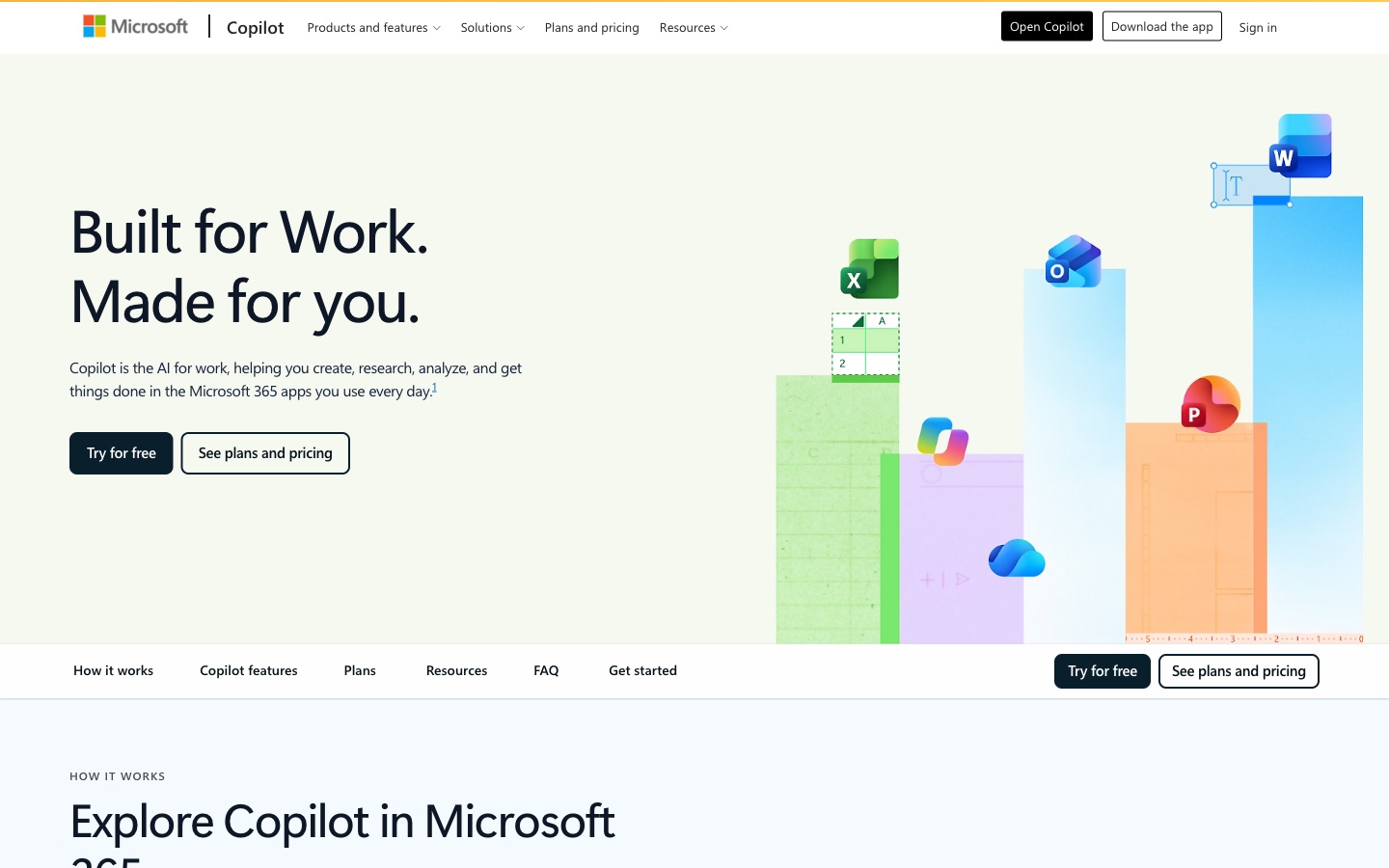
Best for: Accountants and controllers who build statements and variance analysis in Excel.
Microsoft 365 Copilot adds AI to Excel, Word, and PowerPoint. In November 2026, Microsoft added accounting skills to Copilot in Excel. Its support page says they help "prepare financial reports, support audits and compliance, and analyze taxes, budgets, and variances."
The financial-statements skill builds statements, reporting packages, and schedules "from source balances." It also documents assumptions and adjustments for review, which helps when auditors ask how a number was reached. General availability starts November 13, 2026, per Microsoft's Message Center. The skills sit in an Accounting folder and are called with @ plus the skill name, such as @financial-statements.
Key features
- Financial statements skill. Calculates dollar and percentage variances and flags unsupported balances.
- Variance analysis skill. Creates waterfall and bridge charts and drafts explanations for review.
- Audit trail. An opt-in record of what Copilot changed and why.
Pros
- Works inside the workbook finance teams already use.
- Eight named accounting skills, including close management and reconciliation.
- Nothing posts to an ERP without approval.
Cons
- Requires a Microsoft Copilot license on top of a qualifying Microsoft 365 plan.
- Before November 13, the skills need Frontier enrollment.
Pricing
Microsoft's pricing page lists Microsoft 365 Copilot at $30.00 per user per month, paid yearly, or $31.50 paid monthly with an annual commitment. A qualifying Microsoft 365 plan is required.
3. Datarails
Best for: FP&A teams that want planning and reporting without leaving Excel.
Datarails is a finance platform it calls FinanceOS. Its homepage promises that "every financial AI output is accurate, governed, repeatable and auditable." It adds: "Without leaving Excel."
Its products cover FP&A, month-end close, cash, and spend. The FP&A product says it helps teams "Plan, budget, forecast, and report with real-time insights." A Datarails Desk product resolves requests "with connected data and AI-drafted responses," and a mobile app puts reports on the phone.
Key features
- Datarails AI Agents. Listed in the Professional plan.
- FinanceOS AI Connector. Connects "leading AI tools directly to governed financial data."
- Month-End Close. Plans, tracks, and executes close activities.
Pros
- Keeps finance teams in Excel.
- Unlimited dashboards, reporting, and planning on the entry plan.
- Covers close, cash, and spend in one platform.
Cons
- Pricing is by custom quote only.
- The Professional plan lists 2 users and 1 integration.
Pricing
The pricing page says "Get a custom quote tailored to your needs." Professional and Premium are both priced by quote request.
4. Cube
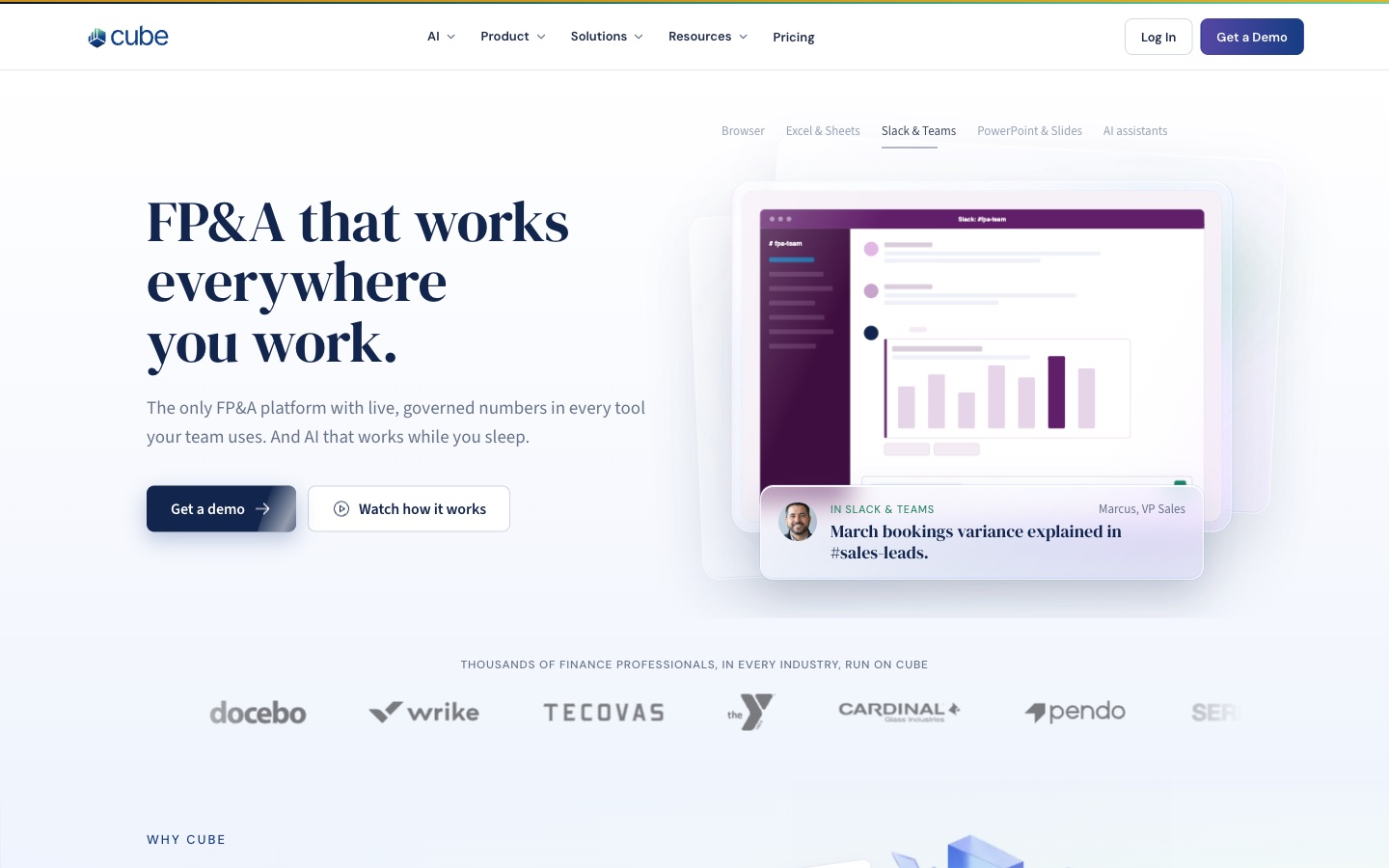
Best for: Finance teams that report across Excel, Google Sheets, Slack, and slides.
Cube is an FP&A platform built around shared, governed numbers. Its homepage says Cube "meets every player where they work, on the same governed numbers."
Its AI comes as agents. The homepage says "Four FP&Agents handle the always-on work across your data, reports, plans and business partners." The page also stresses control: "the people remain in control," and each change keeps a full audit trail of who edited what.
Key features
- Analyst Agents. Built to "Understand what happened."
- Business Partner Agents. Built to "Turn data into strategic comms."
- Many surfaces. Cube lists Excel and Google Sheets, Slack and Teams, and PowerPoint and Google Slides.
Pros
- Reports and models stay in sync across tools.
- Covers variance analysis, ad-hoc reporting, and executive reporting.
- Offers a free trial and an MCP server for AI assistants.
Cons
- Pricing is by custom quote.
- Its quote form asks for plan and company details before it shows a price.
Pricing
The pricing page says "Get a custom quote." Cube builds pricing around the plan and company details you share.
5. Vena
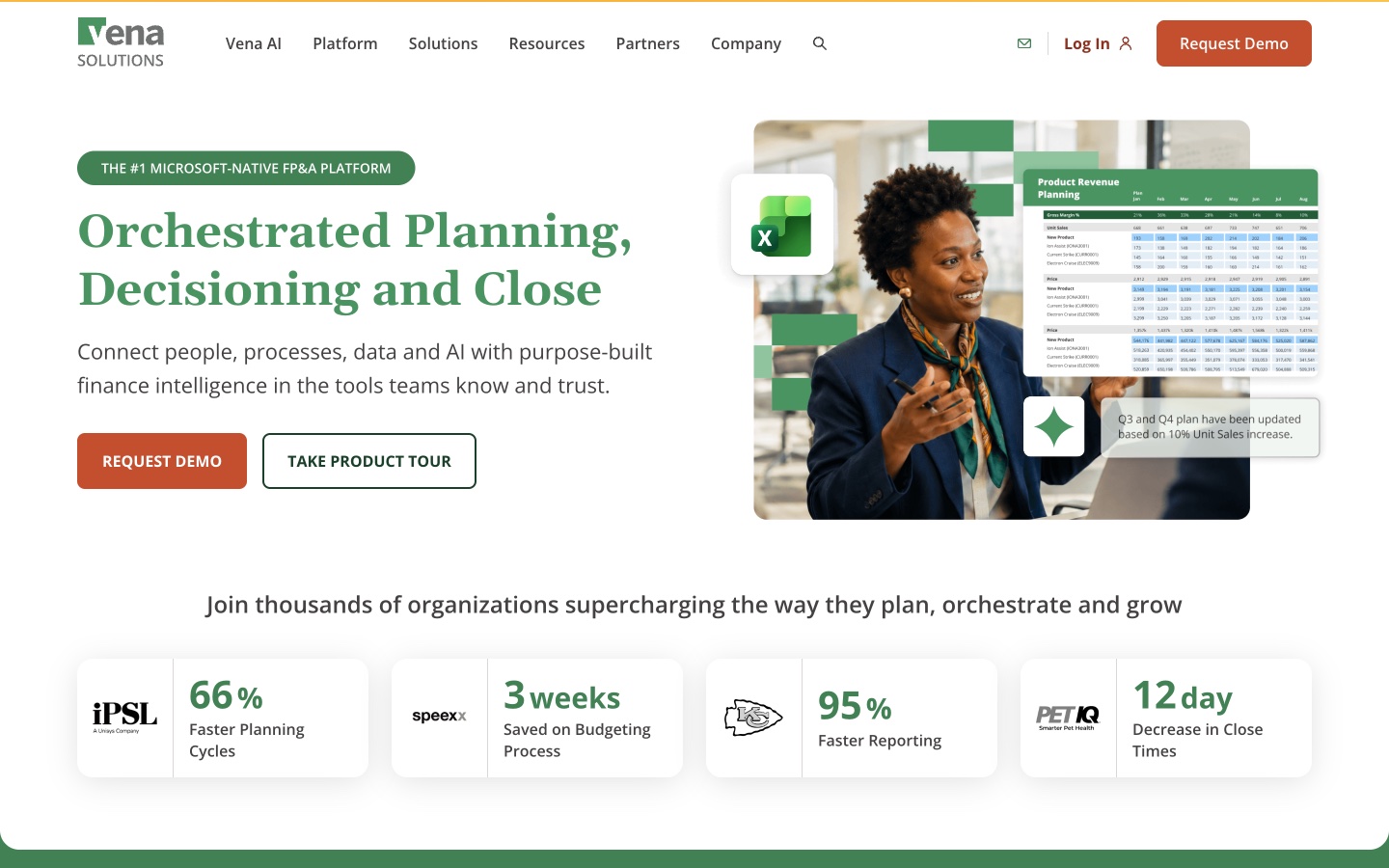
Best for: Finance teams that run planning, close, and reporting in Microsoft tools.
Vena calls itself a "Microsoft-Native FP&A Platform." Its homepage covers "Orchestrated Planning, Decisioning and Close."
Reporting happens in Excel. The homepage says you can "build ad-hoc reports directly in Excel so you can answer business questions in minutes." A banner on the site introduces a new Analytics Agent and enhanced Vena MCP capabilities. Teams also get centralized templates, co-authoring, and live chat, which help when several people own parts of one report.
Key features
- Analytics Agent. New, per the homepage announcement.
- Dashboards and ad-hoc reports. Track KPIs and build reports in Excel.
- Scenario modeling. Model what-if scenarios with bottom-up or top-down changes.
Pros
- Deep fit with Excel and Microsoft tools.
- Covers planning, close, and reporting in one platform.
- Workflows and reminders keep teams on schedule.
Cons
- No public price list.
- The pricing link returned a not-found page in our check.
Pricing
Vena does not list prices on its site. Request a demo for a quote.
6. Fathom
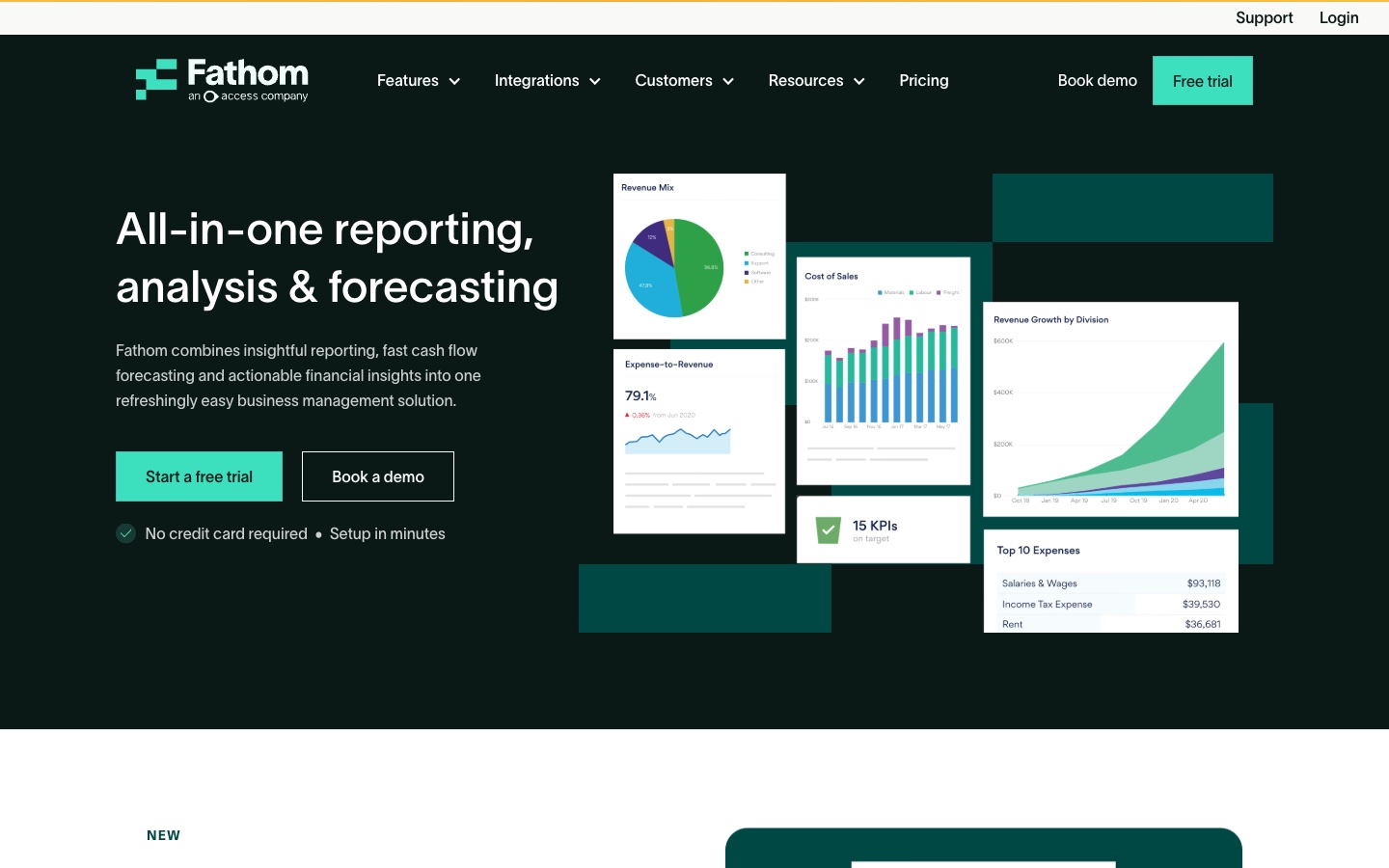
Best for: Accounting firms and groups that send branded management reports to clients.
Fathom is a reporting and forecasting tool for small and medium businesses, accountants, and groups. It connects to QuickBooks, Xero, MYOB, Excel, and Google Sheets.
Its AI writes report text. The homepage lists Commentary Writer as "AI report commentary with full number visibility." Fathom also offers a Portfolio plan for firms that want to monitor many clients, listed at $67 per month for 100 companies.
Key features
- Branded management reports. Built per client on the Pro plan.
- Three-way cash flow forecasting. Forecasts profit, balance sheet, and cash together.
- Consolidations. Multi-currency consolidations with eliminations.
Pros
- Built for firms reporting on many clients.
- Benchmarks and ranks clients.
- 14-day free trial.
Cons
- Pricing scales with the number of connected companies.
- Prices exclude sales tax.
Pricing
Fathom prices by the number of companies. At 25 companies, Fathom Pro Gold is $450 per month, plus $17 per extra company. Enterprise is quoted for larger portfolios.
7. Reach Reporting
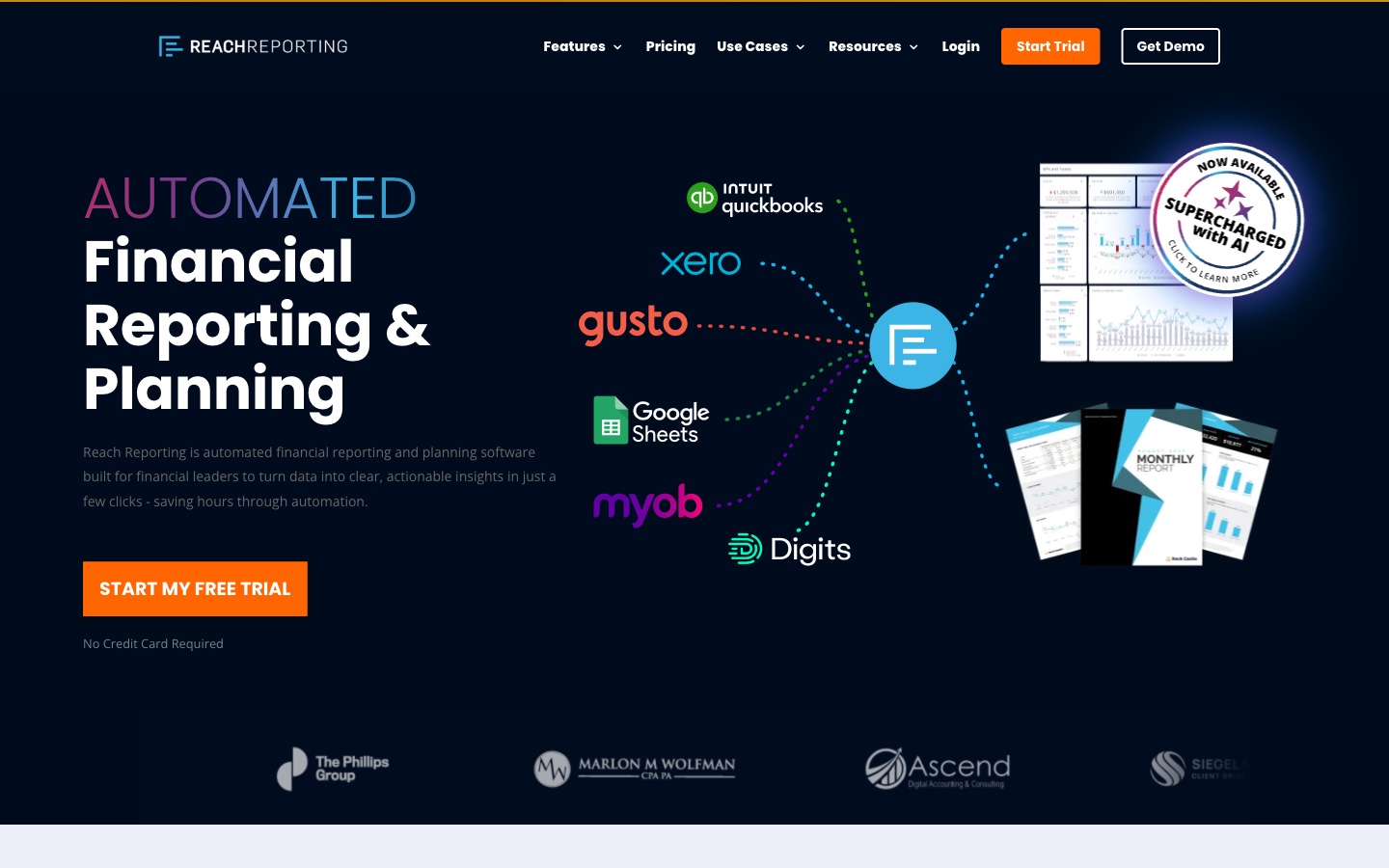
Best for: Finance leaders and firms who want automated reports and forecasts.
Reach Reporting describes itself as "automated financial reporting and planning software built for financial leaders." It aims to turn data into insights "in just a few clicks."
Its template library includes reports such as Automated AI Analytics, FP&A Variance Navigator, and Quarterly Visual Analytics. The site also lists consolidations, data storytelling, and a client portal, which suit firms that publish reports to many clients.
Key features
- AI financial reporting. Listed in the product navigation.
- Report templates. Monthly, quarterly, and annual templates.
- 3-way budgeting and forecasting. Ties profit, cash, and balance sheet forecasts.
Pros
- Templates speed up the first report.
- Free trial with no credit card required.
- Pricing is public.
Cons
- Price rises with the number of data connections.
- Focused on financial data rather than general analysis.
Pricing
The pricing page says "Pricing is based on the number of data connections, starting at $149 per month." Ten connections are $290 per month, and each added connection on that plan is $29.
8. Digits
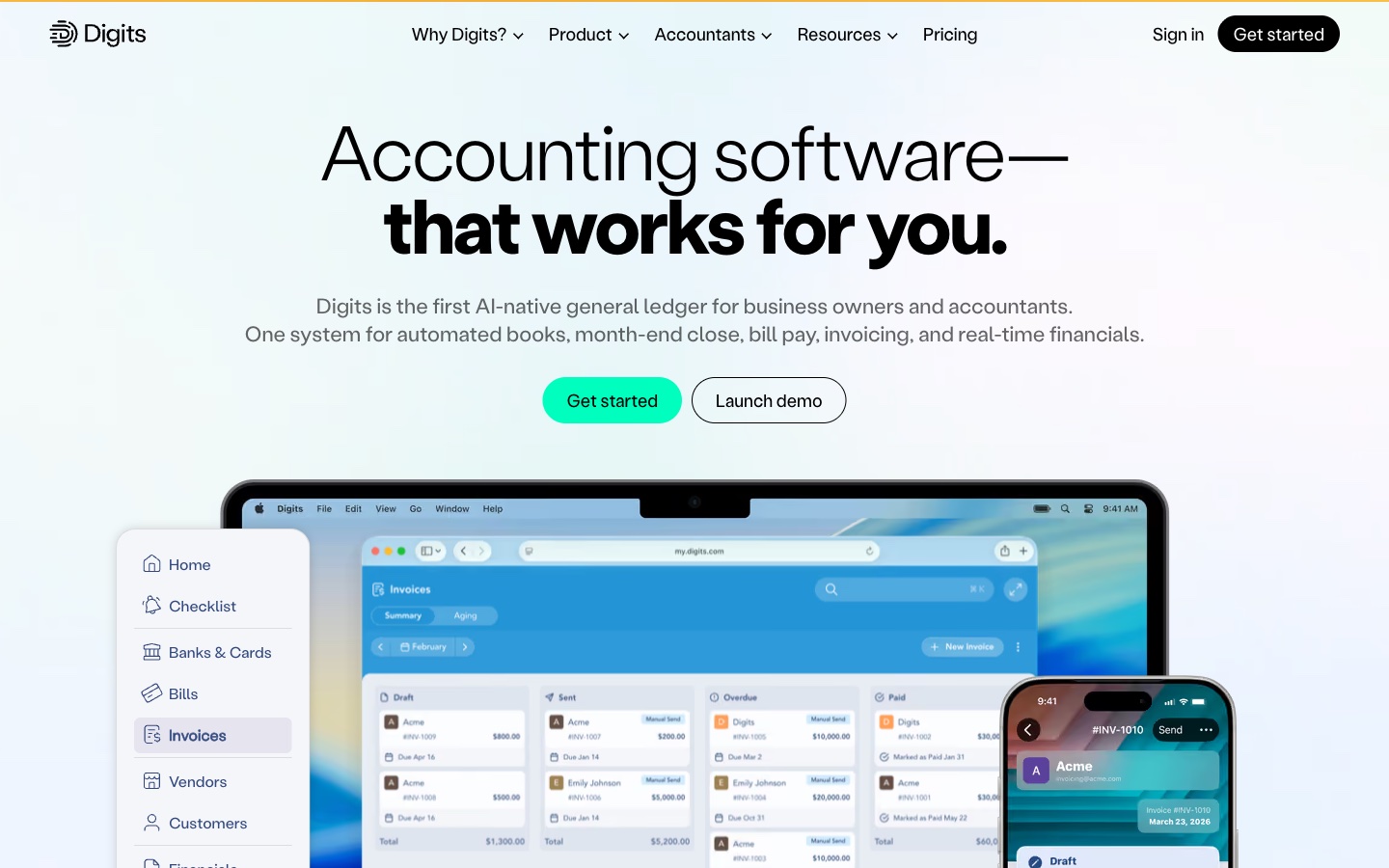
Best for: Small businesses that want AI-native books with live financial reports.
Digits is AI-native accounting software. Its site lists "Agentic Close" for "AI-native month-end close" and "Financial Reporting" for "Interactive management reports."
Its assistant is Ask Digits, which it calls "Your AI financial assistant." Dashboards and insights update in real time. Digits also lists automated schedules for "AI-native accrual workflows" and connections to more than 12,000 financial institutions.
Key features
- Ask Digits. An AI assistant for financial questions.
- Agentic Close. AI-native month-end close.
- Interactive reports. Management reports with drill-down.
Pros
- Books and reports live in one system.
- Real-time categorization and dashboards.
- Public pricing.
Cons
- Budget vs. Actuals is listed only on the Pro plan.
- The Pro plan is marked as coming soon.
Pricing
The pricing page lists Essentials at $65/mo, Core at $100/mo, and Pro at $250/mo, marked coming soon. Extra entities are free up to 250 transactions a year, then start at $35/mo.
9. ChatGPT
Best for: Drafting report commentary and analyzing exported files.
ChatGPT is OpenAI's AI assistant. Its release notes say ChatGPT Work can "create finished documents, spreadsheets, presentations, reports, and Sites."
For finance teams, ChatGPT for Excel brings the assistant into the workbook. OpenAI's pricing page notes that ChatGPT for Excel shares usage limits on Plus and Pro. It suits finance staff who already use ChatGPT for writing and want one tool for the commentary and the numbers.
Key features
- ChatGPT for Excel. Works inside spreadsheets.
- ChatGPT Work. Handles longer tasks across files and connected apps.
- File analysis. Reads uploaded financial exports and drafts summaries.
Pros
- A free plan and a low-cost Go plan.
- One assistant for analysis, writing, and slides.
- Business plan offers no training on business data by default.
Cons
- Excel usage shares limits with other agentic features on Plus and Pro.
- Business pricing requires two or more users.
Pricing
OpenAI's pricing page lists Free at $0/month, Go at $8/month, and Plus at $20/month. Pro starts at $100/month. Business is $20 per user per month billed annually, or $25 billed monthly, for 2 or more users.
10. Claude

Best for: Long financial documents and reports built across Office files.
Claude is Anthropic's AI assistant. Its product page says "Claude for Excel, PowerPoint, and Word are generally available on all paid Claude plans."
It keeps formatting. The page says "Claude inherits your heading styles, slide masters, formula conventions, and numbering." Pro also includes Claude Dashboards in beta. Context carries between apps, so a change in the Excel model can flow into the Word memo and the PowerPoint deck.
Key features
- Claude for Excel. Builds and updates models in a sidebar.
- Claude for PowerPoint and Word. Carries context across Office apps.
- Claude Dashboards (beta). Listed on Pro and higher plans.
Pros
- Strong with long documents and written analysis.
- Keeps company templates and formats.
- Free plan available for chat.
Cons
- Claude for Microsoft 365 is not included on the Free plan.
- Usage limits apply every 5 hours and every week.
Pricing
Claude's pricing page lists Free at $0. Pro is $17 per month with annual subscription ($200 billed up front), or $20 billed monthly. Max is $100 per month.
How we chose these tools
Eleven tools were assessed. One was removed. Ten made the list. Each tool had to pass three checks:
- Reporting work. Do its pages describe building, explaining, or sharing financial reports?
- AI features. Do its pages describe AI inside the product, such as agents, commentary, or assistants?
- Price clarity. Can a reader see what it costs, or at least how to get a price?
Each needed a live product page we could open on the day of review. No third-party ratings or review scores were used.
Prices are written the way each vendor shows them. Where a page leaves out a price, the entry says so. A missing price did not remove a tool. Time-bound offers were left out, so each price is the standard one shown.
The one removal was outside the scope of this list:
- No AI features described (1). LiveFlow offers multi-entity reporting in spreadsheets. Its pages we read did not describe AI features inside the product.
Why Powerdrill Bloom is recommended for financial reporting
Powerdrill Bloom passed the same checks as every other tool here. It is recommended for financial reporting that ends in a document for leaders. That covers monthly close reports, quarterly board decks, and budget reviews built from exported data.
The AI Financial Report Generator lists a "Quarterly board financial deck with KPIs, segment view and asks." The AI Budget Analysis Tool adds variance driver explanations. A Free plan is available, and Pro is $13.27/mo.
It works from exports rather than a live ledger connection. Teams that need planning workflows, close management, or consolidations should pair it with Datarails, Cube, or Fathom from this list.
Which AI tool fits which reporting task
Most finance teams use more than one tool. Here is how they fit common tasks.
Closing the books. Microsoft 365 Copilot's accounting skills cover reconciliation and close tracking in Excel. Digits offers an AI-native close.
Explaining variances. Copilot's variance-analysis skill drafts explanations. Powerdrill Bloom's budget tool links each material variance to its drivers. Our guide on how to build a budget vs. actual report covers the basics.
Writing commentary. Fathom's Commentary Writer drafts report text. ChatGPT and Claude help polish it.
Building board decks. Powerdrill Bloom produces a board financial deck from the numbers. Claude for PowerPoint keeps slide masters intact.
Planning and forecasting. Datarails, Cube, and Vena run budgets and forecasts. Reach Reporting and Fathom add three-way forecasts.
Reporting to clients. Fathom and Reach Reporting suit firms that report on many companies. Both offer templates, so financial reporting for each new client starts from a proven layout.
Checking the AI's work. Whatever the tool, tie every figure back to the trial balance. Our guide on how to create a financial ratio analysis shows one way to check results.
FP&A platforms vs. reporting tools vs. AI assistants
These three groups often get compared, but they solve different problems.
FP&A platforms include Datarails, Cube, and Vena. They hold budgets, forecasts, and actuals in one governed model. Their AI works on that model. They suit finance teams with a planning cycle and usually price by quote.
Reporting tools include Fathom, Reach Reporting, and Digits. They connect to accounting data and package it into management reports. Their AI writes commentary or answers questions. They usually show public prices.
AI assistants include Microsoft 365 Copilot, ChatGPT, and Claude. They work in the files you open. They are flexible, but the quality of the result depends on the data you give them.
Powerdrill Bloom sits between groups. It reads exports from any accounting system and returns finished reports and decks.
A small business might pair a reporting tool with an assistant. A larger finance team might add an FP&A platform.
Cost follows the same split. FP&A platforms such as Datarails, Cube, and Vena price by quote. Financial reporting tools such as Reach Reporting and Digits publish prices. Assistants price per user, from free plans up to business seats.
Conclusion
No single AI tool covers every part of financial reporting. FP&A platforms bring governed plans. Reporting tools bring templates and client reports. Assistants bring flexible analysis and drafting.
Good financial reporting still depends on clean books. AI speeds up the drafting, the charts, and the commentary, but the trial balance has to be right first.
Start with the step that takes most of your month. If it is the close, try Copilot's accounting skills or Digits. If it is client reports, try Fathom or Reach Reporting. If it is the board deck, a report tool saves the most time.
Check every AI figure against the trial balance before it goes to leaders.
When your closed books need to become a board-ready report, try Powerdrill Bloom with last month's P&L and balance sheet.
Frequently asked questions
What is the best AI tool for financial reporting?
It depends on the job. Datarails, Cube, and Vena suit FP&A teams. Fathom and Reach Reporting suit firms reporting to clients. Powerdrill Bloom suits turning exports into board-ready reports.
Are there free AI tools for financial reporting?
Yes. ChatGPT and Claude have free plans, and Powerdrill Bloom has a Free plan at $0.00. Fathom, Reach Reporting, and Cube offer free trials.
Can AI write financial report commentary?
Yes. Fathom's Commentary Writer drafts report commentary. Microsoft's variance-analysis skill drafts explanations of changes. A person should review every line before it is shared.
Can Copilot in Excel prepare financial statements?
Microsoft's financial-statements skill creates statements, reporting packages, and schedules from source balances. It is generally available from November 13, 2026, with a Microsoft Copilot license.
Is AI financial reporting accurate?
It is a strong first draft, not a final answer. Choose tools that show the numbers behind each statement, and tie every figure to the trial balance.
Sources: Microsoft Support, built-in skills in Copilot in Excel · Microsoft 365 Message Center, MC1536053 · Microsoft 365 Copilot pricing · Datarails · Datarails pricing · Cube · Cube pricing · Vena · Fathom · Fathom pricing · Reach Reporting · Reach Reporting pricing · Digits · Digits pricing · ChatGPT pricing · ChatGPT release notes · Claude in Excel · Claude pricing · LiveFlow pricing.