10 Best AI Tools for Accountants in 2026 (Free & Paid)
The best AI tools for accountants in 2026 cover four jobs. QuickBooks Online, Zeni, and Docyt automate bookkeeping and the close. Canopy, Karbon, and TaxDome run the firm. Blue J answers tax research questions. Powerdrill Bloom, Microsoft 365 Copilot, and Claude turn exports and files into analysis and reports.
This list is ordered for reading rather than ranked by score. A tool appearing above another says nothing about which suits your practice better. It covers tools for accountants, bookkeepers, and finance teams, not tax filing software or payroll. Every price below was read from the vendor's own pricing page on October 21, 2026.
Quick answer: the best AI tools for accountants
AI tools for accountants are software that use AI to categorize transactions, reconcile accounts, manage client work, research tax questions, or analyze financial data. The tools do different jobs, so they can be combined. Here is how the ten tools split:
- Best for AI bookkeeping and the close: QuickBooks Online, Zeni, and Docyt.
- Best for running an accounting firm: Canopy, Karbon, and TaxDome.
- Best for tax research: Blue J.
- Best for reports and analysis from exports: Powerdrill Bloom.
- Best for AI inside spreadsheets and documents: Microsoft 365 Copilot and Claude.
10 best AI tools for accountants at a glance
| Tool | Best for | Starting price (billing basis) | Free plan | Key AI feature |
|---|---|---|---|---|
| Powerdrill Bloom | Close reports, variance analysis, and cash views from exports | Pro $199.00 per year | Yes | Answers traced to the page and row |
| QuickBooks Online | Small business books with built-in AI | Simple Start $38 per month, no annual contract | QuickBooks Free | Intuit AI agents for accounting and finance |
| Zeni | Outsourced AI bookkeeping for startups | Starter from $494 per month, billed annually | No | AI Accountant and AI CFO agents |
| Docyt | Hotels, restaurants, and multi-location businesses | Accounting Suite from $299 per property per month, billed monthly on annual plans | No | Closing Agent and Quality of Books Agent |
| Canopy | All-in-one practice management | Standard $74 per user per month, billed annually | No | Canopy Coworker |
| Karbon | Workflow and email for accounting firms | Team $59 per user per month, paid annually | No | Kai, an AI coworker |
| TaxDome | Tax and bookkeeping firms with a client portal | Essentials $800 per seat per year, 1-year commitment | No | AI-powered reporting |
| Blue J | Tax research with cited answers | Individual $1,498 per user per year | 7-day free trial | Answers with verifiable sources |
| Microsoft 365 Copilot | AI inside Excel, Word, and PowerPoint | Personal $9.99 per month, or $99.99 per year | 1-month free trial | Copilot in Excel |
| Claude | Close and reporting workflows through plugins | Pro $20 billed monthly, or $17 per month billed annually | Yes | Claude for Small Business plugin |
Prices were read from each vendor's pricing page on October 21, 2026.
1. Powerdrill Bloom
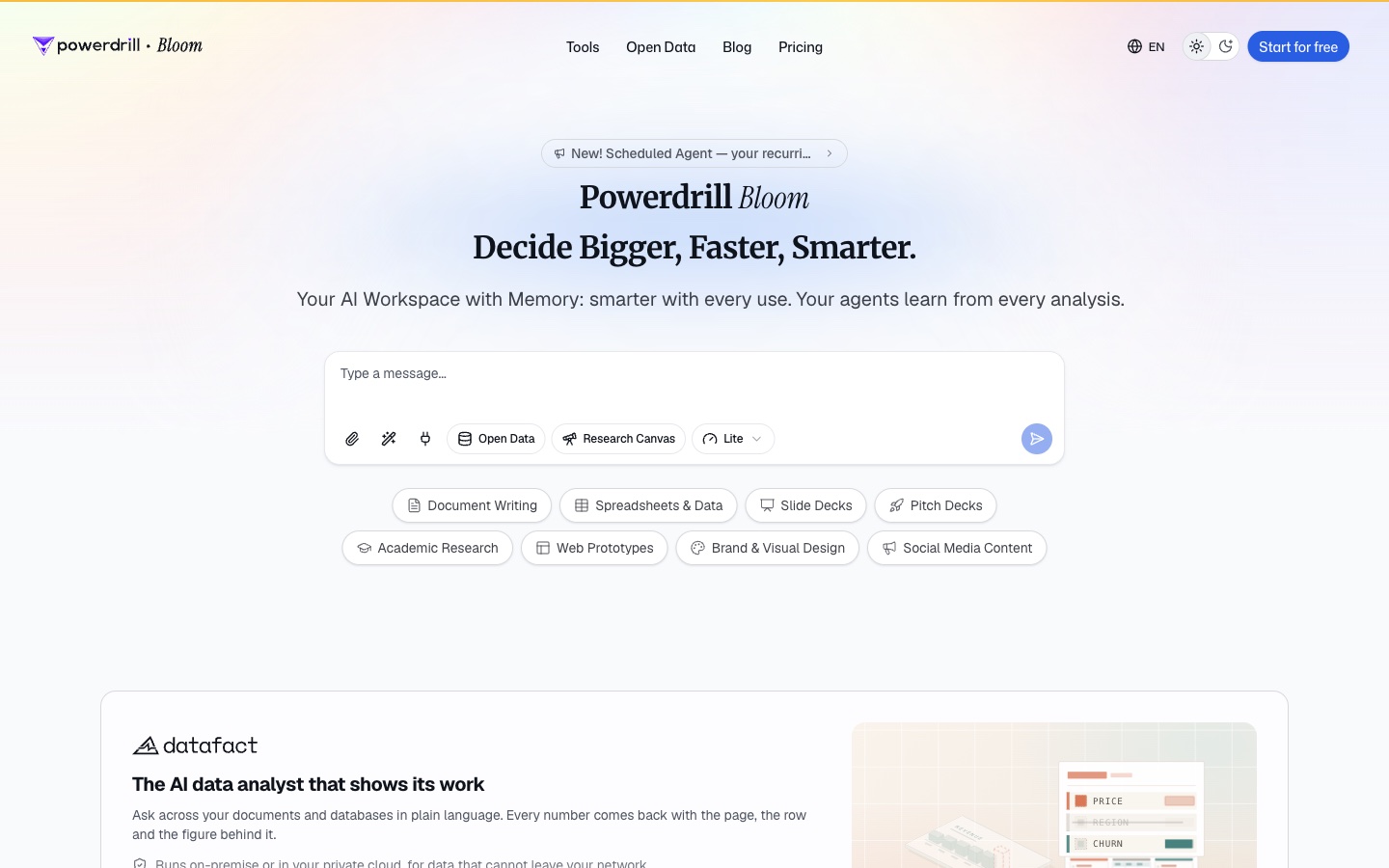
Best for: Monthly close reports, budget-to-actual analysis, and cash views built from accounting exports.
Powerdrill Bloom is an AI workspace that turns files and data into analysis, reports, and slides. Its homepage calls it "The AI data analyst that shows its work." It adds: "Every number comes back with the page, the row and the figure behind it."
For accountants, its finance tools start from exports you already have. The AI Financial Report Generator page describes "monthly, quarterly or board-ready financial reports — narrative, charts and an executive summary — from your accounting data." The AI Budget Analysis Tool page covers budget against actuals.
Key features
- Close reports. It lists a monthly close report that turns "the closed-month financials into a leadership-ready report."
- Cash analysis. The AI Cash Flow Analysis Tool covers cash position, runway, working capital, and a 13-week cash flow.
- Dashboards. The AI Finance Dashboard Builder builds a board "that refreshes with your accounting exports."
Pros
- Each figure traces back to the page and row in the source file.
- One upload can become a report, a deck, or a dashboard.
- It accepts Excel, CSV, and PDF exports.
Cons
- Its pages do not describe bank reconciliation, bookkeeping, or a general ledger.
- Its pages do not describe a direct QuickBooks or Xero connection; work starts from exported files.
- Usage is credit-based, so heavy analysis draws down the allowance faster.
Pricing
The pricing page lists Free at $0.00 and Pro at $199.00 per year. Plus is $399.00 per year, and Team Pro is $199.00 per seat per year. Every plan includes 1,000 daily refreshed credits.
2. QuickBooks Online
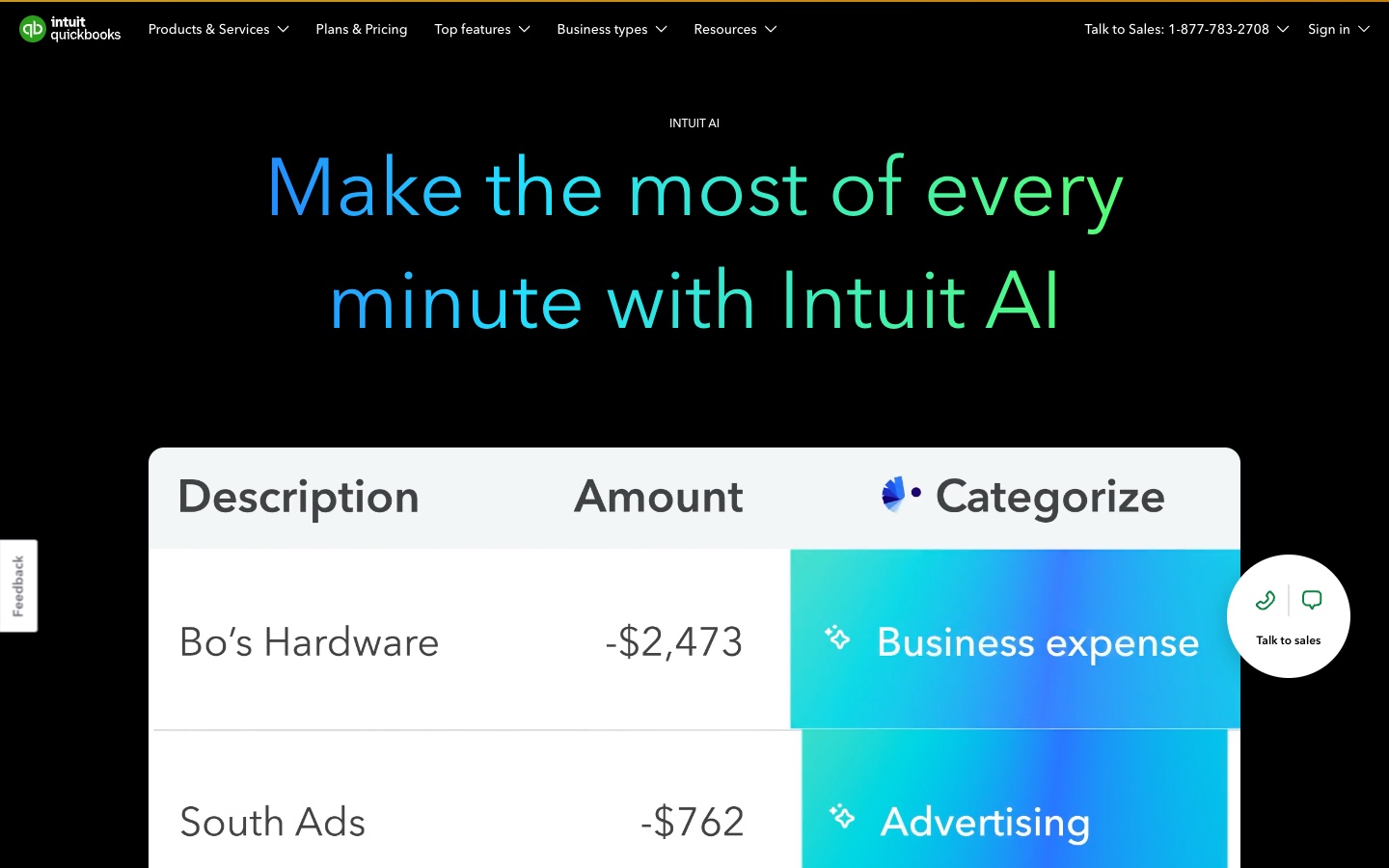
Best for: Small businesses and their accountants who want AI built into the books.
QuickBooks Online is Intuit's accounting software for small businesses. Its AI page says Intuit AI "continuously learns your business and speeds up everyday tasks." For accountants, the key line is that it works "while keeping you in control and connected to trusted experts."
The AI comes as a set of named agents. Accounting AI keeps the books current. Finance AI aims at the close. Intuit describes "Finance AI that provides a more efficient month-end close and a faster path to deeper insights, summary, and analysis."
Key features
- Accounting AI. It "automates workflows to keep your books clean and up-to-date."
- Payments AI. It proposes personalized invoice reminders to collect payments faster.
- Sales Tax AI. It helps charge the correct sales tax and flags potential filing issues.
Pros
- The AI works inside the ledger the business already uses.
- Plans include access for accountants, such as two on Simple Start.
- Users can review and edit AI-drafted messages, estimates, and bills.
Cons
- AI Chat is listed with limited capacity on Simple Start and marked beta.
- Inventory tracking and project profitability start on the Plus plan, at $140 per month.
- Advanced analytics and more users sit in higher plans.
Pricing
The pricing page lists $38 per month for Simple Start, $85 for Essentials, $140 for Plus, and $340 for Advanced. It also notes "No annual contract" and "Cancel anytime." A QuickBooks Free plan is listed for getting organized and getting paid.
3. Zeni
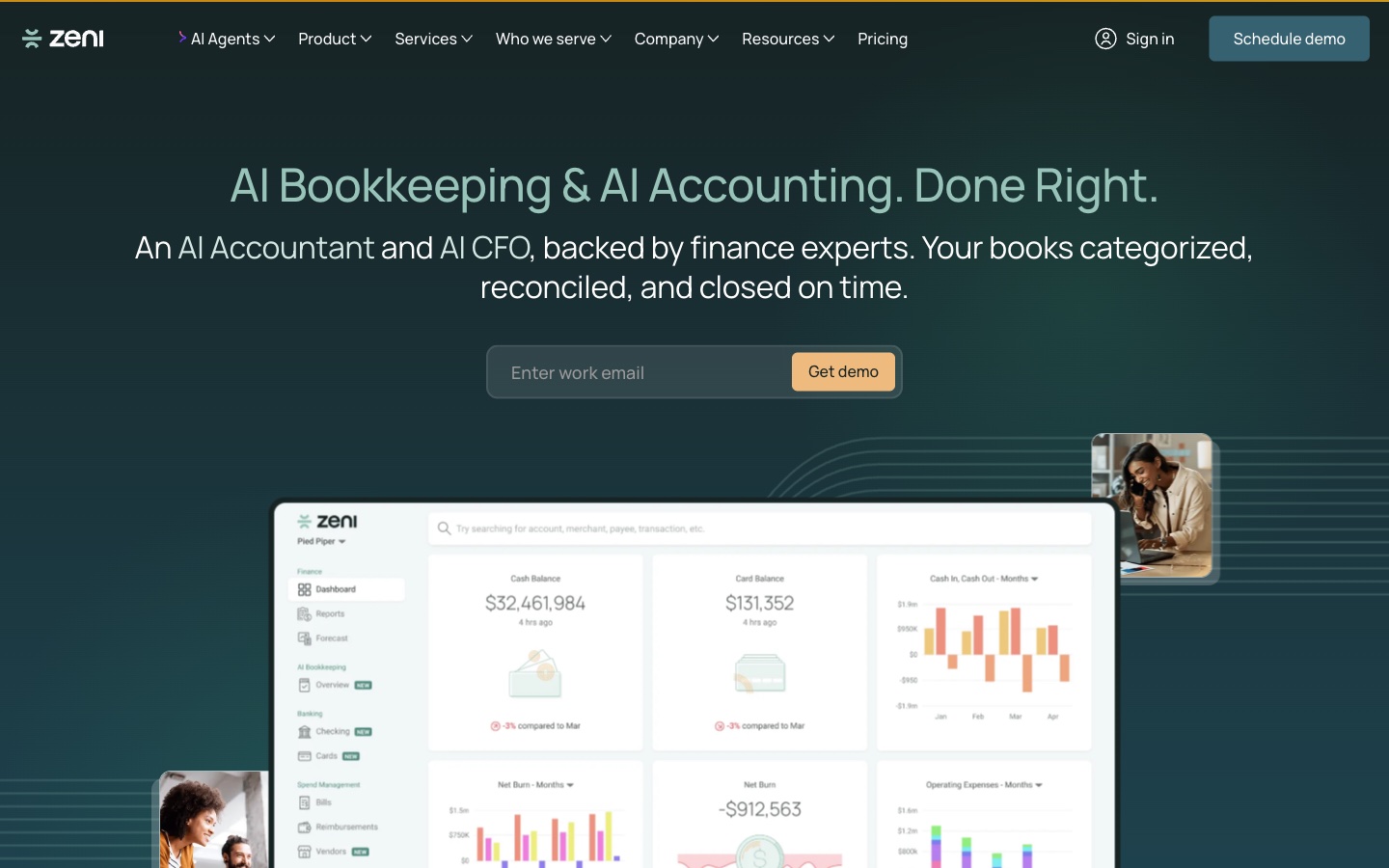
Best for: Startups that want AI bookkeeping backed by a finance team.
Zeni pairs AI agents with human finance experts. Its homepage headline is "AI Bookkeeping & AI Accounting. Done Right." It describes "An AI Accountant and AI CFO, backed by finance experts."
The AI Accountant agent handles daily work. Zeni says it covers "categorizing, reconciling, and matching receipts, checked for accuracy." The AI CFO agent adds forecasts and answers "from books that are always current."
Key features
- AI month-end close. It says you "Close faster, with every step tracked."
- Reconciliation. It lists "Every account, matched to the bank."
- Zeni MCP. It lets you "Connect your books to Claude, Codex, and more."
Pros
- AI work is checked by a dedicated finance team.
- Bill pay and reimbursements are listed as free on every plan.
- Fractional CFO services are available as an add-on.
Cons
- Pricing depends on bookkeeping complexity, monthly expenses, and annual revenue.
- Starter is aimed at pre-revenue companies; revenue companies start on Growth.
- It is a service for companies, so firms serving many clients need another tool.
Pricing
The pricing page lists Starter from $494 per month and Growth from $719 per month, both billed annually. Enterprise has custom pricing. CFO Lite starts at $1,599 per month plus a $2,000 setup fee.
4. Docyt

Best for: Hotels, restaurants, retail, and franchises with many locations.
Docyt is an AI-native ERP for multi-location businesses. Its homepage says "Docyt replaces the handoffs with one AI-native ERP." It adds that "control, bookkeeping and reporting are the same motion."
For accountants who serve hotel groups or restaurant chains, its focus is daily posting and a fast close. The homepage says "Bookkeeping happens every day, automatically, on Docyt's AI-native ERP." That means "month-end is just a review, not a scramble."
Key features
- Zero-day close. The Accounting Suite lists a Closing Agent and a Quality of Books Agent.
- Revenue reconciliation. It tracks merchant deposits, online travel agency payouts, and chargebacks.
- Hospitality reporting. It lists USALI operating statements and owner reporting.
Pros
- Pricing is per property, with unlimited users.
- Every integration is included on hotel plans.
- A dedicated hospitality accountant is part of onboarding.
Cons
- It is built for hotels, restaurants, retail, and franchises, not general practice.
- Payments and Business Intelligence suites are separate add-ons.
- Enterprise and portfolio pricing need a quote.
Pricing
The pricing page lists the Accounting Suite from $299 per property per month. It says prices are "in USD, billed monthly on annual plans." Enterprise is custom per property.
5. Canopy
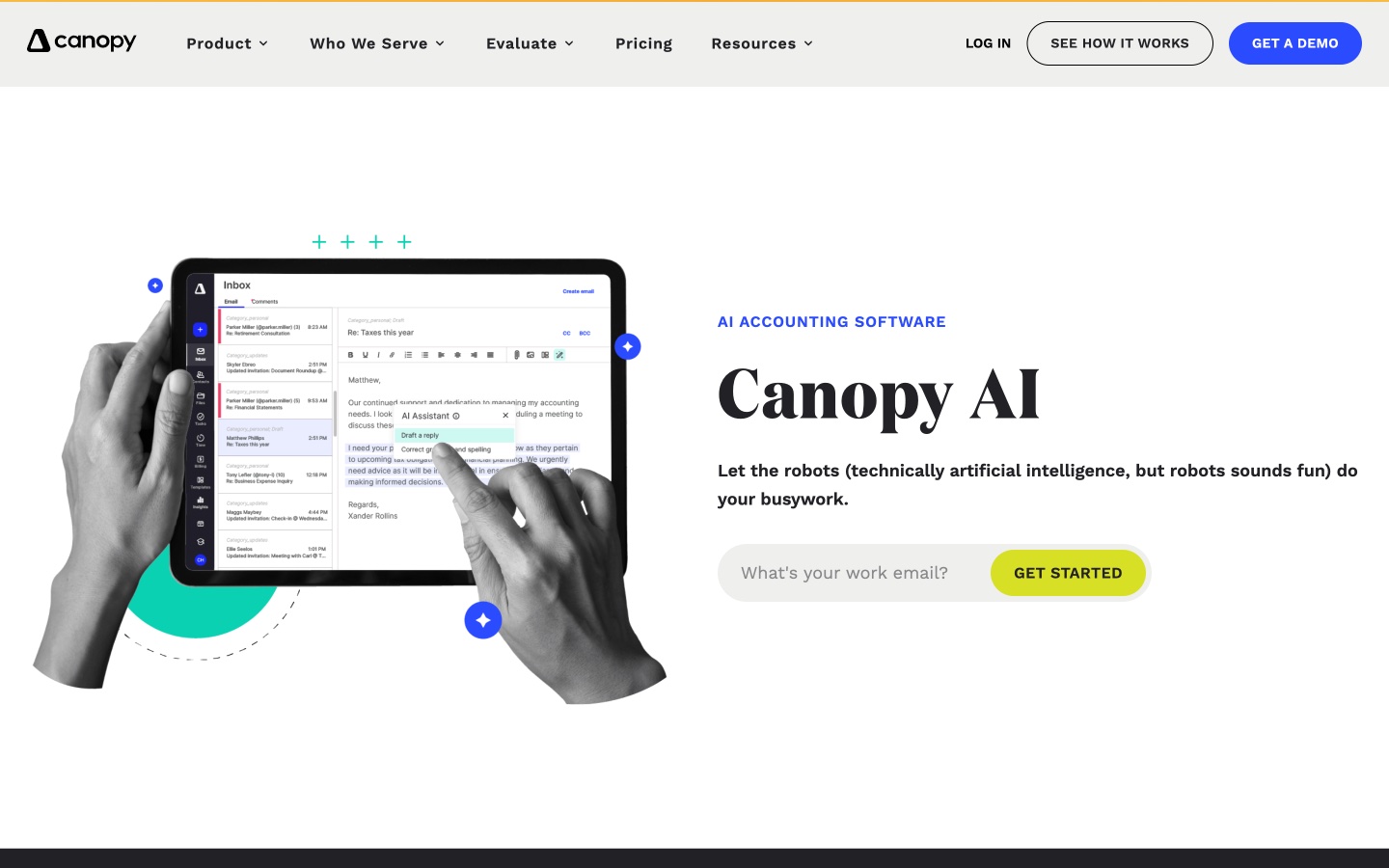
Best for: Accounting and tax firms that want one platform with an AI coworker.
Canopy is practice management software for accounting firms. Its AI page says Canopy AI handles "the administrative heavy lifting so you can focus on your clients, not your tech stack."
Its AI page puts the pitch directly: "AI BUILT FOR ACCOUNTANTS, NOT TECH GEEKS." Its newest piece is Canopy Coworker. The pricing page says it "plans, executes, and monitors across your firm, all inside Canopy's secure walls." It is marked as beta.
Key features
- Canopy Coworker. It "runs project management for you," tracking tasks and hand-offs.
- Canopy Notetaker. It records and transcribes client meetings.
- Close Automation. A separate add-on covers book health across clients.
Pros
- CRM, documents, client portal, workflows, and billing sit in one product.
- AI reminders trigger off real-time client activity.
- Annual billing lowers the per-user price.
Cons
- Coworker is marked as beta.
- Custom reporting is listed as coming soon on Plus.
- Close Automation and tax resolution are priced as add-ons.
Pricing
The pricing page lists Standard at $74 per user per month, Plus at $109, and Premium at $149, each billed annually. Enterprise is custom. Close Automation is $10 per connected client per month on annual billing, with the first 5 connections included.
6. Karbon
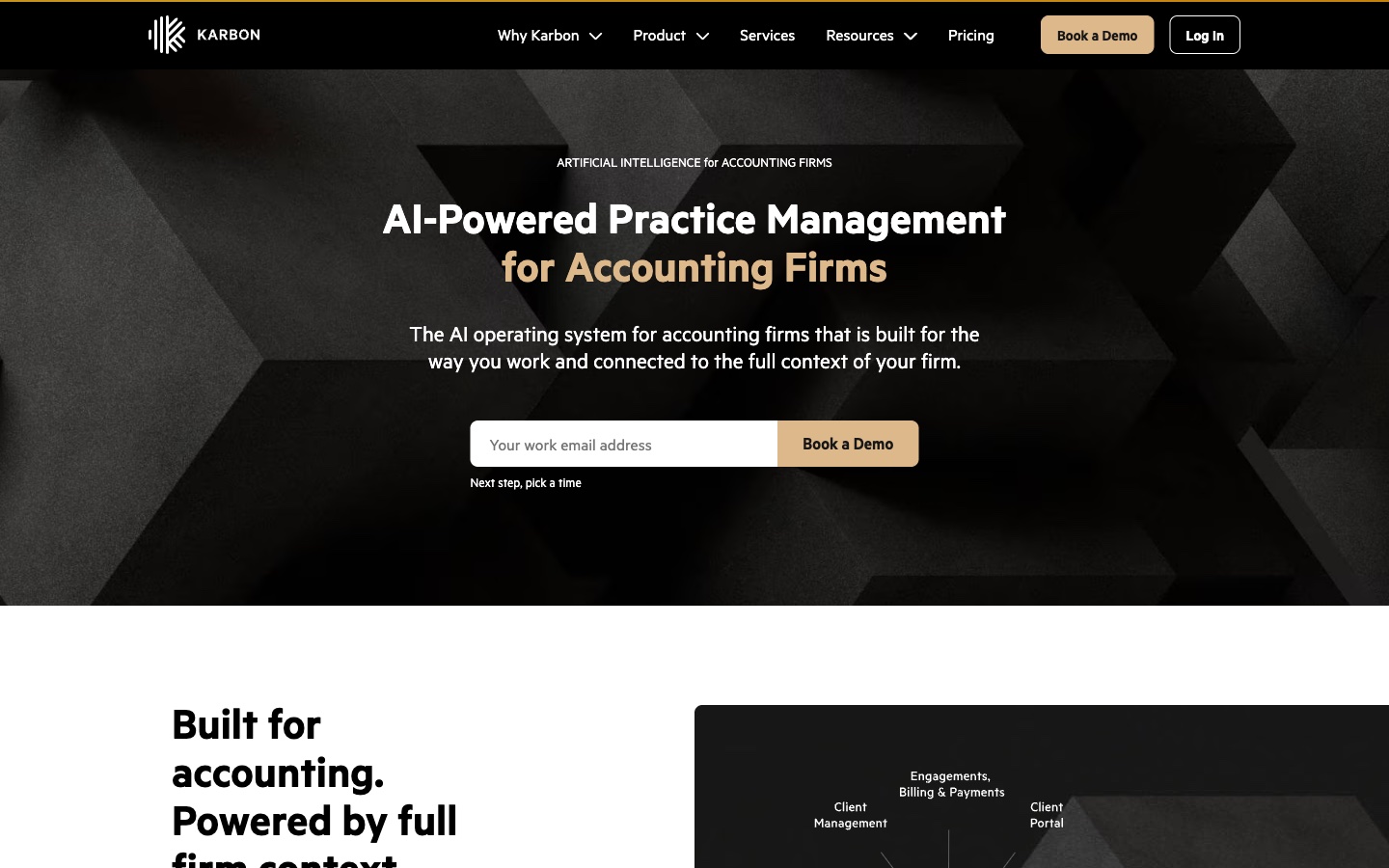
Best for: Firms that run client work through email and shared workflows.
Karbon is practice management software for accounting firms. Its AI page calls it "The AI operating system for accounting firms." It says the system is "connected to the full context of your firm."
For accountants, the draw is that its AI uses firm data. Karbon says "Kai knows your clients, your work, and your team." It also uses AI to summarize email threads and draft replies.
Key features
- Kai. An AI coworker that takes on tasks and answers from firm data.
- Email summaries. It summarizes threads and internal discussions.
- AI replies. It drafts replies "that align with your brand voice."
Pros
- AI works on the firm's real jobs, time, and budgets.
- Email, workflow, and time tracking sit in one place.
- Prices are listed in US dollars and several other currencies.
Cons
- Monthly billing is only available for teams of four or more.
- Automatic client reminders and task automation start on Business.
- Kai is described as "coming to Karbon" on its AI page.
Pricing
The pricing page lists Team at $59 per user per month paid annually, or $79 paid monthly. Business is $89 per user per month paid annually, or $99 paid monthly. Enterprise has custom pricing.
7. TaxDome
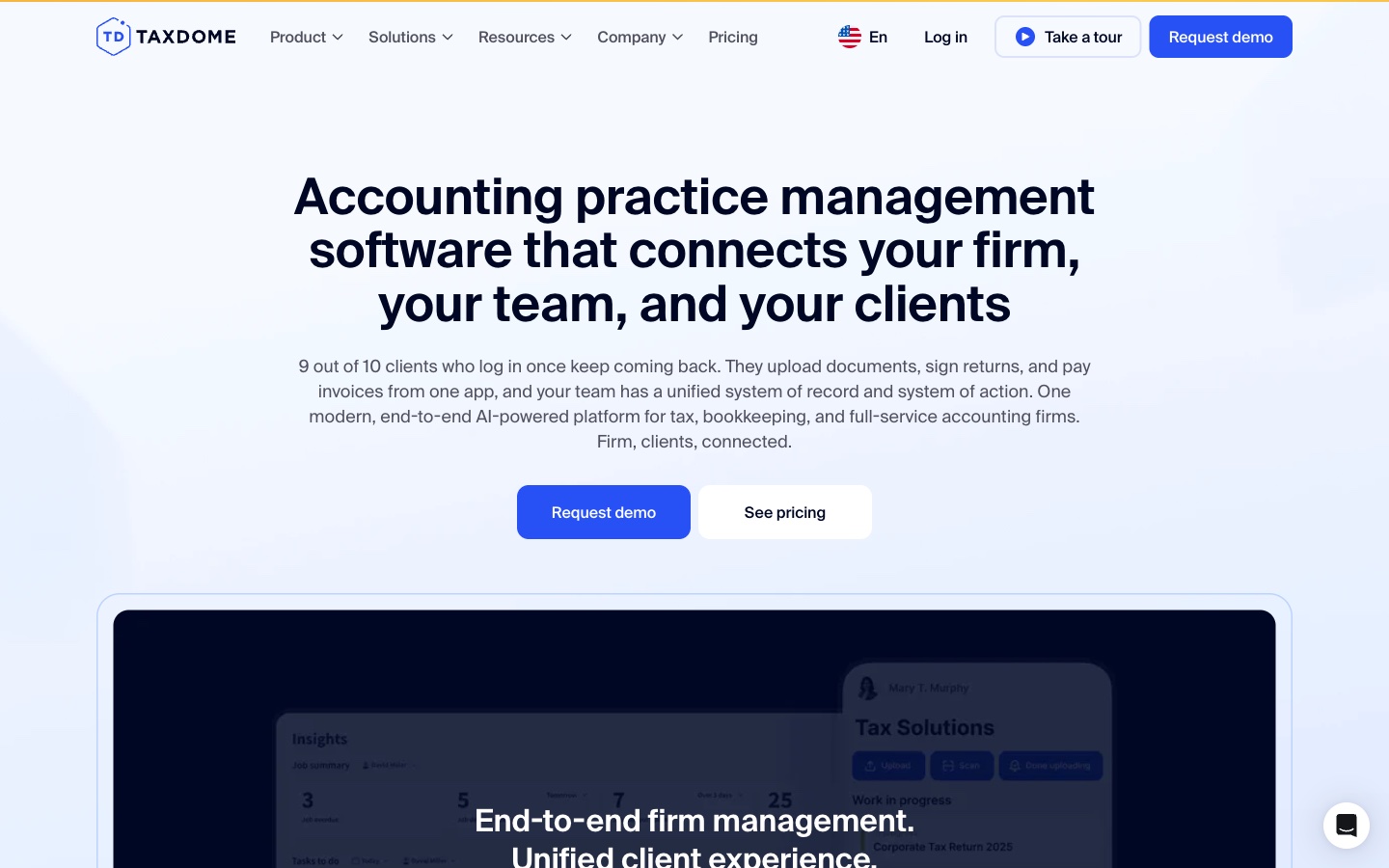
Best for: Tax, bookkeeping, and accounting firms that want a strong client portal.
TaxDome is practice management software with a client portal and mobile app. Its homepage calls it "One modern, end-to-end AI-powered platform for tax, bookkeeping, and full-service accounting firms."
The client side is its focus. Clients "upload documents, sign returns, and pay invoices from one app." The firm side adds workflows, AI-powered reporting, and team chat.
Key features
- AI document organization. TaxDome says client documents "are auto-tagged, categorized, and renamed" with TaxDome AI.
- Workflow automations. Ready-made automations for tax and bookkeeping work.
- Client portal and app. Clients upload, e-sign, chat, and pay in one place.
Pros
- Document storage and e-signatures are unlimited at no extra cost.
- Proposals and payments sit in the same system.
- Longer commitments lower the per-seat price.
Cons
- Essentials is for solo users only.
- Pricing is annual with a commitment, not monthly.
- AI-powered reporting and general ledger integrations are listed from the Pro plan.
Pricing
The pricing page lists Essentials at $800 per seat per year with a 1-year commitment. Pro is $1,000 per seat per year with a 1-year commitment. Two- and three-year commitments lower both prices.
8. Blue J
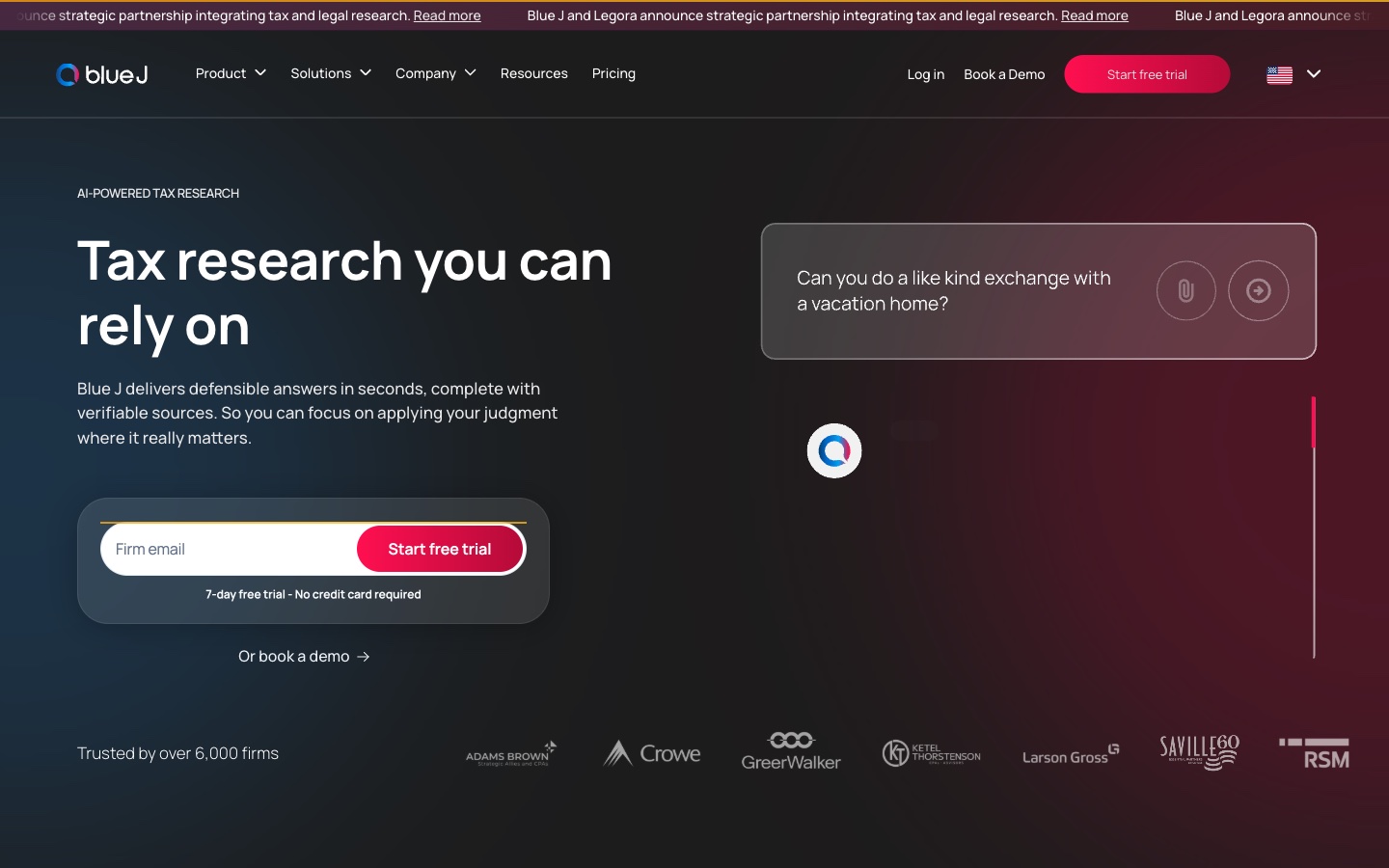
Best for: Tax professionals who need fast, cited research answers.
Blue J is an AI tax research platform. Its homepage says "Blue J delivers defensible answers in seconds, complete with verifiable sources."
For accountants who prepare returns or advise on tax, the sources matter. Its answers draw on licensed content. Blue J says they are "Powered by primary authoritative content, Tax Notes, and IBFD." It says it is trusted by over 6,000 firms.
Key features
- Cited answers. Unlimited in-line citations and source lists.
- Drafting. Unlimited questions, drafting, and file uploads.
- Coverage. Full US federal and state and local tax coverage.
Pros
- Each answer links to sources a reviewer can check.
- The Individual plan includes everything, with no add-ons.
- A 7-day free trial needs no credit card.
Cons
- It covers tax research, not bookkeeping or reporting.
- Team pricing requires contacting sales.
- The Individual plan is billed per user per year.
Pricing
The pricing page lists the Individual plan at $1,498 per user per year. The Team plan is priced through sales and adds dedicated support and SSO.
9. Microsoft 365 Copilot
Best for: Accountants who work in Excel and Word all day.
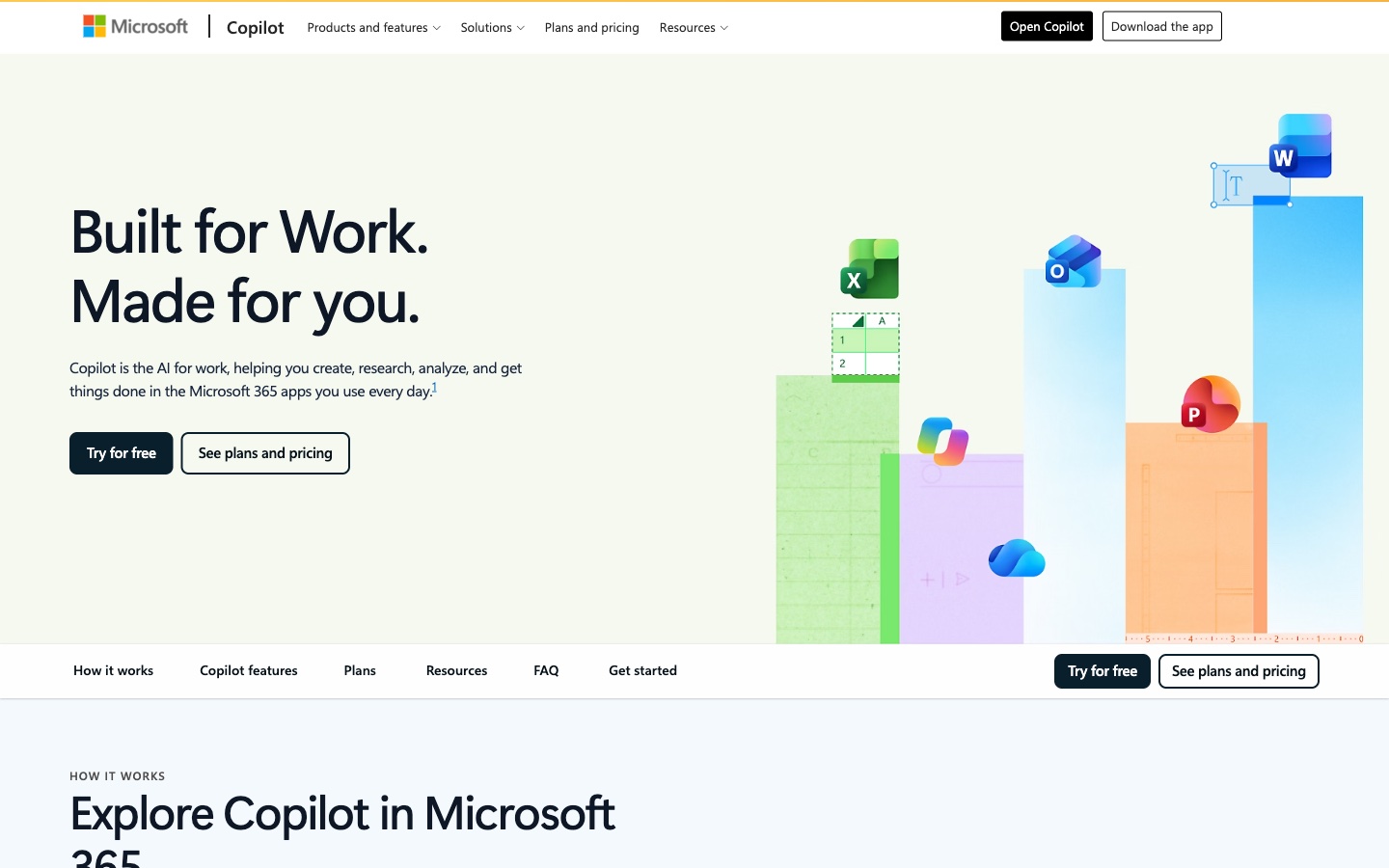
Microsoft 365 adds Copilot to Excel, Word, PowerPoint, and Outlook. Microsoft says "Copilot is the AI for work." It helps you "create, research, analyze, and get things done in the Microsoft 365 apps you use every day."
For accountants, the most useful part is Copilot in Excel, which can build summaries without manual steps. Microsoft's support page says "When you want to summarize a large data set, Copilot can build a PivotTable without the manual steps."
Key features
- Copilot in Excel. It creates charts and PivotTables and highlights, sorts, and filters data.
- Researcher and Analyst. Premium adds both for longer tasks.
- Copilot in Outlook. It summarizes email threads.
Pros
- The AI works on the files accountants already keep.
- Annual billing is available for Personal and Premium.
- A one-month free trial is available.
Cons
- Microsoft's support page says to "review, edit, and verify anything Copilot creates for you."
- Advanced Copilot features sit in Premium.
- Business licenses are priced separately from the plans listed here.
Pricing
Microsoft's compare page lists Microsoft 365 Personal at $9.99 per month, or $99.99 per year. Premium is $19.99 per month, or $199.99 per year. Personal offers a one-month free trial.
10. Claude
Best for: Small business finance workflows run through plugins and connectors.
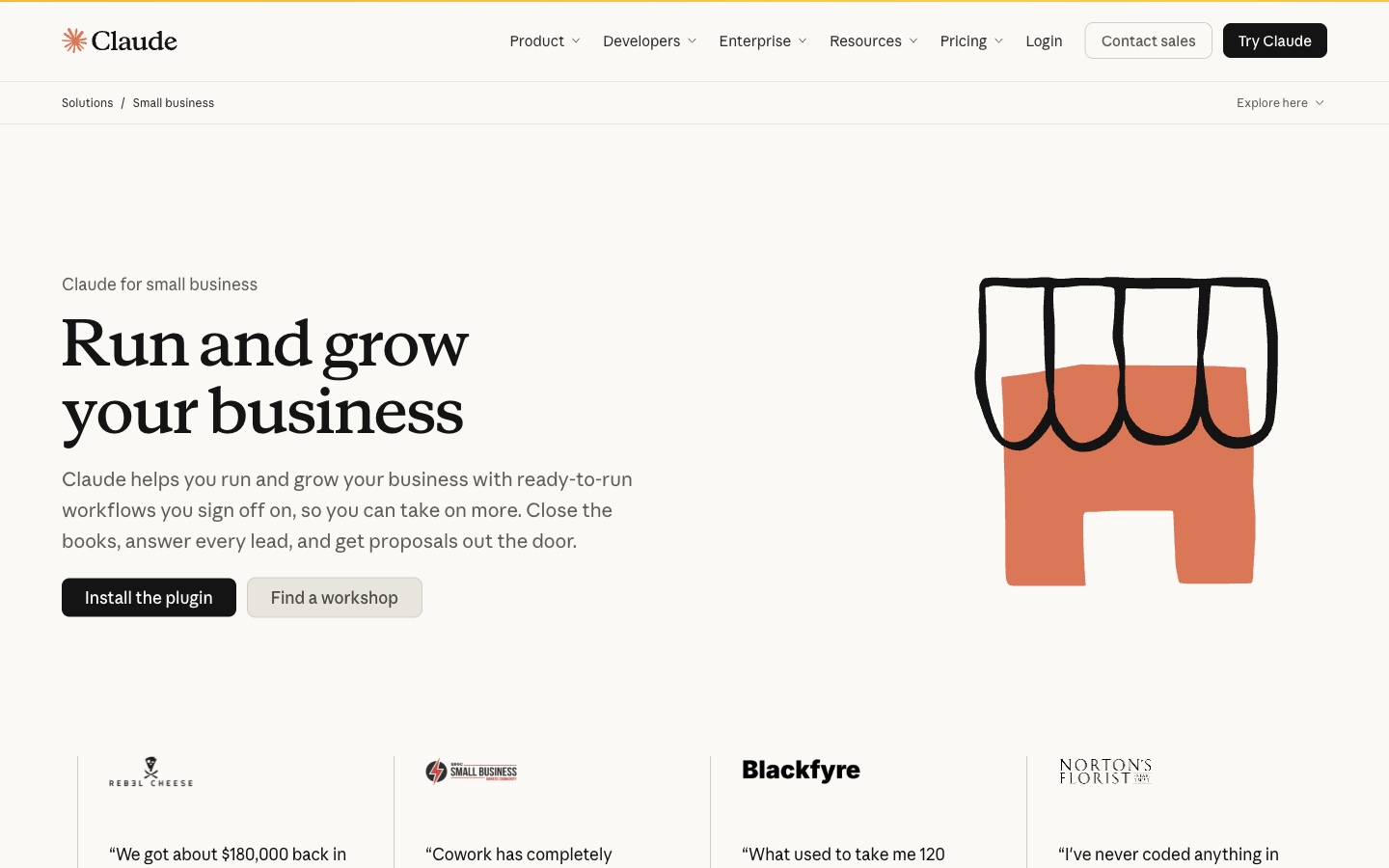
Claude is Anthropic's AI assistant. Its small business page says "Claude helps you run and grow your business with ready-to-run workflows you sign off on." One example is closing the books.
The Claude for Small Business plugin connects accounting and payments tools. The page says it works with "Intuit QuickBooks, HubSpot, Shopify, Stripe, Gusto, Canva and 25 more."
Key features
- Close the books. Claude can check books against Stripe and Shopify and flag anything odd.
- Monday brief. A scheduled brief covers cash, sales, and the week ahead.
- Approvals. It "shows its plan before it acts."
Pros
- Workflows run on a schedule, such as every Monday or at month-end.
- By default, nothing sends or pays without approval.
- A Free plan includes chat, files, and Claude Docs and Slides.
Cons
- The plugin depends on each connected tool's permissions.
- Usage limits apply on every plan.
- Its small business page notes Claude does not file anything for you.
Pricing
The pricing page lists Free at $0. Pro is $17 per month with annual billing, which is $200 billed up front, or $20 billed monthly. A Team standard seat is $20 per seat per month billed annually, or $25 billed monthly.
How we chose these tools
Twenty-seven candidates were assessed. Seventeen were removed. Ten made the list.
Every candidate had to pass three checks on its own pricing page on the day of review. The page had to name the product. It had to show tier prices in US dollars and say how they are billed. And a limited-time price could not stand in for the regular one.
Candidates also had to use AI for accounting work. That meant bookkeeping, the close, practice management, tax research, or analysis of financial data.
The seventeen removals fell into six groups:
- Billing basis not stated (7). Xero, Digits, Double, Fathom, BILL, Booke AI, and Expensify listed monthly amounts without saying how they are billed.
- No tier prices shown (4). Datarails, Vic.ai, Numeric, and Truewind did not show plan amounts.
- Pricing page not found (2). MindBridge's and Dext's pricing addresses returned not-found pages.
- Offer price shown in place of the standing price (1). FreshBooks led with an offer price.
- Fee amount not listed (1). Ramp's Plus plan adds a platform fee with no listed amount.
- Different focus (2). Wave's pricing page does not mention AI, and Brex is a corporate card and spend platform.
These checks depend on the day and the location. A tool removed today may pass next month. They are worth re-running before any purchase.
Which AI tool fits which accounting task
Keeping the books current. QuickBooks Online suits businesses that want AI inside their own ledger. Zeni suits startups that want the work done for them. Docyt suits hotels and restaurants with many locations.
Running the firm. Canopy, Karbon, and TaxDome all manage clients, work, and billing. Canopy leans on its AI coworker. Karbon leans on email and firm context. TaxDome leans on the client portal.
Answering tax questions. Blue J is the only tool here built for tax research, with cited answers.
Reporting to clients and leaders. Powerdrill Bloom turns close data into reports, decks, and dashboards, with sources on each number. Microsoft 365 Copilot does similar work inside Excel. Claude runs reporting workflows through connected tools.
AI accounting software vs. AI assistants vs. AI analysis agents
These three groups often get mixed up.
- AI accounting software owns the books. QuickBooks Online, Zeni, and Docyt post transactions, reconcile accounts, and run the close. The ledger lives inside them.
- AI assistants work across your files and apps. Microsoft 365 Copilot and Claude help with spreadsheets, documents, and email. They read the books through files or connectors.
- AI analysis agents start from exported data and produce finished work. Powerdrill Bloom takes ledger exports and returns reports, charts, and decks, with each figure traced to its source.
Most firms need one tool from the first group. The other two sit on top of it.
Conclusion
AI tools for accountants now cover every stage of the job. Bookkeeping tools keep the ledger current, practice tools run the firm, and research tools answer tax questions. Analysis tools turn the closed books into something leaders can read.
Pick one tool for the books first, then add what saves the most hours. Reporting is a natural second step, since it turns closed books into something leaders can read. Accountants who serve many clients may also need a practice tool before anything else. To see how close reports come together from an export, try Powerdrill Bloom with last month's trial balance or profit and loss export.
For finance tools beyond accounting, see our lists of AI tools for financial analysis and cash flow forecasting tools.
Frequently asked questions
What is the best AI tool for accountants?
It depends on the job. QuickBooks Online and Zeni handle AI bookkeeping. Canopy, Karbon, and TaxDome run accounting firms. Blue J answers tax research questions. Powerdrill Bloom turns accounting exports into close reports and cash analysis with sources on each number.
Are there free AI tools for accountants?
Yes. Powerdrill Bloom and Claude have Free plans, and QuickBooks lists a Free plan for getting organized. Blue J offers a 7-day free trial, and Microsoft 365 Personal offers a one-month trial. Most practice management tools here are paid only.
Can AI do bookkeeping for accountants?
AI can do much of the routine work. Zeni's AI Accountant categorizes, reconciles, and matches receipts, checked by its finance team. QuickBooks Online automates workflows to keep books current. Review is still needed, and several vendors keep approval steps for changes.
How do accountants use AI for reporting?
Accountants upload ledger exports, ask for a report or chart, and check the figures. Powerdrill Bloom builds monthly close reports, budget-to-actual analysis, and 13-week cash flows from accounting data. Copilot in Excel builds charts and PivotTables inside the workbook.
Will AI replace accountants?
The vendors on this list position AI as help, not replacement. Zeni backs its AI with finance experts, Blue J is built around professional judgment, and Claude asks for sign-off before it acts. The routine work shrinks, and review and advice remain.
Sources: Intuit QuickBooks, Intuit AI · QuickBooks pricing · Zeni homepage · Zeni pricing · Docyt homepage · Docyt pricing · Canopy AI · Canopy pricing · Karbon AI · Karbon pricing · TaxDome homepage · TaxDome pricing · Blue J homepage · Blue J pricing · Microsoft Copilot for individuals · Microsoft 365, Compare plans · Microsoft Support, Visualize your data with Copilot in Excel · Claude for Small Business · Claude pricing. Prices read from each vendor's pricing page on October 21, 2026.